Troubleshooting
UI Identifier NLP
This article discusses the behavior of the following NLP command designed to interact with UI elements.
NLP: Click on element if visible
Section titled “NLP: Click on element if visible”This NLP will:
- Pass: If the UI element is visible on the page.
- Skip: If the UI element is invisible but exists in the HTML DOM. It will do this without causing a failure in the process.
The NLP step will fail in the following scenarios:
Section titled “The NLP step will fail in the following scenarios:”- The UI identifier element does not exist in the DOM.
- The locator is incorrect.
- Issues that prevent the NLP from executing as expected.
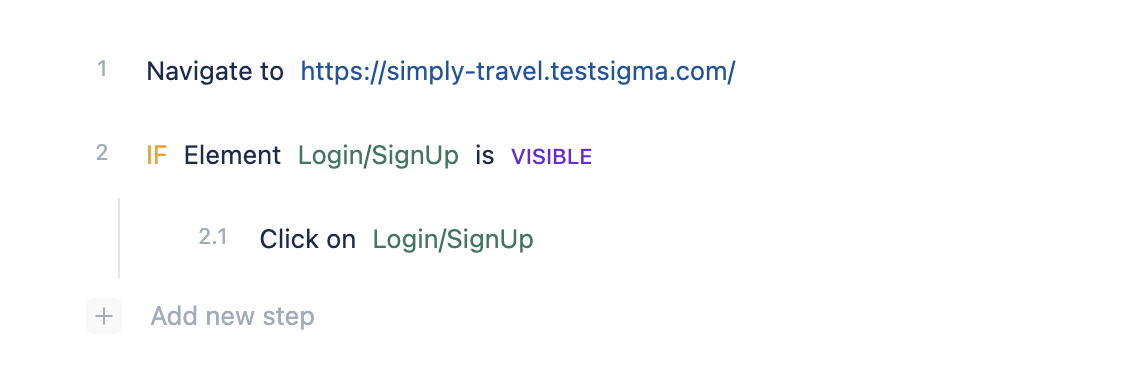
You can add an If conditional step to handle the above cases, which won’t stop test execution even if the element is not found or other issues occur.
Refer to the example test steps below:
-
If the element is visible
-
Click on element