Desired Capabilities
Automating Basic Authentication in Safari
Prerequisites
Before you begin, ensure that you have referred to:
Generate the Authorization Header
Section titled “Generate the Authorization Header”-
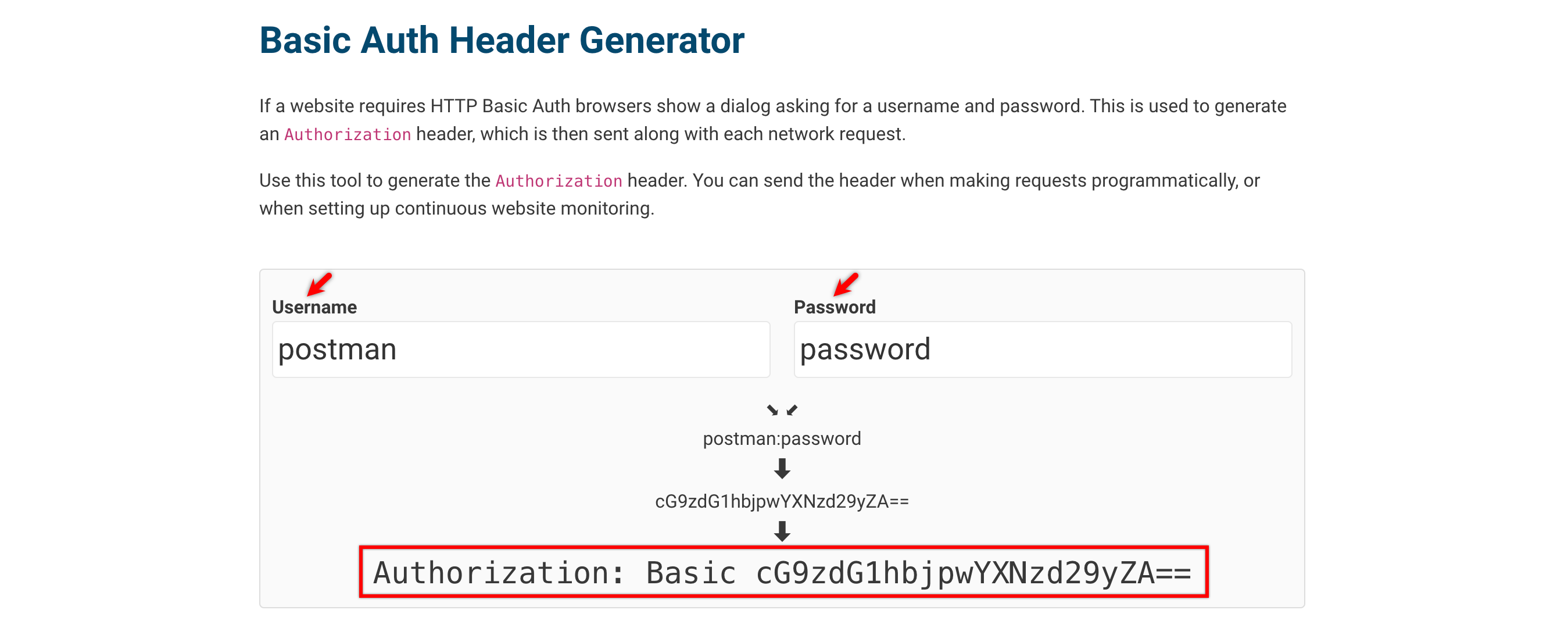
Navigate to Basic Auth Header Generator.
-
Enter your username and password to generate the Authorization Header.
Adding the Capability
Section titled “Adding the Capability”-
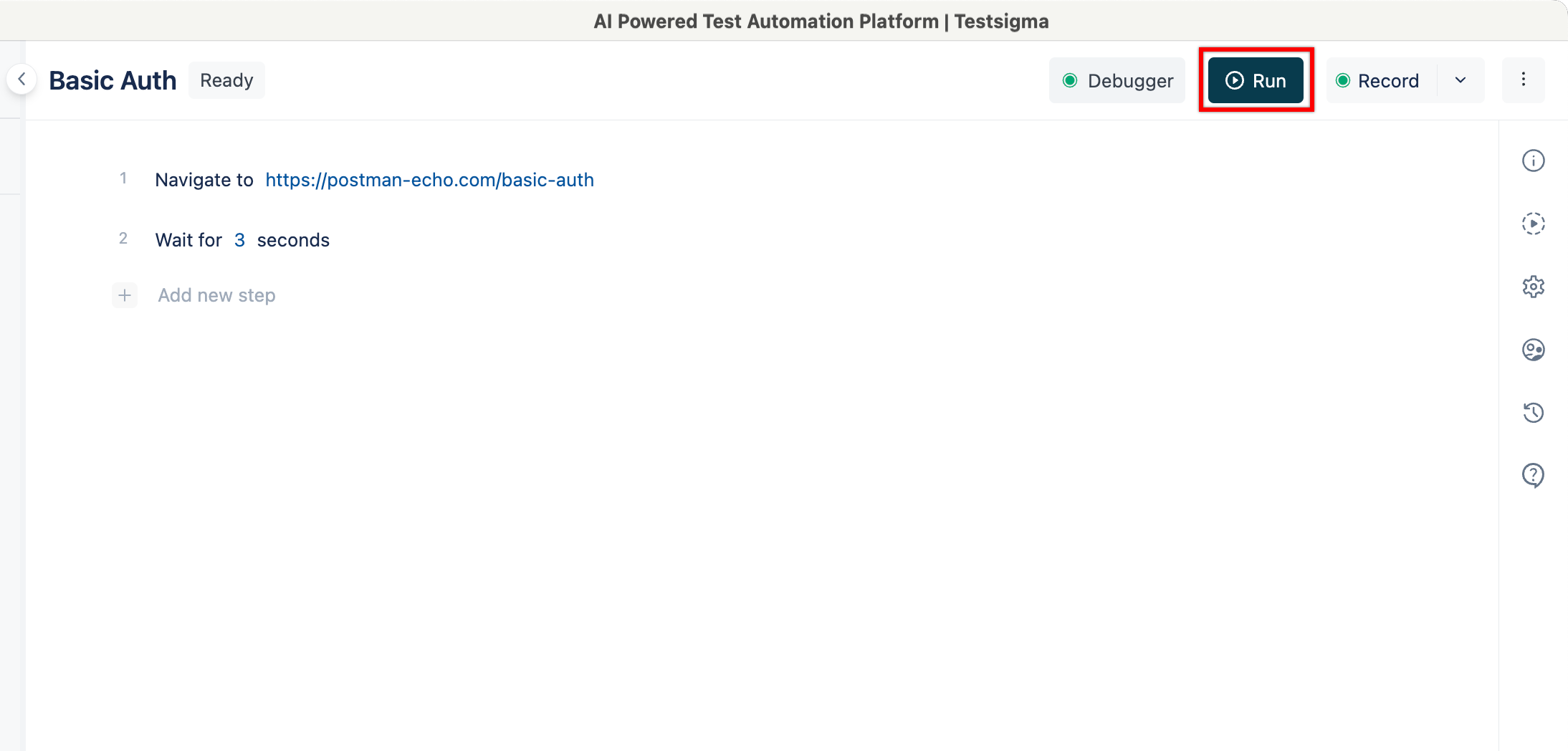
On the Test Case Details page, click Run.
-
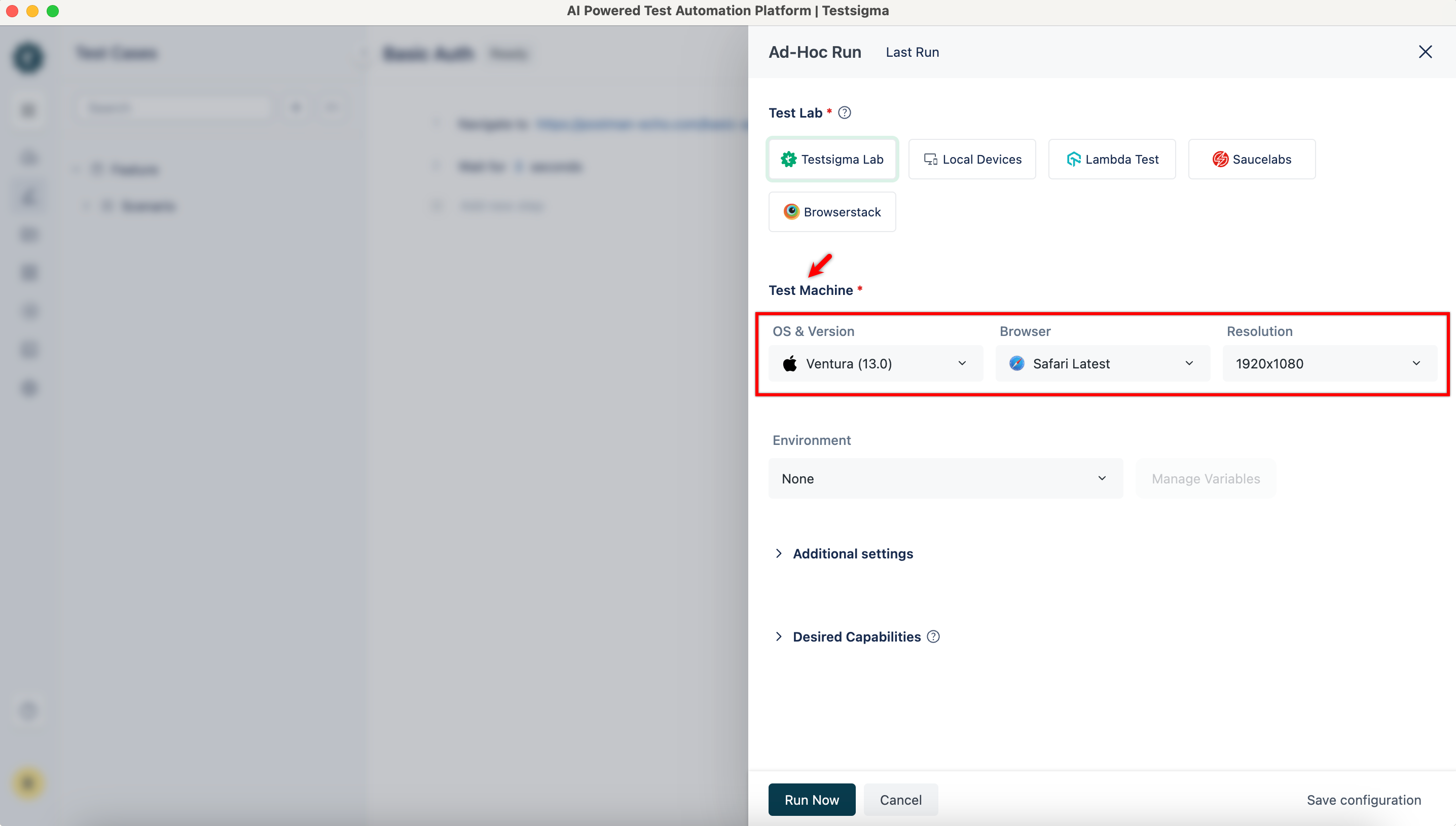
In the Ad-Hoc Run overlay,
-
Select available macOS, Version, Browser, and Resolution.
-
Enter testsigma.customHeaders in the Key field, select String as Data type, and set the Value as per the generated Authorization Header.
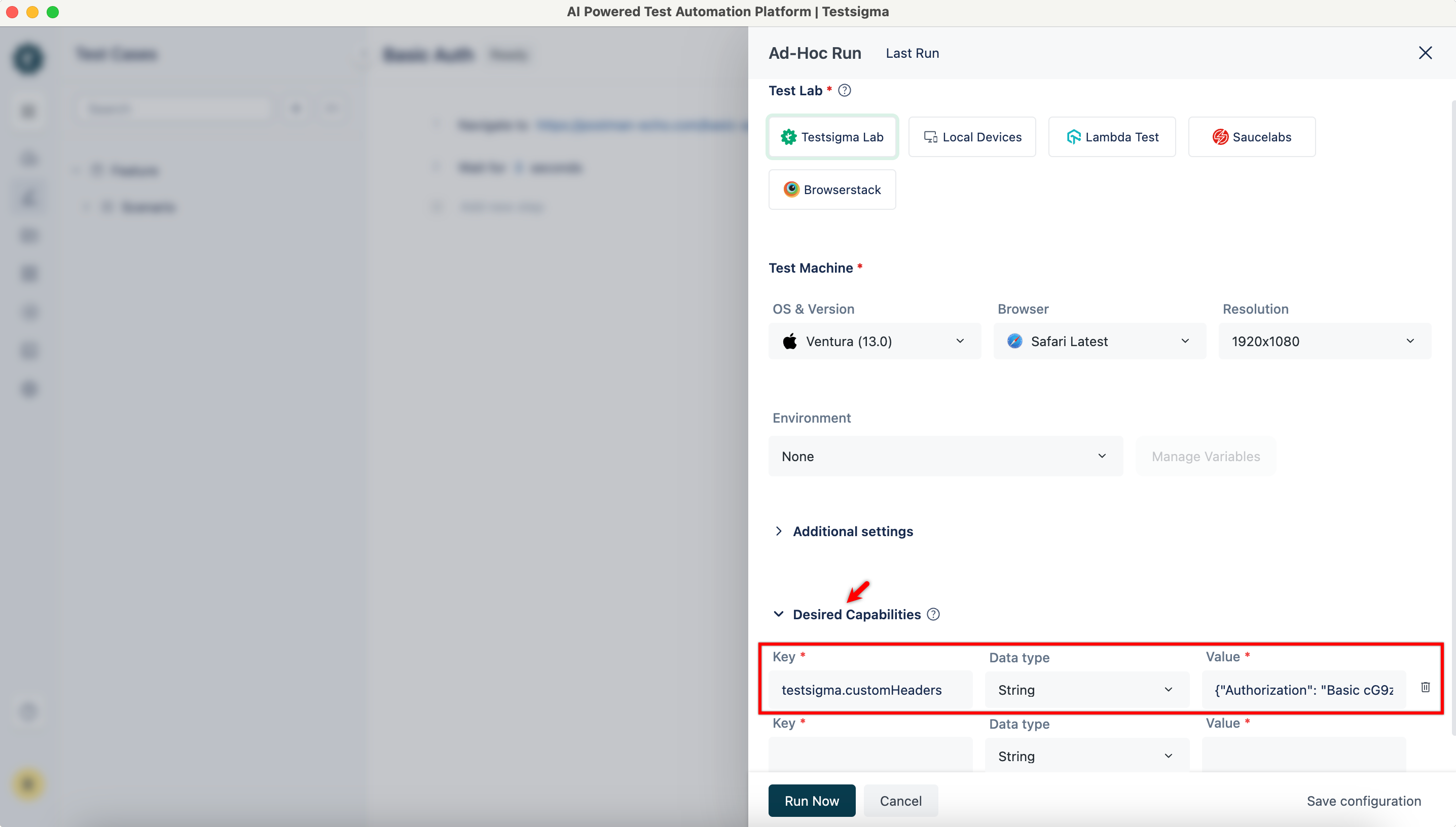
Value Format:
{ "Authorization": "Basic <token>" }
-
-
Click Run Now to execute the test case.
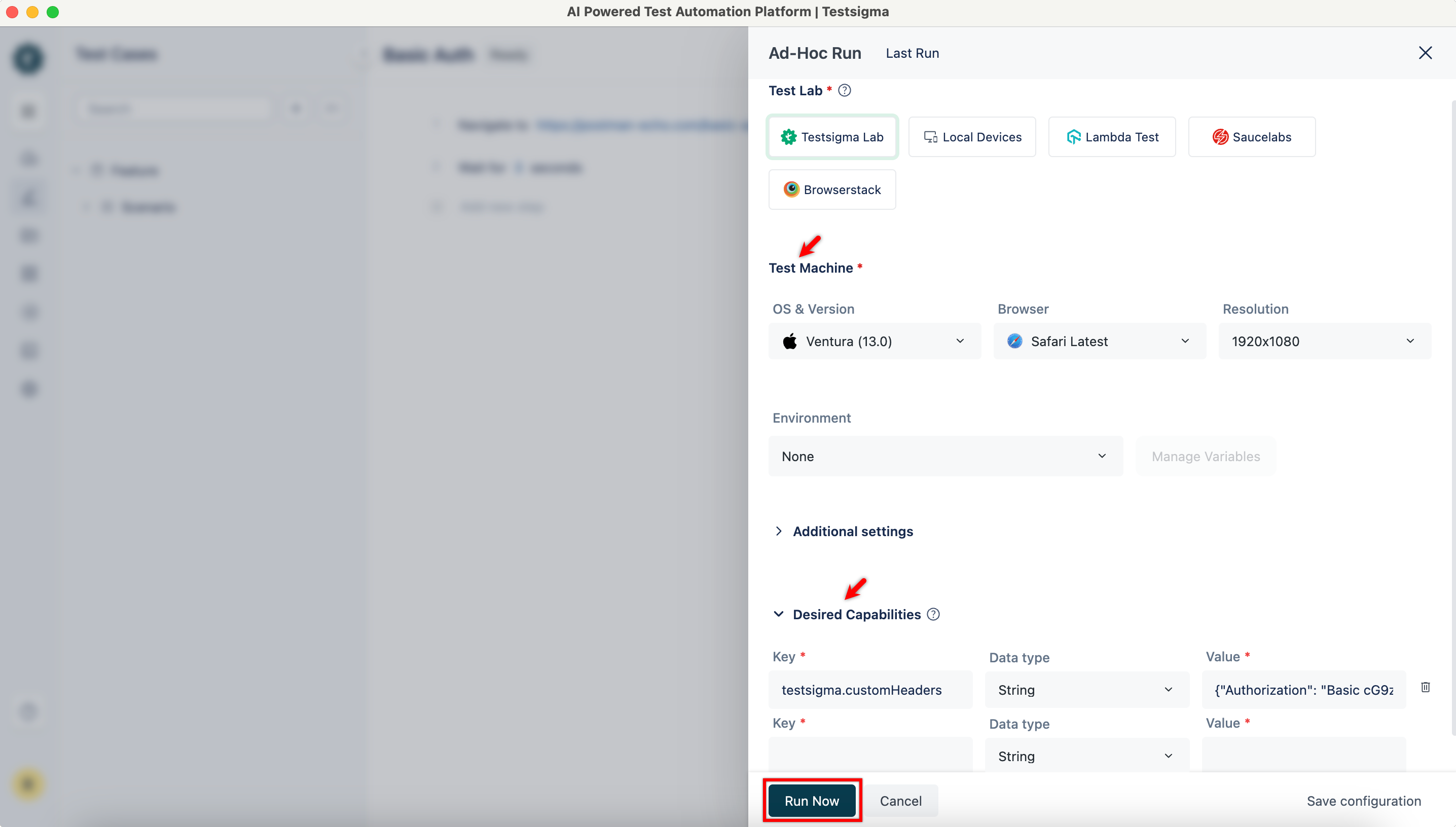
-
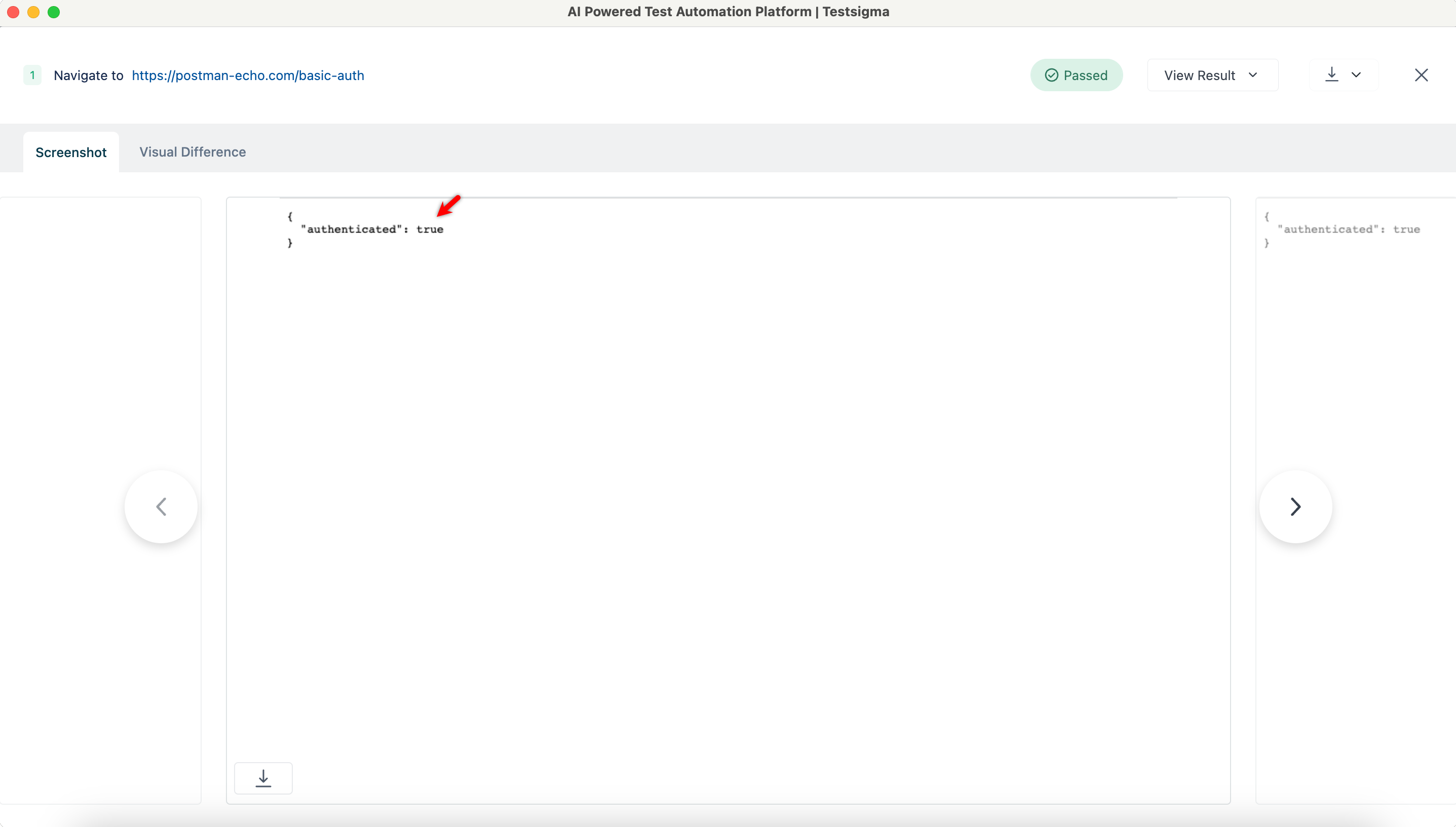
After execution completes, refer to the screenshot captured at the test step level.