
Test Data
StringFunctions Function Type
Prerequisites
Before you begin, ensure that you have referred to:
Selecting StringFunctions as a Function Type for Data Generator
Section titled “Selecting StringFunctions as a Function Type for Data Generator”-
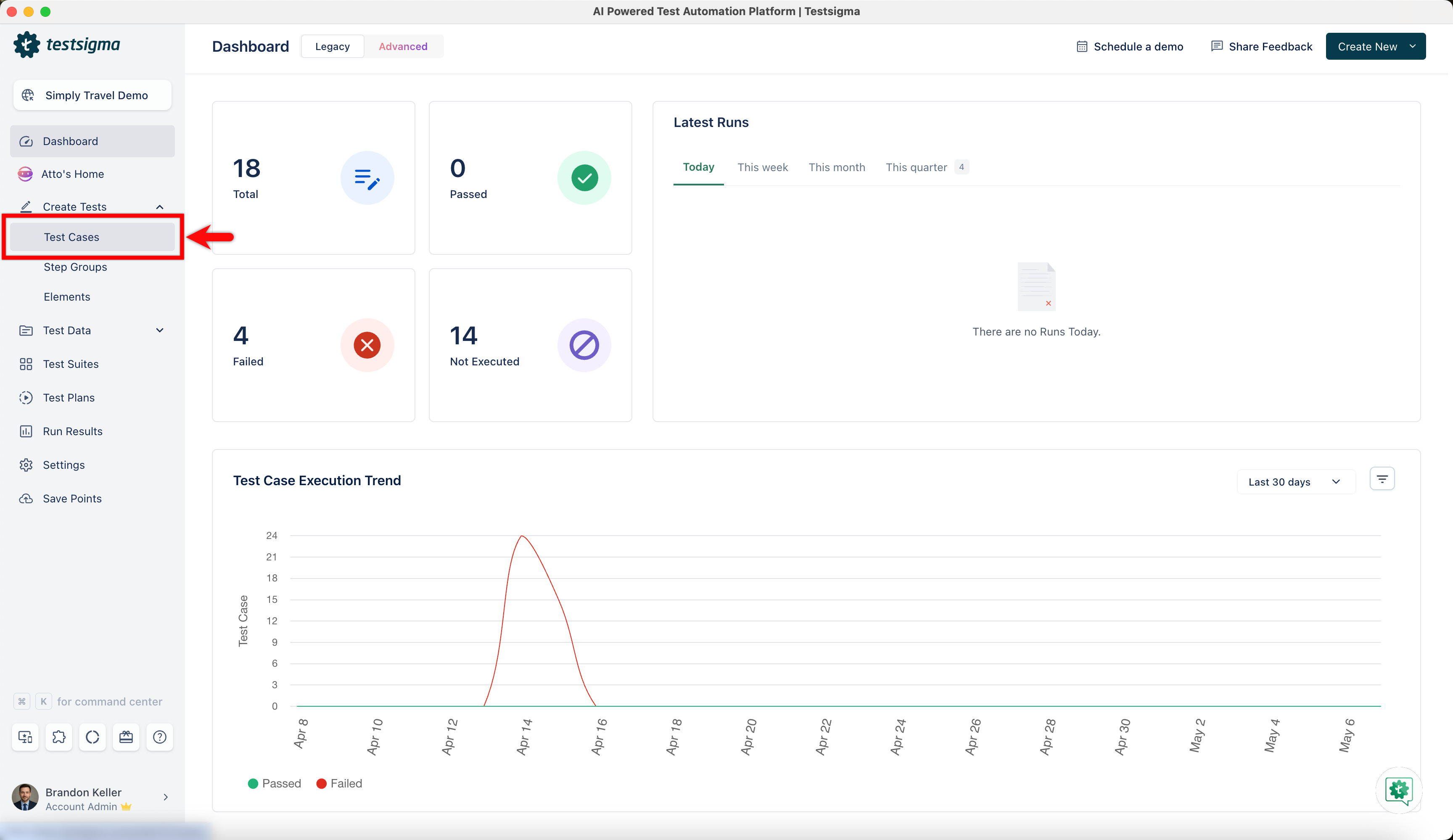
From the left navigation bar, go to Create Tests > Test Cases and create a new test case.
-
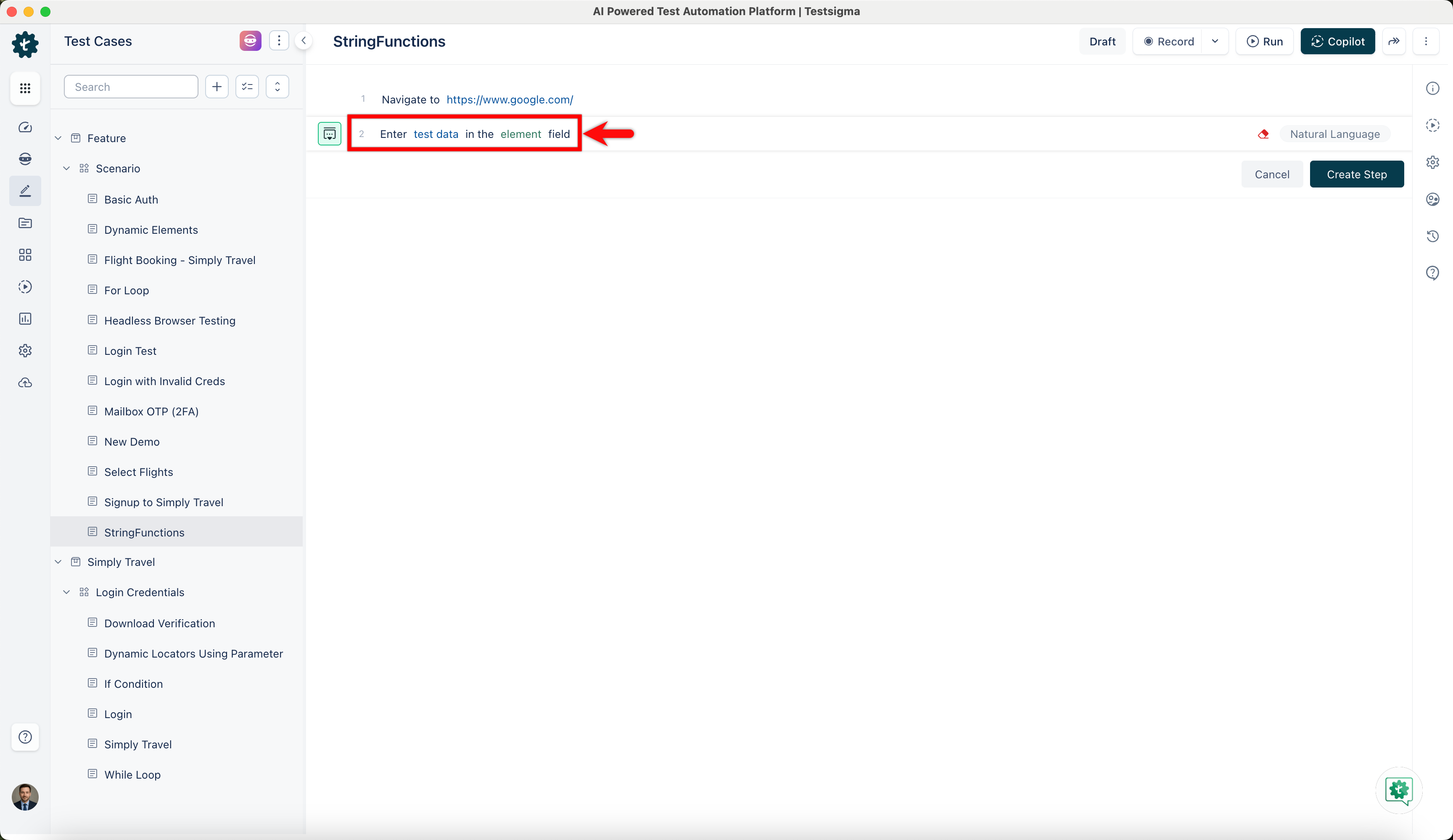
Use NLP to create a new step in the test case and include a placeholder for test data.
-
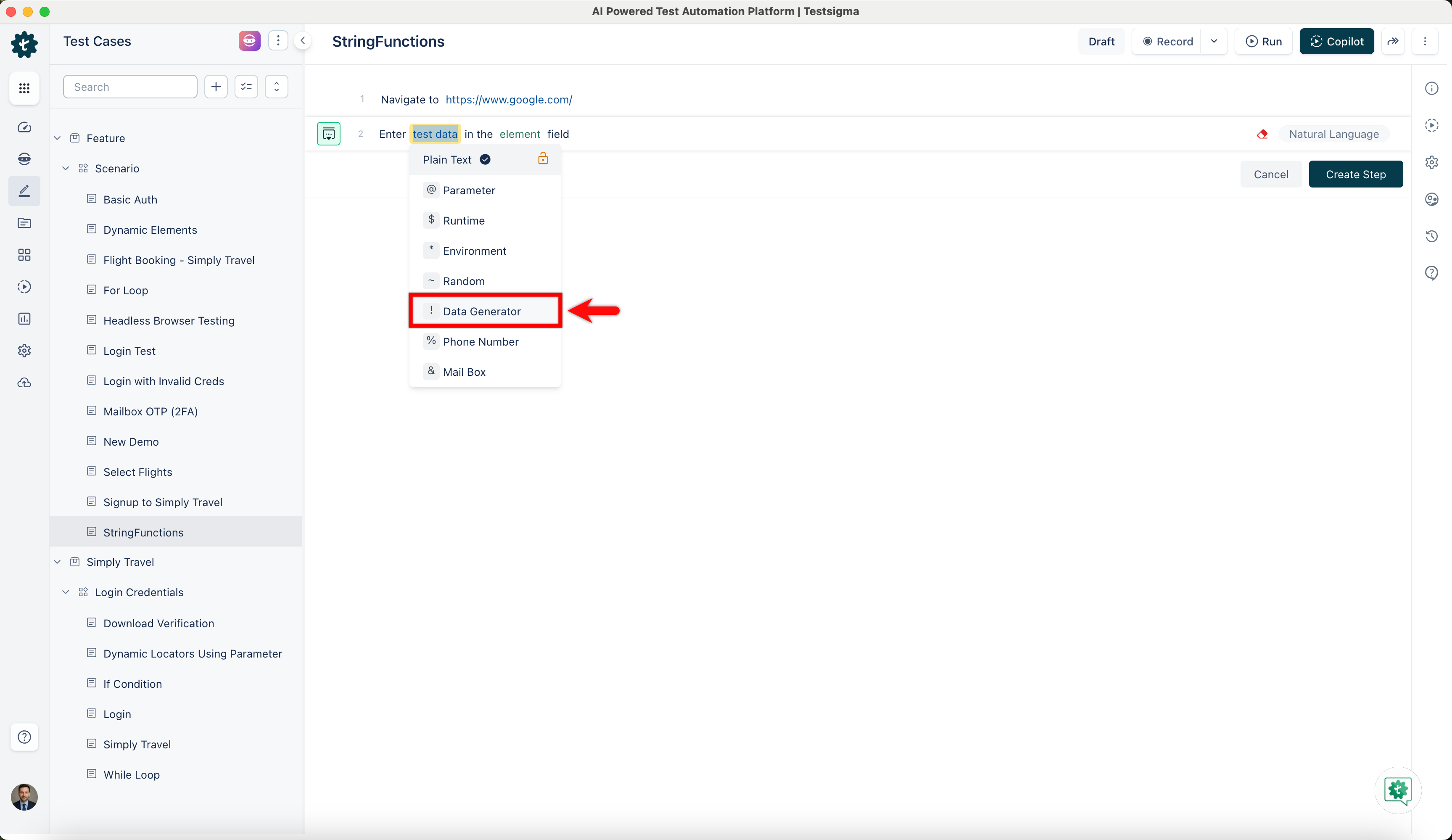
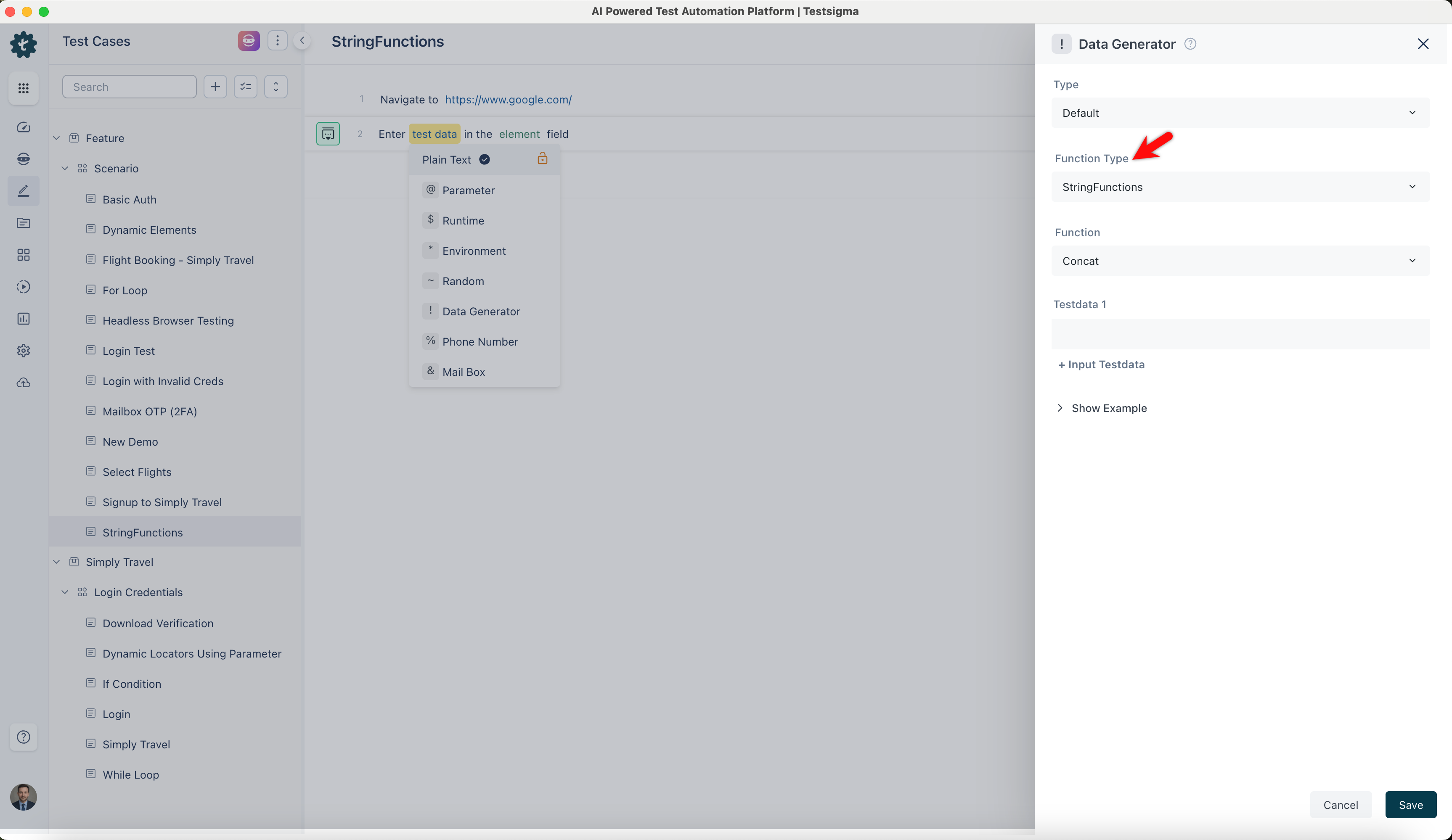
Click on the test data placeholder. From the Test Data Types dropdown menu, select the ! Data Generator option.
-
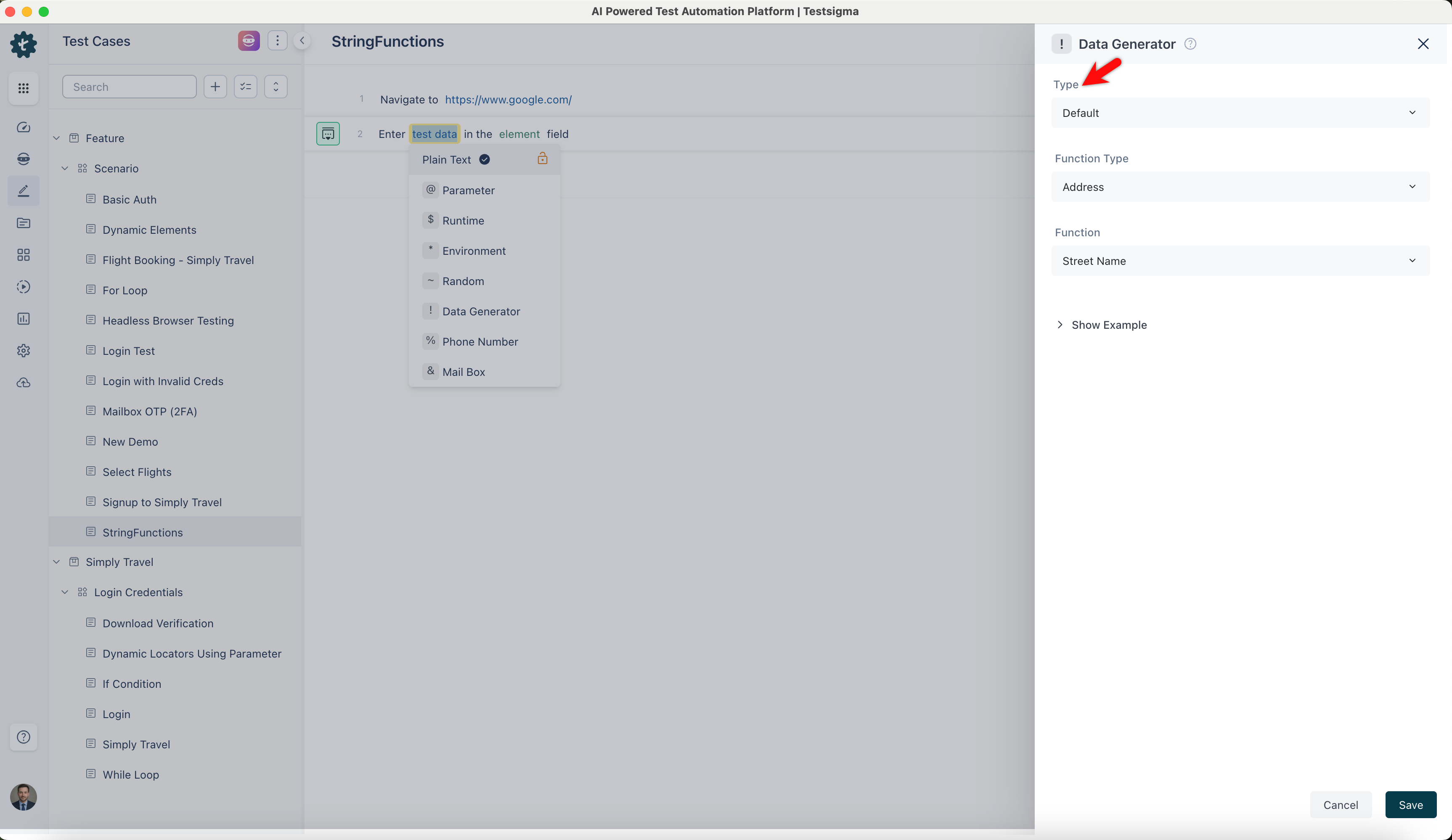
On the ! Data Generators overlay screen, select the Type to Default. This will enable you to use a collection of built-in test data generators.
-
Select StringFunctions from the Function Type dropdown list.
Concat
Section titled “Concat”- Enables you to concatenate multiple strings or data fields into a single string output, allowing you to combine strings to form composite data inputs.
ℹ️Example:
| Inputs | Outputs |
|---|---|
| Test Data 1: Hello Test Data 2: World |
HelloWorld |
| Test Data 1: @ User1 | User123 |
| Test Data 1: $ Data | DataGeneration |
| Test Data 1: * Travel | https://simply-travel.testsigma.com/ |
Param Substituter
Section titled “Param Substituter”- Allows you to replace placeholders in the input string with their respective values.
- It supports Parameters, Runtime Variables, and Environment Variables, enabling dynamic substitution of variables into predefined strings for flexible data generation.
ℹ️Example:
| Inputs | Outputs |
|---|---|
| String: I am @|name|. Born on *|dob| at $|place| | I am John. Born on 01/01/1990 at New York |
| String: Welcome, @|username|! Today is *|date|. | "Welcome, User123! Today is 2024-07-18." |
| String: Order ID: #|orderId|, Status: *|status|" | Order ID: #5678, Status: Shipped |
| String: Hello @|firstName|, your appointment is on *|appointmentDate| | Hello Alice, your appointment is on 2024-07-25 |