Test Cases
Bulk Actions
Prerequisites
Before you begin, ensure that:
- You have referred to the documentation on creating projects.
- You have installed the Testsigma’s test step recorder. For more information on installing Testsigma’s test step recorder, refer to the documentation on installing Testsigma’s step test recorder.
- You have referred to the documentation on creating a test case.
Bulk Actions on Test Steps
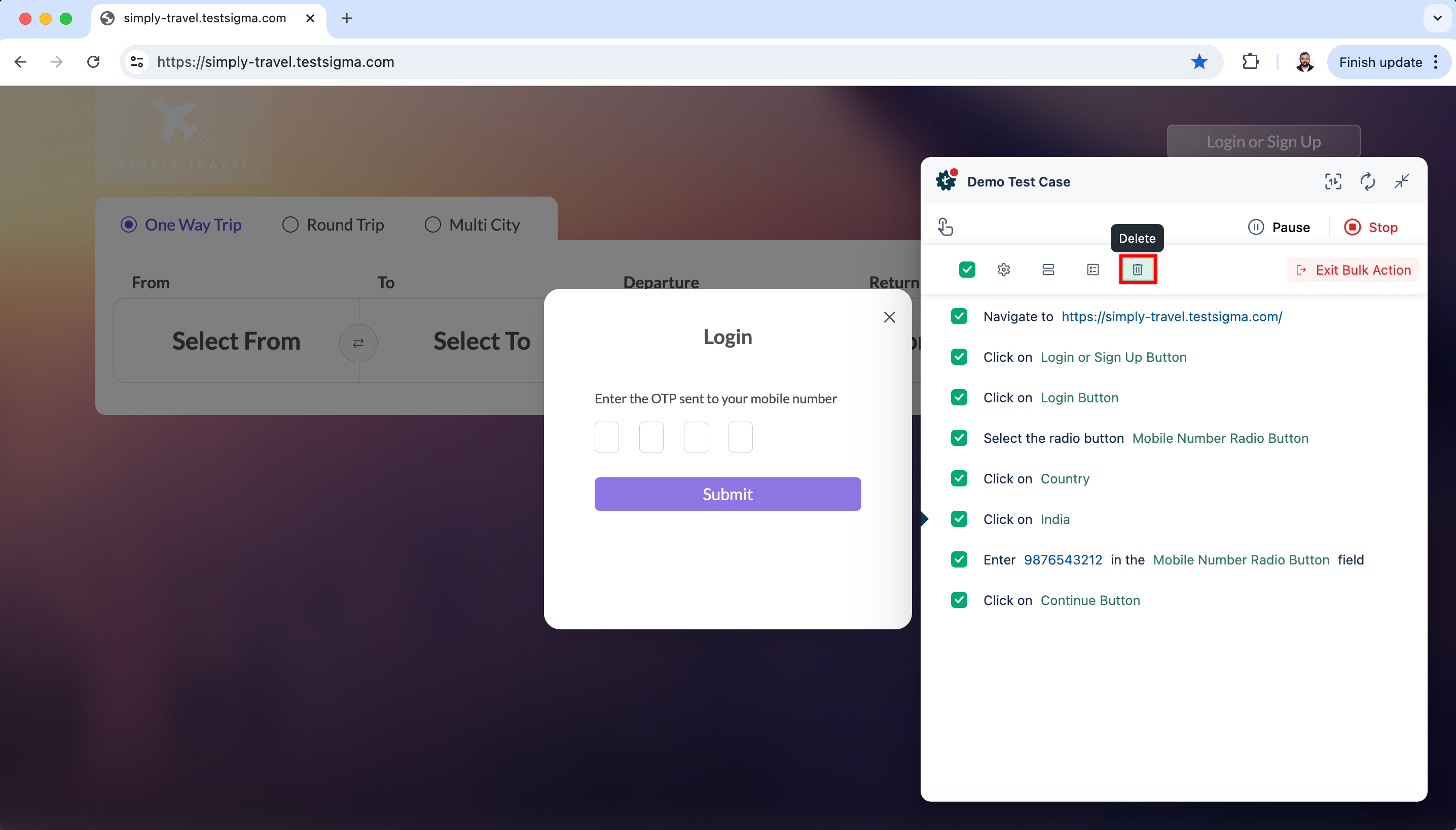
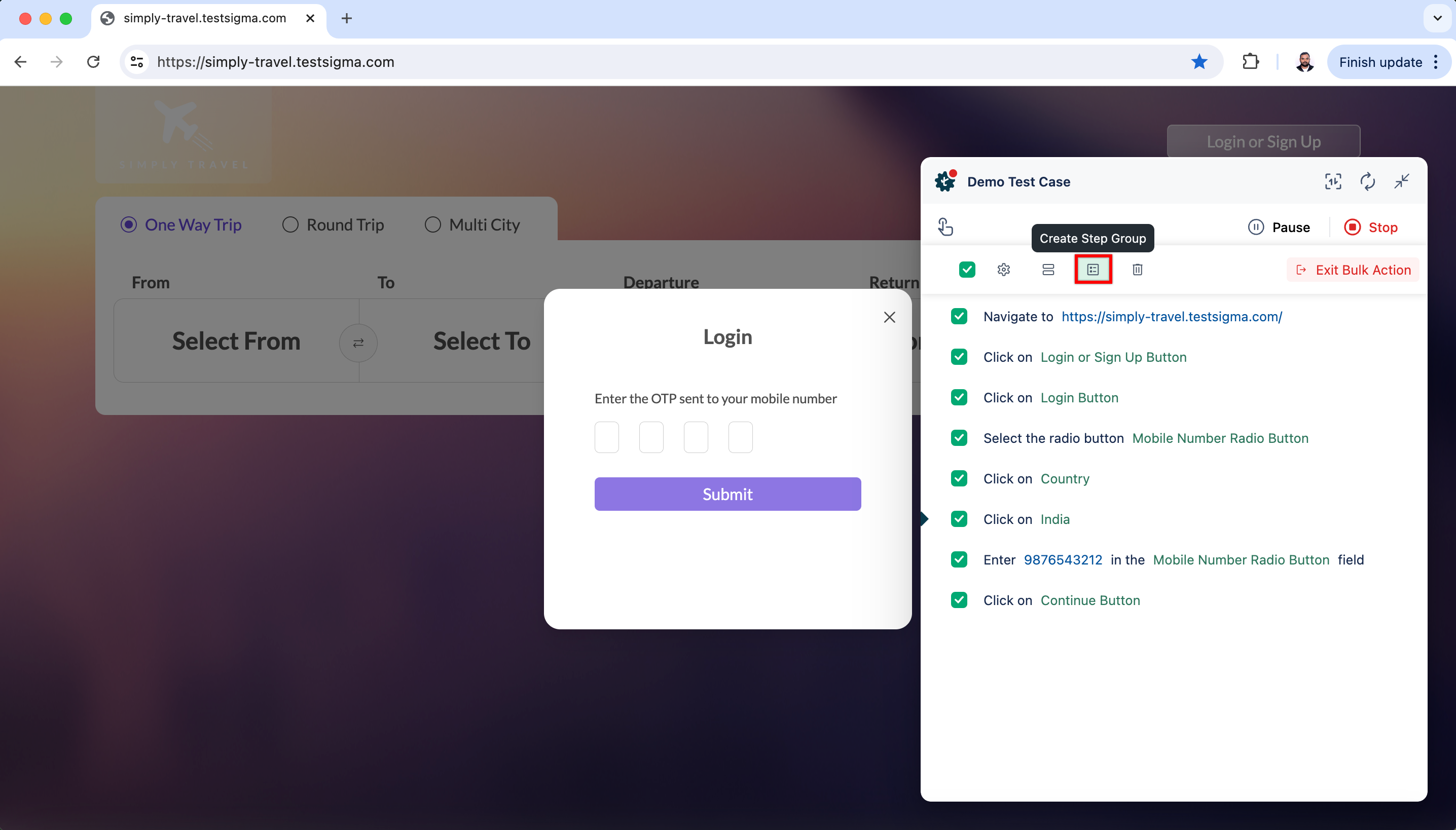
Section titled “Bulk Actions on Test Steps”Once the steps are recorded, click the checkboxes next to each test step to select the steps you want to include in the bulk action.
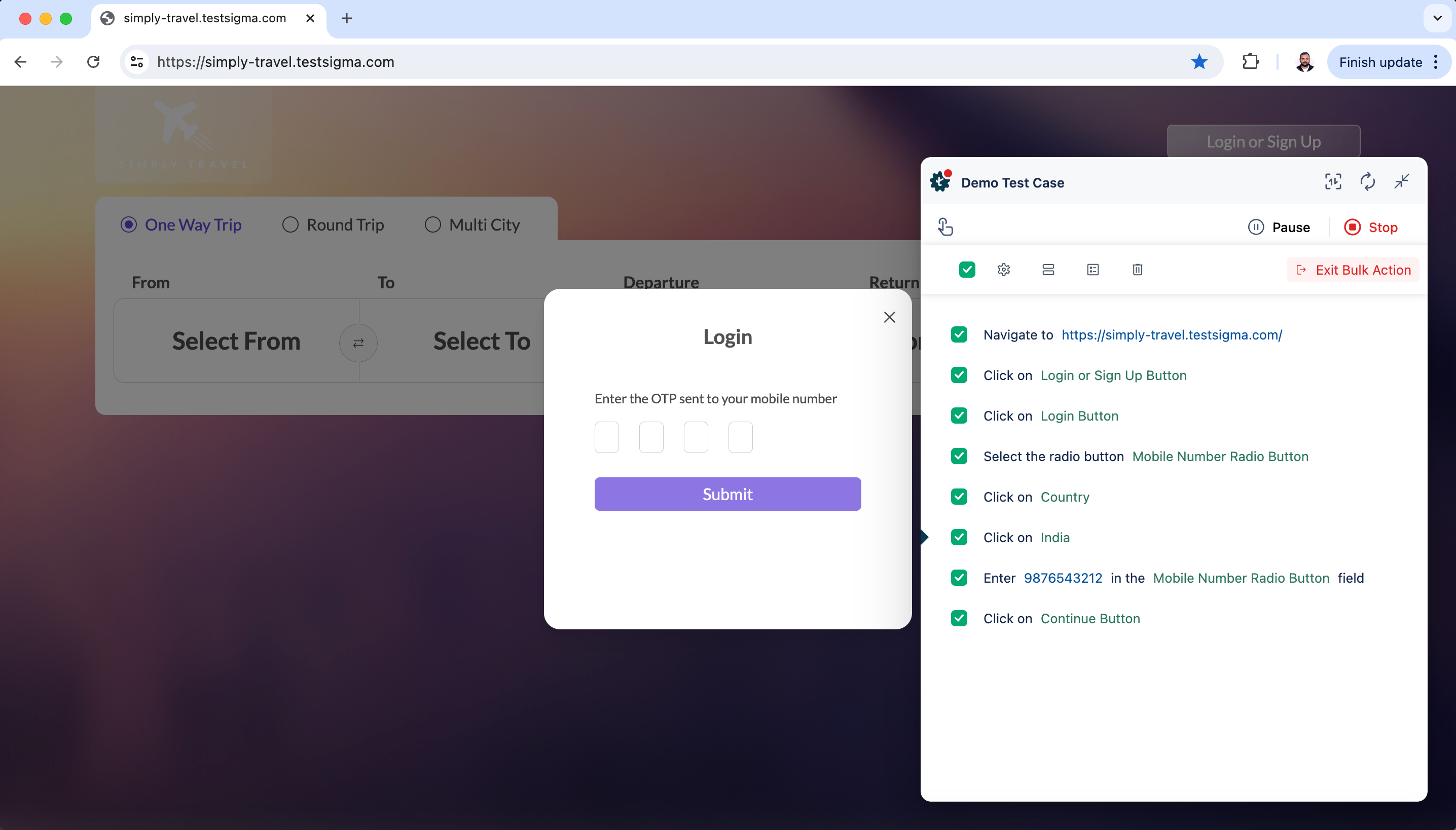
You can perform following actions on selected test steps:
-
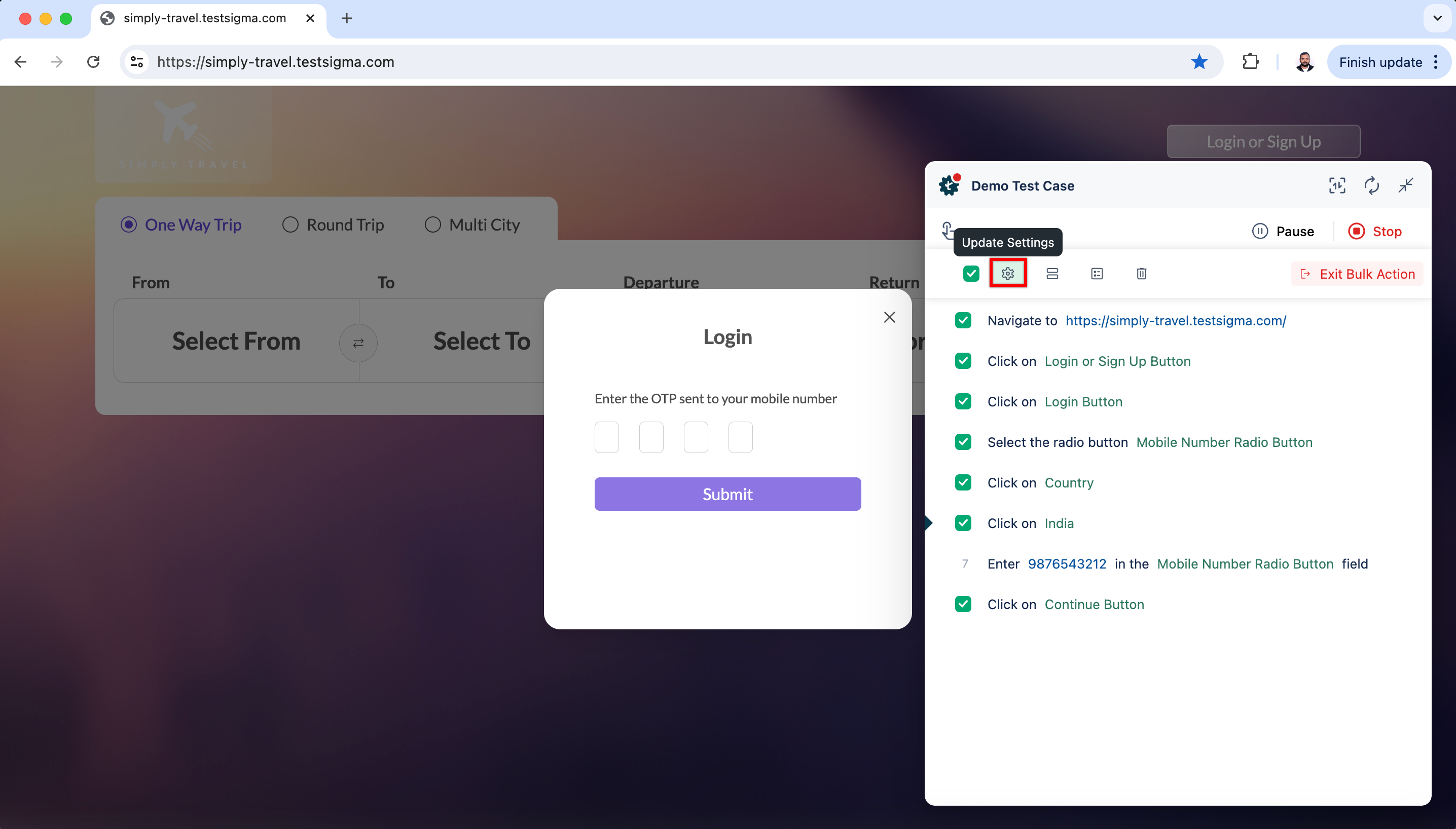
Update Settings: You can use this option to update settings for the selected test steps all at once.
-
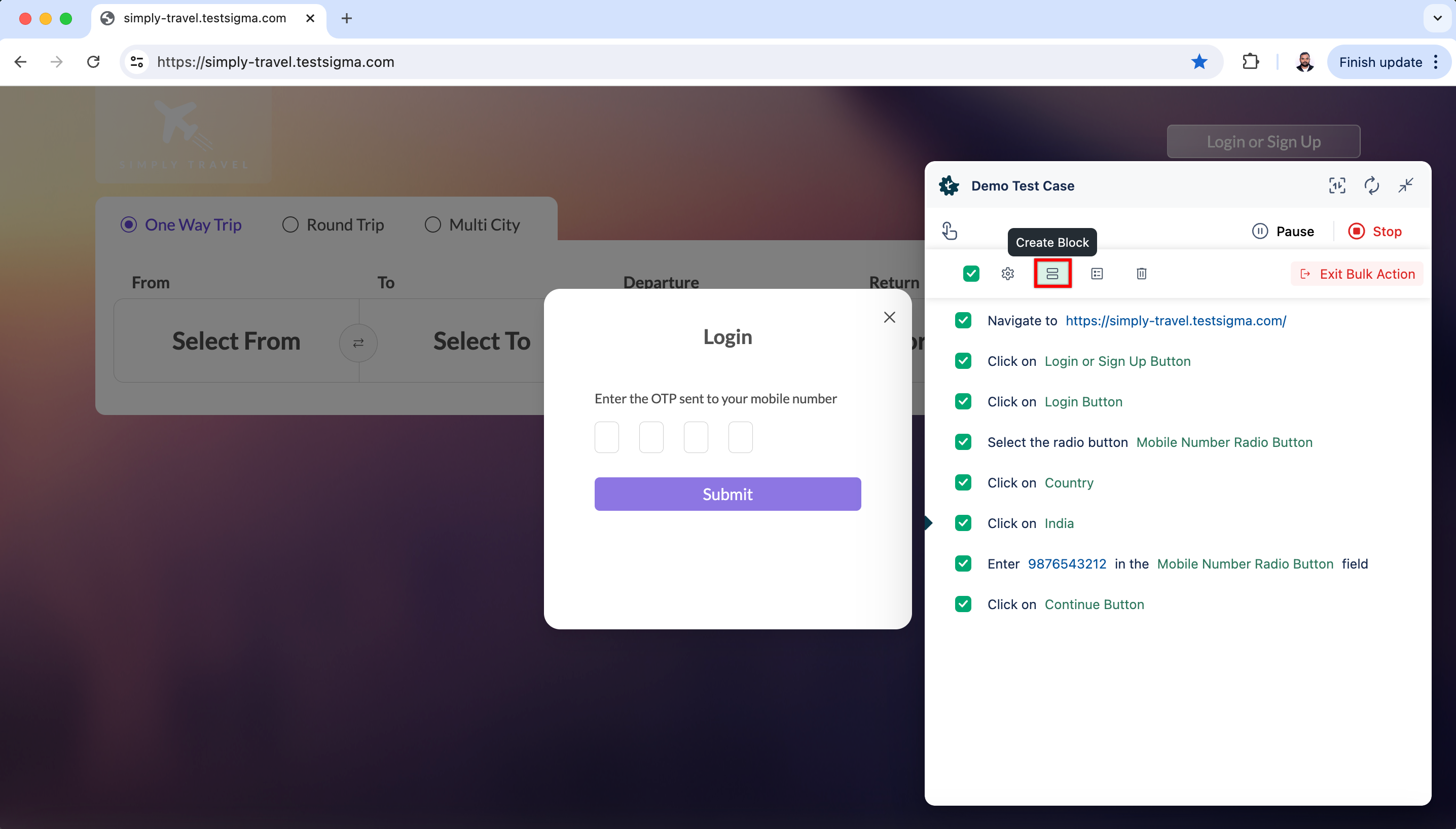
Create Block: Use this option to create a block from the selected test steps. This will help you manage and structure your test cases.
-
Create Step Group: Use this option to create a step group from the selected test steps. This will help you manage and structure your test cases.
-
Delete: You can delete the selected test steps in bulk if they are no longer needed.