Desired Capabilities
Network Throttling
Network throttling is an intentional slowing down of internet speed. It is used to simulate user experience under low bandwidth conditions. It also helps you understand how the website loads and functions when accessed from different network environments, especially environments wherein poor network speed is experienced. This article discusses how to enable the network throttling feature in Testsigma.
Prerequisites
Before you begin, ensure that you have referred to:
Available Network Conditions
Section titled “Available Network Conditions”The following profile options can be used to simulate various network conditions for your test:
| Profile | Upload speed | Download speed | Latency |
|---|---|---|---|
| Regular 2G | 6.25 kbps | 31.25 kbps | 300ms |
| Good 2G | 18.75 kbps | 56.25 kbps | 150ms |
| Regular 3G | 31.25 kbps | 93.75 kbps | 100ms |
| Good 3G | 93.75 kbps | 192.00 kbps | 40ms |
| Regular 4G(default) | 384.00 kbps | 512.00 kbps | 20ms |
Steps to Enable Network Throttling
Section titled “Steps to Enable Network Throttling”-
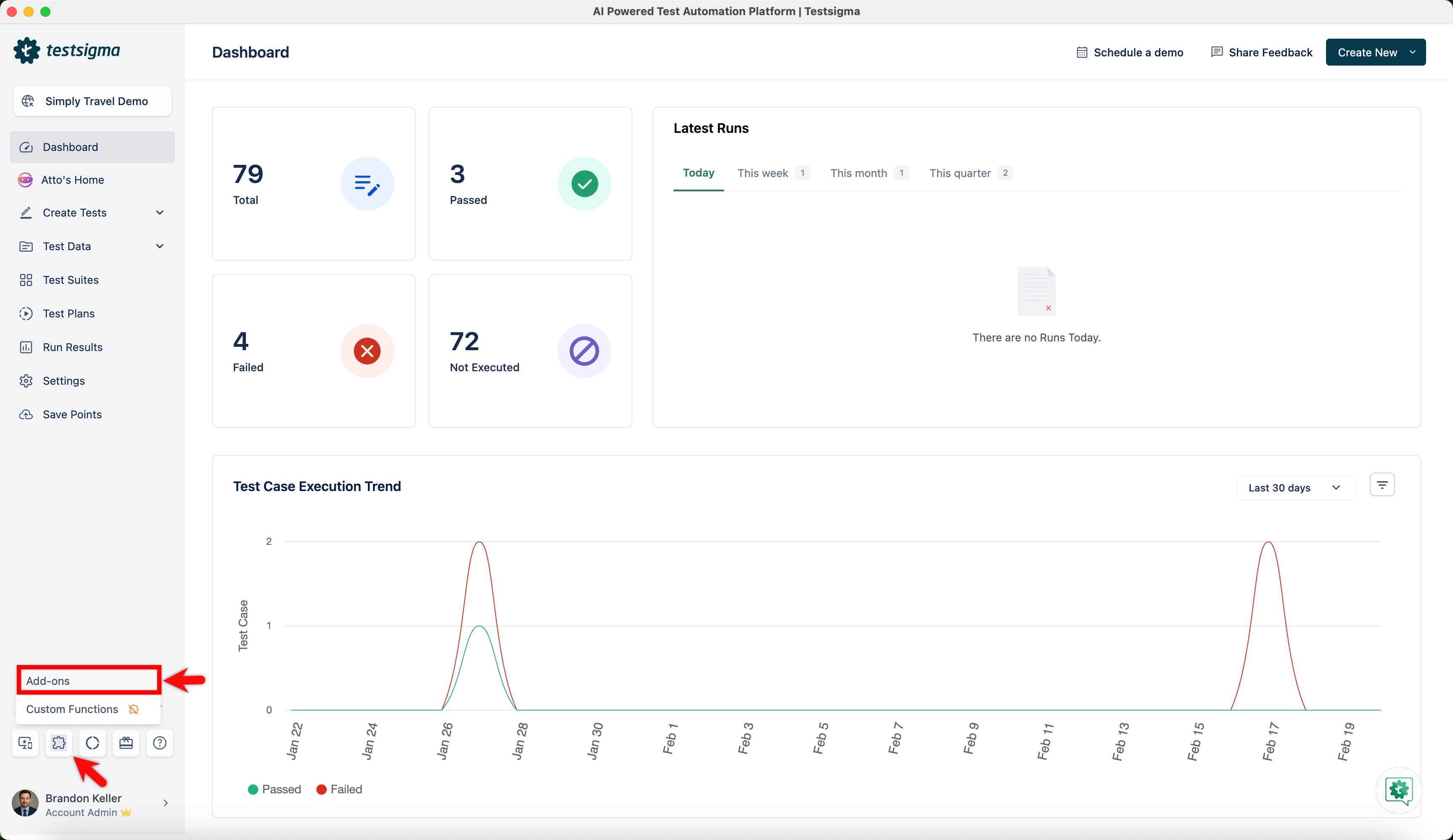
From the left navigation bar, go to Addons and click Add-ons.

-
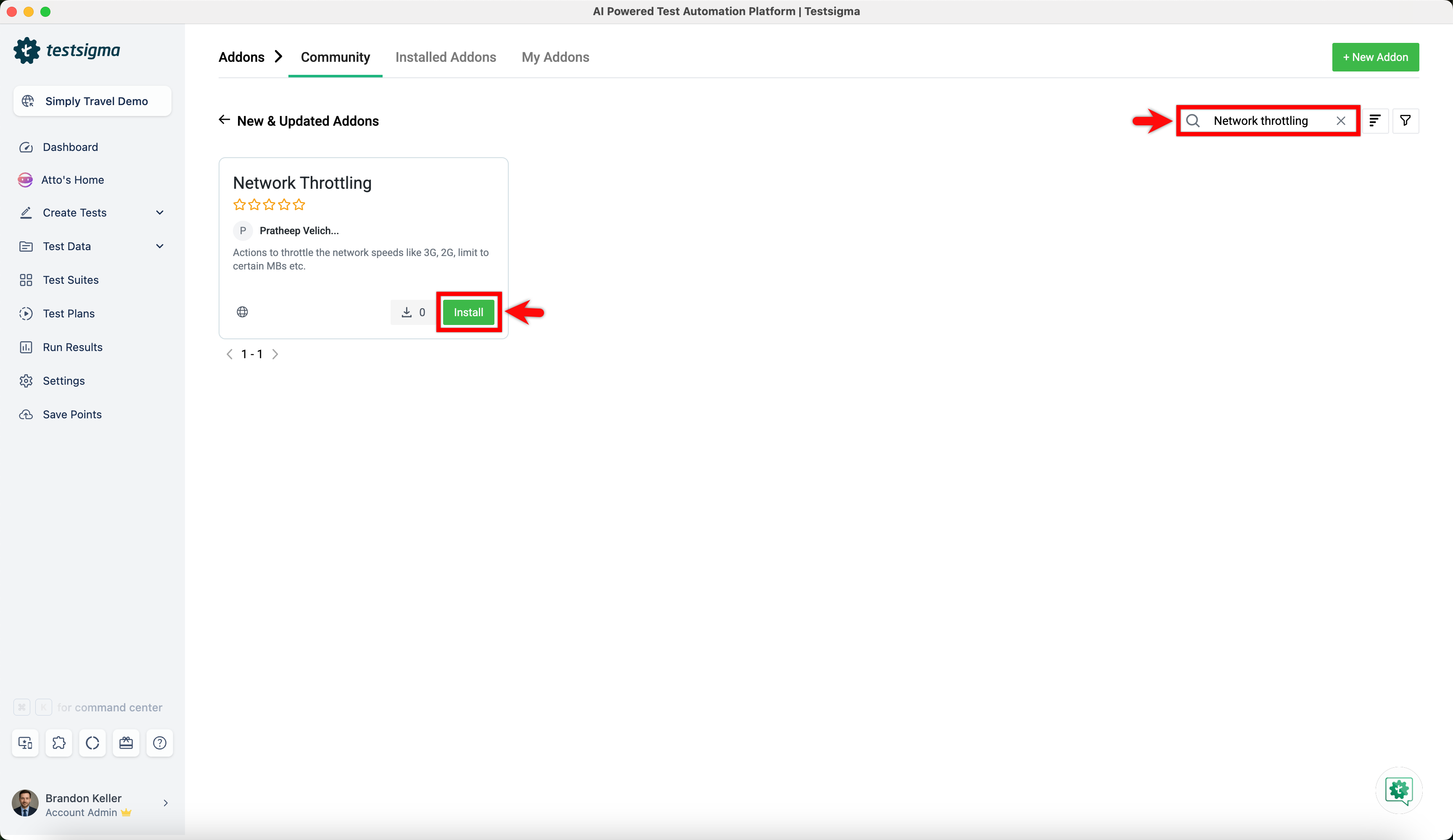
Under the New & Updated Addons section, search for the Network Throttling addon and click Install.

Using Network Throttling Feature in Test Cases
Section titled “Using Network Throttling Feature in Test Cases”-
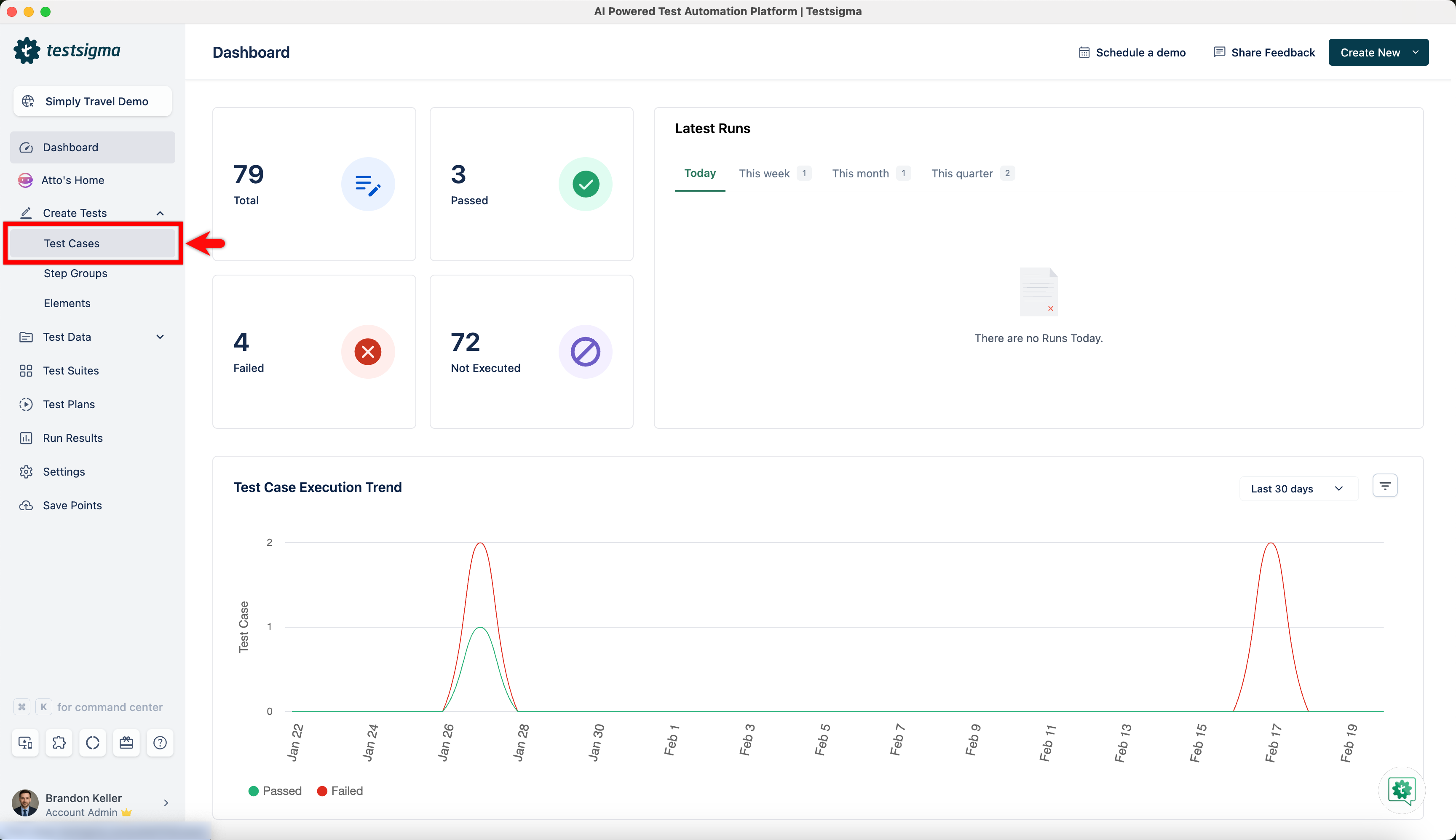
From the left navigation bar, navigate to Create Tests > Test Cases.

-
Create a test case or click on an existing test case for which you want to add Network Throttling feature.
-
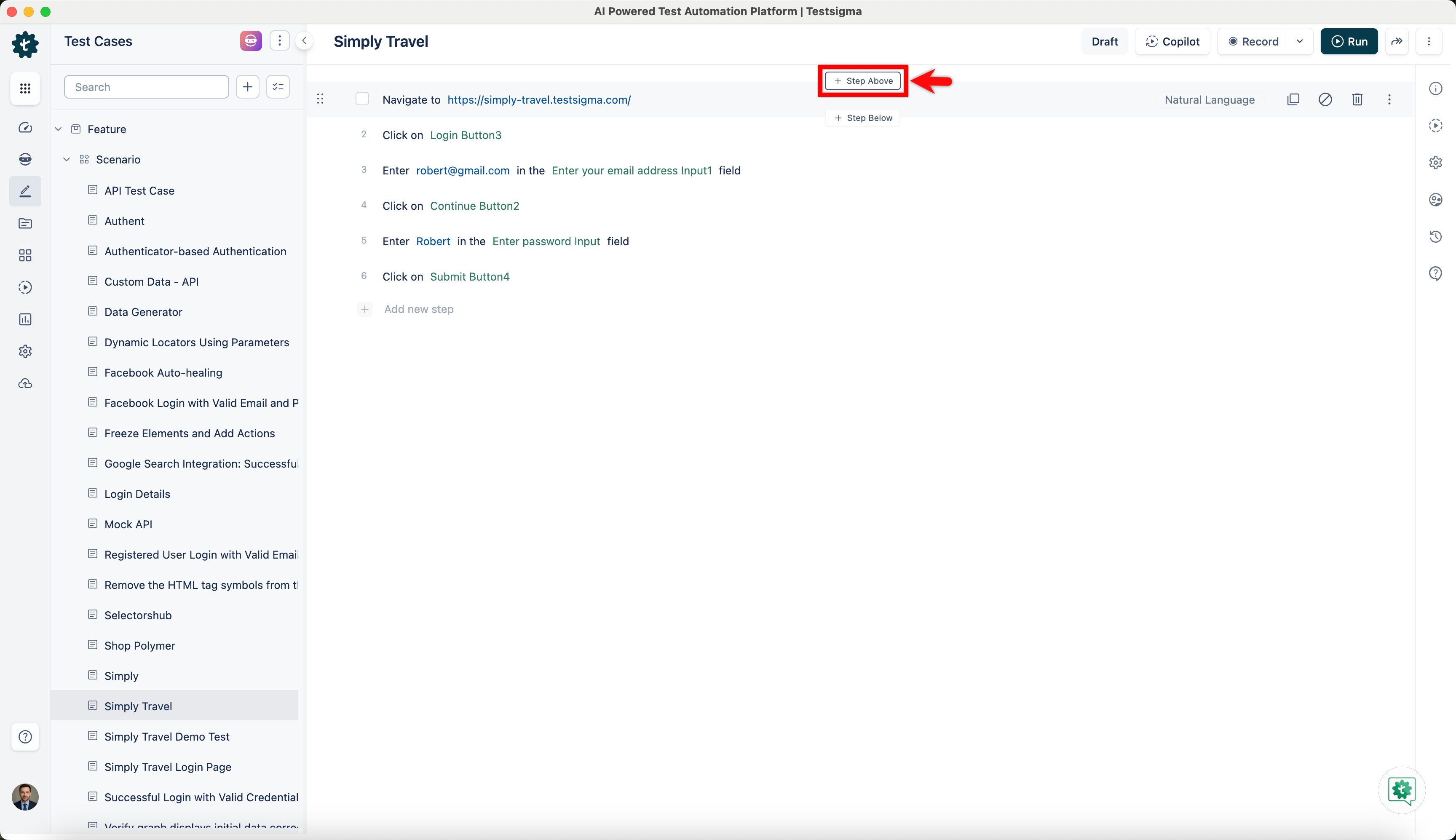
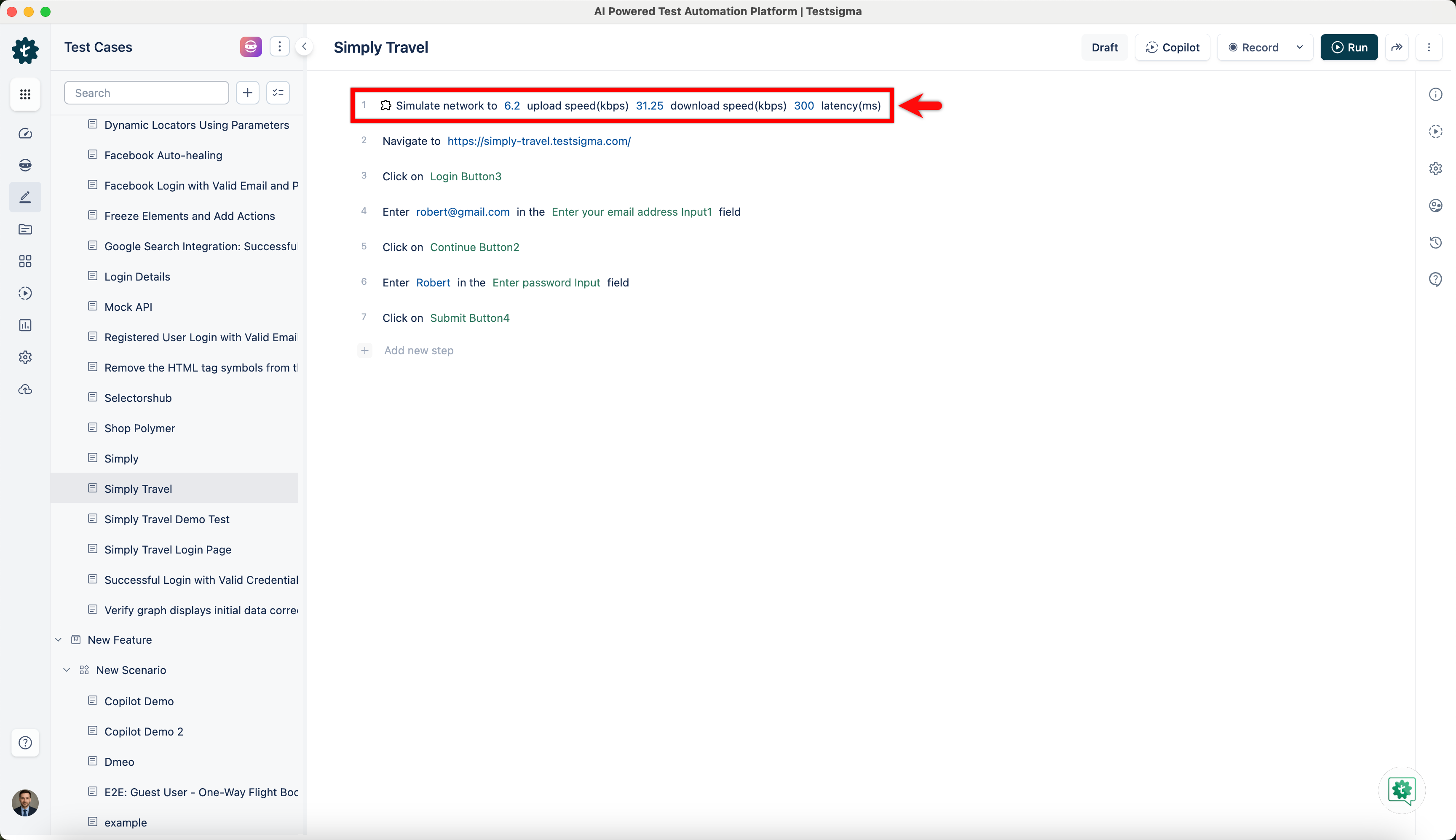
You can add the Network Throttling feature in your test case by adding a new test step at the point where you wish to simulate the network conditions.
-
Click on Step Above.

-
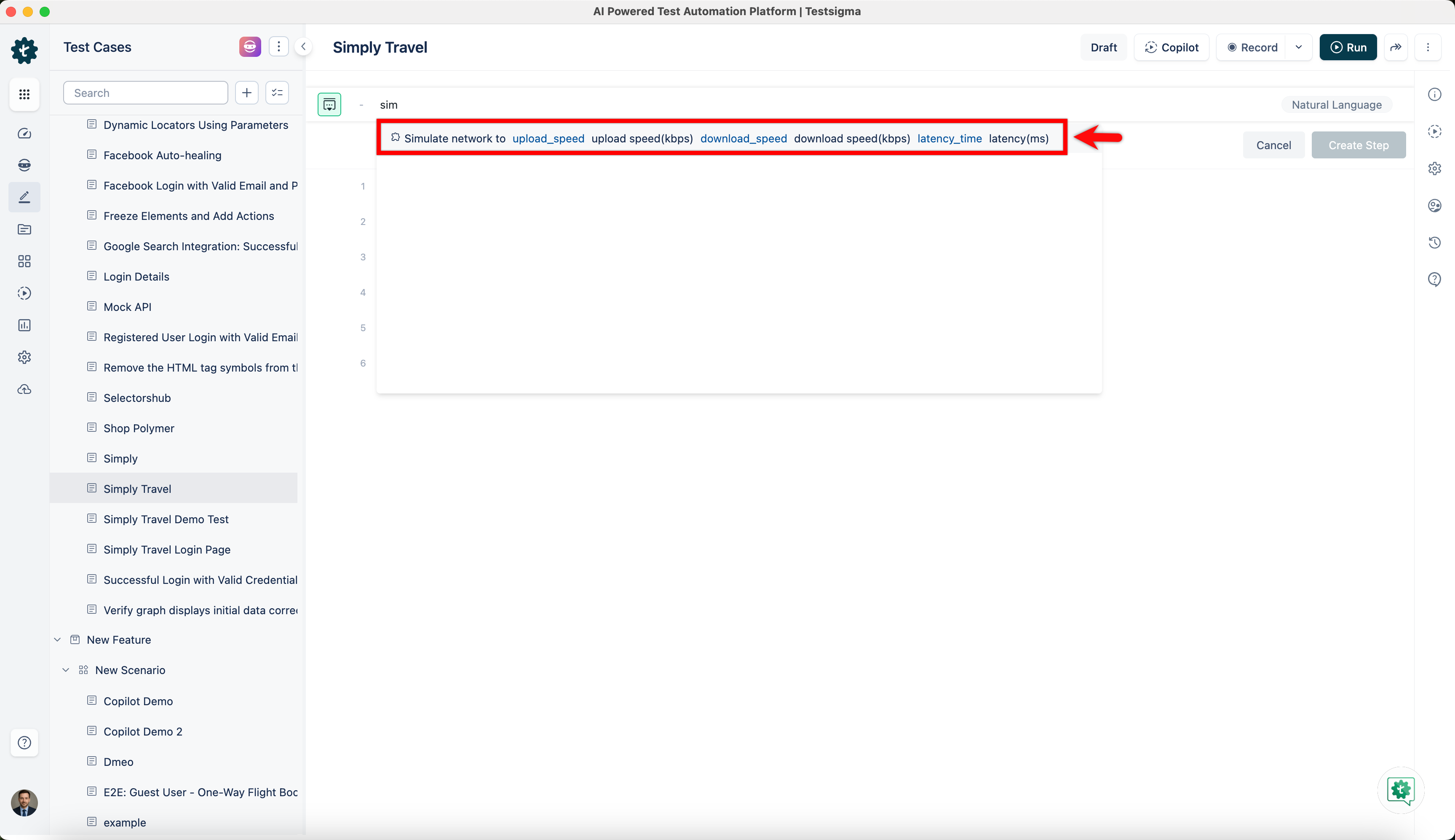
Create a step with the NLP, Simulate network to upload_speed upload speed(kbps) download_speed download speed(kbps) latency_time latency(ms).

-
You have now added the network throttling feature to your test case. With network throttling, you can change your network profile to test the functionality of your test cases while exposed to different network environments.