
Test Data
NumberFunctions Function Type
Prerequisites
Before you begin, ensure that you have referred to:
Selecting NumberFunctions as a Function Type for Data Generator
Section titled “Selecting NumberFunctions as a Function Type for Data Generator”-
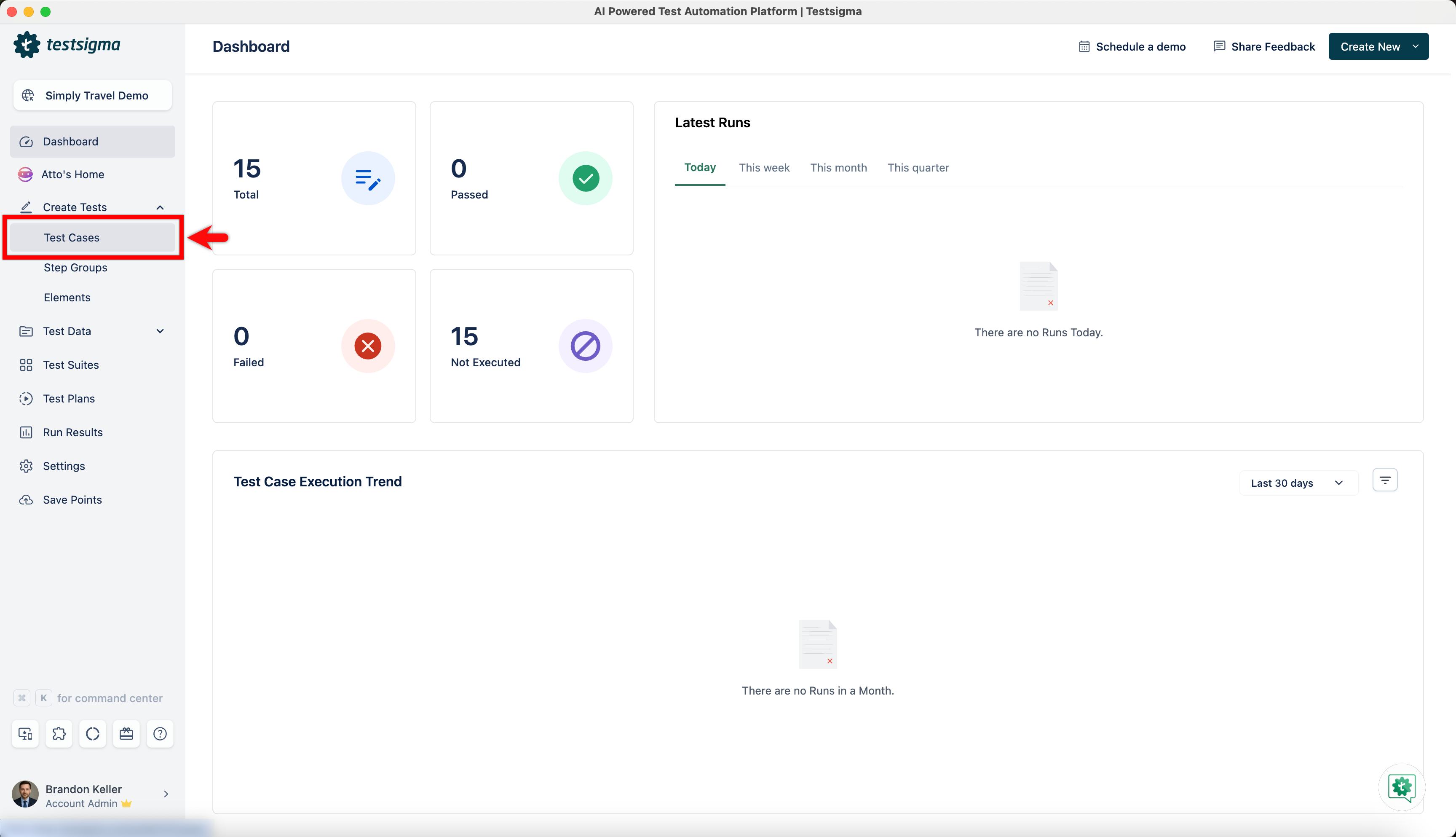
From the left navigation bar, go to Create Tests > Test Cases and create a new test case.
-
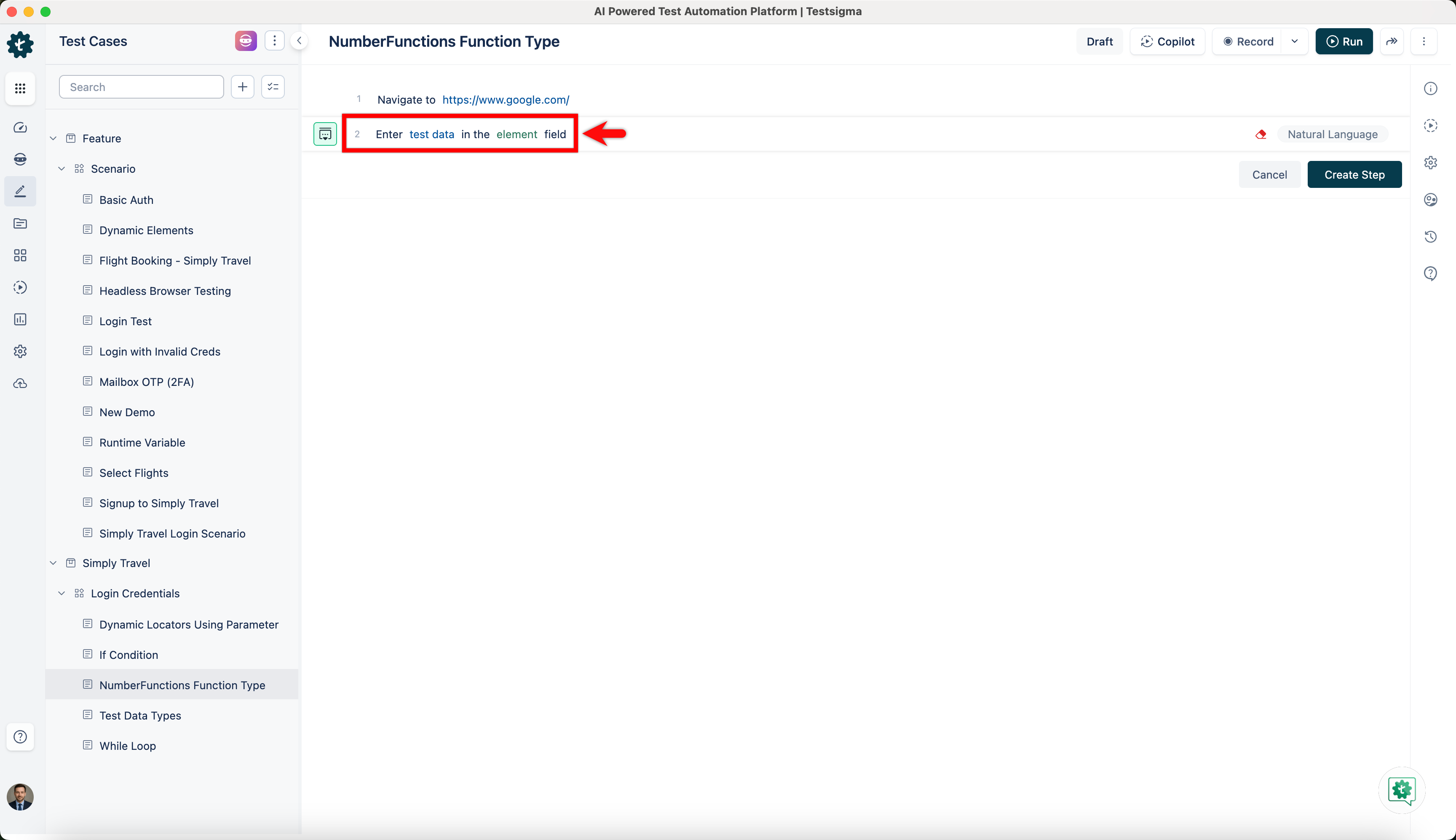
Use NLP to create a new step in the test case and include a placeholder for test data.
-
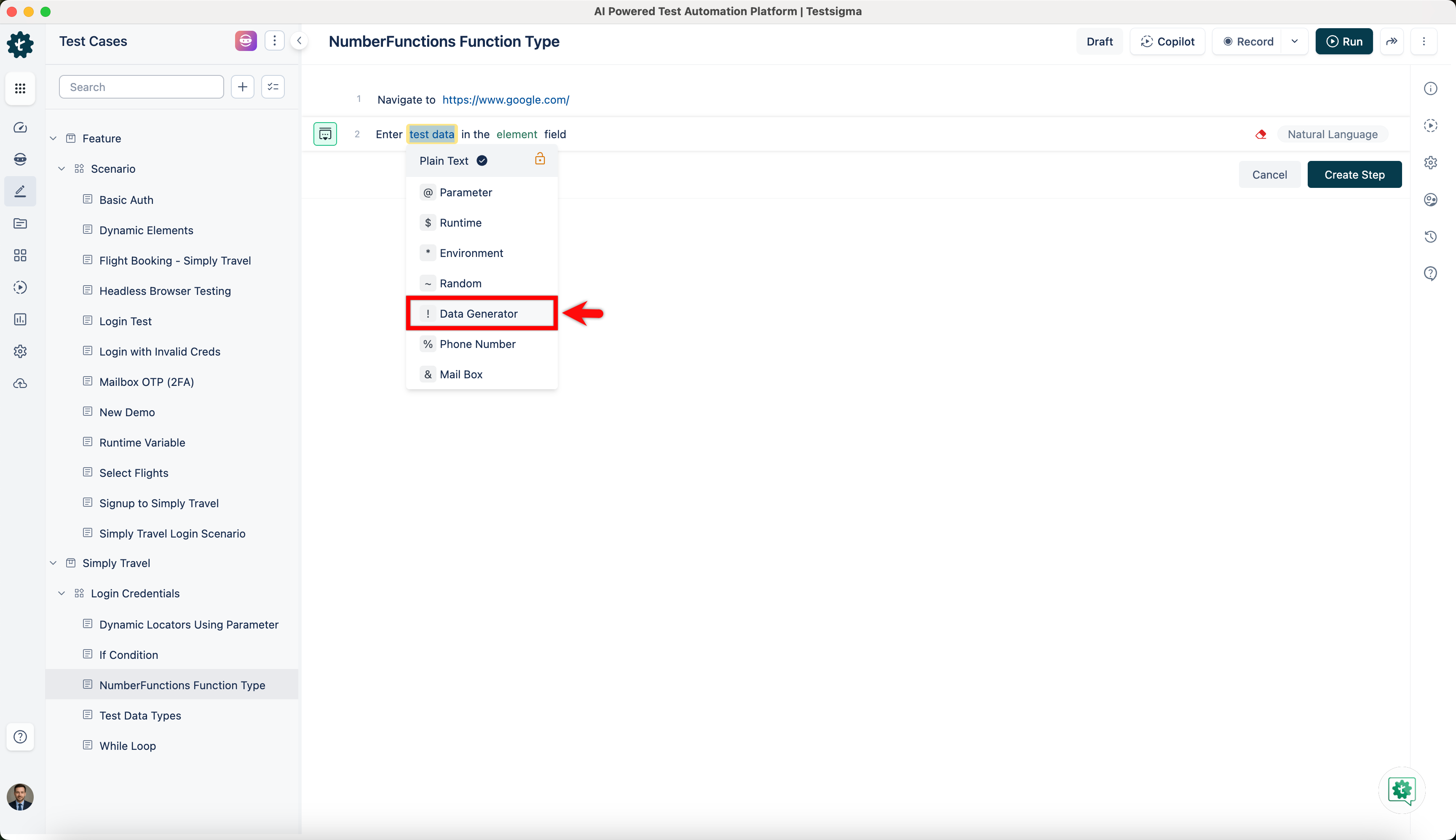
Click on the test data placeholder. From the Test Data Types dropdown menu, select the ! Data Generator option.
-
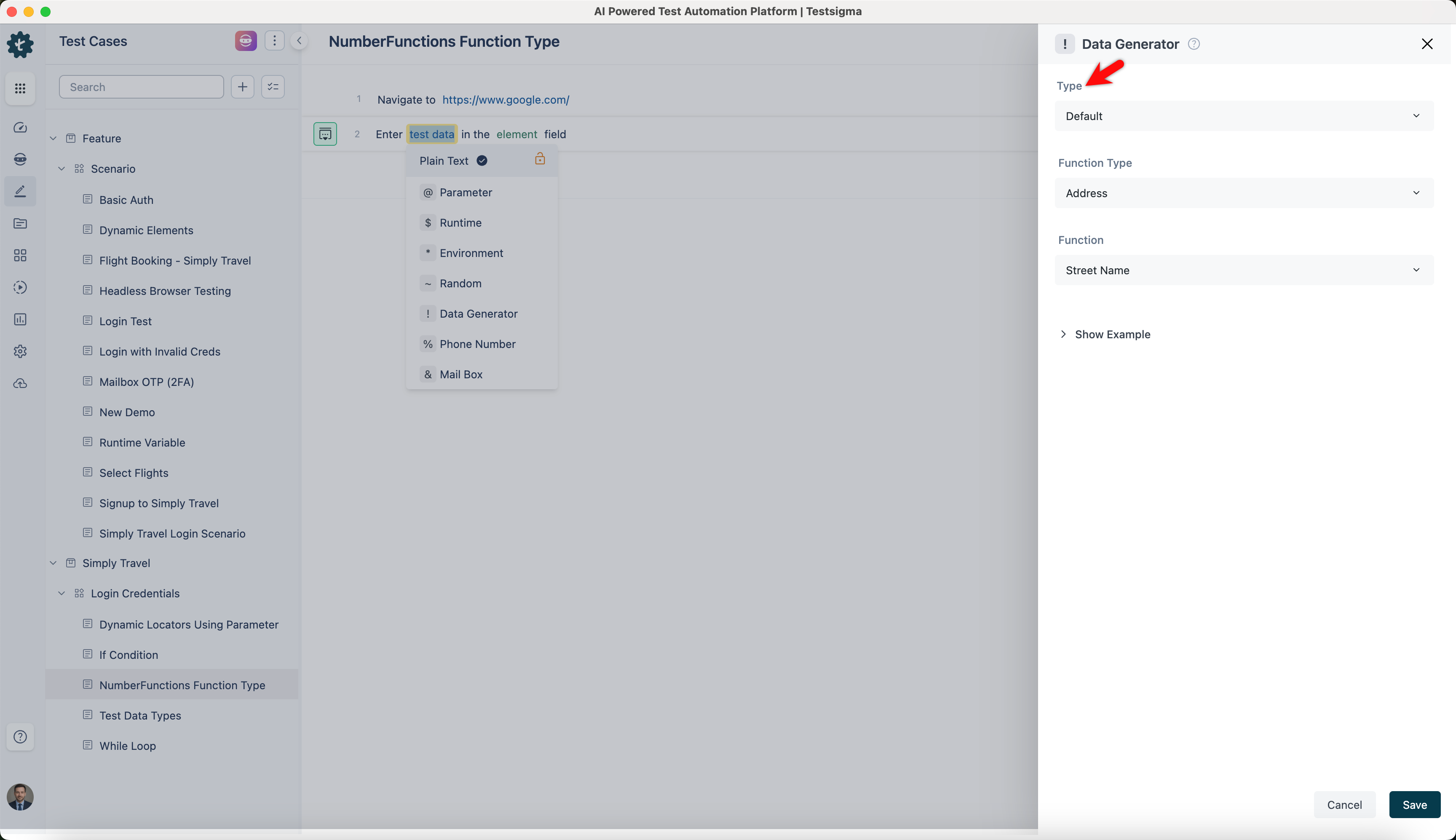
On the ! Data Generators overlay screen, select the Type to Default. This will enable you to use a collection of built-in test data generators.
-
Select NumberFunctions from the Function Type dropdown list.
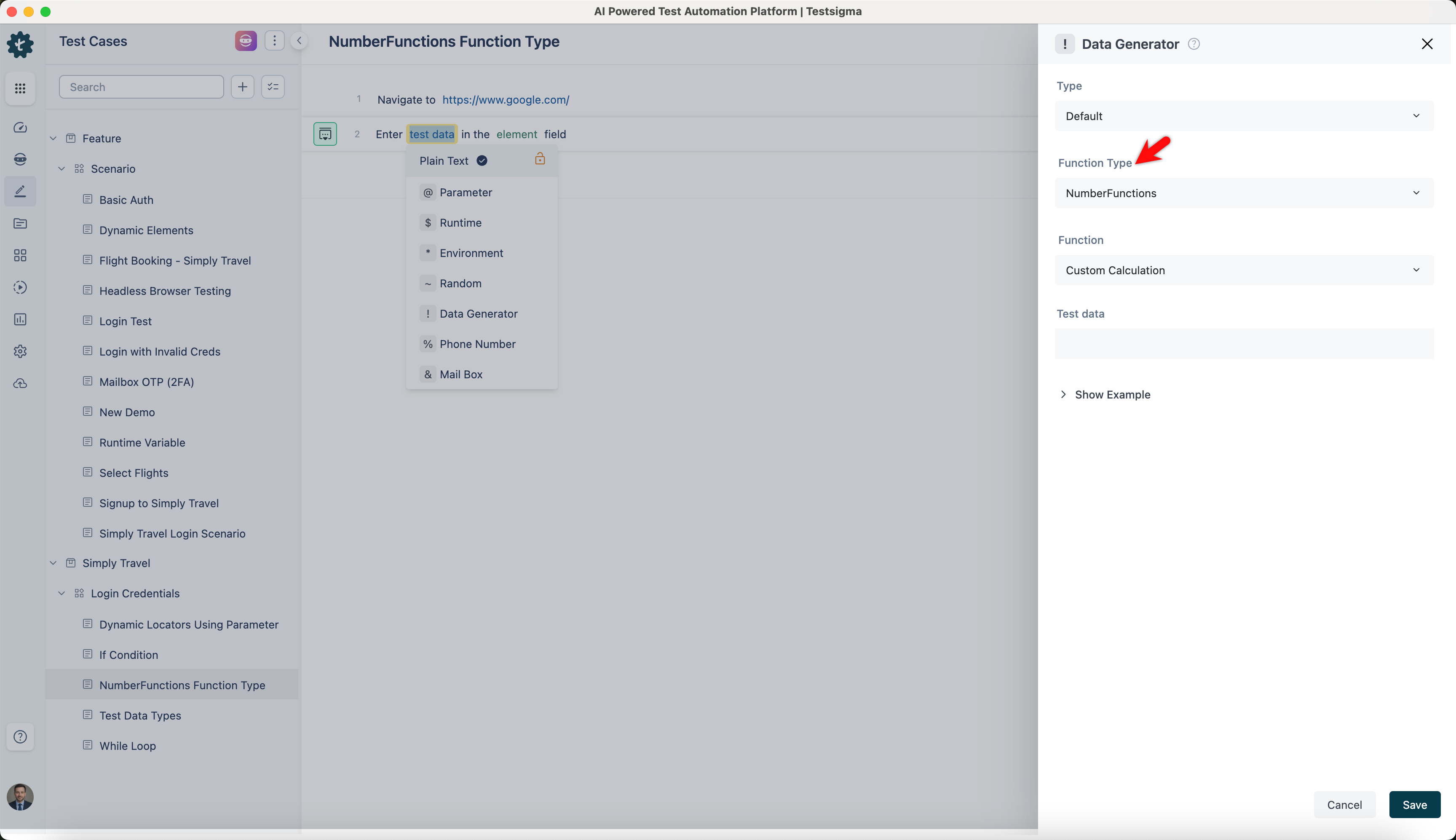
Custom Calculation
Section titled “Custom Calculation”- Allows you to perform mathematical operations based on a given expression.
- You can use various test data types to create dynamic calculations, such as plain text, parameters, runtime, and environment variables.
ℹ️Examples:
| Inputs | Outputs |
|---|---|
| Test data: 12+8 | 20 |
| Test data: @|param1| * @|param2| (eg: @|param1| = 6 and @|param2| = 4) | 24 |
| Test data: $|runtimeValue|-15 (eg: runtimeValue = 40) | 25 |
| Test data: 35+15 | 50 |