Integrations
Youtrack Bug Reporting Integration
Prerequisites
To integrate Youtrack with Testsigma, you need the following:
- Account URL: Your organization’s Youtrack Account URL.
- API Key: API Token from Youtrack.
Steps to Create API Token in Youtrack
Section titled “Steps to Create API Token in Youtrack”-
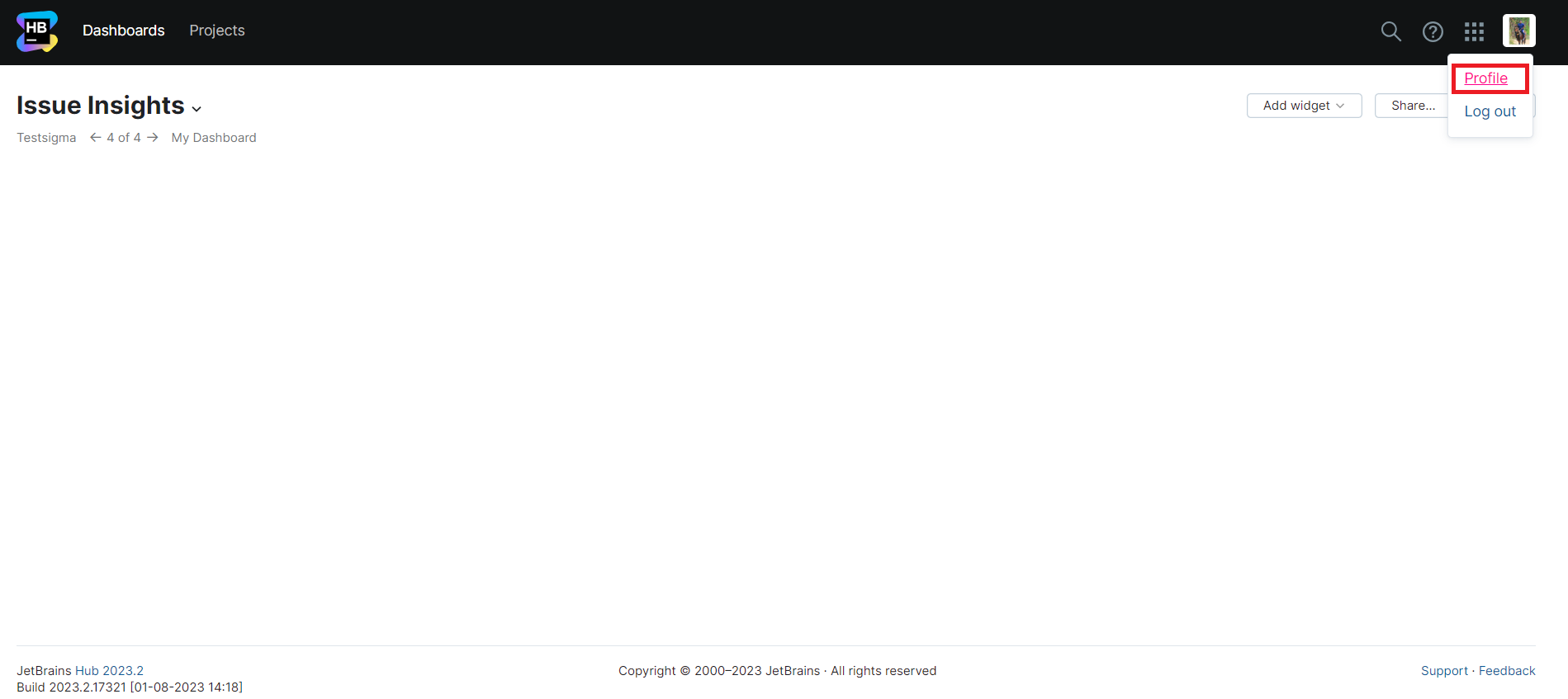
Navigate to Youtrack Profile.
-
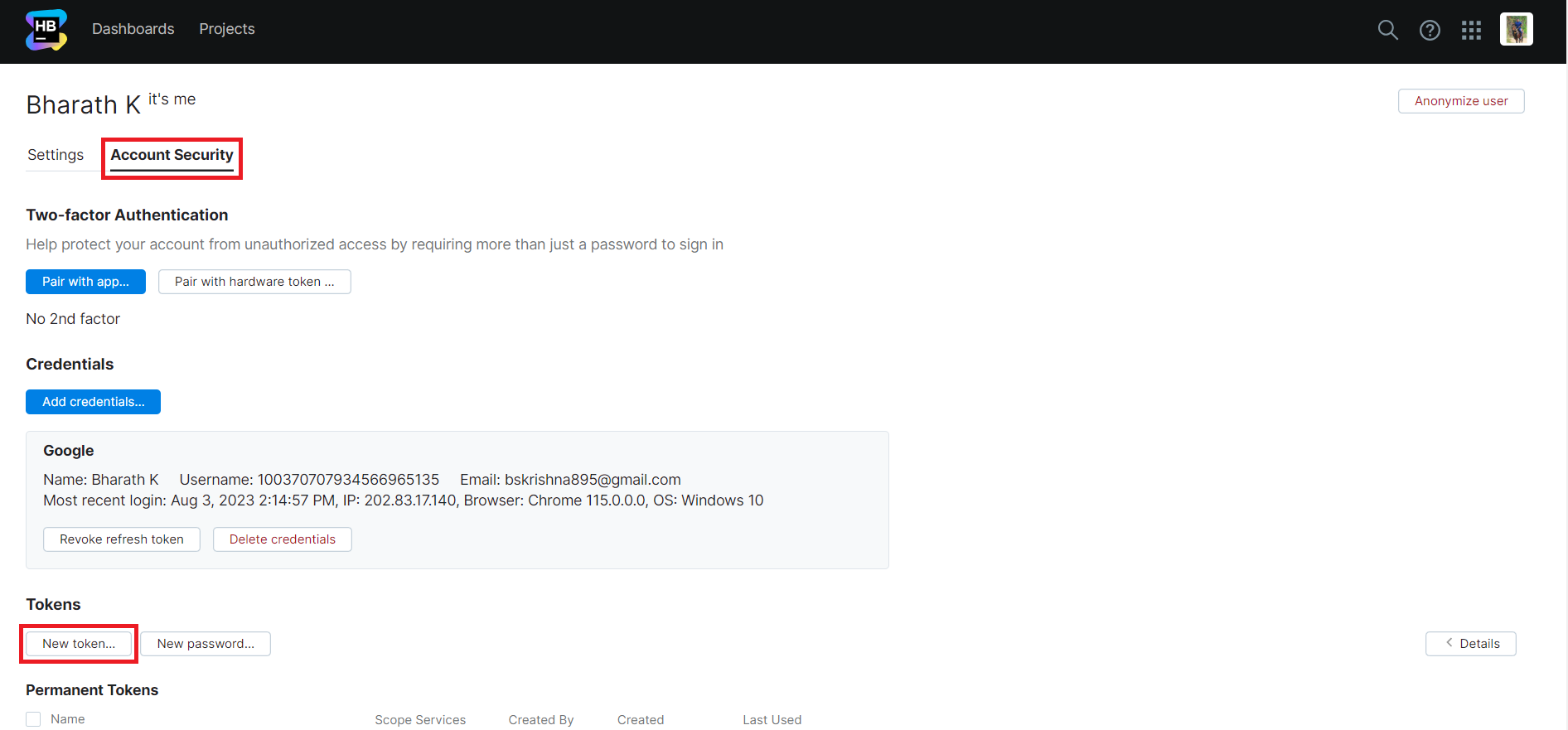
Go to Account Security and click on New Token.
-
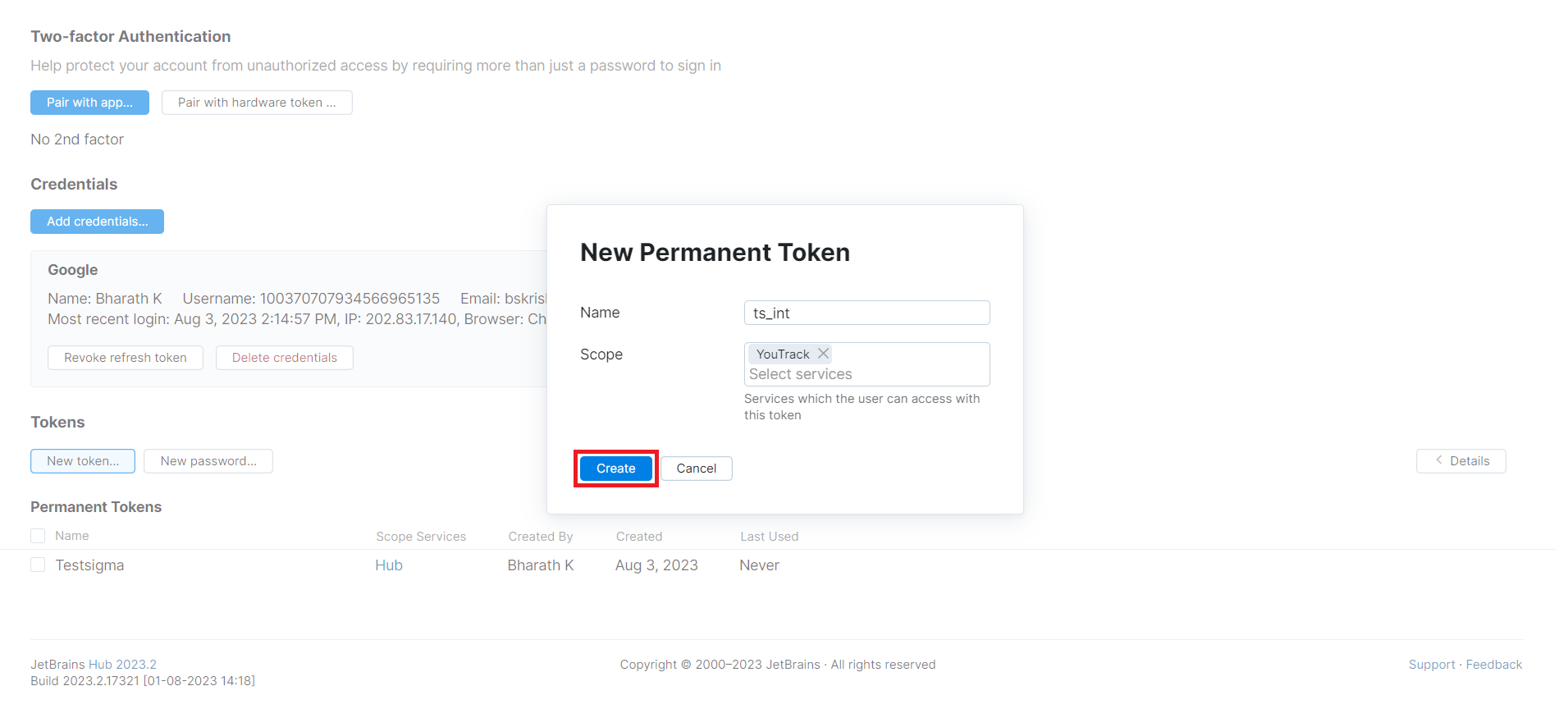
On New Permanent Token, enter Name, Scope and click on Create.
-
Click on Copy Token.
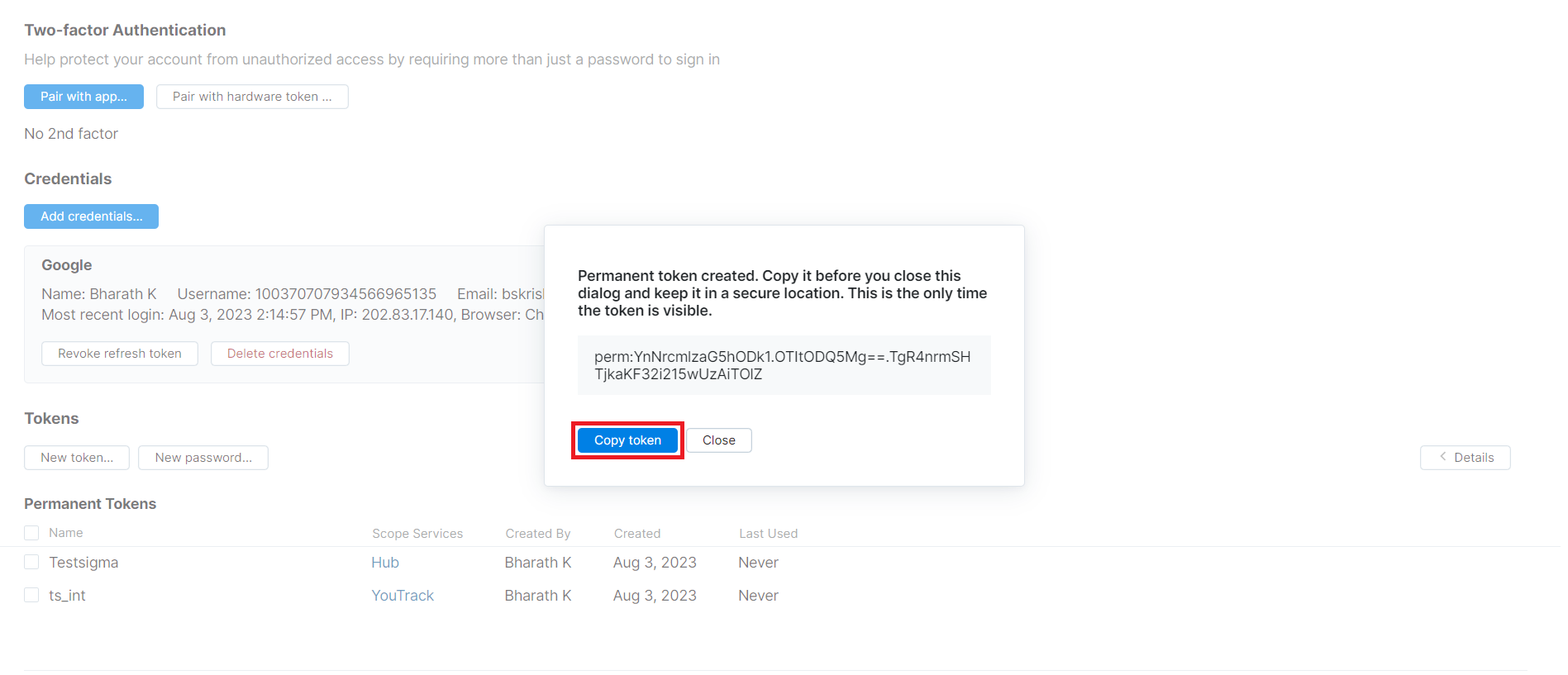
Now you’re ready to integrate Youtrack with Testsigma.
Integrating Youtrack with Testsigma
Section titled “Integrating Youtrack with Testsigma”-
Navigate to Settings > Integrations.
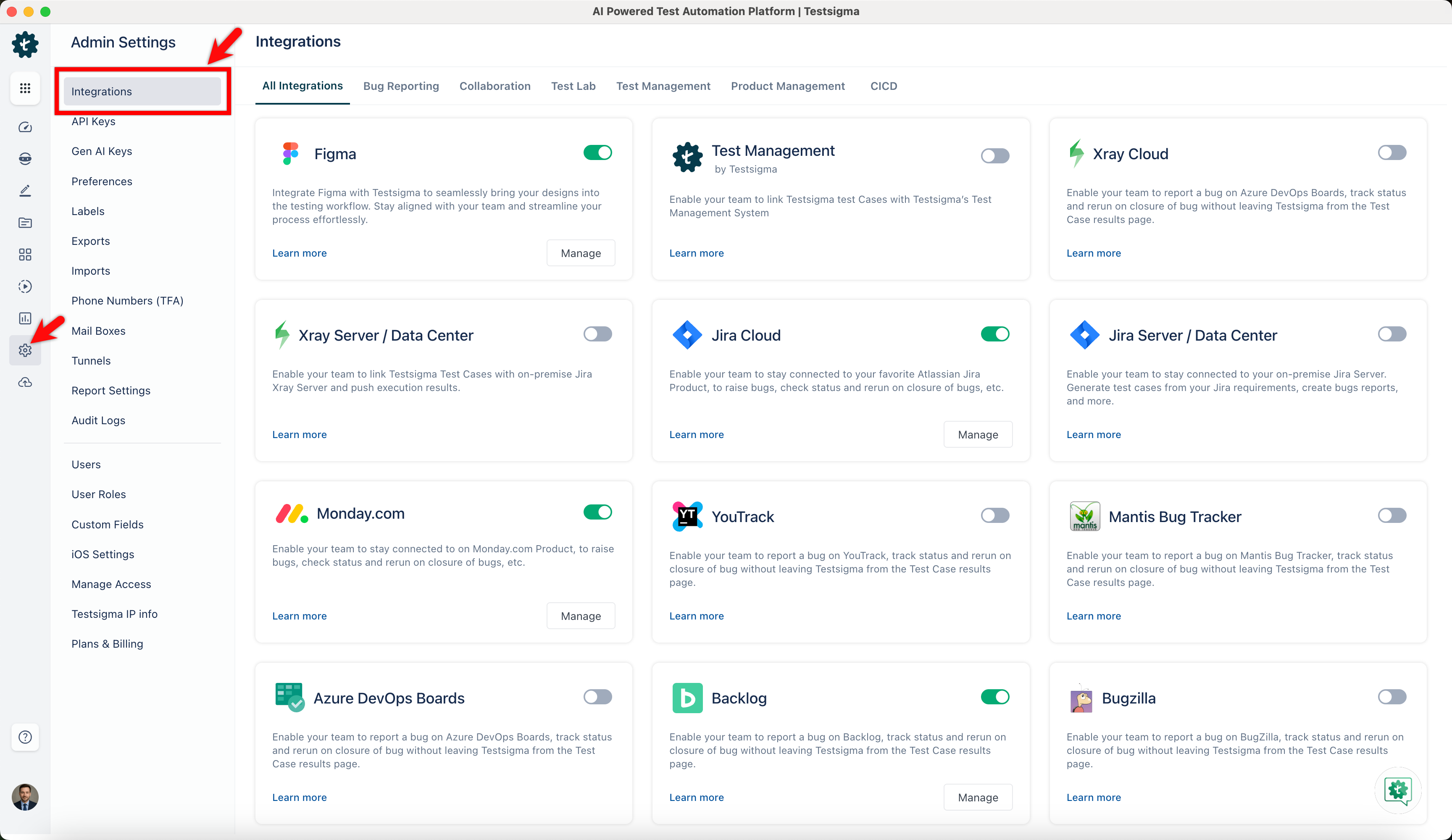
-
Enable toggle on Youtrack widget.
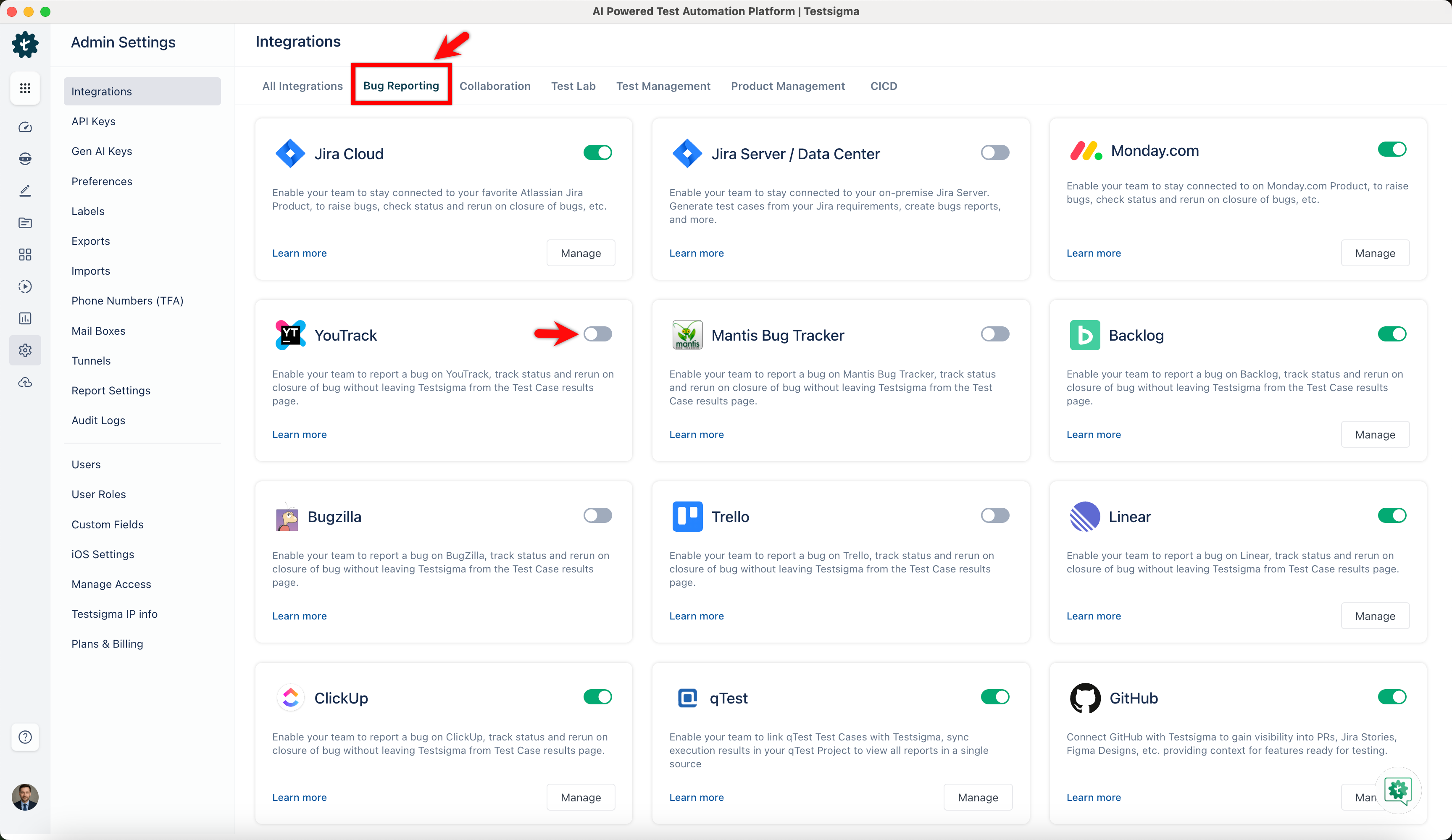
-
On Youtrack Details prompt, enter Organization URL, Access Key and click Save & Enable.
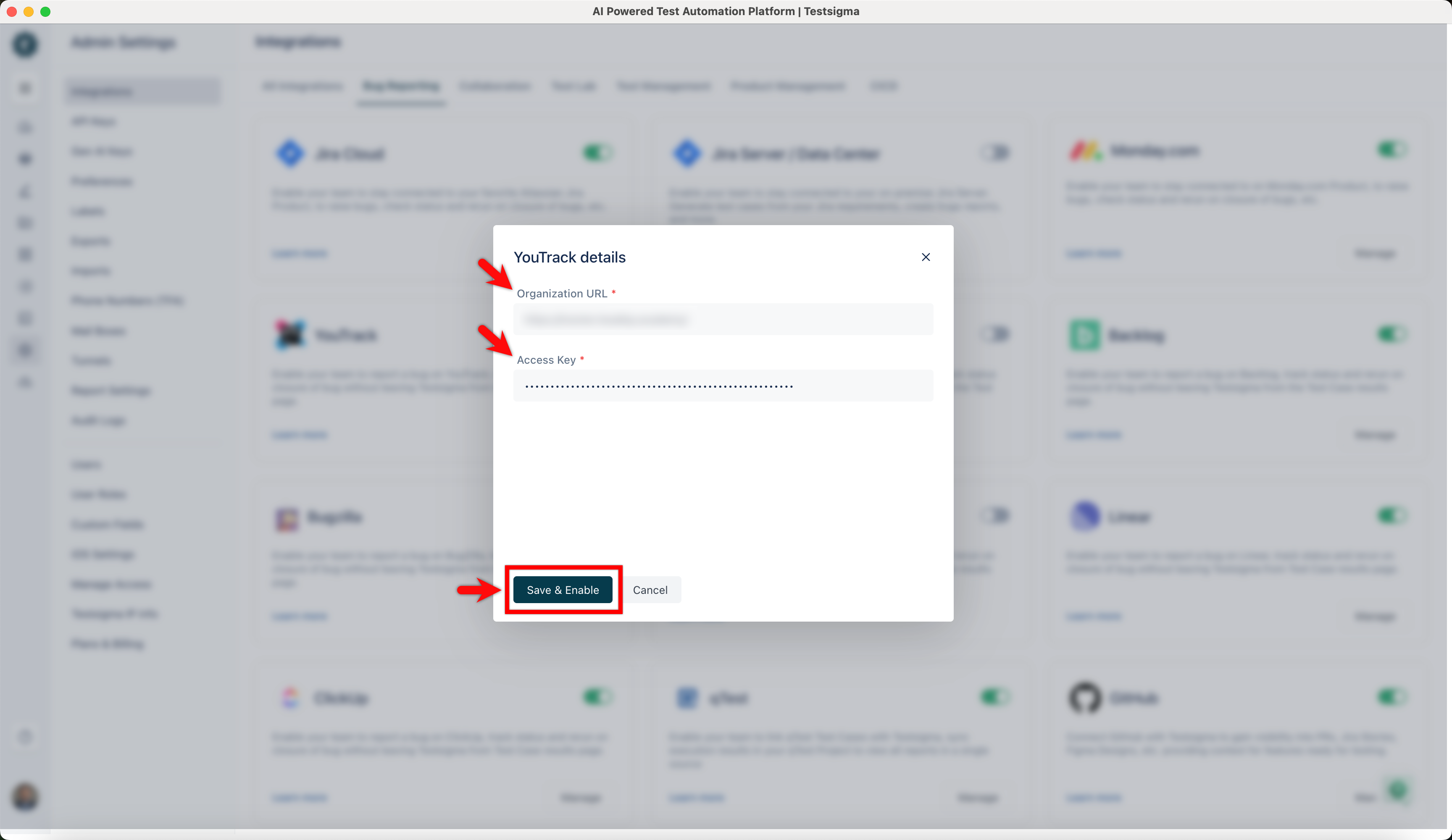
Creating a Bug
Section titled “Creating a Bug”-
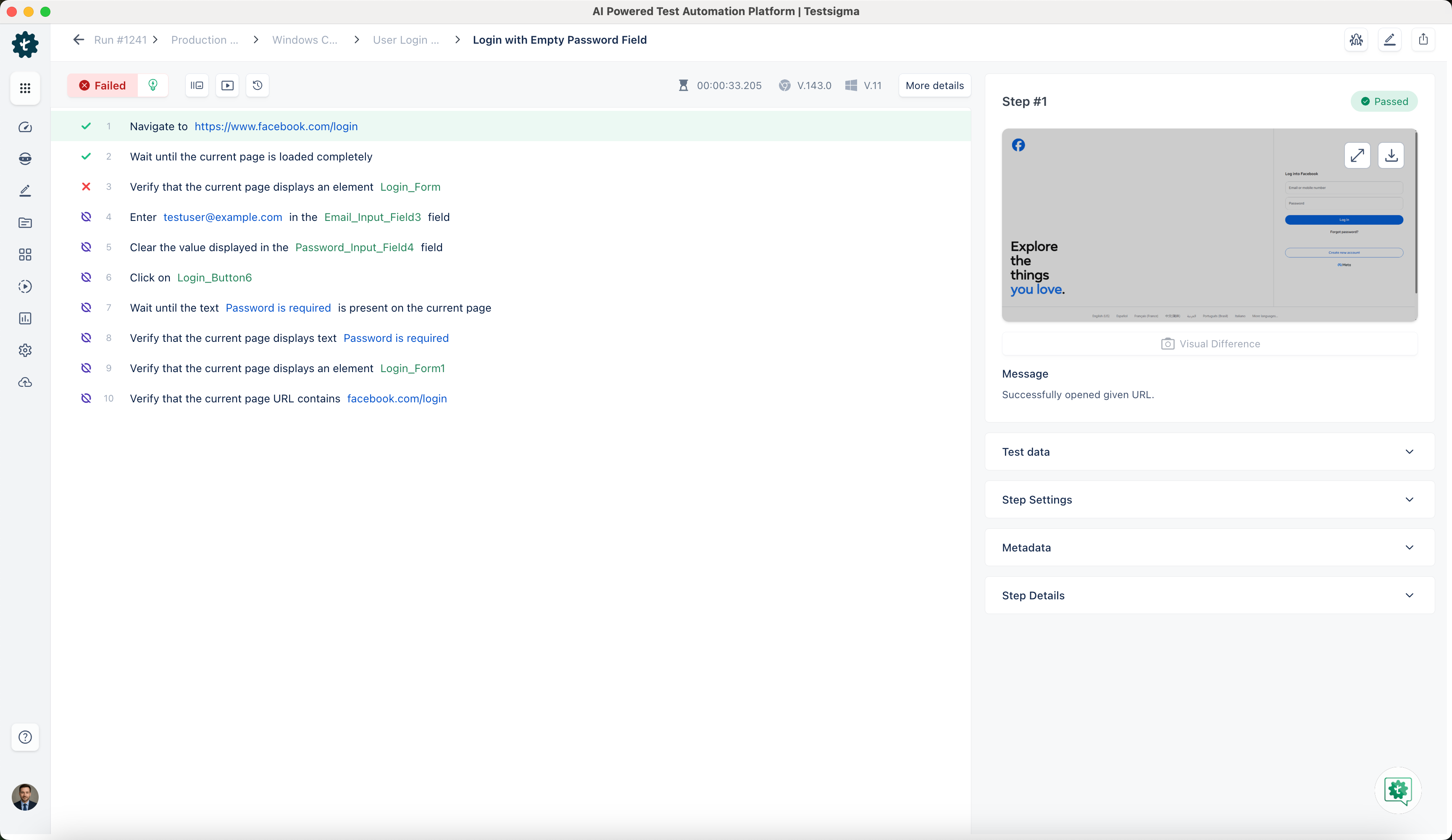
Navigate to Run Results > Test Case Result, where you want to add a bug.
-
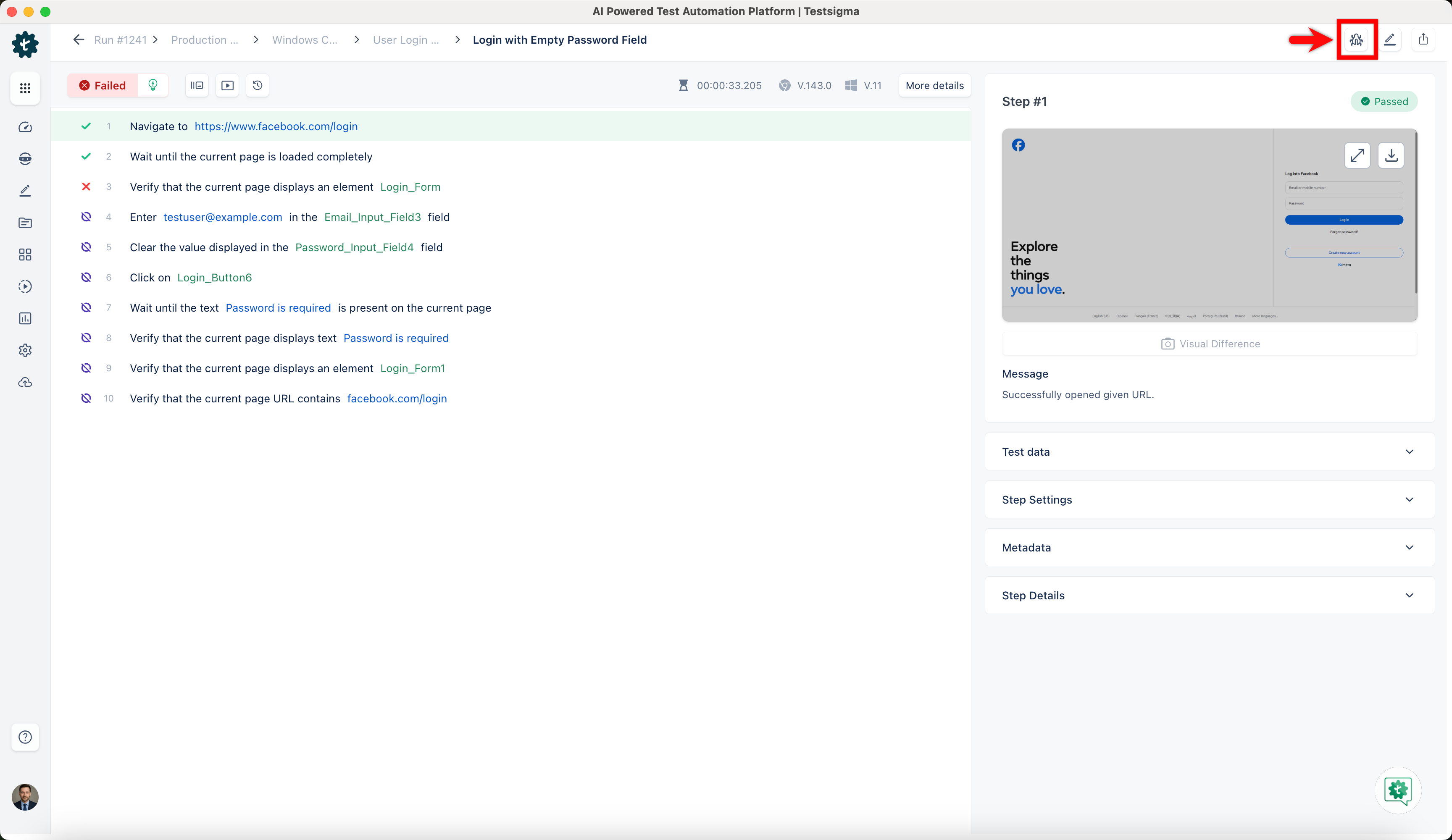
Click on Report Bug.
-
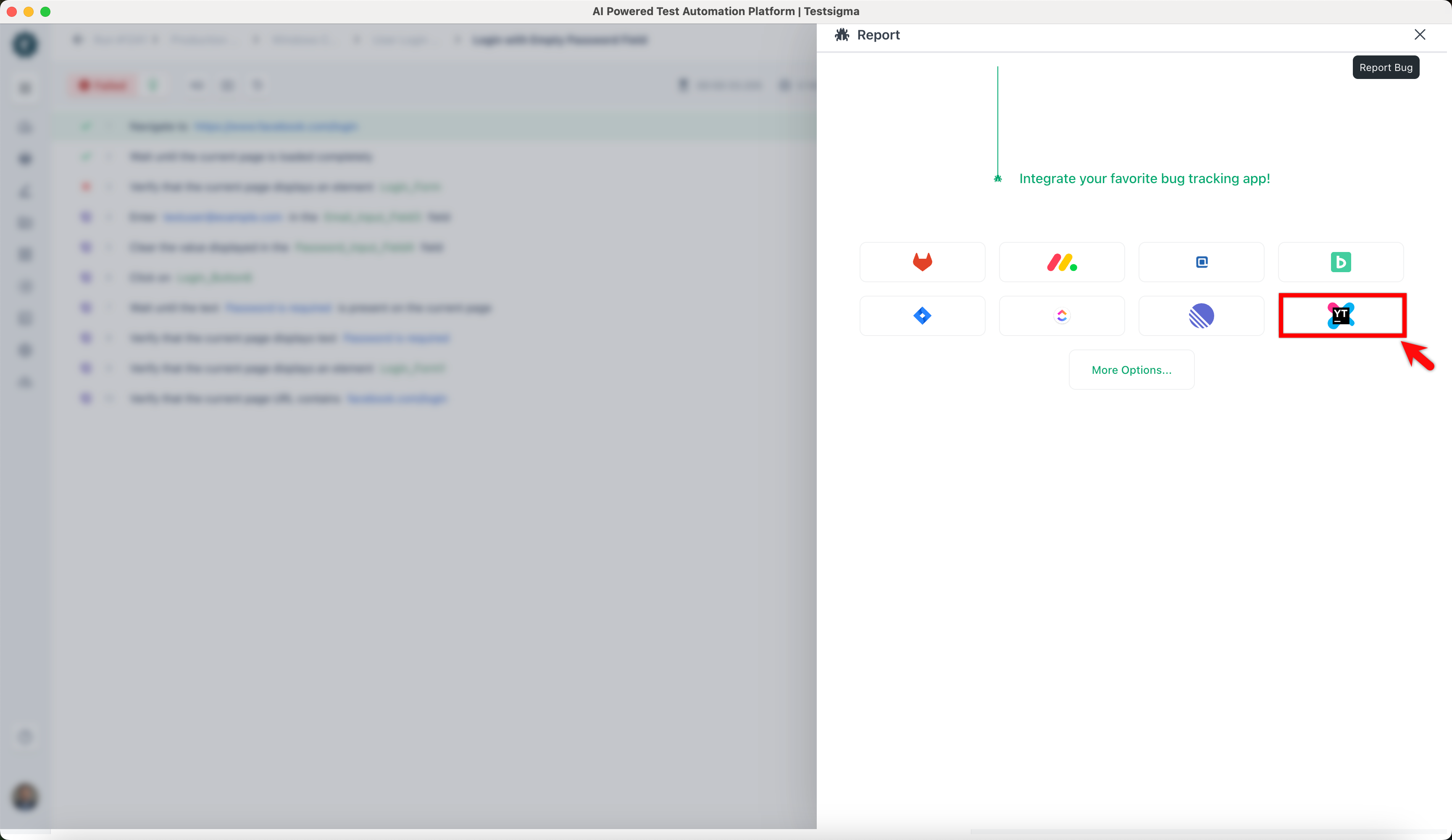
In the Report overlay, click on the Youtrack icon.
-
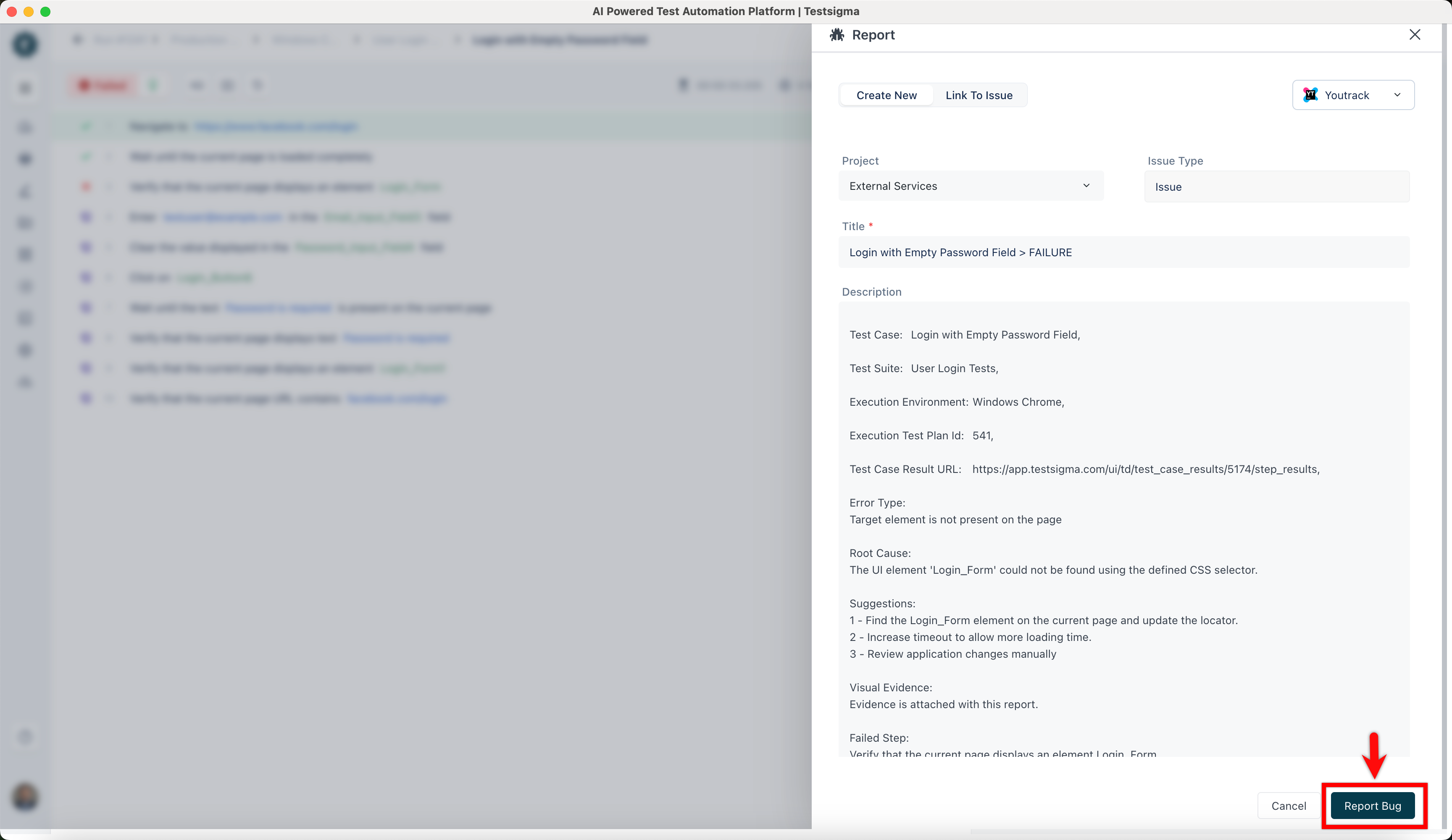
In the Report overlay, review the details and click Report Bug.