CI/CD
Integrate Testsigma with Bitbucket CI
Prerequisites
Before you begin, ensure that you have referred to:
Steps to Integrate Bitbucket with Testsigma
Section titled “Steps to Integrate Bitbucket with Testsigma”-
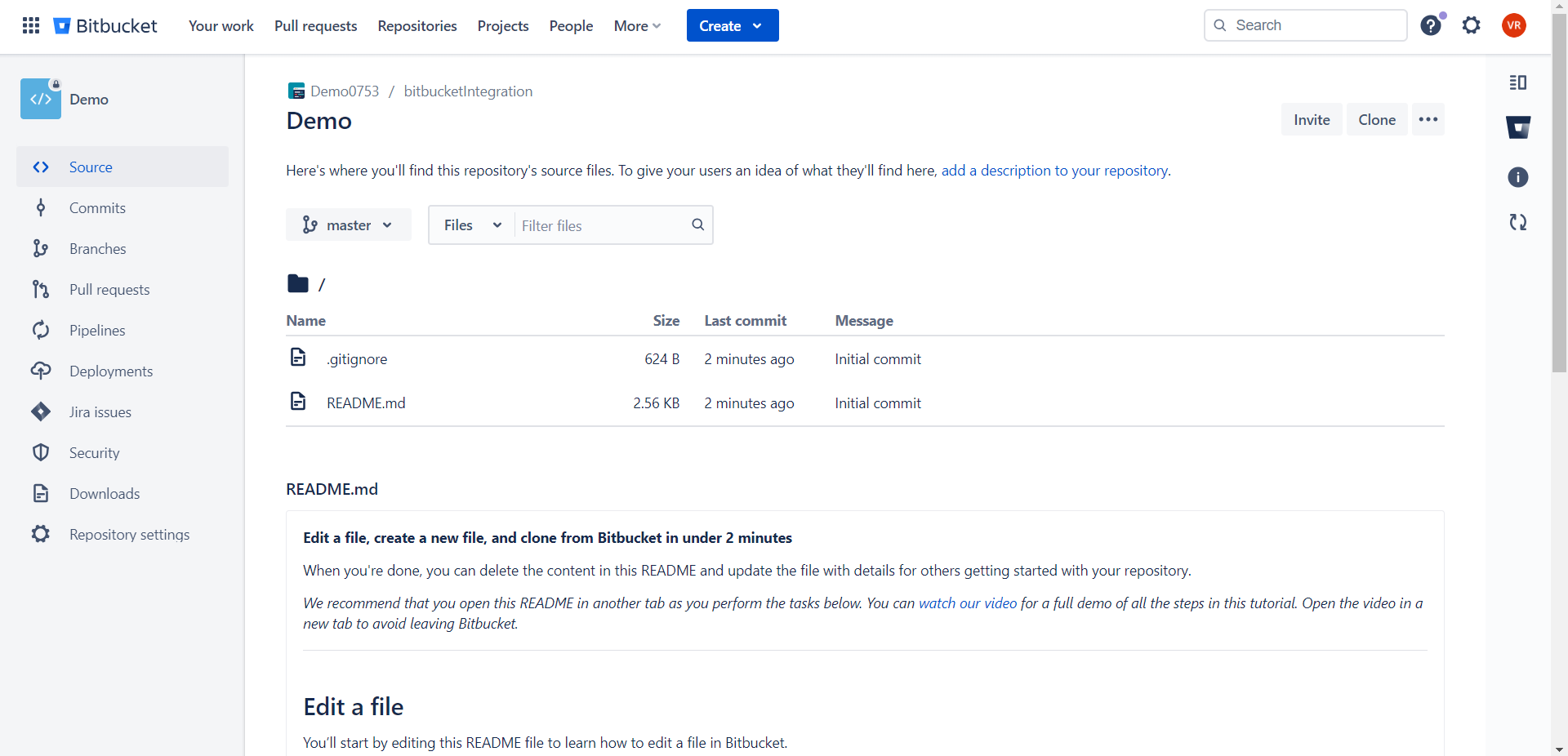
On your project, navigate to Repository > Pipelines.
-
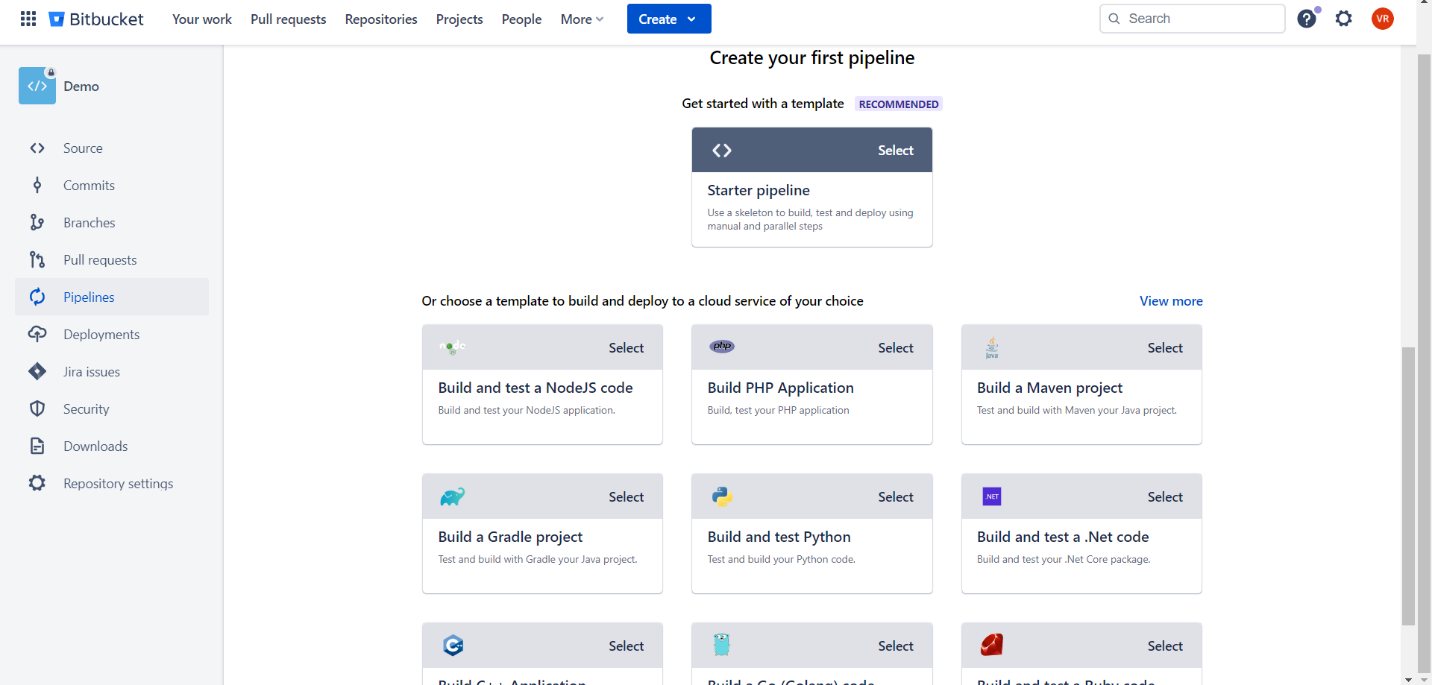
Click on Create your first pipeline and select Starter pipeline.
-
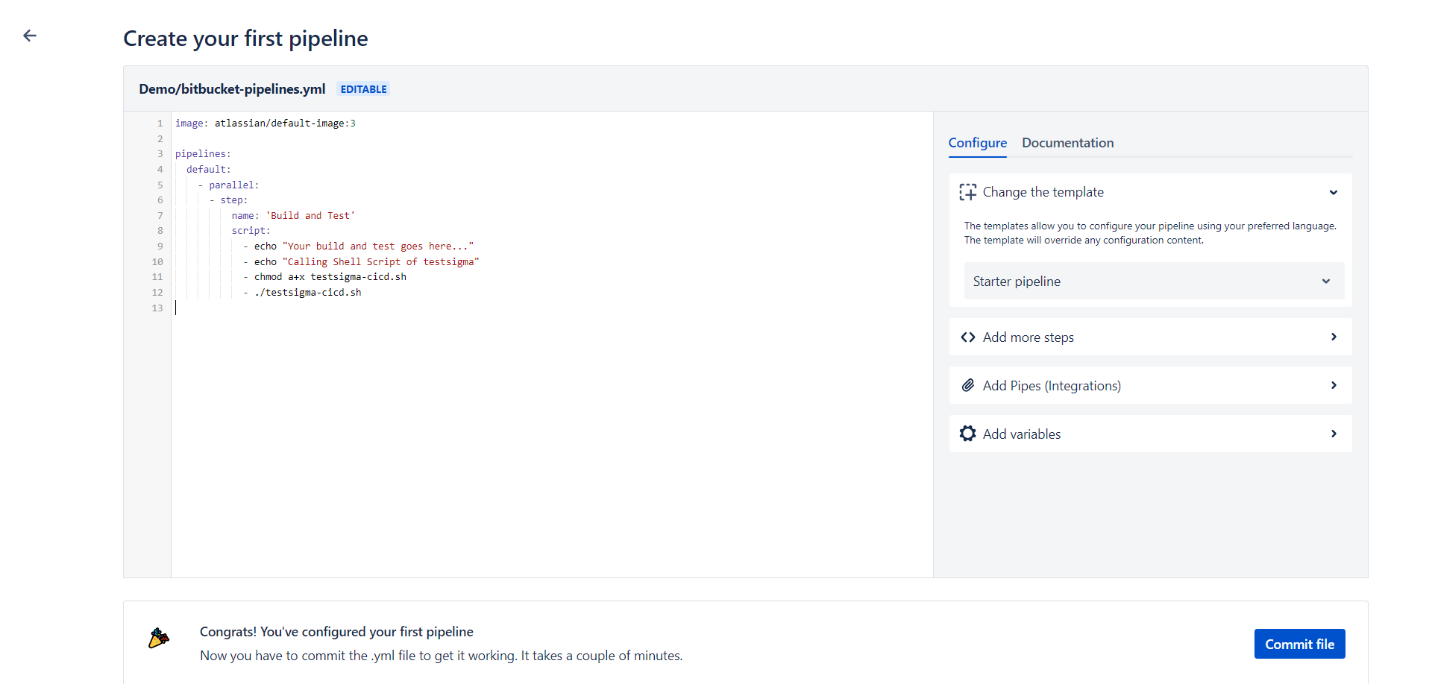
Create a job using the below YML sample.
pipelines: default: - parallel: - step: name: 'Build and Test' script: - echo "Your build and test goes here..." - echo "Calling Shell Script of testsigma" - chmod a+x testsigma-cicd.sh - ./testsigma-cicd.sh-
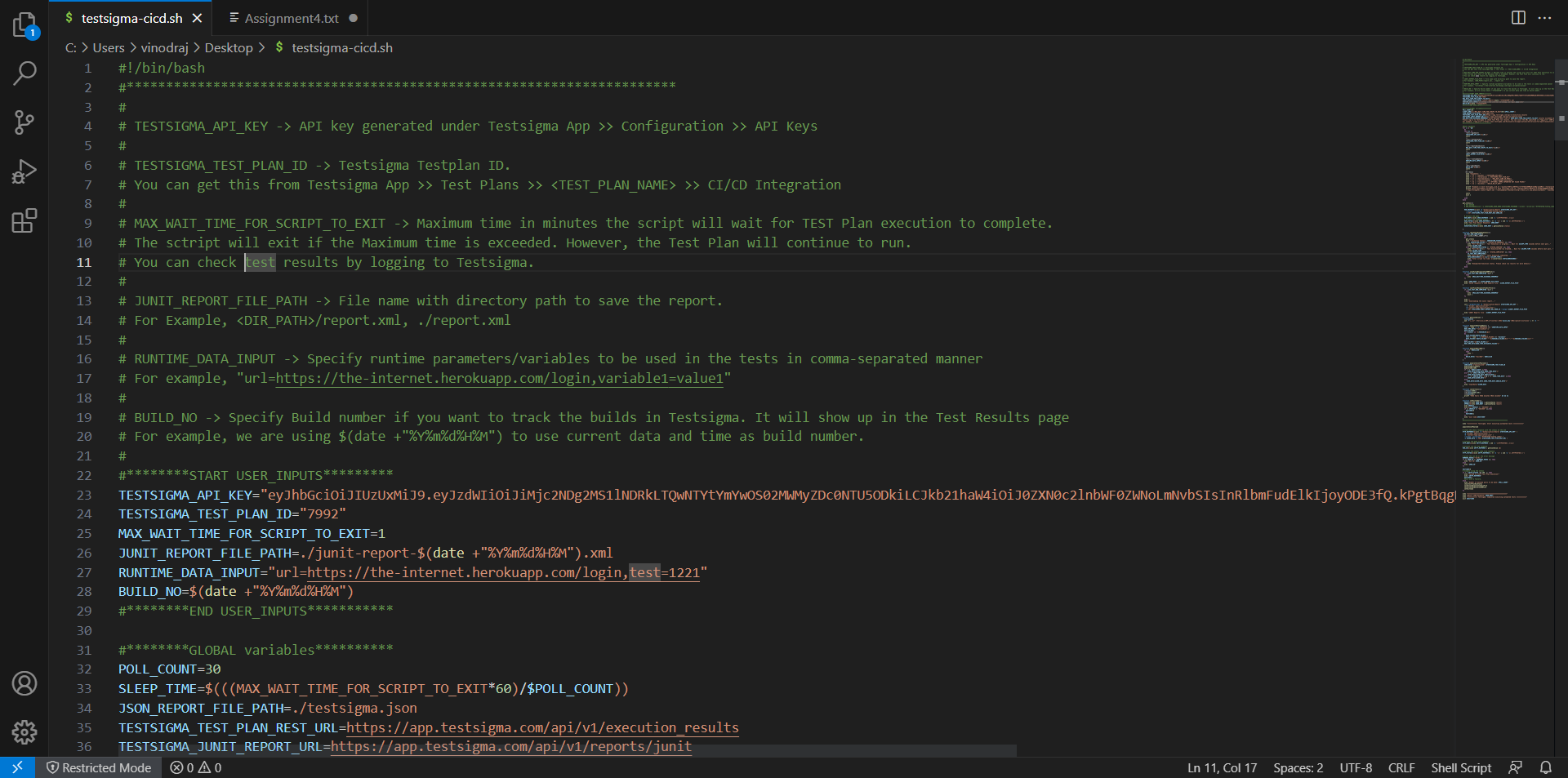
In the shell script, provide the Test Plan ID and API Key.
-
Once you have created the YML script, click on Commit to run the job.
-
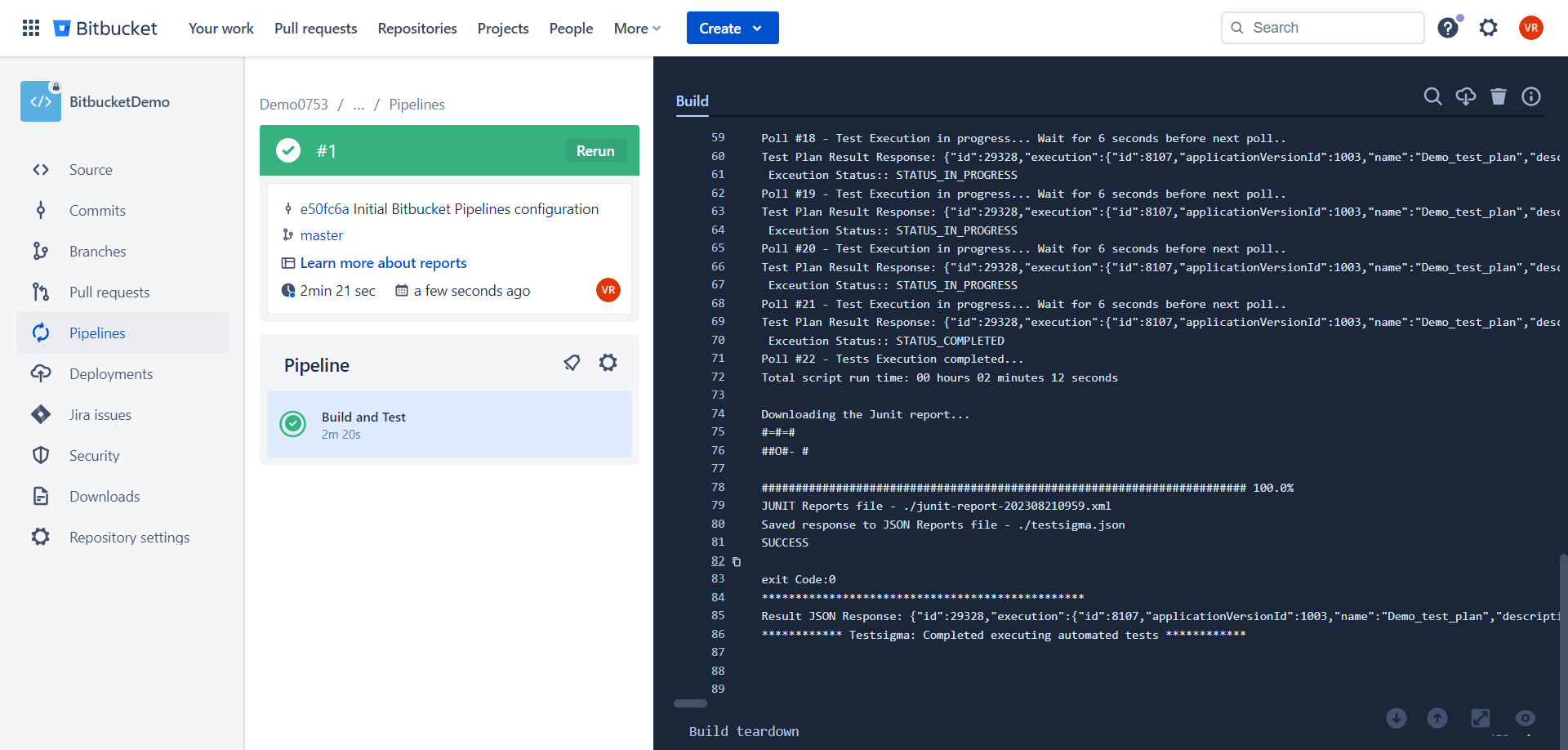
Once the job is completed you can see the execution report as an XML report based on the path you have shared on the shell script.