Salesforce Testing
Test Salesforce Connection Before Authorization
Steps to Test the Salesforce Connection
Section titled “Steps to Test the Salesforce Connection”-
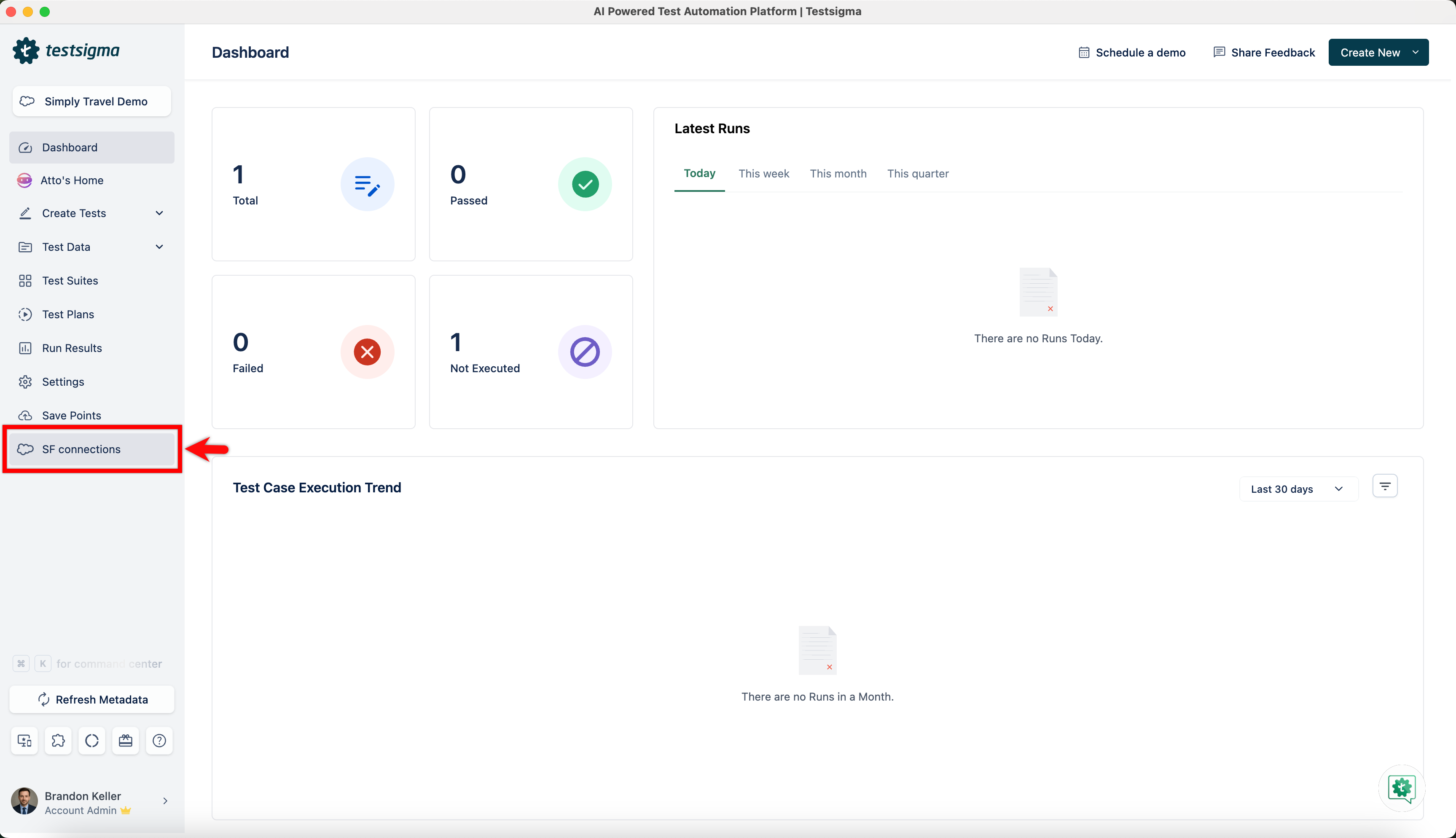
From the left navigation bar, click on SF Connections, or access the Metadata Connection dialog via Settings > SF Metadata.
-
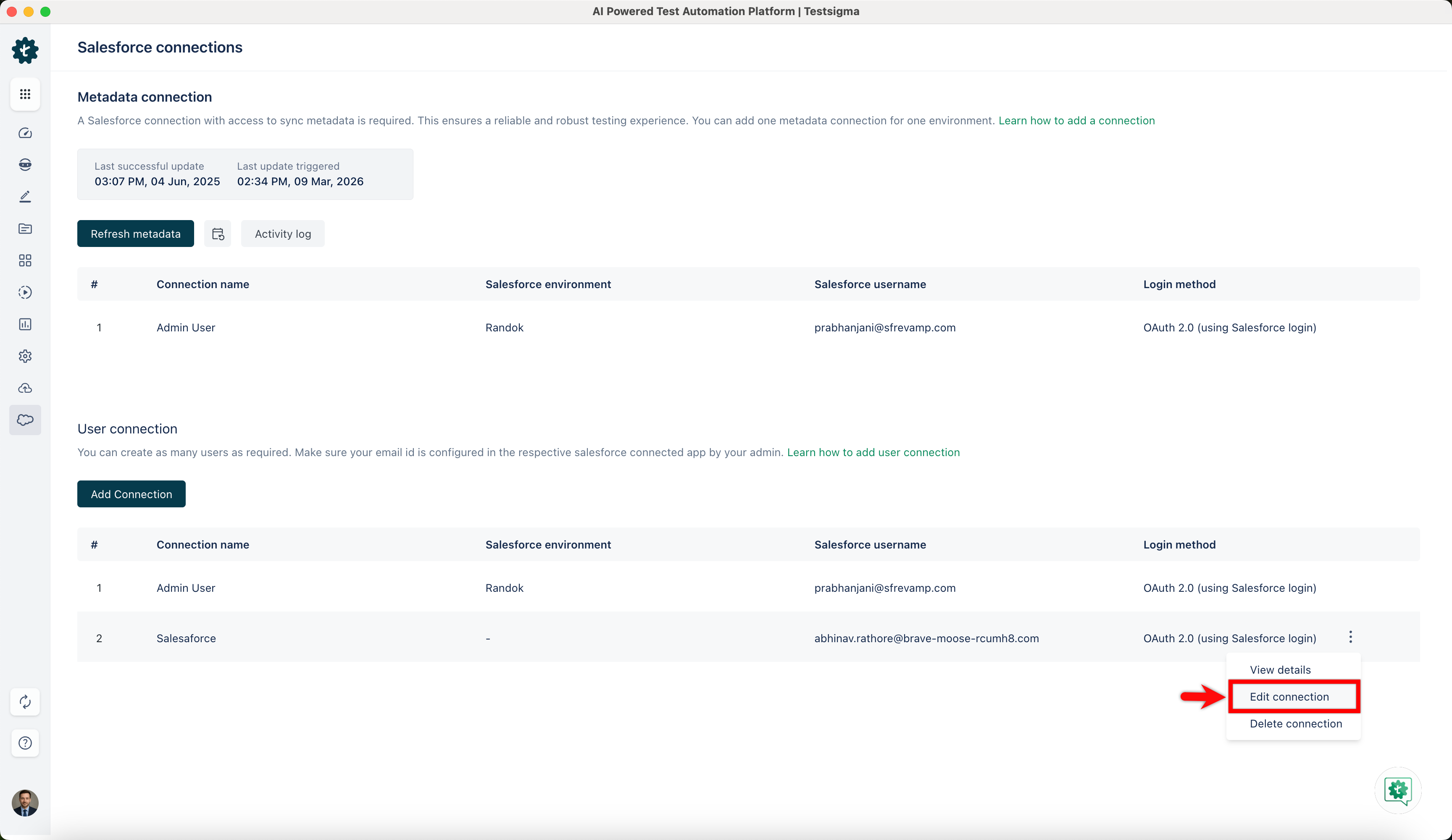
In the Salesforce connections page, under the Metadata connection or User connection section, click the ellipsis icon next to the desired connection and click Edit Connection.
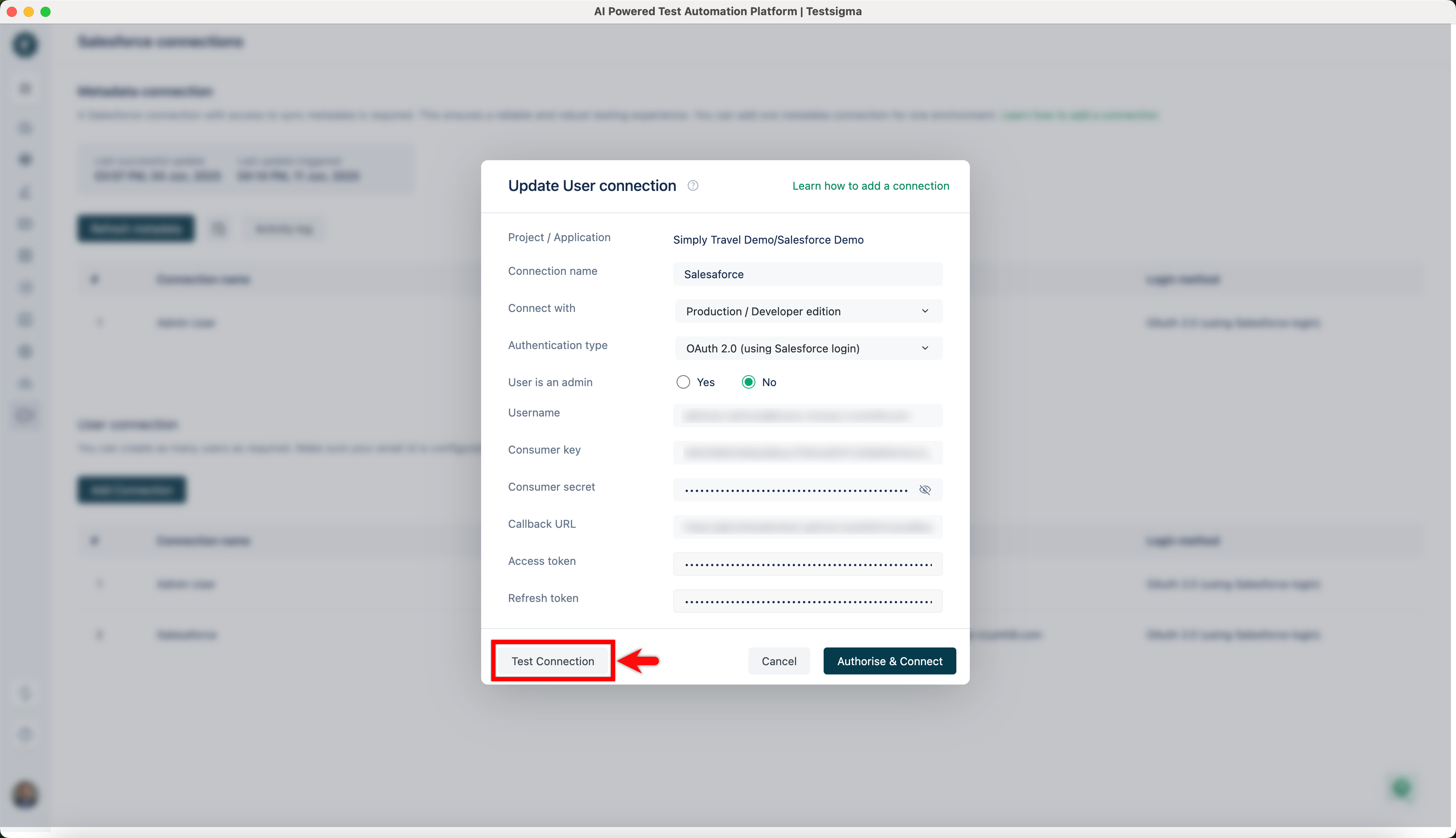
- In the User/Metadata Connection dialog, click Test Connection.
-
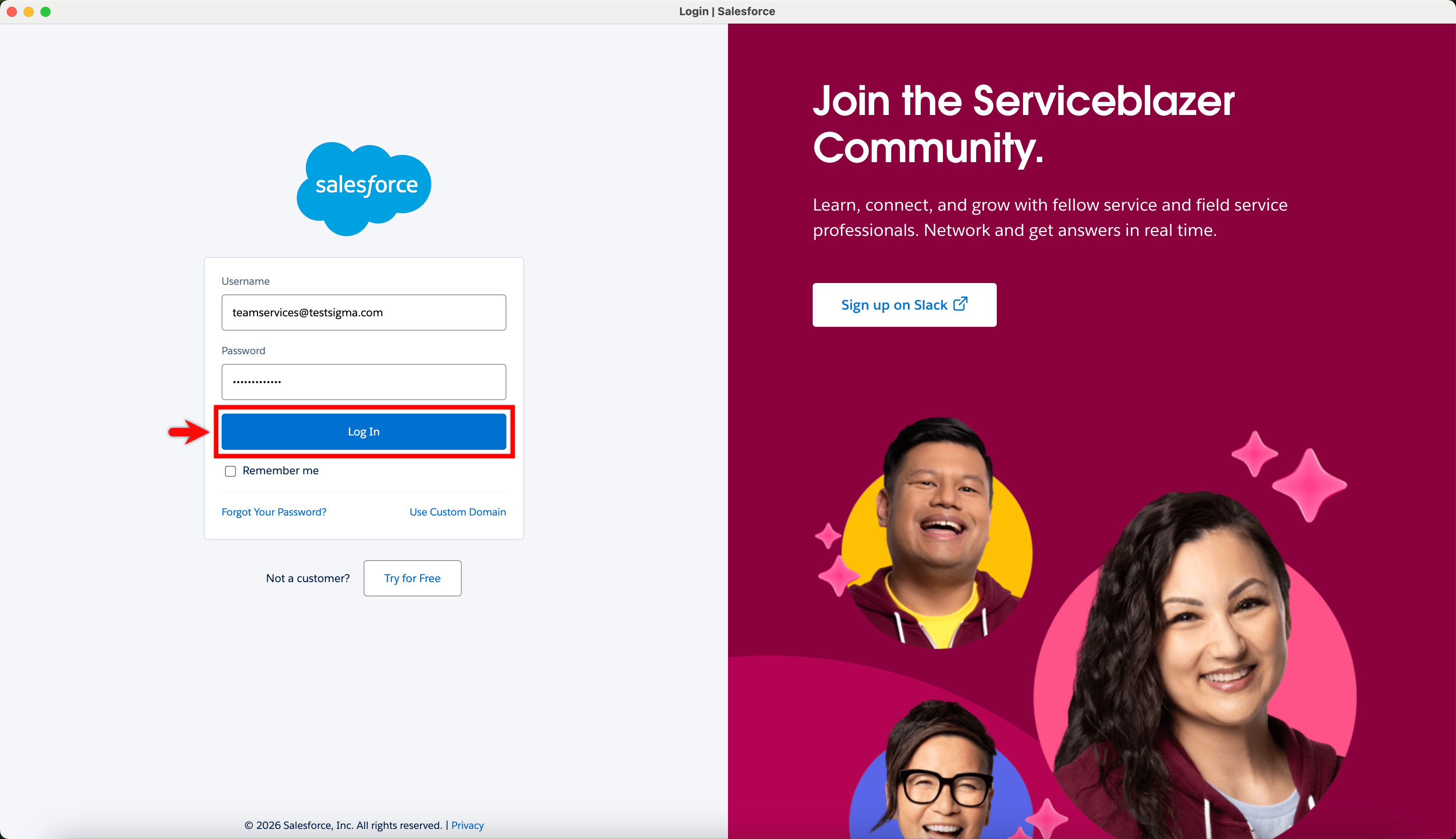
On the Salesforce login page, enter your username and password, then click Log In.
-
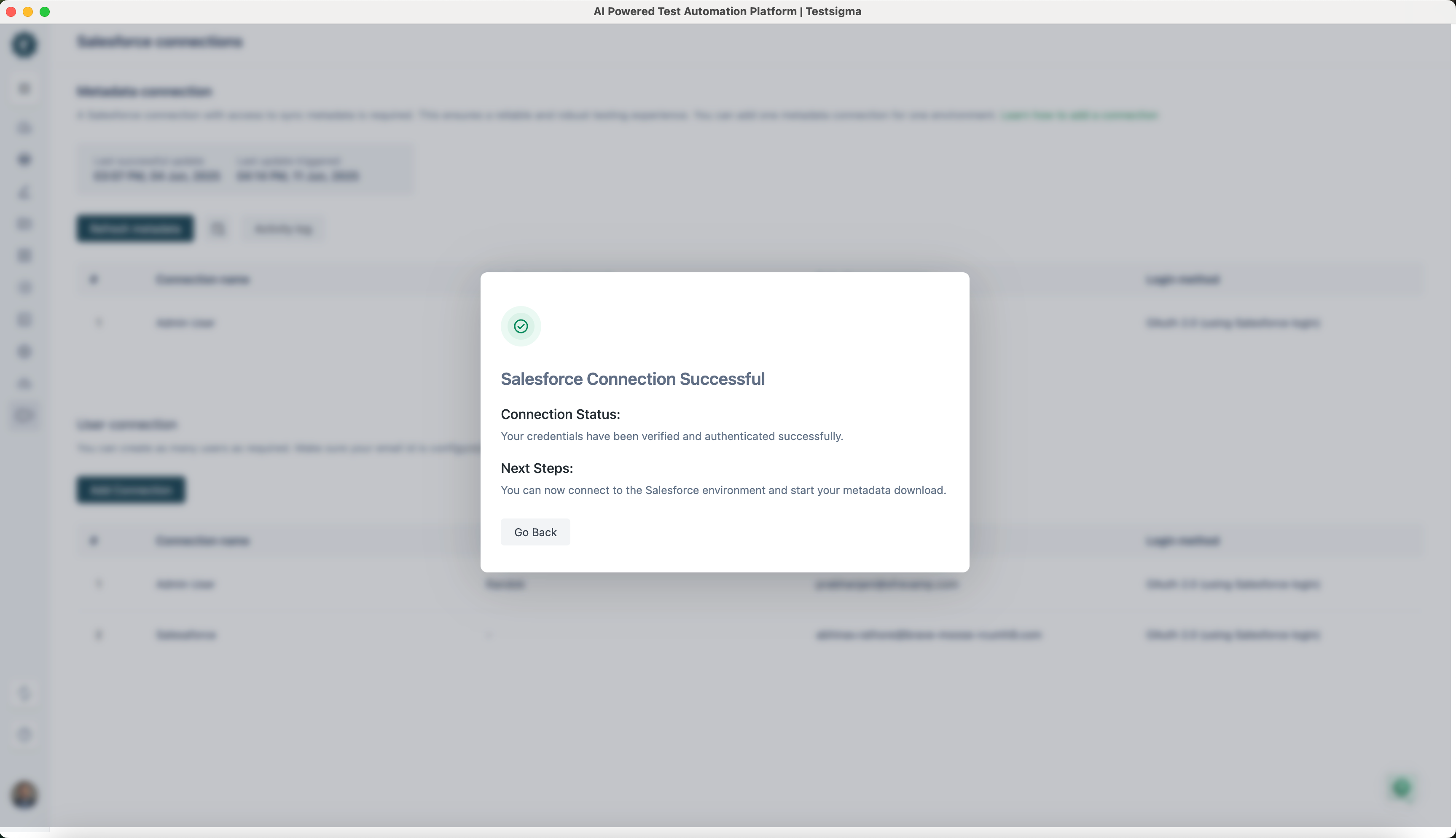
Once your credentials are verified, you will get the Salesforce Connection Successful dialog.