Test Cases
Test Cases for Mobile Web Applications
Prerequisites
Before you begin, ensure that you have referred to:
- Documentation on creating projects.
- Documentation on creating applications.
- Documentation on Testsigma chrome extension installation.
- Also, you have a mobile web app to test.
Steps to Generate Test Cases Using Atto
Section titled “Steps to Generate Test Cases Using Atto”Please refer to the documentation on generating test cases using Atto for Mobile Web applications.
Steps to Create Test Cases Using Recorder
Section titled “Steps to Create Test Cases Using Recorder”-
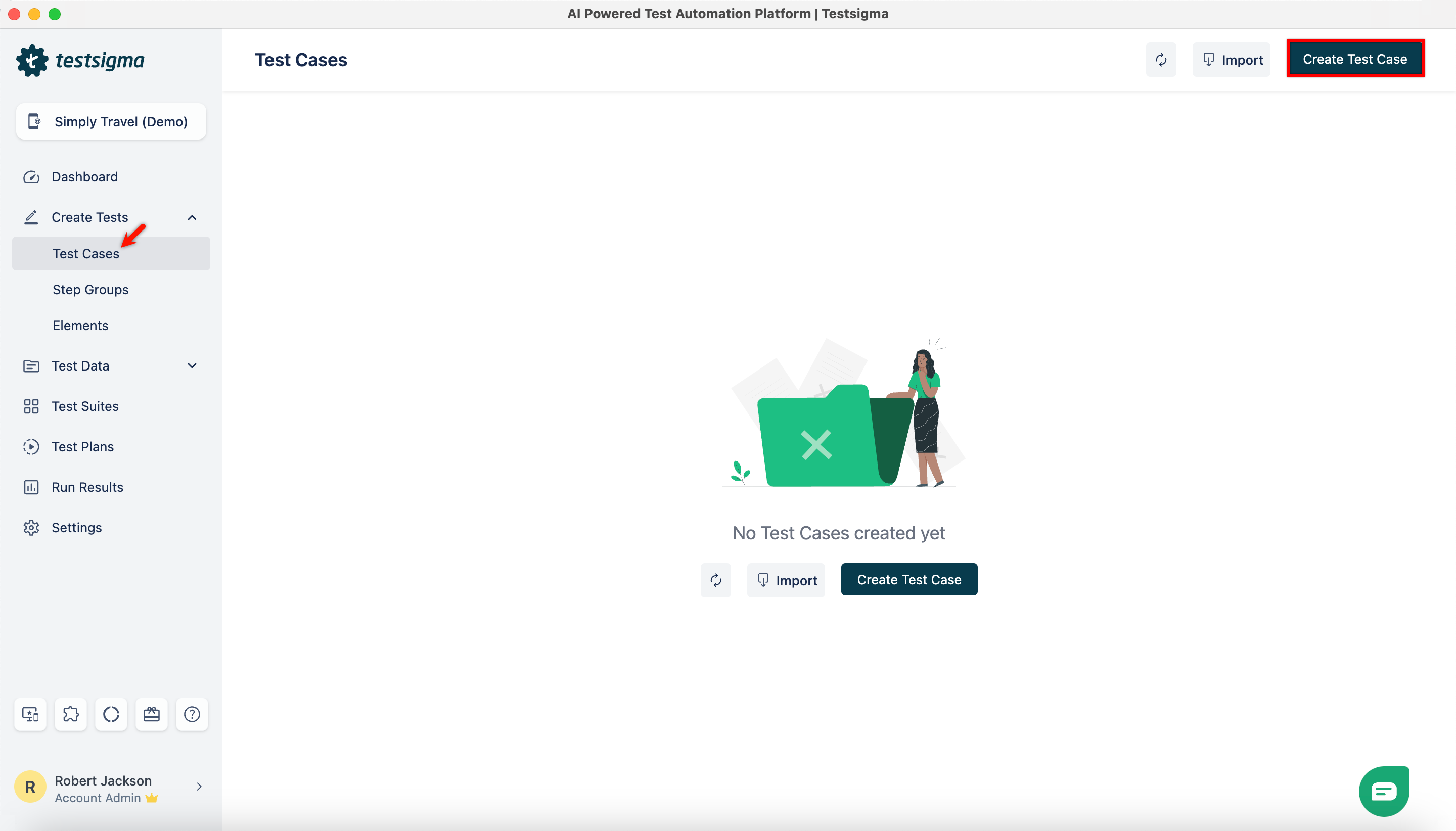
From the left navigation bar, go to Create Tests > Test Cases, and click Create Test Case.
-
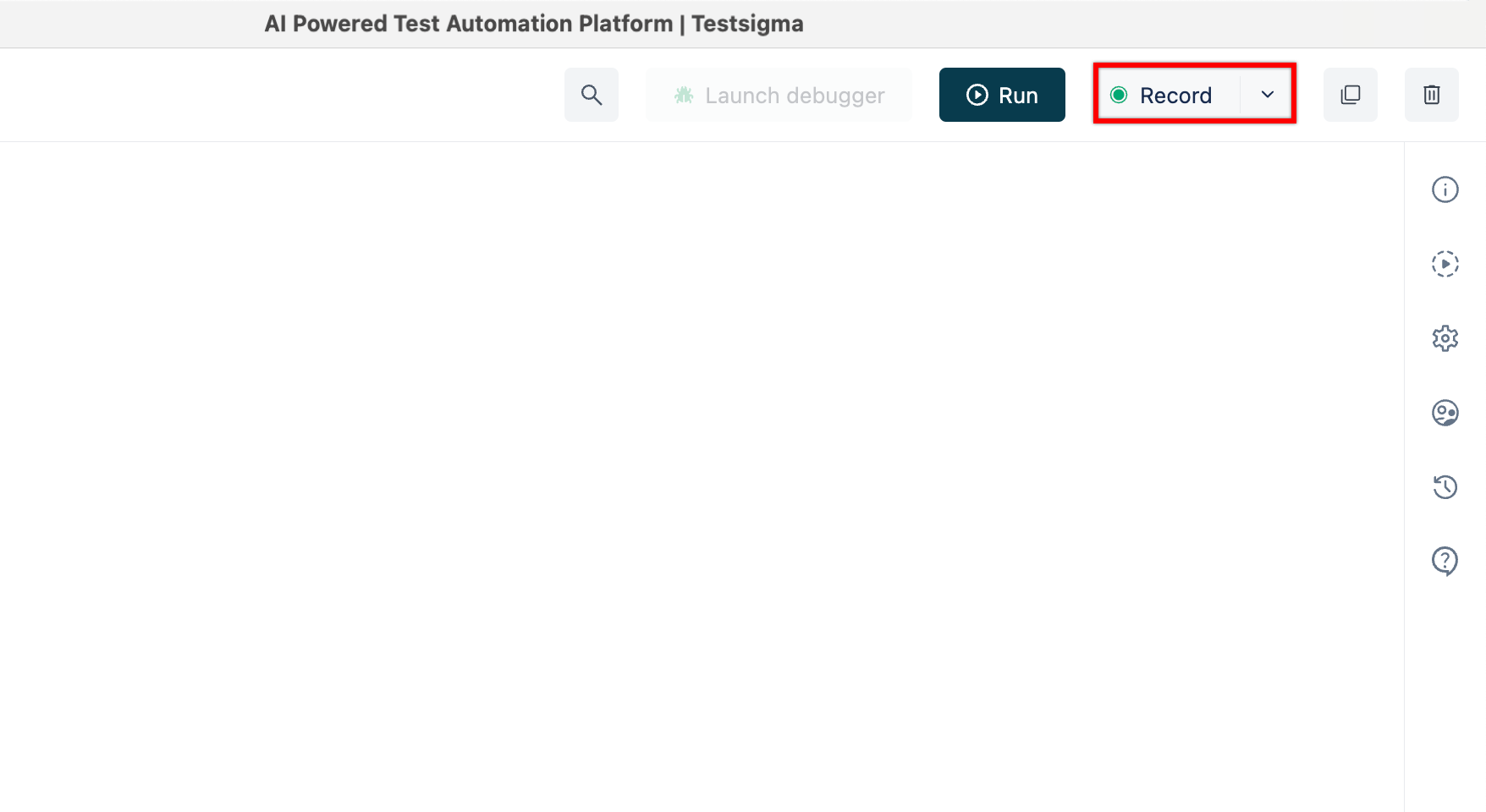
On the Test Case Details page, click on Record at the top right corner.
-
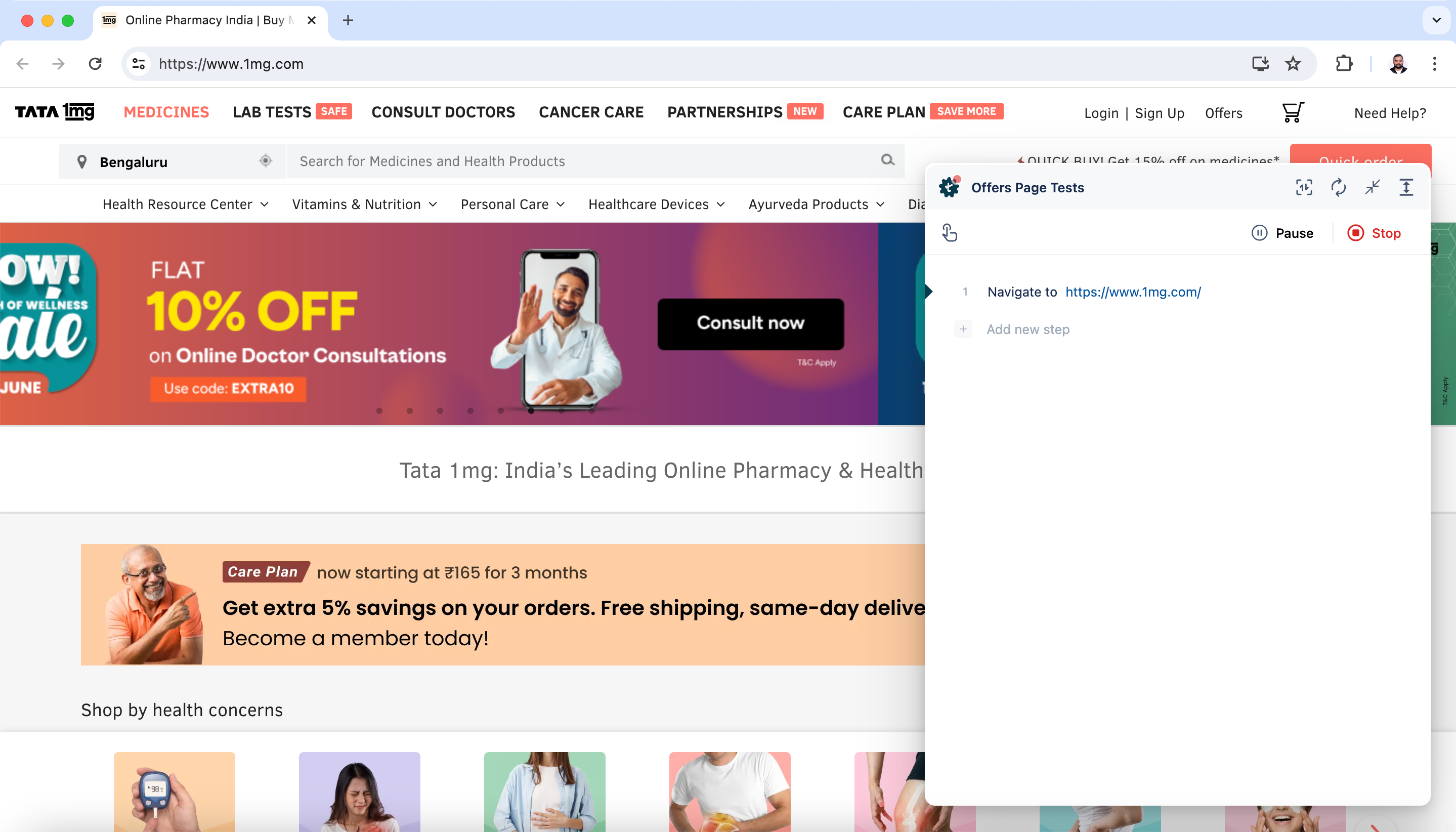
This will open a new window. Enter the URL from which you want to capture the test cases. The Testsigma Recorder will appear and be ready to start recording. In this case, we are recording a test case for the 1mg website.
-
Press F12 to open Chrome Developer Tools and dock the tools to the right side of the window for a better experience.
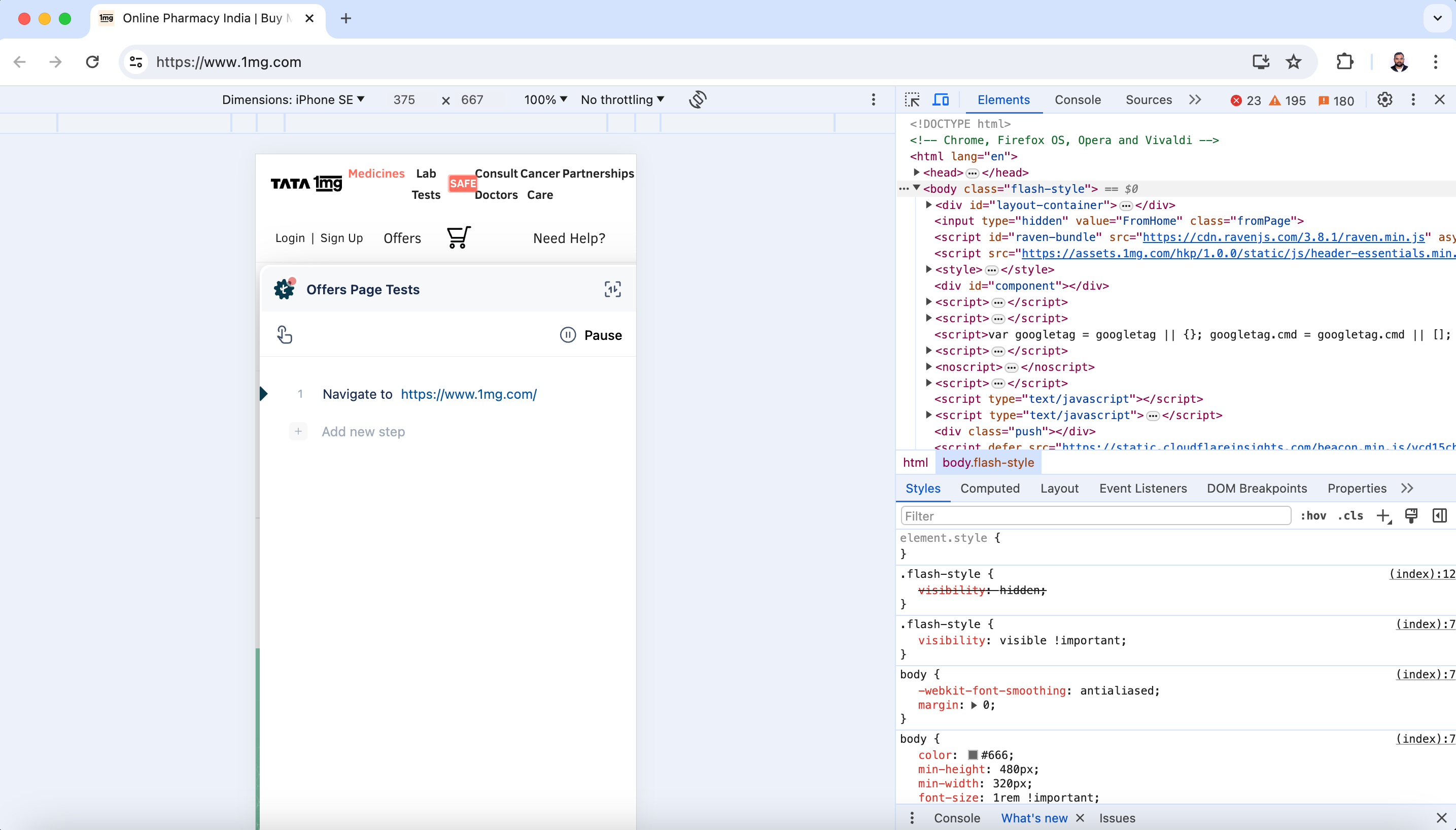
-
Click on >> and select Testsigma Recorder from the dropdown menu.
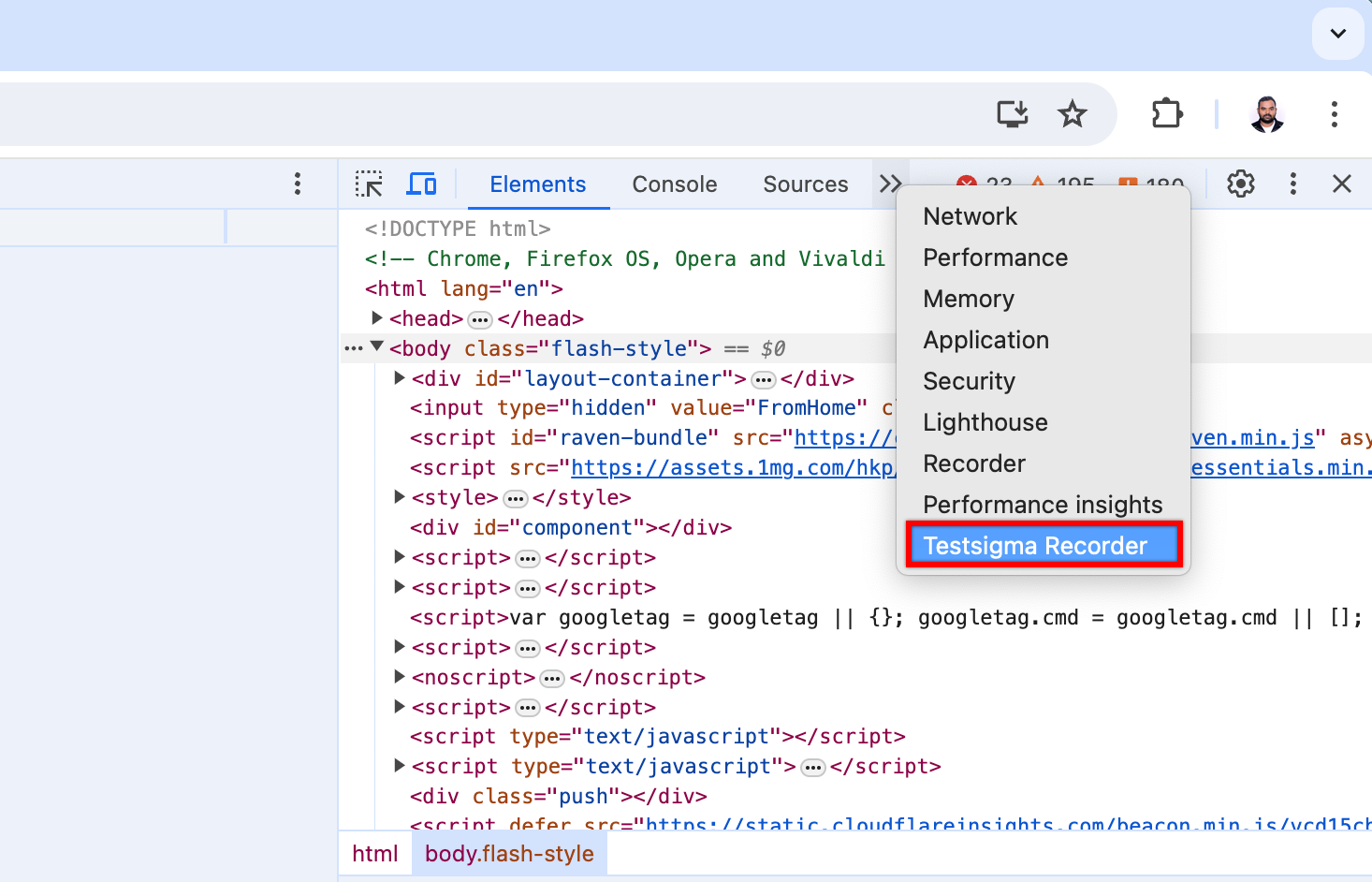
-
This will open Testsigma Recorder on the Developer Tools screen.
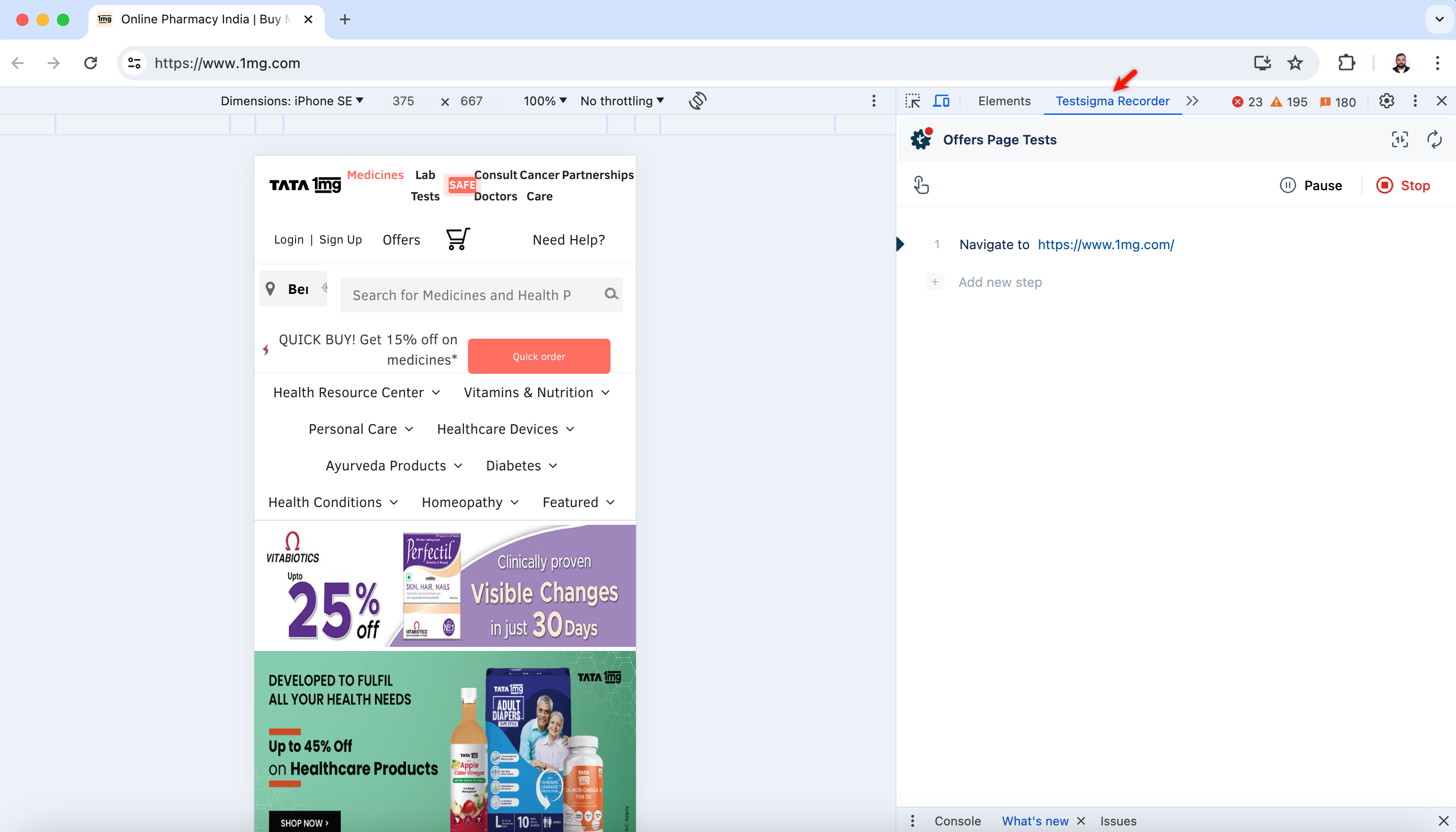
- Once you have selected the dimension, record test steps by performing actions on the website.
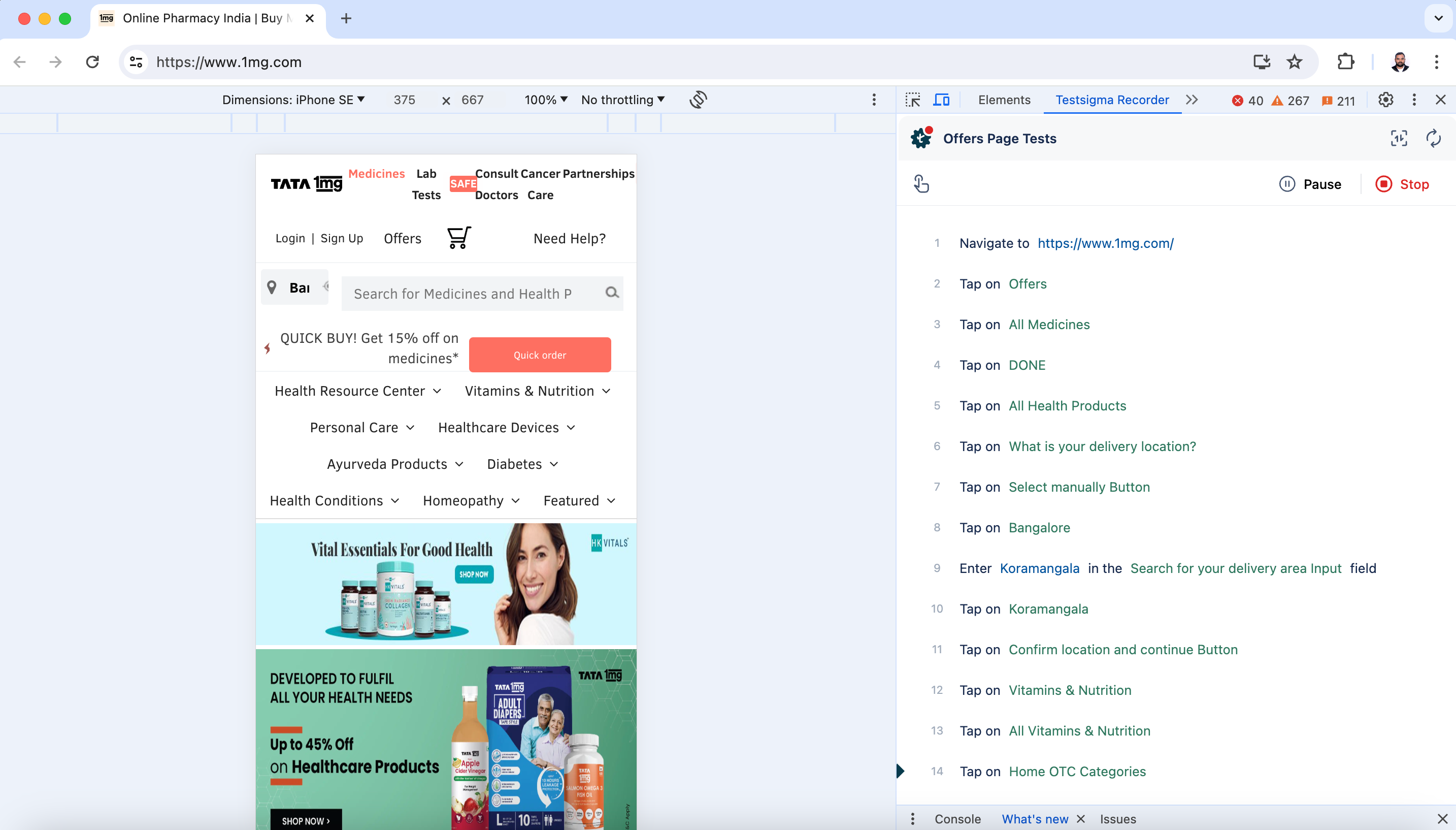
Steps to Create Test Cases Using NLPs
Section titled “Steps to Create Test Cases Using NLPs”-
From the left navigation bar, go to Create Tests > Test Cases and create a test case.
-
In the Test Case Details page, enter the URL in which you want to perform the actions and capture the test steps, and click Create Step.
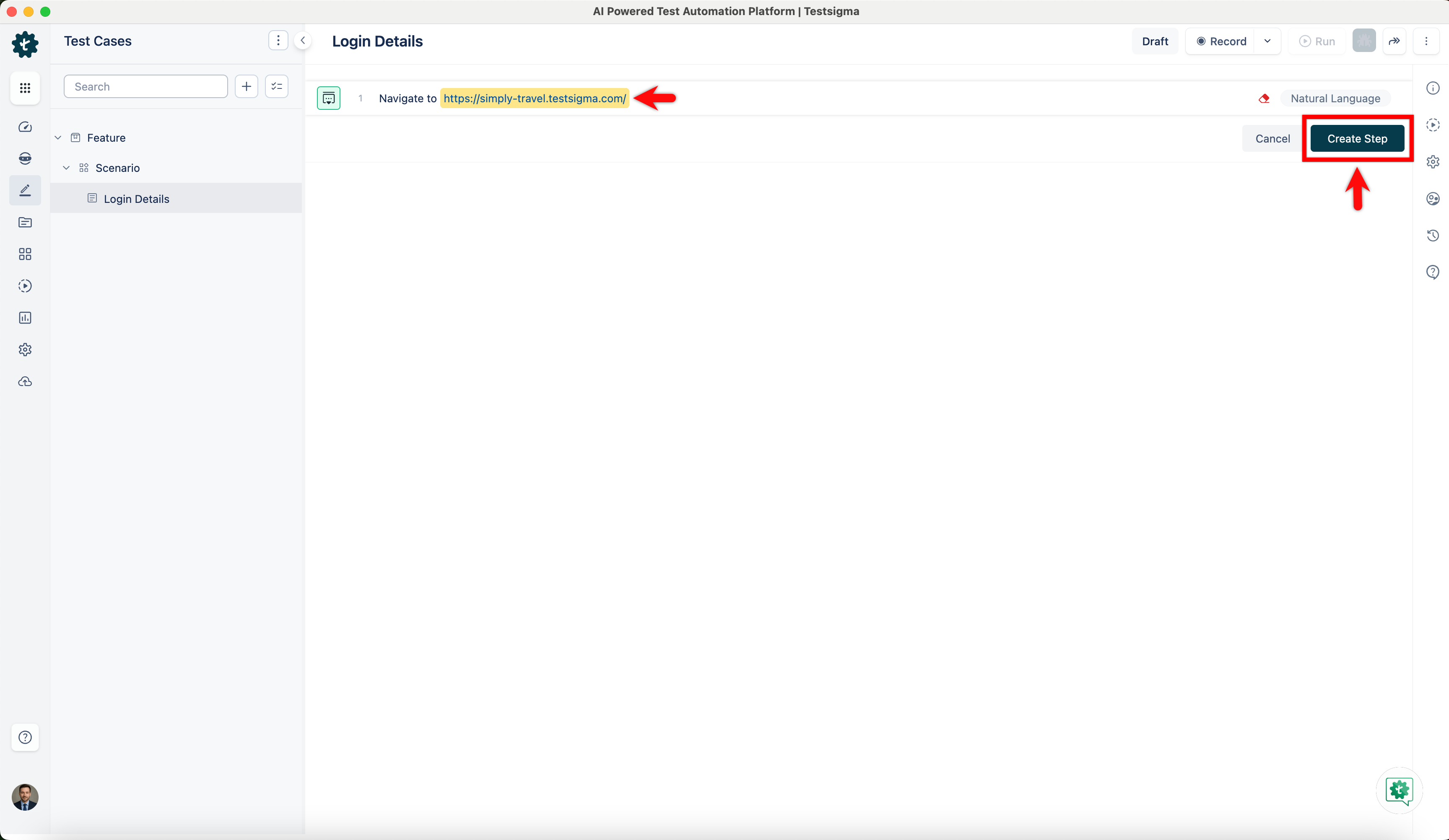
-
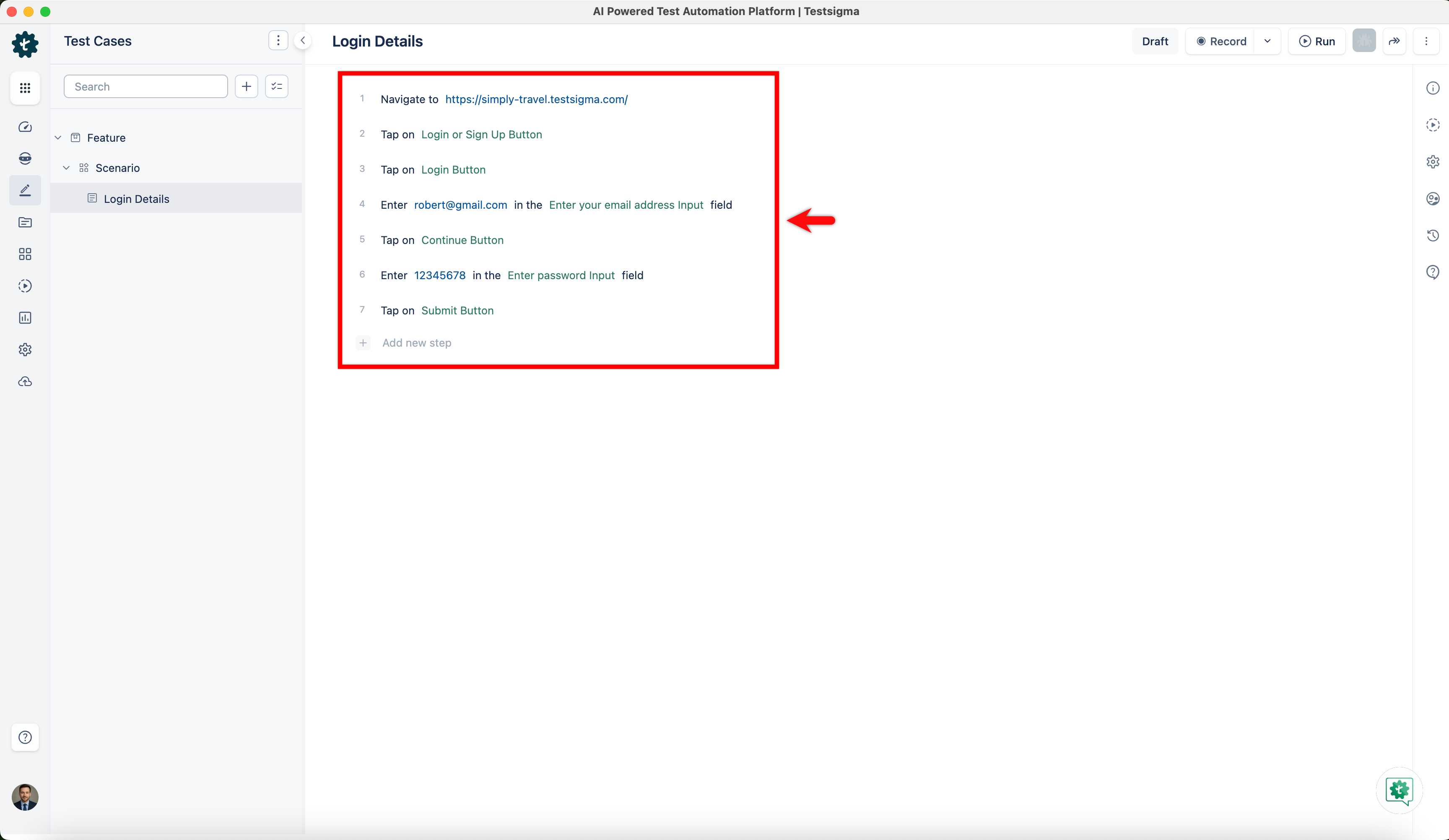
For example, here are the test steps to log in to the Simply Travel website:
- Navigate to https://simply-travel.testsigma.com/
- Tap on Login / Sign Up Button
- Tap on Login Button
- Enter robert@gmail.com in the Email Address Input field
- Tap on Continue Button
- Enter •••••••• in the Password Input field
- Tap on Submit Button