Integrations
Azure DevOps Integration
Prerequisites
Before you begin, ensure that you have:
- Azure DevOps Organization URL: Azure DevOps URL will be the domain name.
- Personal Access Token: In your Azure Application, you can find the Personal Access Token under Security > Personal Access Tokens.
Steps to Integrate Azure DevOps with Testsigma
Section titled “Steps to Integrate Azure DevOps with Testsigma”-
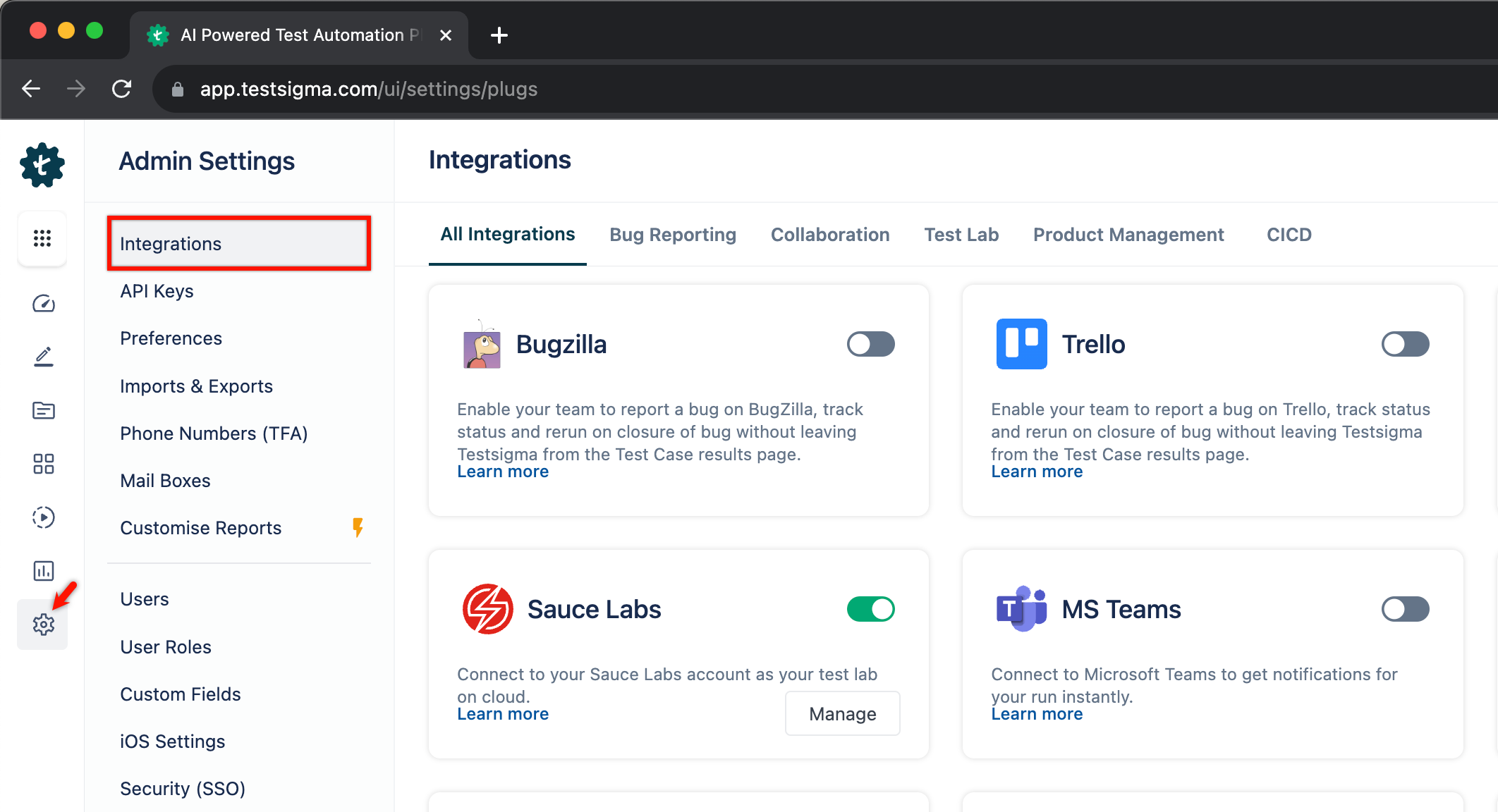
Navigate to Settings > Integrations.
-
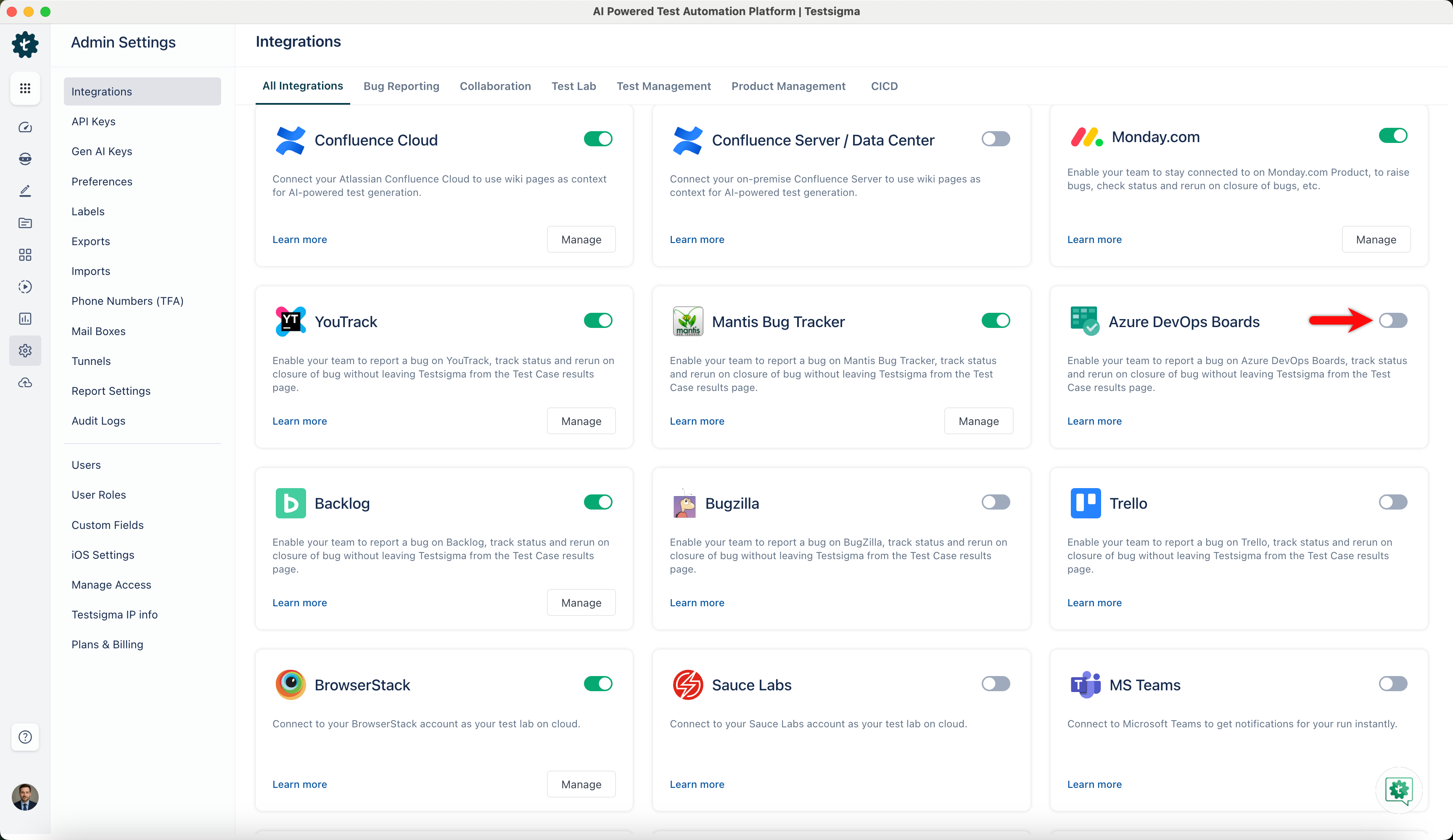
Enable the toggle on the Azure DevOps Boards widget.
-
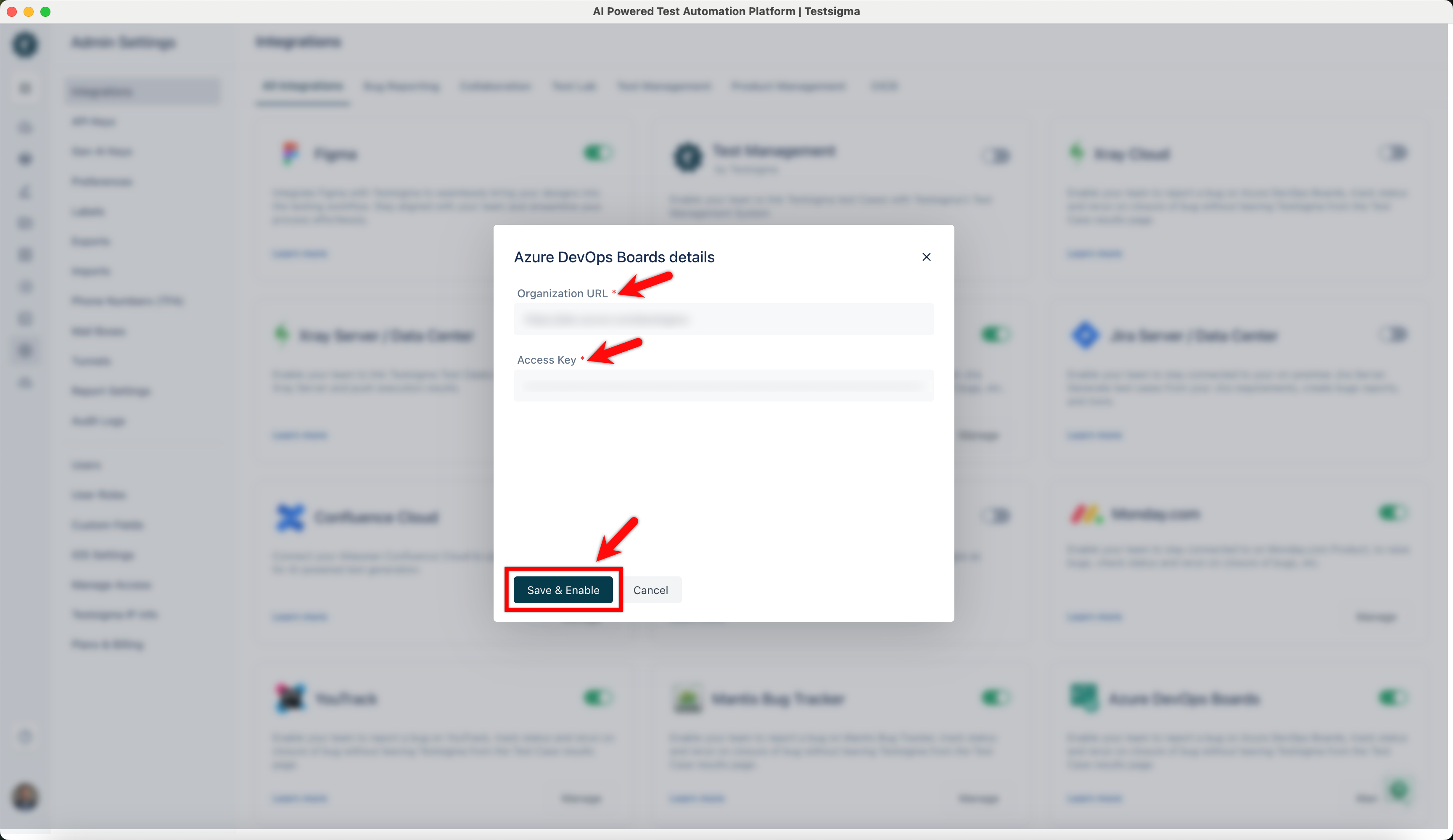
On Azure DevOps Boards details prompt, enter Organization URL, Access Key, and click on Save & Enable.
Creating Work Item on Azure from Testsigma
Section titled “Creating Work Item on Azure from Testsigma”-
Navigate to Run Results > Test Case Result, where you want to add a bug.
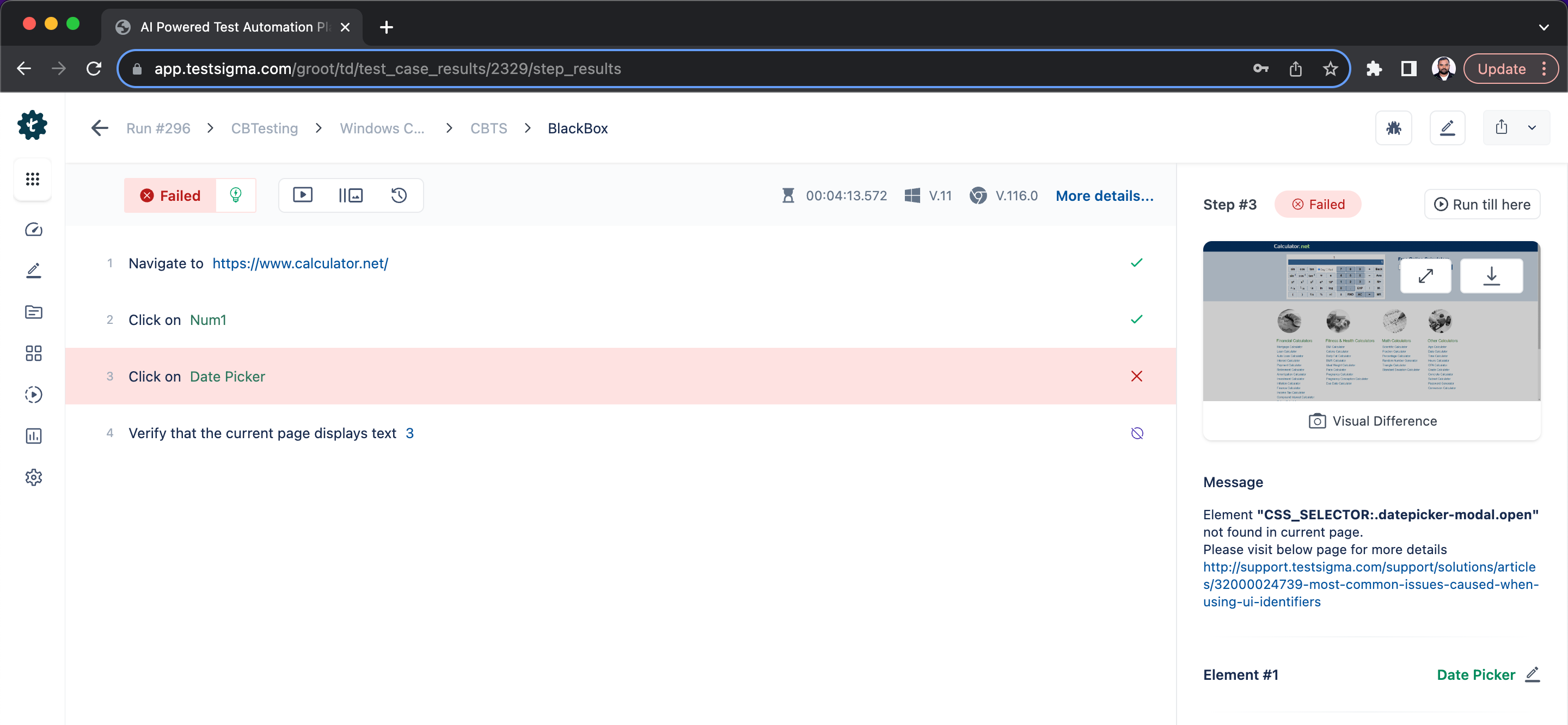
-
Click on Report Bug.
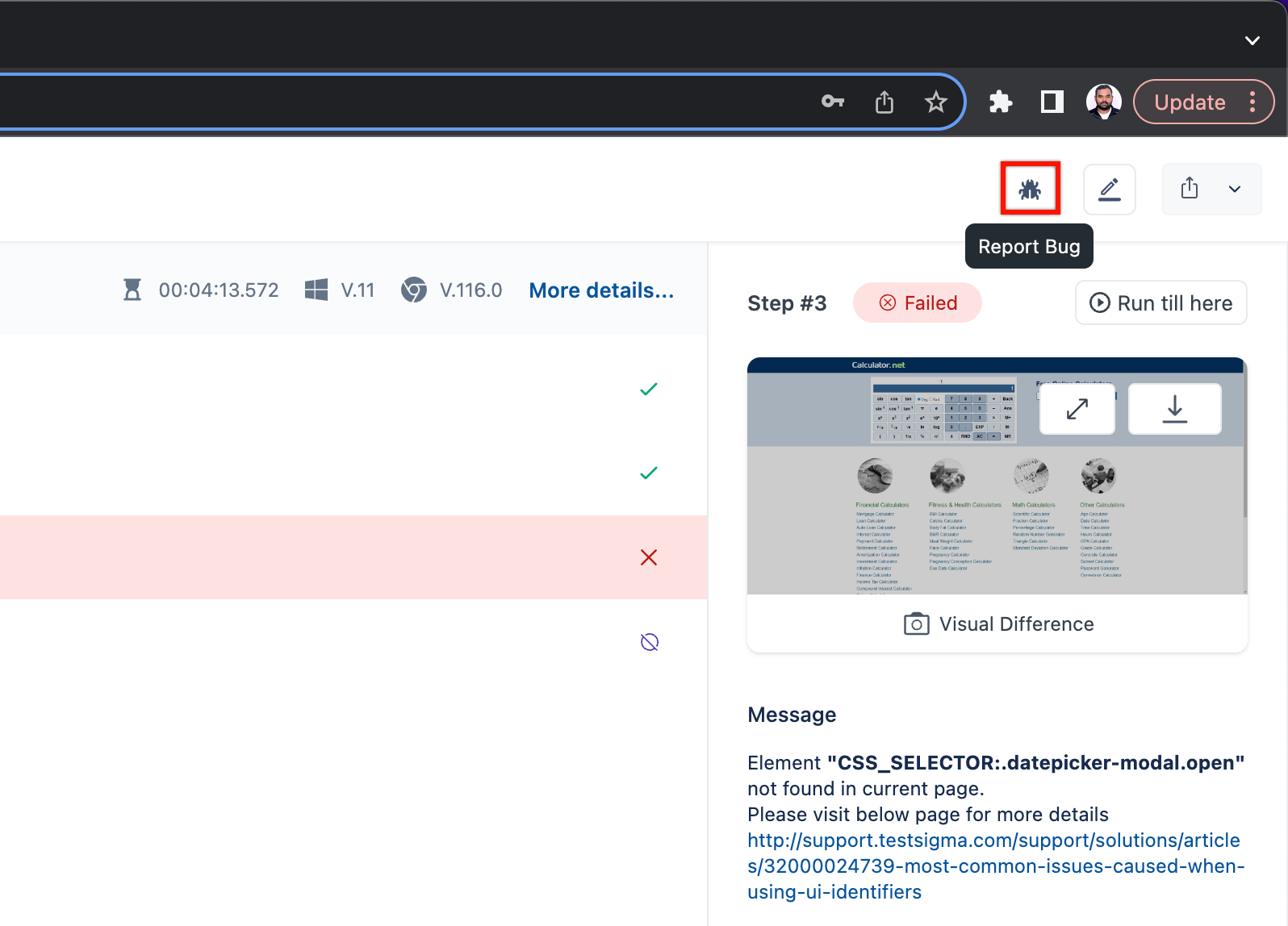
-
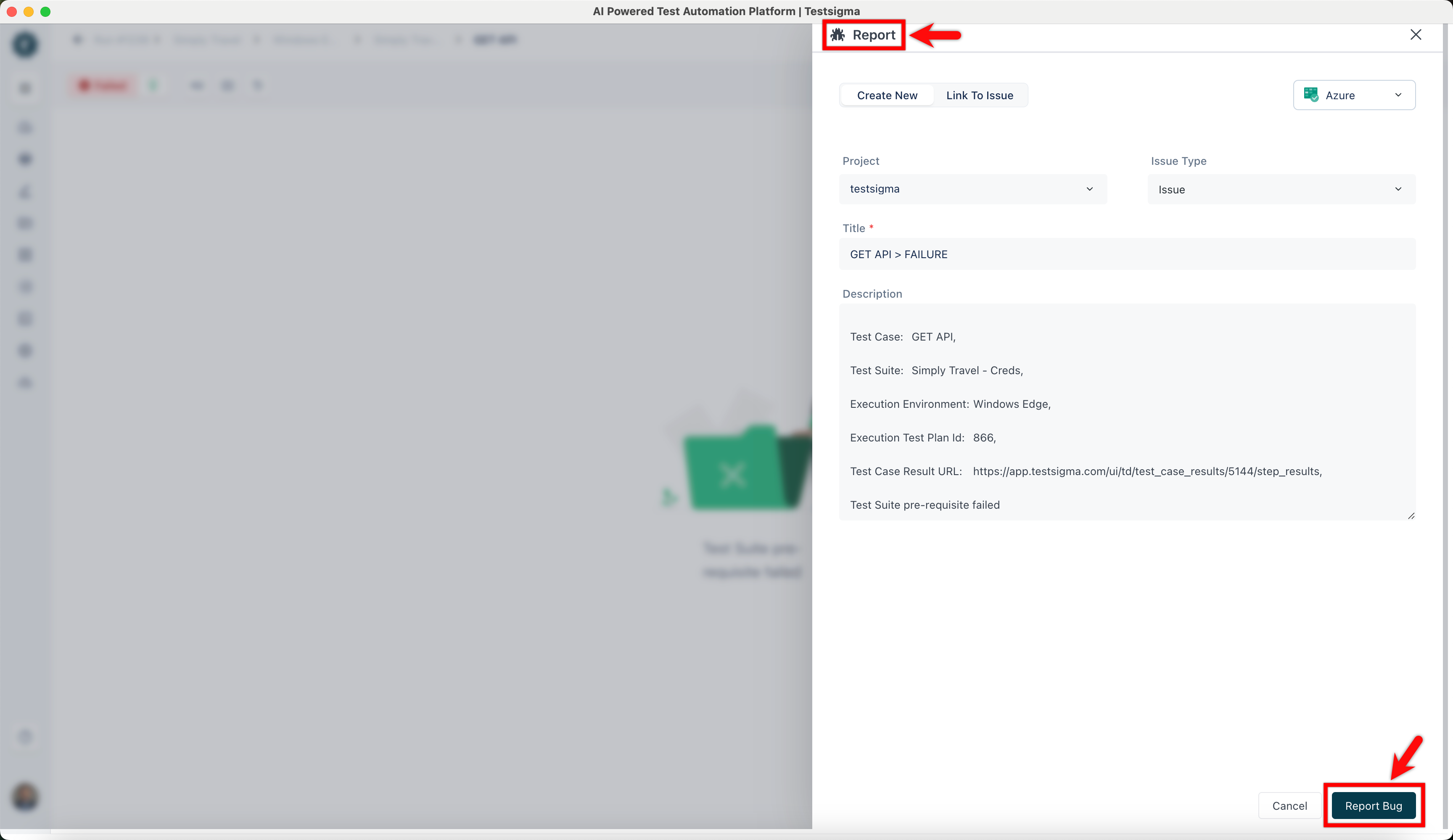
On Report overlay, click on the Azure DevOps icon.
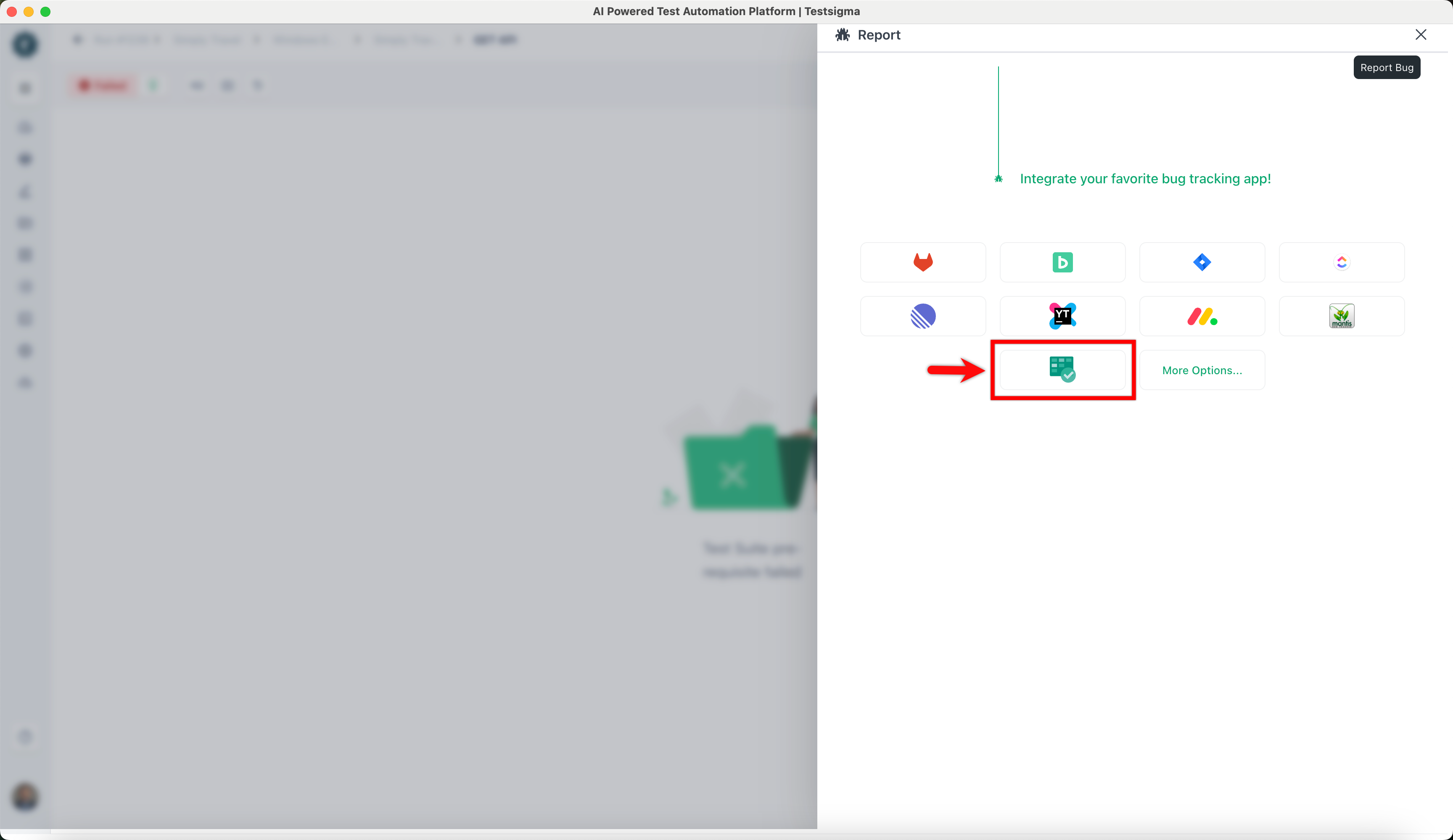
-
On the Report overlay, click Report Bug.