Desired Capabilities
Geolocation Emulation for Localization Testing
How to Set the Geolocation?
Section titled “How to Set the Geolocation?”To set the geolocation, use the following desired capability:
geoLocation = “<Two-letter Country Code>”
Example:
Section titled “Example:”geoLocation = “AR”
Below is a list of countries with their corresponding two-letter country codes that can be used in the value field for the Geolocation desired capability:
| Country Name | Country Code |
|---|---|
| Argentina | AR |
| Australia | AU |
| Austria | AT |
| Belgium | BE |
| Brazil | BR |
| Bulgaria | BG |
| Canada | CA |
| Chile | CL |
| China | CN |
| Croatia | HR |
| Czech Republic | CZ |
| Denmark | DK |
| Egypt | EG |
| Finland | FI |
| France | FR |
| Germany | DE |
| Greece | GR |
| Hong Kong | HK |
| Hungary | HU |
| Iceland | IS |
| India | IN |
| Indonesia | ID |
| Ireland | IE |
| Israel | IL |
| Italy | IT |
| Japan | JP |
| Jordan | JO |
| Malaysia | MY |
| Mexico | MX |
| Netherlands | NL |
| New Zealand | NZ |
| Norway | NO |
| Philippines | PH |
| Poland | PL |
| Portugal | PT |
| Russia | RU |
| Singapore | SG |
| South Africa | ZA |
| South Korea | KR |
| Spain | ES |
| Sweden | SE |
| Switzerland | CH |
| Taiwan | TW |
| Thailand | TH |
| Turkey | TR |
| Ukraine | UA |
| United Kingdom | GB |
| United States | US |
Using Desired Capability to set the Location
Section titled “Using Desired Capability to set the Location”-
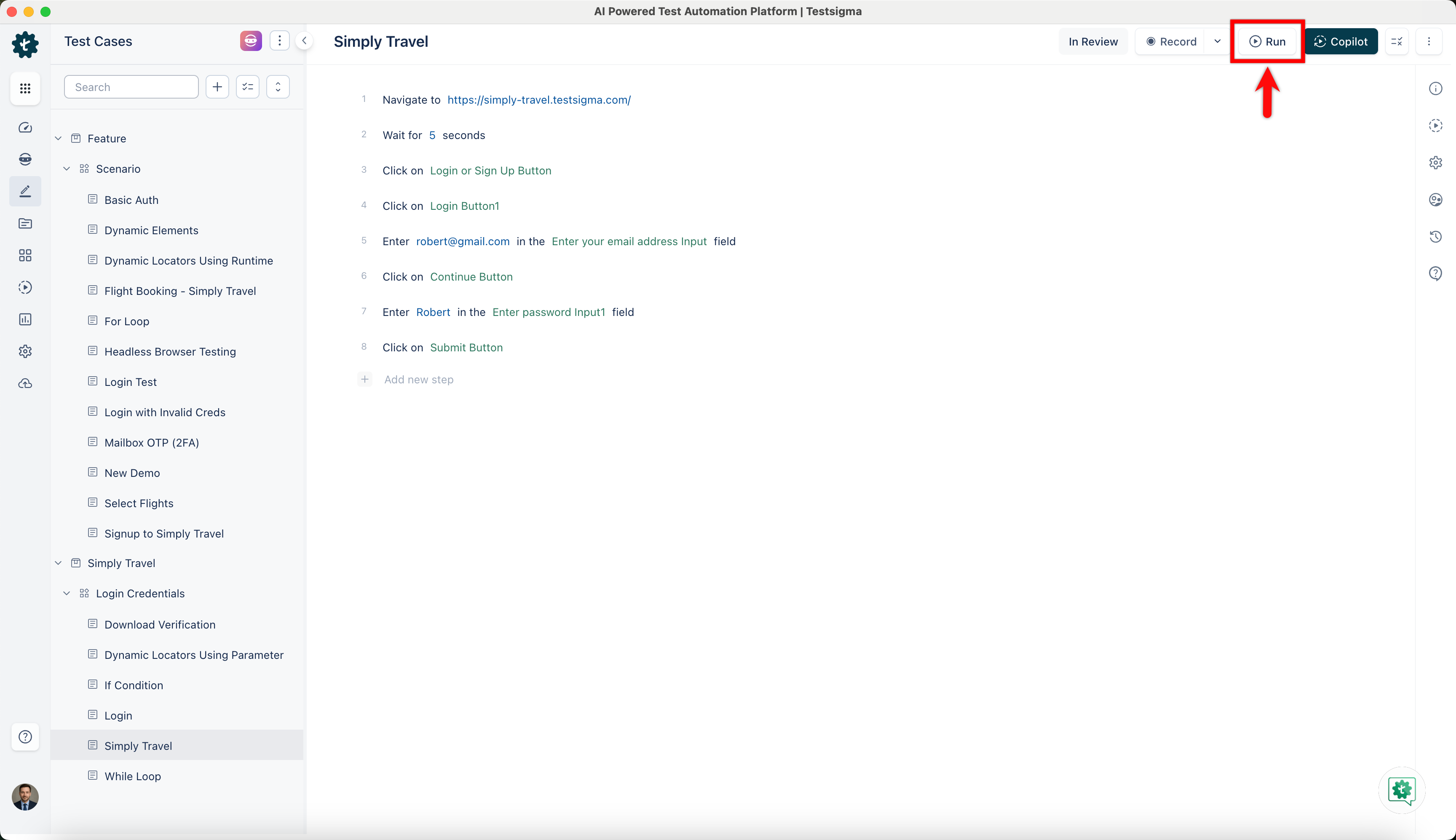
Click Run from Test Case Details page.
-
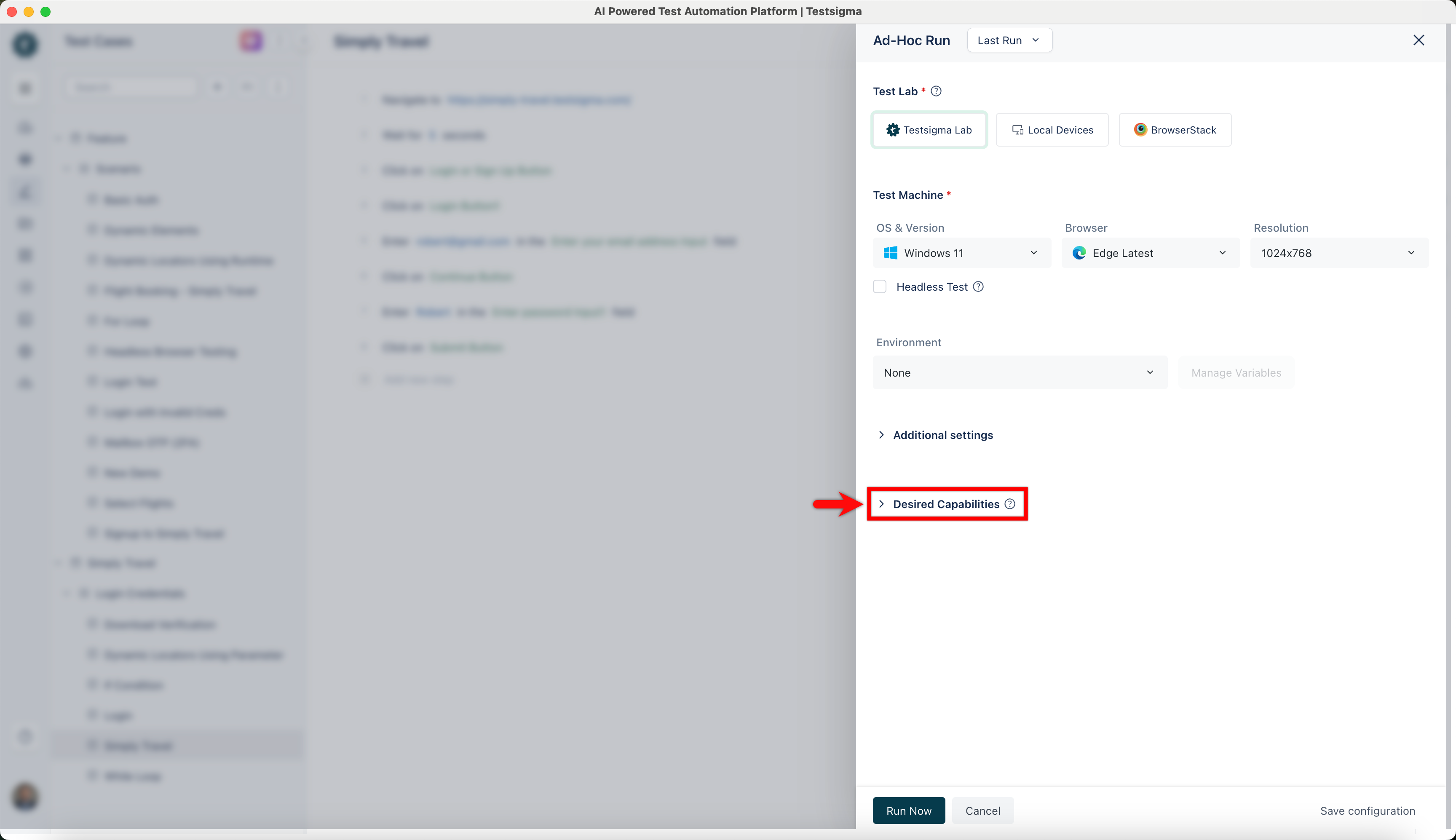
On the Ad-Hoc Run overlay, click Desired Capabilities.
-
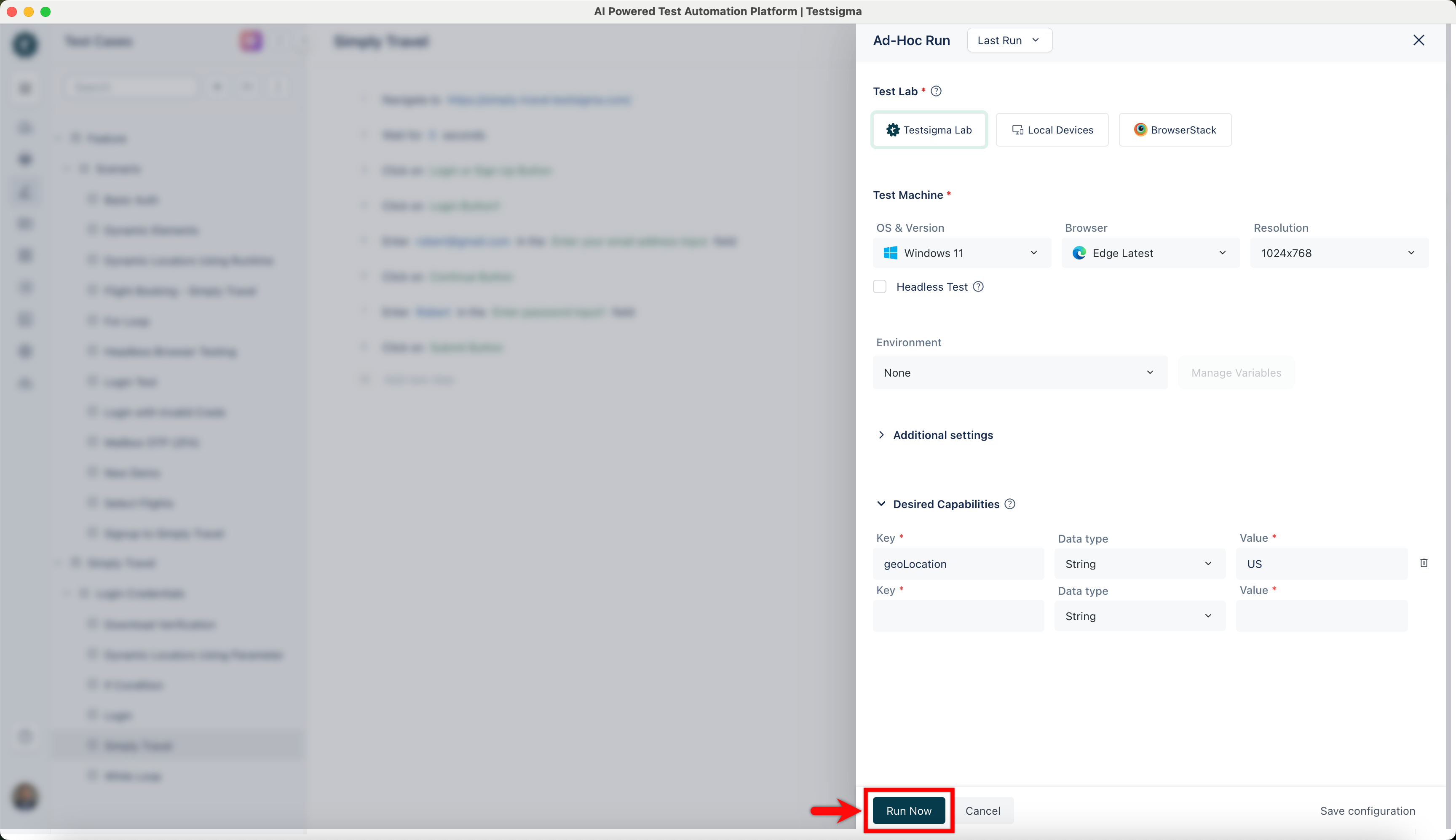
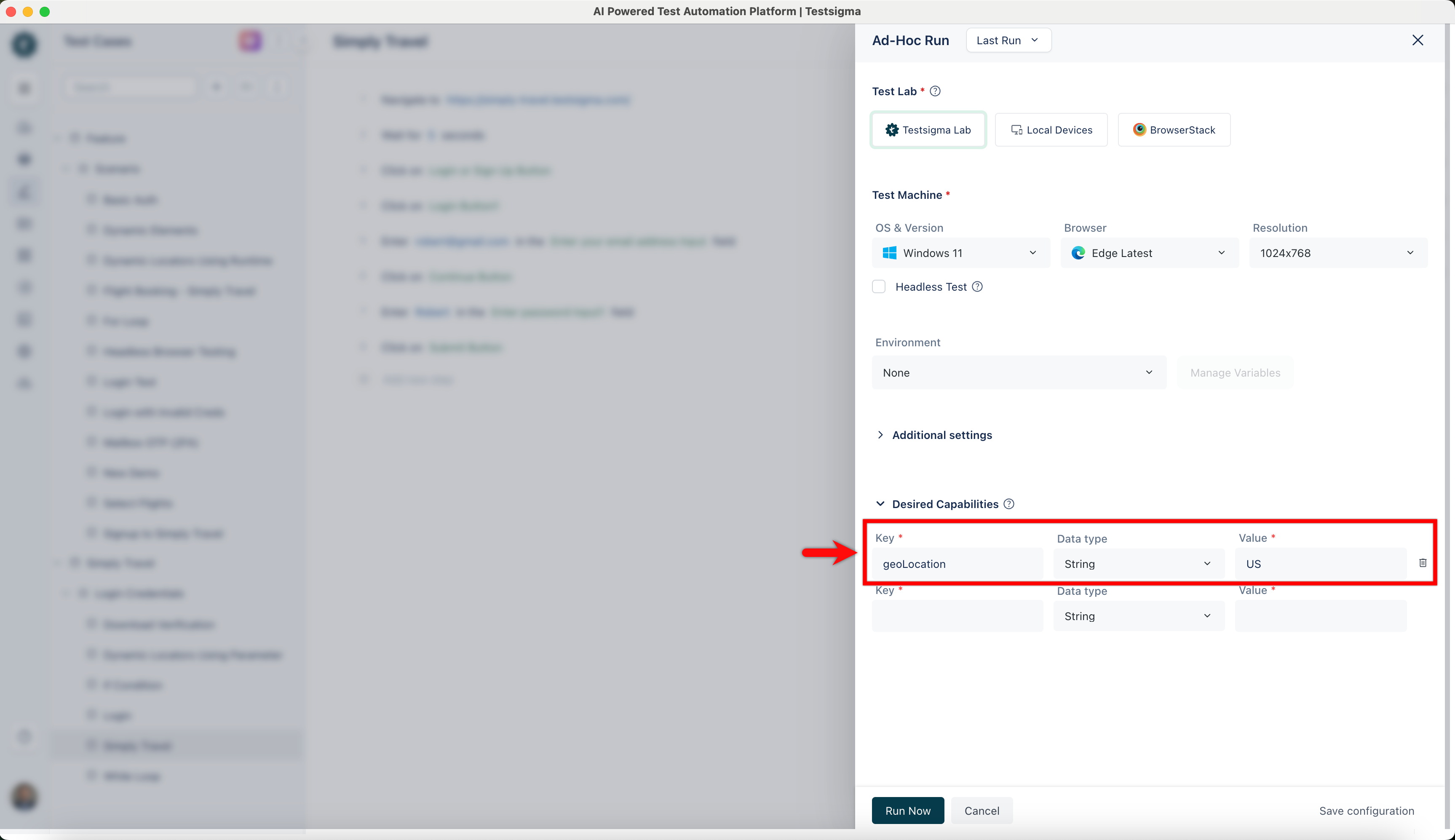
Enter geoLocation in the Key field, select String as Data type, and set the Value as per country’s country code.
-
Click Run Now to execute the test case.