
Desired Capabilities
Desired Capabilities - Overview
Prerequisites
Before you begin, ensure that you have referred to:
Desired Capabilities Format
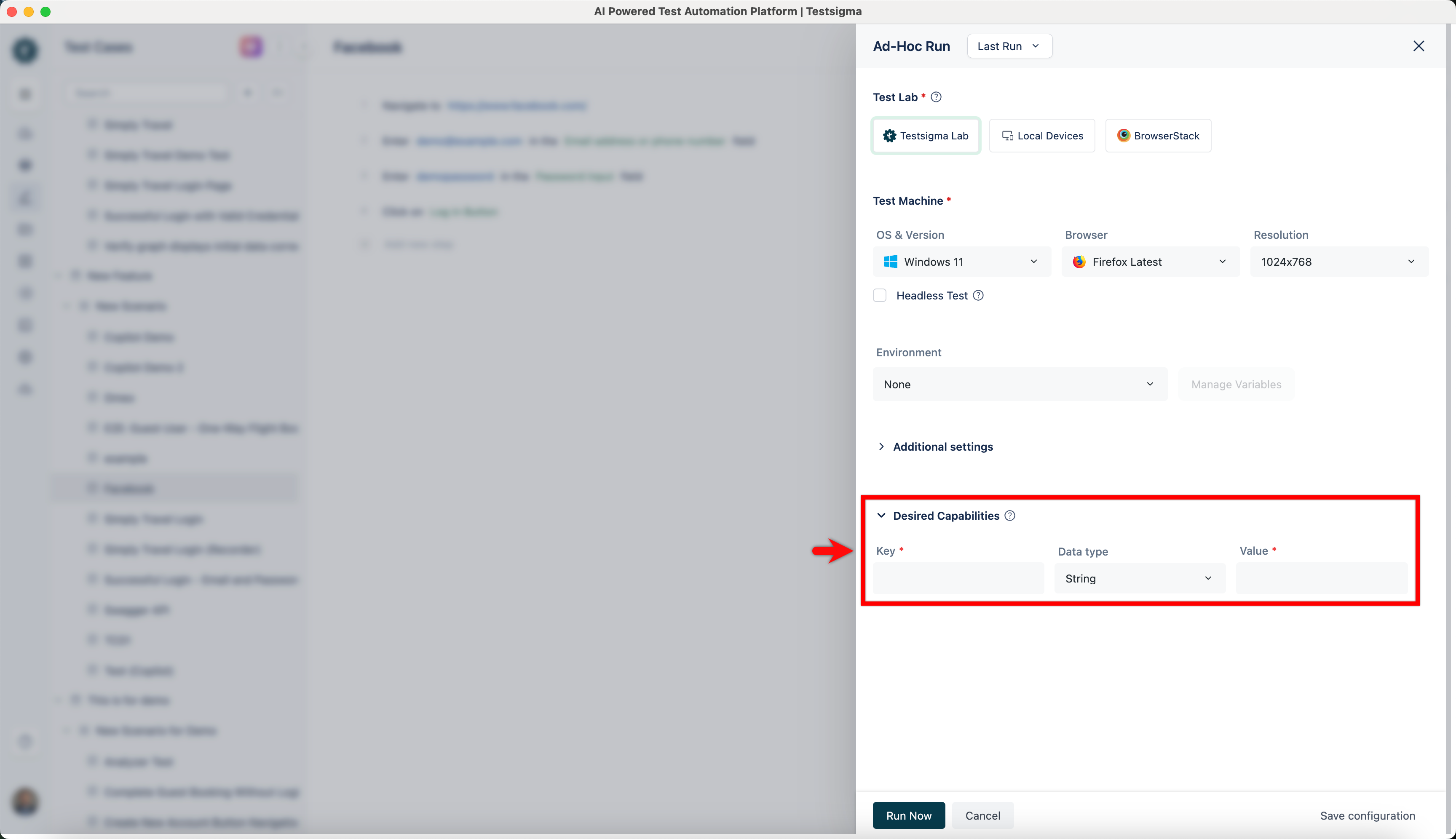
Section titled “Desired Capabilities Format”Desired Capabilities are entered as key-value pairs. Enter the details for Desired Capabilities as specified below:
- Key: Specific properties or attributes that can be set for the test environment.
- Data Type: The data type of the value of the specific Desired Capability.
- Value: The value of the Desired Capability.
For example, we can allow invalid certificates for a webpage using the ‘acceptInsecureCerts’ Capability.
| Name | Data Type | Value |
|---|---|---|
| acceptInsecureCerts | boolean | True |
Adding Desired Capabilities in Ad Hoc Run
Section titled “Adding Desired Capabilities in Ad Hoc Run”-
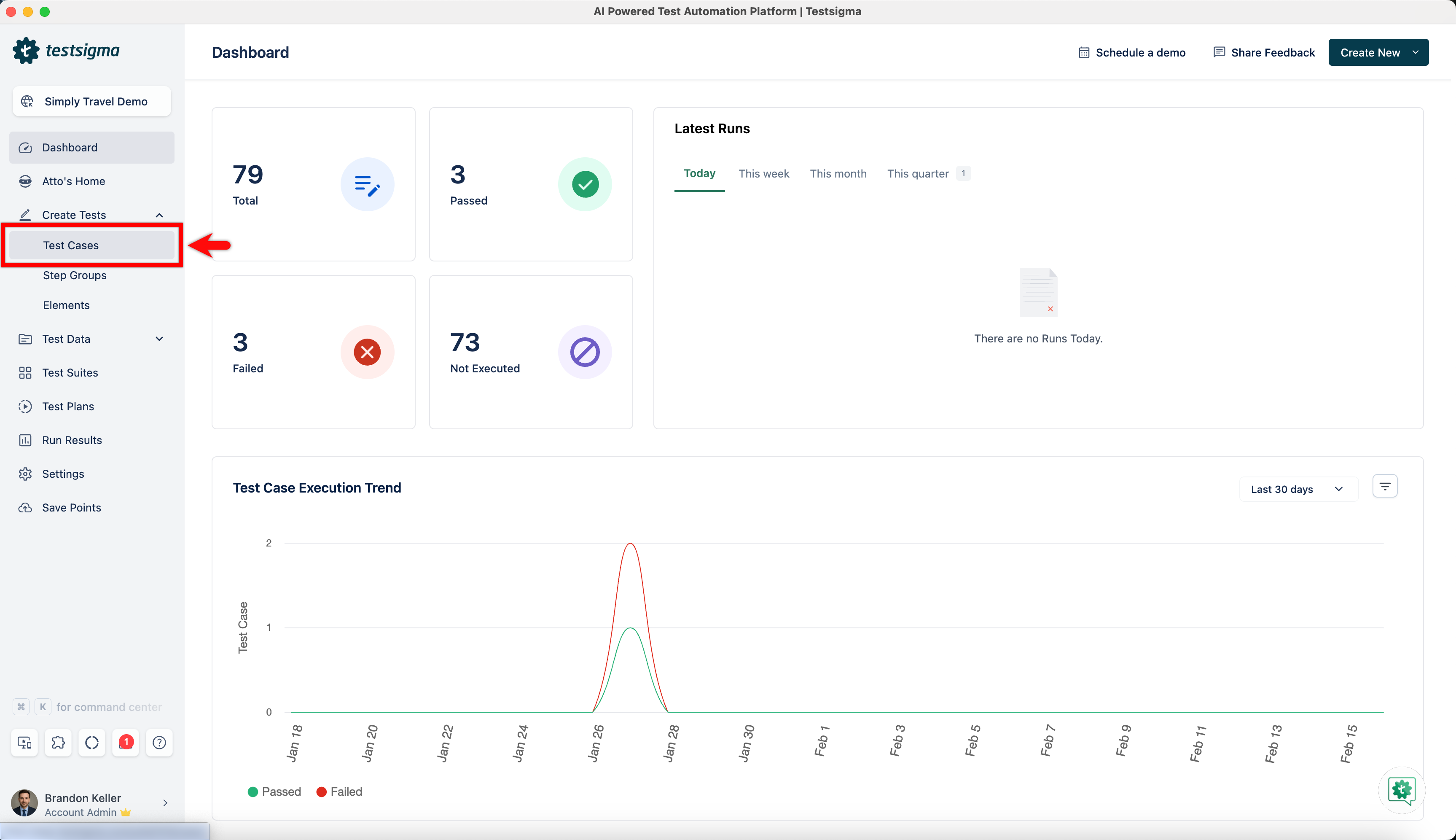
Navigate to Create Tests > Test Cases.
-
Create/select a test case in which you want to add the desired capabilities.
-
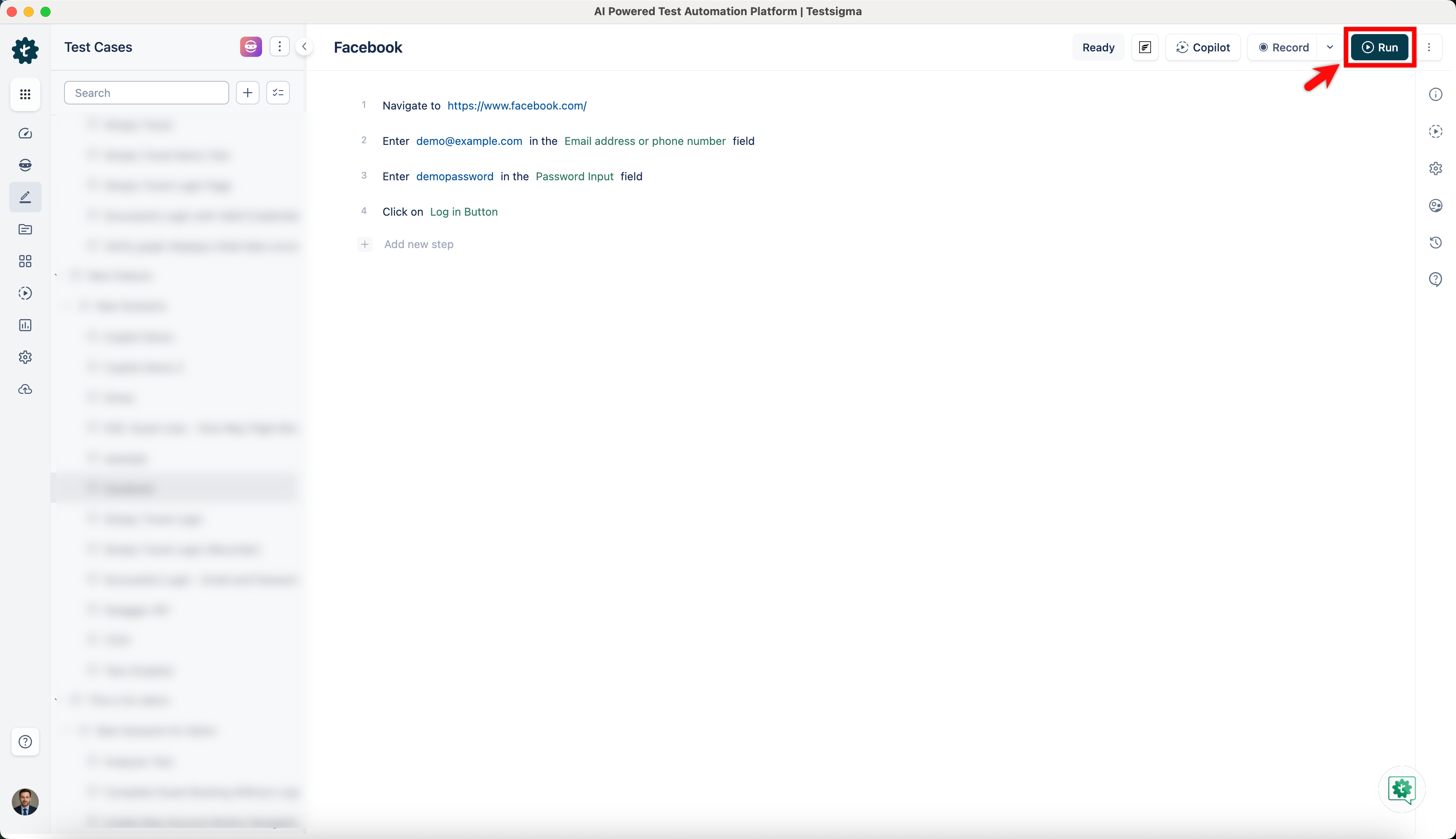
From the Test Case details page, click on Run.
-
On Ad Hoc Run overlay, click on Desired Capabilities to reveal the fields.
-
Add the desired capabilities you want for an Ad Hoc Run.
For more information on most commonly used desired capabilities, refer to Common Desired Capabilities.
Adding Desired Capabilities in a Test Plan
Section titled “Adding Desired Capabilities in a Test Plan”-
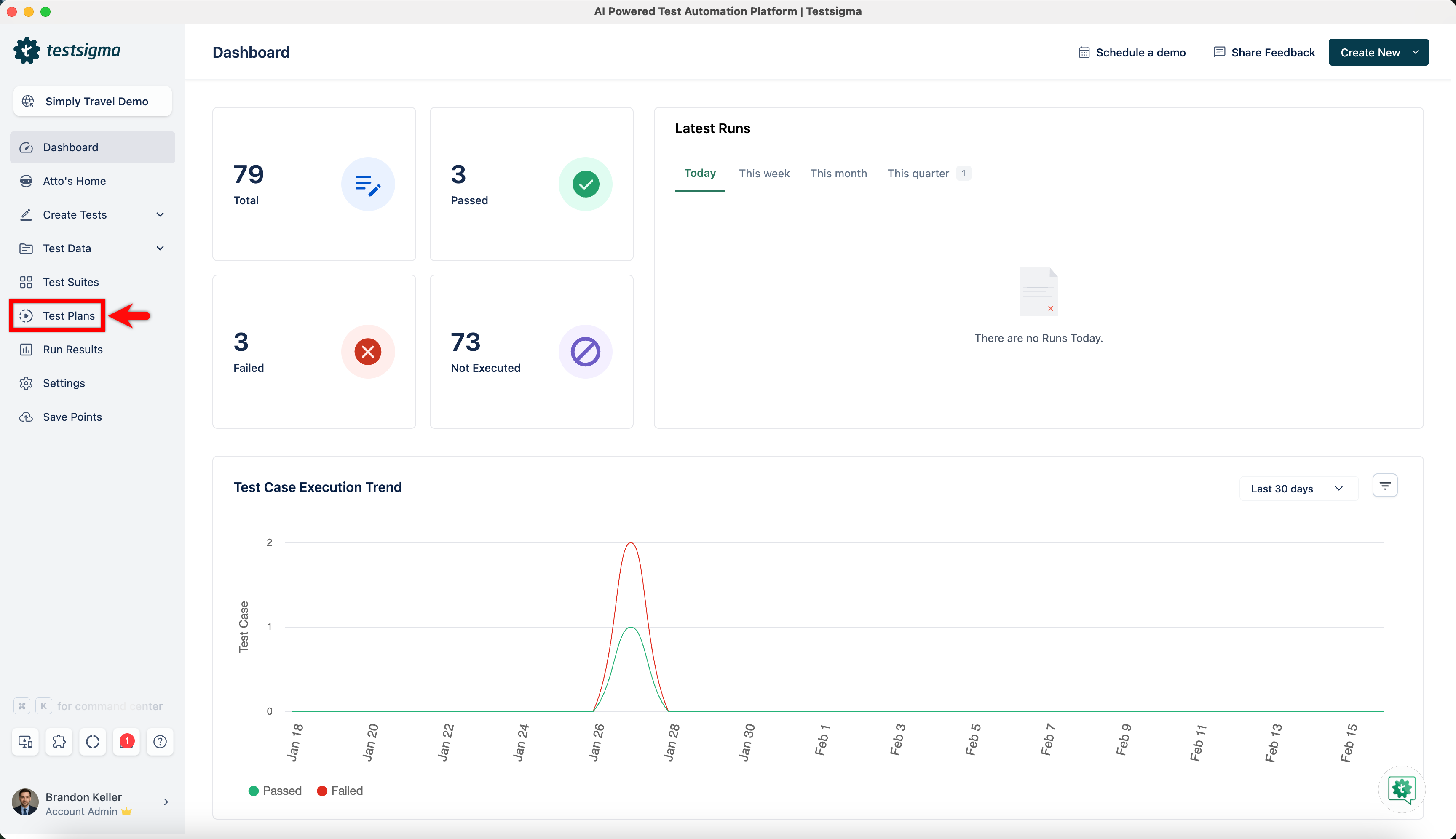
On Dashboard, click on Test Plans.
-
Create/select a test plan in which you want to add the desired capabilities.
-
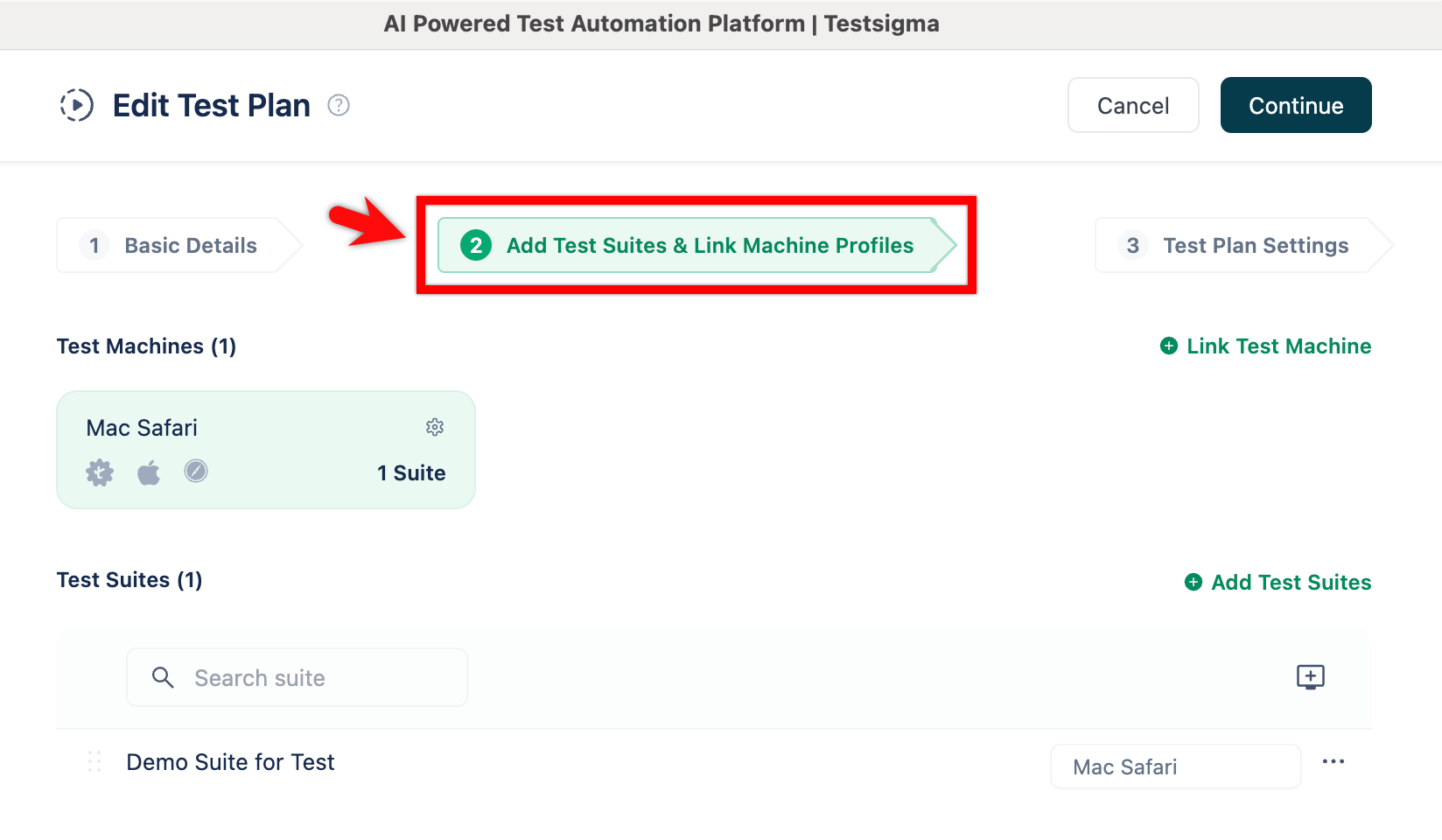
From the Edit Test Plan page, click on Add Test Suites & Link Machine Profiles.
-
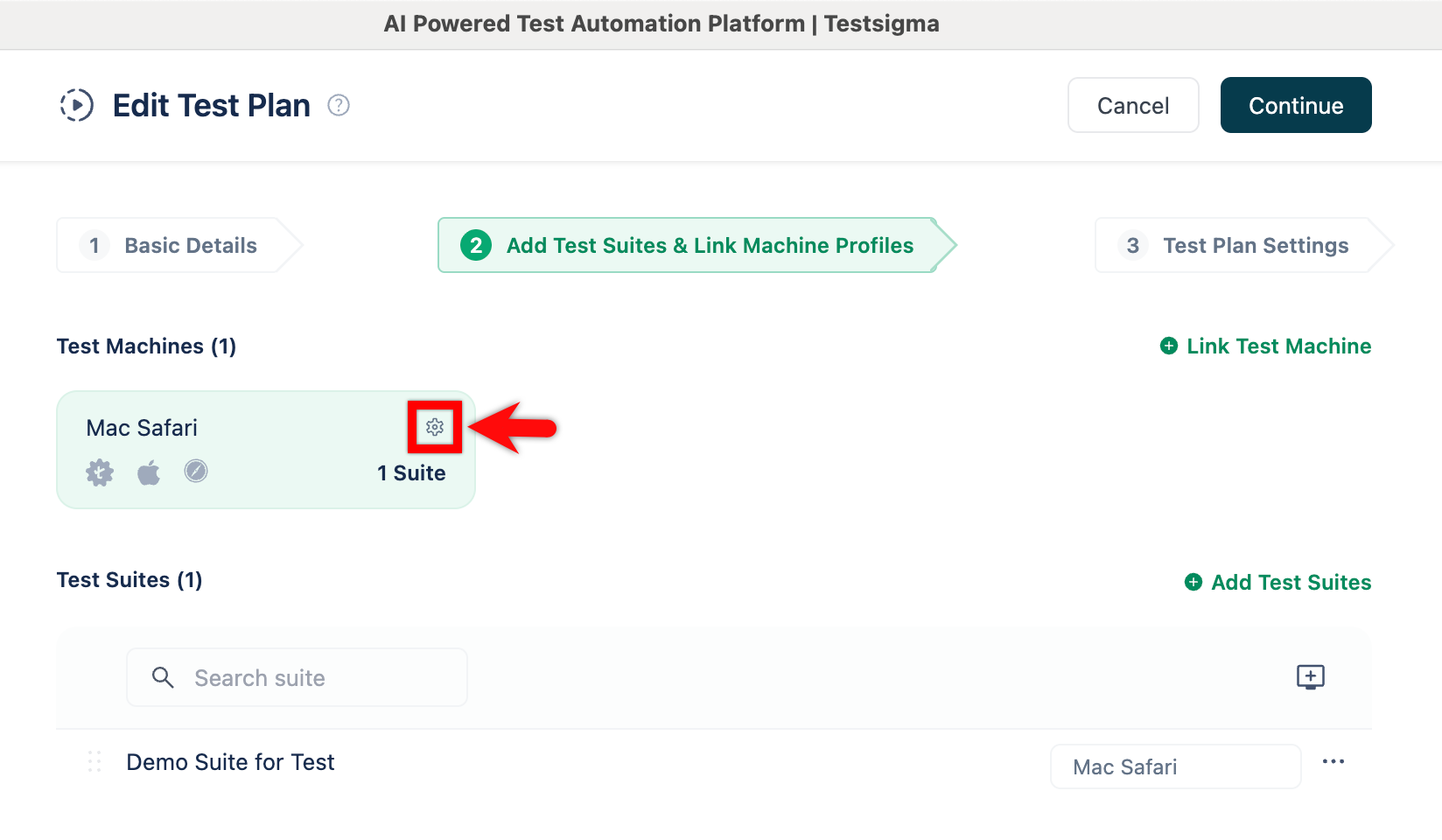
On Test Machines, select the machine in which you want to add desired capabilities and click on Test machine settings.
-
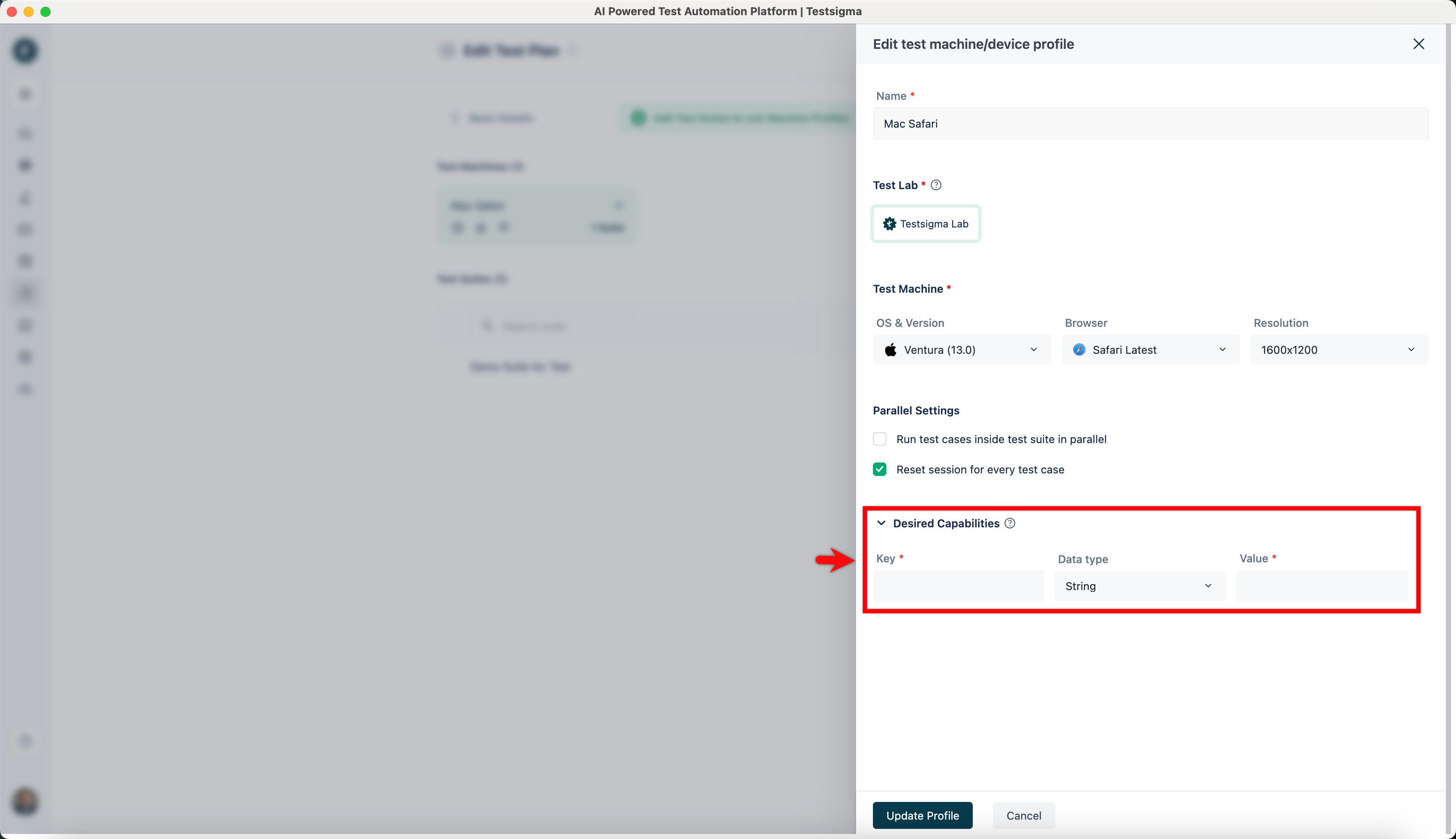
On Edit test machine/device profile overlay, click on Desired Capabilities to reveal the fields.
-
Add the desired capabilities you want for a Test Plan.