
Testsigma Agent
How to Resolve Access Blocked Errors When Downloading the Agent?
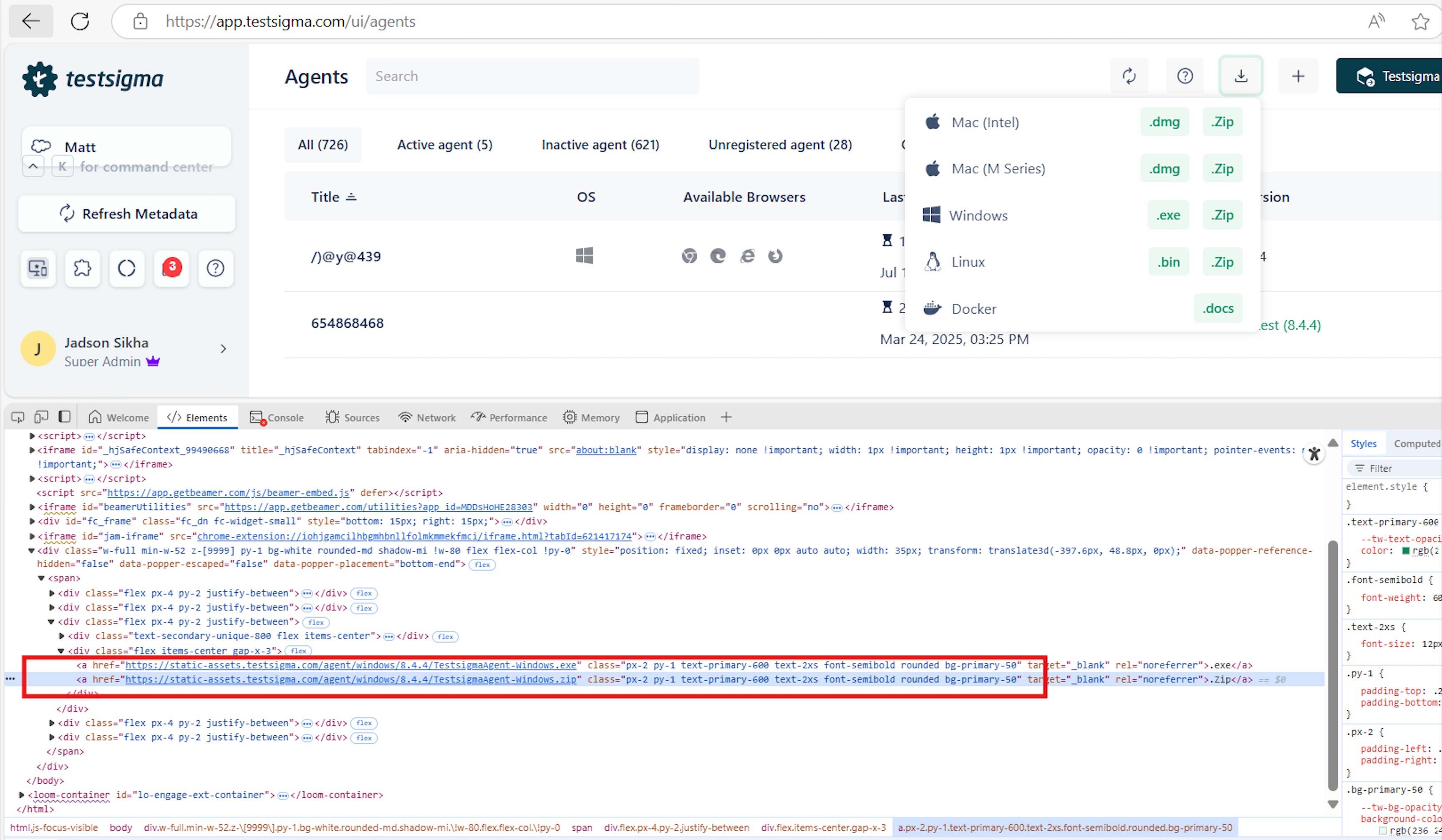
When attempting to download Testsigma Agent, you may see an error indicating that access is blocked for security reasons or that the file type is not allowed. To resolve this issue, you need to whitelist certain URLs and IPs to unblock. This article discusses how to unblock access by allowing the necessary URLs and IPs.
Steps to Resolve the Issue
Section titled “Steps to Resolve the Issue”-
Whitelist Local Agent, Cloud App, Cloud Audit, Cloud ID, and Cloud Addon domains/IPs
Domain:
app.testsigma.comIPs:
- 166.117.52.243
- 166.117.190.246
-
Whitelist Testsigma Tunnels (used by Local Agent)
Domain:
connect.testsigma.comIPs:
- 166.117.49.200
- 166.117.156.234
-
Whitelist Mobile Recorder (used by Cloud in browser)
Domain:
mobilerecorder.testsigma.comIPs:
- 166.117.86.235
- 166.117.227.251
-
Whitelist Asset Proxy (used by Cloud and Local Agent)
Domain:
asset-proxy.testsigma.comIPs:
- 166.117.67.252
- 166.117.170.206
-
Whitelist LAB IPs (for incoming connections from Lab during test runs)
IPs:
- 35.174.92.188
- 34.204.63.14
- 74.50.105.97
-
Whitelist Additional Domains for Local Agent
- Chrome Drivers
googlechromelabs.github.iochromedriver.storage.googleapis.comstorage.googleapis.comregistry.npmmirror.comhttp://raw.githubusercontent.com
- Firefox Drivers
http://raw.githubusercontent.comregistry.npmmirror.com
- Edge Drivers
https://msedgewebdriverstorage.blob.core.windows.net/
- IE Drivers
msedgewebdriverstorage.blob.core.windows.net
- Chrome Drivers
-
Whitelist Additional Testsigma Services
static-id.testsigma.comid.testsigma.com