A CodeShip Account configured with your organization details and the Project that needs to be triggered. If you are new to CodeShip, please follow the following link to create an Account (using your email or OAuth), add your organization and create a Project. Refer to the documentation on signing up for a new Codeship Account.
Connect your Source Code Management (SCM) tool such as Github, BitBucket, or GitLab to your account.
In this Guide, we will be using GitHub as our SCM. Therefore, we need to install CodeShip App from GitHub Marketplace in our GitHub Account so that the repositories in the Github account are accessible. Refer to the documentation on configuring Github as your SCM in CodeShip.
- For help on configuring other SCMs, please check **CodeShip Documentation** or contact **CodeShip Support**.
- You can view the Connected Services at Authentications page - <a href="https://app.codeship.com/authentications" rel="nofollow">Connected Services</a>
#Check the result of the execution using Execution Status Check API - If the value of 'result' is 0, the test passed. Else, the test failed.
if [ $currentresult -ne 0 ]; then echo "Test Failed. Please check Testsigma to know the reason for failure."; else echo "Test Passed! You may deploy now!"; fi
#Return the result as exit code - Non-zero value for execution result depicts Test failure and also triggers this script failure.
$(exit $currentresult)
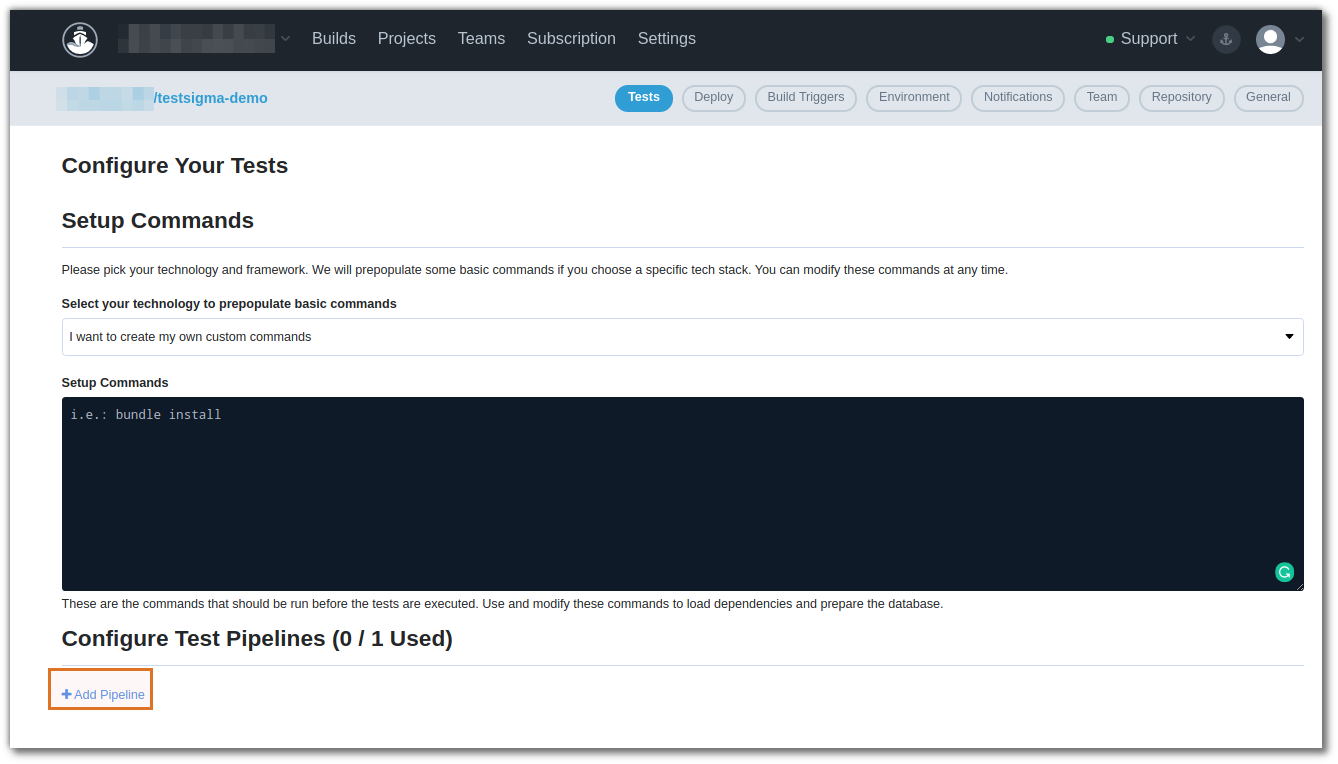
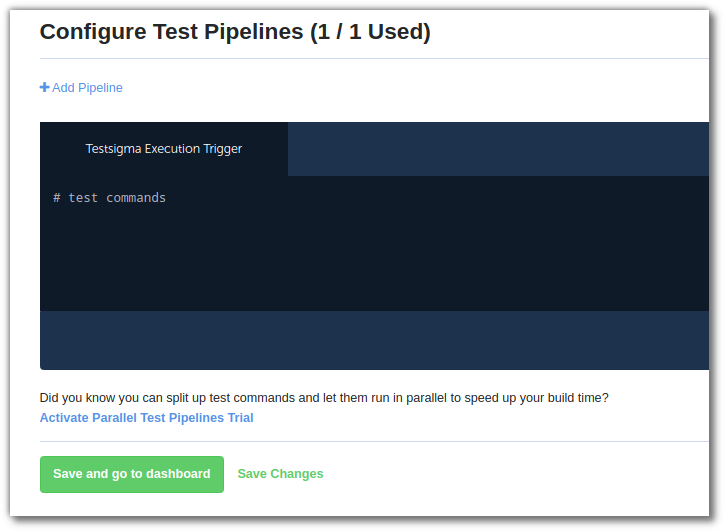
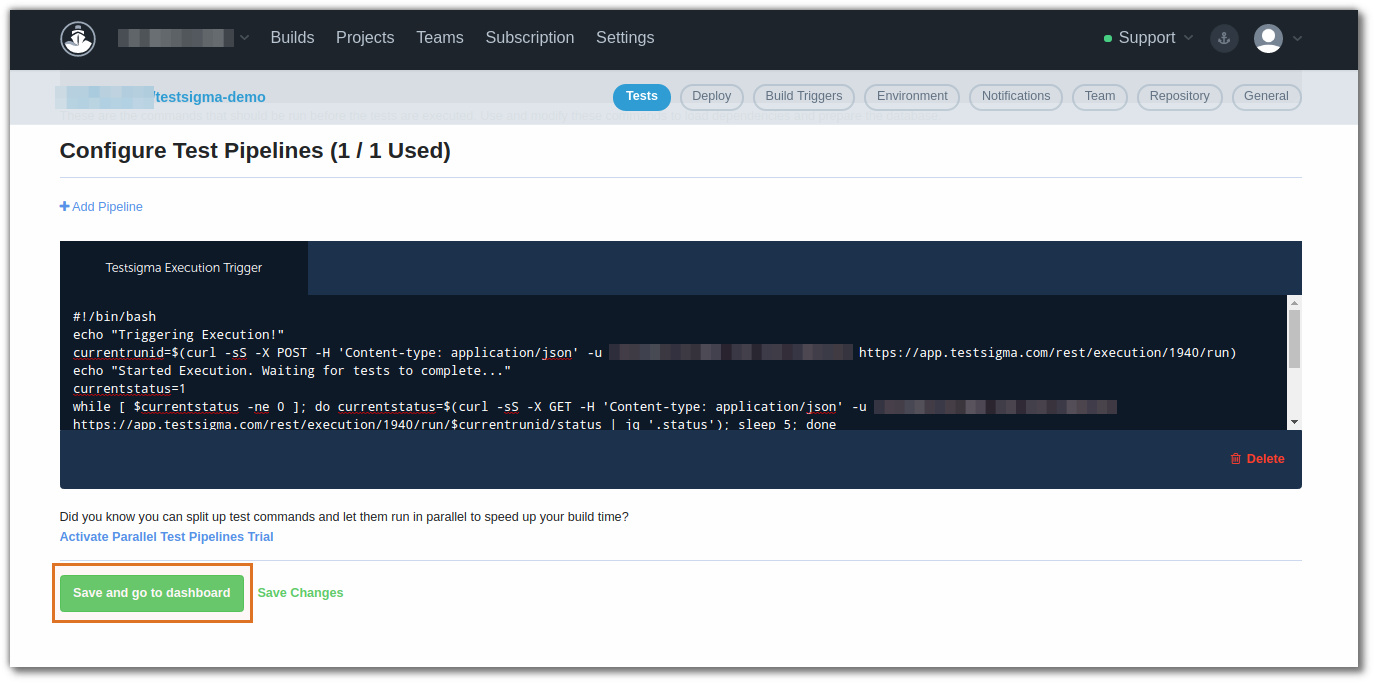
Paste the script in the new test commands box as shown below and click on the Save and go to Dashboard button.
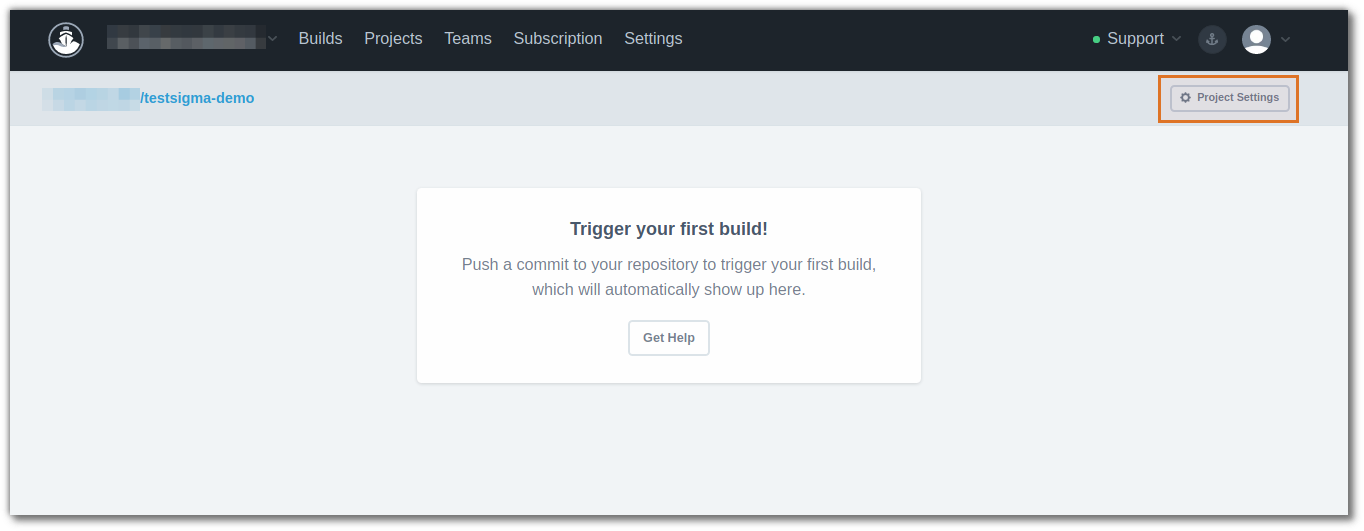
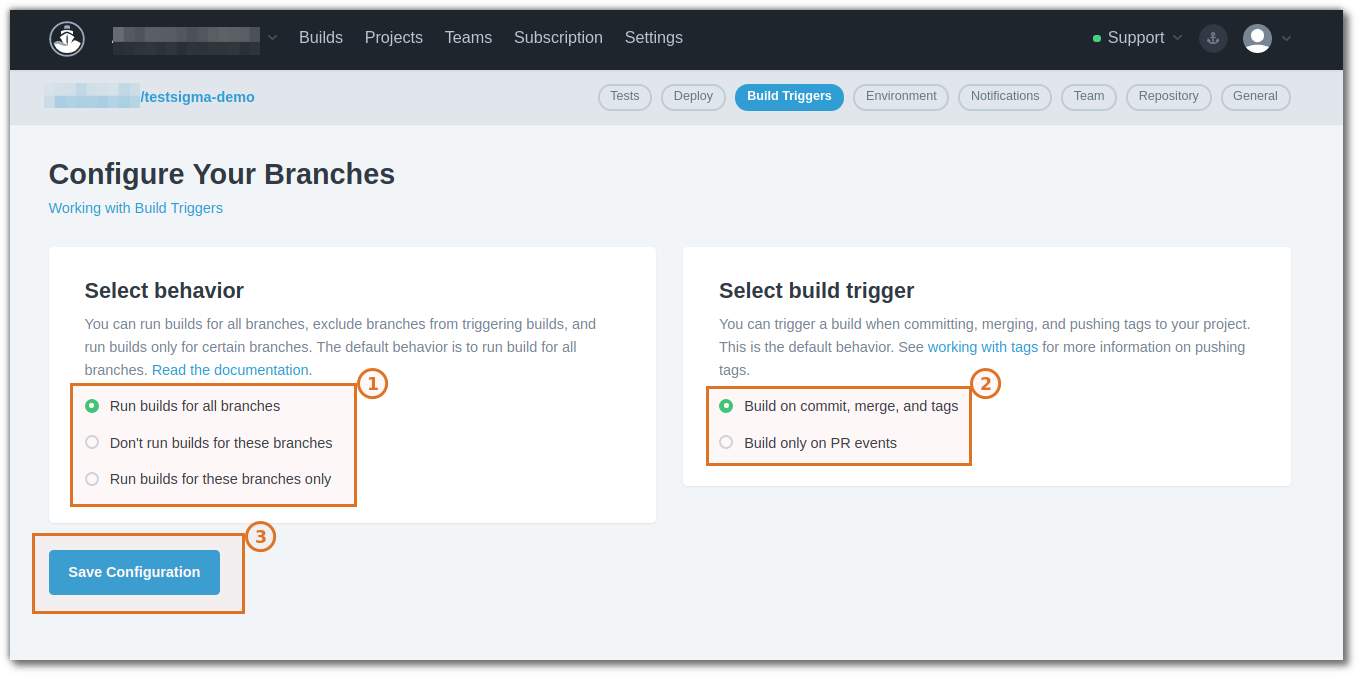
Now go to the Project Settings > Build Trigger to add a build Trigger.
Optional - You may also go to Project Settings > Deploy to add details of your deployment platform.
That’s all we need to do to trigger the Testsigma Executions in the CodeShip Pipeline. With the above settings, the build will be triggered whenever there is a change in the repository and as soon as the build is triggered, the tests will begin in Testsigma. The script will wait until the test completes and checks that the result of the tests is passed.