Troubleshooting
Use MySQL Addon in NLPs
Testsigma enables efficient execution of MySQL queries in NLPs using the MySQL Addon. It supports various query types (SELECT, INSERT, UPDATE, DELETE) while maintaining data integrity through a structured approach.
Prerequisite
Section titled “Prerequisite”To begin, set up a MySQL database and configure the necessary tables to store and manage your data effectively. Ensure that the database is accessible from Testsigma, enabling smooth integration and execution of queries within your test automation workflow.
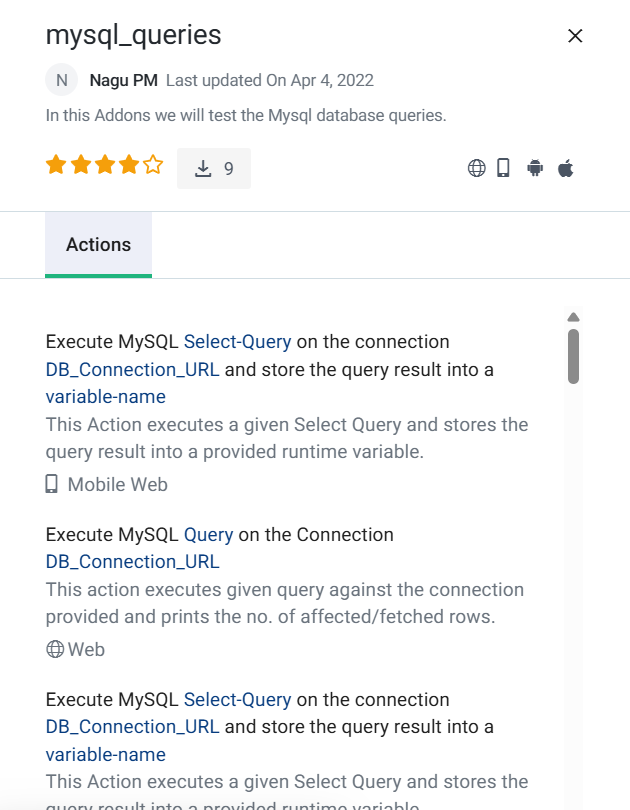
Testsigma has a built-in addon to automate this flow, you can download the addon and use the addon inside your test step. You can find the mysql_queries addon on the addon page. The add-on screenshot is added below:
 .
.
Use Cases
Section titled “Use Cases”Here are the use cases for the addon, which is required for executing MySQL queries:
NLP-1 Execute MySQL Create Procedure Query on the Connection DB _ Connection _ URL
Query - Create GetCustomerDetails Stored Procedure
This stored procedure takes a customer ID as an input parameter and returns information such as name, email, and phone number.
CREATE PROCEDURE GetCustomerDetails(IN cust_id INT) BEGIN SELECT name, email, phone FROM customers WHERE id = cust_id; END;DB _ Connection _ URL(jdbc:mysql://
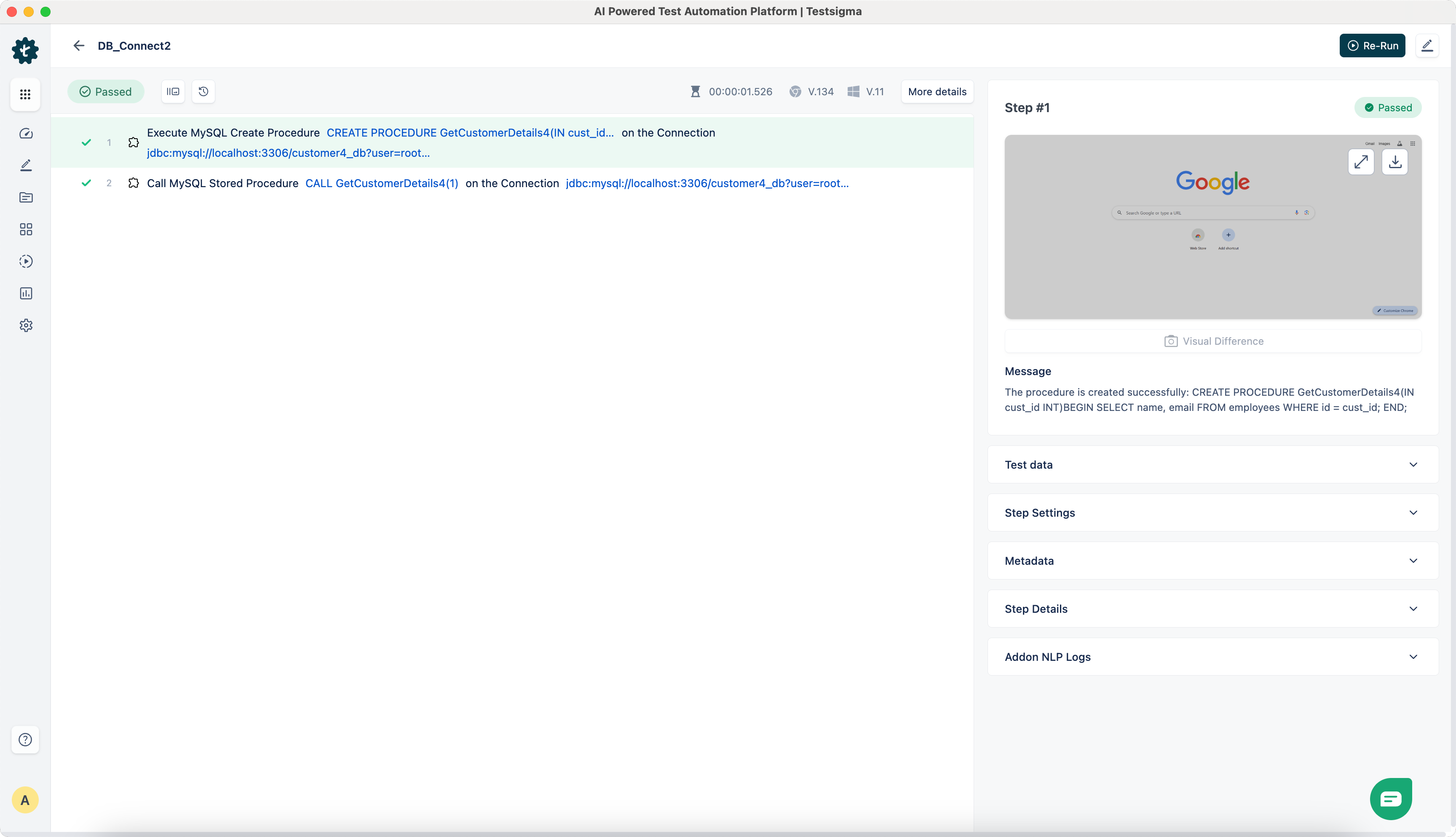
NLP-2 Call MySQL Stored Procedure Query on the Connection DB _ Connection _ URL
Query - CALL GetCustomerDetails4(1)
DB _ Connection _ URL(jdbc:mysql://
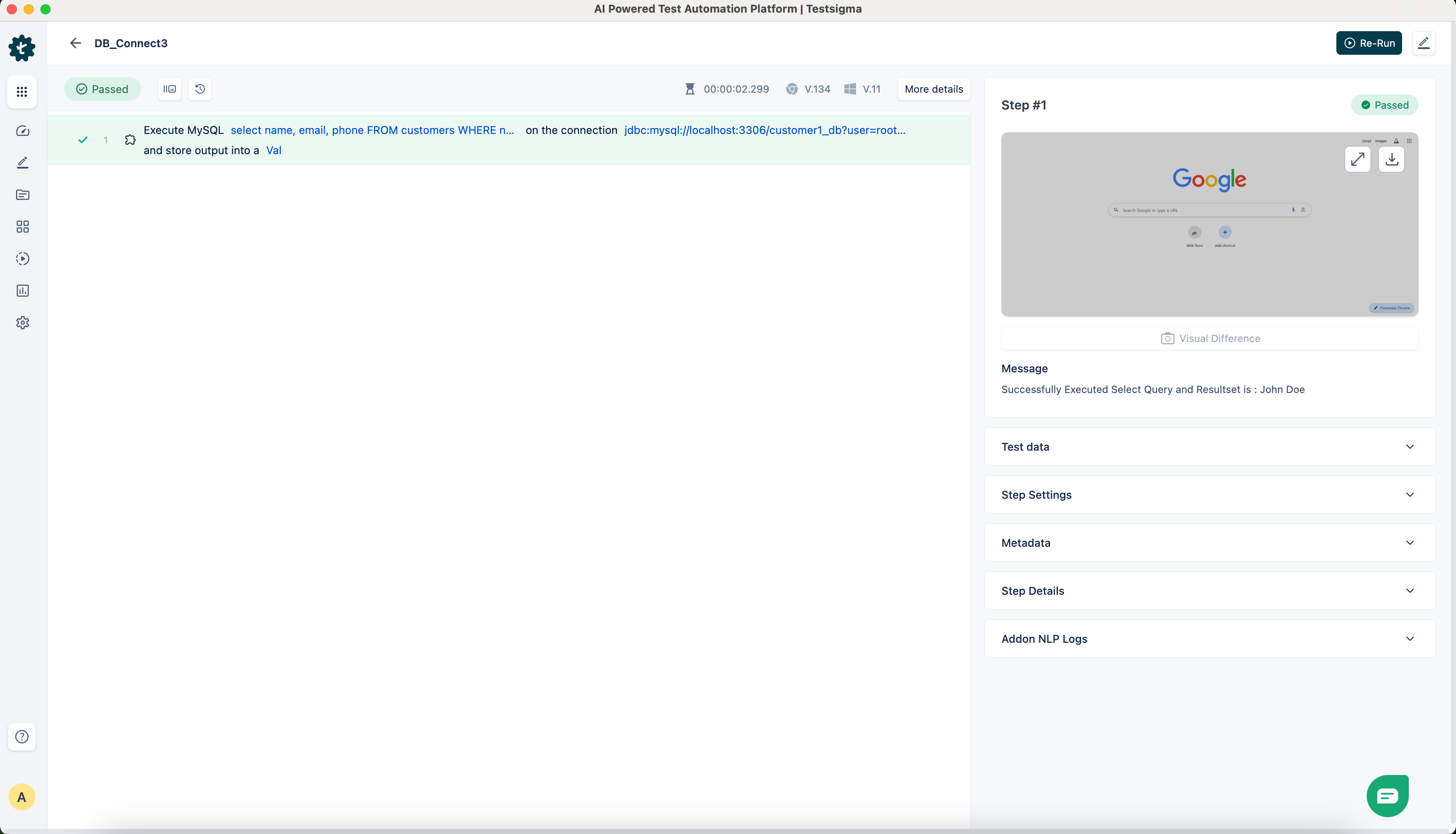
NLP-3 Execute MySQL Query on the Connection DB _ Connection _ URL
Query - select name, email, phone FROM customers WHERE id = 2
DB _ Connection _ URL(jdbc:mysql://
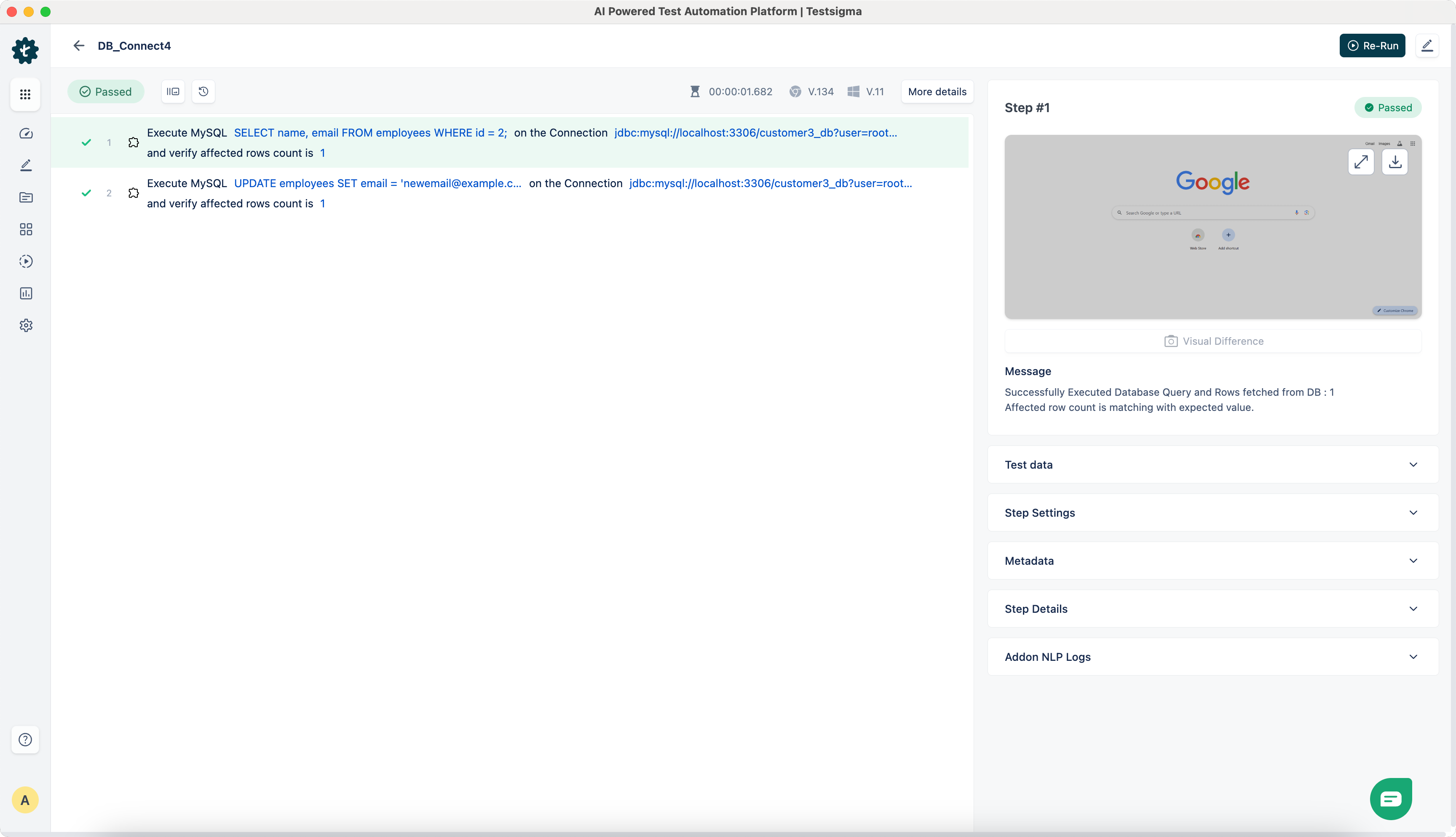
NLP-4 Execute MySQL Query on the Connection DB _ Connection _ URL and verify affected rows count is Row-Count
Query 1 - SELECT name, email FROM customers WHERE id = 2
Query 2 - UPDATE employees SET email = newemail@example.com WHERE id = 2
DB _ Connection _ URL(jdbc:mysql://
Row-Count - 1
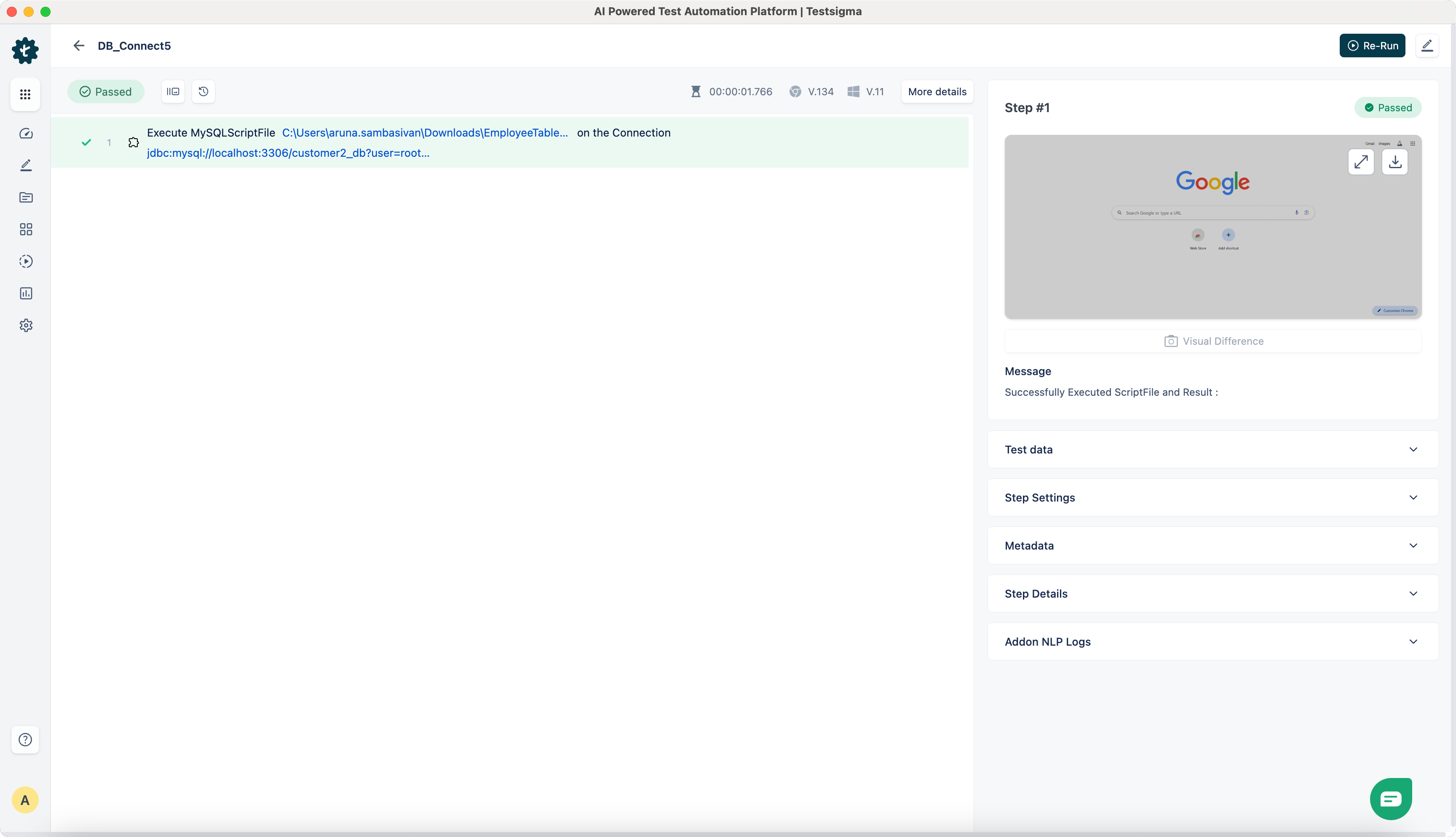
NLP-5 Execute MySQLScriptFile filepath on the Connection DB _ Connection _ URL
employeesTable.sql
CREATE TABLE IF NOT EXISTS employees (      id INT PRIMARY KEY,      name VARCHAR(100),email VARCHAR(100));
INSERT INTO employees (id, name, email)VALUES (1, 'John Doe', 'john.doe@example.com'),      (2, 'Jane Smith', 'jane.smith@example.com');

SELECT * FROM employees;
filepath - /Users/aruna.sambasivan/Downloads/EmployeeTable.sql
DB _ Connection _ URL(jdbc:mysql://
NLP-6 Execute MySQL Select-Query on the Connection DB _ Connection _ URL and store output into a variable-name
Select-Query - SELECT name FROM employees WHERE id = 2
DB _ Connection _ URL(jdbc:mysql://
Variable-name - Test
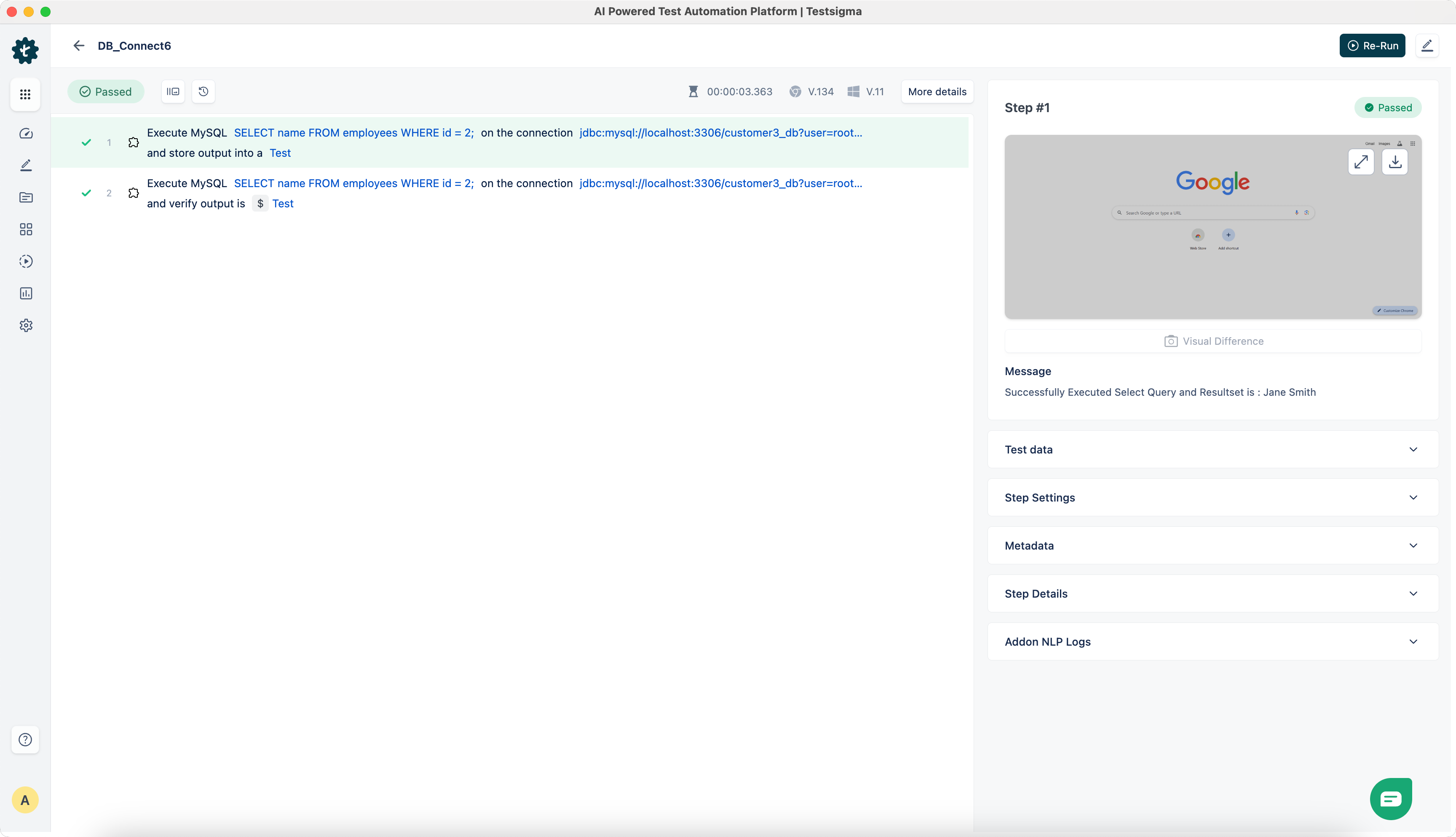
NLP-7 Execute MySQL Select-Query on the Connection DB _ Connection _ URL and verify output is Expected _ Value
Select-Query - SELECT name FROM employees WHERE id = 2
DB _ Connection _ URL(jdbc:mysql://
Expected _ Value - $ Test
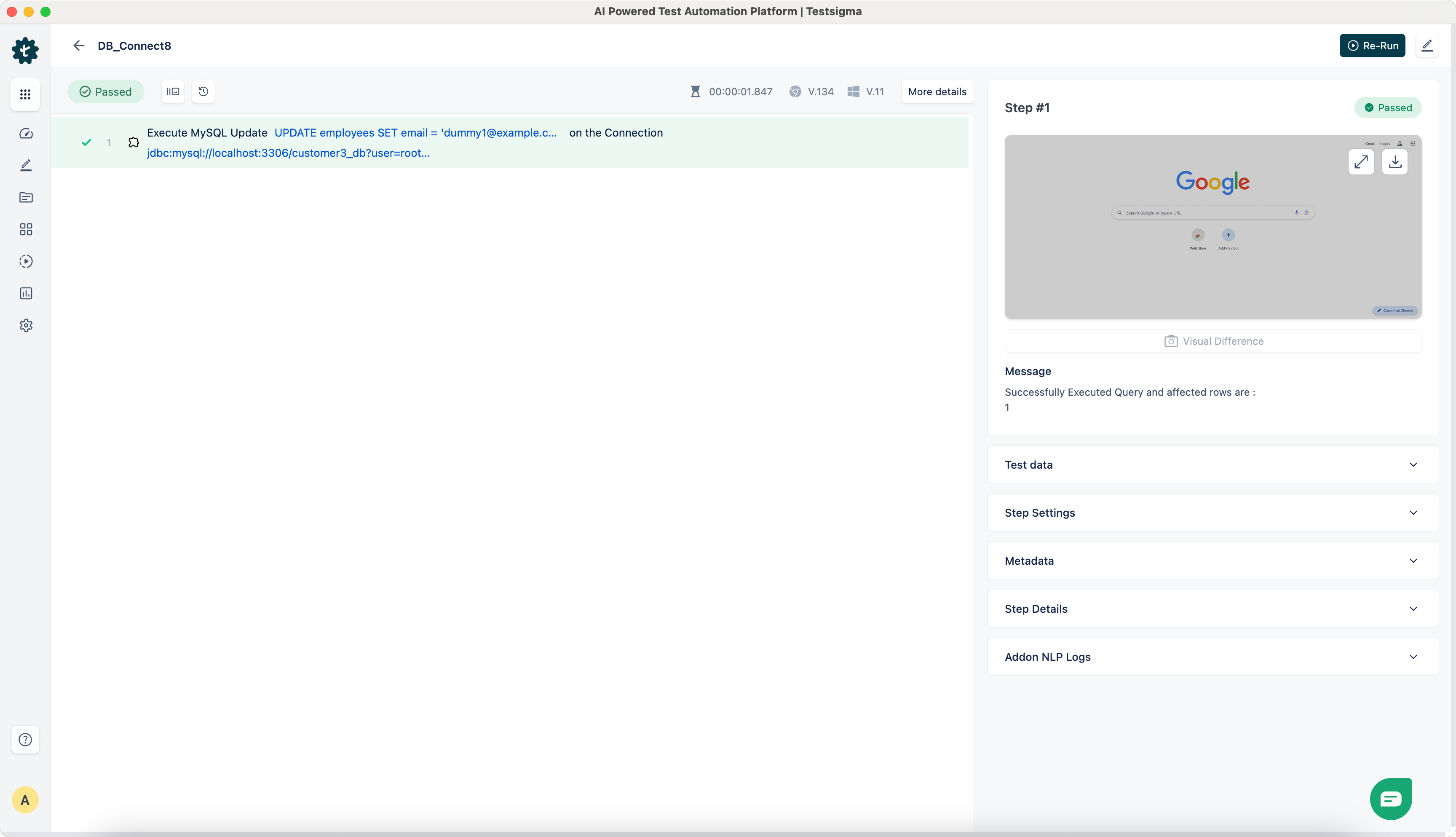
NLP-8 Execute MySQL Update Query on the Connection DB _ Connection _ URL
Query - UPDATE employees SET email = dummy1@example.com WHERE id = 2
DB _ Connection _ URL(jdbc:mysql://
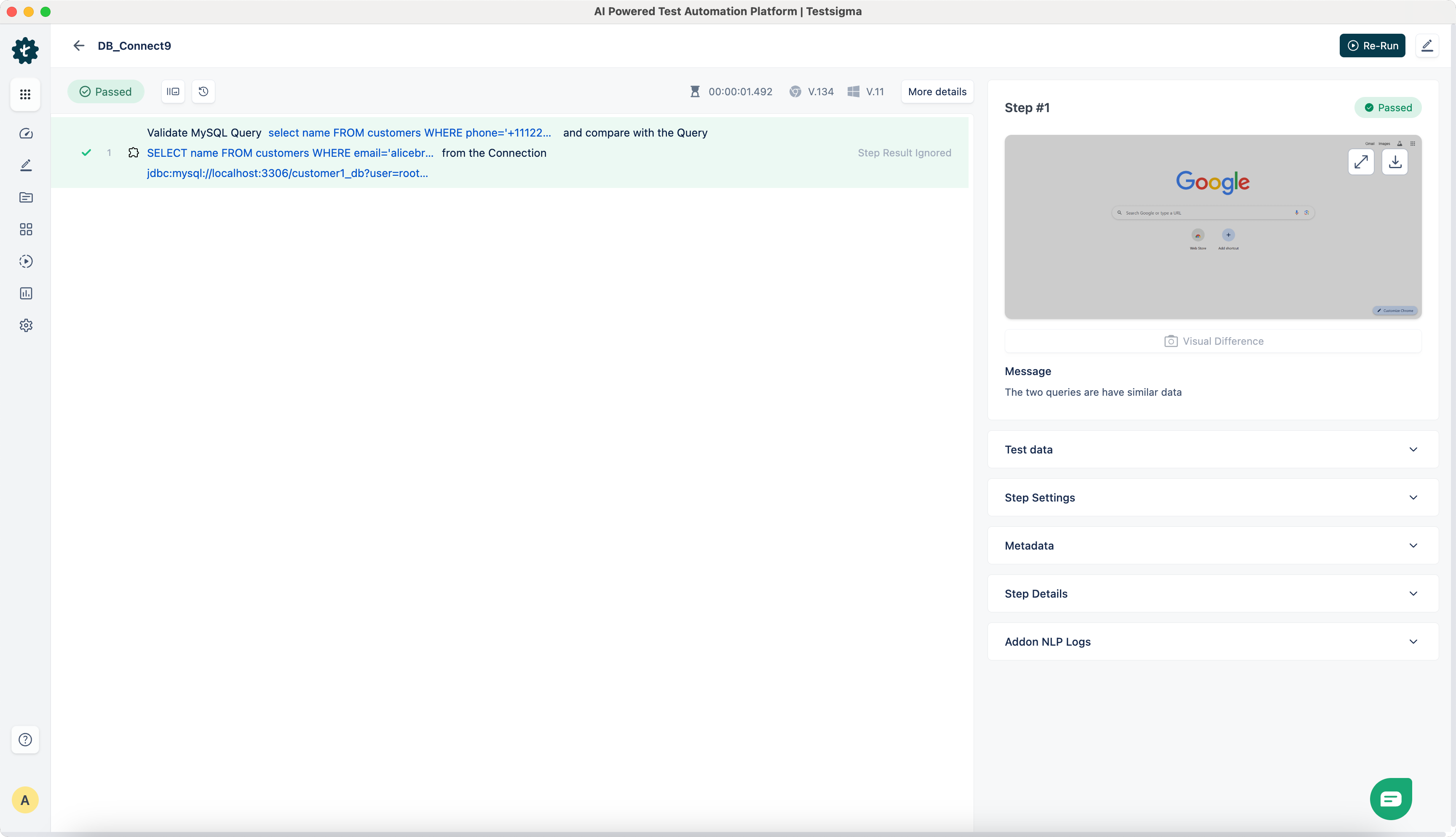
NLP-9 Validate MySQL Query1 and compare with the Query Query2 from the Connection DB _ Connection _ URL
Query 1 - select name FROM customers WHERE phone=+1112223333
Query 2 - SELECT name FROM customers WHERE email = alicebrown@example.com
DB _ Connection _ URL(jdbc:mysql://
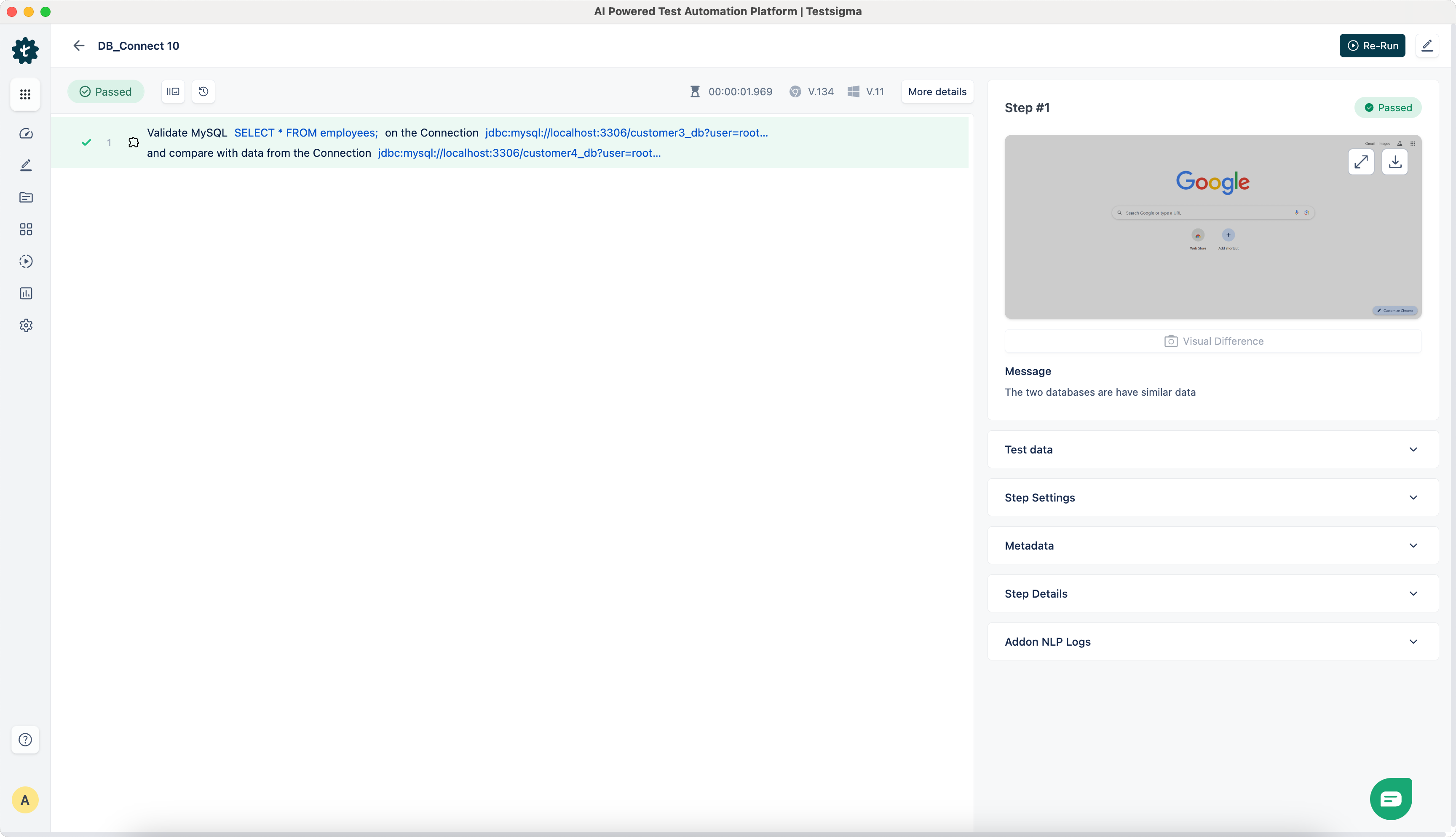
NLP-10 Validate MySQL Query on the Connection DB _ Connection _ URL1 and compare with the data from the Connection DB _ Connection _ URL2
Creating 2nd Database
CREATE DATABASE IF NOT EXISTS employees_db;
USE employees_db;
CREATE TABLE IF NOT EXISTS employees (      id INT PRIMARY KEY,      name VARCHAR(100),email VARCHAR(100));
INSERT INTO employees (id,name, email) VALUES(1,'John Doe', 'johndoe@example.com'), (2,'Jane Smith', 'janesmith@example.com'), (3,'Alice Brown', 'alicebrown@example.com');
CREATE TABLE IF NOT EXISTS customers ( id INT PRIMARY KEY AUTO_INCREMENT, name VARCHAR(100) NOT NULL,email VARCHAR(100) NOT NULL UNIQUE,phone VARCHAR(15));
INSERT INTO customers (name, email, phone) VALUES('John Doe', 'johndoe@example.com', '+1234567890'), ('Jane Smith', 'dummy@example.com', '+0987654321'), ('Alice Brown', 'alicebrown@example.com', '+1112223333');Query - SELECT * FROM employees;
DB _ Connection _ URL1(jdbc:mysql://
DB _ Connection _ URL2(jdbc:mysql://