
FAQs
How to Handle Browser-Related Pop-Up Issues?
Whenever you face browser-related pop-up issues, you can resolve them by configuring a specific desired capability. This article explains how to use that capability to resolve such pop-up problems.
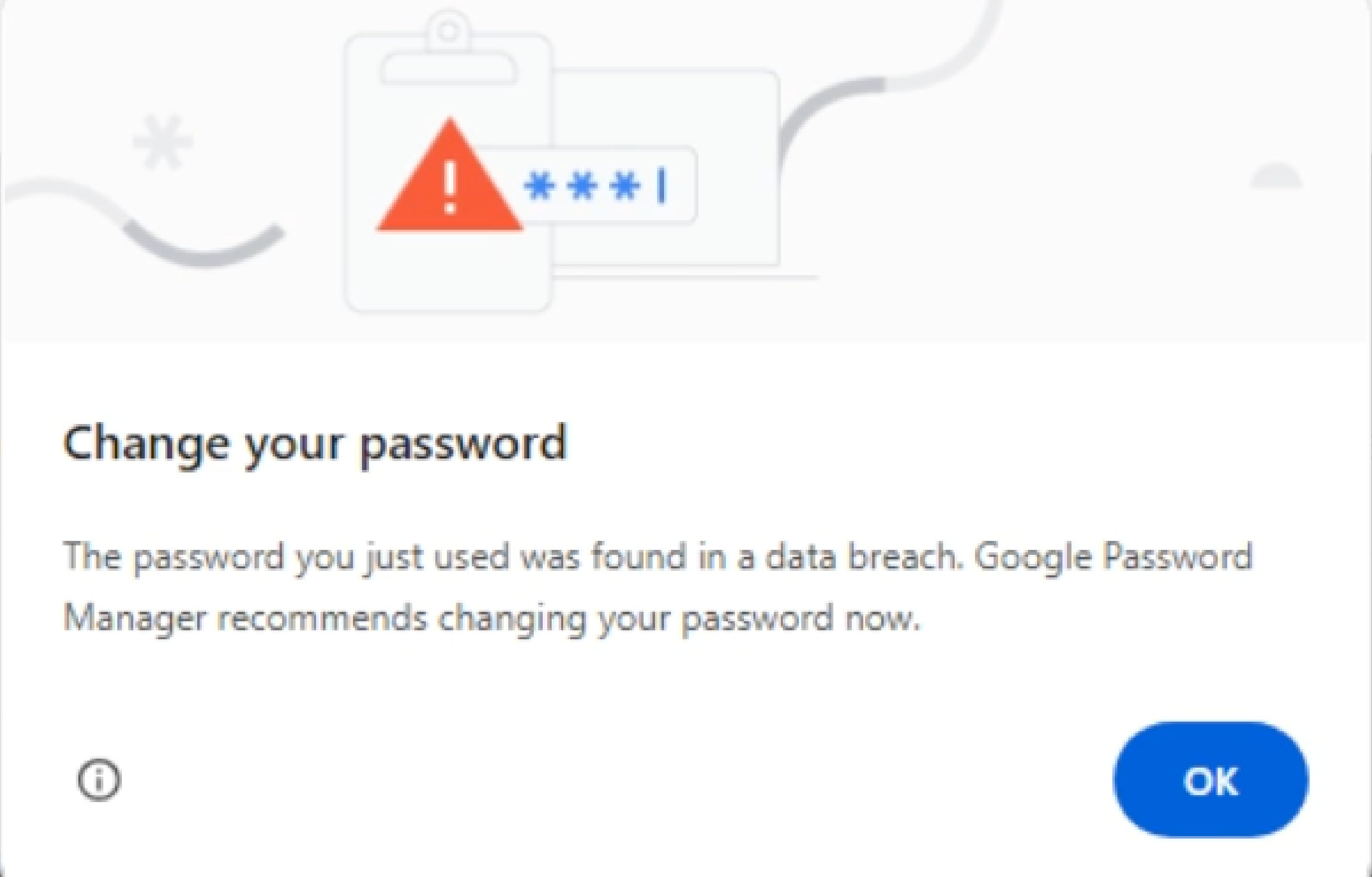
Steps to Resolve Pop-Up Issues
Section titled “Steps to Resolve Pop-Up Issues”-
From the left navigation bar, navigate to Create Tests and click Test Cases.
-
In the Test Case Explorer section, expand the required Feature and Scenario and select the required test case.
-
In the Test Case Details page, click Run.
-
In the Ad-Hoc Run overlay, expand the Desired Capabilities field and specify the desired capability.
Name Data Type Value goog:chromeOptions String {“prefs”: {“profile.password_manager_leak_detection”: false}} -
Click Run Now.