Configuration
SMTP Configuration in Testsigma
Prerequisites
Before you begin, ensure that you have:
- SMTP Server Address
- Port Number
- Valid Credentials
- Additional Parameters
Steps to Configure SMTP in Testsigma
Section titled “Steps to Configure SMTP in Testsigma”-
Navigate to Settings > SMTP Configuration.
-
Turn on the SMTP Configuration toggle.
-
Select @own, and enter all the details.
-
Click on Save.
Steps to generate Password from email
Section titled “Steps to generate Password from email”-
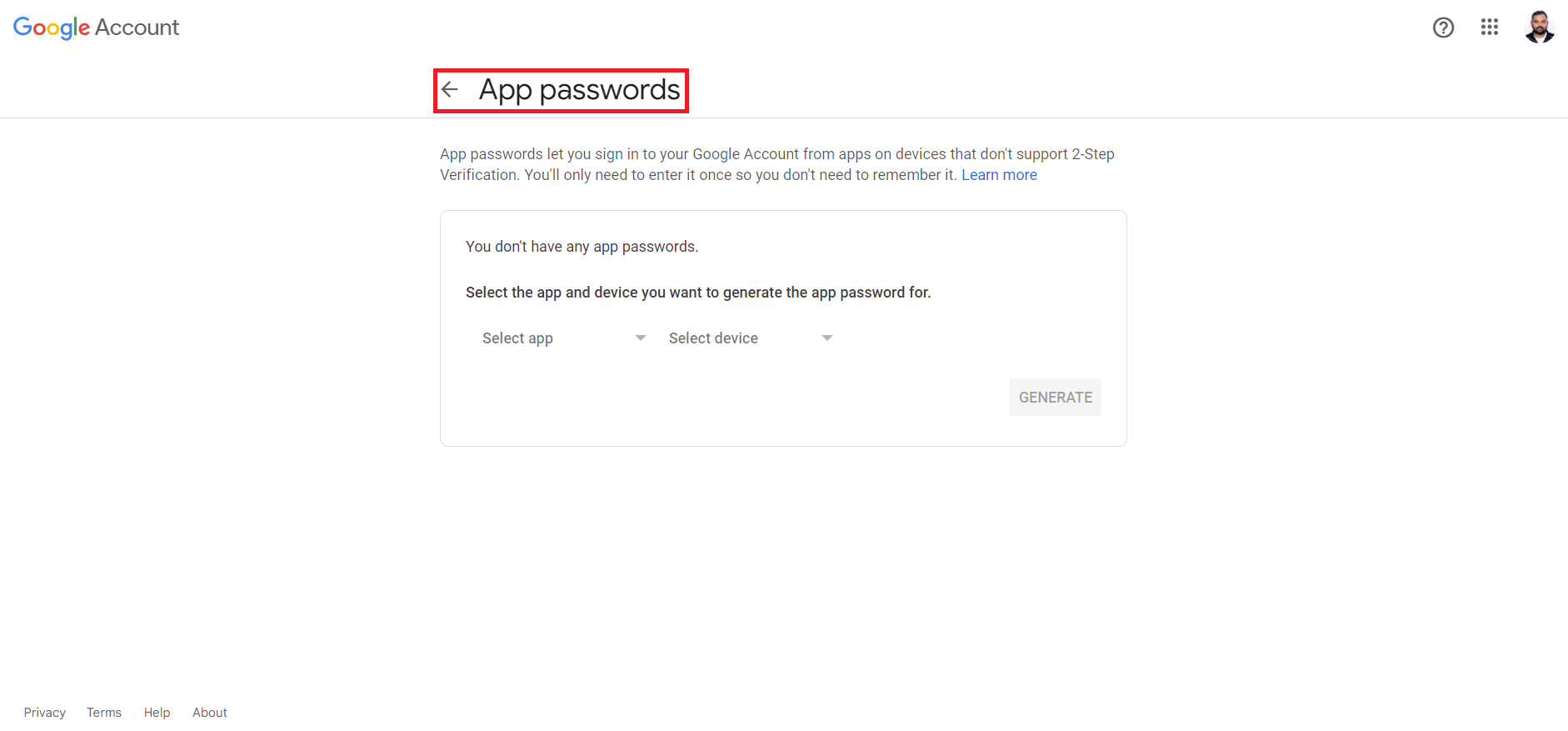
Navigate to Manage Accounts > Security > App passwords.
-
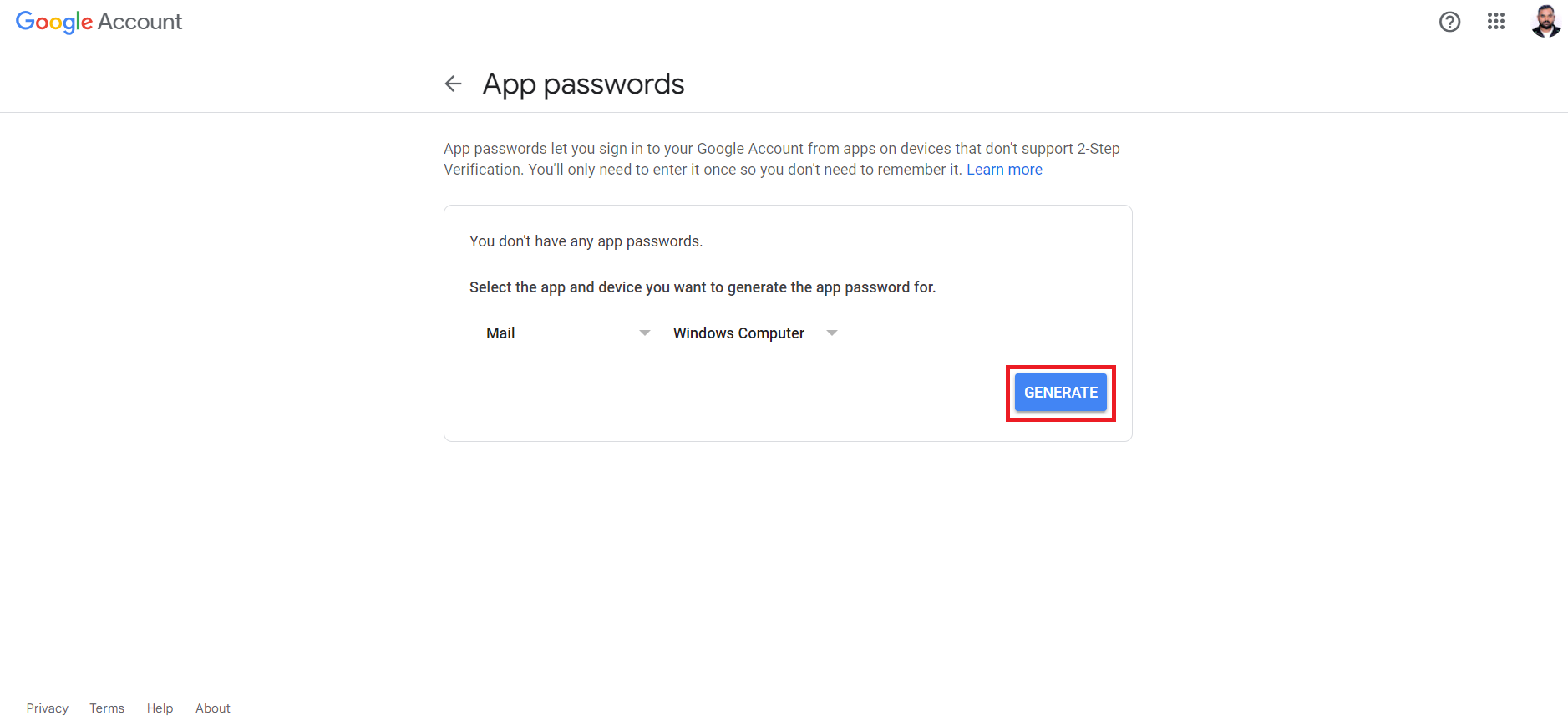
Select app, device, and click on Generate.
-
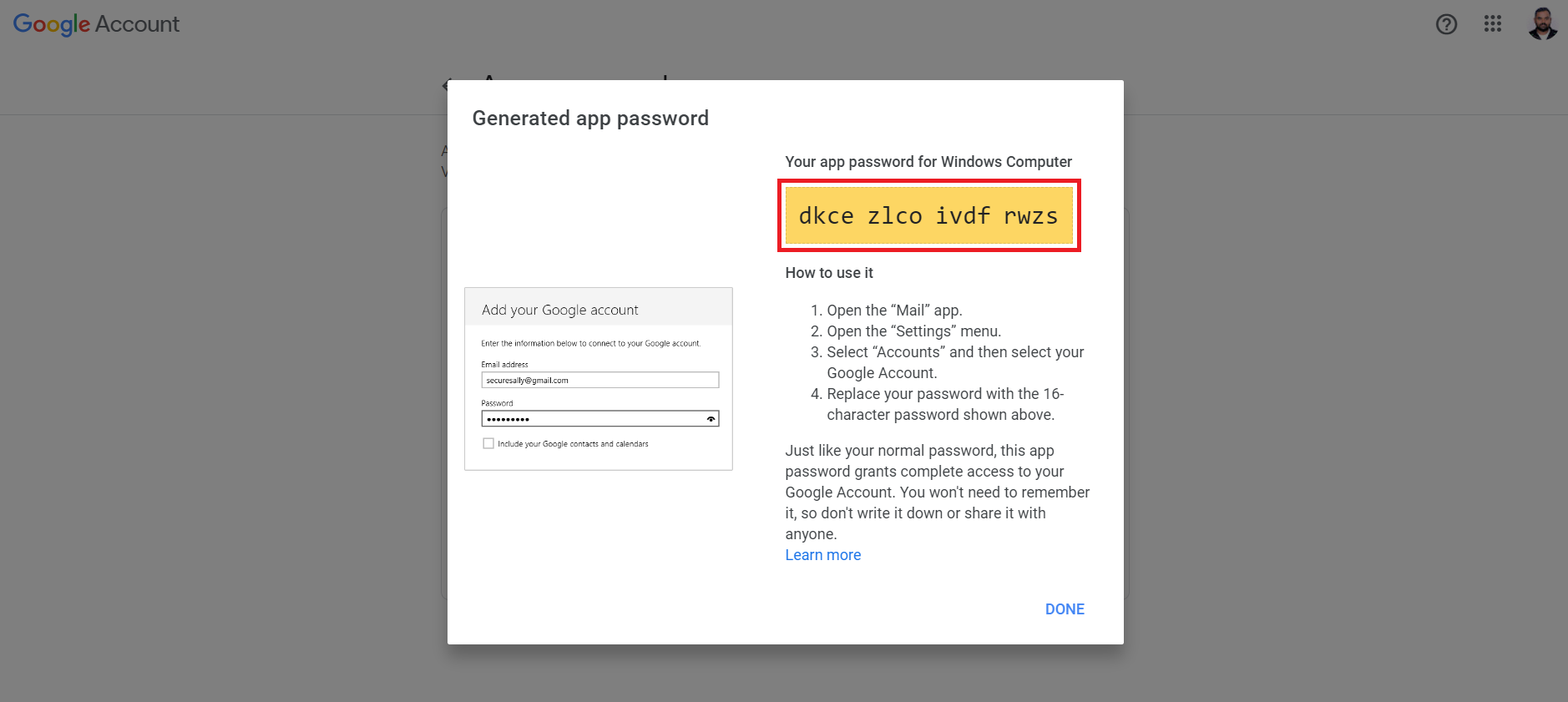
The password will be generated and displayed as below: