
Test Data
Name Function Type
Prerequisites
Before you begin, ensure that you have referred to:
Selecting Name as a Function Type for Data Generator
Section titled “Selecting Name as a Function Type for Data Generator”-
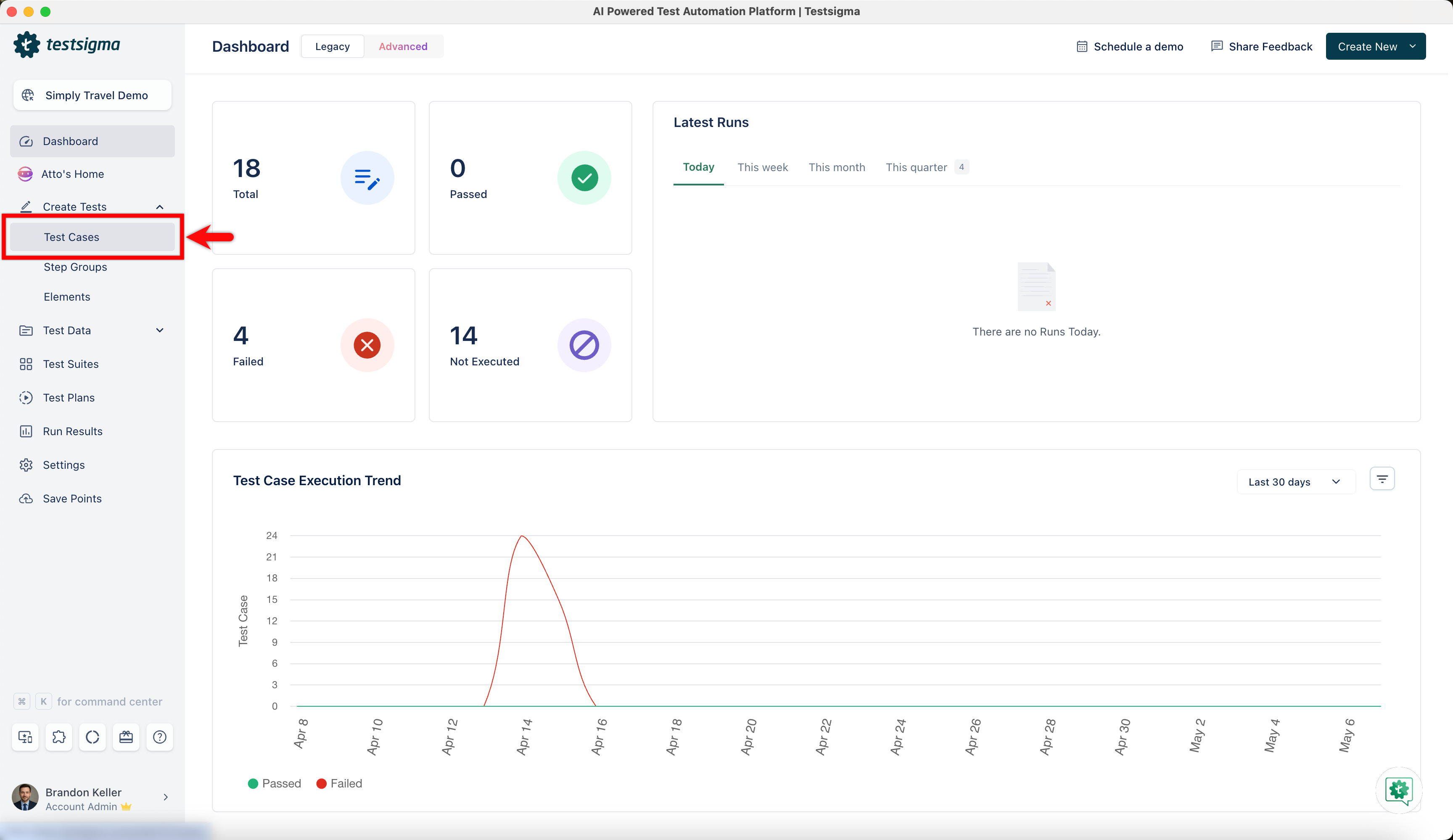
From the left navigation bar, go to Create Tests > Test Cases and create a new test case.
-
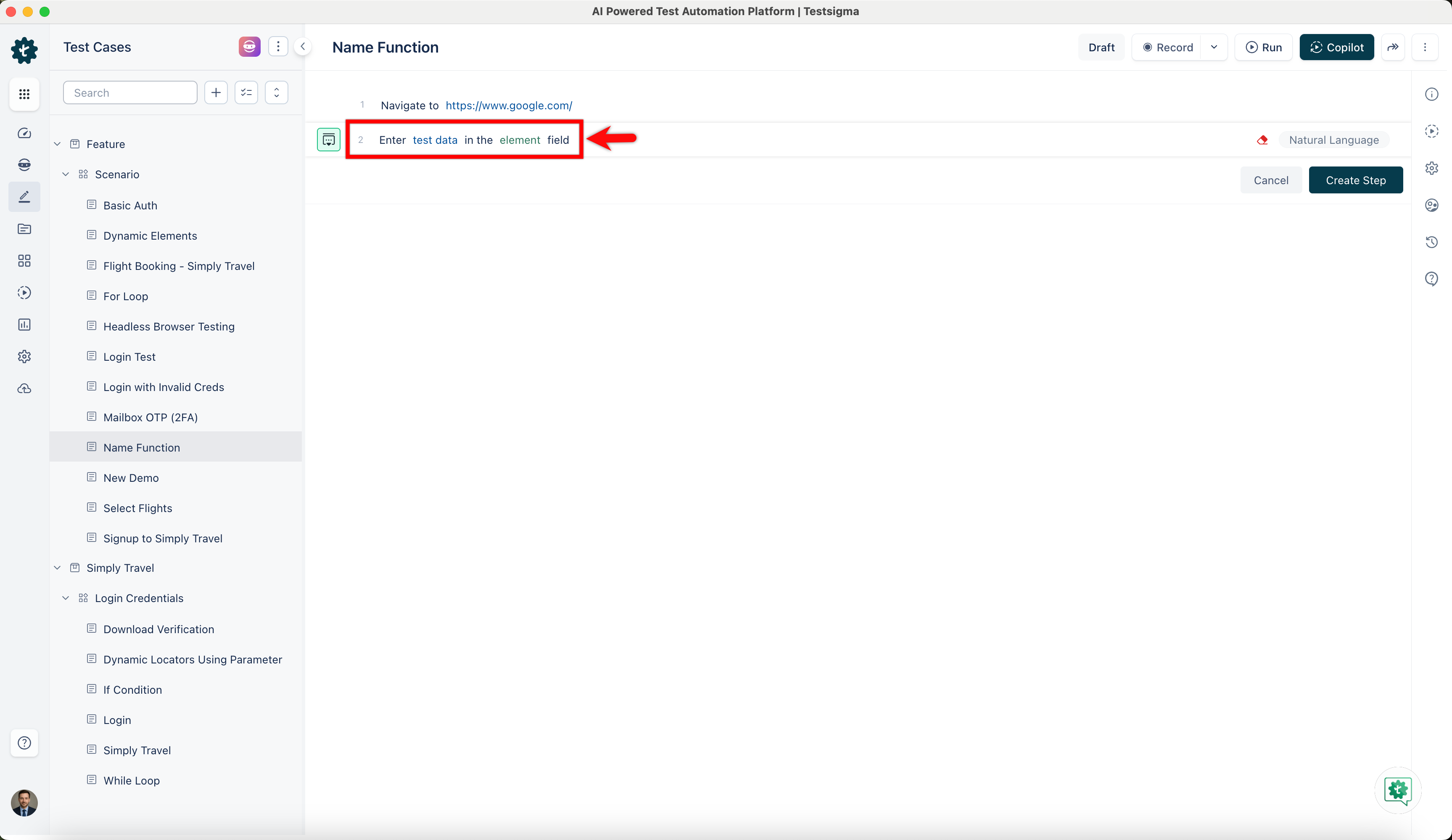
Use NLP to create a new step in the test case and include a placeholder for test data.
-
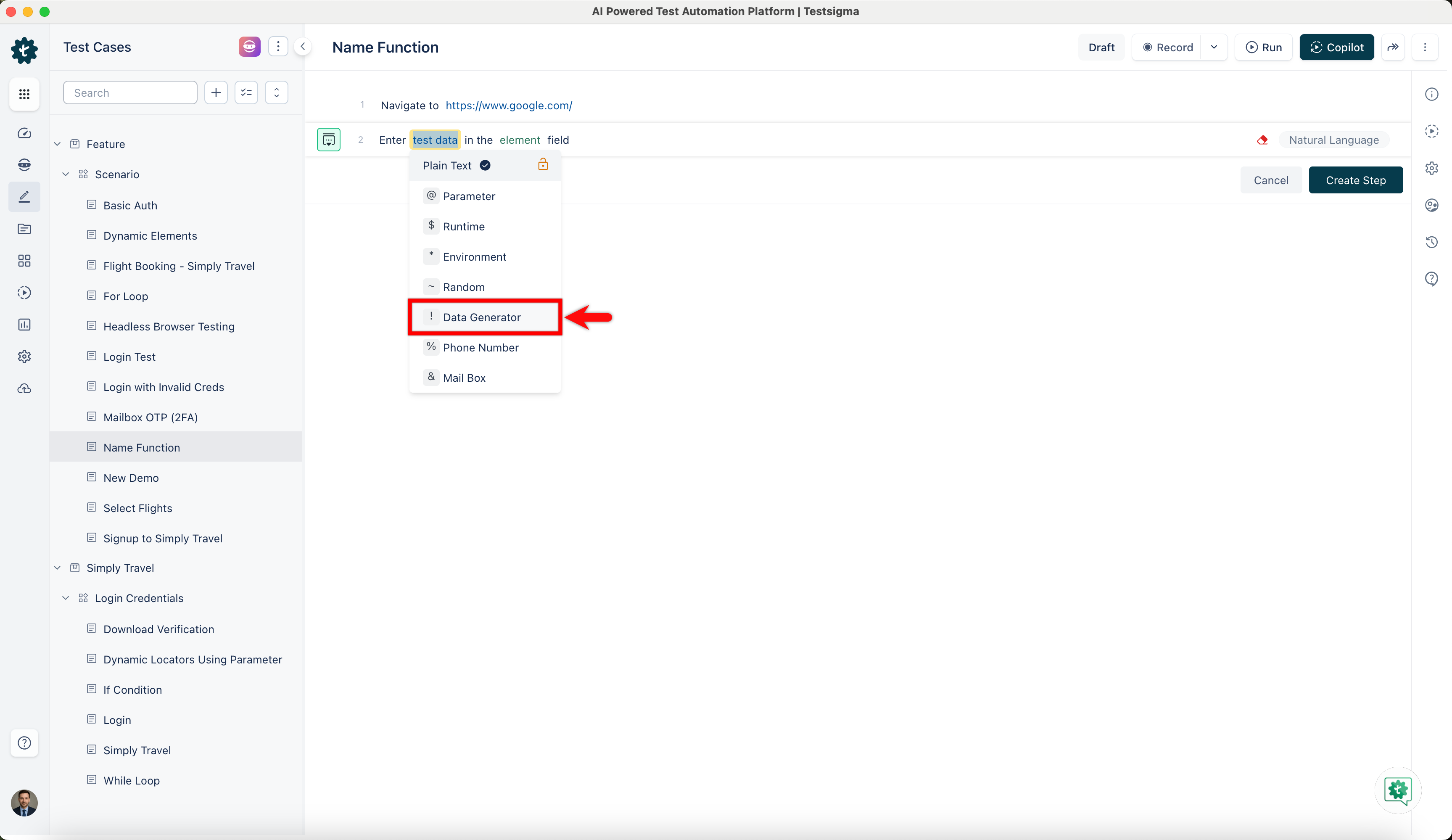
Click on the test data placeholder. From the Test Data Types dropdown menu, select the ! Data Generator option.
-
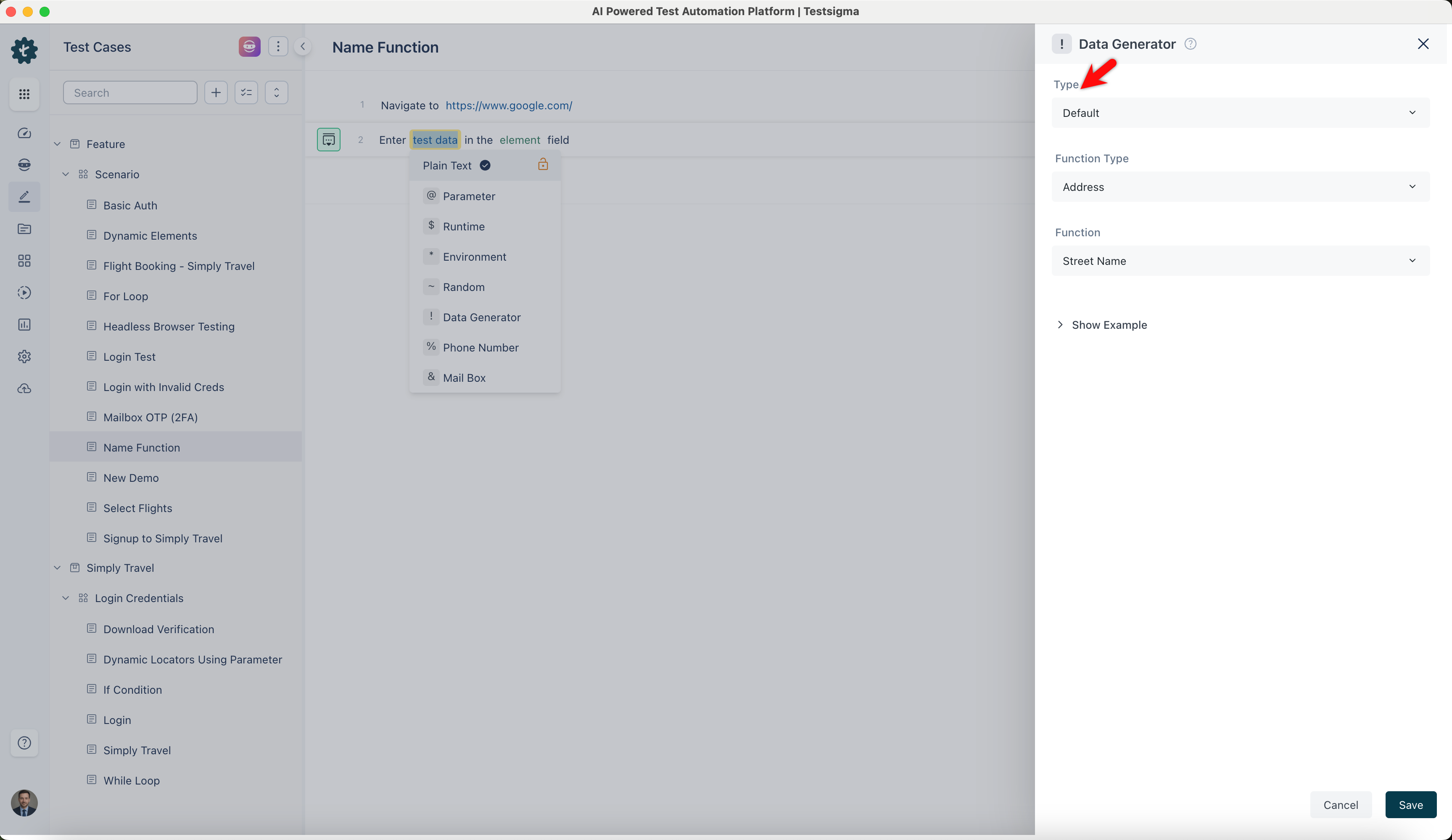
On the ! Data Generators overlay screen, select the Type to Default. This will enable you to use a collection of built-in test data generators.
-
Select Name from the Function Type dropdown list.
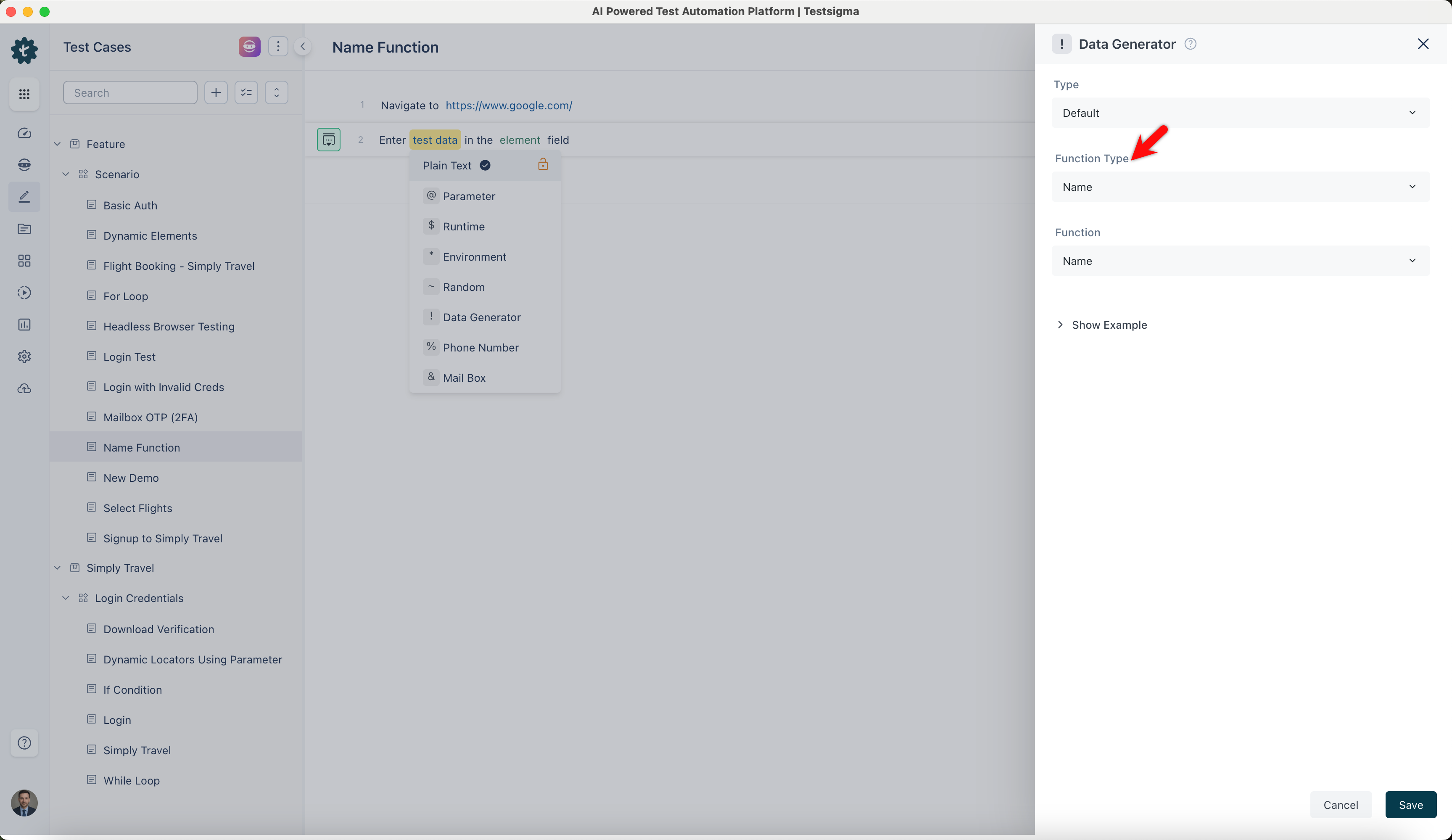
- Enables you to generate random first and last names. Use it to create user profiles or generate names for forms.
ℹ️Example:
- Input: None (This function does not require any specific input)
- Output:
- Neha Grant
- Vern Sanford
- Michael Johnson
- Sarah Davis
Name with Middle
Section titled “Name with Middle”- Allows you to generate more detailed name data including middle names for forms that require middle name fields.
ℹ️Example:
- Input: None (This function does not require any specific input)
- Output:
- Roel Roel Ziemann
- Alysa Alysa Williamson
- John John Michael
- Emily Emily Brown
Full Name
Section titled “Full Name”- Enables you to generate complete random names including first, middle, and last names. This is useful for detailed entries where all name parts are required.
ℹ️Example:
- Input: None (This function does not require any specific input)
- Output:
- John Michael Doe
- Eden Gaylord Jr.
- Emily Anne Brown
- Michael Lee Johnson
First Name
Section titled “First Name”- Allows you to generate random first names using it for filling out fields where only the first name is required.
ℹ️Example:
- Input: None (This function does not require any specific input)
- Output:
- John
- Daron
- Emily
- Sarah
Last Name
Section titled “Last Name”- Enables you to generate random last names, which are useful for scenarios requiring surnames.
ℹ️Example:
- Input: None (This function does not require any specific input)
- Output:
- Smith
- Hilpert
- Brown
- Johnson
Prefix
Section titled “Prefix”- Enables you to generate random name prefixes, add titles, and other formal honorifics. Prefixes denote titles, honorifics, or social standing. They provide a formal data to the name, showing respect, profession, or marital status.
ℹ️Example:
- Input: None (This function does not require any specific input)
- Output:
- Mr.
- Mrs.
- Dr.
- Ms.
Suffix
Section titled “Suffix”- Allows you to generate a random suffix for a name. Suffixes indicate generational ties, professional qualifications, or honorifics. They frequently signify a person’s rank, lineage, or achievements.
ℹ️Example:
- Input: None (This function does not require any specific input)
- Output:
- Jr.
- MD
- Sr.
- PhD
- Allows you to generate a random title, such as a job title or an honorific, to simulate professional scenarios requiring job titles, such as HR systems or organizational charts.
ℹ️Example:
- Input: None (This function does not require any specific input)
- Output:
- Engineer
- Chief Assurance Engineer
- Professor
- Doctor
Username
Section titled “Username”- Enables you to generate a random username, typically based on the first and last names or random alphanumeric characters, for testing login systems, user registration processes, and other scenarios requiring unique usernames.
ℹ️Example:
- Input: None (This function does not require any specific input)
- Output:
- johnsmith
- edmond.heller
- emily.brown
- sarah.davis