
Test Plans
Post Plan Hook
Prerequisites
Before you begin, ensure that you have referred to:
Enable Post Plan Hook in a test plan
Section titled “Enable Post Plan Hook in a test plan”-
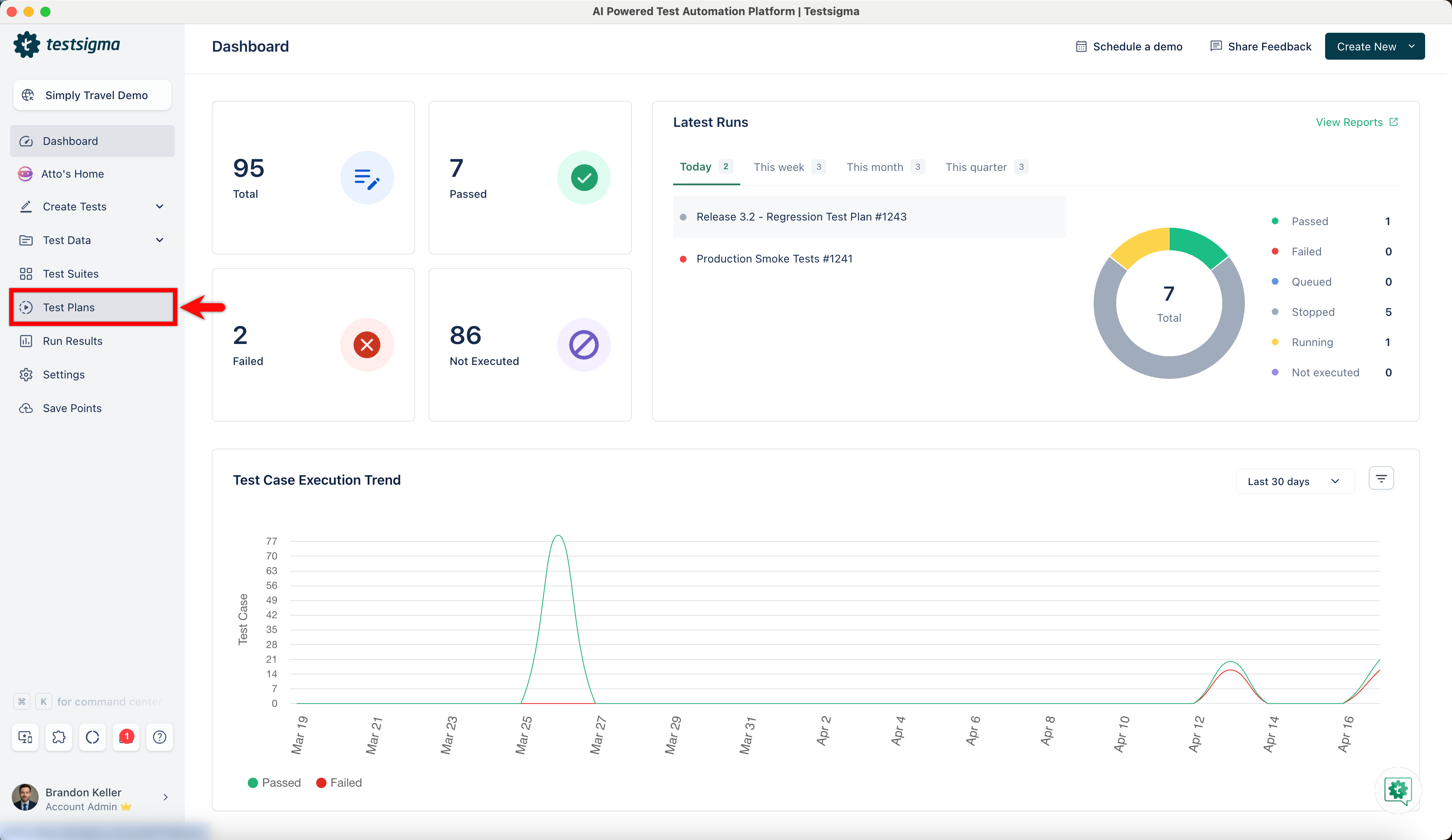
From the left navigation bar, go to Test Plans and create a new test plan or open an existing test plan.
-
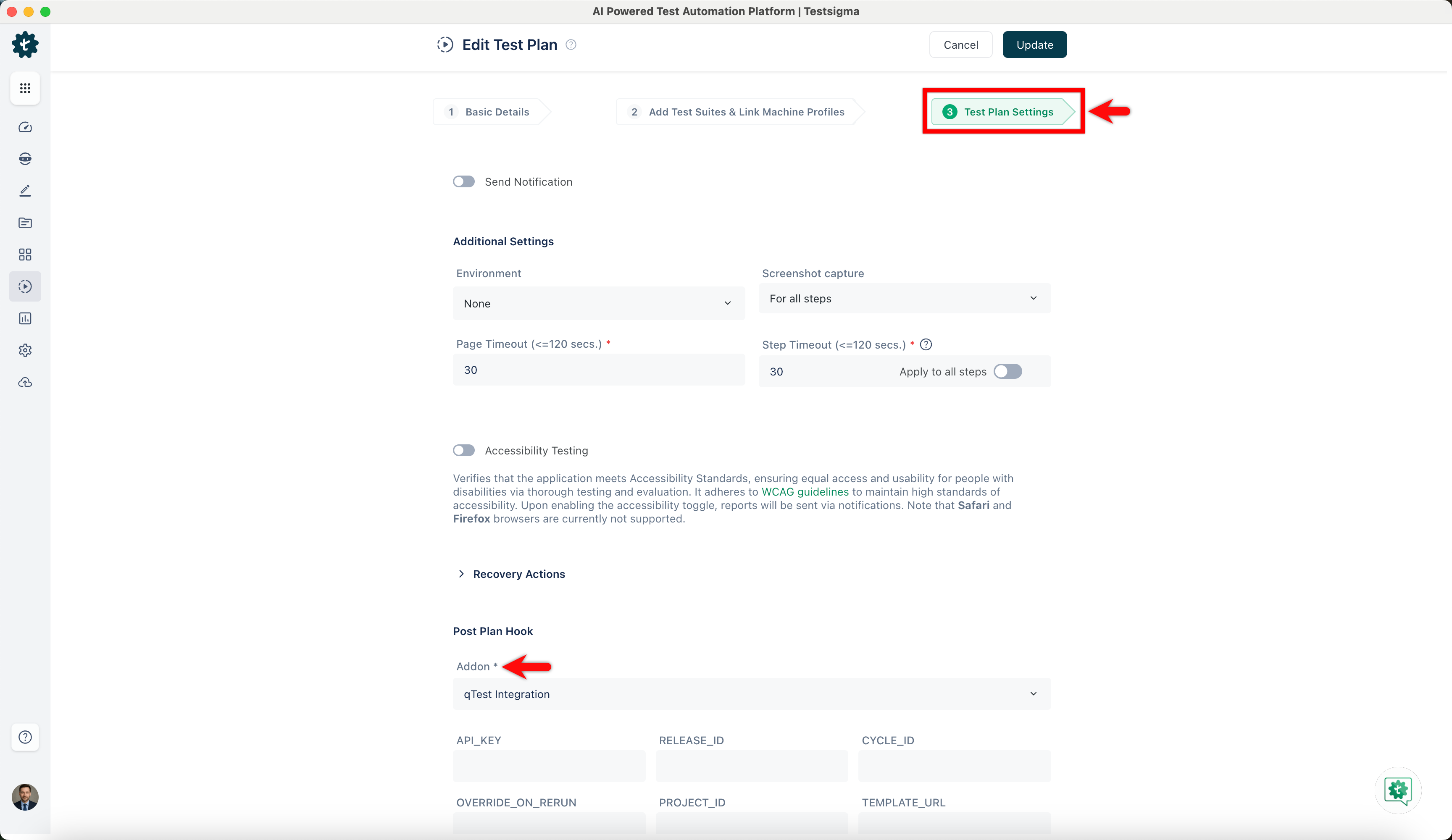
Navigate to the Test Plan Settings tab on the Create or Edit Test Plan page.
-
In the Post Plan Hook you can enable the Post Plan Hook by selecting supported add-ons from the dropdown list and entering the required details in the custom field based on your needs.
-
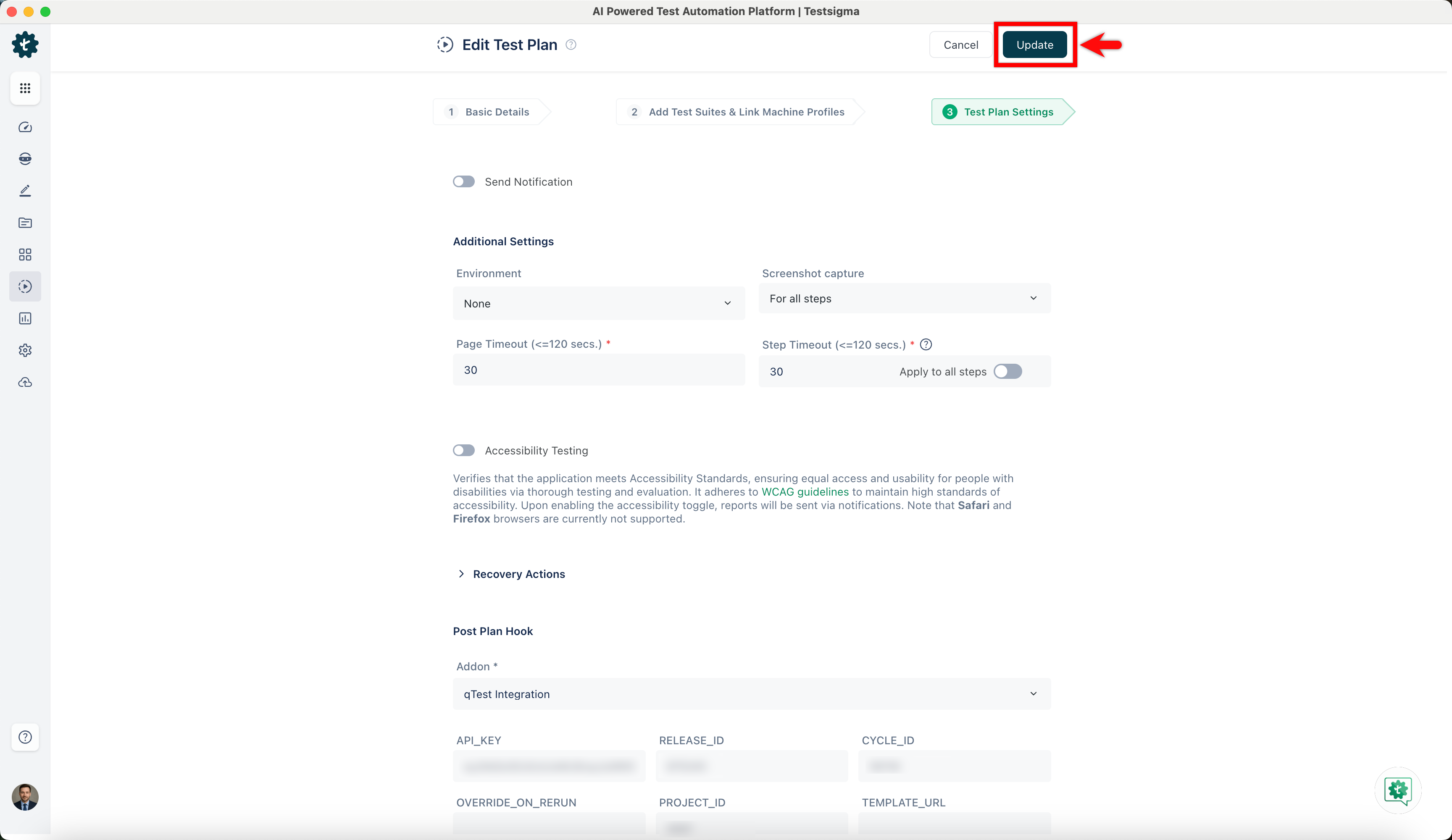
Once you enable the Post Plan Hook in the test plan settings, save the changes to the test plan by clicking Create/Update, then Run the test plan.
Viewing Post Plan Hook Status
Section titled “Viewing Post Plan Hook Status”-
After completing the test plan execution, click the View Reports button at the top right of the Test Plans details page to view the test plan and post-plan hook results.
-
View the Post Plan Hook status on the Run Result page under the Run Result Overview section.