Integrations
Integrate Testsigma with Linear
Prerequisites
Before you beign, ensure that:
- To integrate Youtrack with Testsigma, you need the following:
- Linear API Key (For more information, refer to https://linear.app/docs/api-and-webhooks)
- You have referred to the documentation on executing test plan runs.
Steps to Integrate Testsigma with Linear
Section titled “Steps to Integrate Testsigma with Linear”-
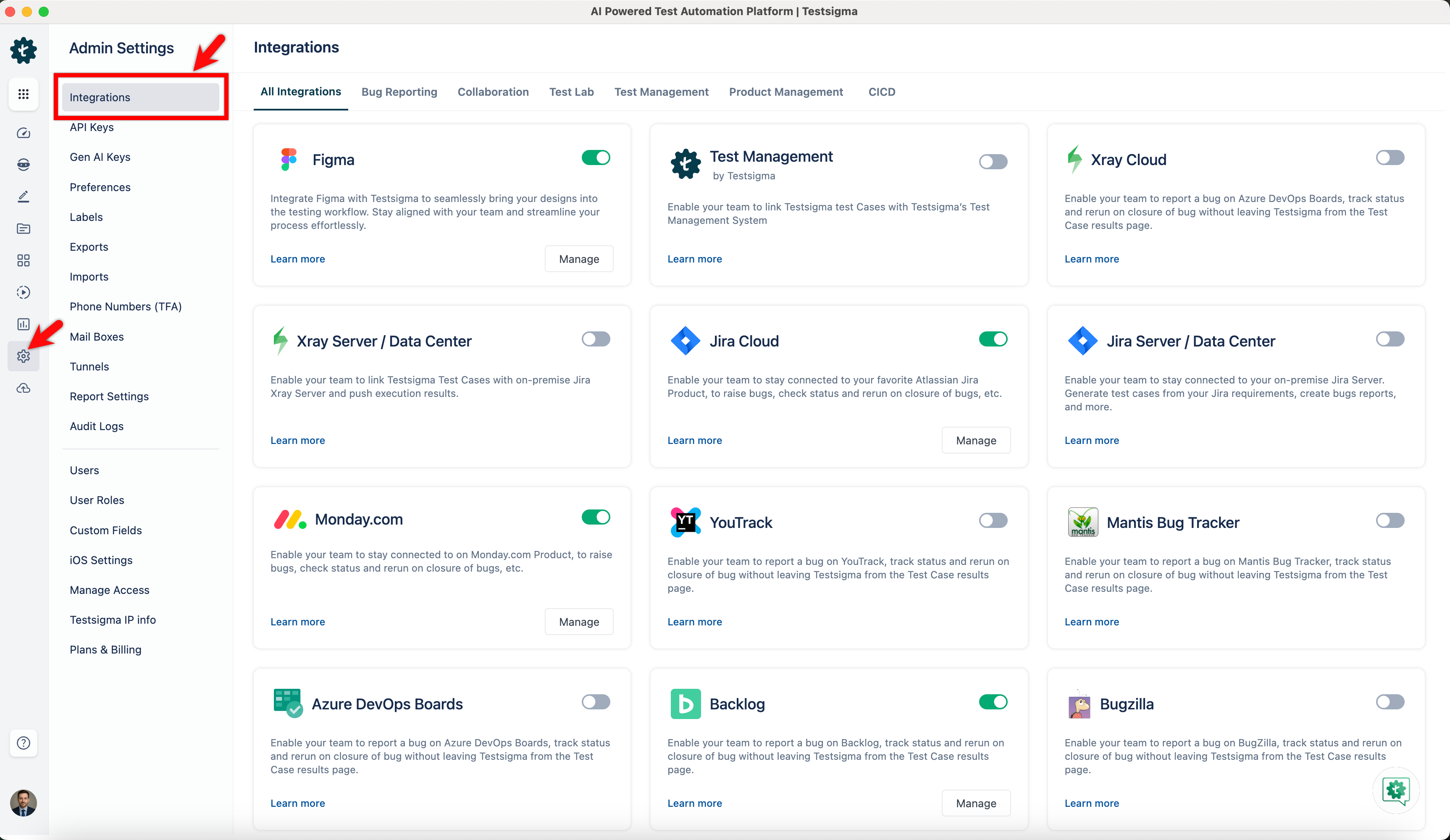
Navigate to Settings > Integrations.
-
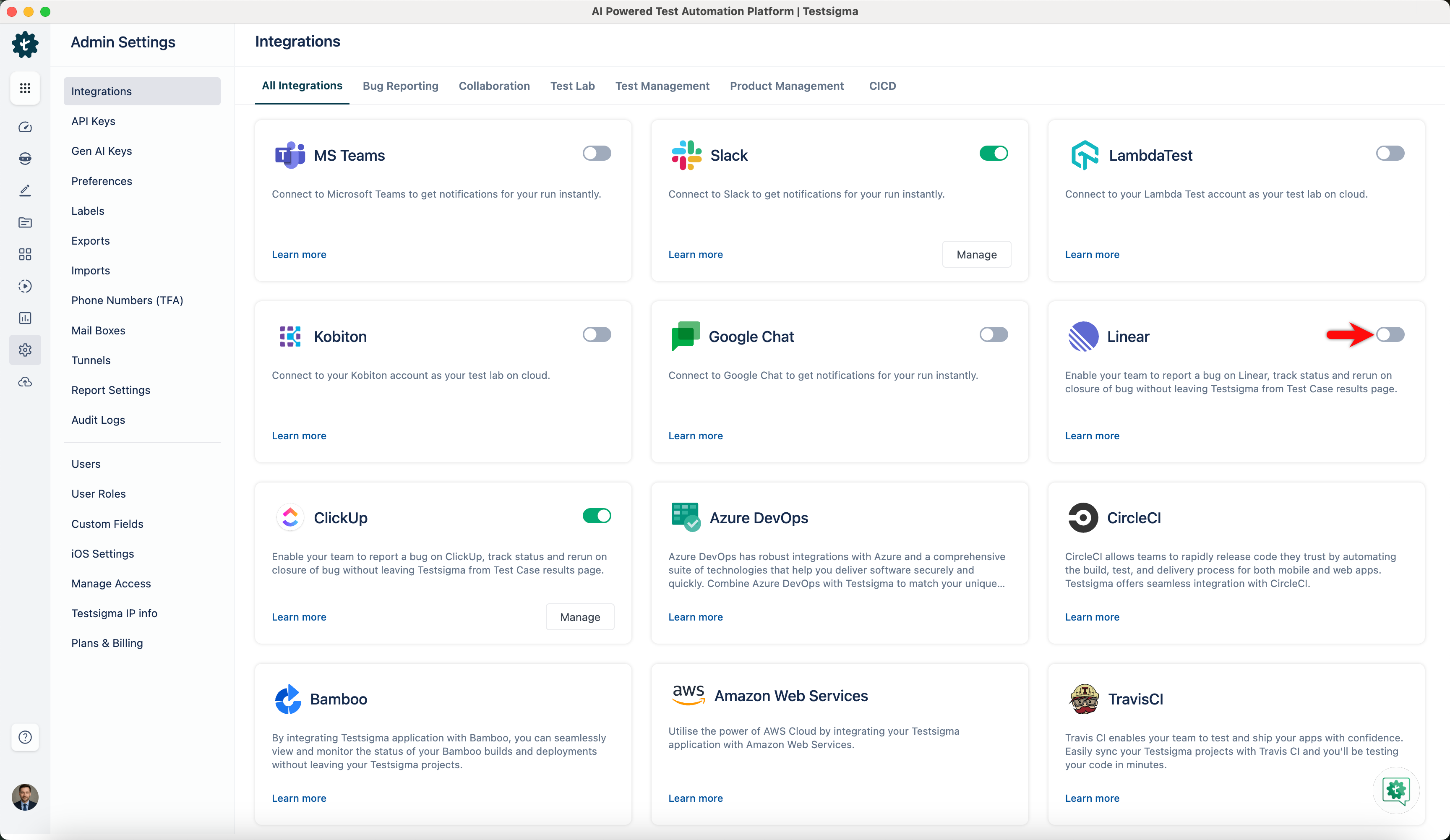
Enable toggle on Linear widget.
-
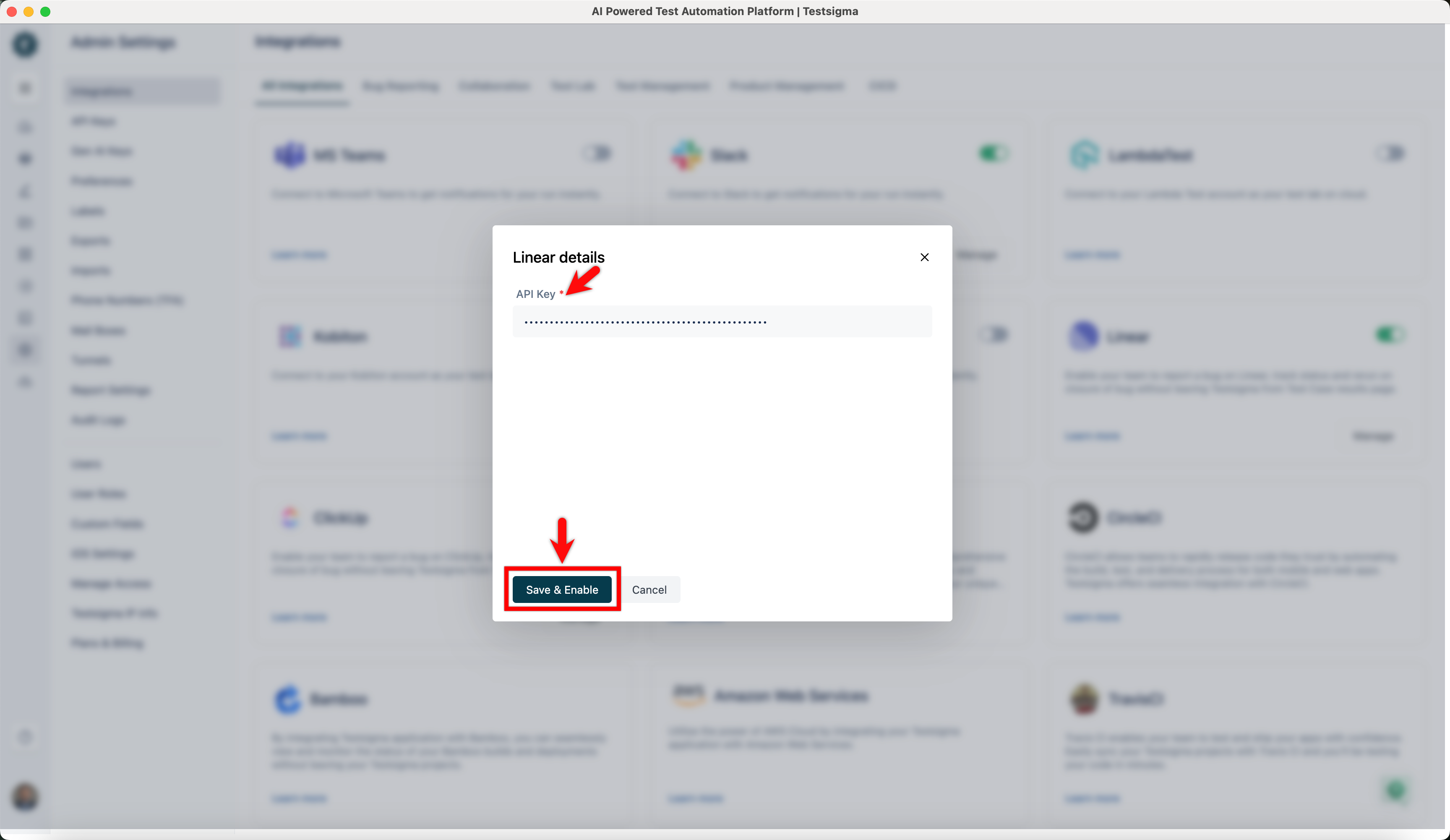
In the Linear Details overlay, enter API Key, and click Save & Enable.
Creating a Bug
Section titled “Creating a Bug”-
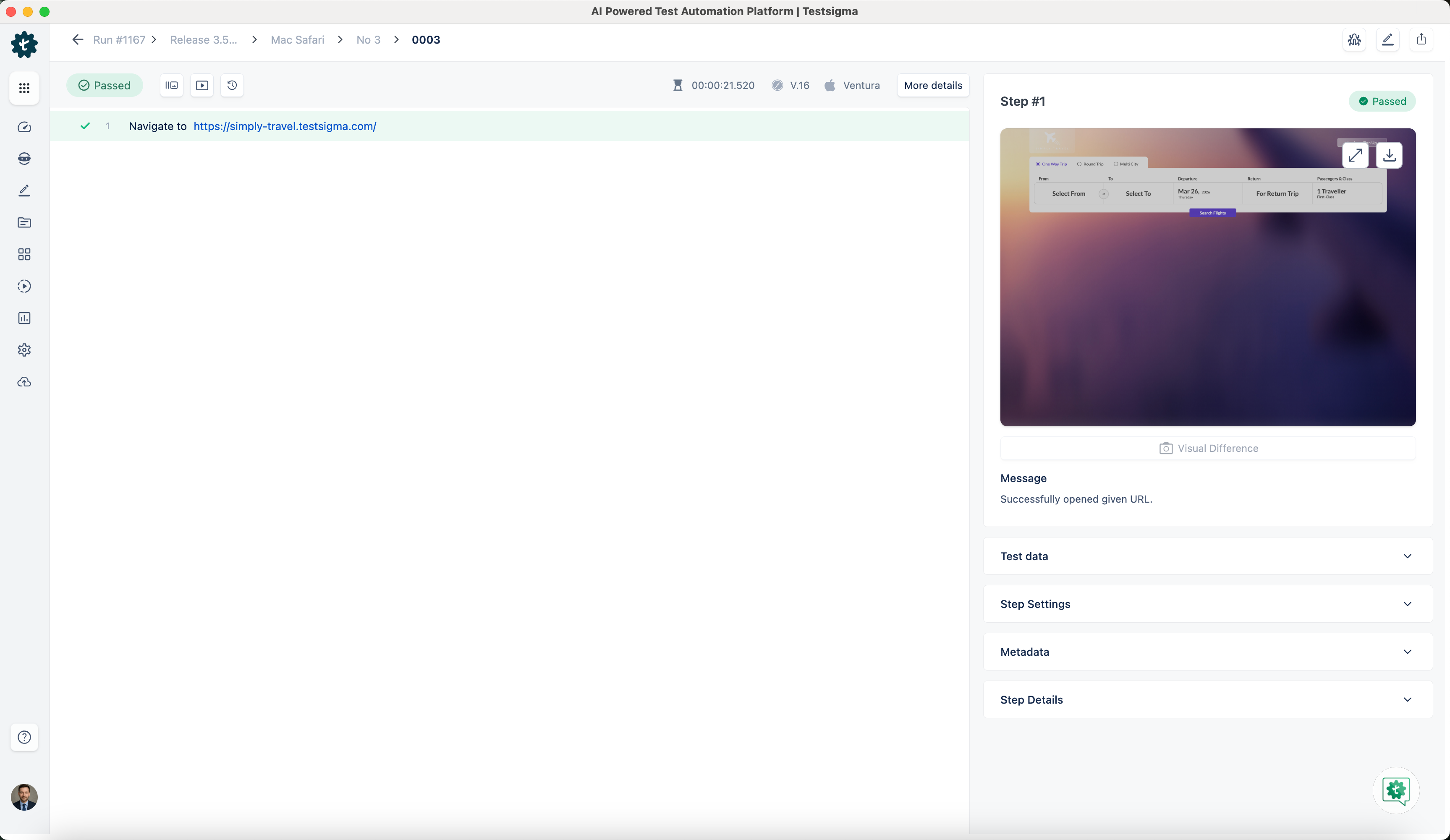
Navigate to Run Results > Test Case Result, where you want to add a bug.
-
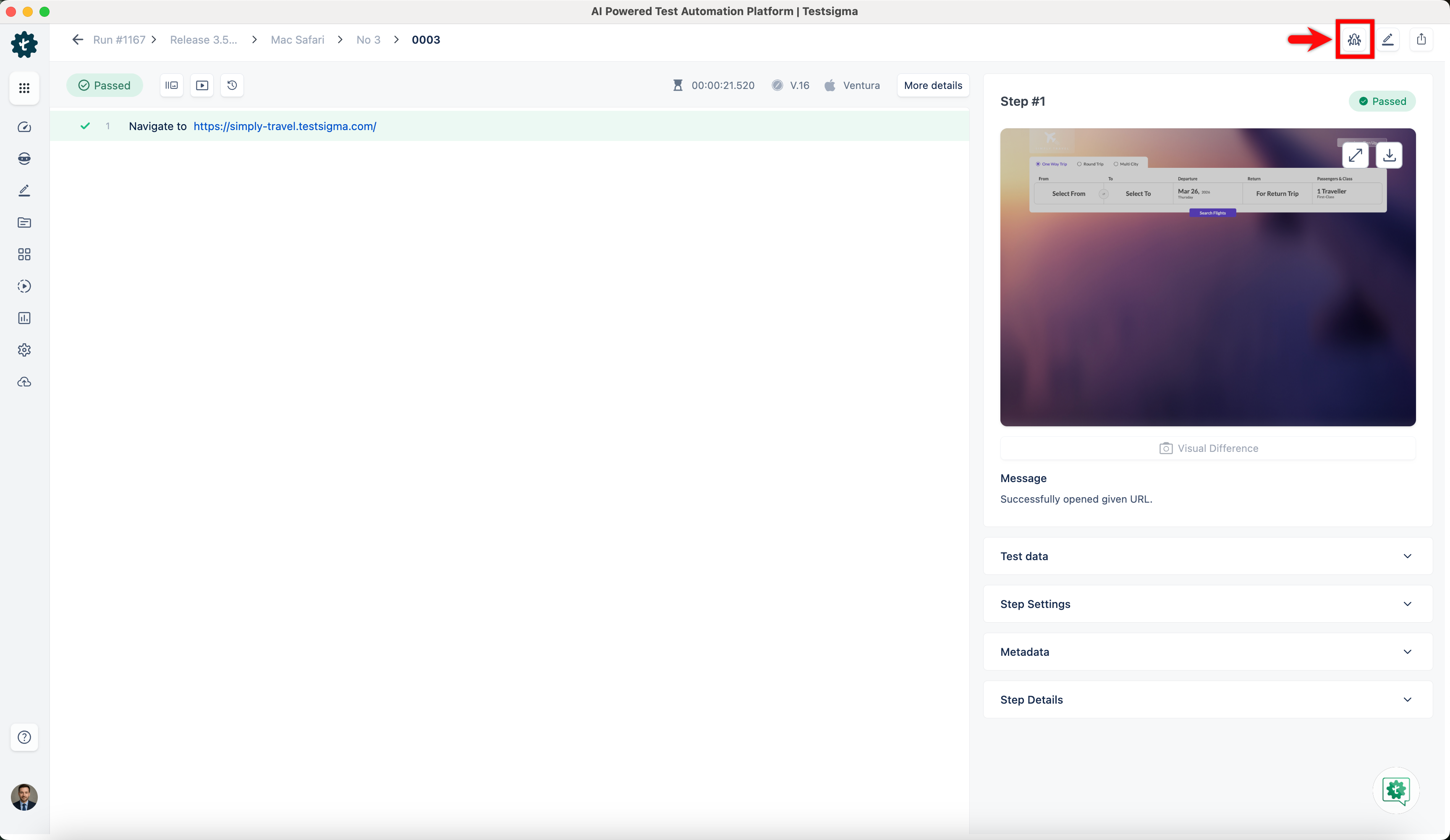
Click on Report Bug.
-
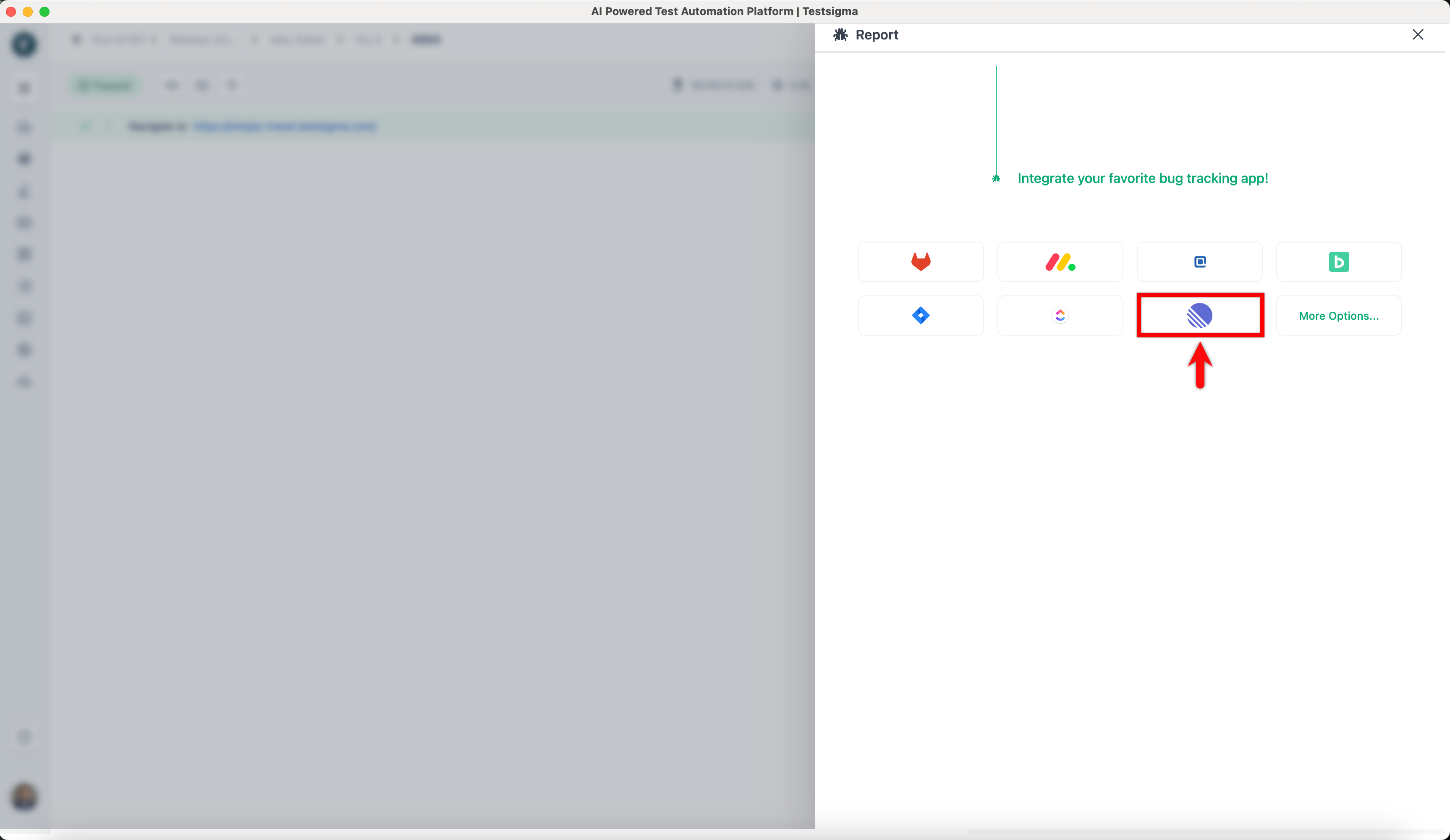
In the Report overlay, click on Linear icon.
-
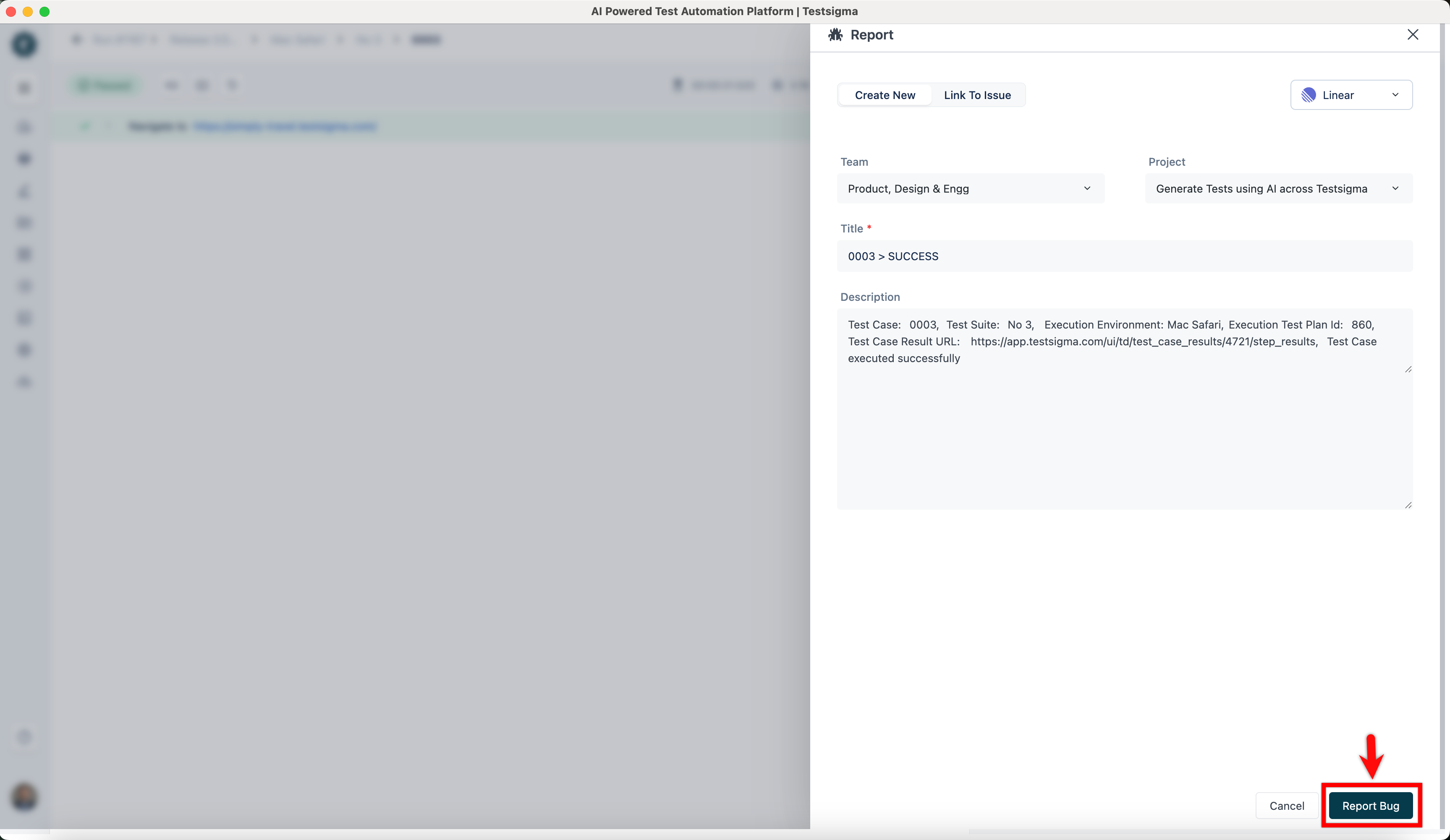
In the Report prompt, review the details, and click Report Bug.