Testsigma Agent
Delete Agents: Soft & Permanent
Prerequisites
Before you begin, ensure that you have referred to:
Steps to Soft Delete an Agent
Section titled “Steps to Soft Delete an Agent”-
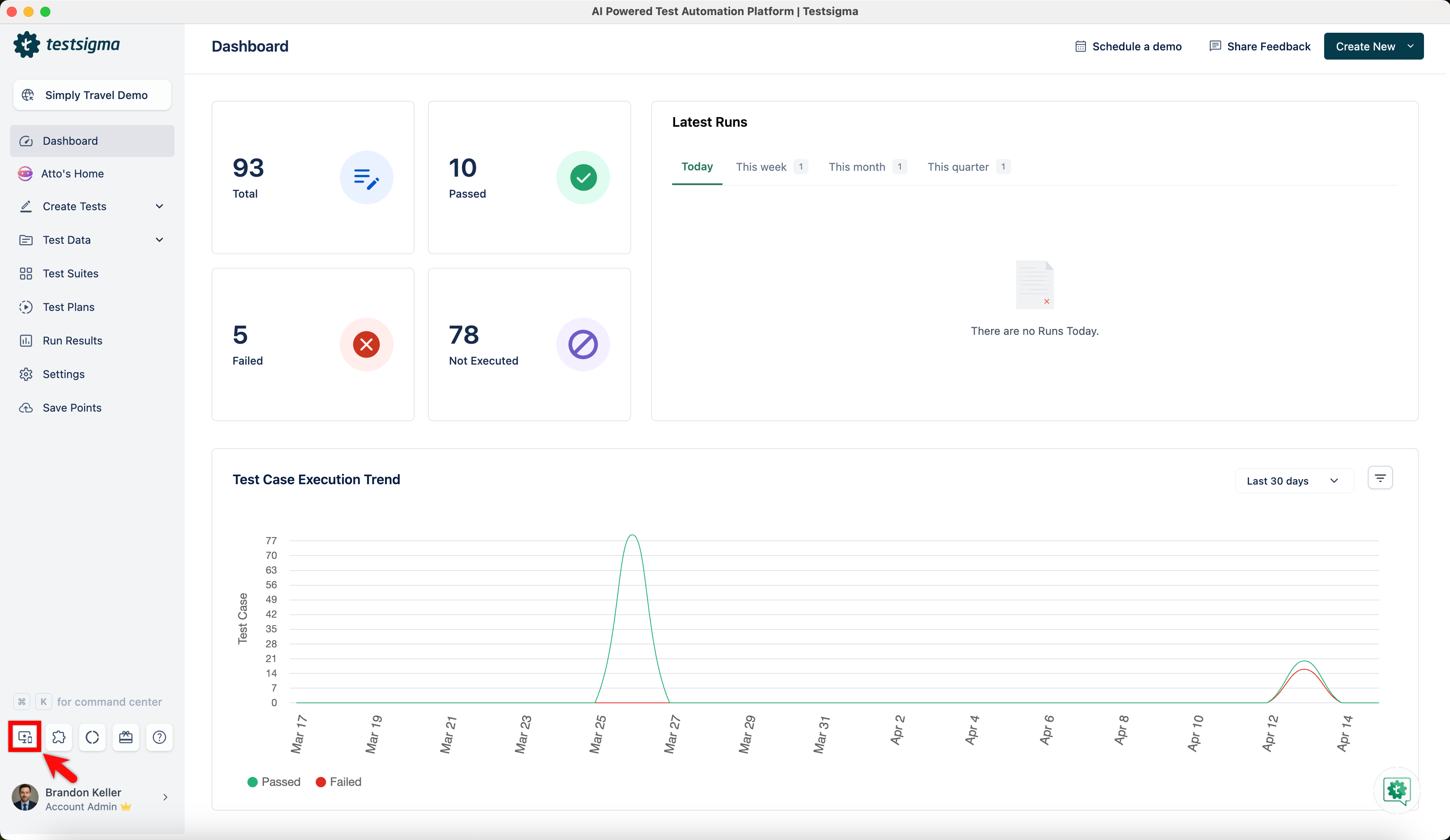
From the dashboard, go to Agents.
-
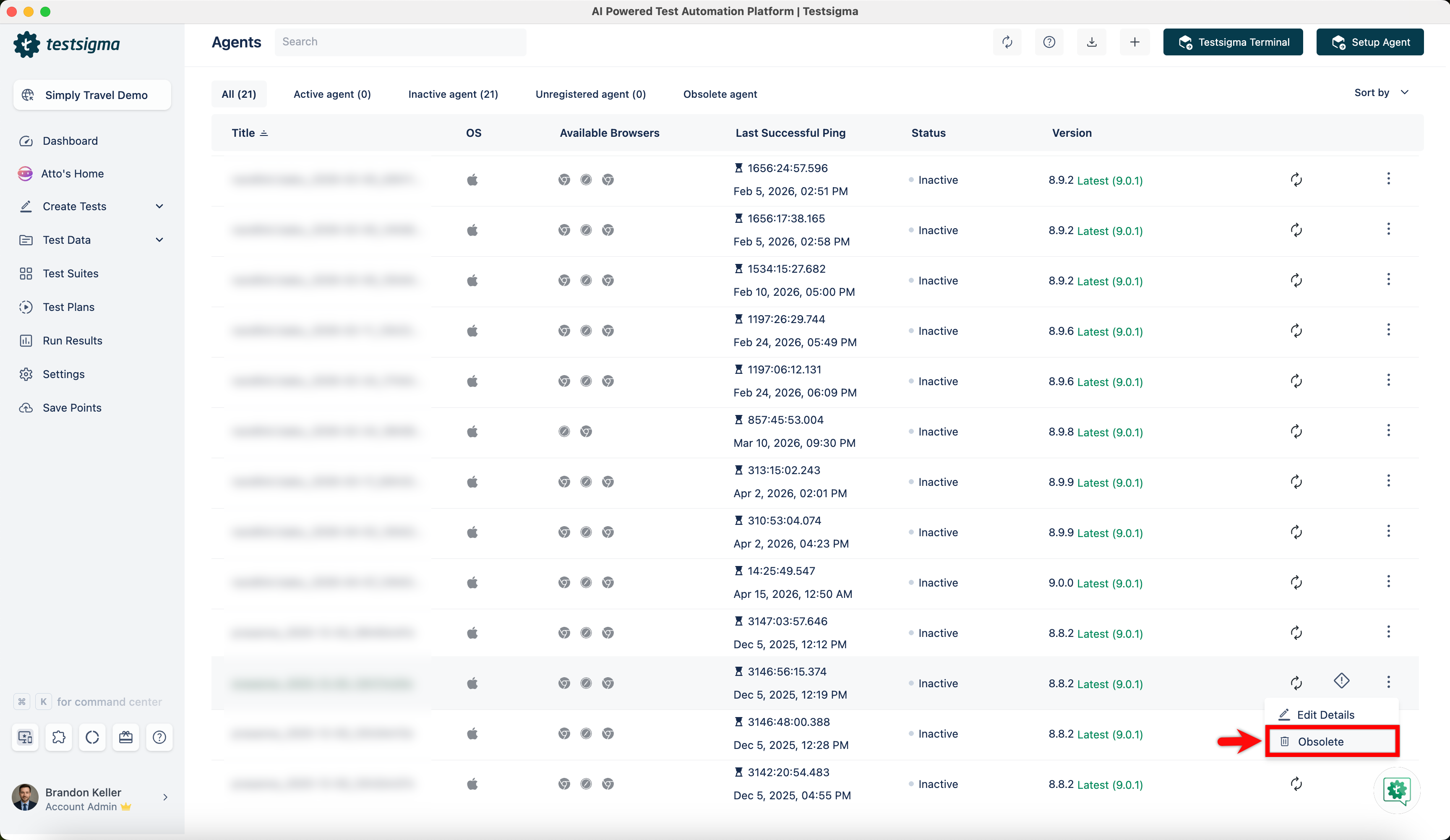
Click the ellipsis icon against an agent that you want to delete and click Obsolete.
-
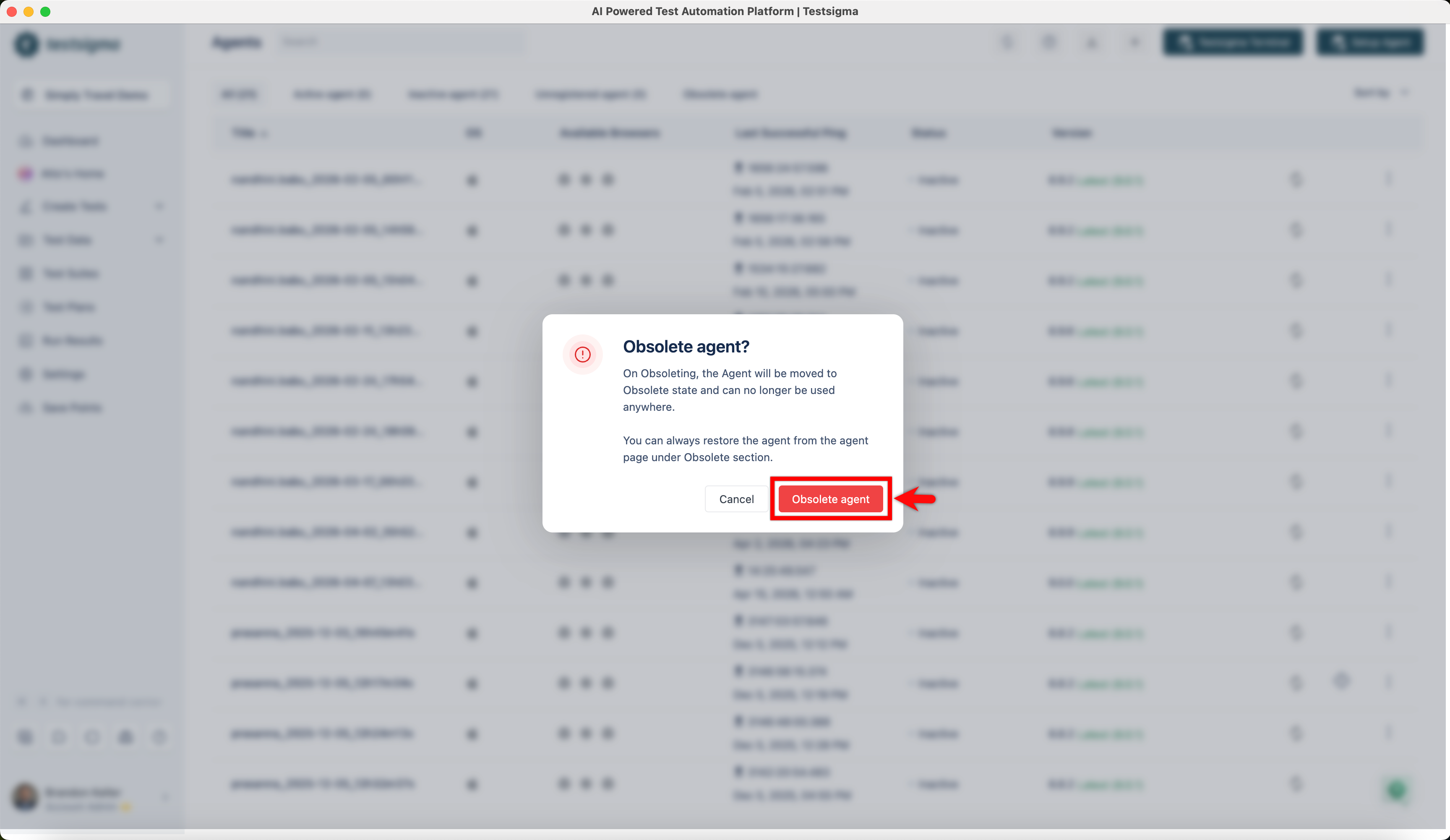
In the Obsolete agent? dialog, click Obsolete Agent.
-
The agent will move to the obsolete state.
Steps to Delete Agents Permanently
Section titled “Steps to Delete Agents Permanently”-
From the dashboard, go to Agents.
-
Click the ellipsis icon against the agent and click Delete Permanently.
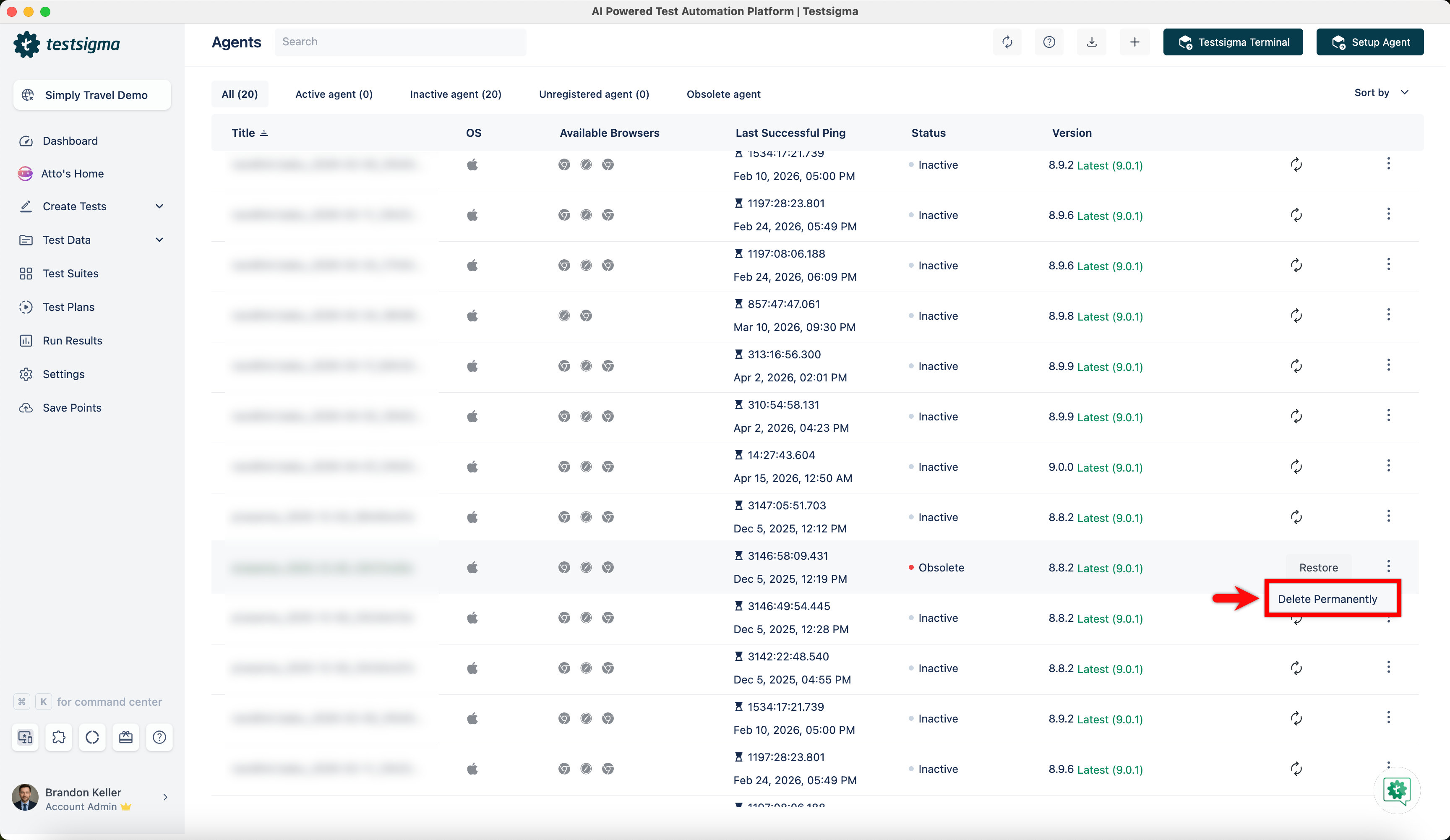
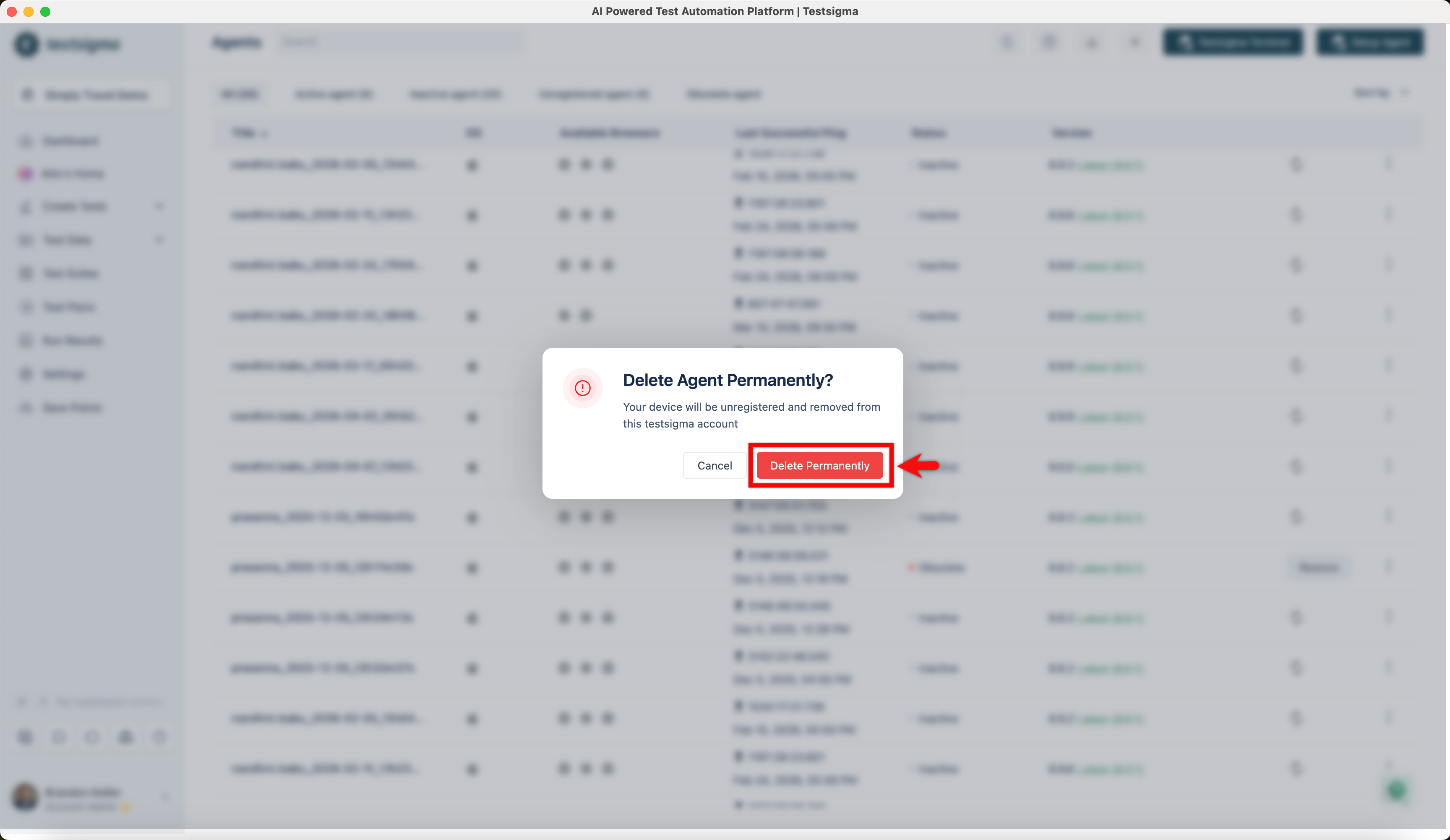
-
In the Delete Agent Permanently? dialog, click Delete Permanently.