Configuration
Setting Up Google Single Sign-On(SSO) Login in Testsigma
Prerequisites
- Before you begin, ensure you have an active Testsigma account.
Steps to Enable SSO in Testsigma
Section titled “Steps to Enable SSO in Testsigma”-
Navigate to your profile and click Switch Account.
-
Click Settings under the Others section on the home screen.
-
In the Settings panel, scroll down to Organization Settings and click Security (SSO).
-
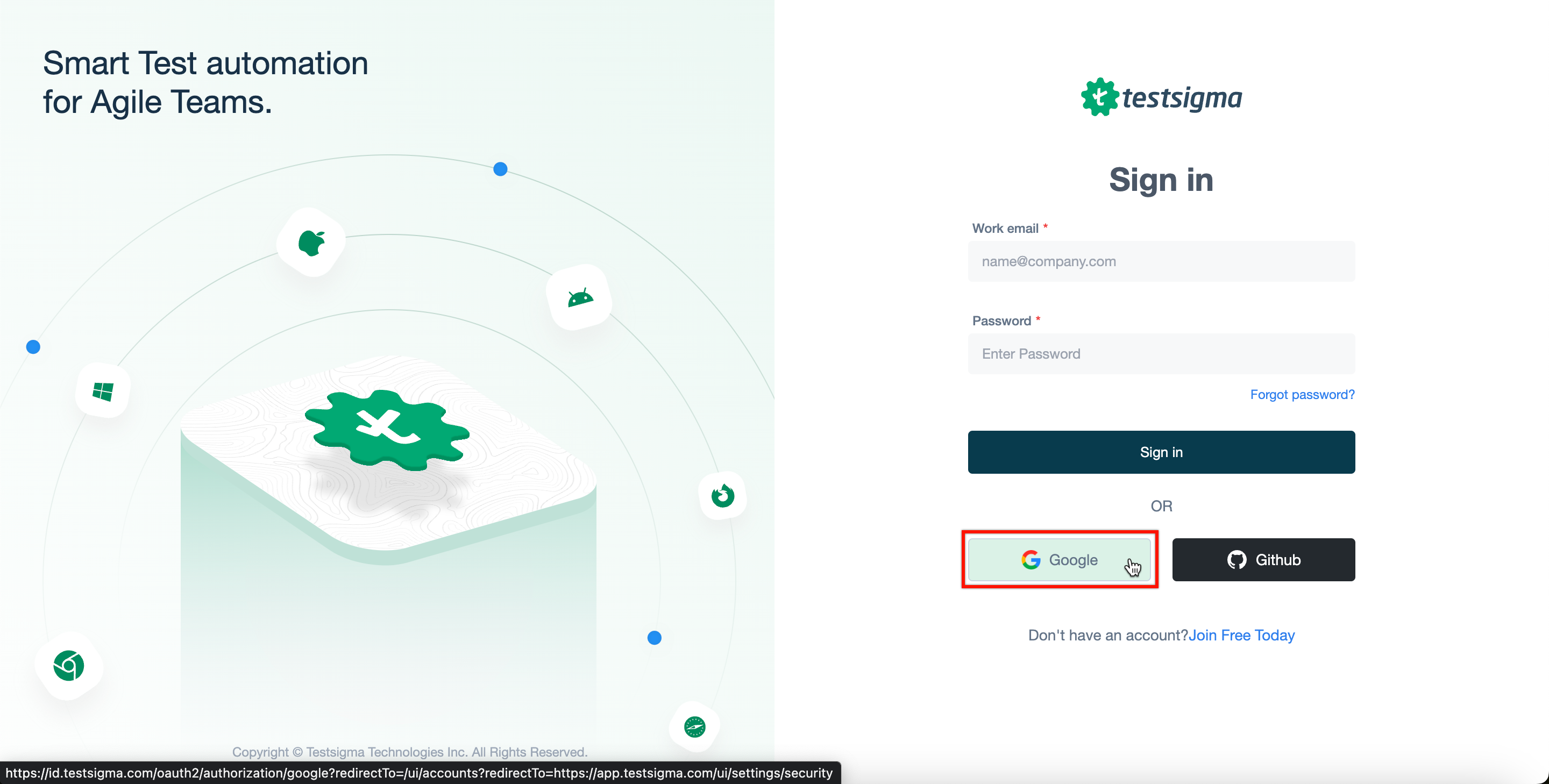
In the Single Sign-On (SSO) settings, enable the toggle on Google widget.
- Your Google SSO login option will now be enabled.
The next time you login to Testsigma, you and your teammates can log in using Google.