CI/CD
Integrate Testsigma with Jenkins
Prerequisites
Before you begin, ensure that you have:
- Reviewed the following documentation:
- A working Jenkins server with administrative access.

Trigger Testsigma Test Plans from Jenkins
Section titled “Trigger Testsigma Test Plans from Jenkins”-
Log in to your Jenkins instance.
-
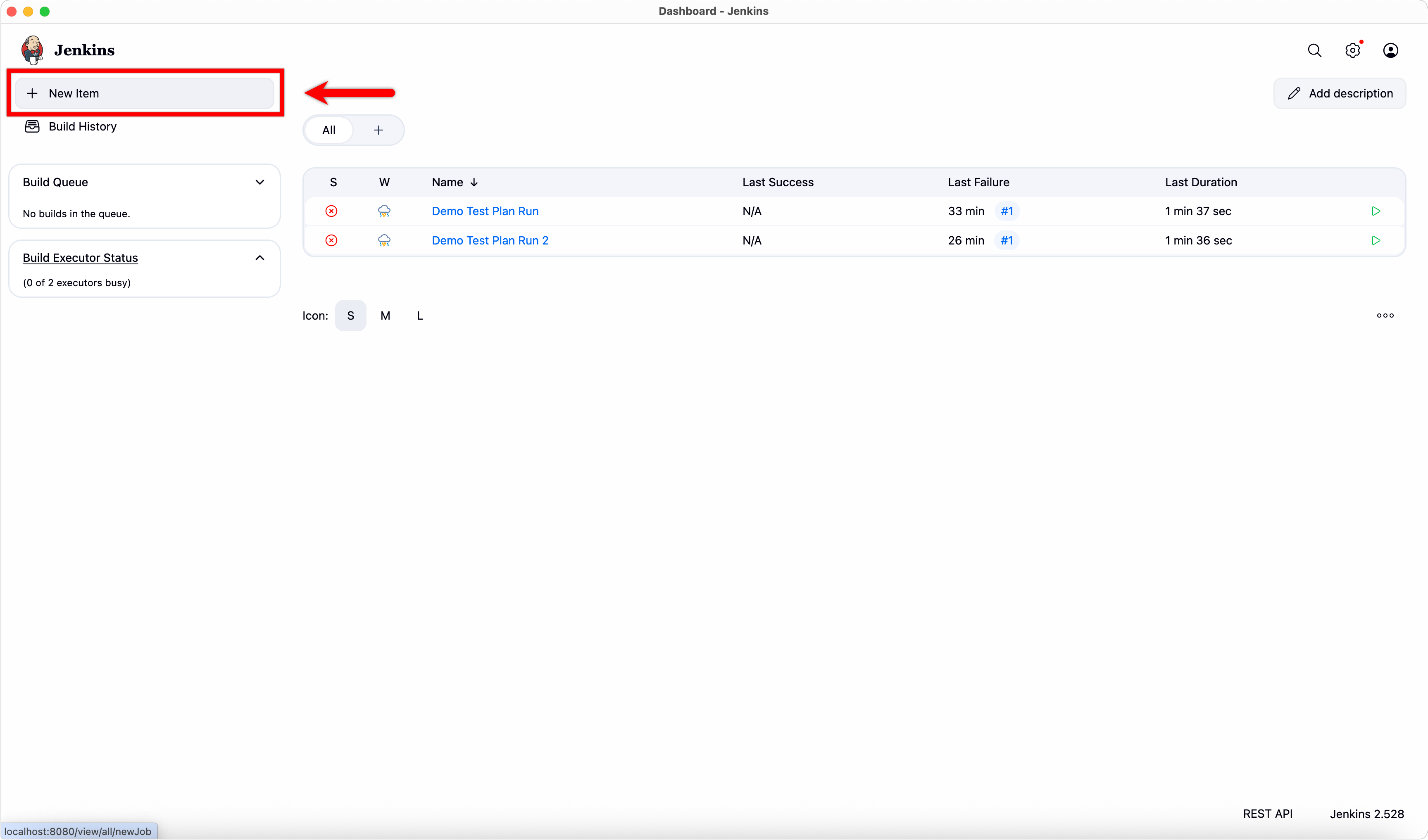
From the Jenkins Dashboard, click + New Item.
-
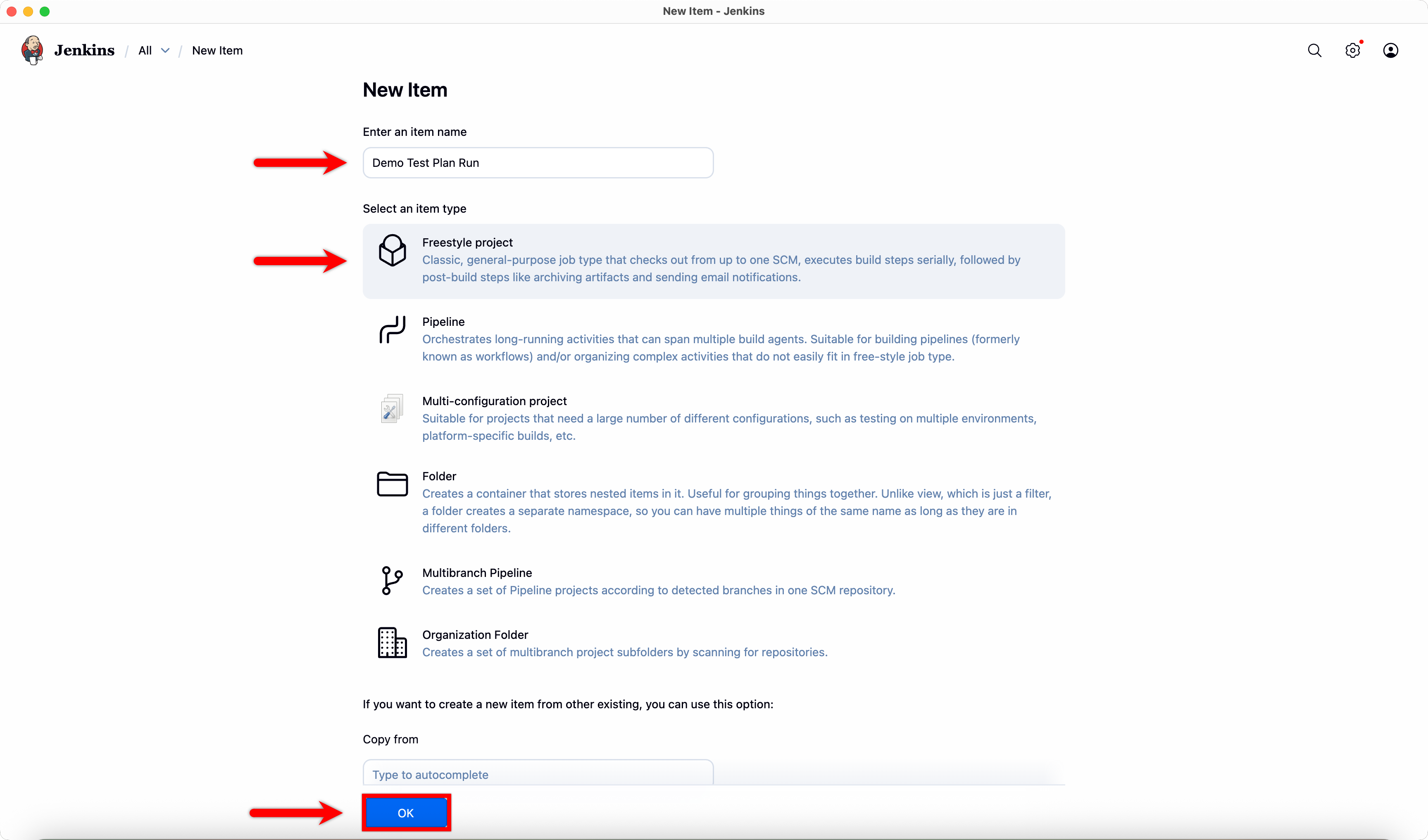
Enter a Name, select Freestyle Project, and click Ok.
-
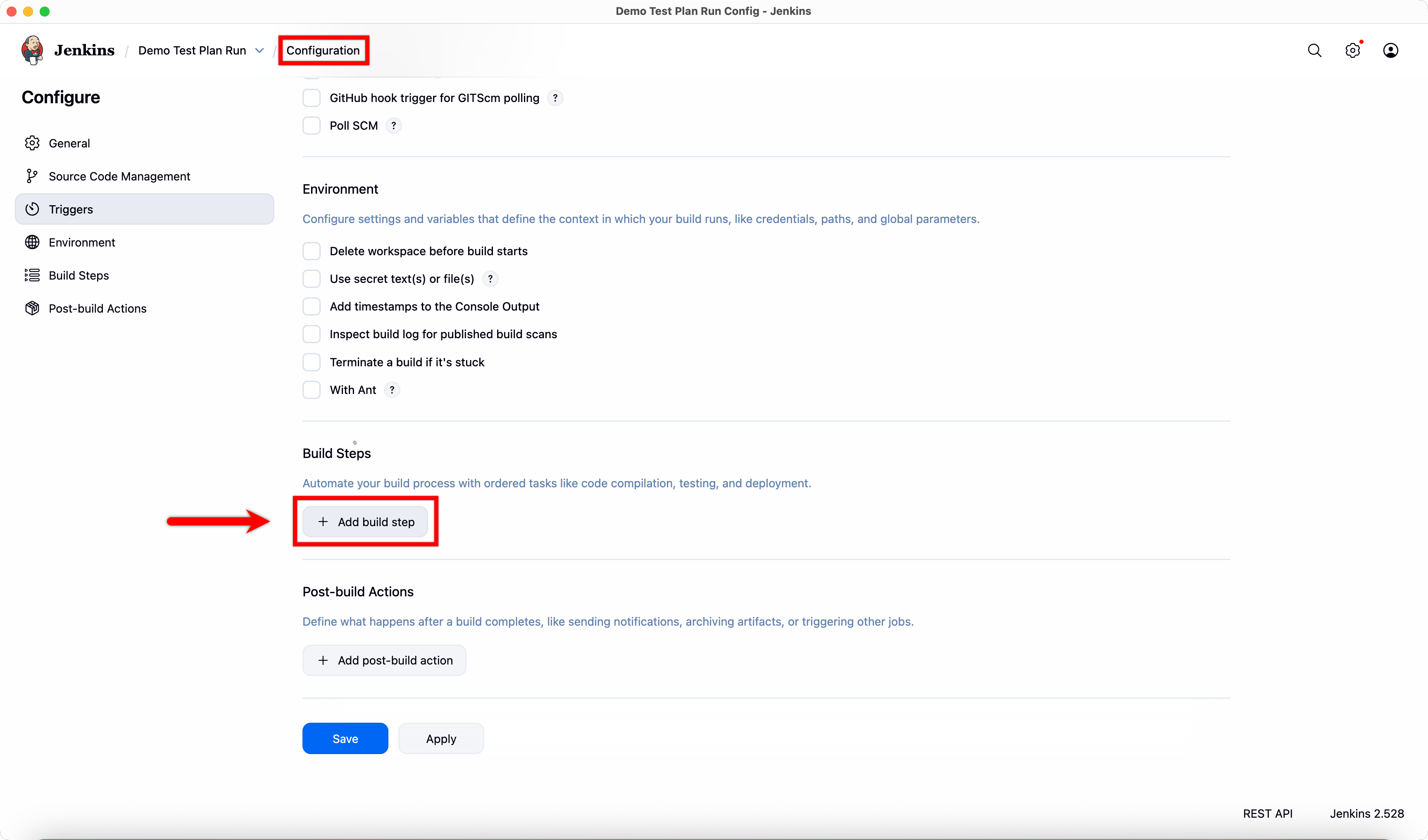
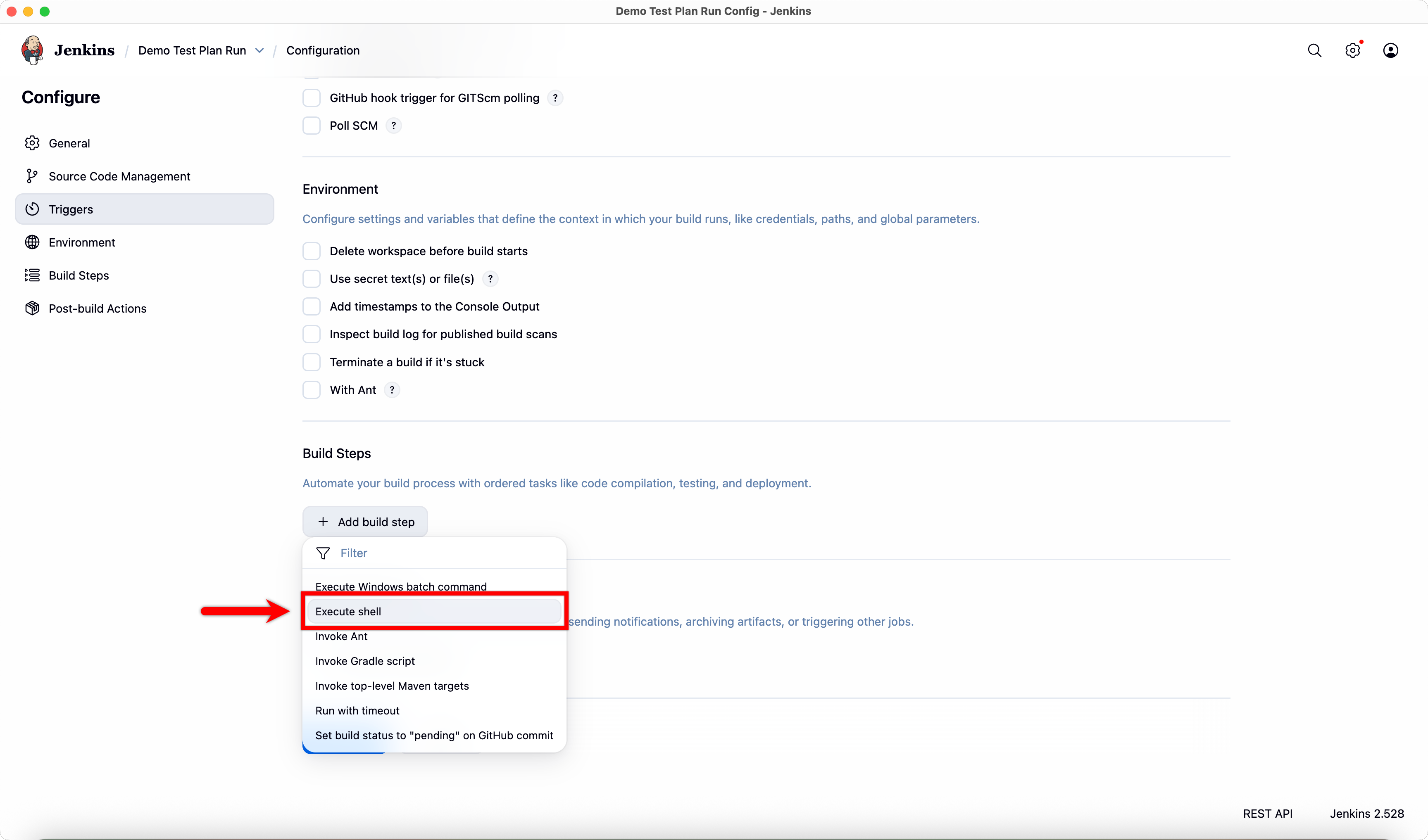
In the Configuration page, scroll to Build Steps and click Add build steps.
-
Select Execute Shell from the dropdown menu.
-
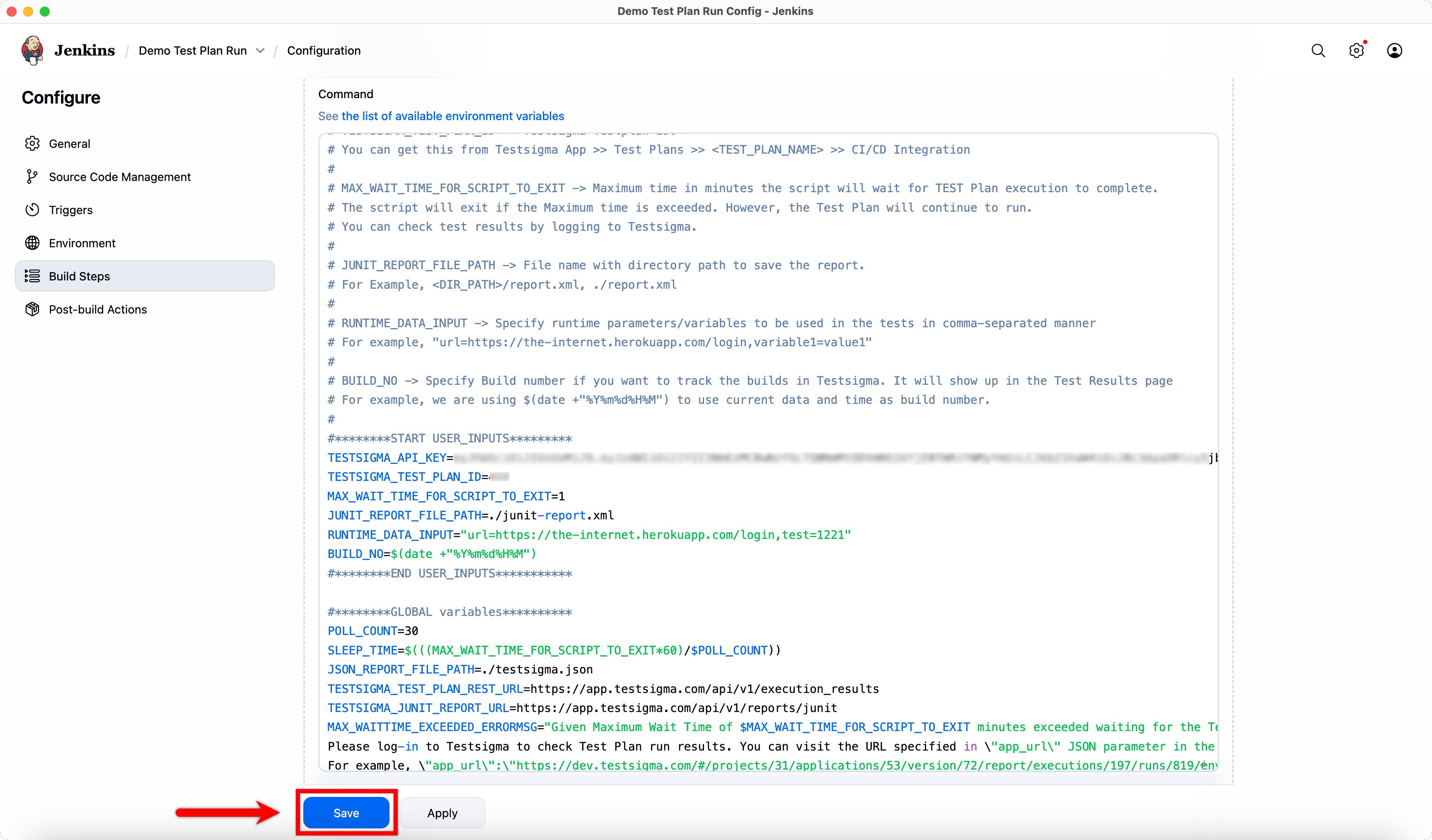
Copy the Unix Shell Script from the Generic Shell Script page and paste it into the Execute Shell codebox.
-
Click Save.
-
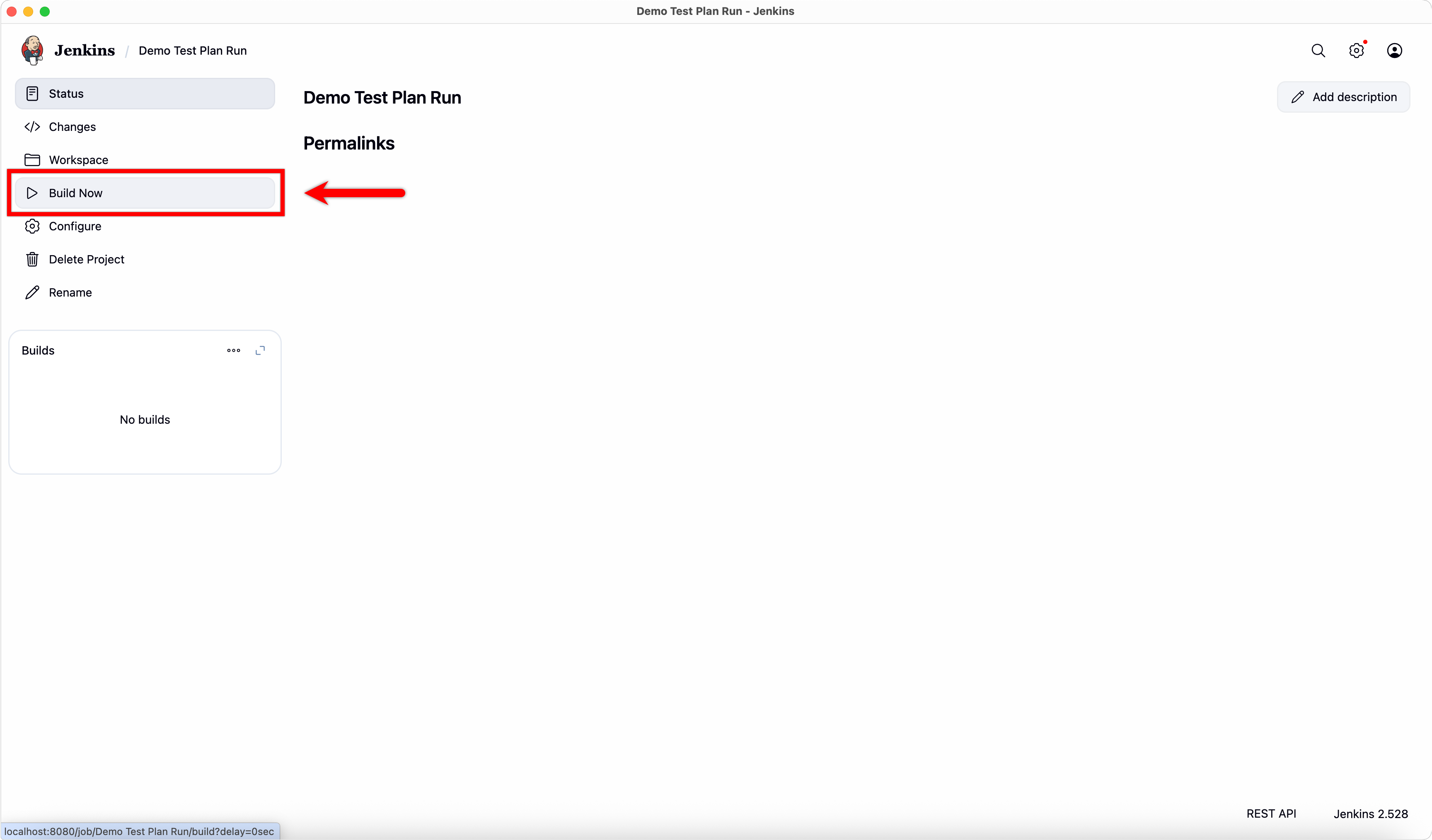
In the project details page, click Build Now to trigger the Testsigma test plan.
-
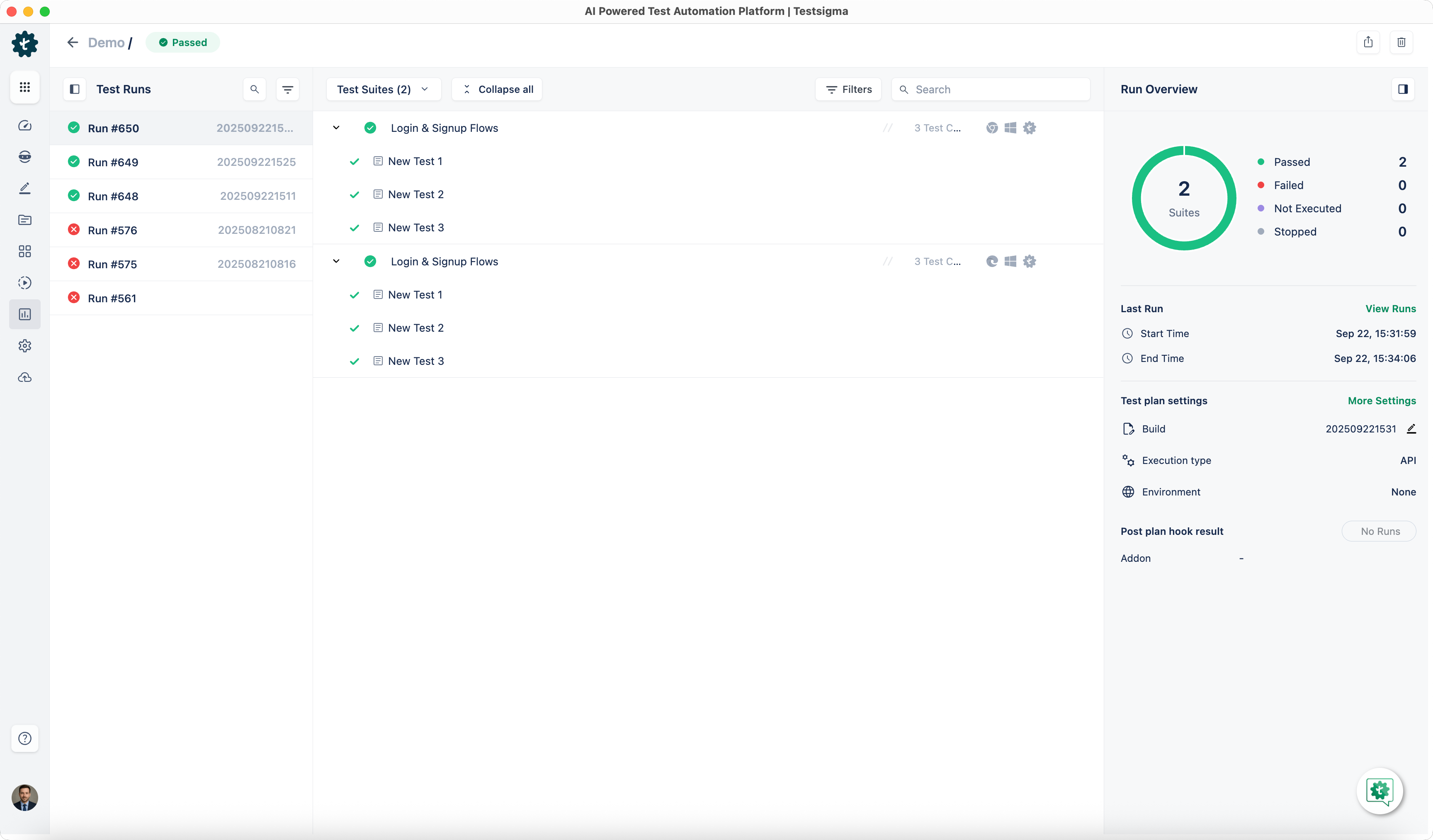
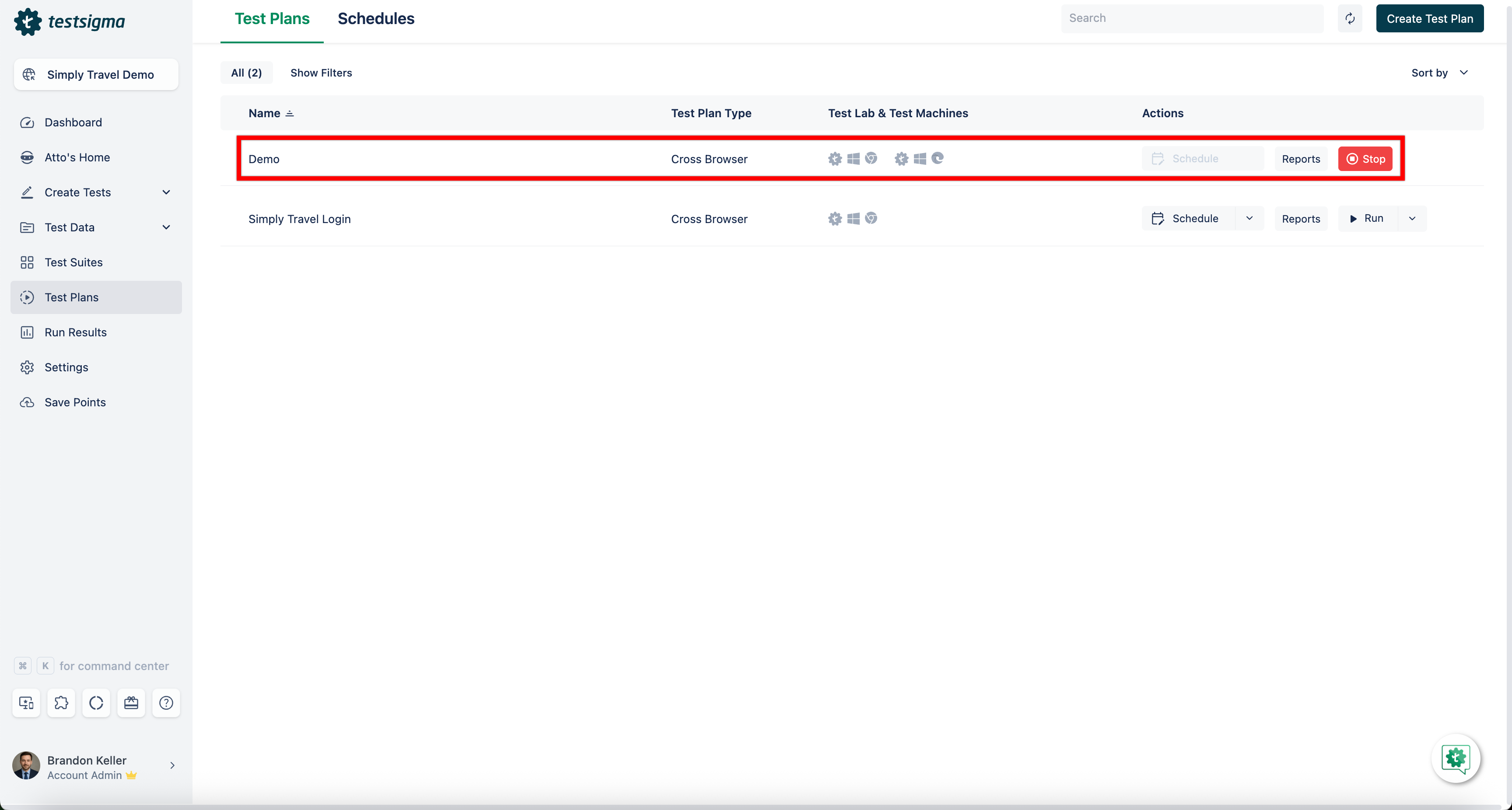
In Testsigma Dashboard > Test Plans, verify the test plan execution has started.
-
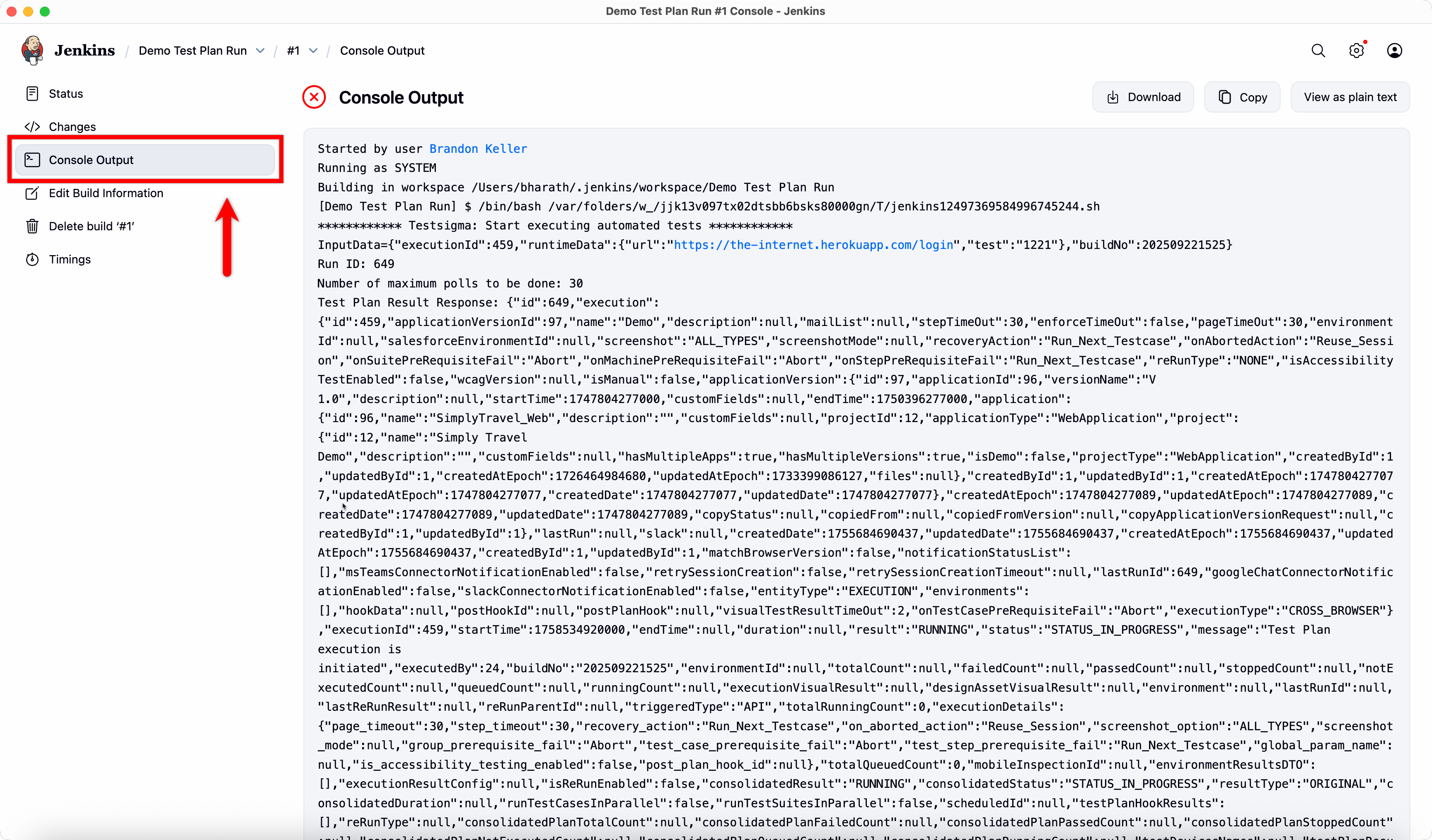
Click Build, and select Console Log to view execution logs.
-
Go to Testsigma Dashboard > Run Results to review detailed execution results.