Troubleshooting
Failed to Start Element Recorder
If the recorder fails to start on your Desktop Windows project in Testsigma application, you need to recheck if the developer mode is enabled on your system. This article explains how to enable developer mode and troubleshoot the issue.
Steps to Enable Developer Mode
Section titled “Steps to Enable Developer Mode”-
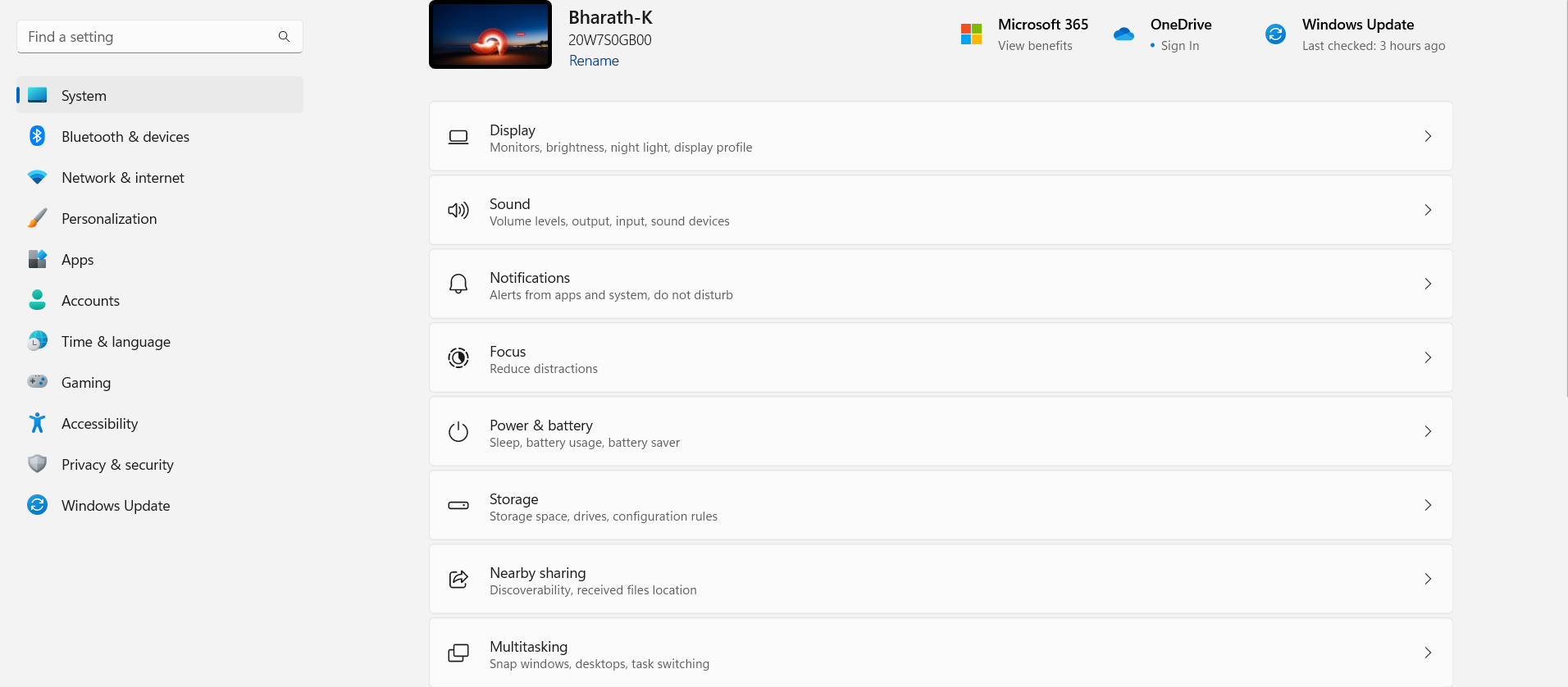
Open Settings on your system.
-
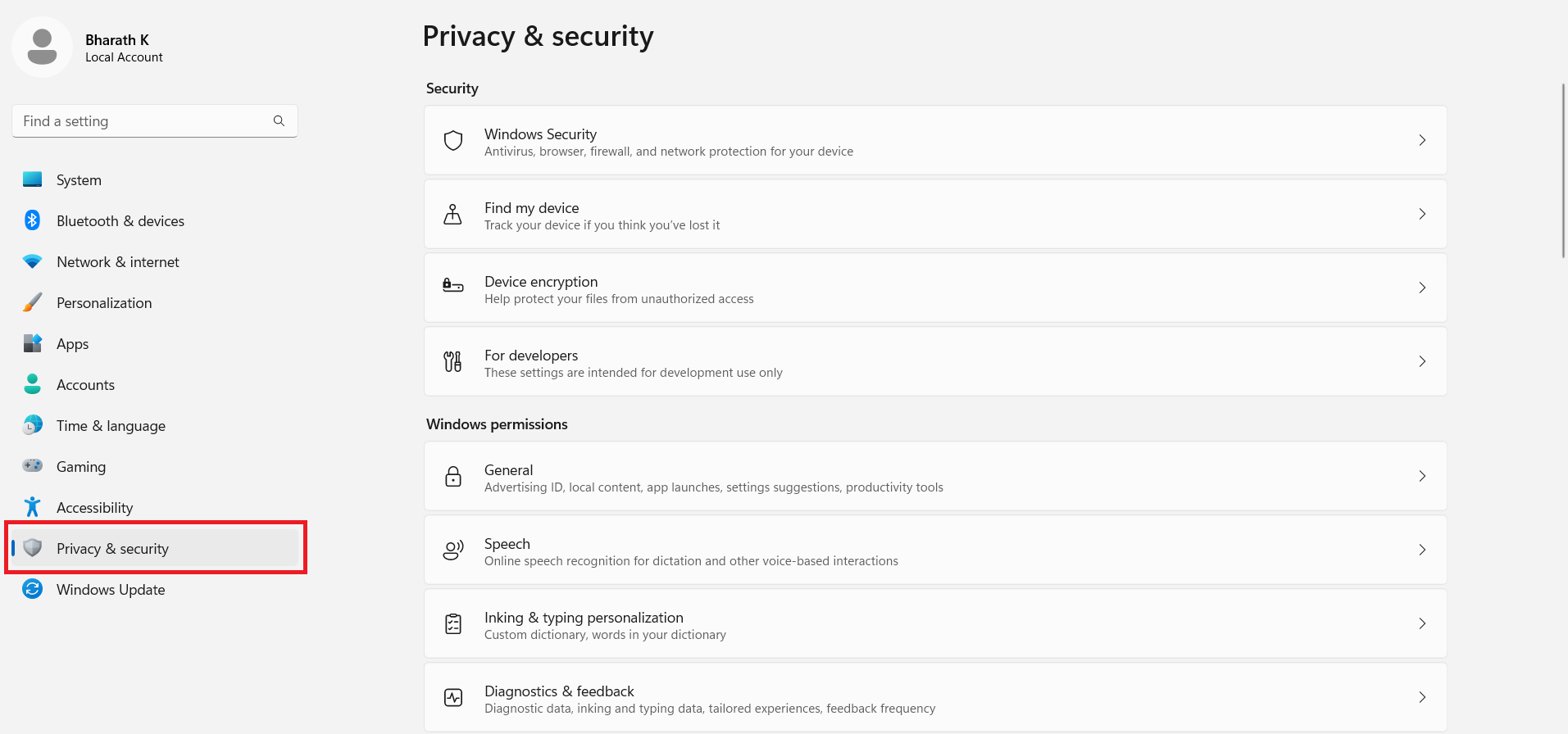
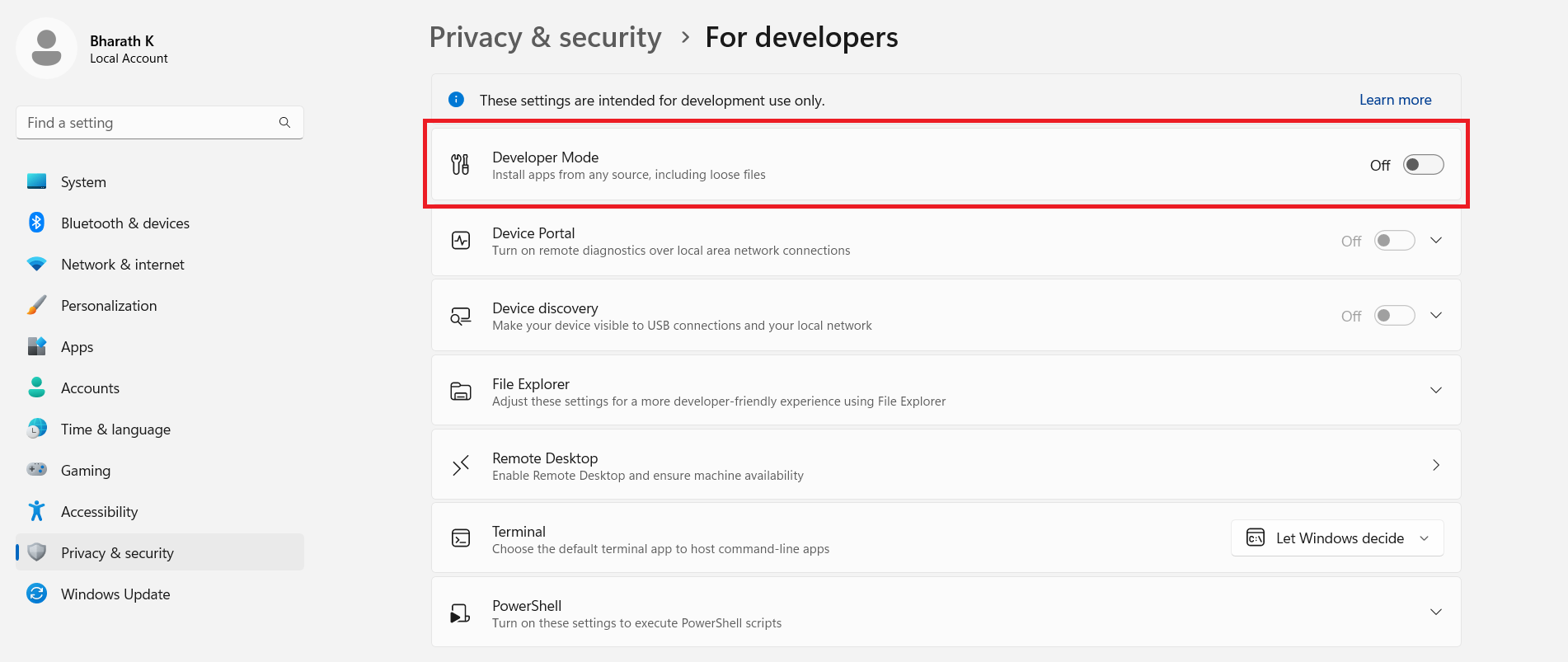
Click on Privacy & security.
-
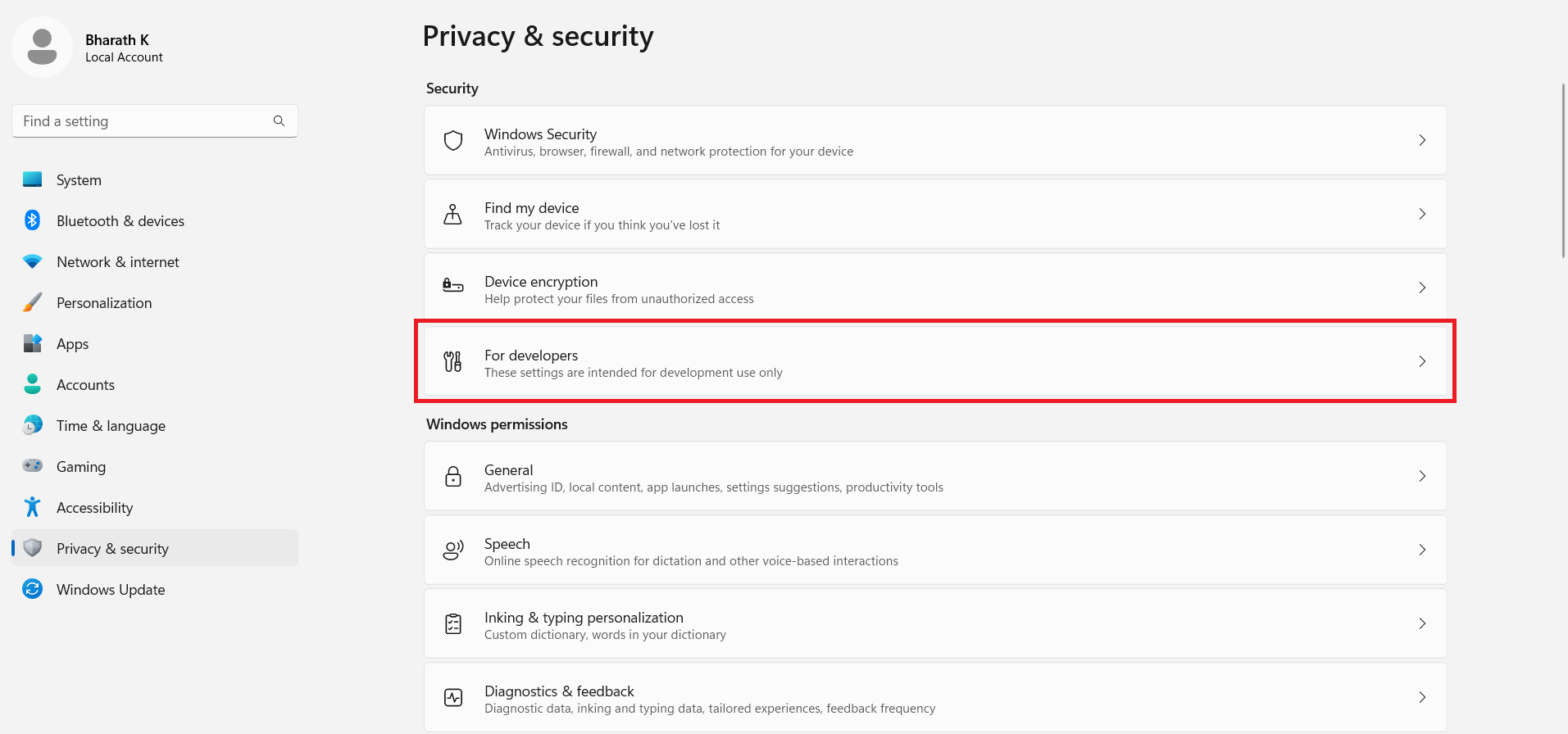
Select the For developers.
-
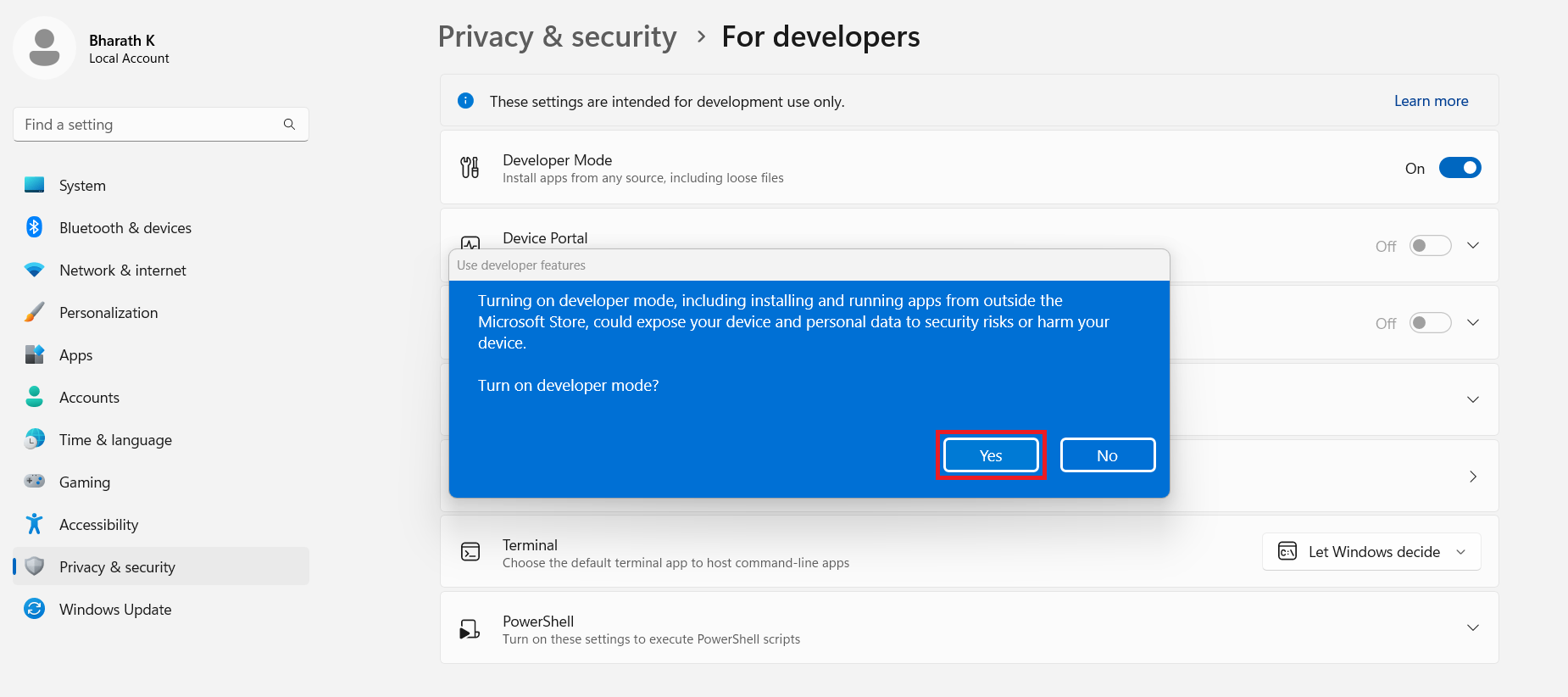
Turn on the Developer Mode toggle.
-
Click on Yes.