
Elements
Freeze & Inspect Dynamic Elements (WebPage)
Pause/Freeze the Javascript Execution
Section titled “Pause/Freeze the Javascript Execution”-
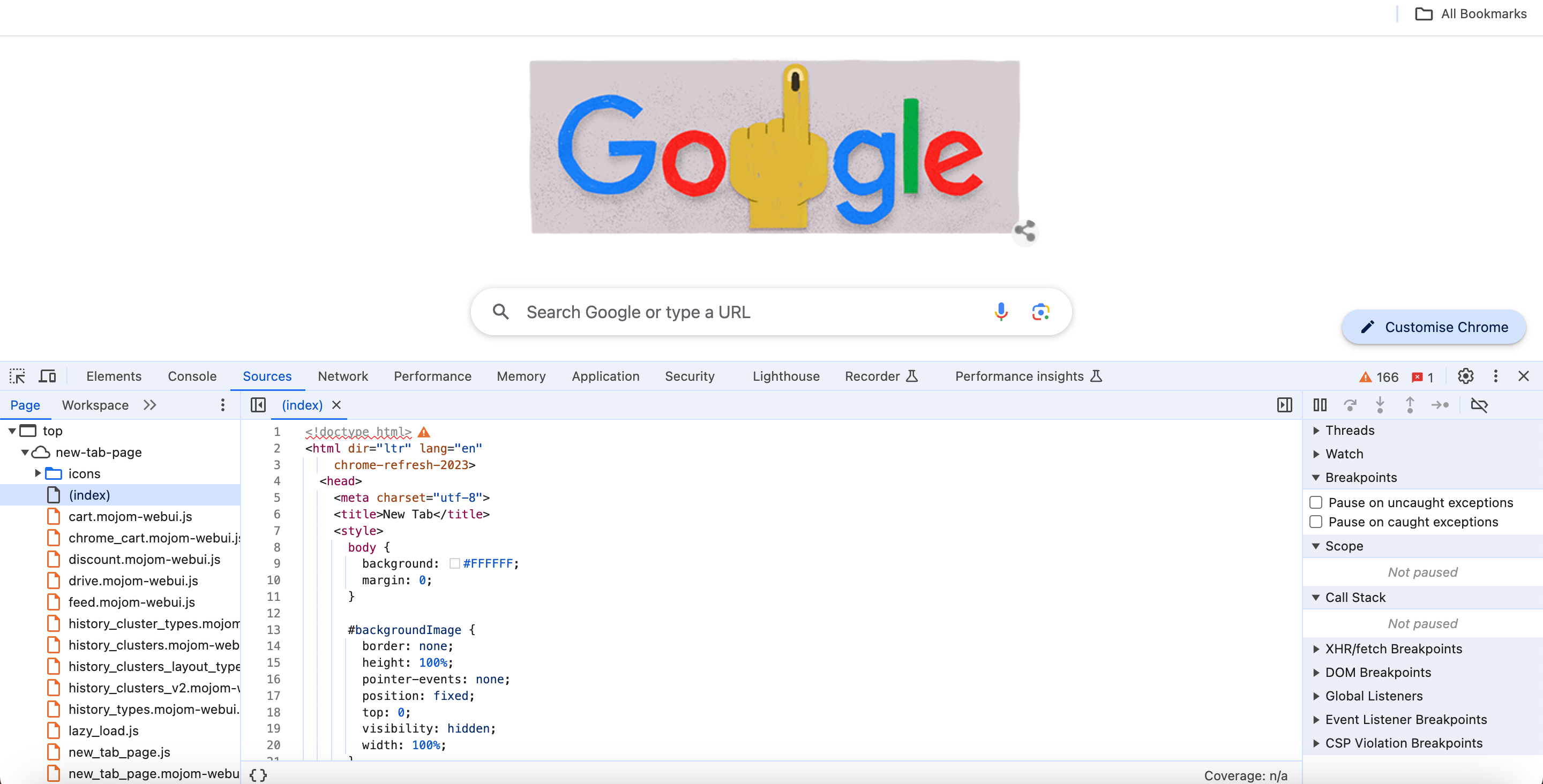
Open the Developer Tools and go to the Sources tab.
-
Return to the application and perform the actions to bring the application to the state where you need to freeze.
-
Click on Pause Script Execution, which is located in the top right corner of the Sources tab.
Sometimes, when you can directly click on the page and then attempt to pause script execution, it may unexpectedly close an overlay. To avoid this, you can use the following timeout function in the console:
element1 = document.querySelector("#gbwa");setTimeout(function() { element1.click();}, 3000);This code specifies a delay of 3000 milliseconds before triggering a click event on the selected element. This provides sufficient time to switch to the Sources tab before the click is executed, keeping the overlay open.
Disabling Javascript Temporarily
Section titled “Disabling Javascript Temporarily”You can also disable the Javascript temporarily once the page is completely loaded. This might work in some cases, but only sometimes. You can disable Javascript by going to Settings > Site Settings > JavaScript and toggle it to disable it.