
Test Plans
AfterTest in Test Cases & Step Groups
AfterTest in Test Cases
Section titled “AfterTest in Test Cases”-
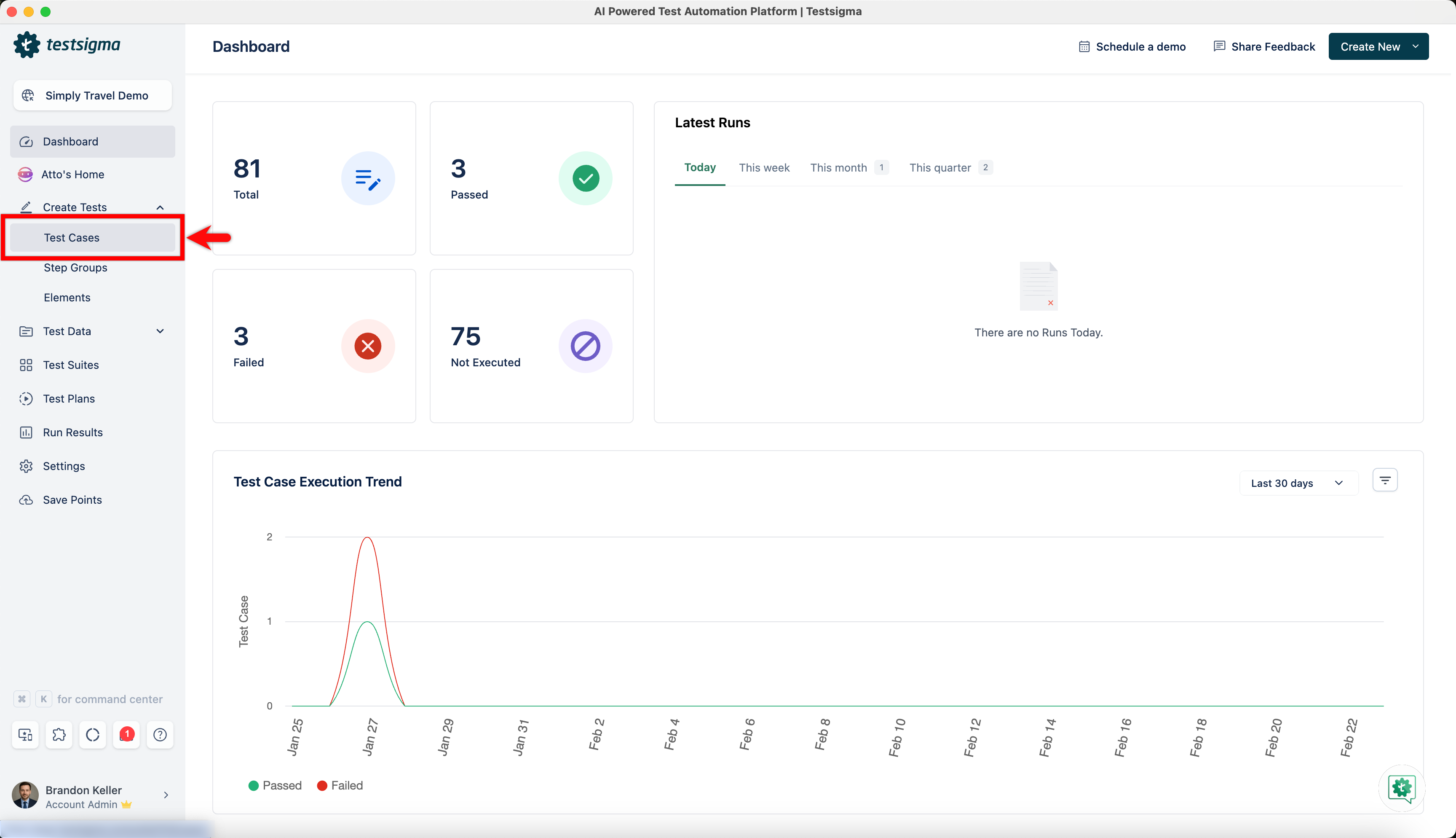
Navigate to Create Tests > Test Cases, and create a test case.
-
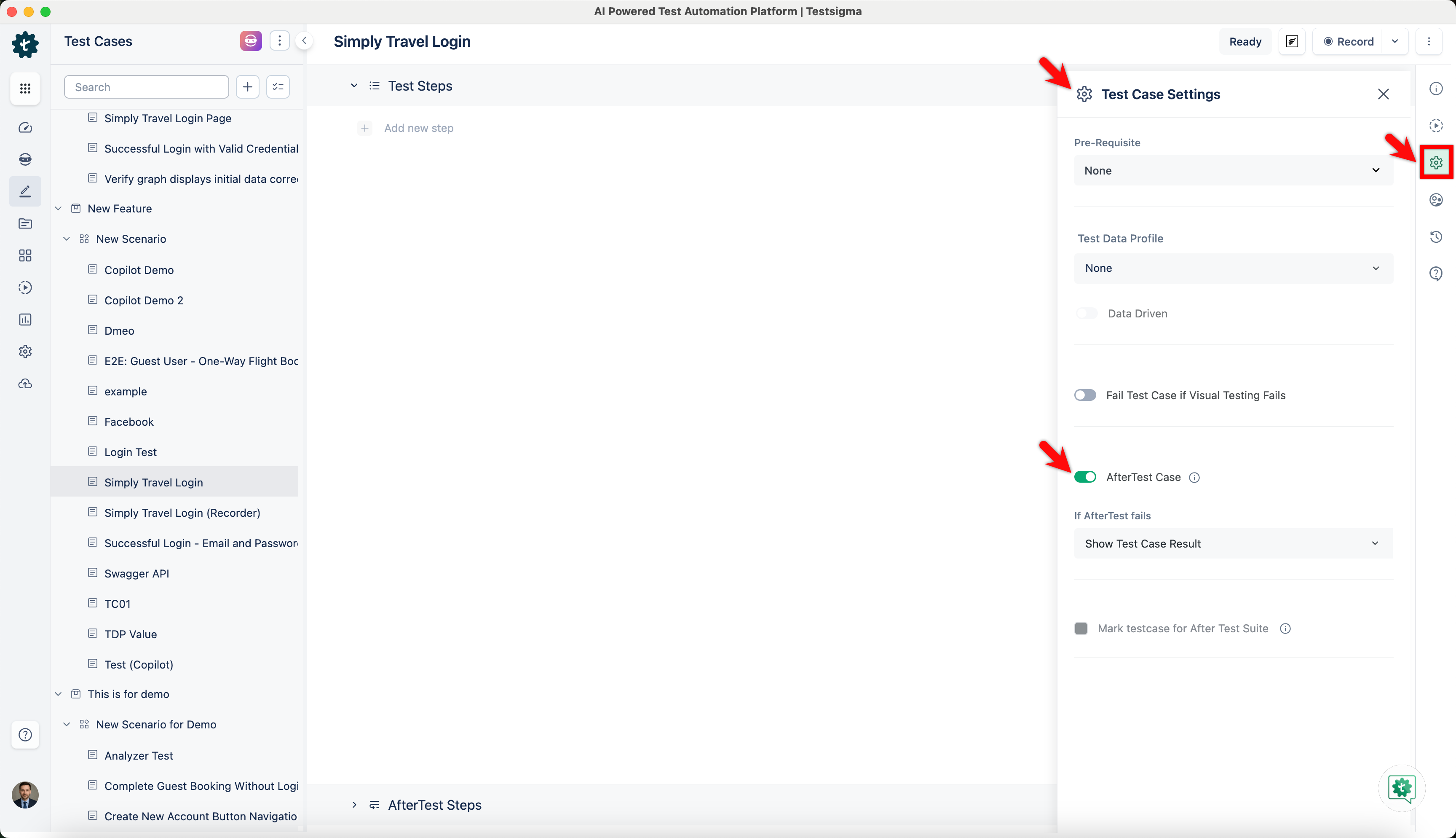
Click on Test Case settings and enable AfterTest Case toggle.
-
From If AfterTest fails dropdown menu,
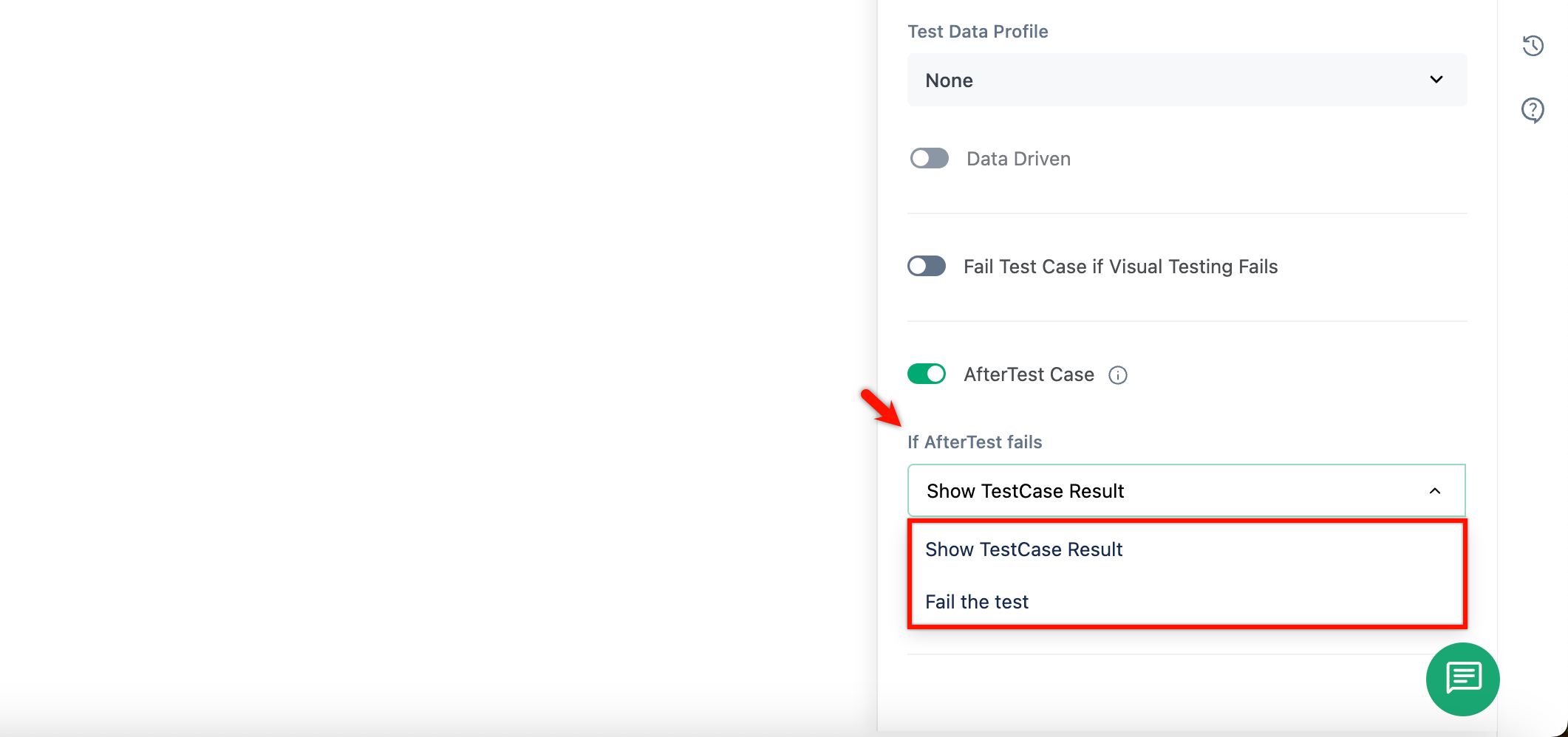
- Select Show Testcase Result if you want to see the test case results.
- Select Fail the test if you want to fail the test case.
-
For data-driven test cases, you can see the When to execute AfterTest steps dropdown menu.
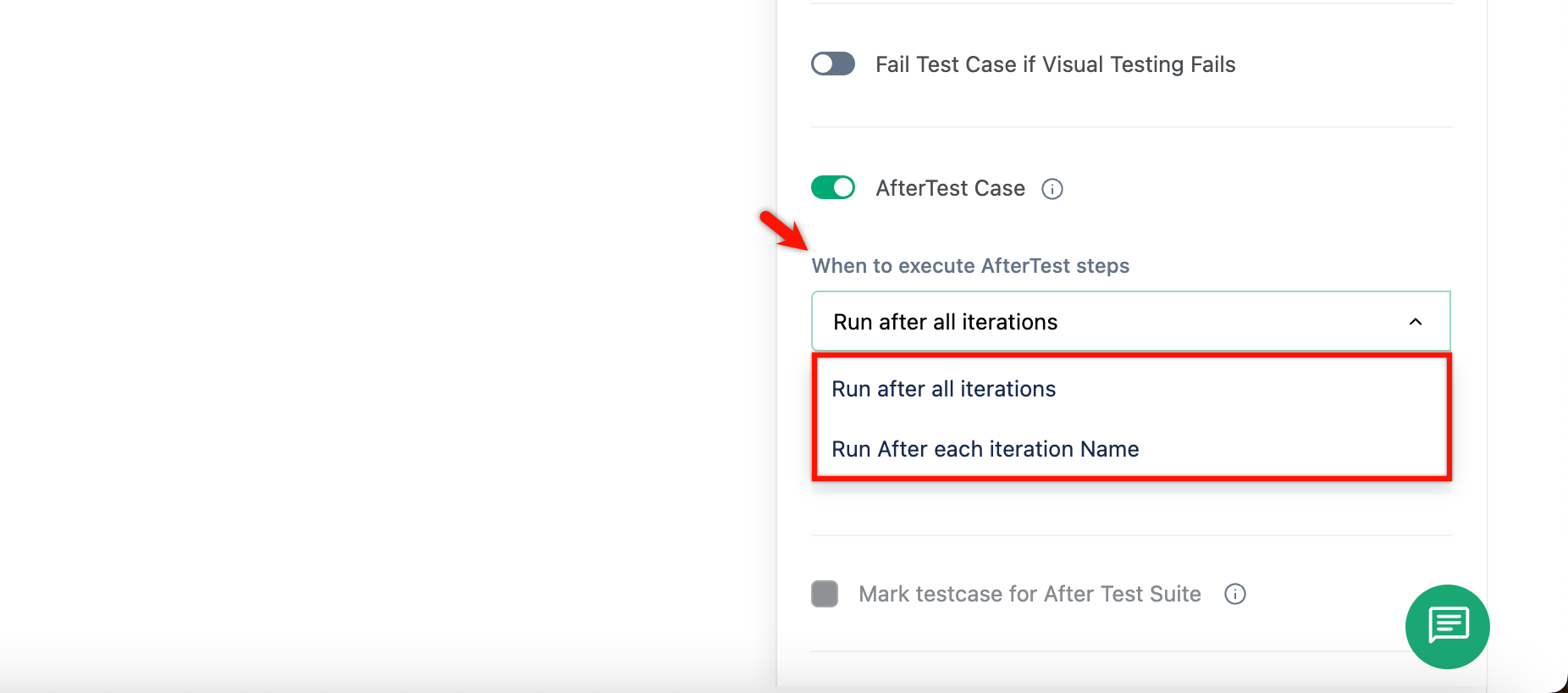
- You can select Run after all iterations to run AfterTest after all iterations are executed.
- Or you can select Run after each iteration to execute the AfterTest for every iteration.
Available NLPs for After Test
Section titled “Available NLPs for After Test”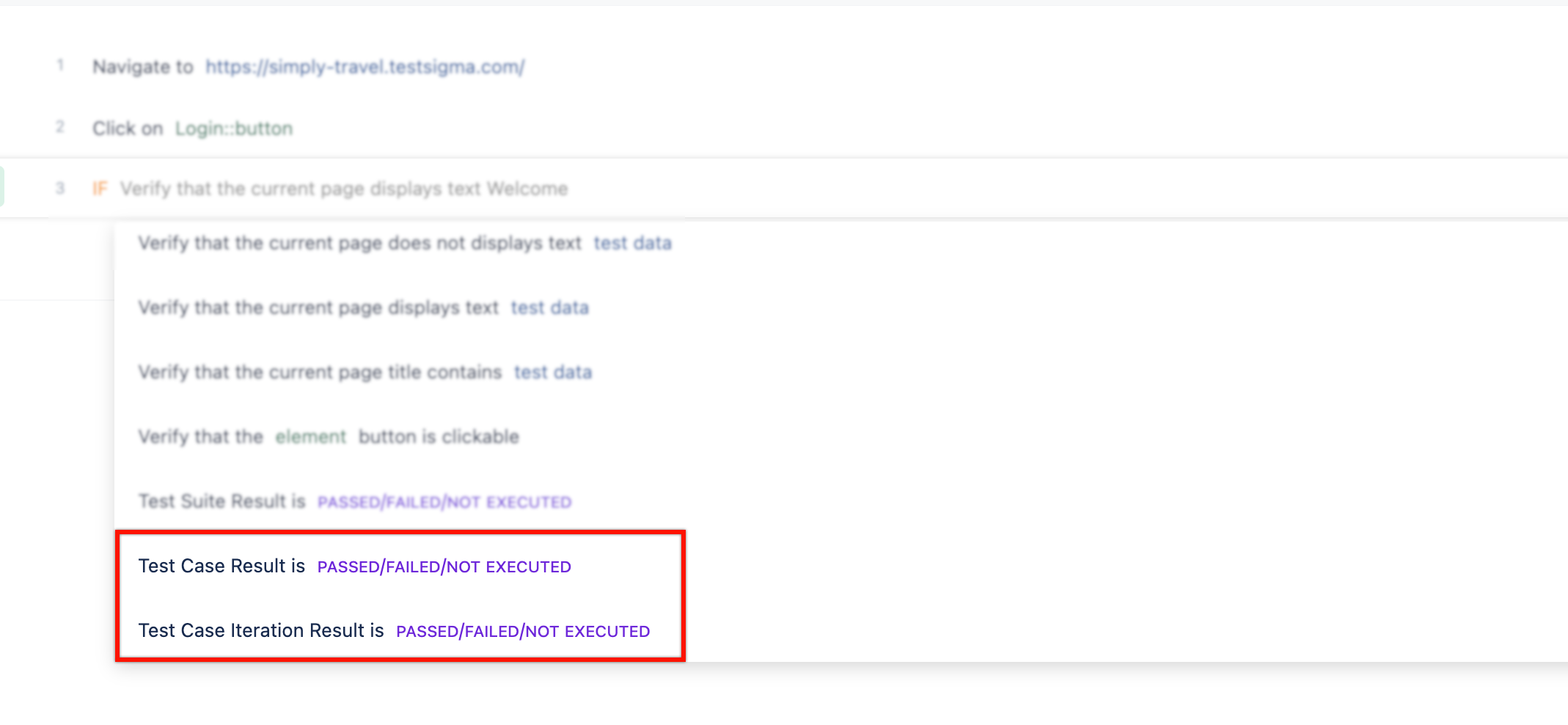
- You can use Test Case Result is Passed/Failed/Not Executed NLP to execute After Test block depending on the result of your Test Case.
- You can also use Test Case Iteration Result is Passed/Failed/Not Executed NLP to execute the After Test block depending on the result of iteration.