
Atto AI Coworker
Azure API
Prerequisites
- Before you begin, ensure you have an active Azure account.
Steps to Get Azure OpenAI Details
Section titled “Steps to Get Azure OpenAI Details”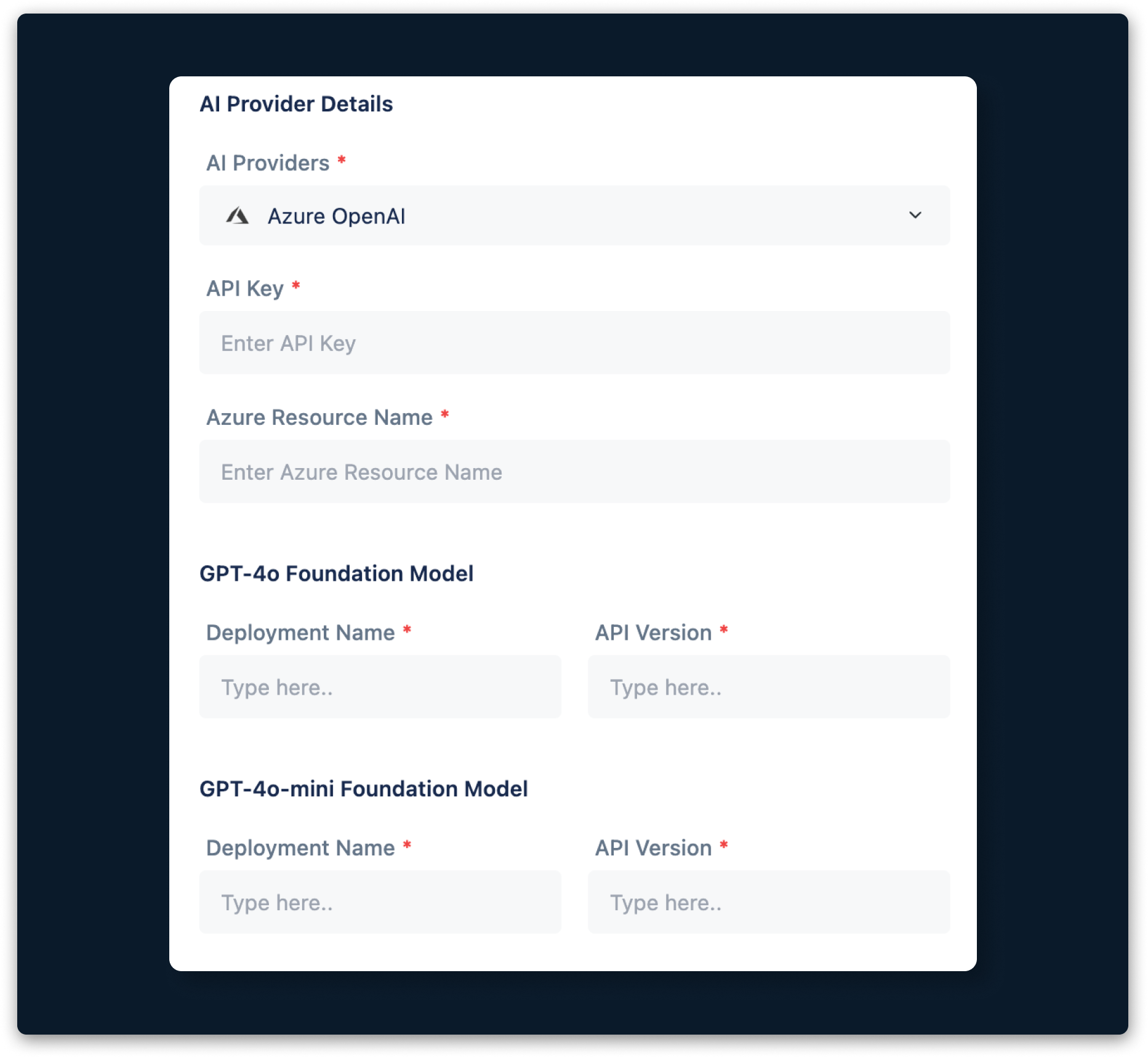
-
Request access to Azure OpenAI here.
-
Create a resource in the Azure portal here. This resource will be your Azure Resource Name.
-
Deploy a model in Azure OpenAI Studio here. The deployment name will be your Deployment Name.
-
Select your Foundation Model from the dropdown menu.
-
Open Azure OpenAI Studio and go to any playground, such as Chat or Completions.
-
Click View Code.
-
Note the API Version and Key, which will be your Azure API Version and API Key.