Runs
Create Mock Servers in Testsigma
Prerequisites
Before you begin, ensure that:
- Testsigma Support has enabled Mock Servers for your account
- You know how to execute tests
Create a Mock Server
Section titled “Create a Mock Server”-
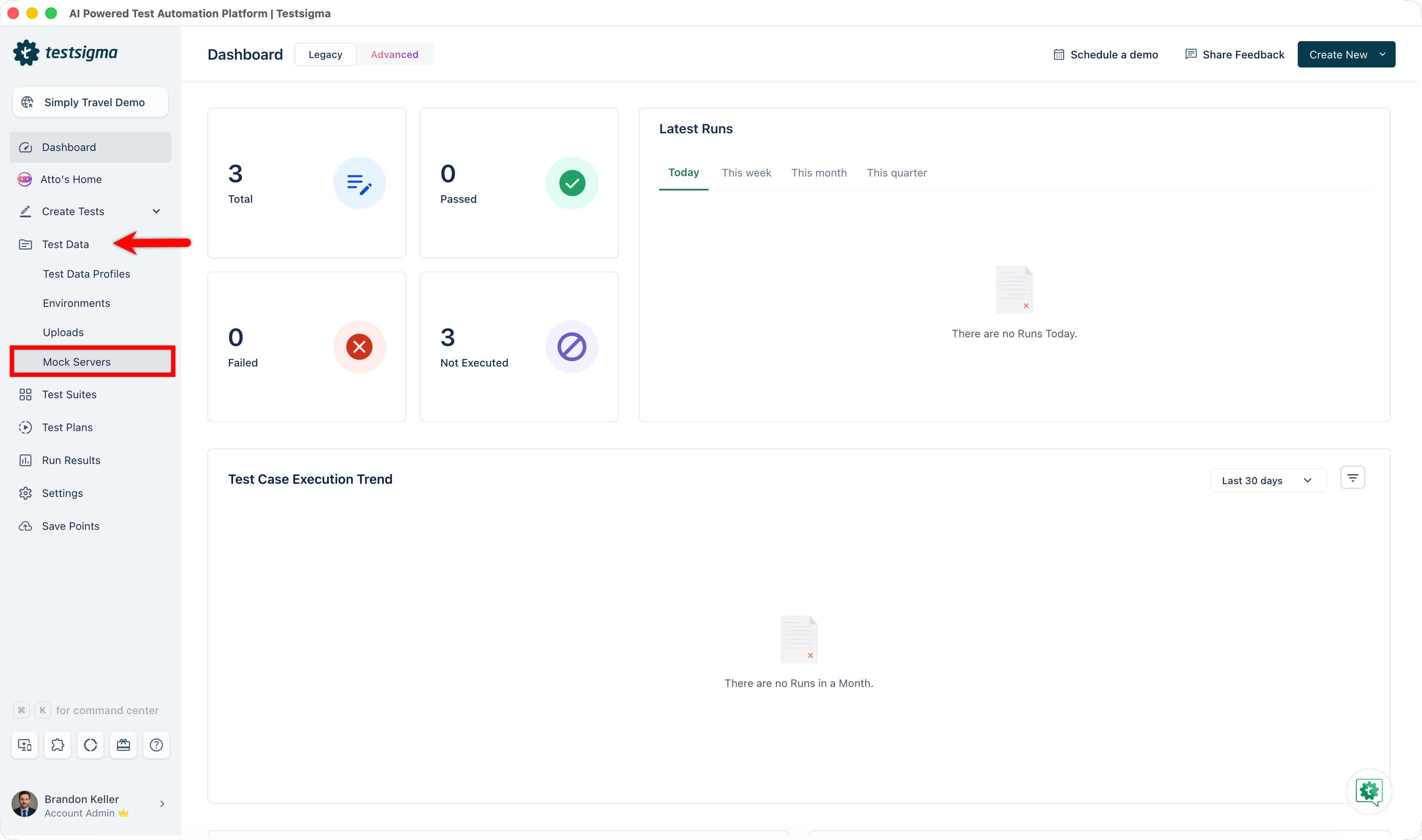
From the left navigation bar, expand Test Data and select Mock Servers.
-
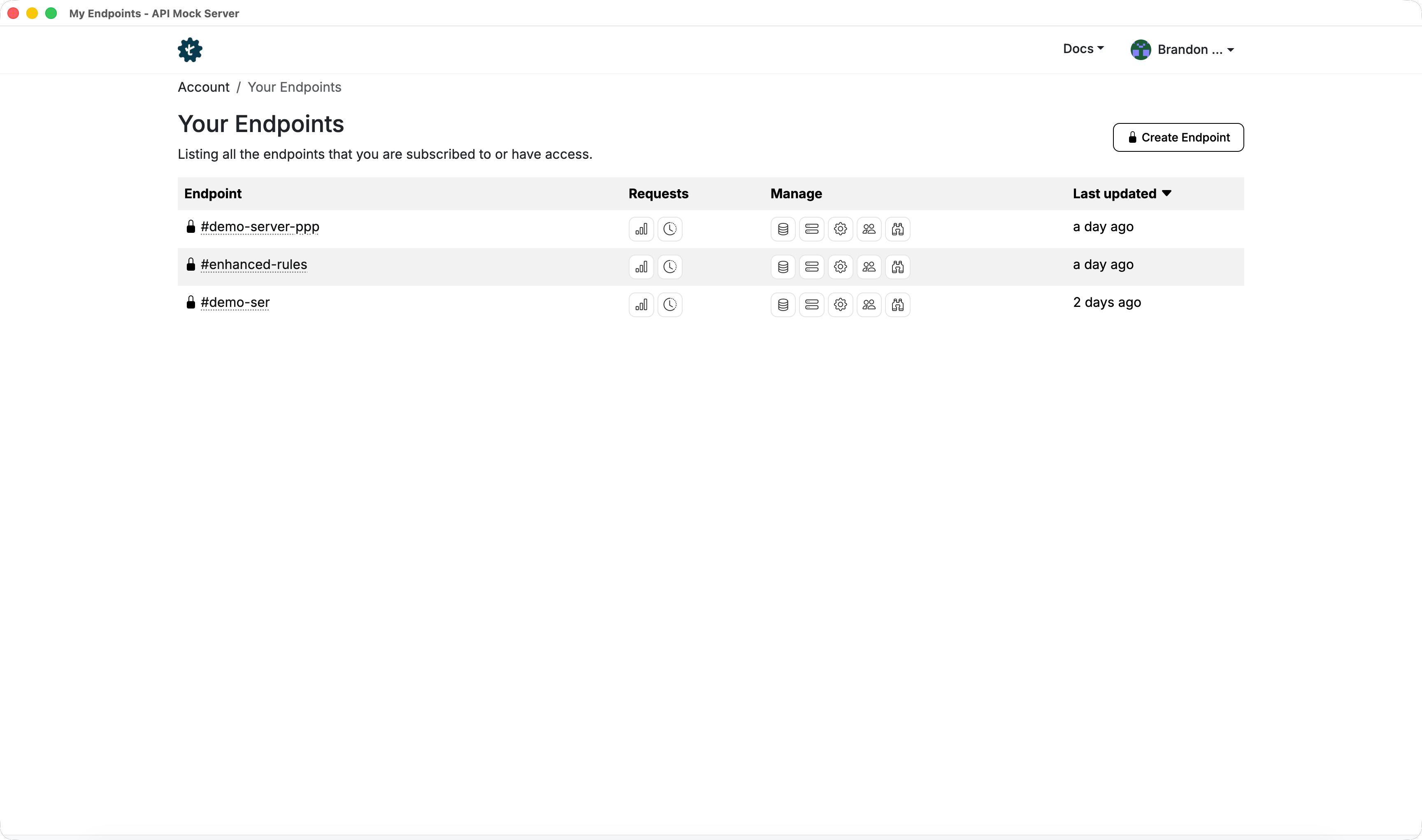
You’ll be redirected to the Endpoints page of Mock Server Application.
-
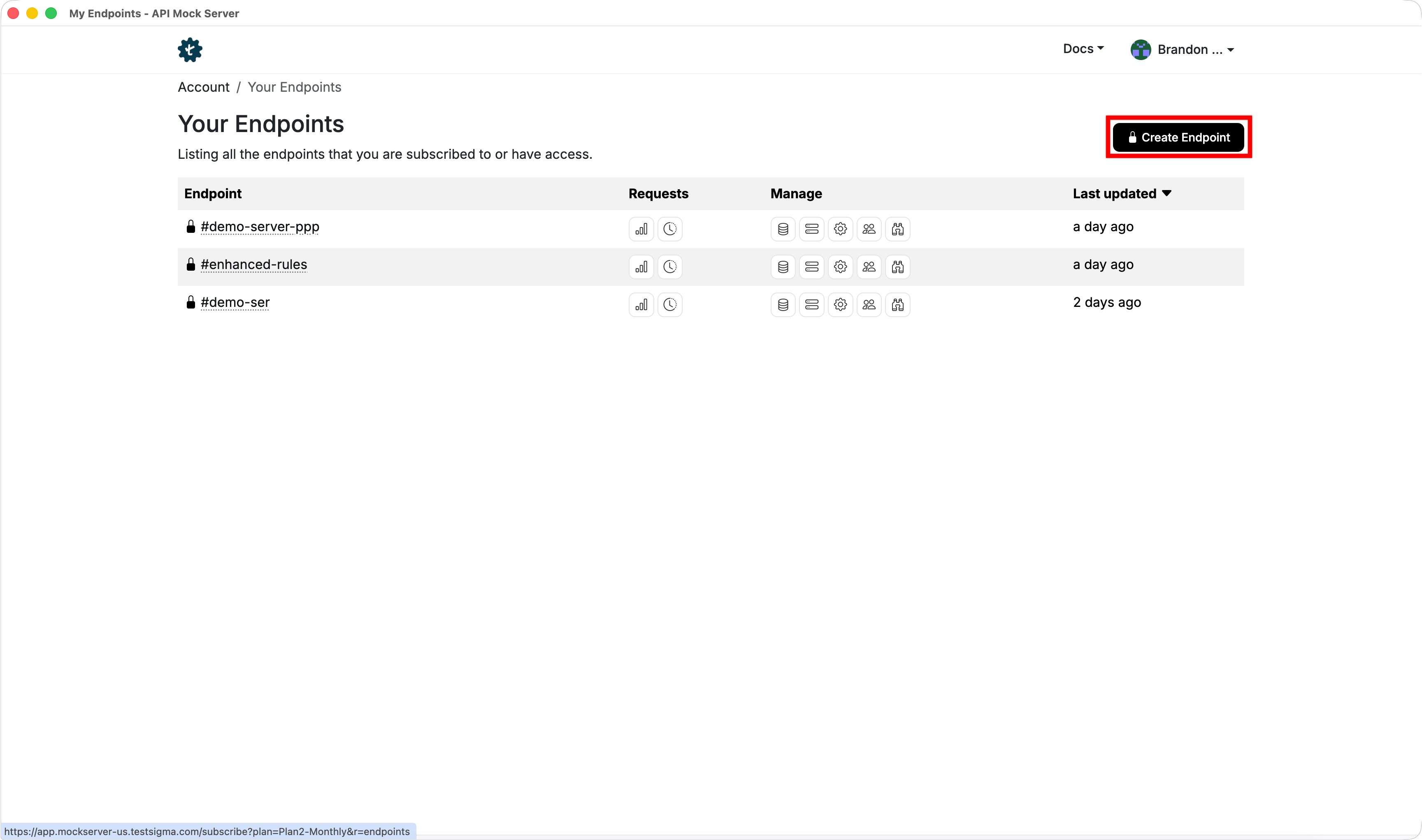
Click Create Endpoint.
-
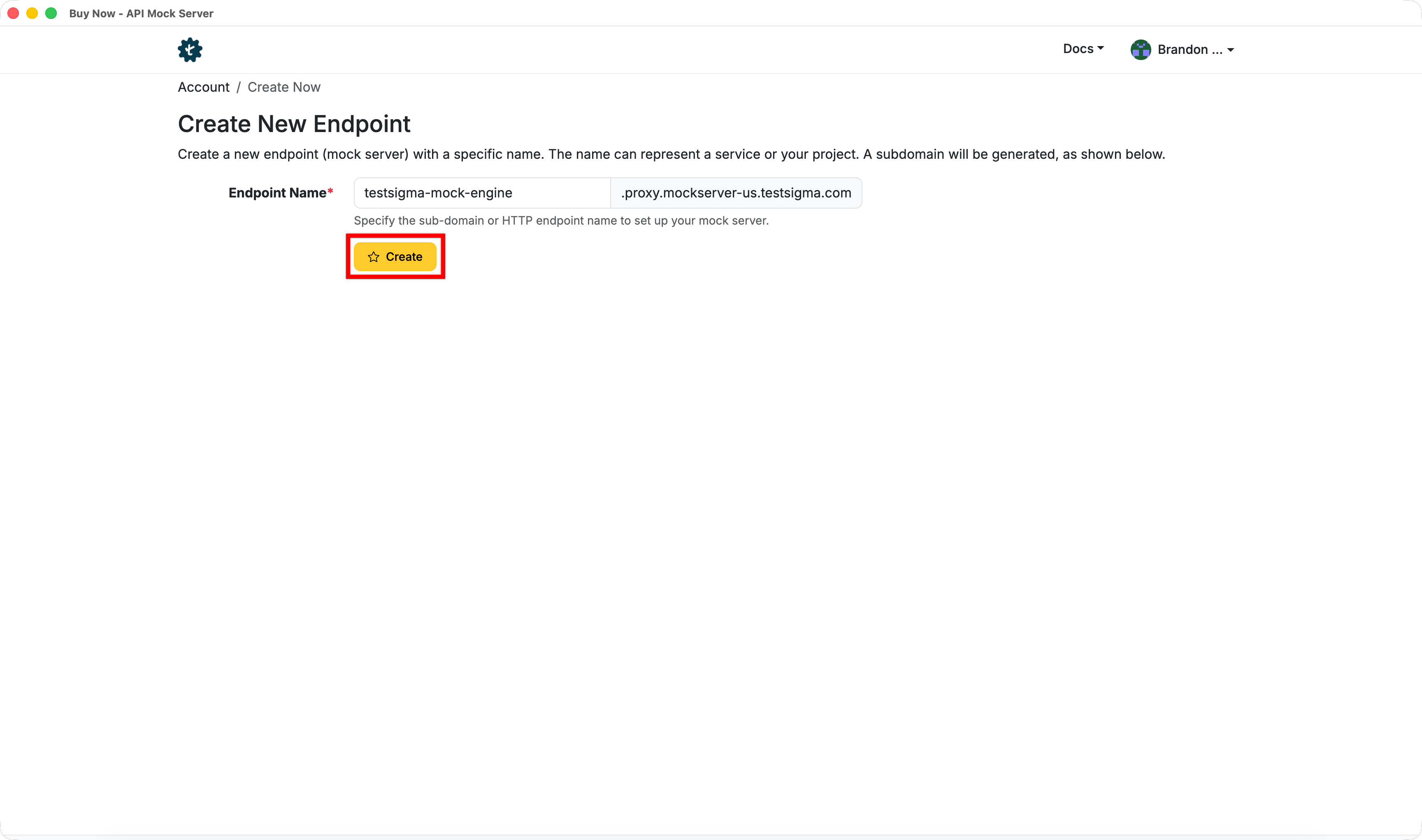
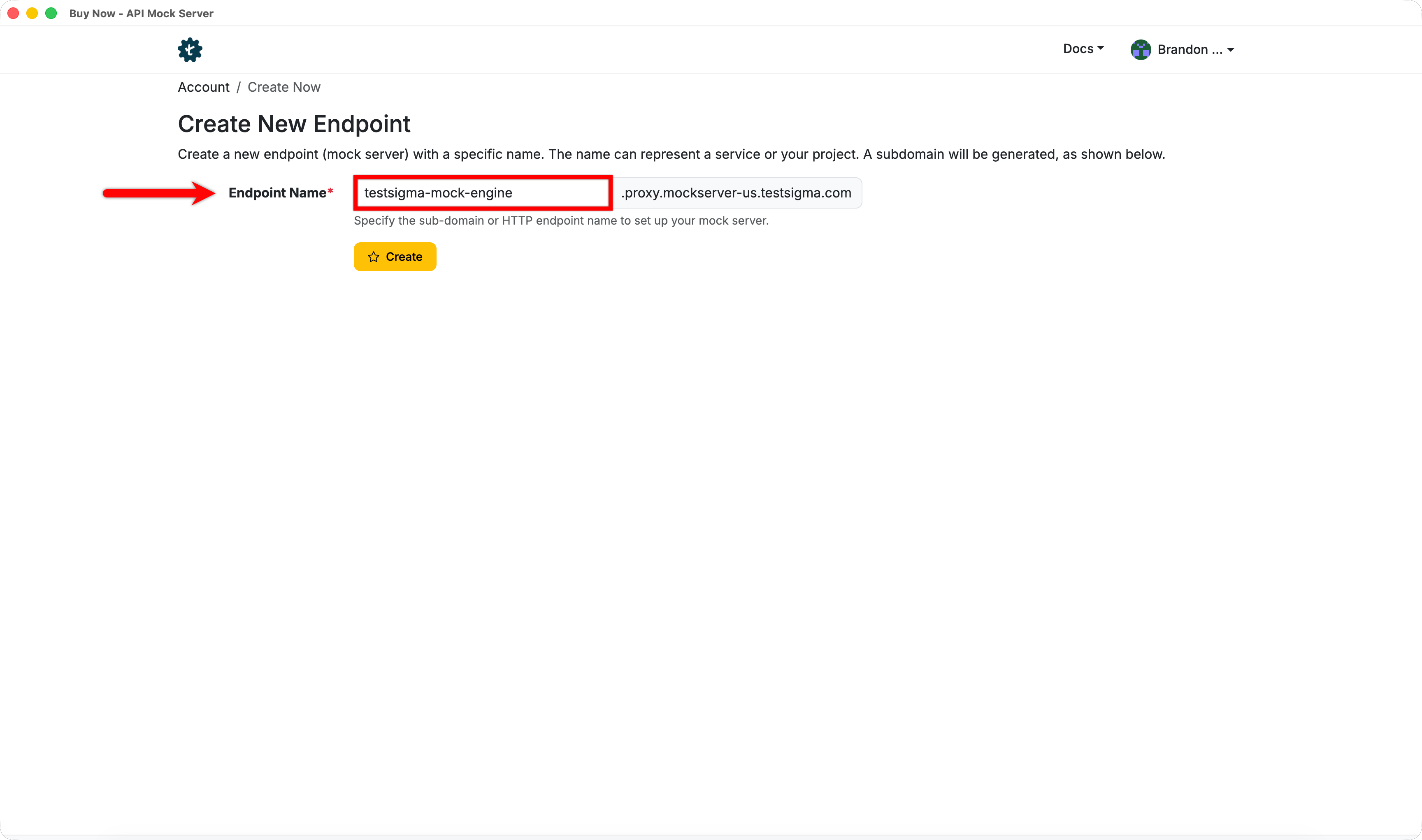
In the Create New Endpoint page, enter a subdomain for the endpoint.
-
Click Create.