Atto AI Coworker
Integrating Xray with Testsigma
Prerequisites
Before you begin, ensure JIRA and Xray integrations are active, and you have the JIRA account URL, client ID, and client secret.
*For more information on configuring global settings, refer to the documentation on configuring global settings.
Integrating Xray with Testsigma
Section titled “Integrating Xray with Testsigma”-
Navigate to Settings > Integrations.
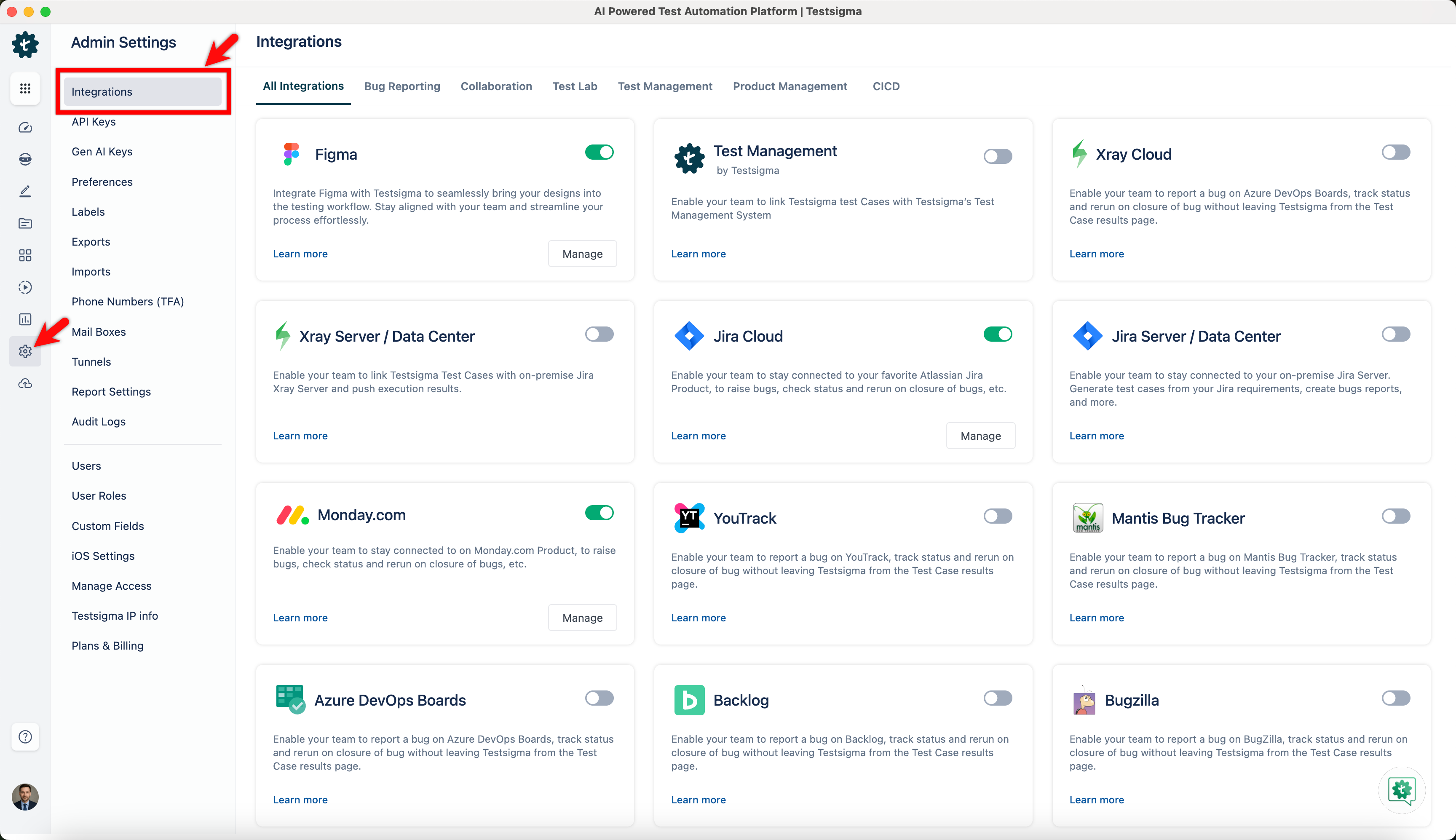
-
Enable toggle on Xray widget.
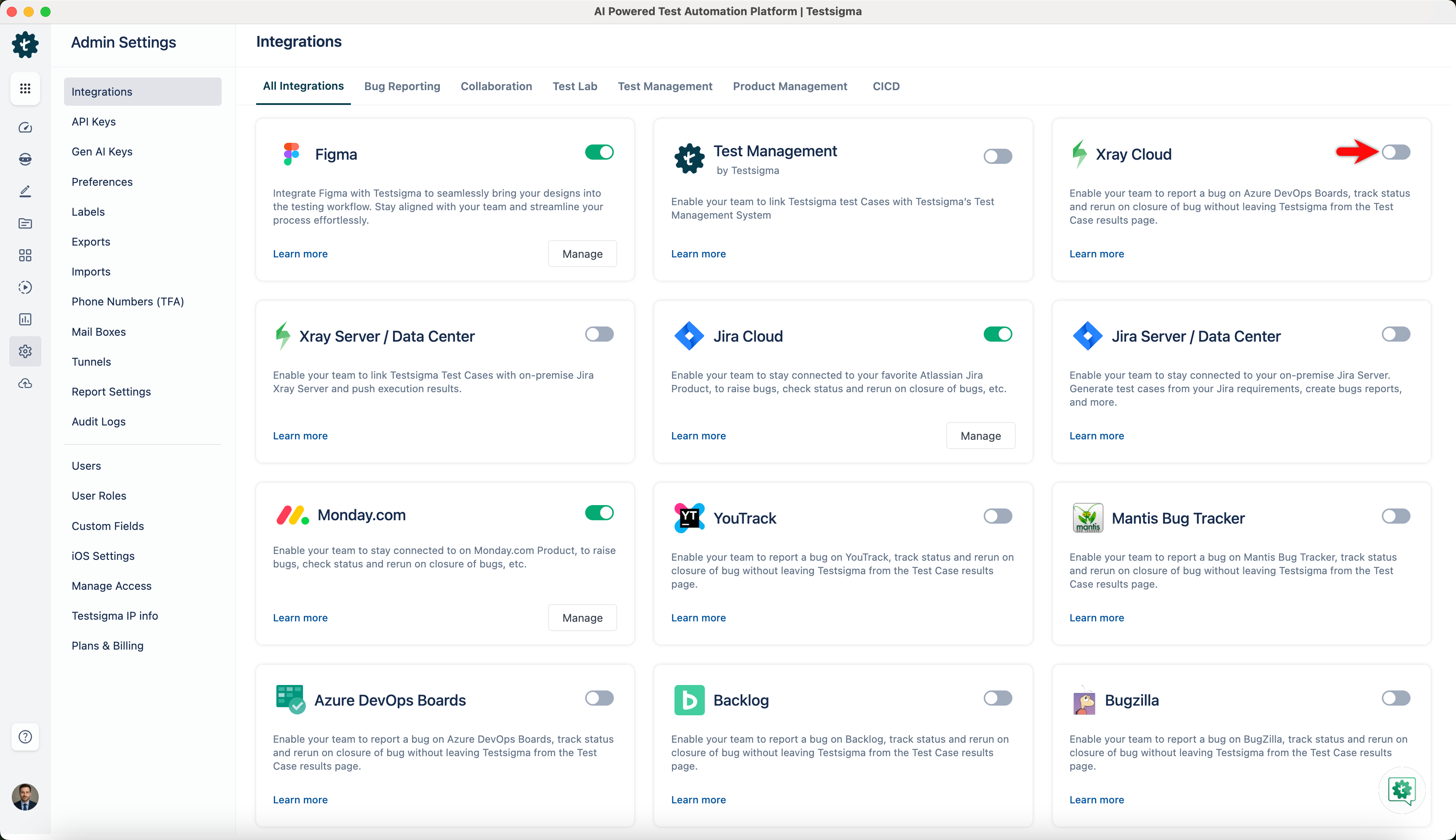
-
On the Xray Details prompt, enter Jira Account URL, Client Id and Client Secret.
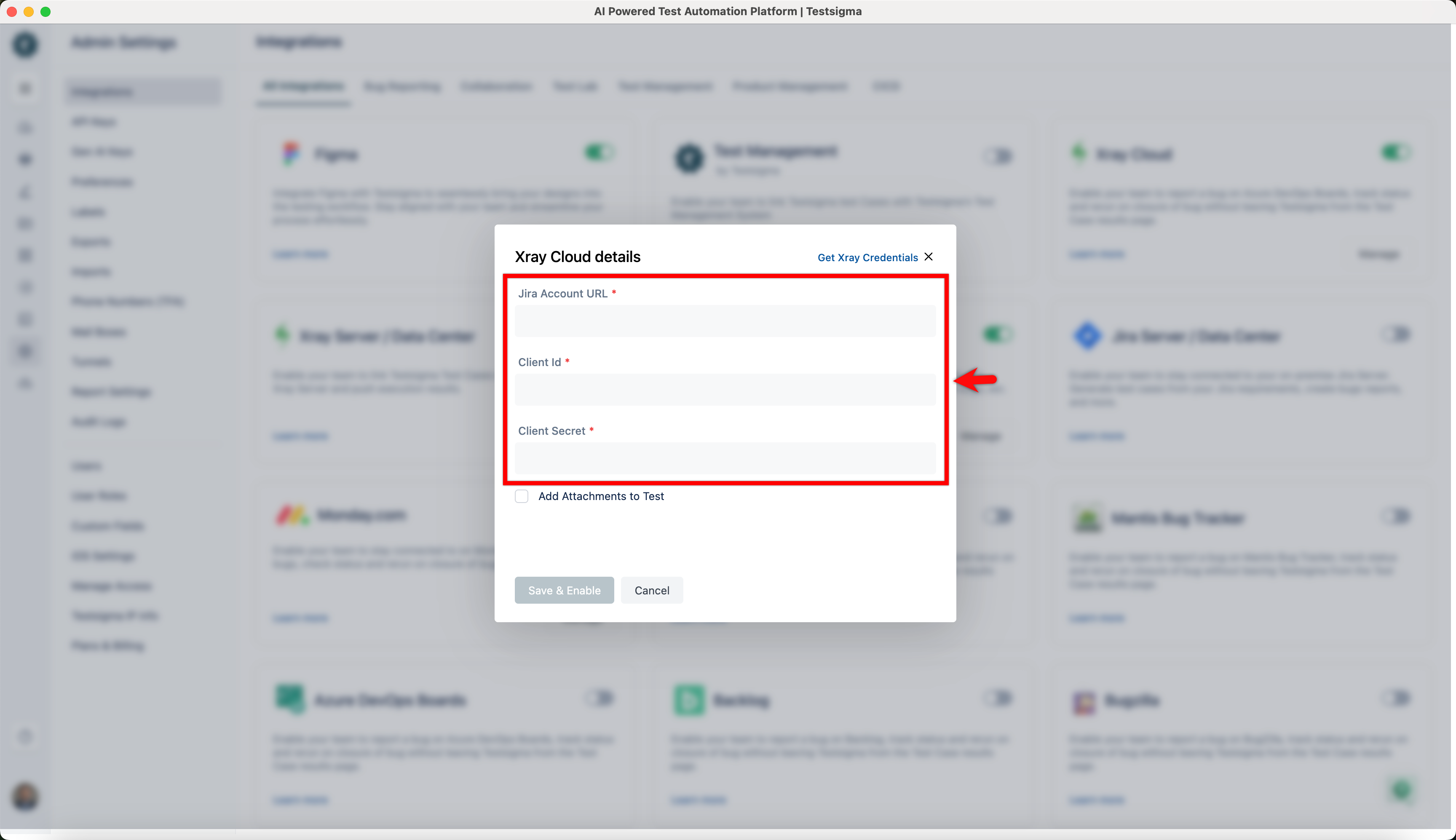
-
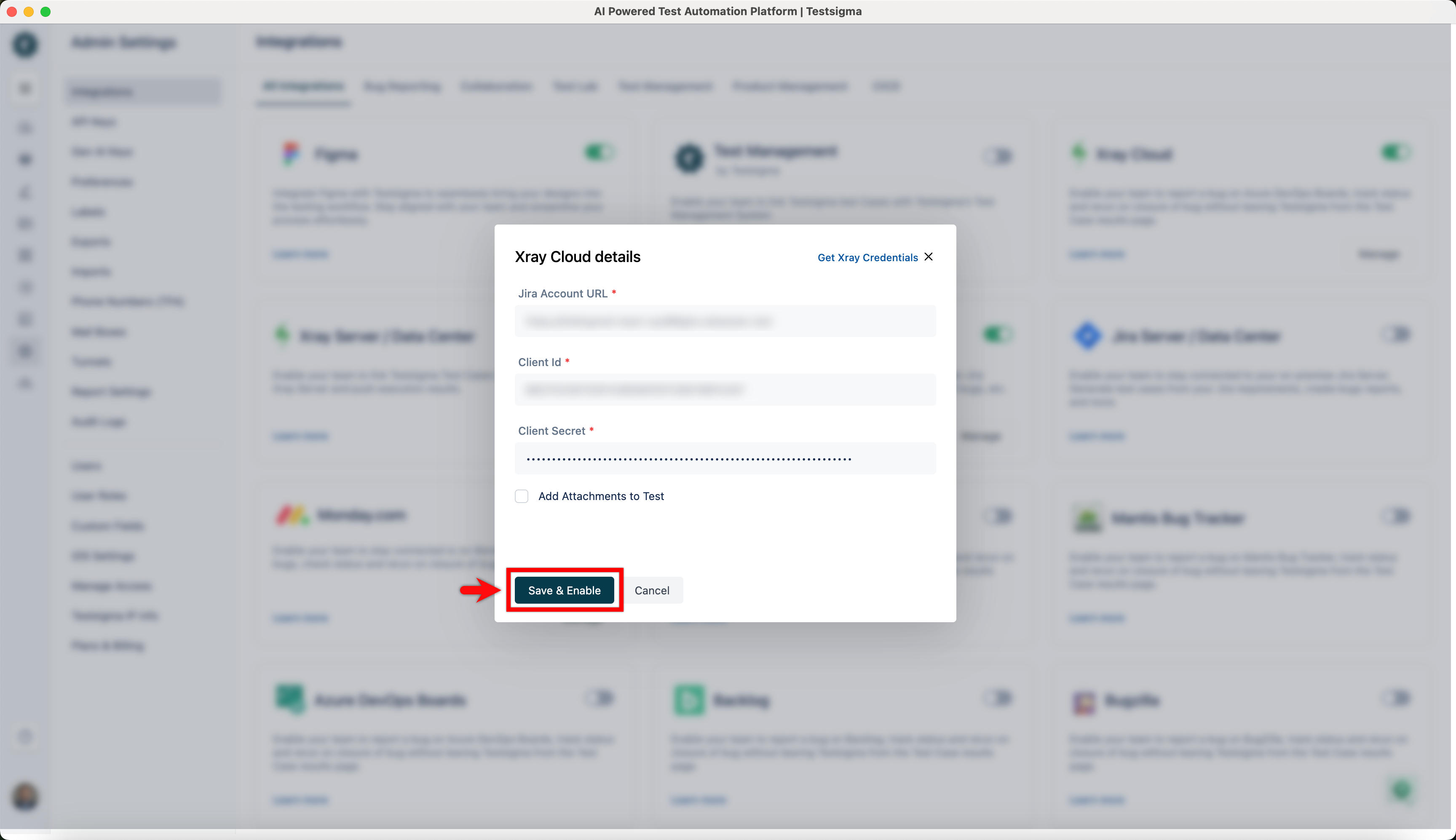
Click on Save & Enable.