Integrations
Jira Integration for Bug Reporting
Prerequisites
To integrate Jira with Testsigma, you need the following:
- Account URL: Your Jira Account URL
- Username: Your account username/email
- API Key: API Token from Jira
Integrating Jira with Testsigma
Section titled “Integrating Jira with Testsigma”-
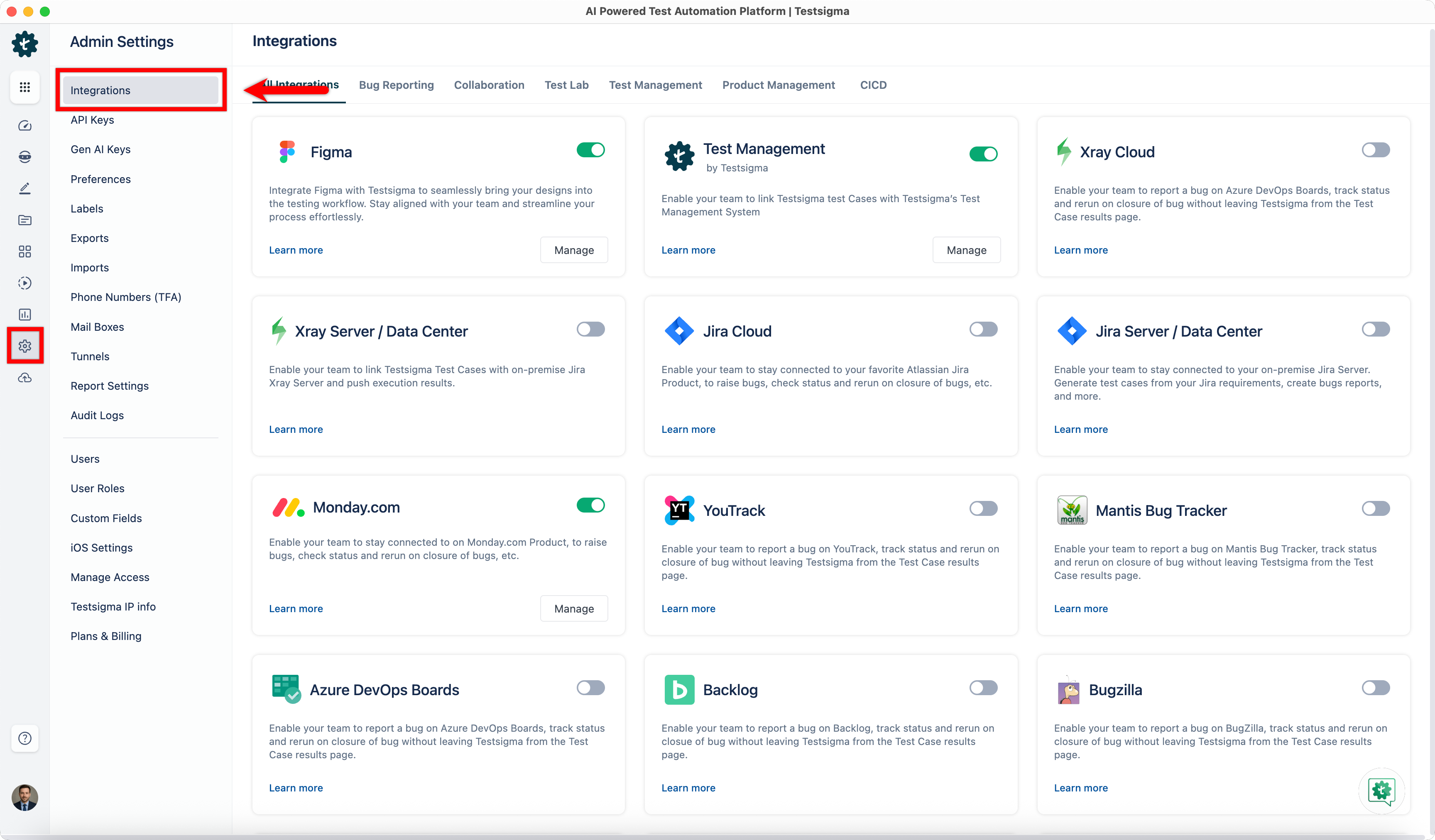
From the left navigation bar, go to Settings > Integrations.
-
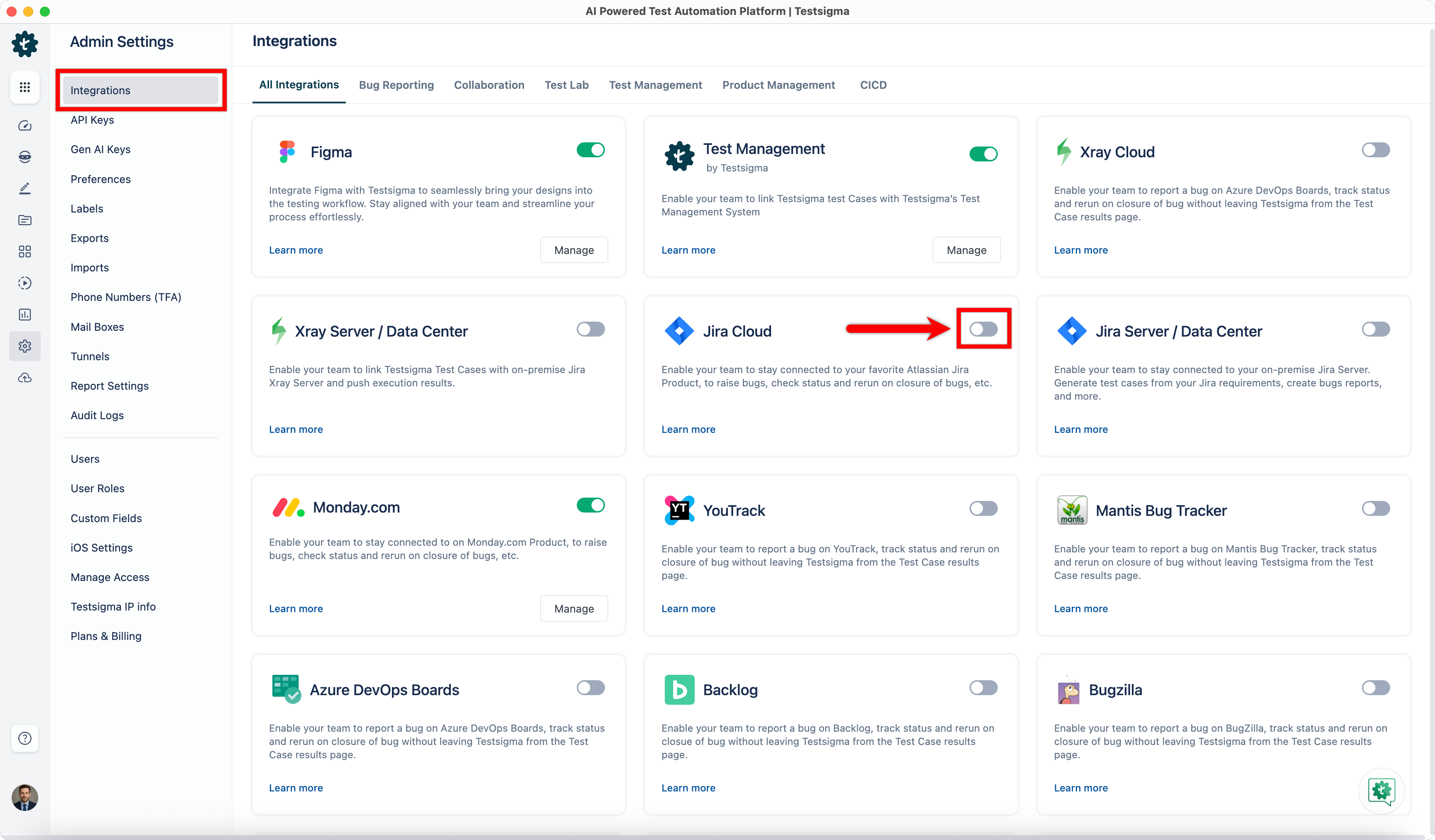
Enable the Jira toggle.
-
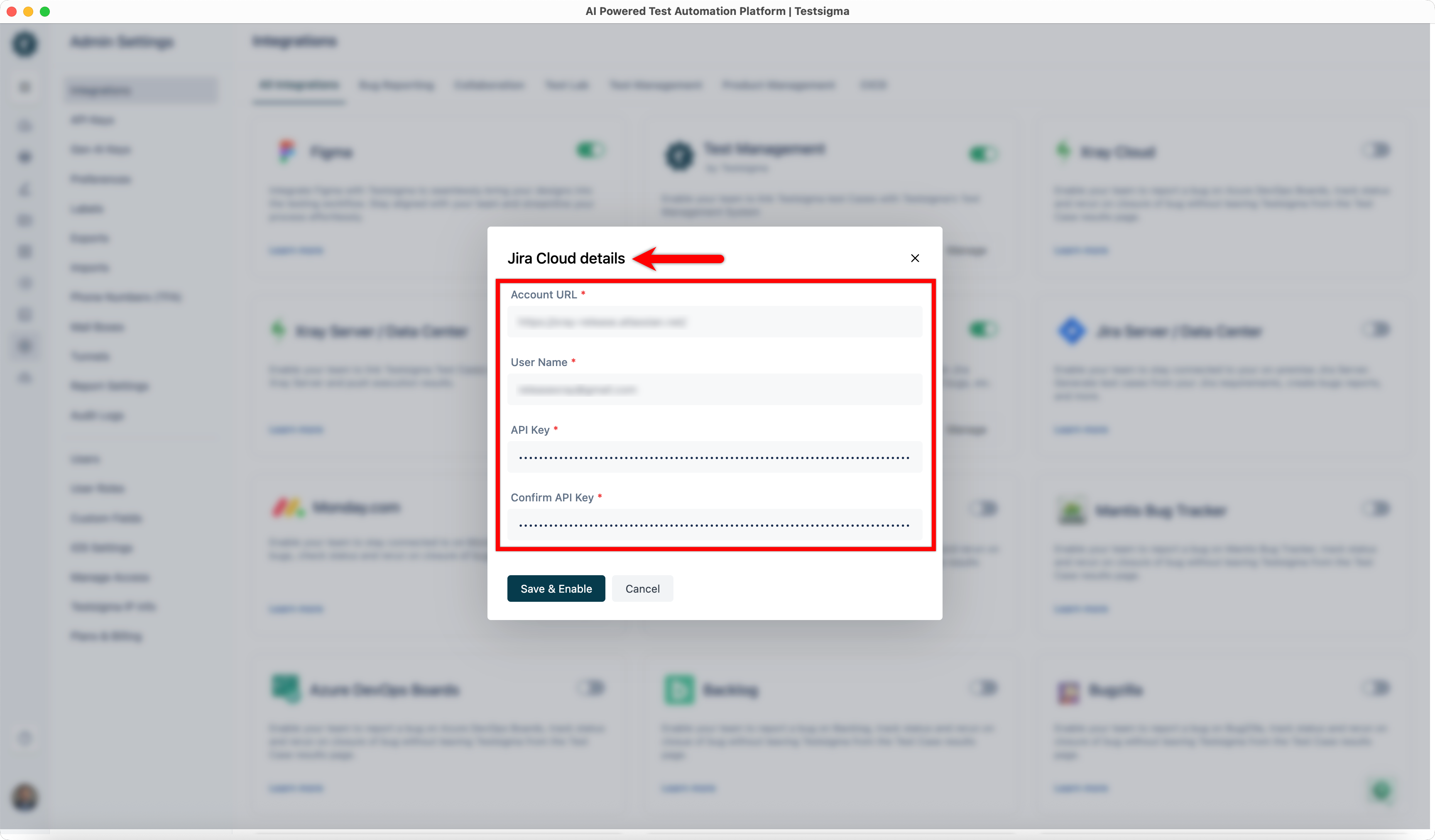
In the Jira Details dialog, enter the following:
- Account URL
- Username
- API Key
- Confirm API Key
-
Click Save & Enable.
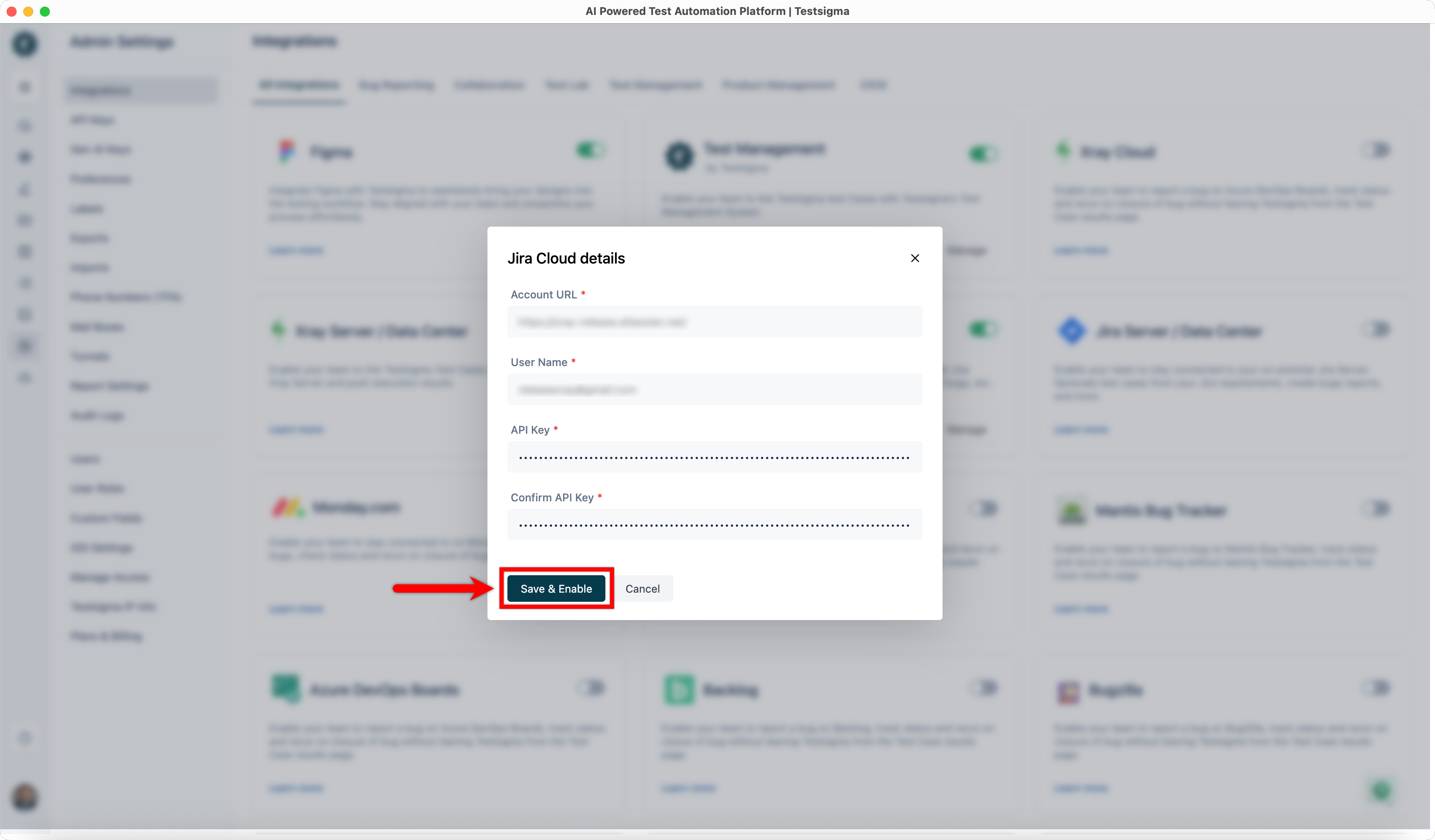
Field Definitions:
Section titled “Field Definitions:”- Account URL example: https://{organizationname}.atlassian.net/
- Username: Enter your email address.
- API Key: Paste the token generated from your Jira account.
Creating a bug
Section titled “Creating a bug”-
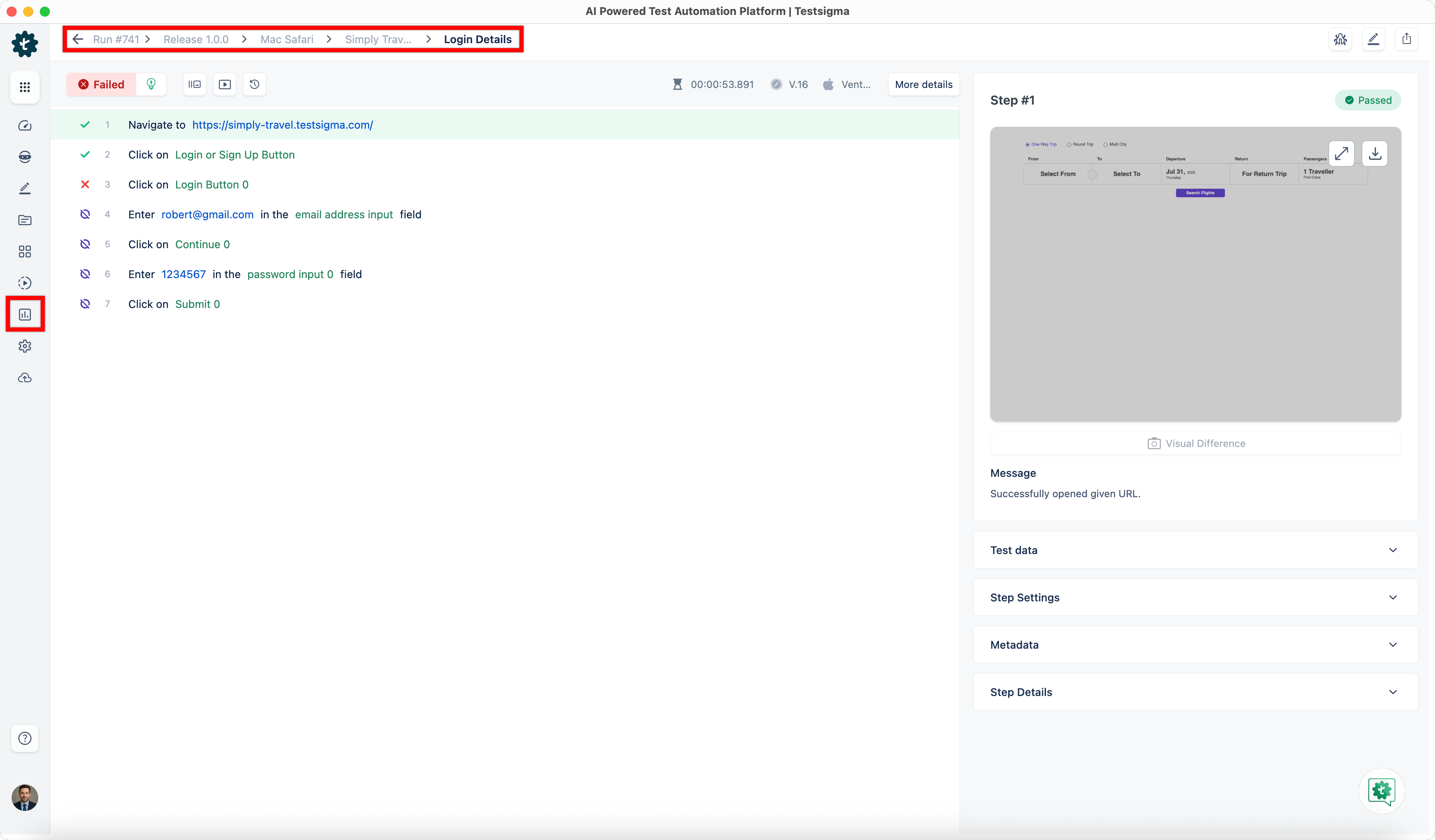
From the left navigation bar, go to Run Results > Test Plan Result, and open the Test Case Result where you want to report a bug.
-
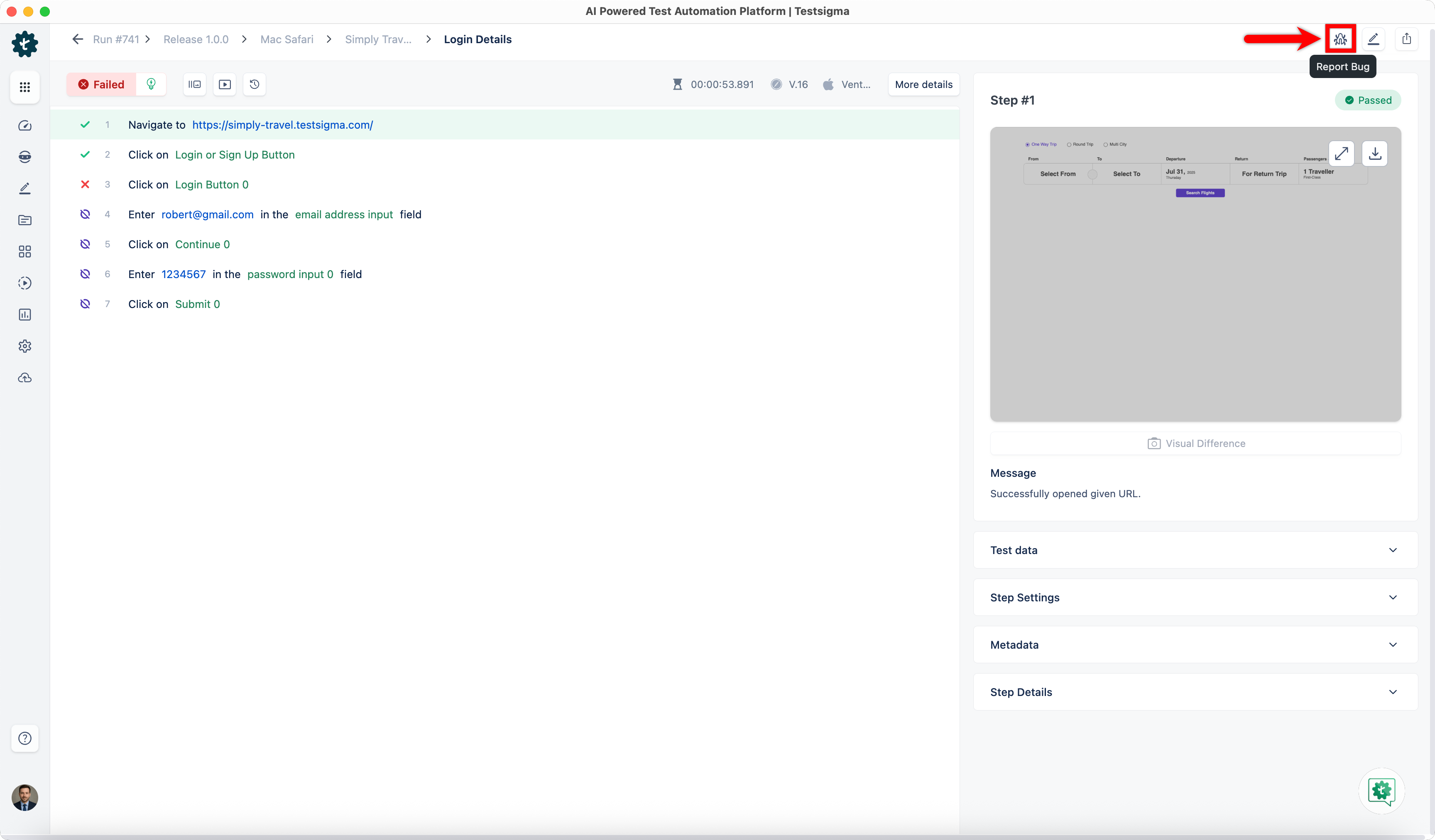
Click Report Bug.
-
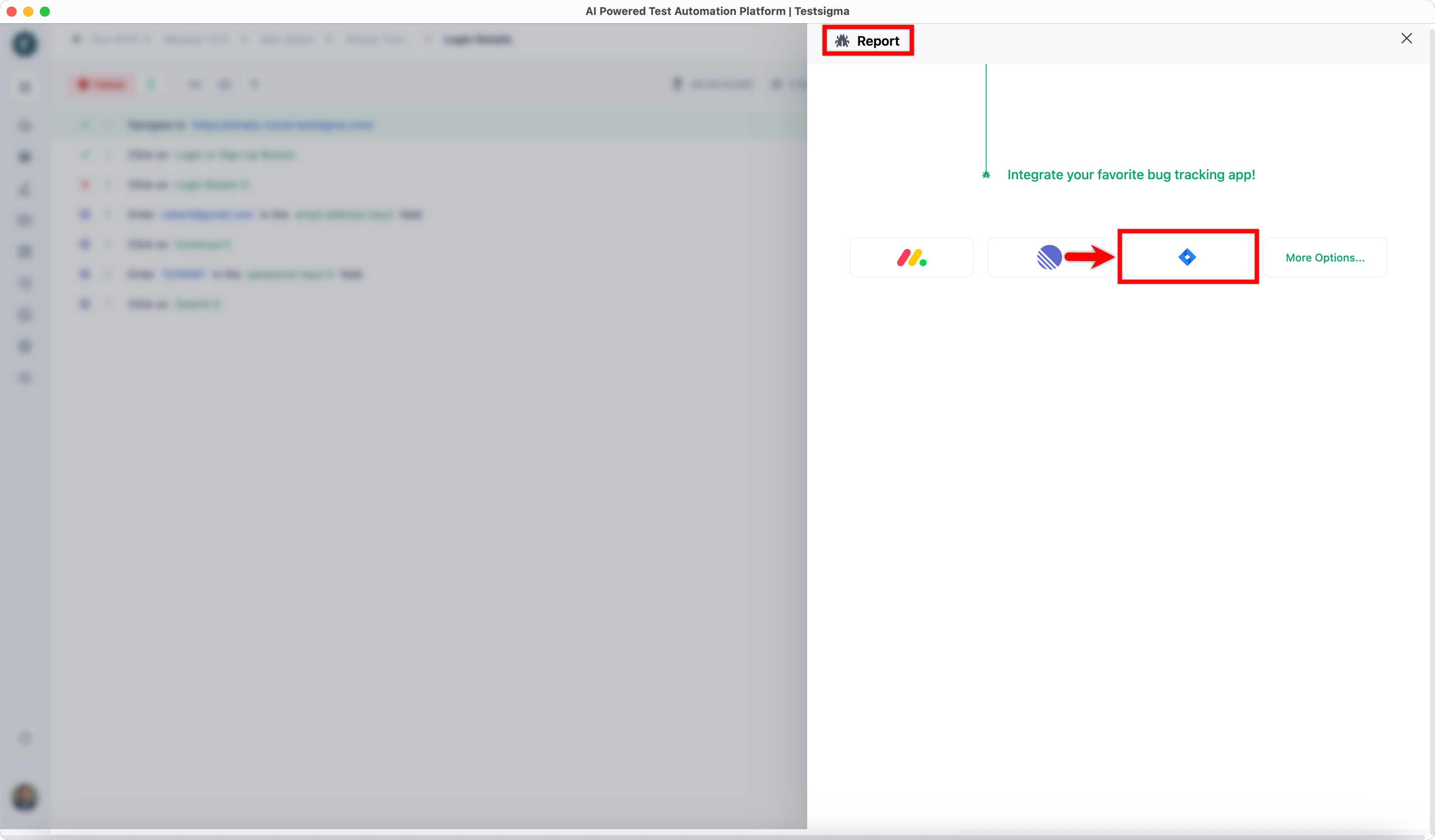
In the Report overlay, click the Jira icon.
-
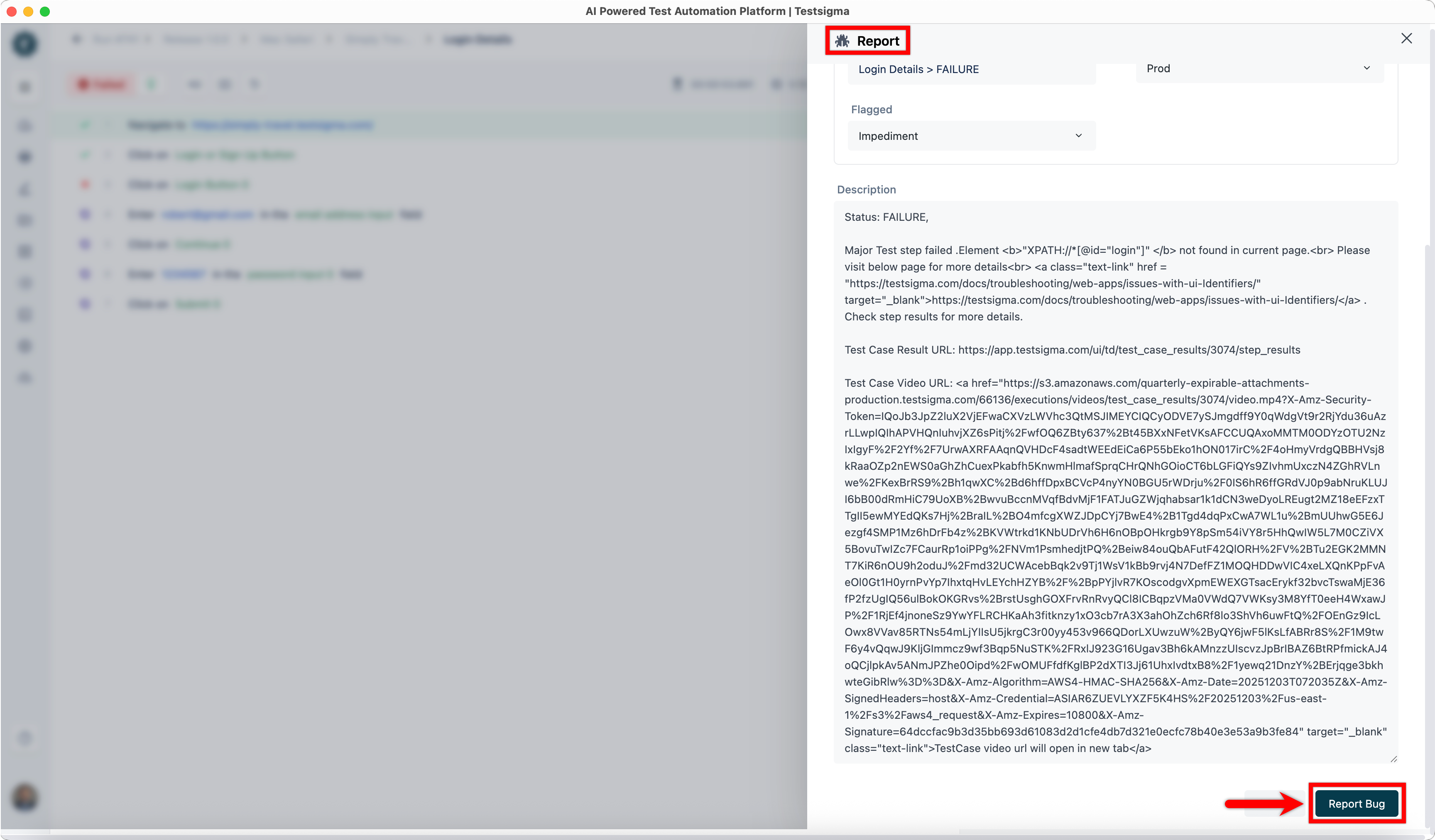
In the Report overlay, review the details and click Report Bug.