
FAQs
Why does Test Execution Fail with the Error No Route to Host?
When starting a test execution, the process fails with the error message: “No route to host”
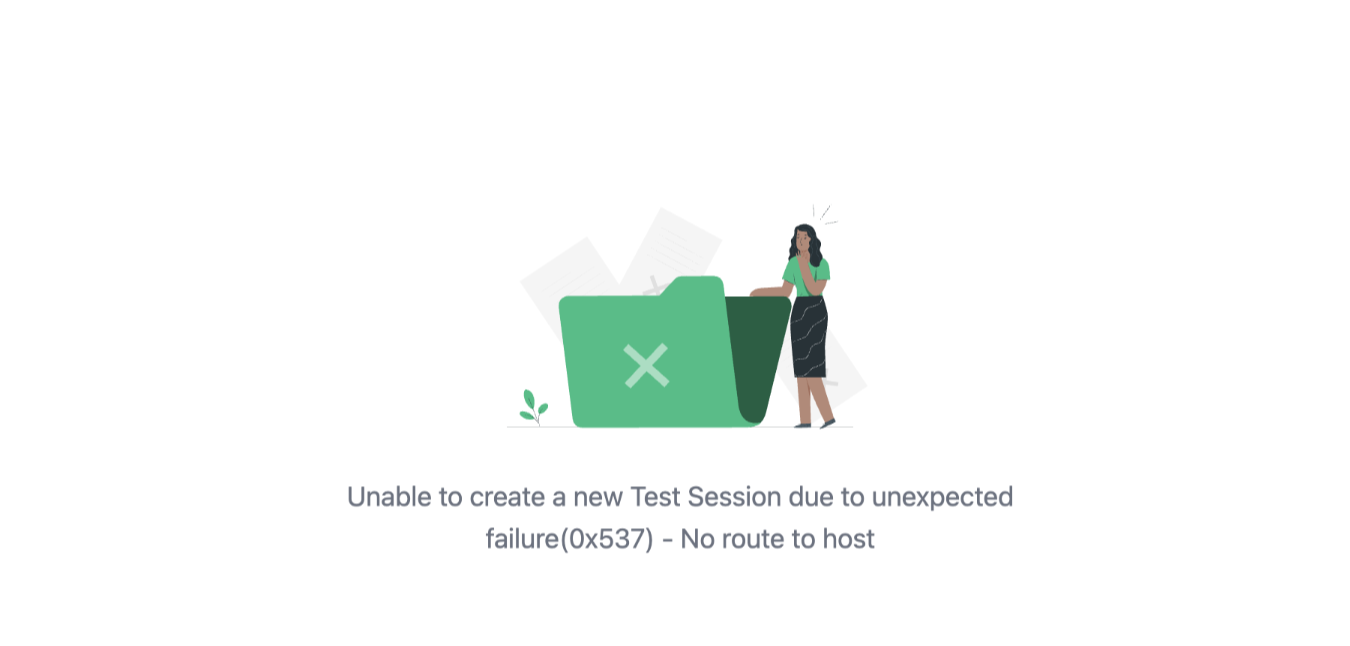
This issue occurs because Testsigma attempts to download the required browser driver files, but the firewall or network restrictions block the downloads.
Steps to Resolve the Error
Section titled “Steps to Resolve the Error”To fix this issue, ensure the following URLs are whitelisted in your network/firewall settings:
- https://msedgedriver.microsoft.com/.
- https://github.com/mozilla/geckodriver/releases/download/.
- https://storage.googleapis.com/chrome-for-testing-public/.
- https://googlechromelabs.github.io/.
Once these URLs are whitelisted, Testsigma will be able to download the driver files required for test execution.