Salesforce Testing
Creating a Salesforce Project
Prerequisites
Before you begin, ensure that you have referred to:
Steps to Create a Salesforce Project
Section titled “Steps to Create a Salesforce Project”-
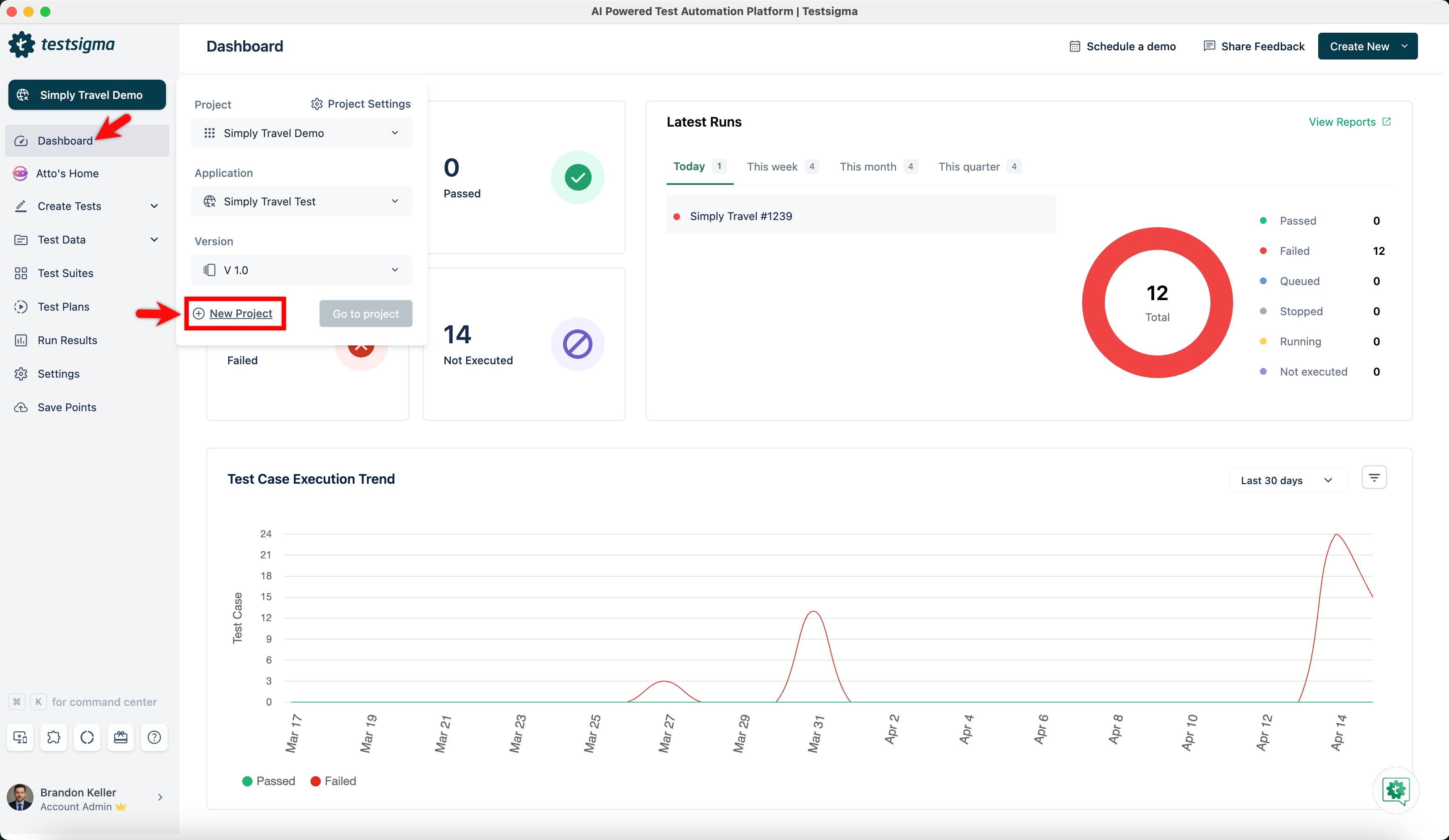
From the Dashboard, go to Project and click on New Project.
-
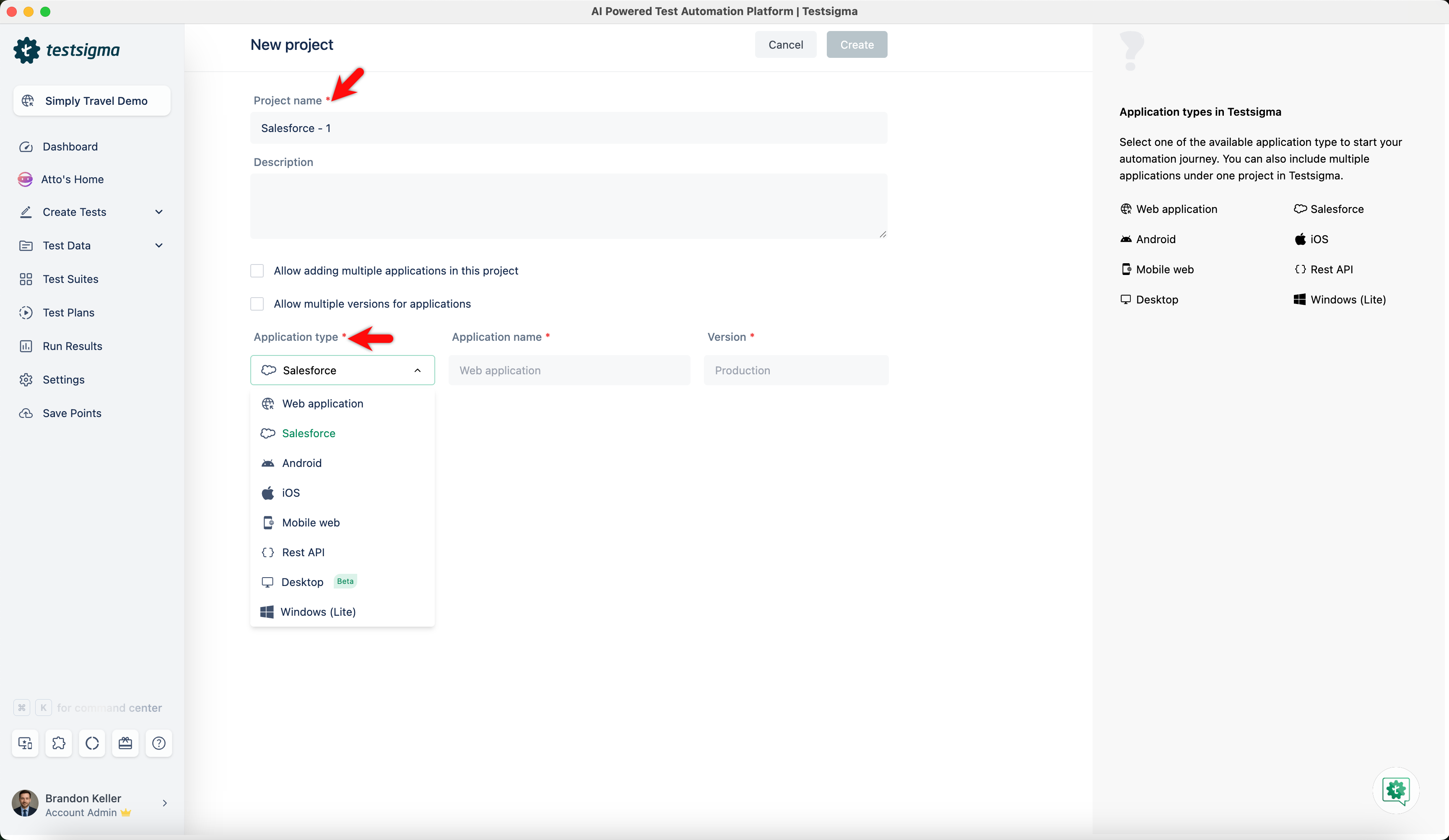
On the New project page,
- Enter Project name and choose Salesforce from the Application type dropdown.
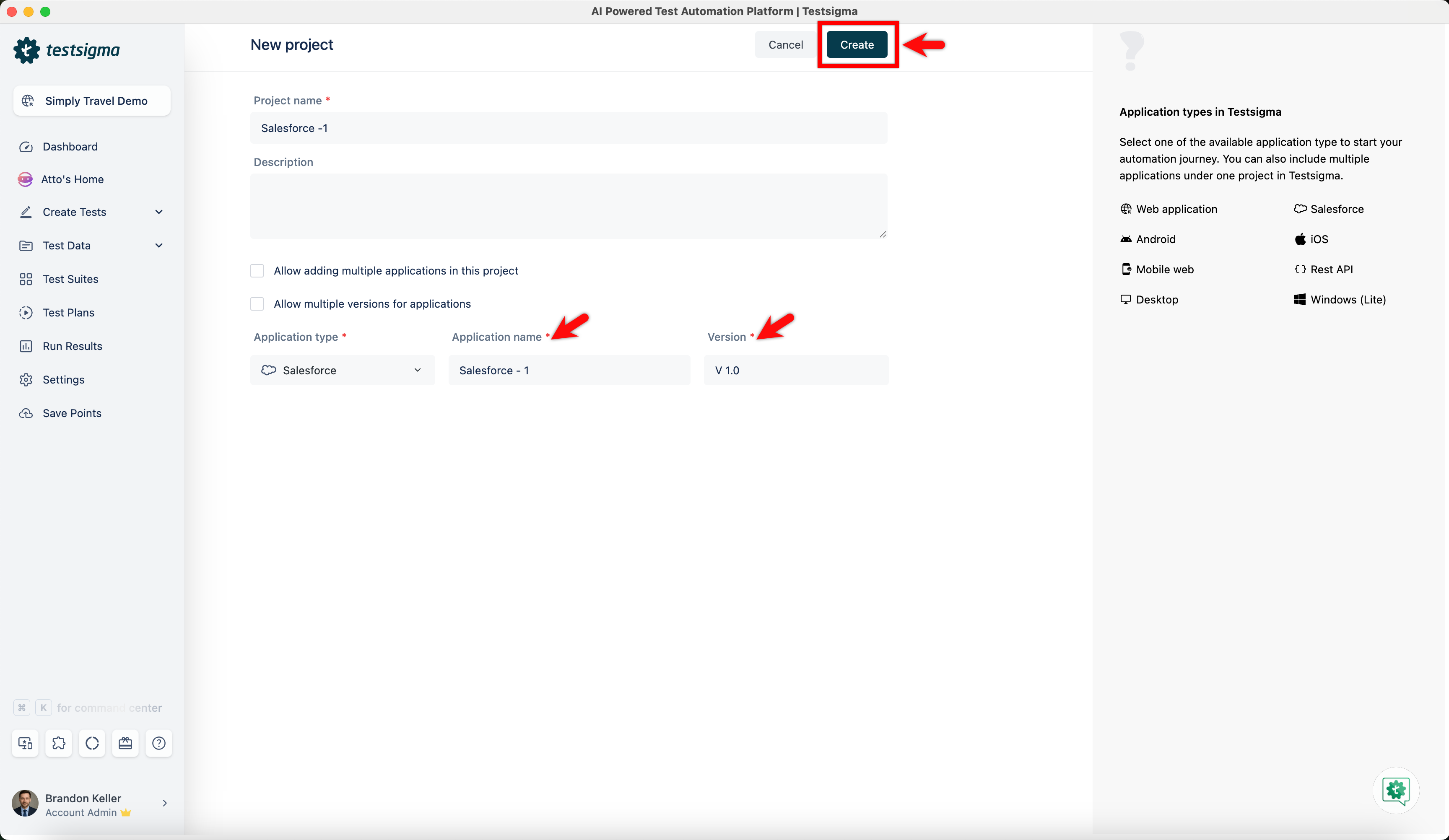
- Enter Application name, Version and click on Create.
- Enter Project name and choose Salesforce from the Application type dropdown.
-
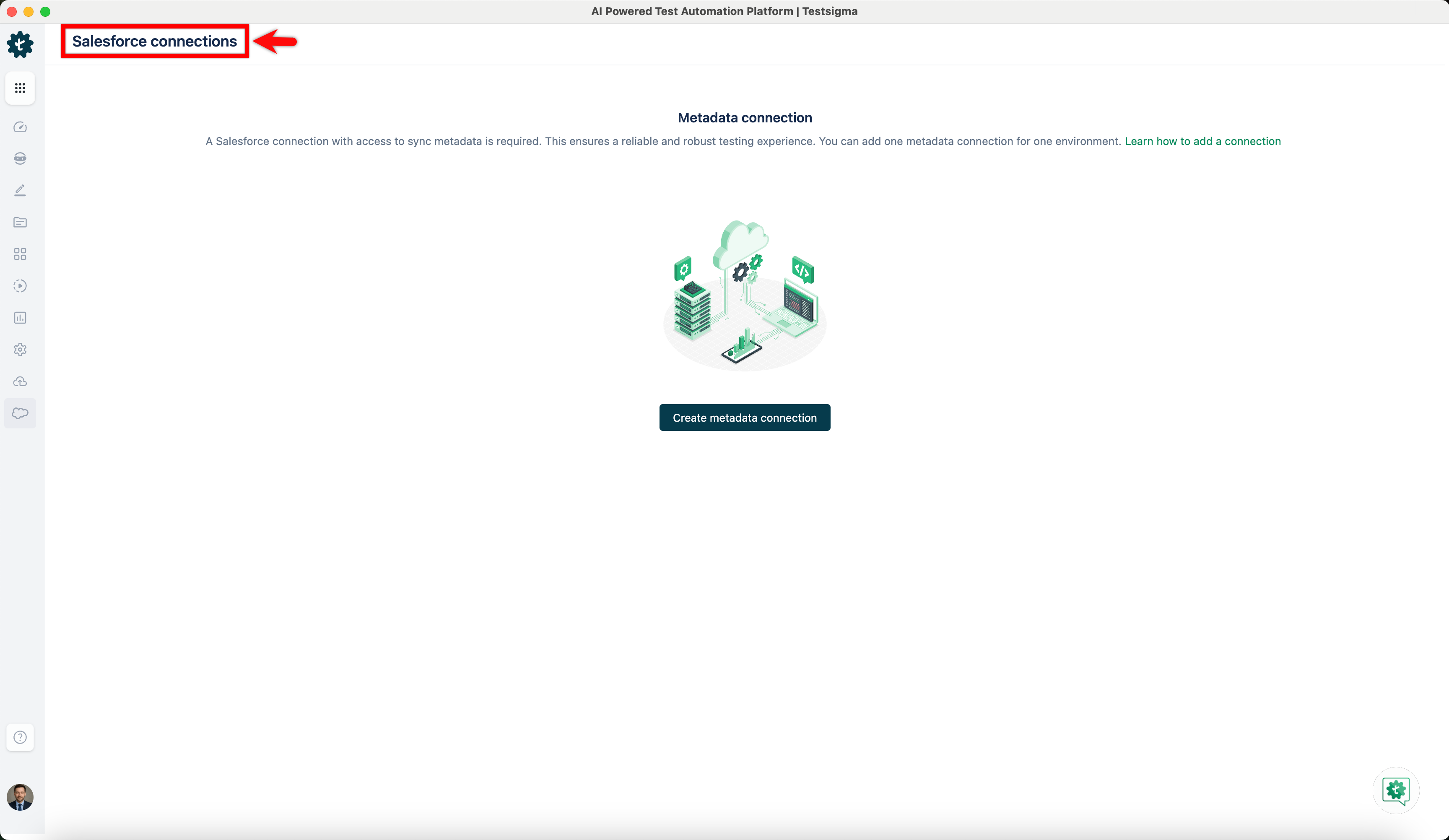
You’ll be redirected to the Salesforce connections page.