Test Cases
Cross-application testing
Upload a New App Version
Section titled “Upload a New App Version”-
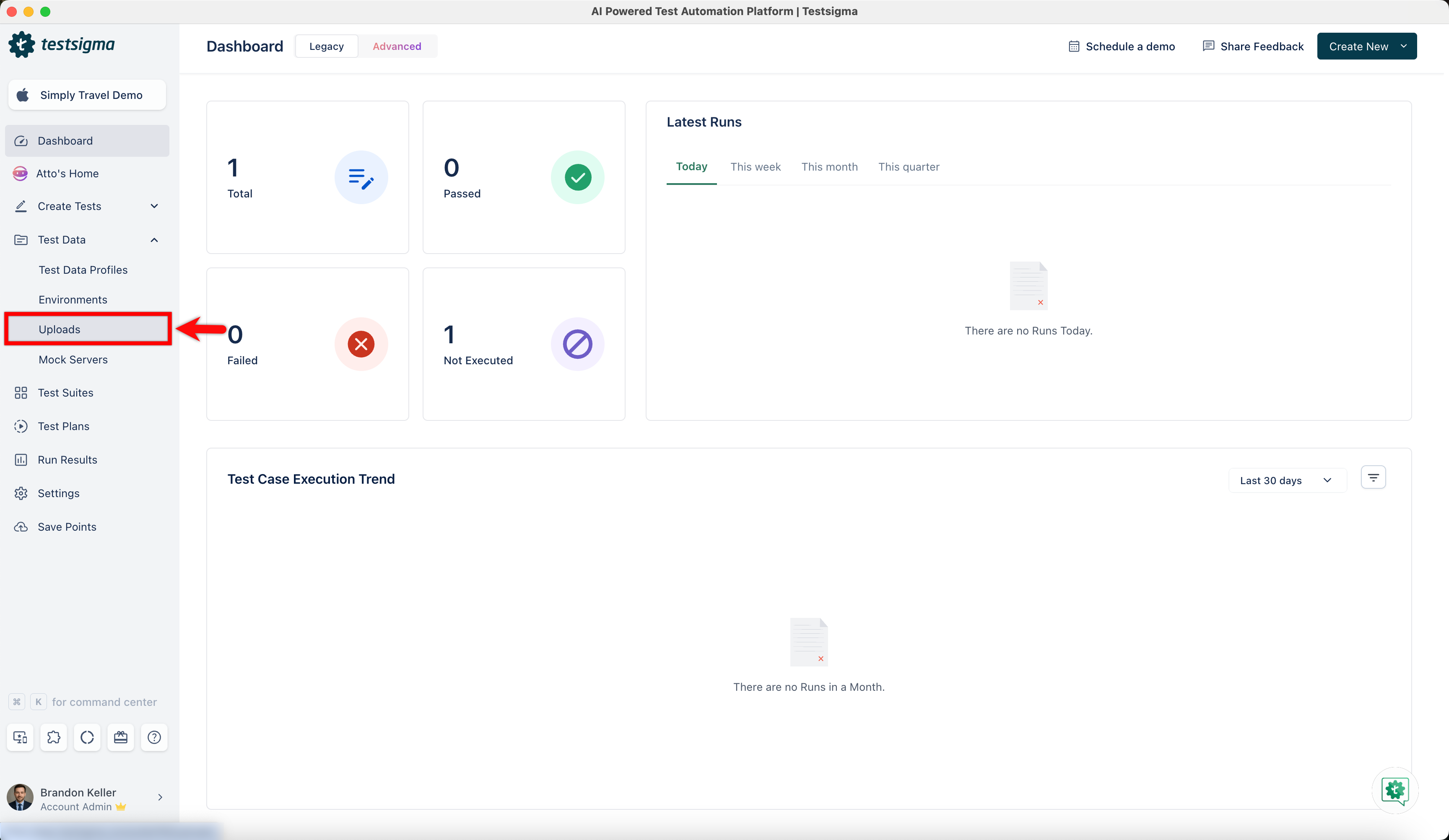
From the left navigation bar, go to Test Data > Uploads.
-
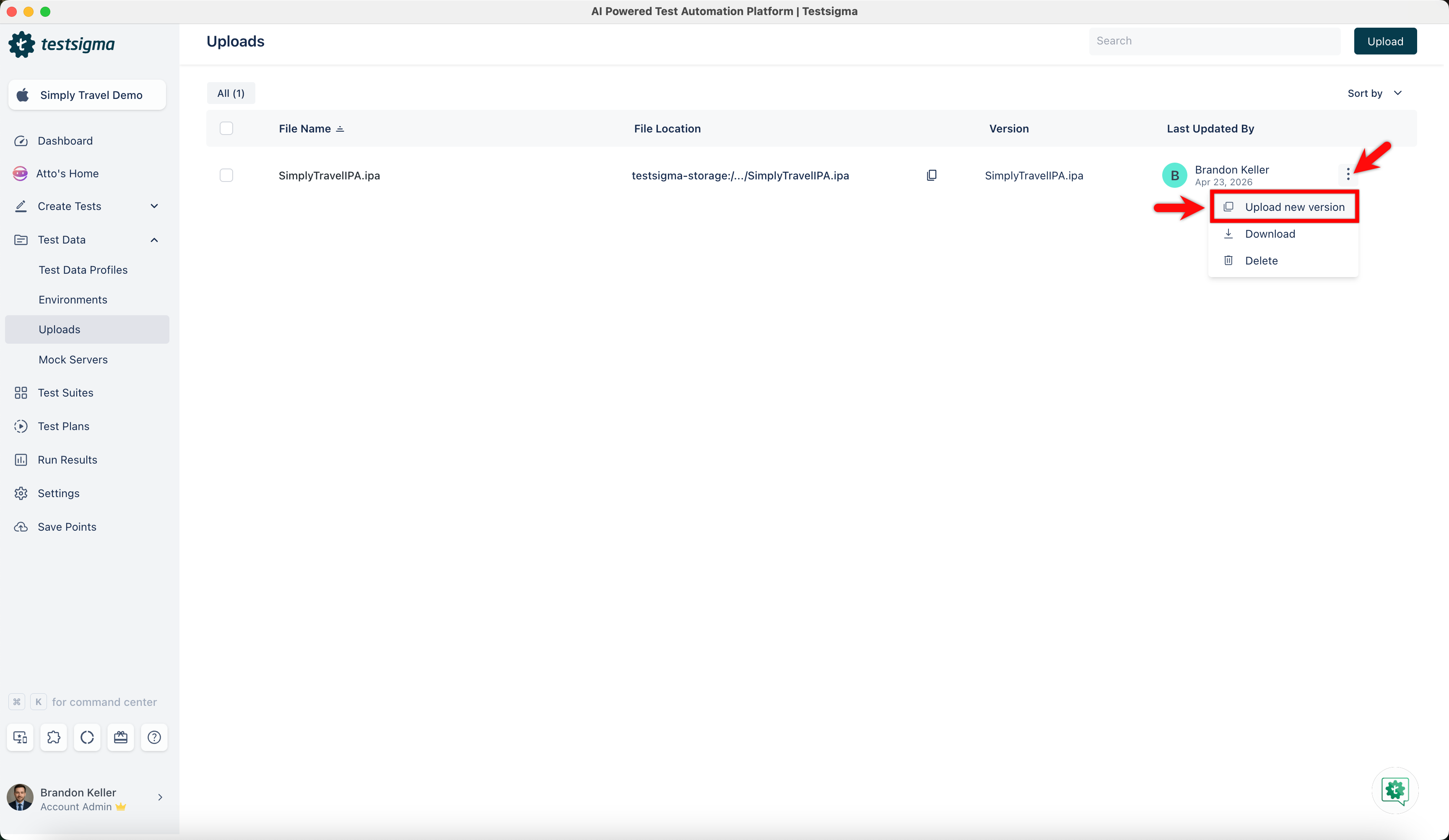
In the Uploads screen, click the ellipsis icon against an uploaded file and click Upload New Version.
-
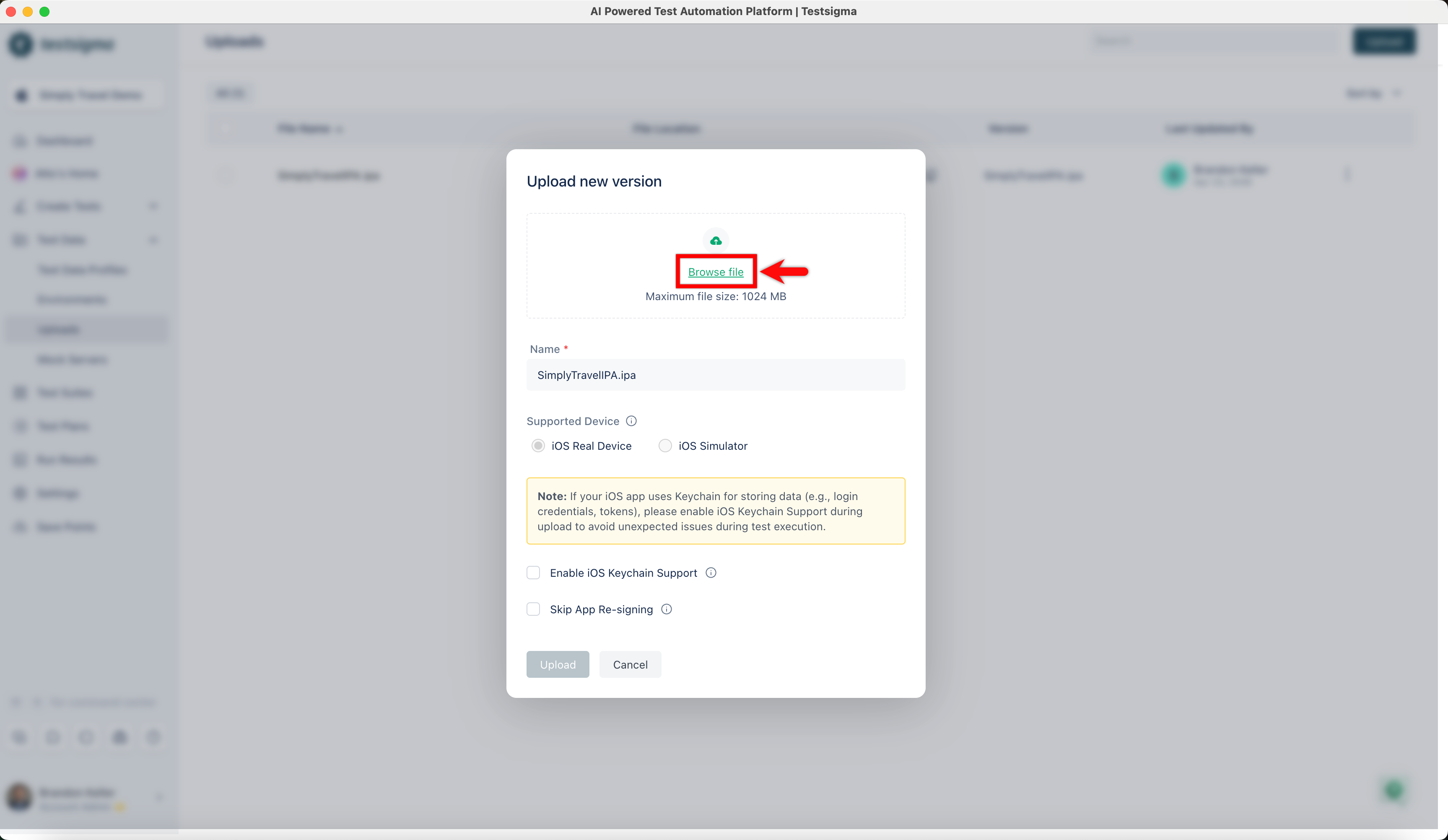
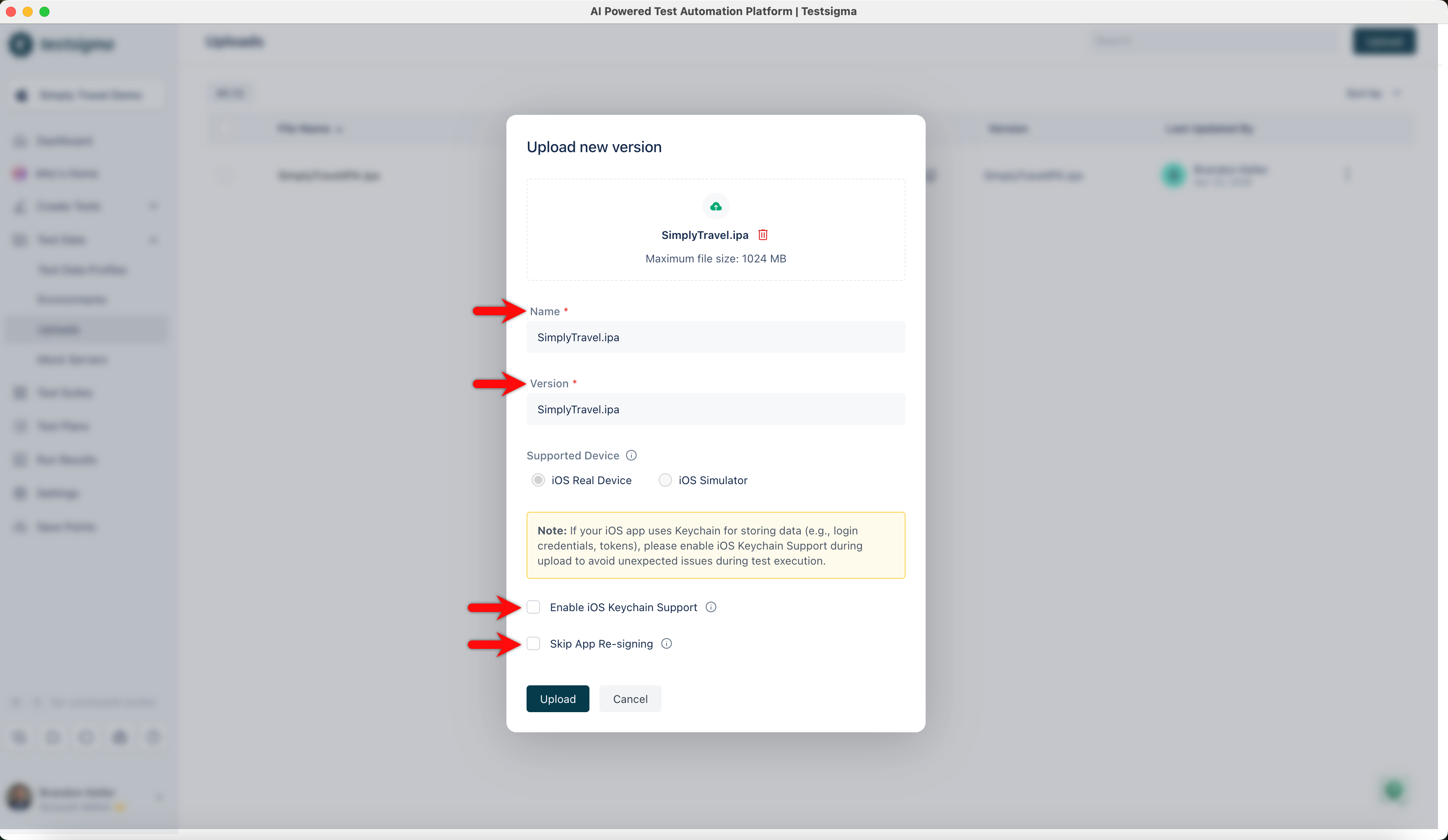
In the Upload New Version dialog, click Browse File and upload the new version.
-
Update the file name and version as required, then select the Enable iOS Keychain Support and Skip App Re-signing checkboxes if applicable.
Use the Updated App in a Test Step
Section titled “Use the Updated App in a Test Step”-
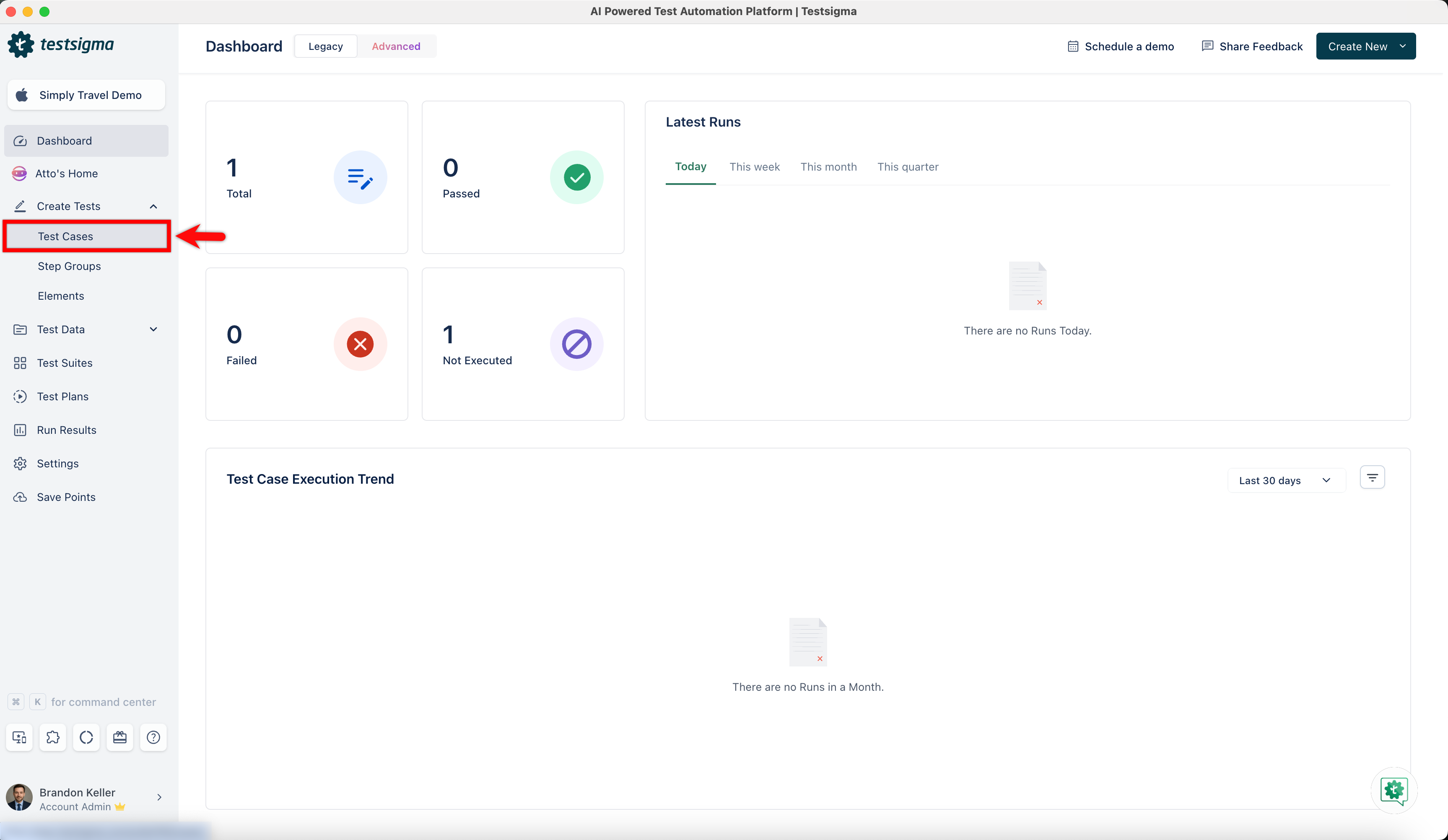
From the left navigation bar, go to Create Tests > Test Cases.
-
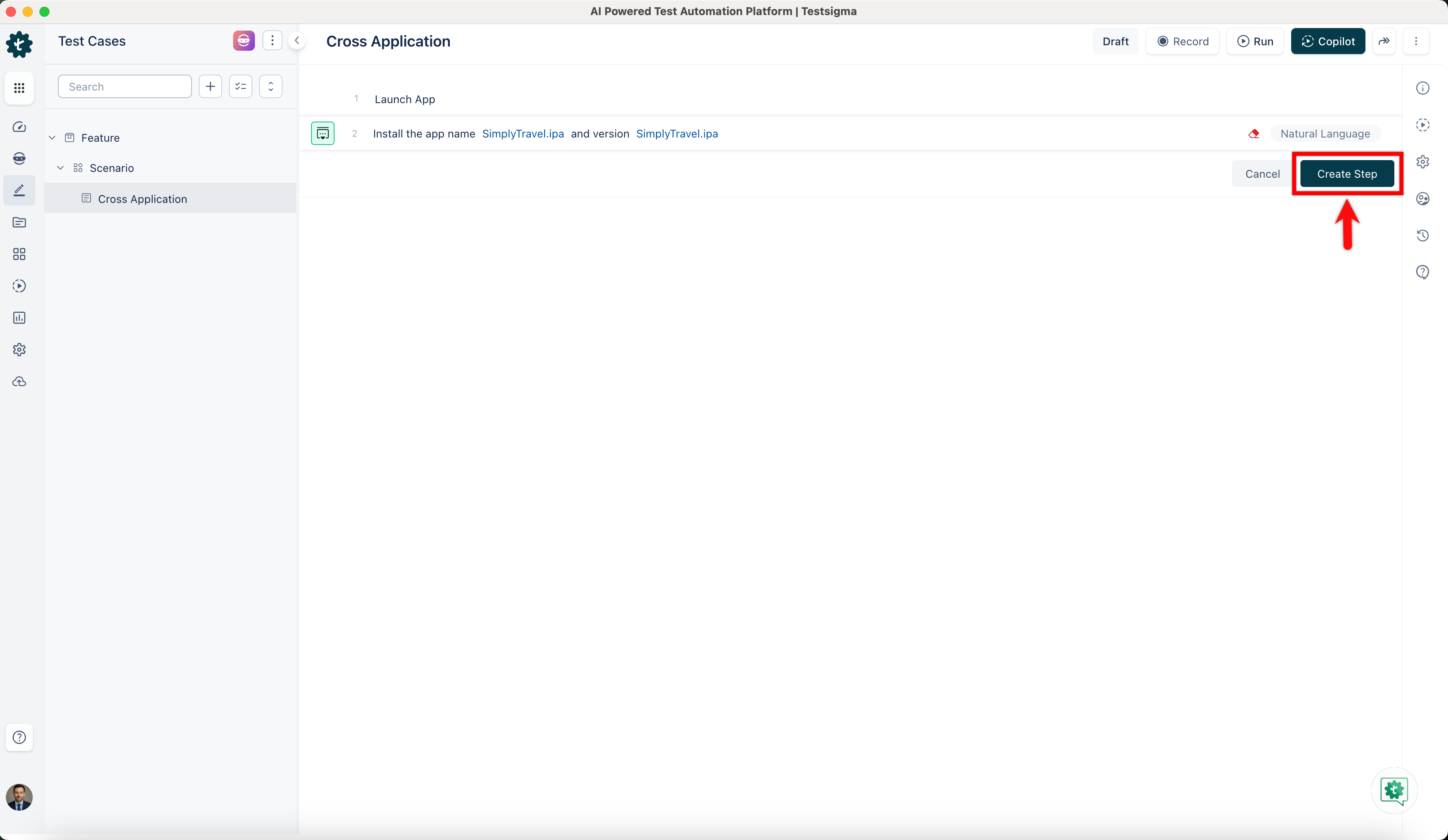
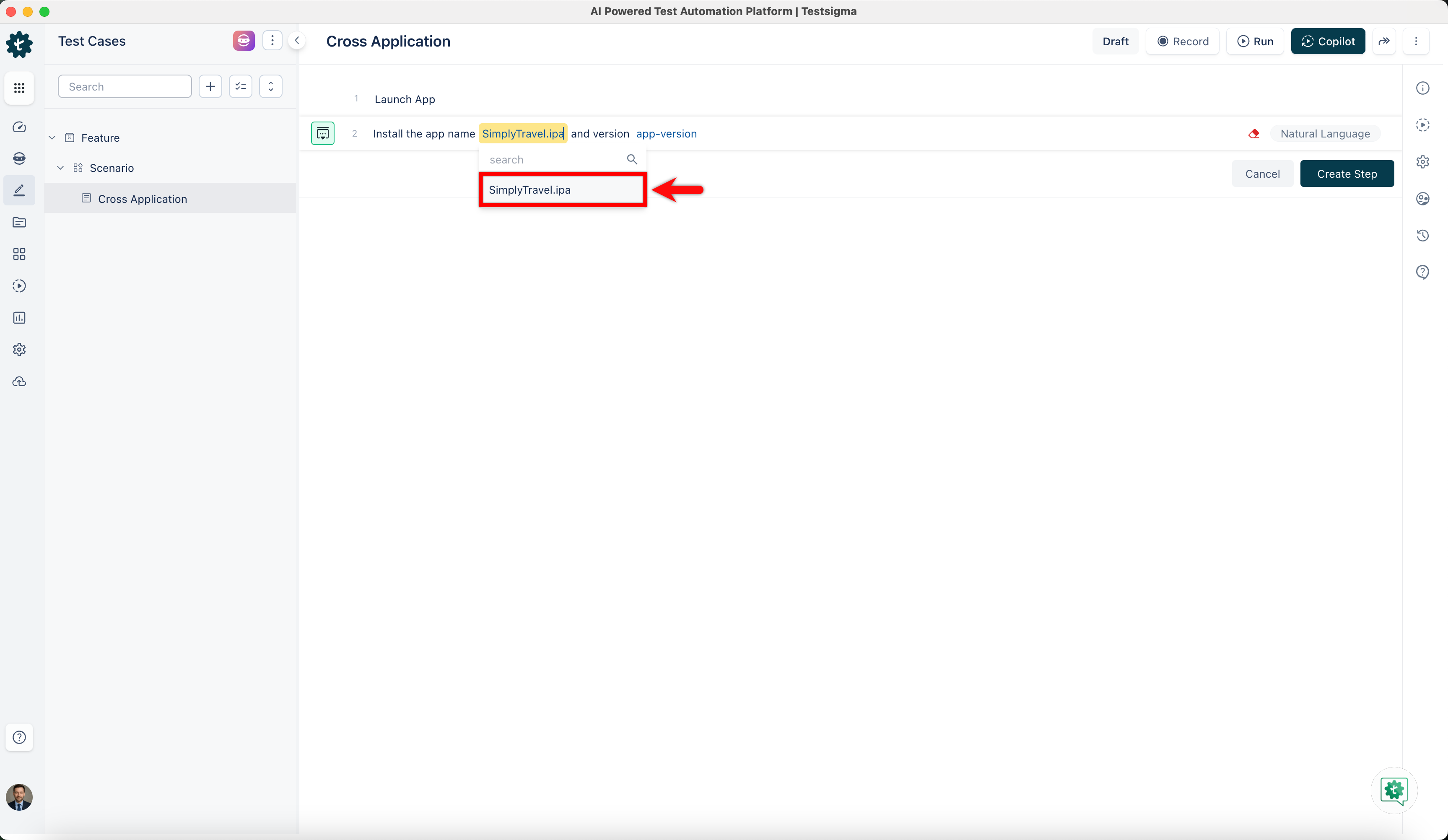
Create a test case and use the Install the app name app-name and version app-version NLP to test your new version.
- Click the app-name and select your APK from the dropdown menu.
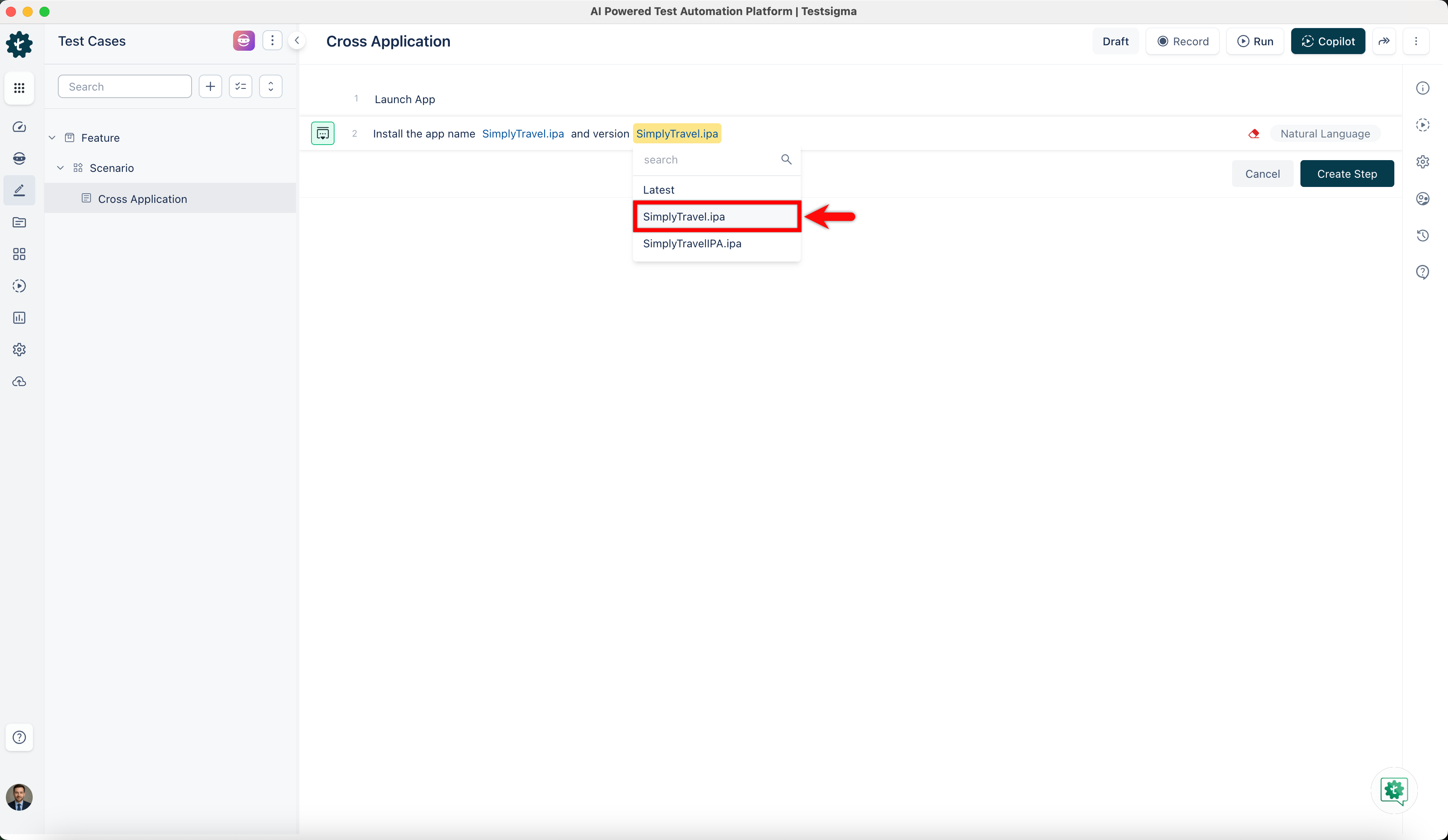
- Click the app-version to select the version from the dropdown menu.
- Click the app-name and select your APK from the dropdown menu.
-
Click Create Step.