Test Step Recorder
Exclude Attributes/Classes
Prerequisites
Before you begin, ensure that:
- You have installed the Testsigma Chrome Extension. For more information on installing Testsigma Chrome Extension, refer to the documentation on Testsigma Chrome Extension.
- You have referred to the documentation on creating test steps.
Steps to follow:
Section titled “Steps to follow:”-
Start recording a test case via the Testsigma test step recorder.
-
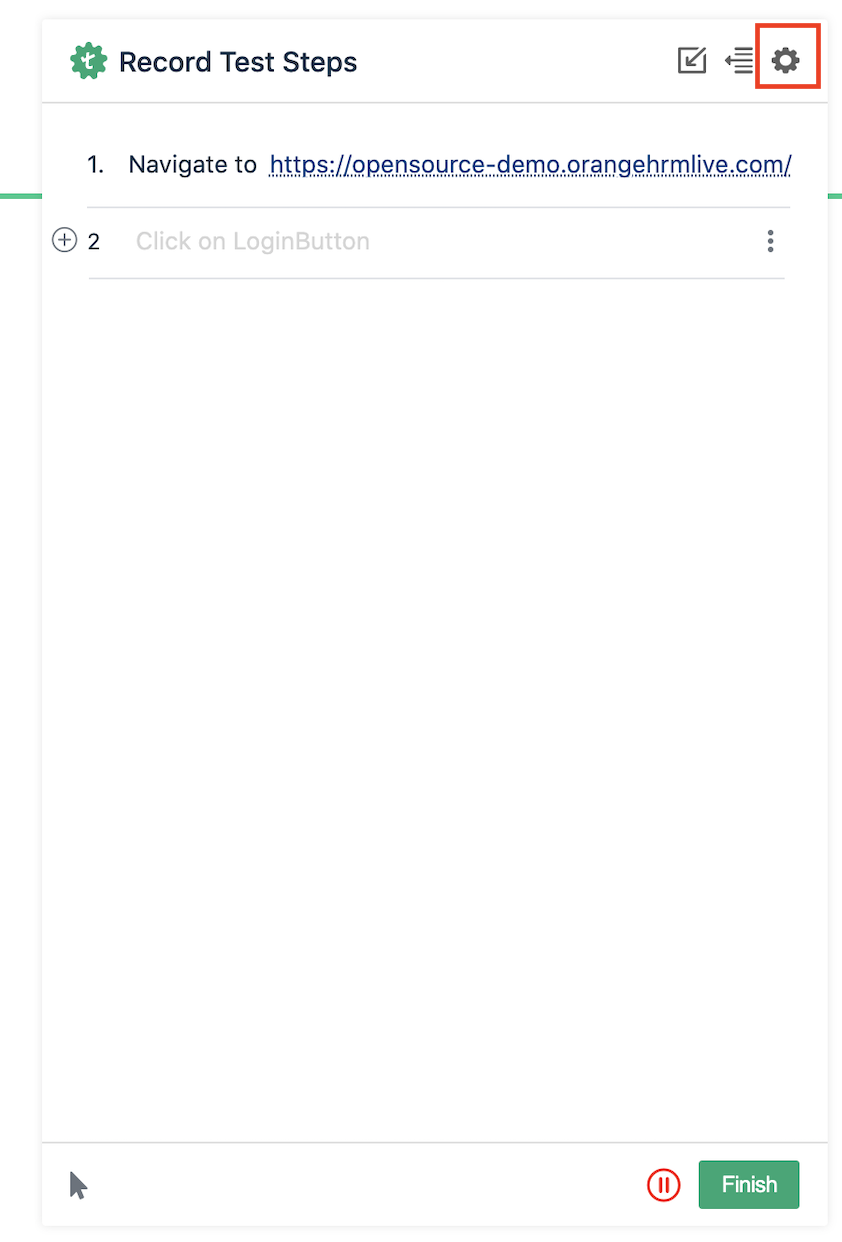
On the Testsigma test step recorder, hover over the settings button on the top right, also highlighted in the screenshot below:
-
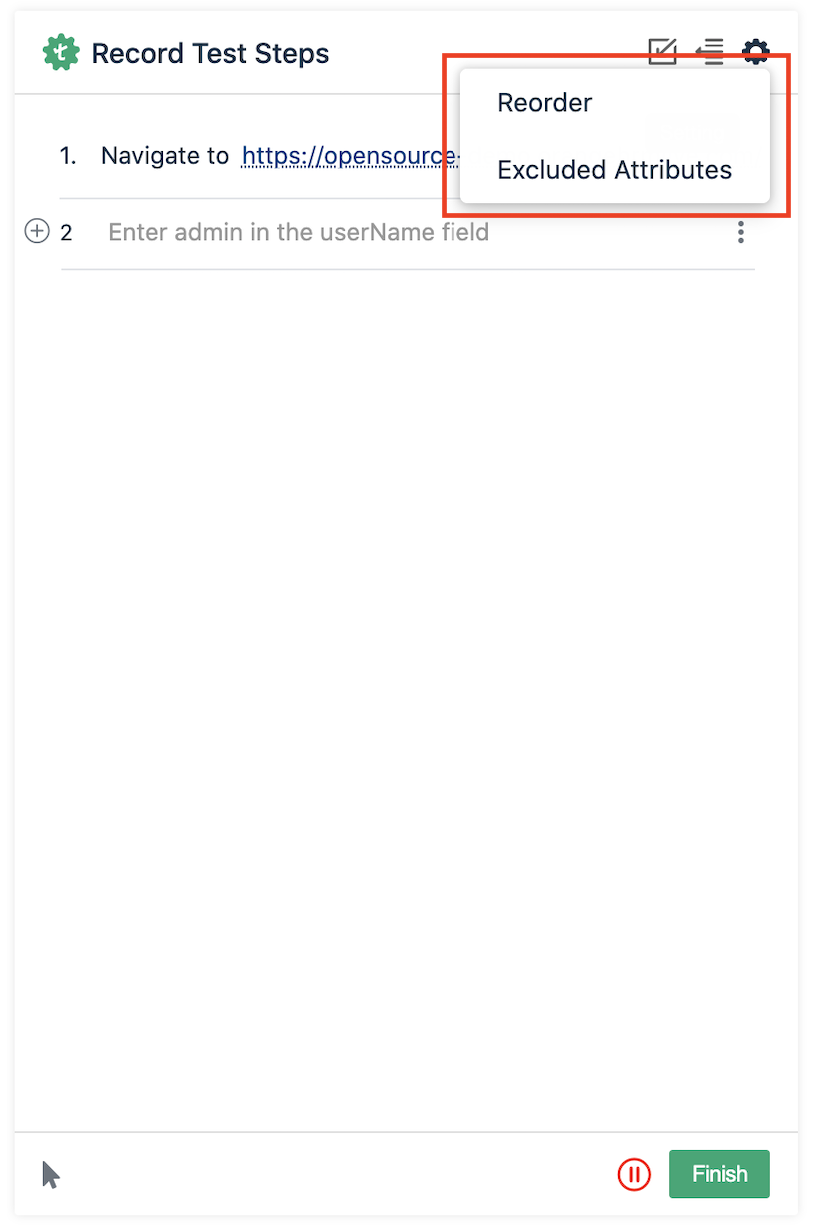
On hover, menu options would appear (as also shown in the screenshot below) - click on the option ‘Excluded Attributes’.
-
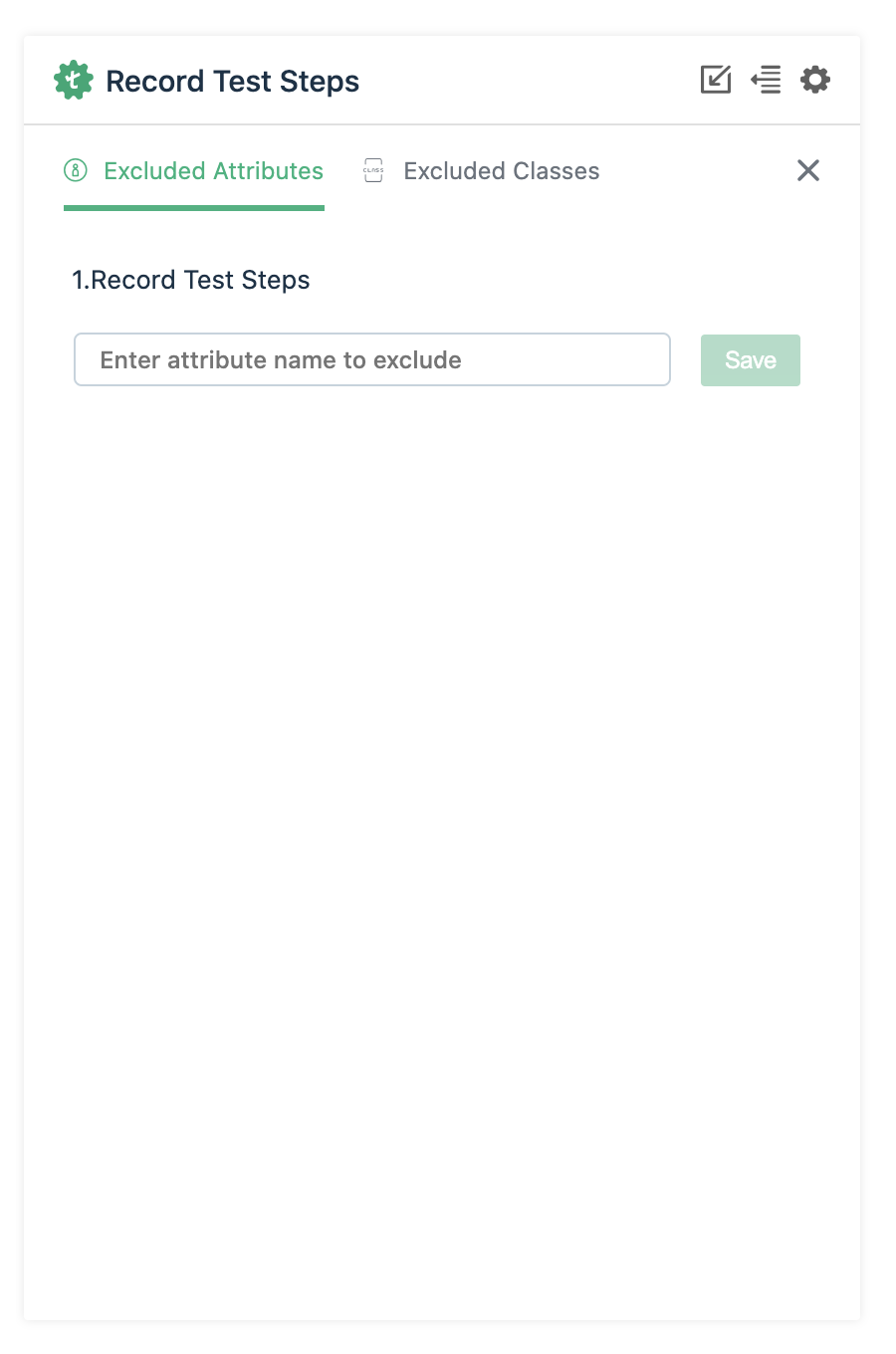
On the excluded attributes and classes UI that appears, you can add the attributes and classes that you want to be excluded while test step recording: