
Test Cases
Importing Postman Collections and Environments
Prerequisites
Before you begin, ensure that you have referred to:
Import Postman Collections
Section titled “Import Postman Collections”After exporting your Postman Collection as JSON or Zipped format, follow these steps to import it into Testsigma:
-
Navigate to Settings > Imports.
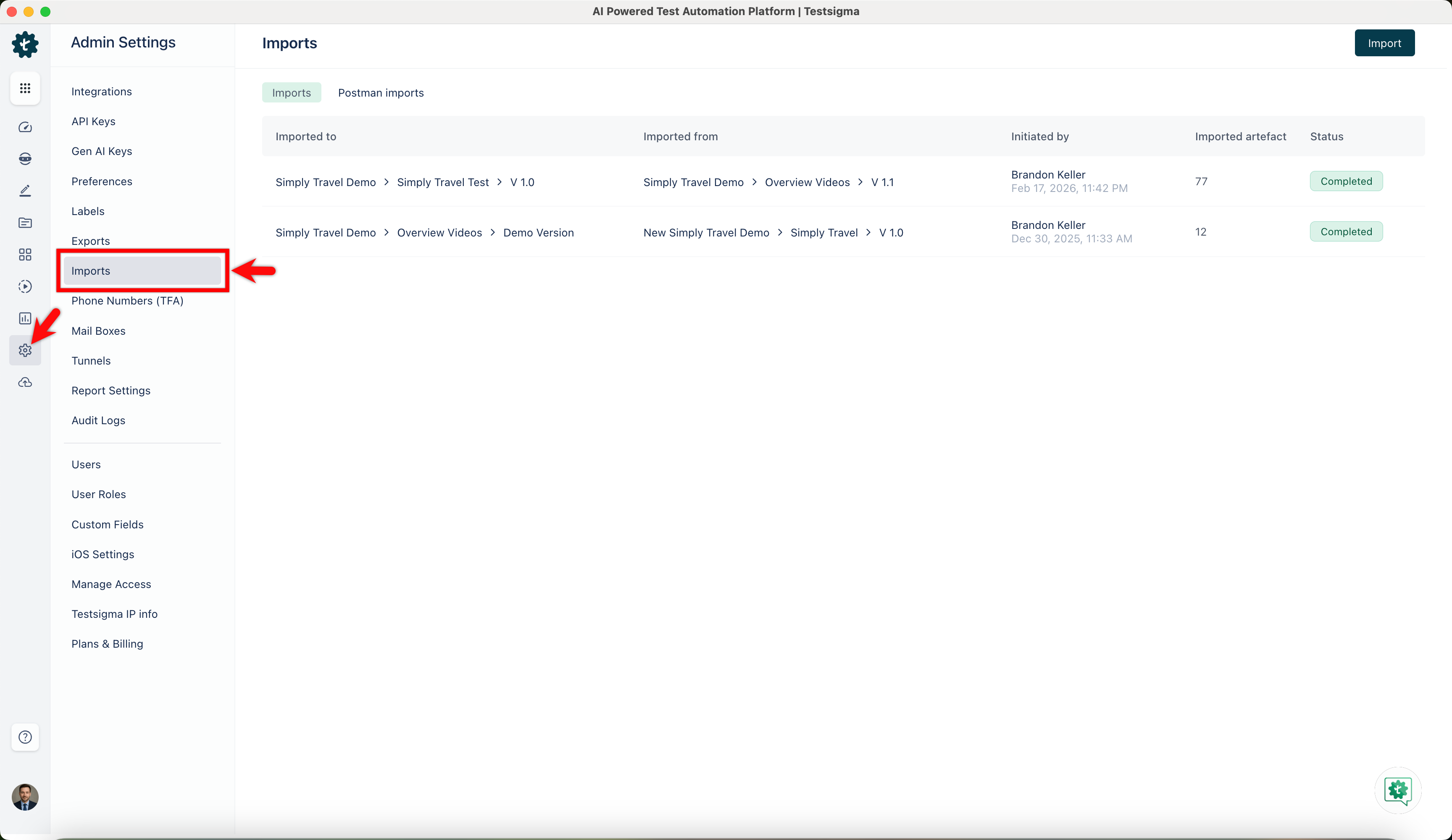
-
In the Imports page, click Import.
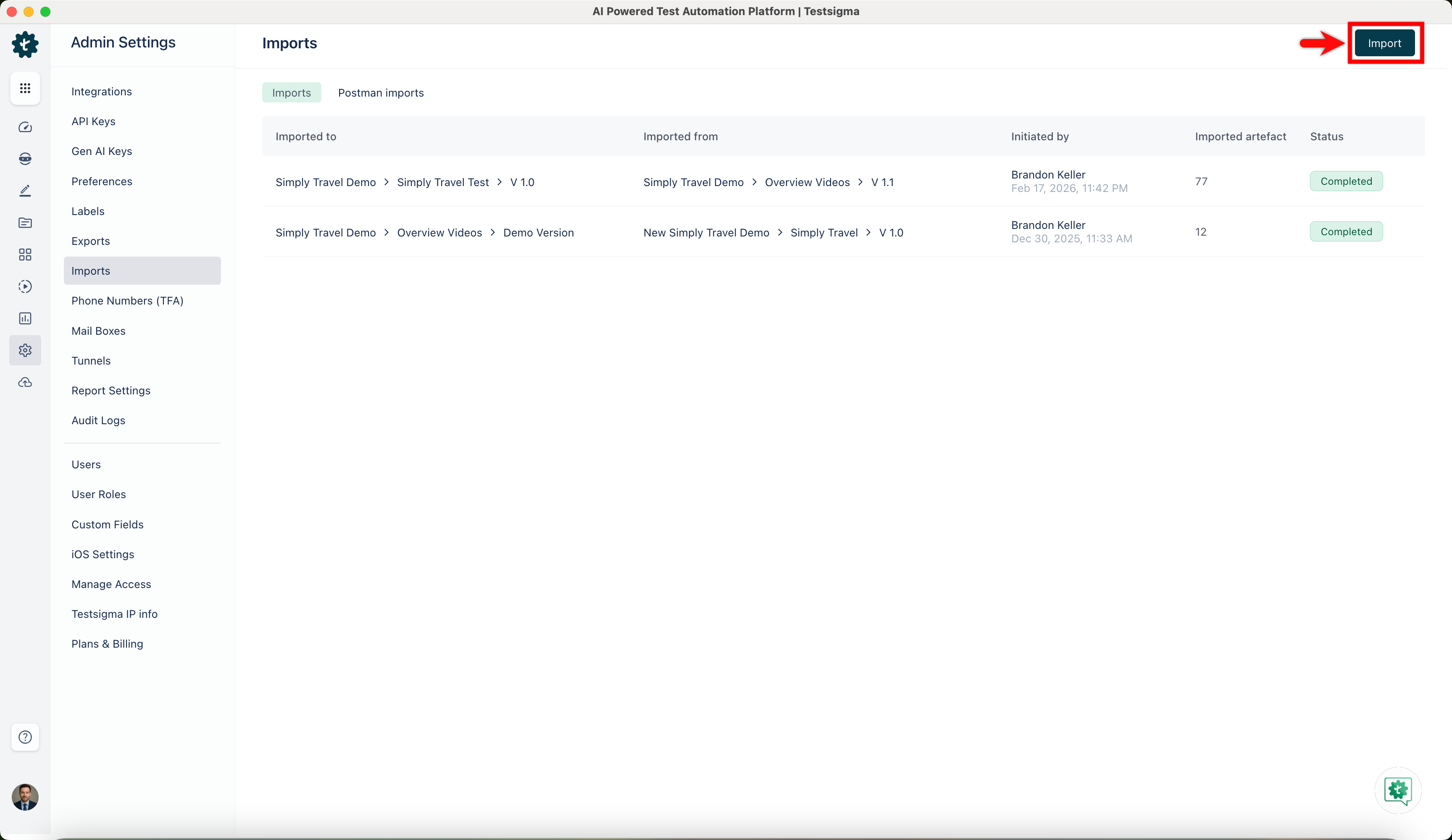
-
Click Select File for Import and choose a file for import.
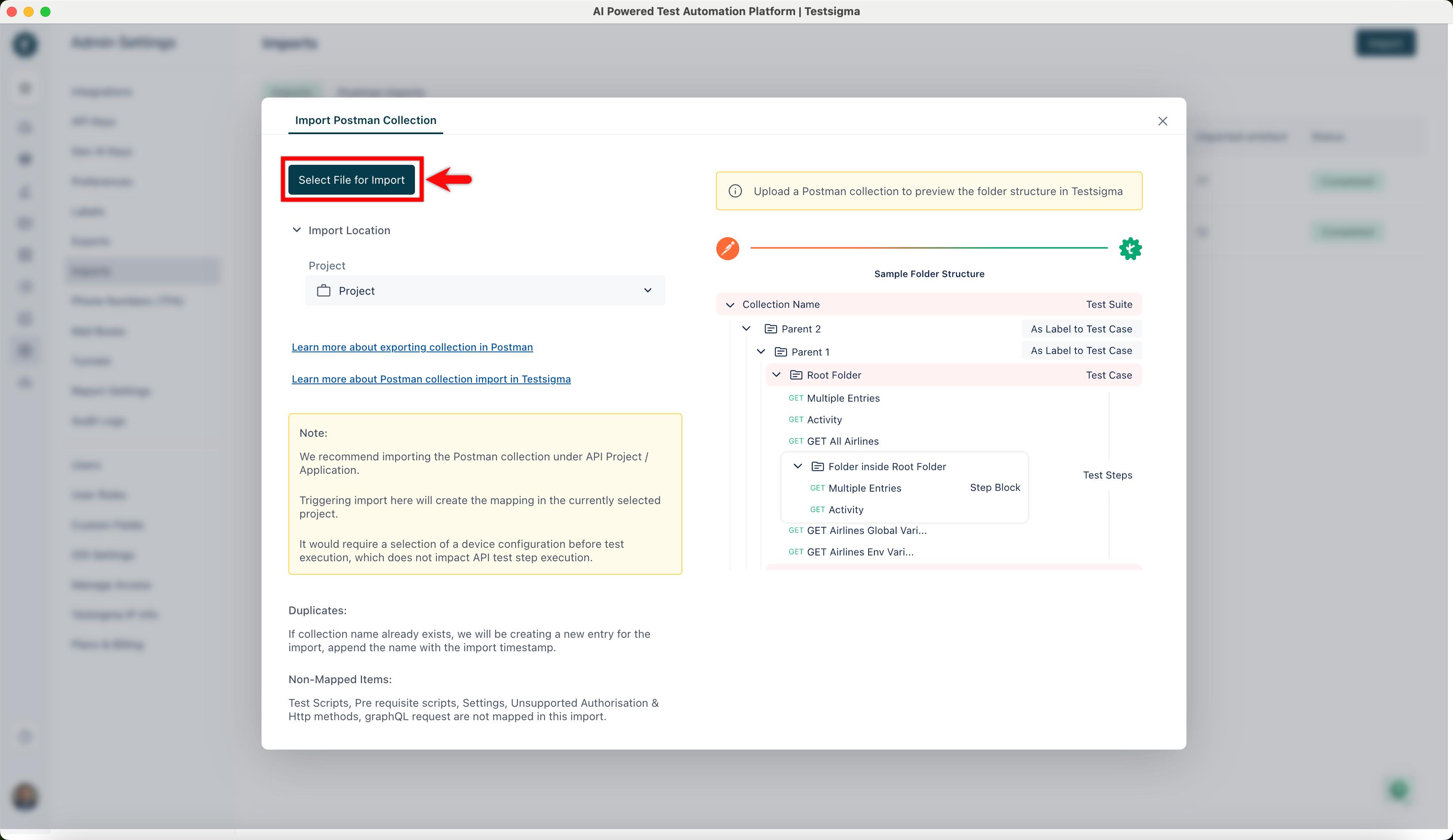
-
Select the project, application, and version.
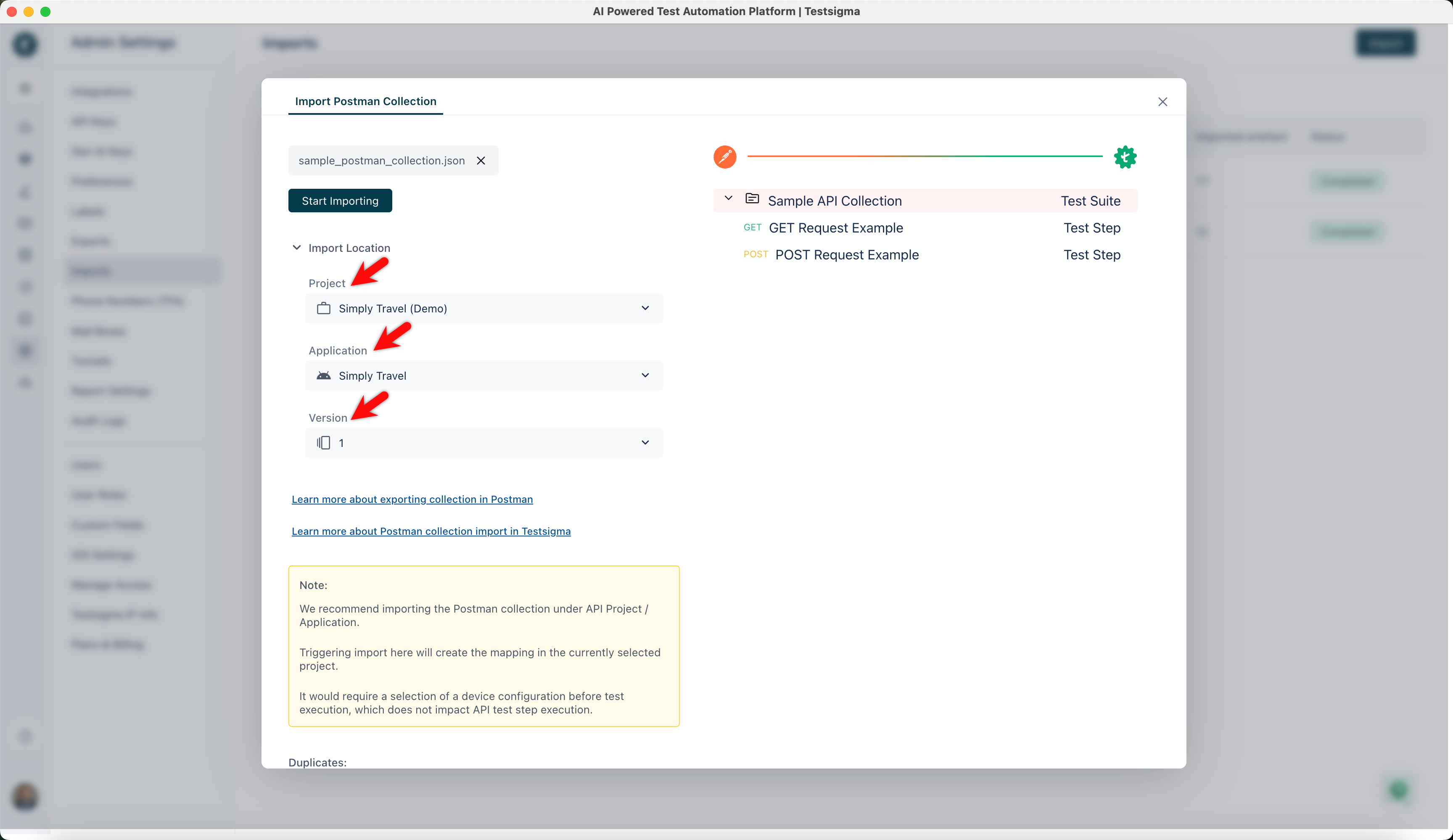
-
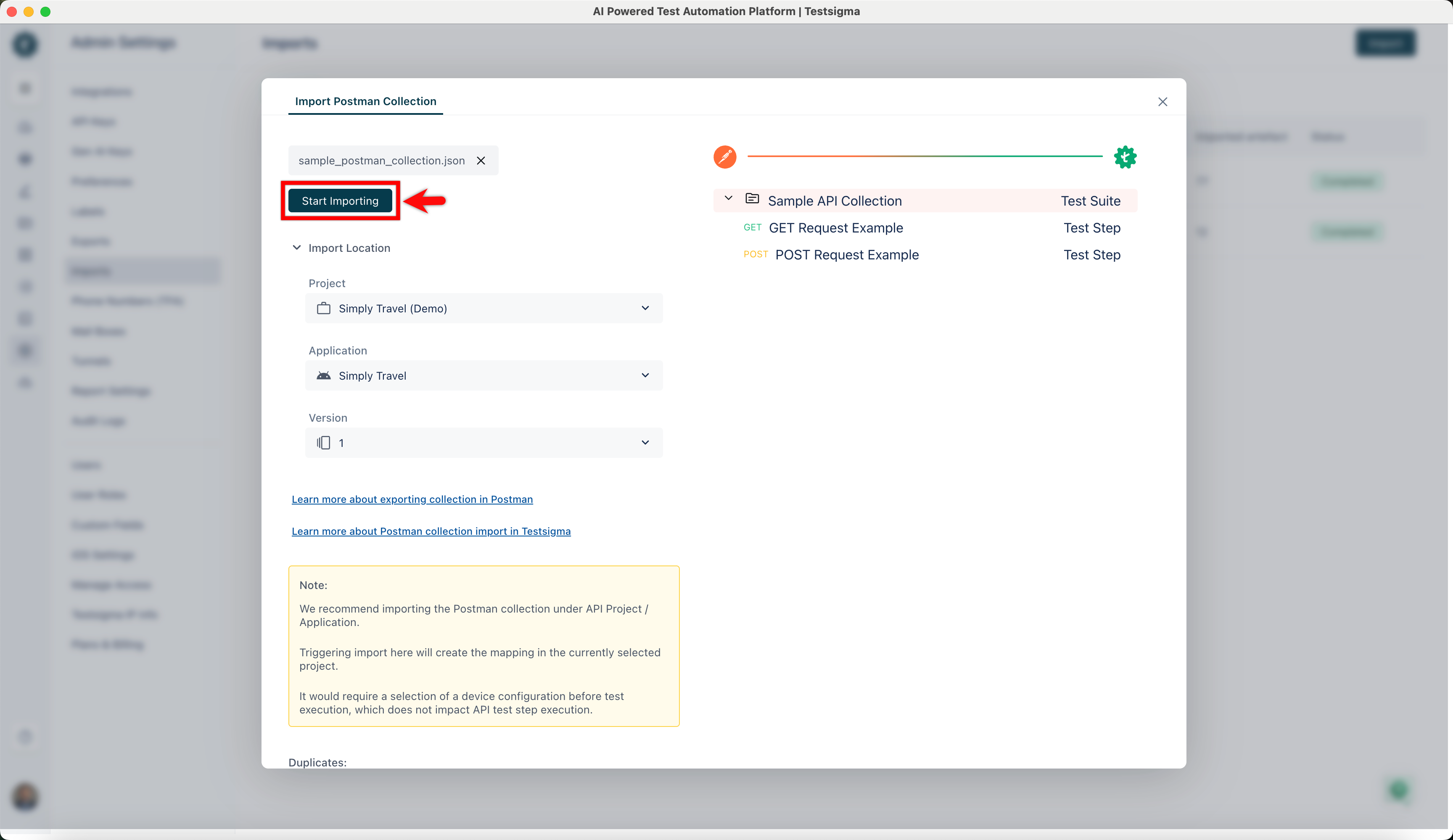
After you upload the file, Testsigma organizes Collections, Environments, and Variables into Test Suites, Test Cases, Test Steps, Test Data Profiles, and Environments. This feature enables you to easily understand how the imported file is organized.
-
Click Start Importing to transfer a collection into Testsigma.
-
Testsigma will notify you via email once the import is complete.
Import Postman Environments
Section titled “Import Postman Environments”Import your Postman Environments to Testsigma in JSON or Zipped format. Follow below the simple steps:
-
Navigate to Settings > Imports.
-
In the Imports page, click Import.
-
Click Select File to Import and choose a file for import
-
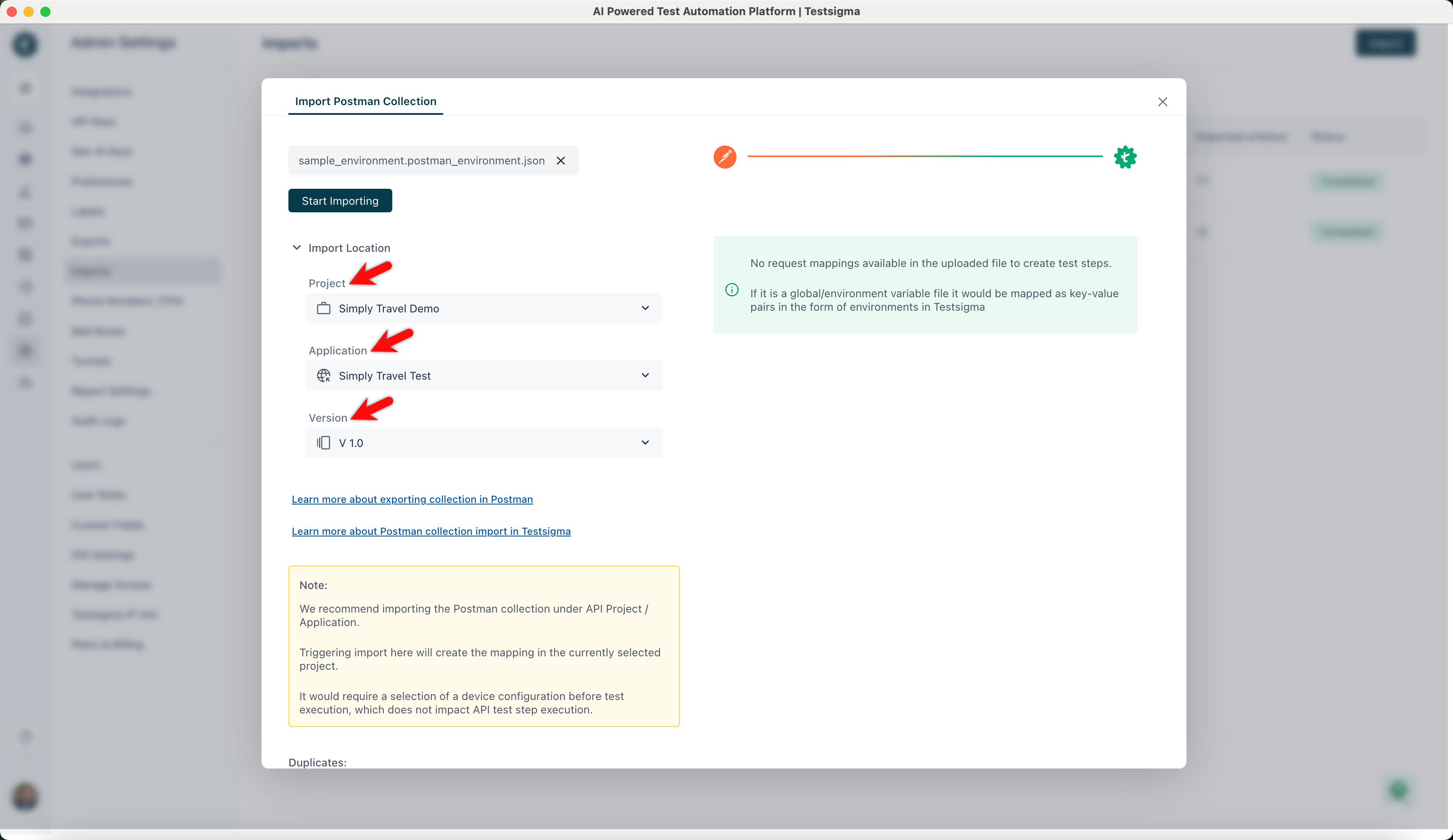
Select the project, application, and version.
-
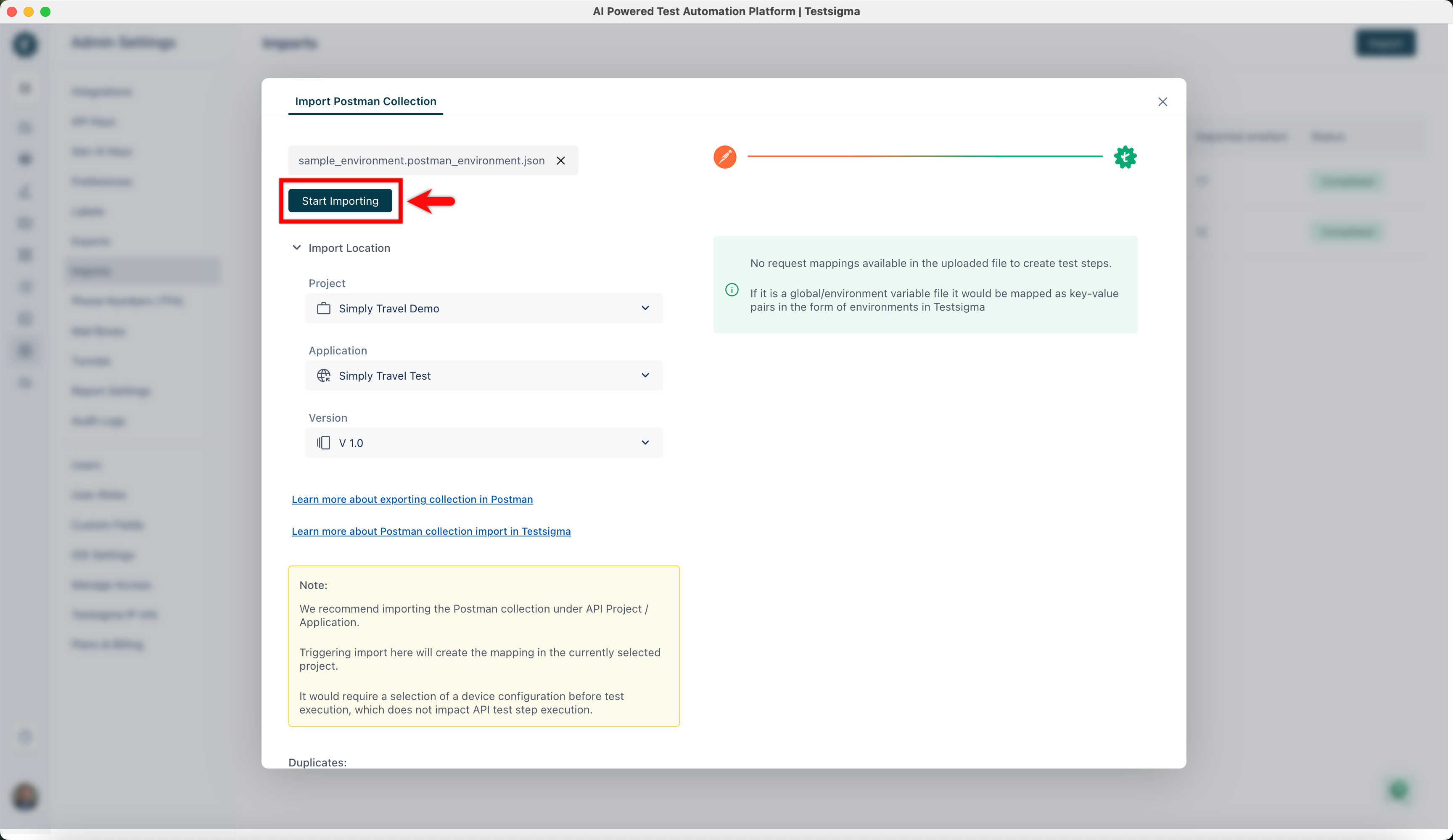
Click Start Importing to transfer the environments into Testsigma.
-
Testsigma will notify you via email once the import is complete.
-
After importing, Testsigma organizes Environments and Global Variables into Environments. This helps you quickly see how the imported file is mapped.
Mapping Format for Postman Collection and Environment
Section titled “Mapping Format for Postman Collection and Environment”Follow the mapping format in Testsigma to automatically map the collection and environment when importing them, enabling you to create automated API tests quickly.
| Postman | Testsigma |
|---|---|
| Collection | Test Suite |
| Subfolder | Test Case |
| API inside Subfolders | Test Steps in Test Case |
| Folder inside Subfolder | Create a Block inside the Test Case |
| Collection Variables | Test Data Profiles |
| Global, Environments, Variables | Environments |
| Parent Folder | Label of Test Case |