
Get Started
Command Center
To Use the Command Center
Section titled “To Use the Command Center”-
To open the Command Center, press
Command+Kkeys (for Mac) or pressCtrl+Kkeys (for Windows).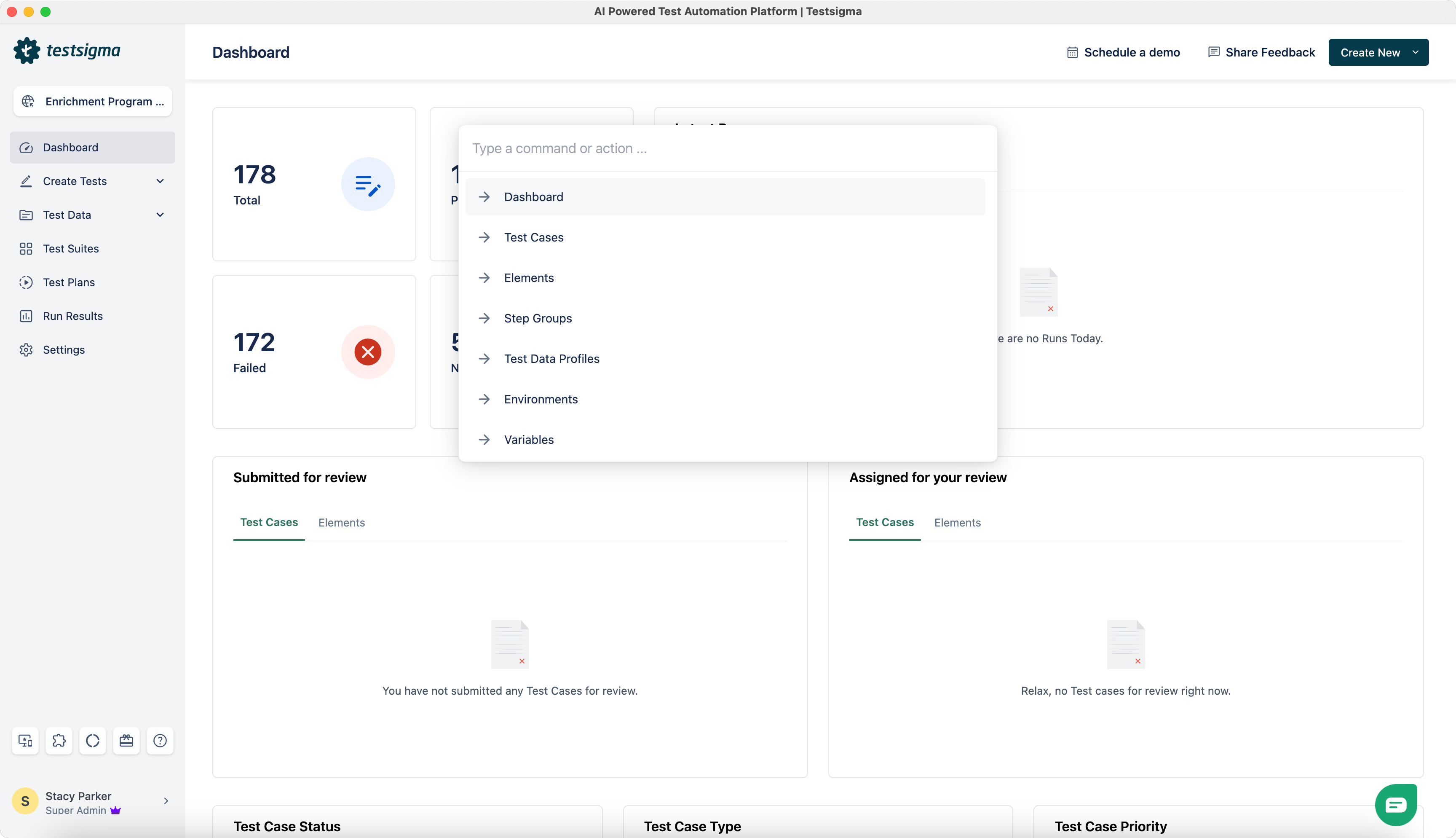
-
Search for an action.
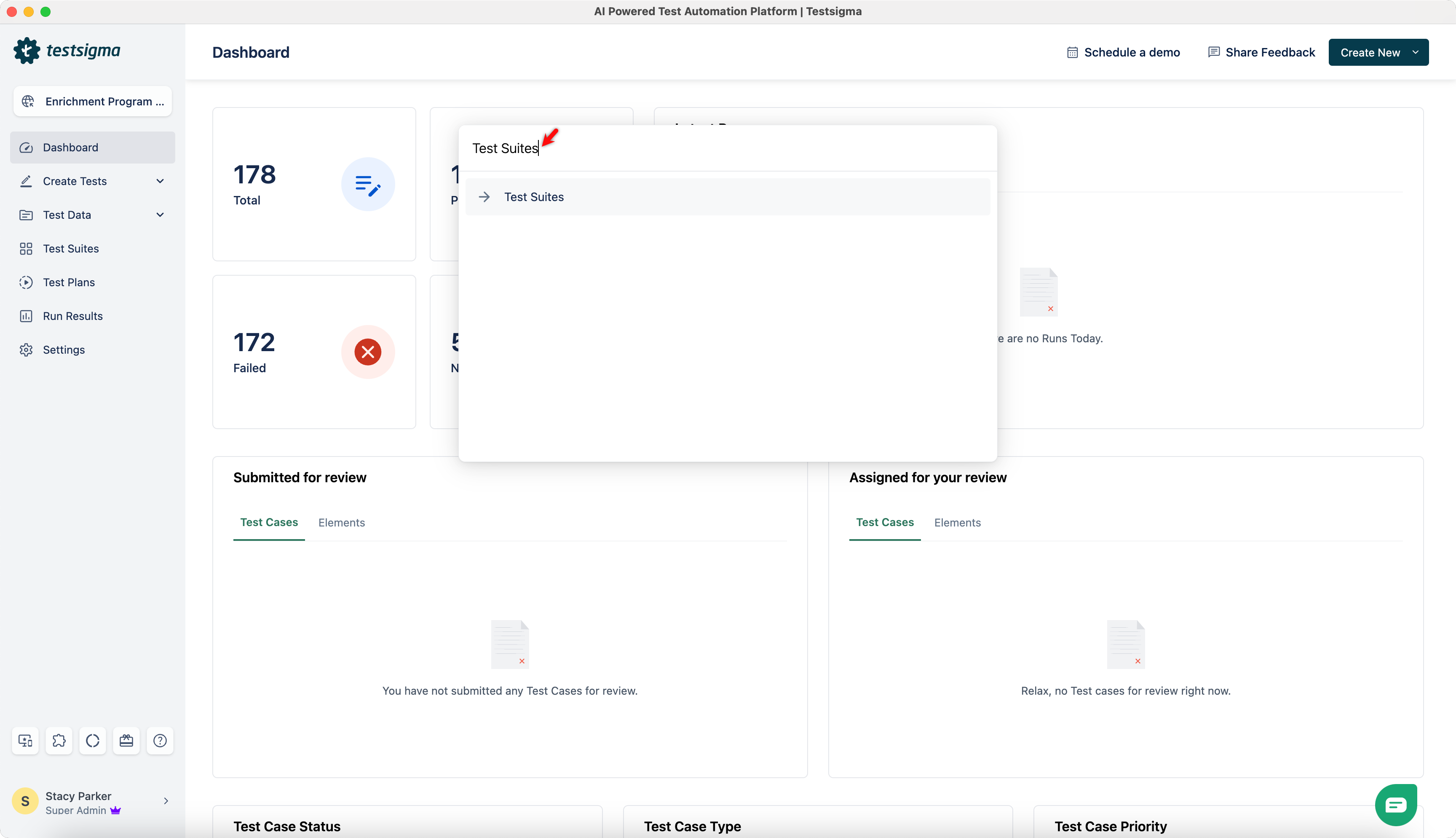
-
Use the up and down arrow keys on your keyboard to navigate and press the
Returnkey (for Mac) or theEnterkey (for Windows) to select the desired command/action.