
Auto-Healing
Using Auto-Healing in Copilot Test Execution
Prerequisites
Before you begin, ensure that:
- You have referred to the documentation on enabling the auto-healing feature.
- You have referred to the documentation on installing the Testsigma Terminal.
- You have referred to the documentation on managing test cases.
Use Case for Auto-Healing
Section titled “Use Case for Auto-Healing”Let’s say we are testing a login page for https://www.facebook.com/.
Here are the steps to produce:
- Navigate to https://www.facebook.com/.
- Enter demo@example.com in the Email address or phone number field.
- Enter demopassword in the Password Input field.
- Click on Log in Button.
-
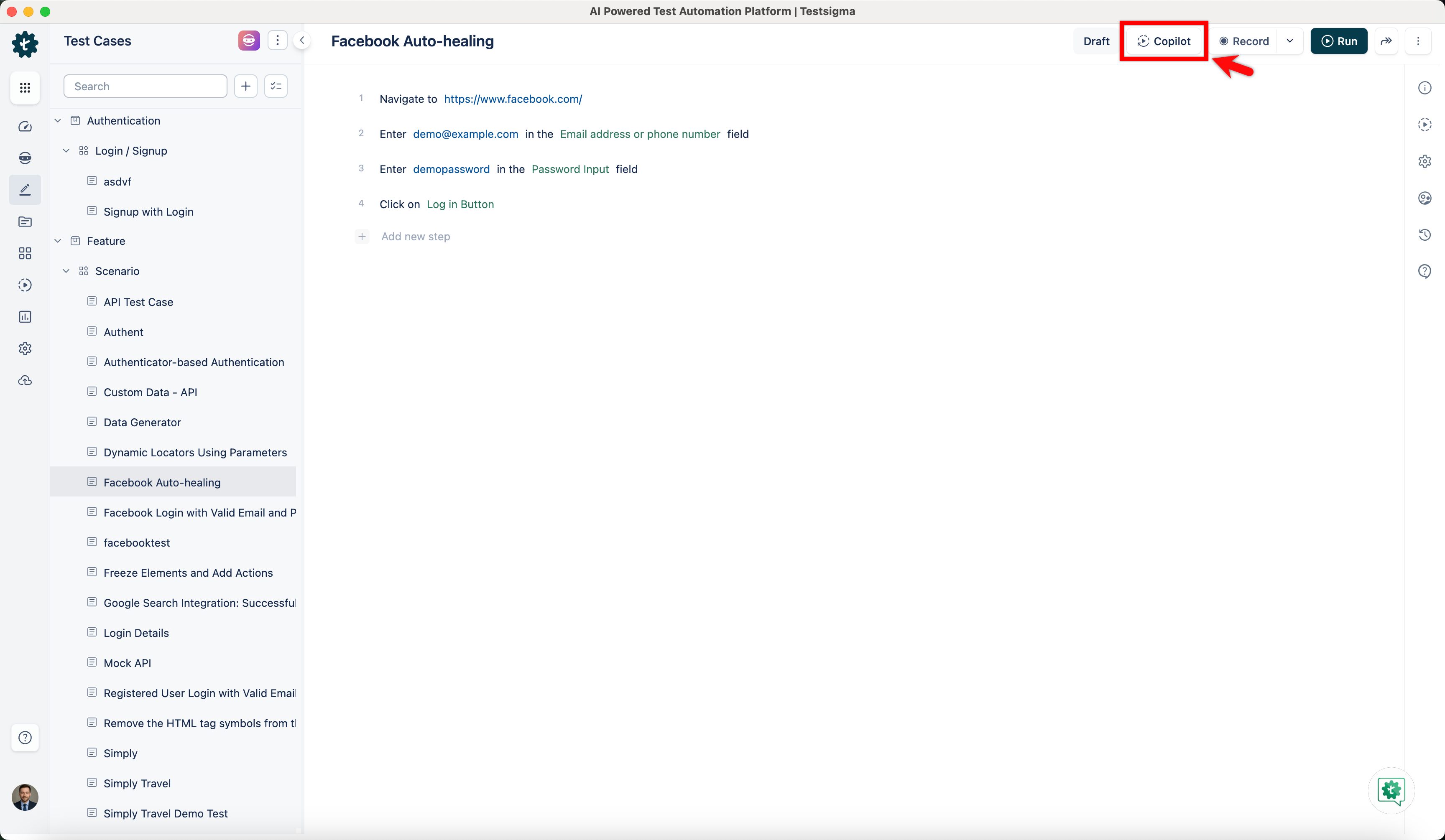
Once you have created the test steps, click Copilot.
-
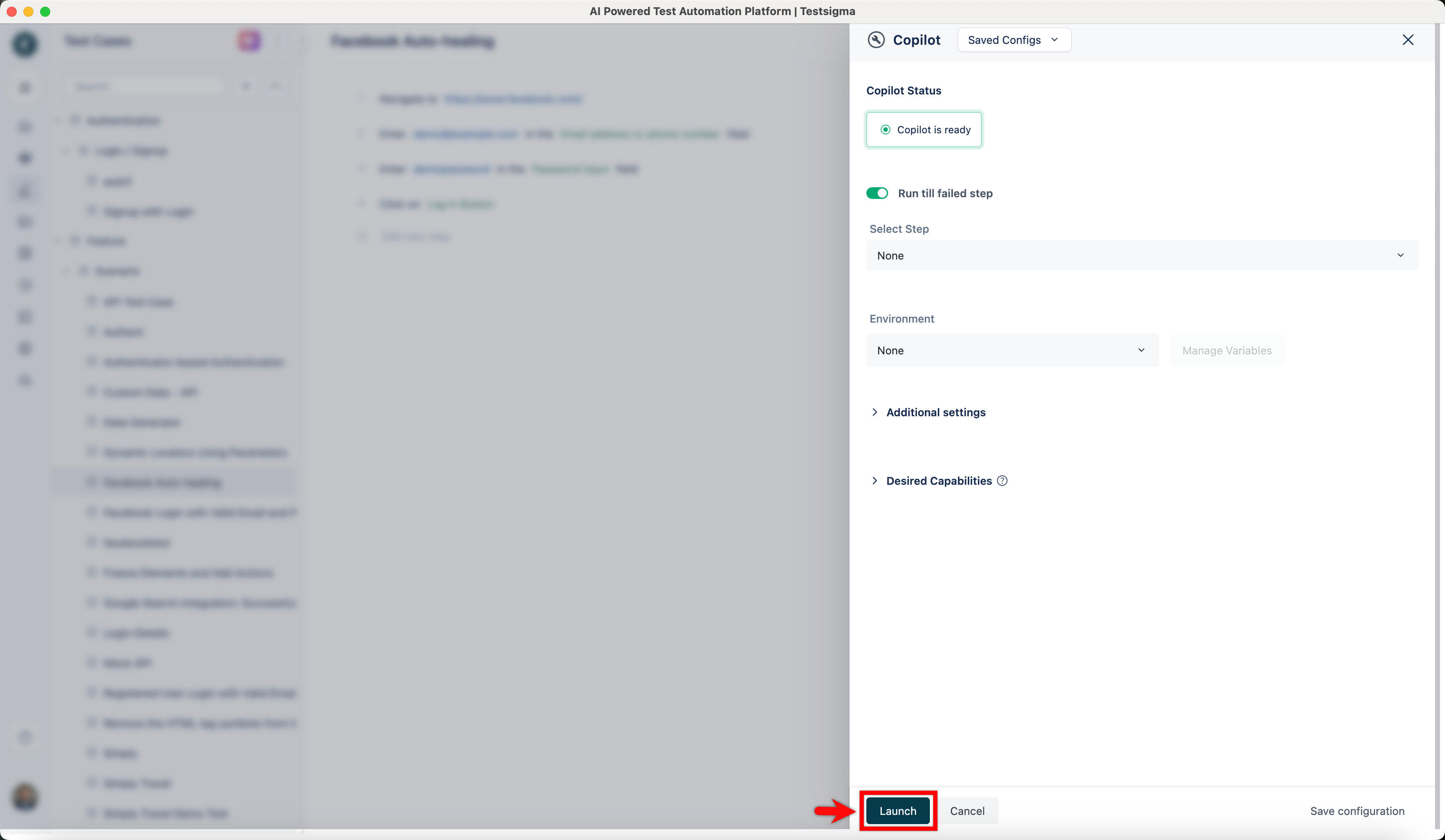
On the Copilot overlay, configure the required options and click Launch.
-
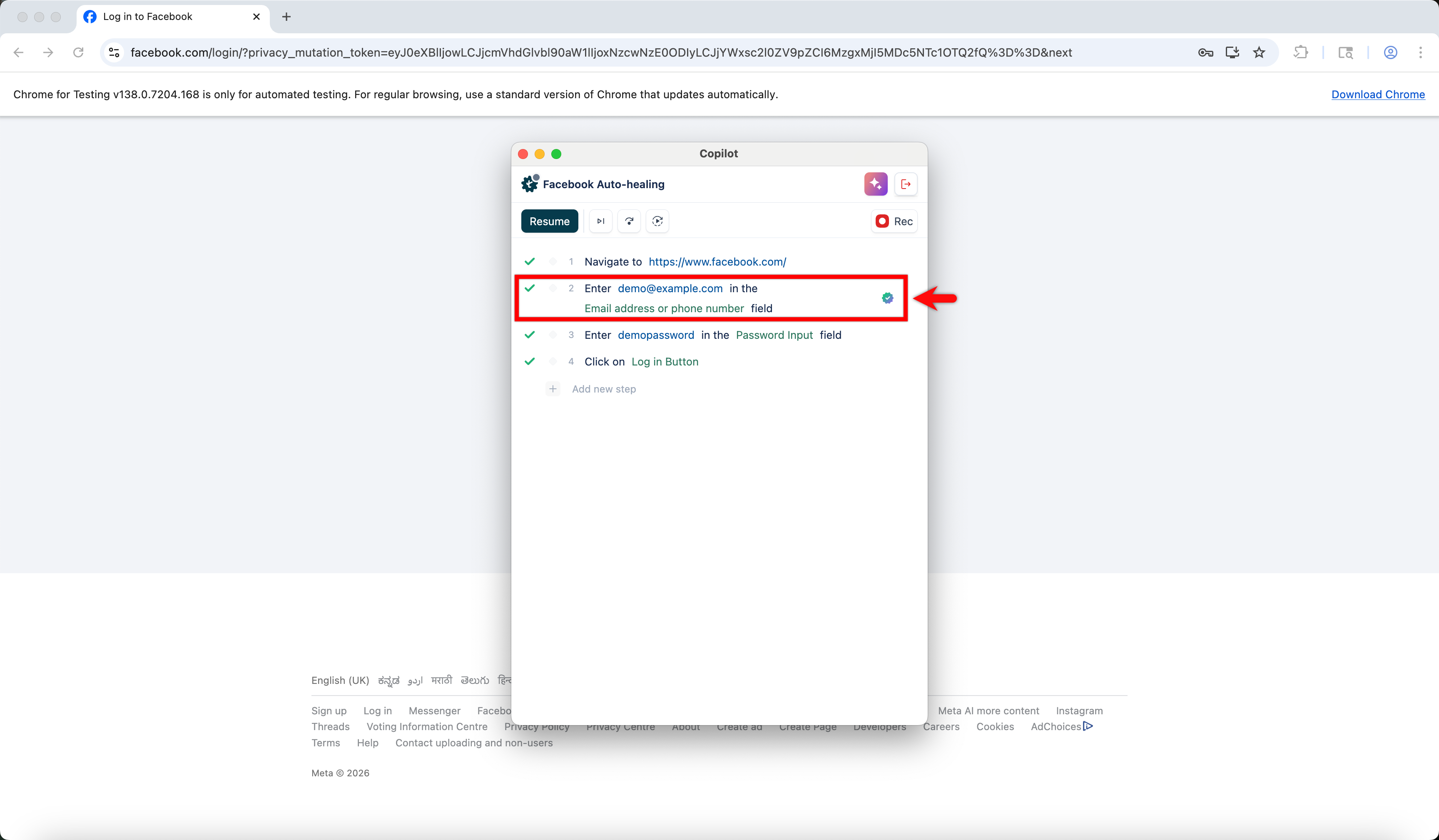
Consider that the XPATH for the element Email address or phone number on step 2 changed.
-
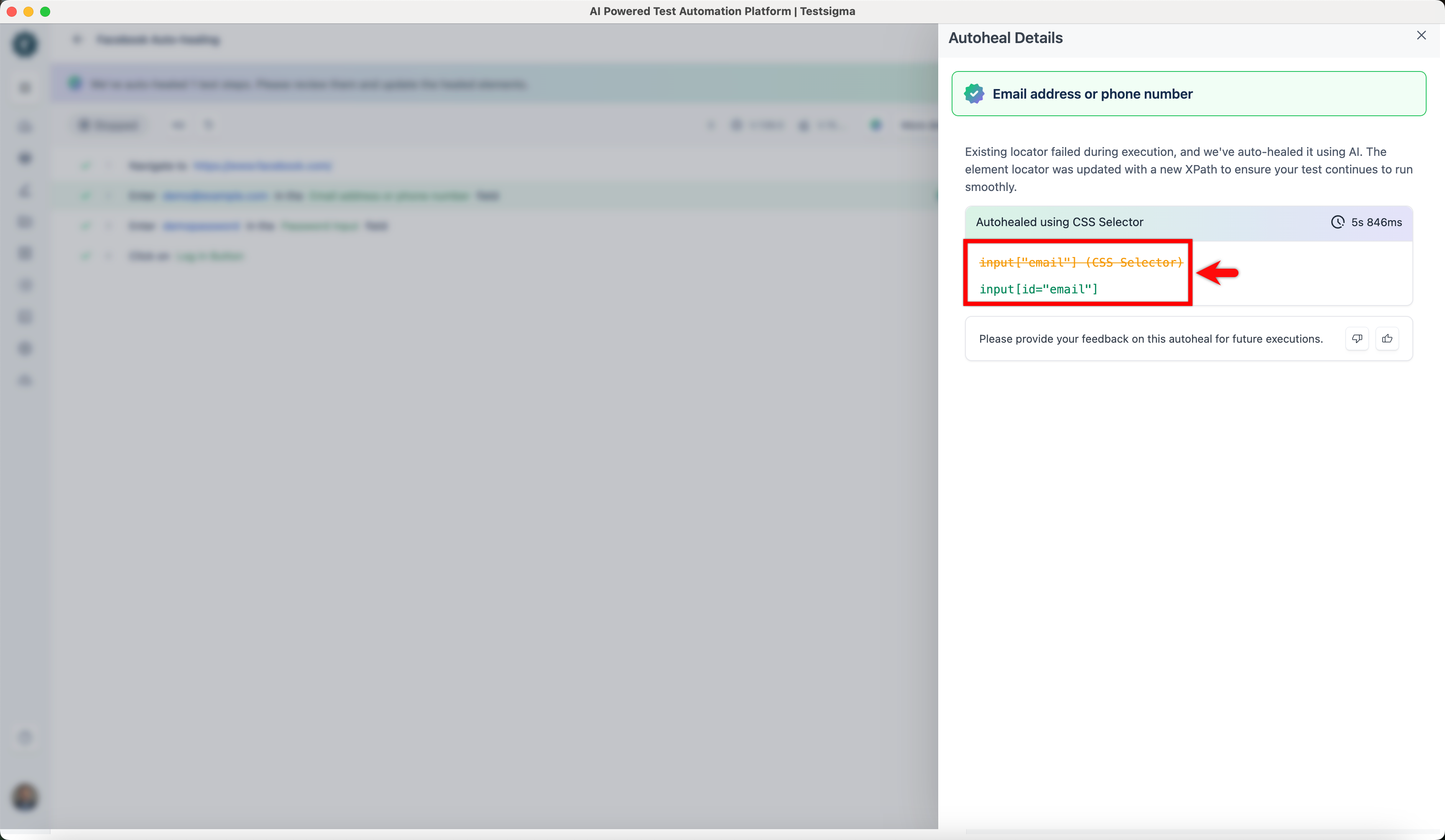
When the test case is executed in the Copilot with the Gen AI auto-healing feature enabled, Testsigma automatically identifies the updated XPath and successfully locates the element.
Auto-Healing Insights
Section titled “Auto-Healing Insights”Once the test execution is complete, please refer to the documentation on Auto-Healing Insights to view the auto-healing results and learn how to update the element locator.