Projects
Requirement Types in Testsigma
Add a New Requirement Type
Section titled “Add a New Requirement Type”-
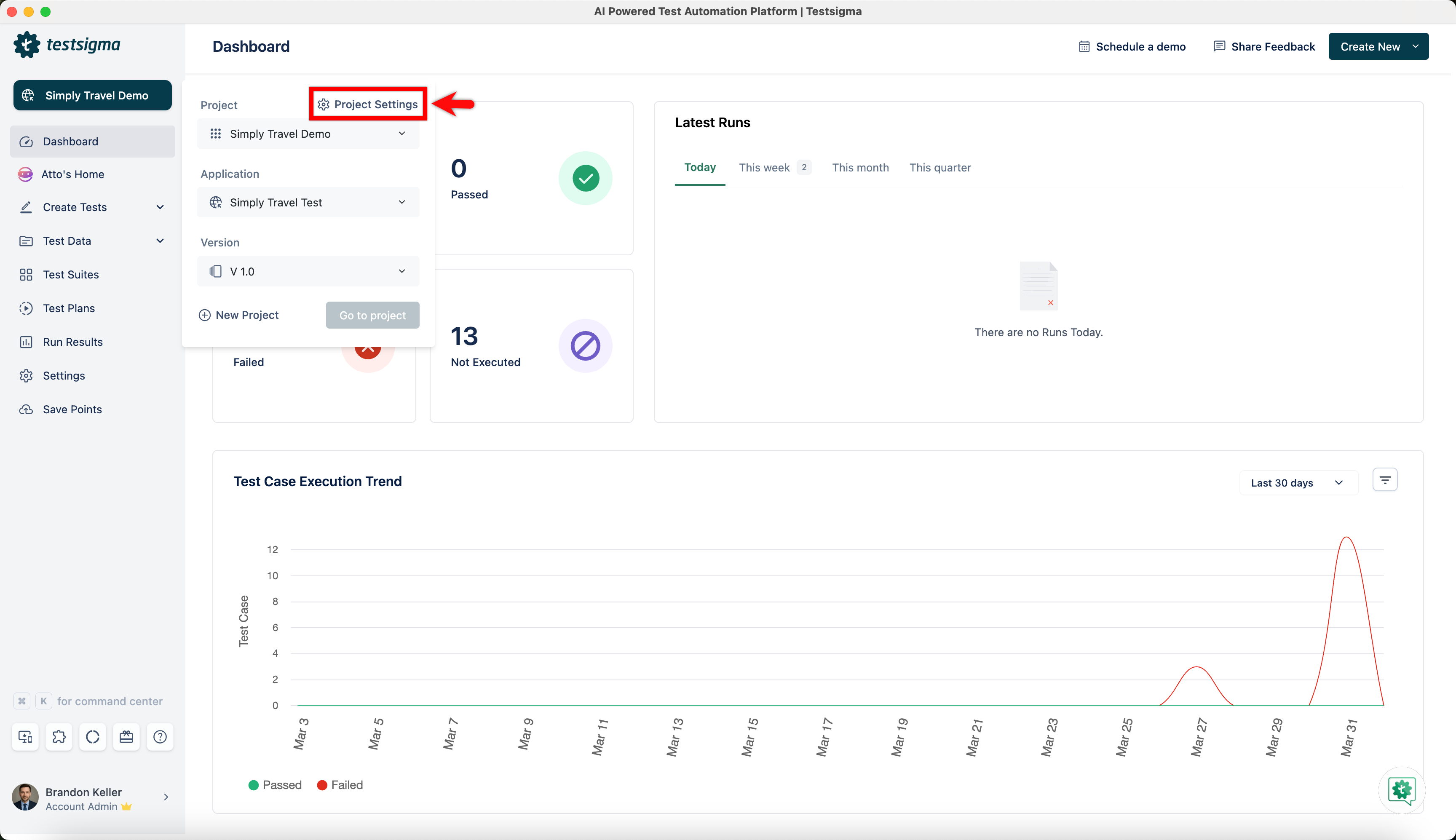
Navigate to Project and click Project Settings.
-
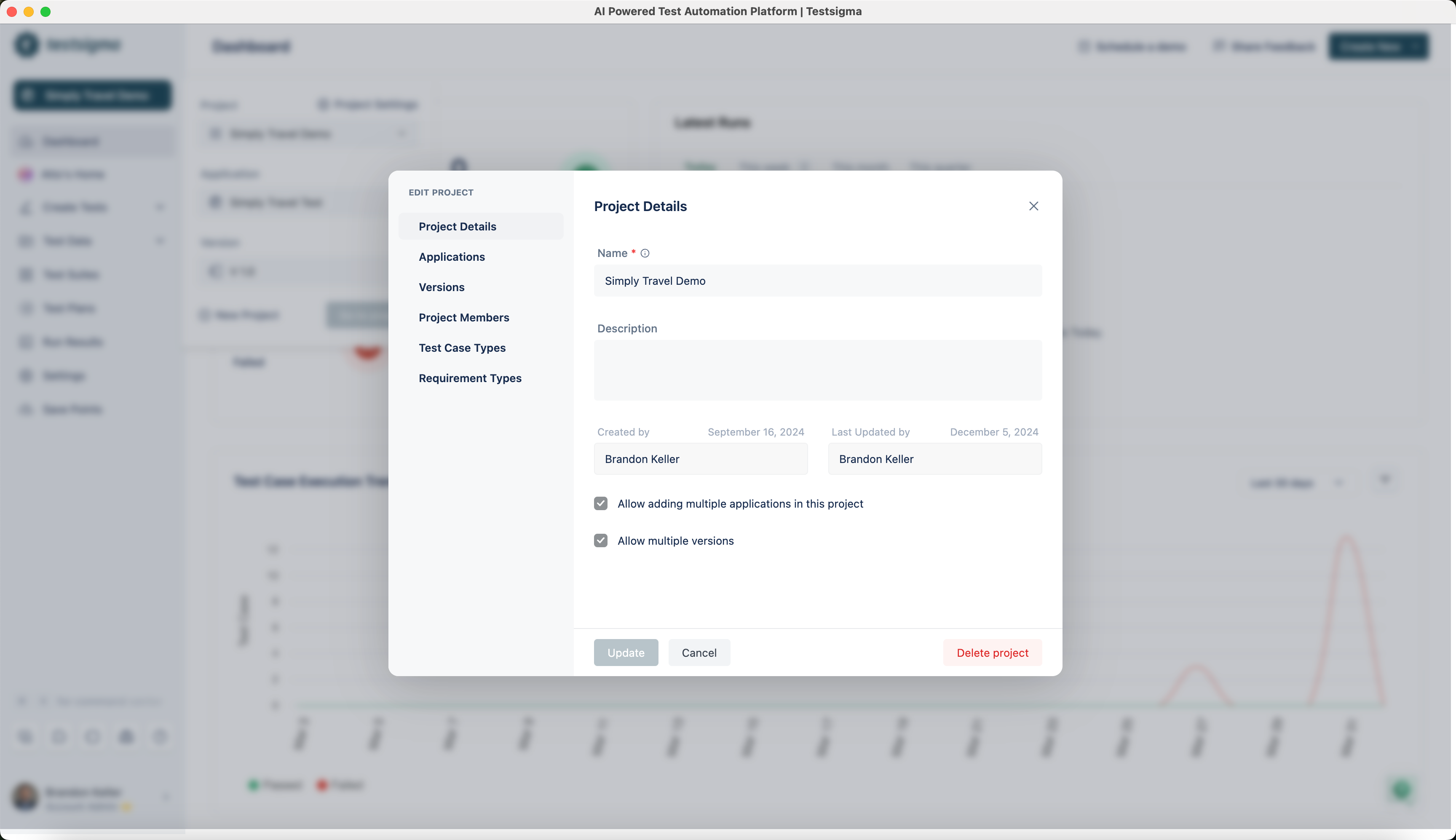
This will open Edit Project dialog.
-
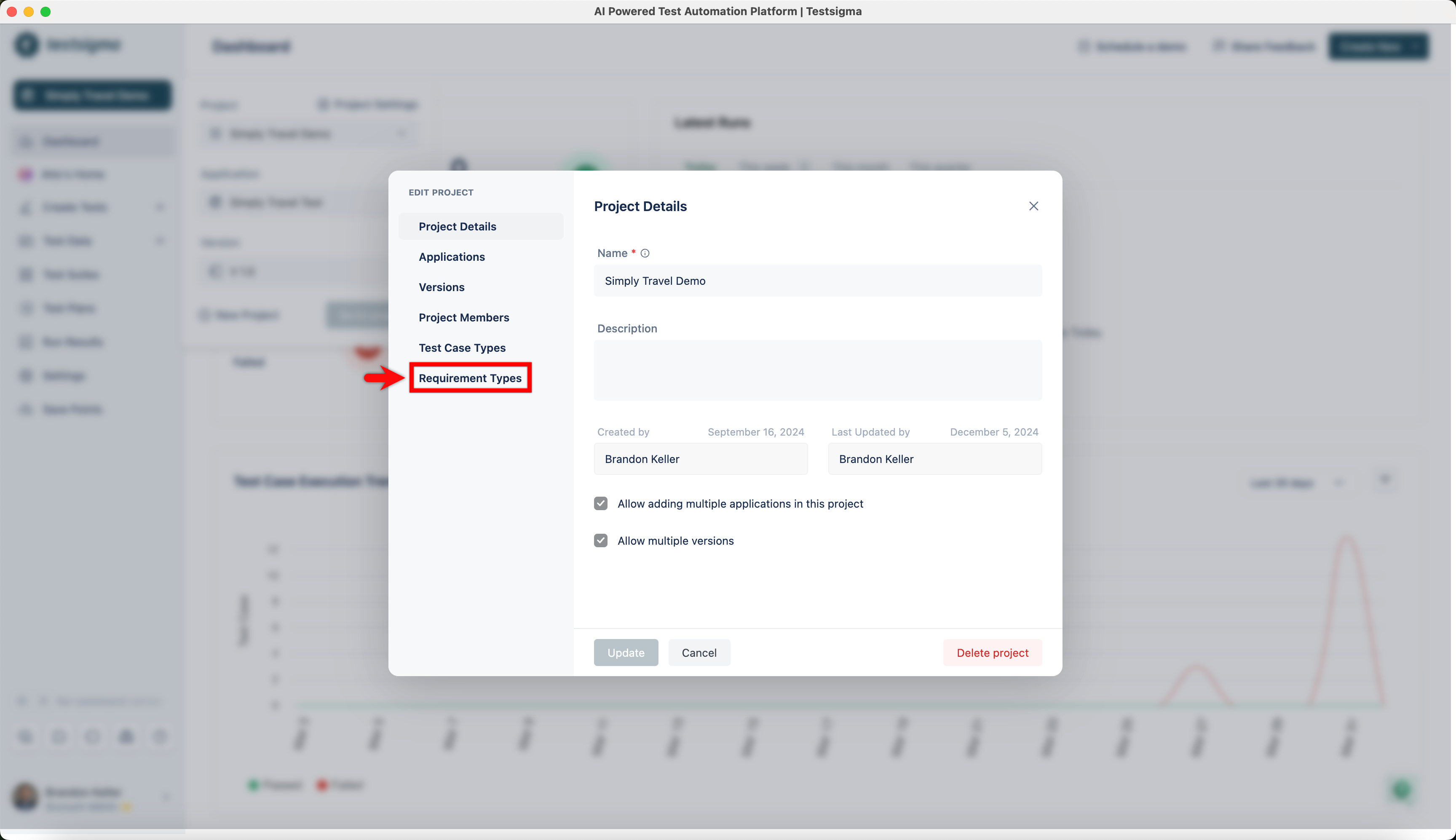
Click Requirement Types.
-
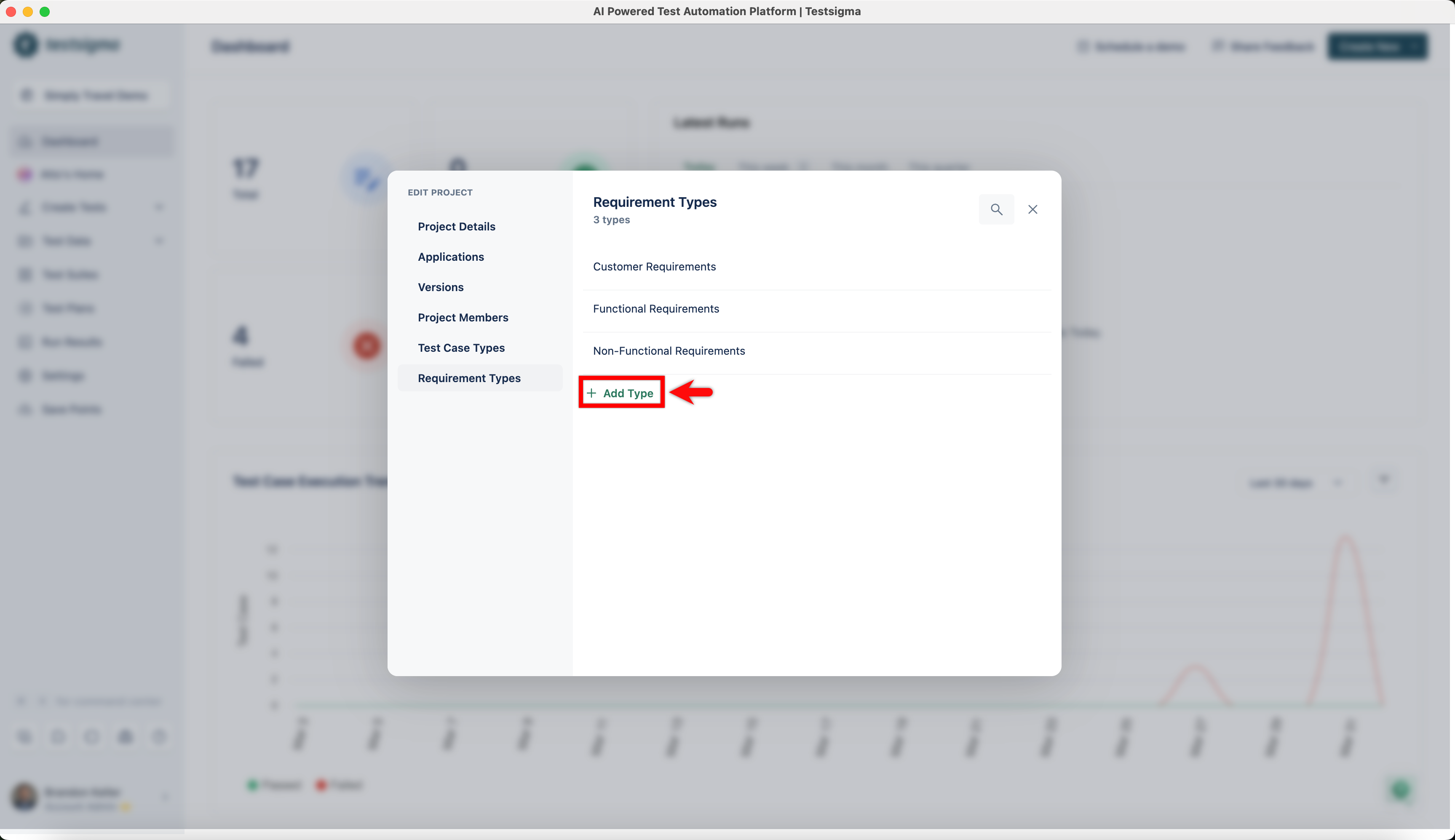
Click Add Type.
-
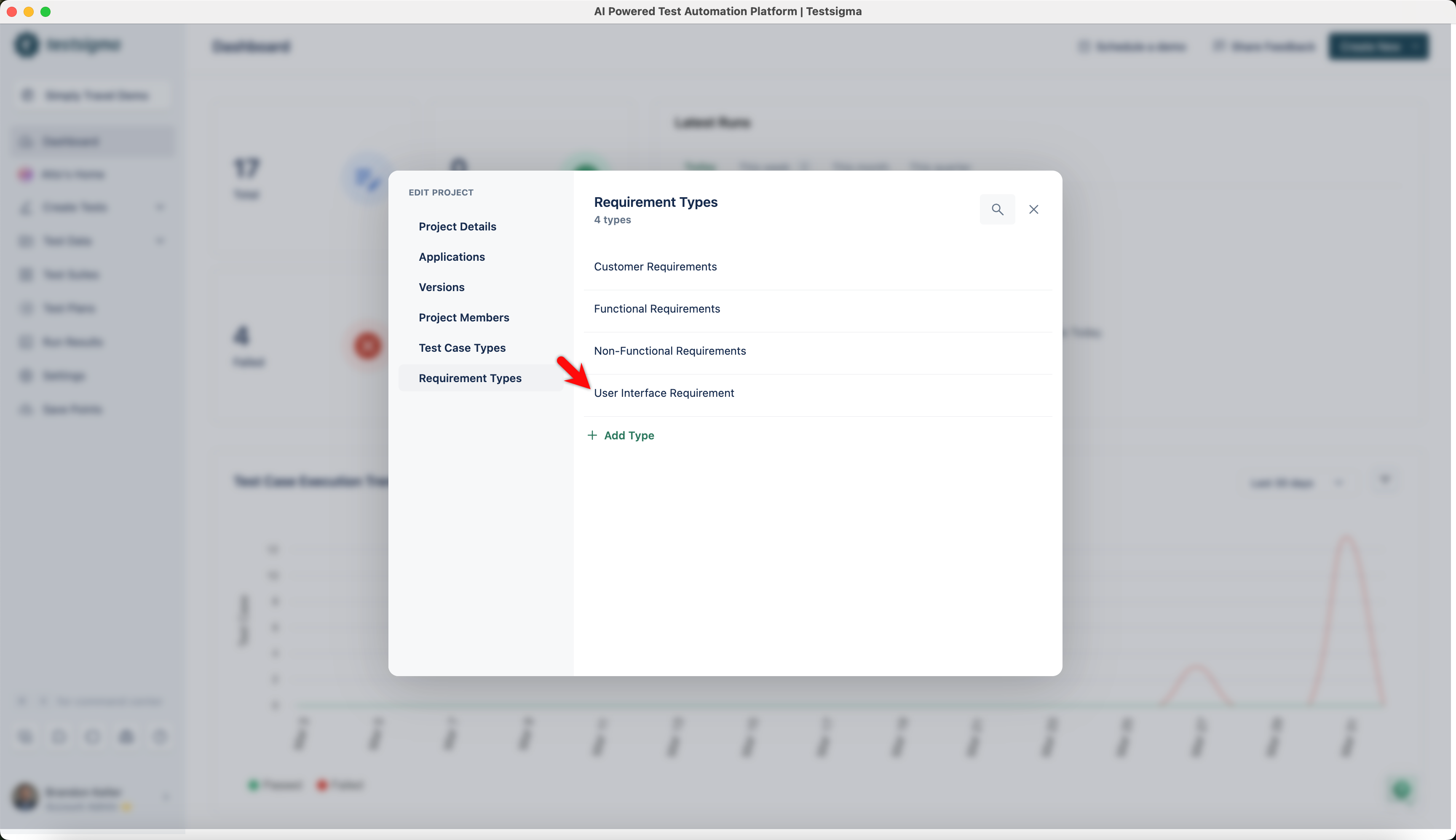
A new blank row will appear where you can start typing to add the new requirement type. Once you’re done, press Enter.
Edit a Requirement Type
Section titled “Edit a Requirement Type”-
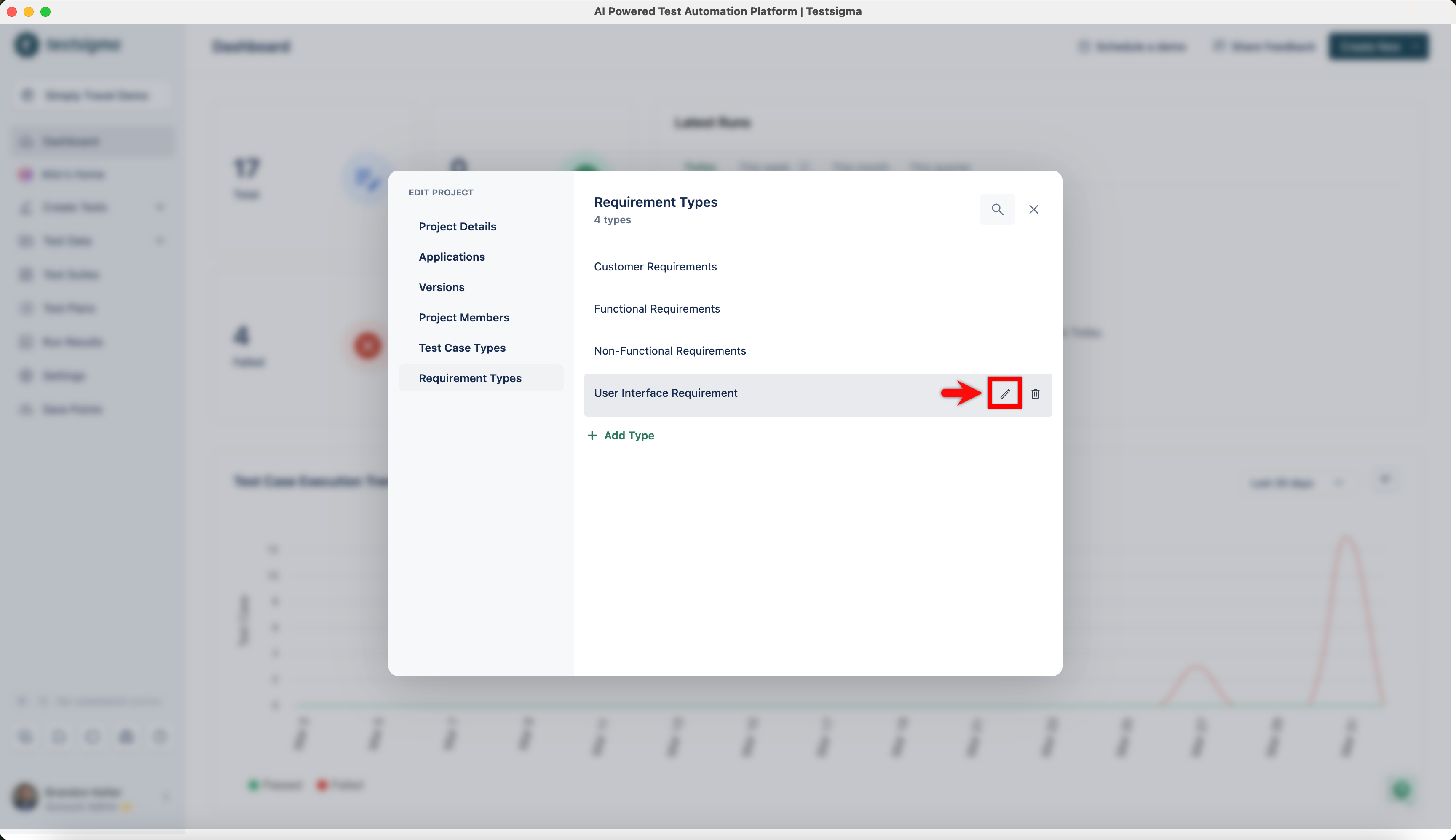
Hover over the requirement type and click on the Edit.
-
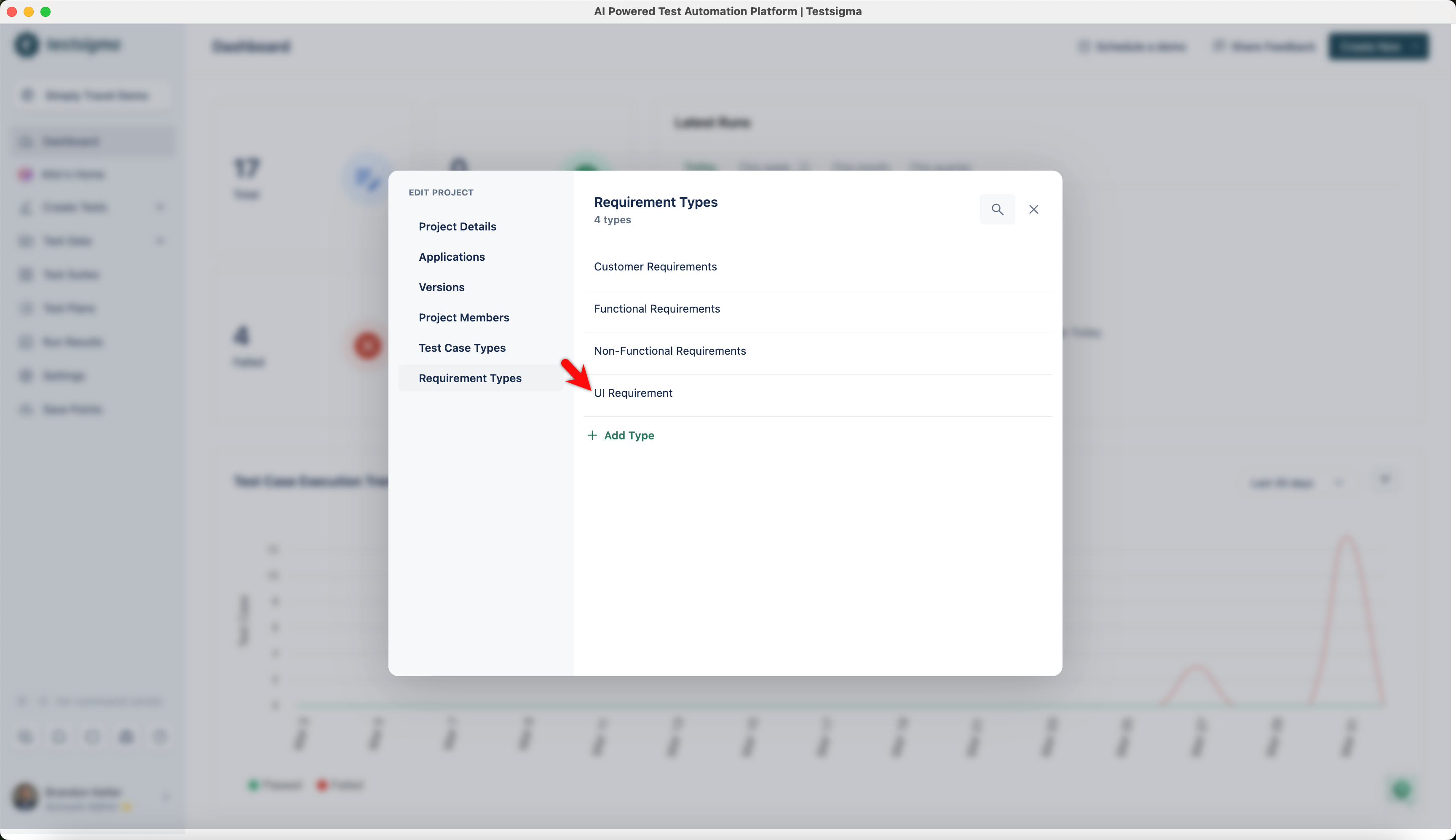
Edit the text of the test case type, then press Enter to save the changes.
Delete a Requirement Type
Section titled “Delete a Requirement Type”-
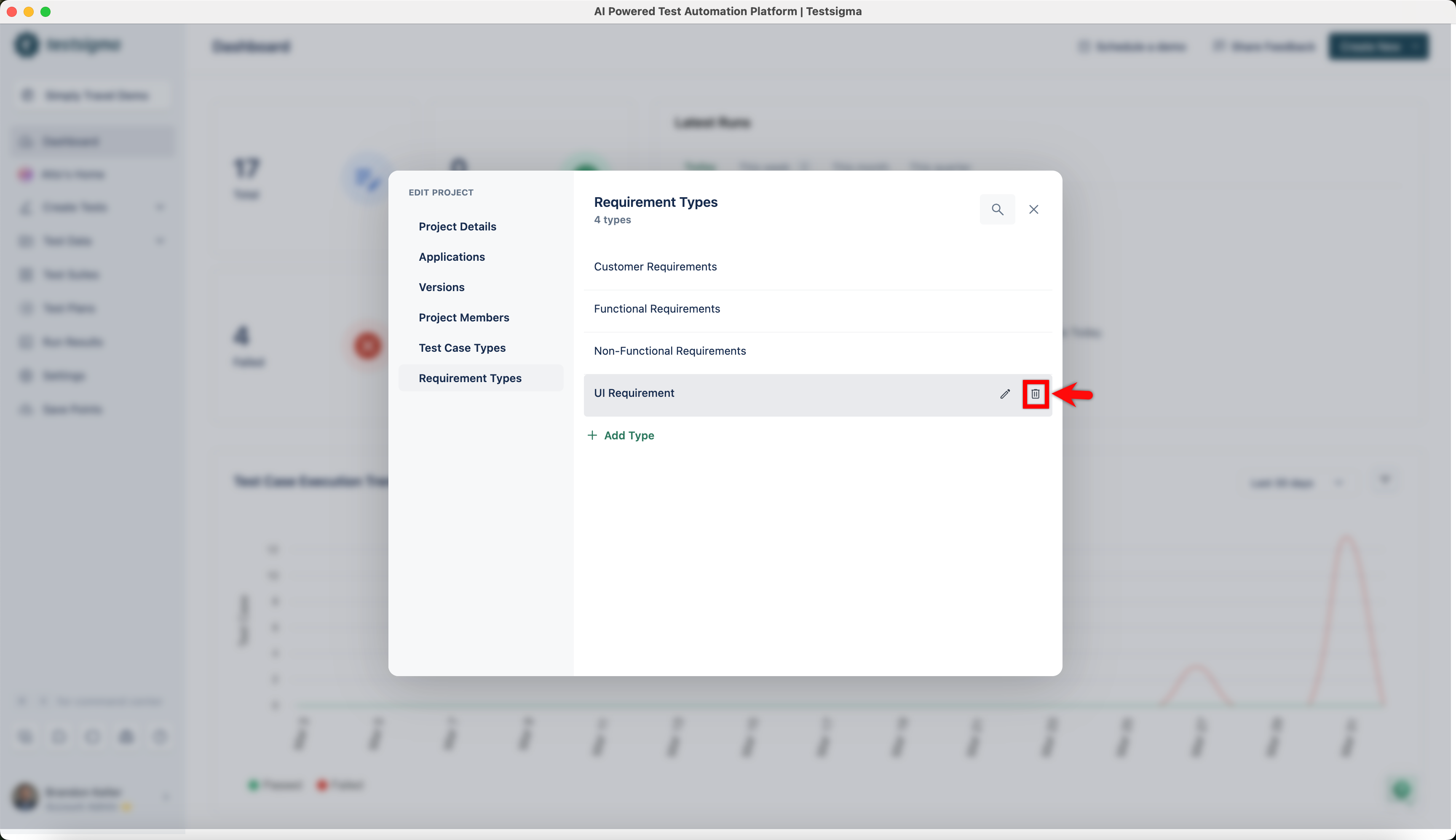
Hover over the requirement type you want to delete and click on Delete.
-
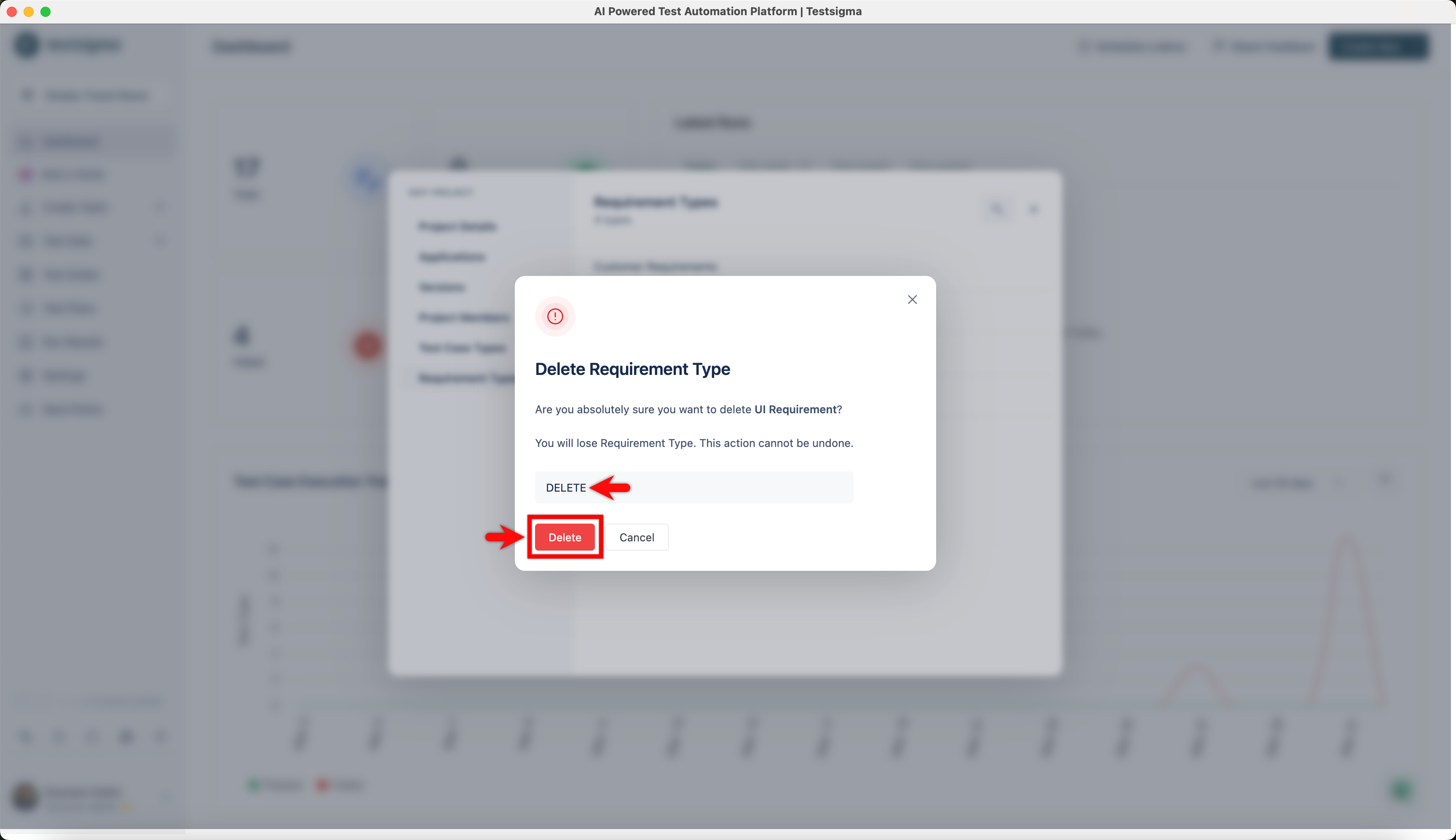
On the Delete Requirement Type dialog, enter DELETE and click on Delete.