Test Cases
Nested Step Groups
Steps to Create Nested Step Groups in Test Cases
Section titled “Steps to Create Nested Step Groups in Test Cases”-
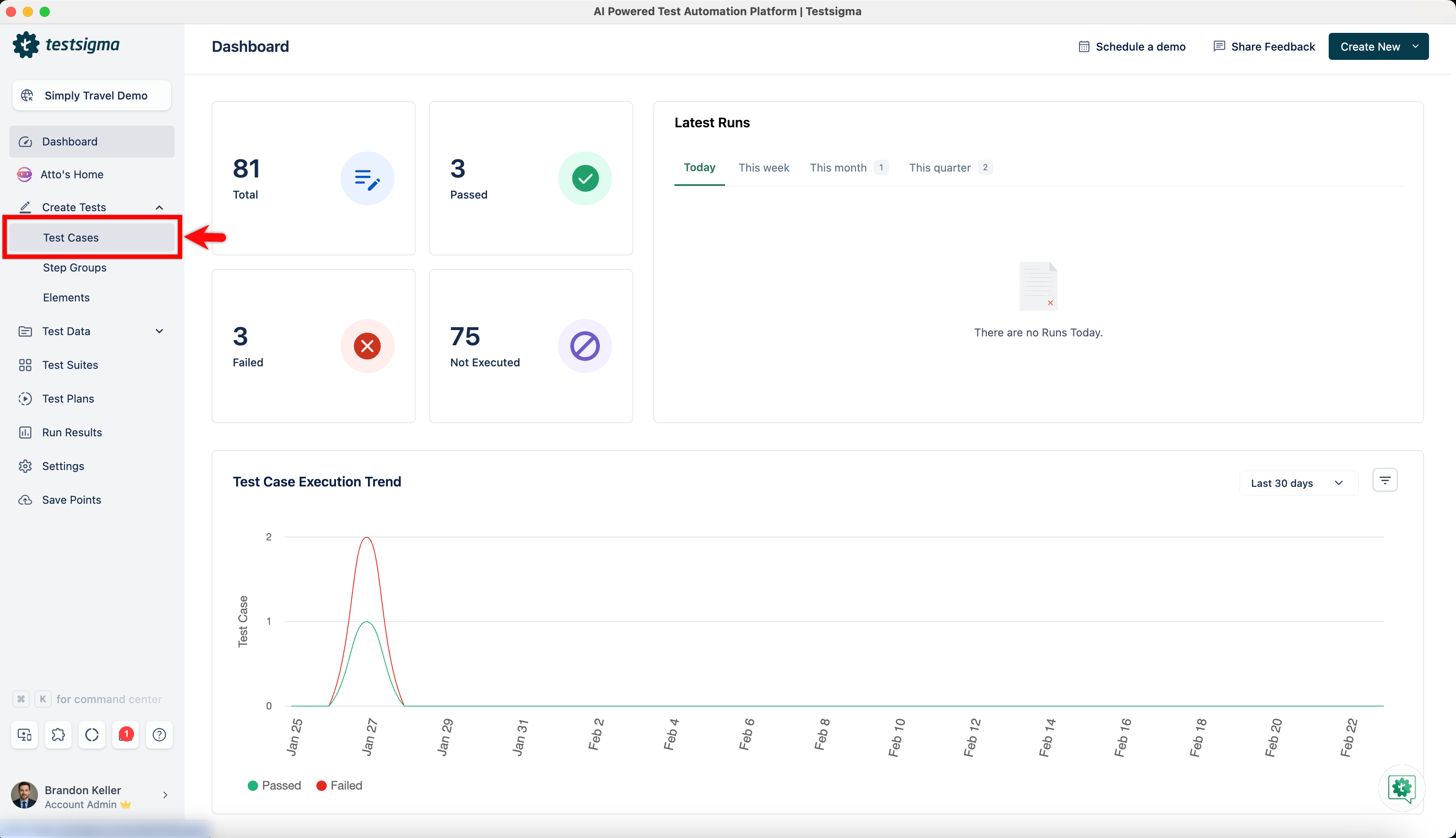
Navigate to Create Tests > Test Cases and click on test case in which you want to create a nested step group.
-
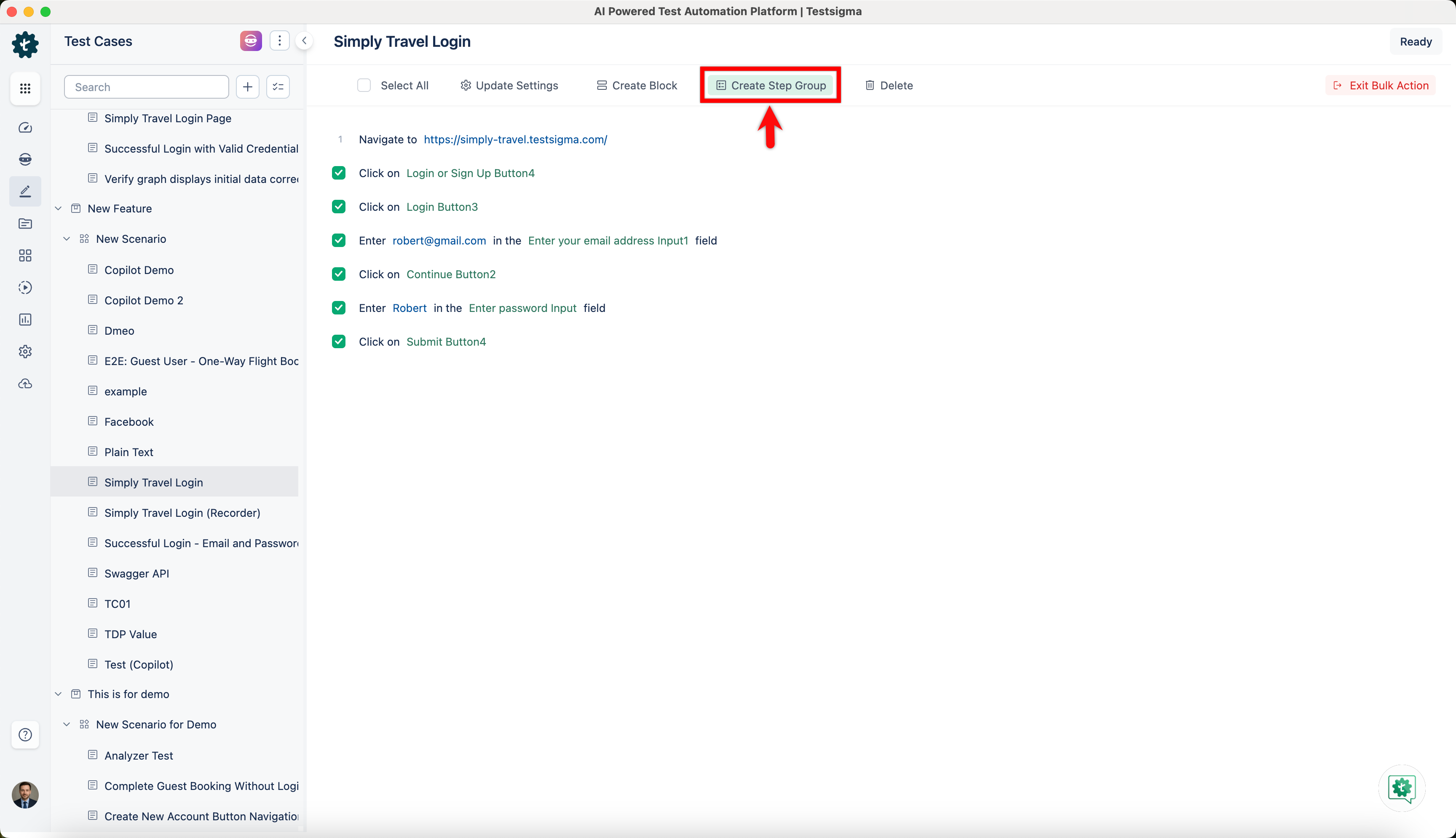
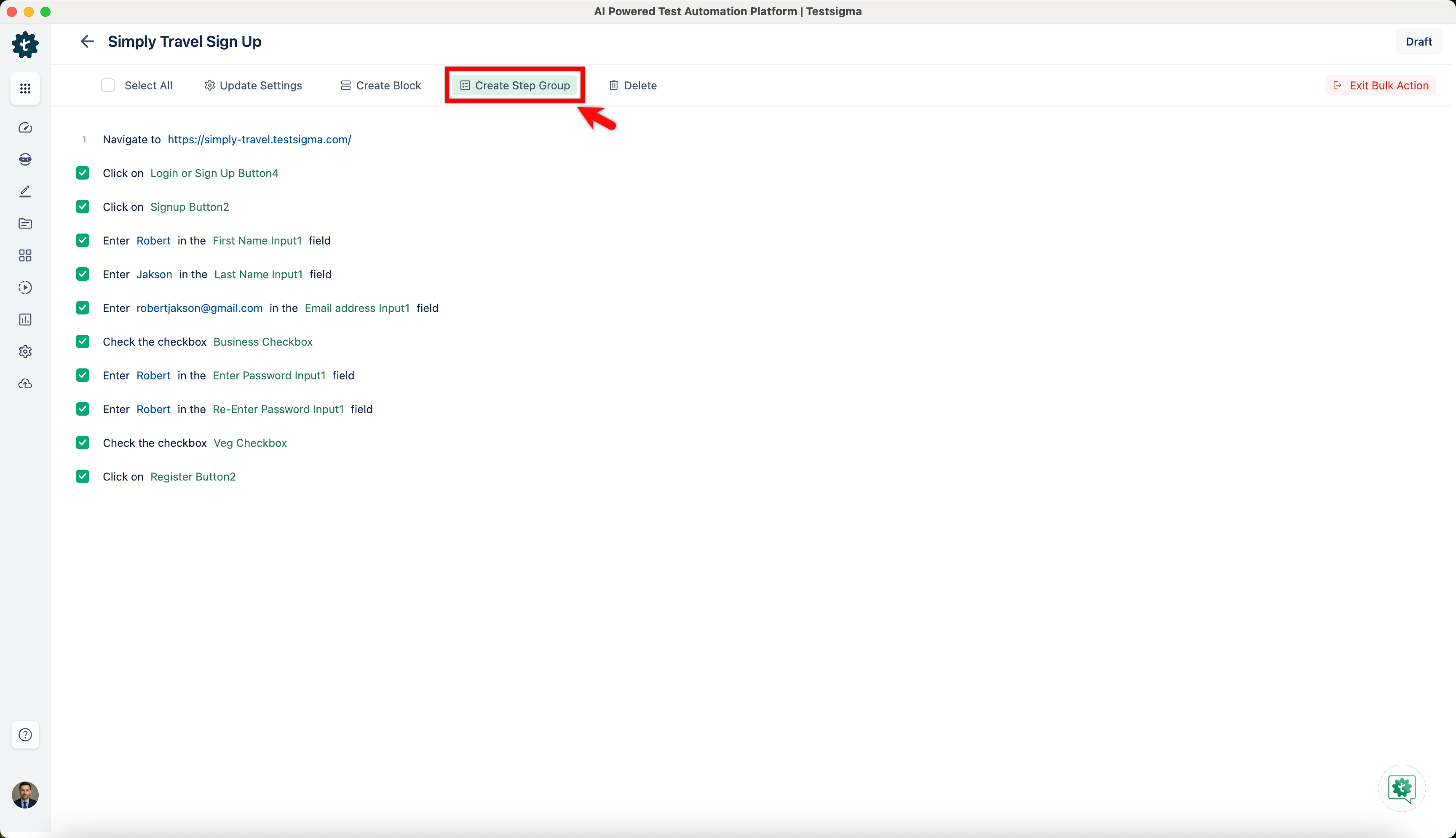
Check the steps you want to include in a step group, and click on Create Step Group.
-
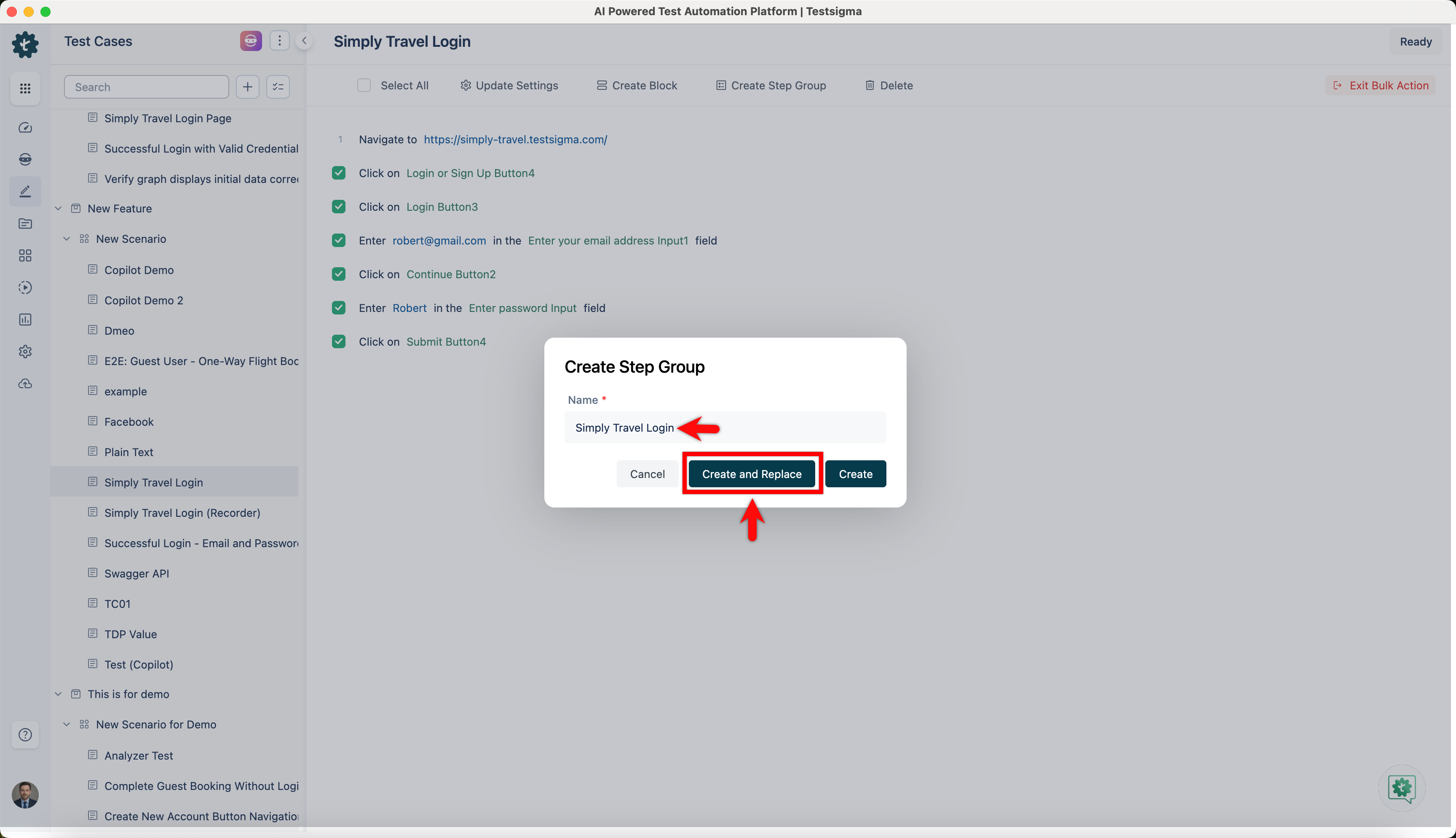
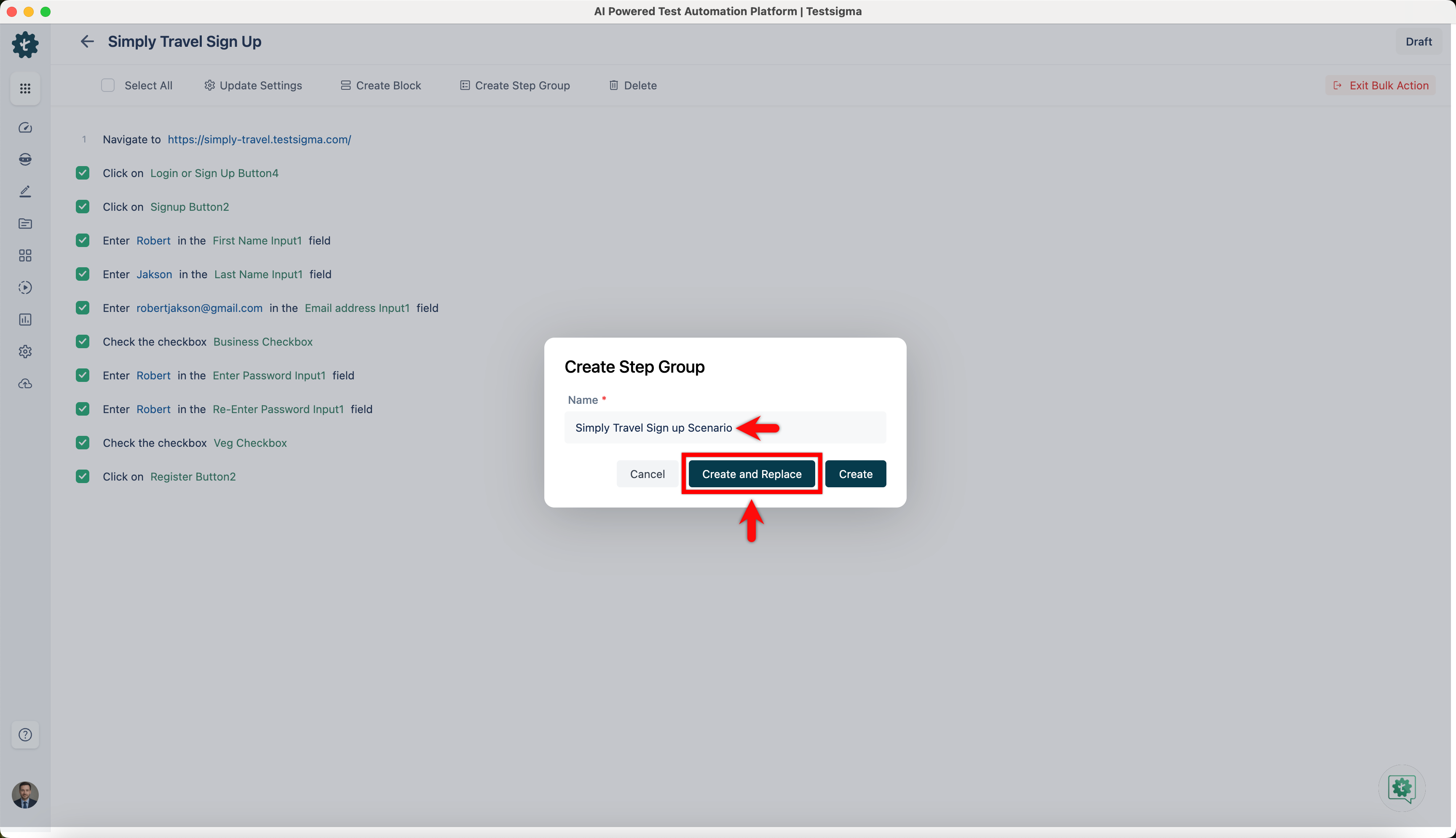
On Create Step Group prompt, enter Name and click on Create and Replace.
-
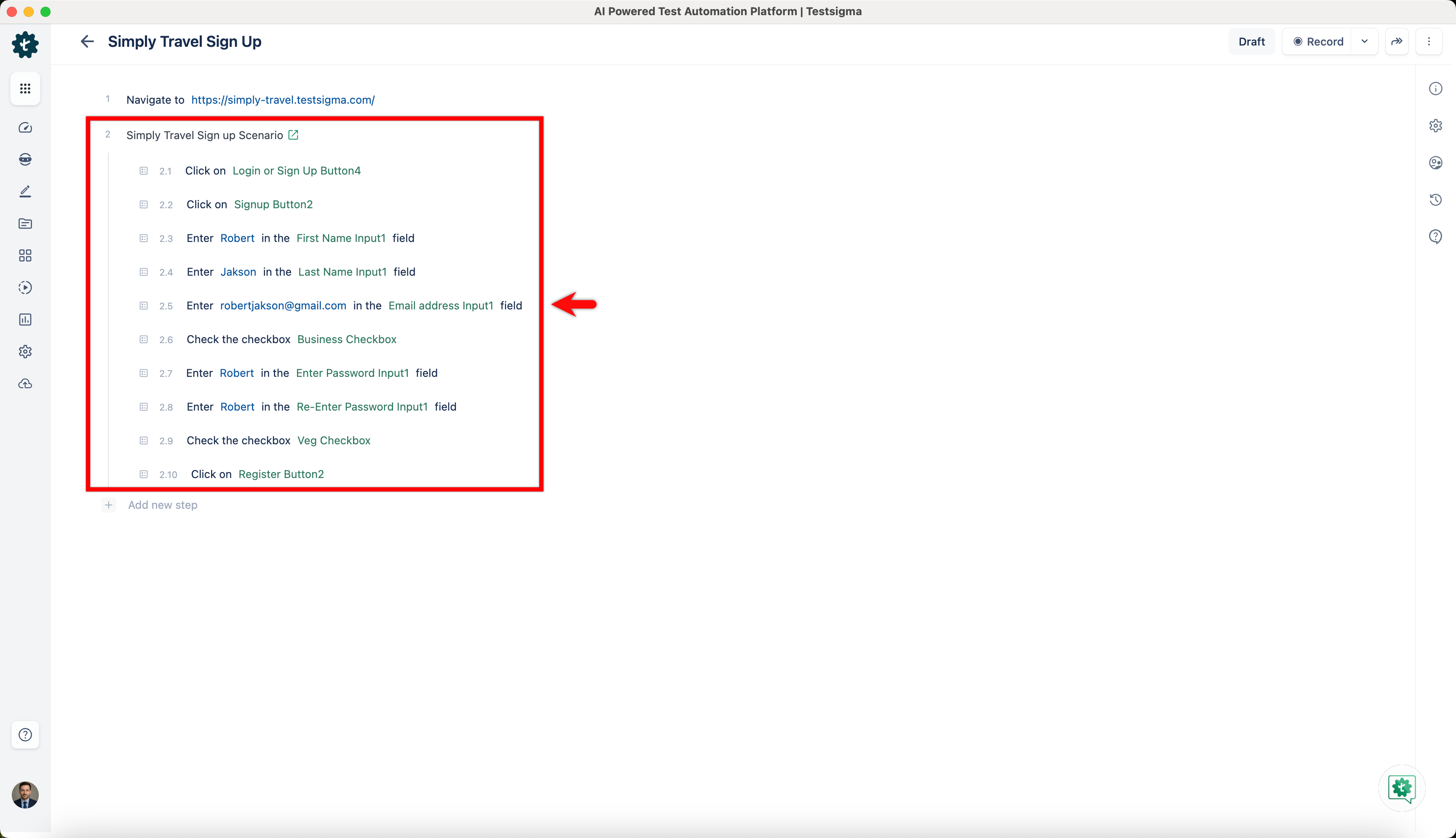
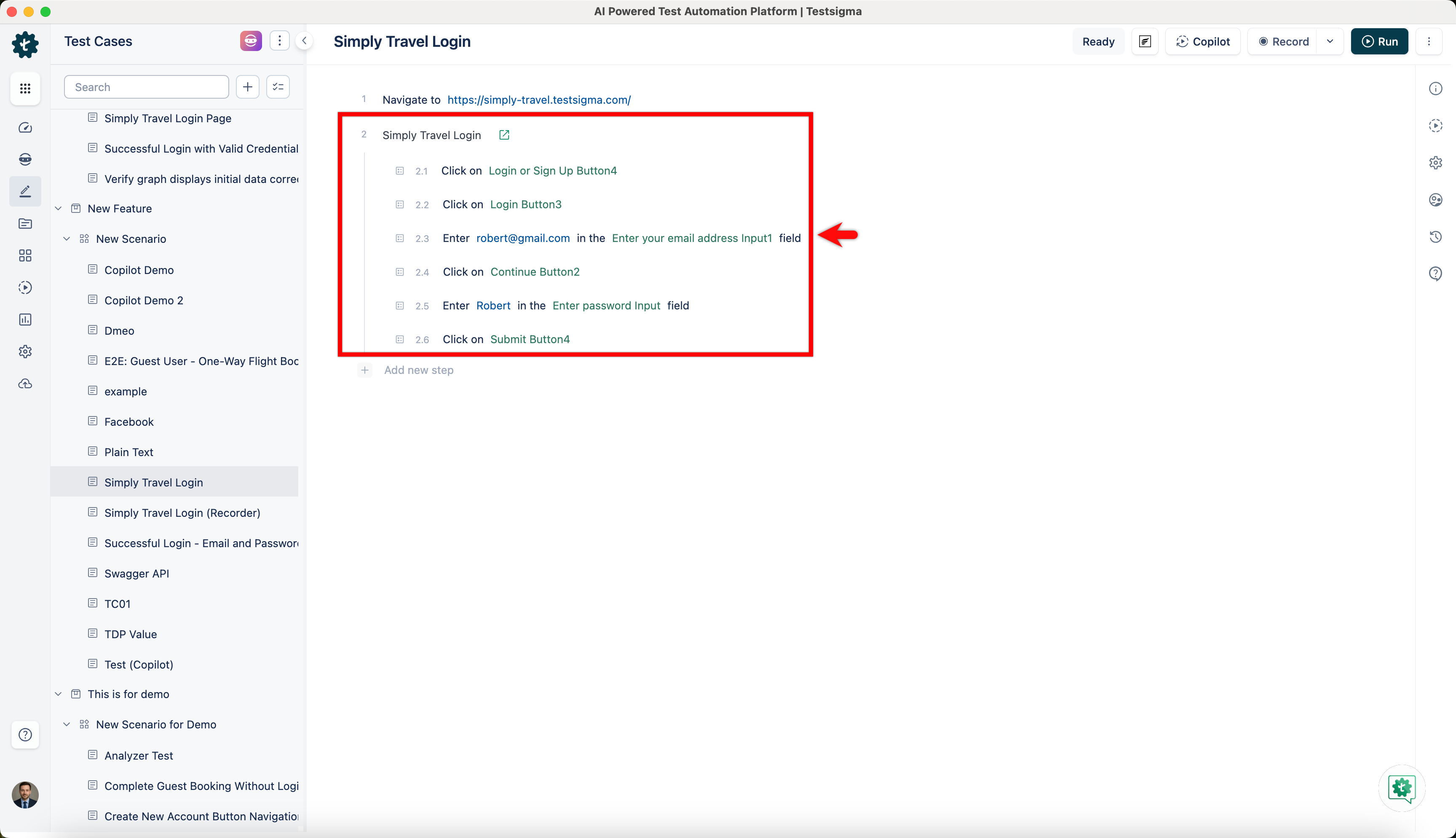
You can see Nested step group as below.
Steps to Create Nested Step Groups in Step Groups
Section titled “Steps to Create Nested Step Groups in Step Groups”-
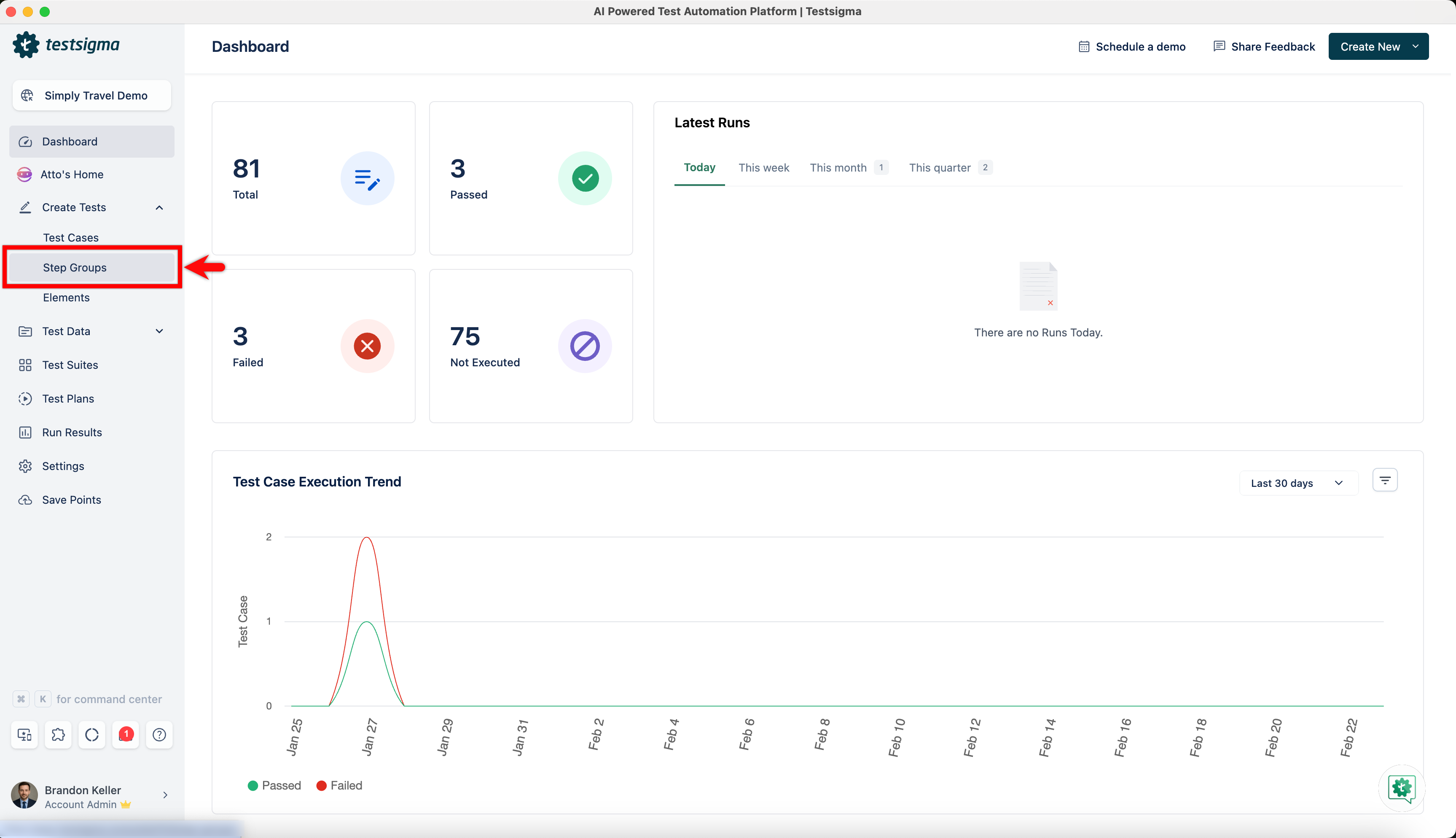
Navigate to Create Tests > Step Groups.
-
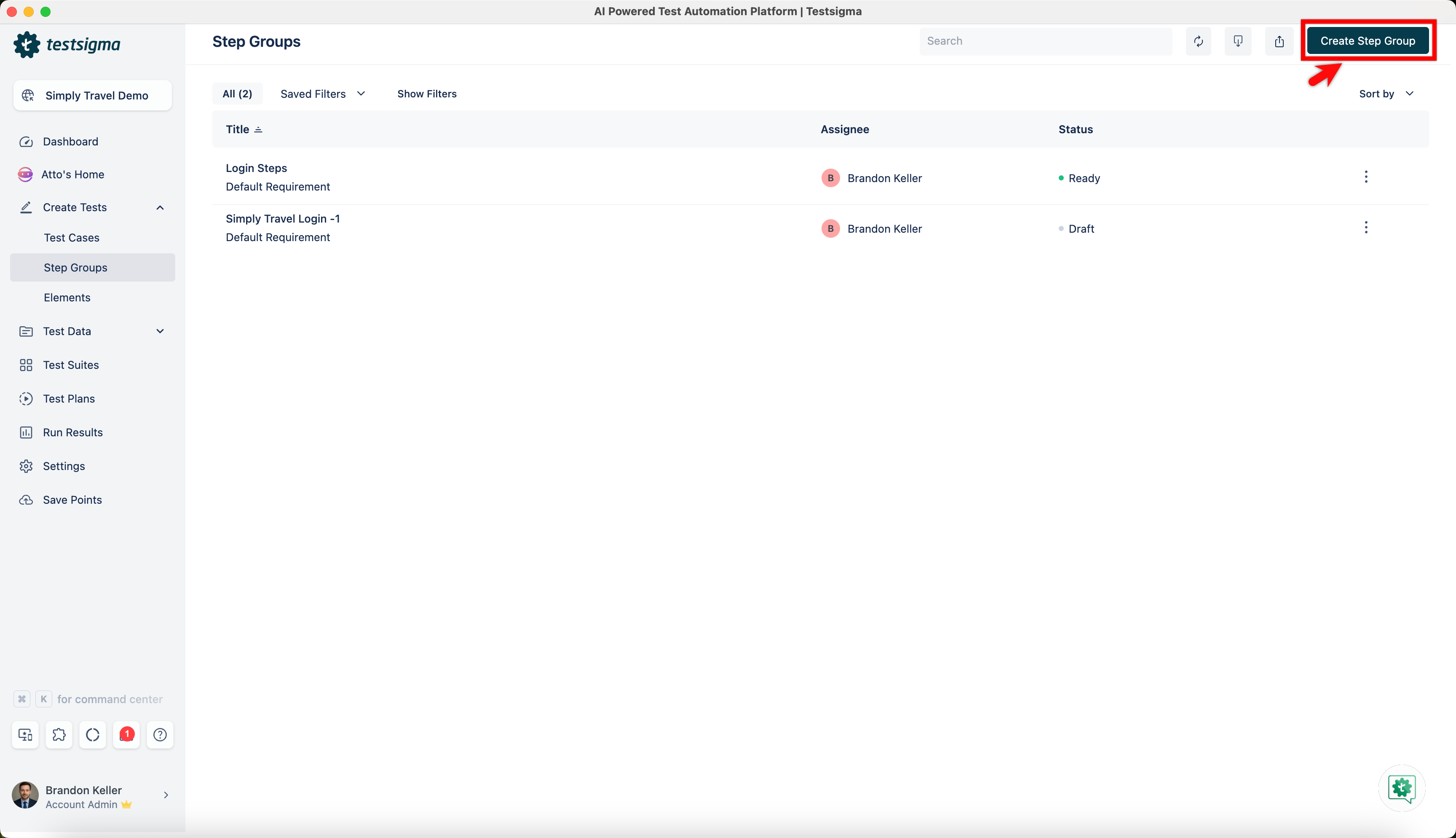
Click Create Step Group.
-
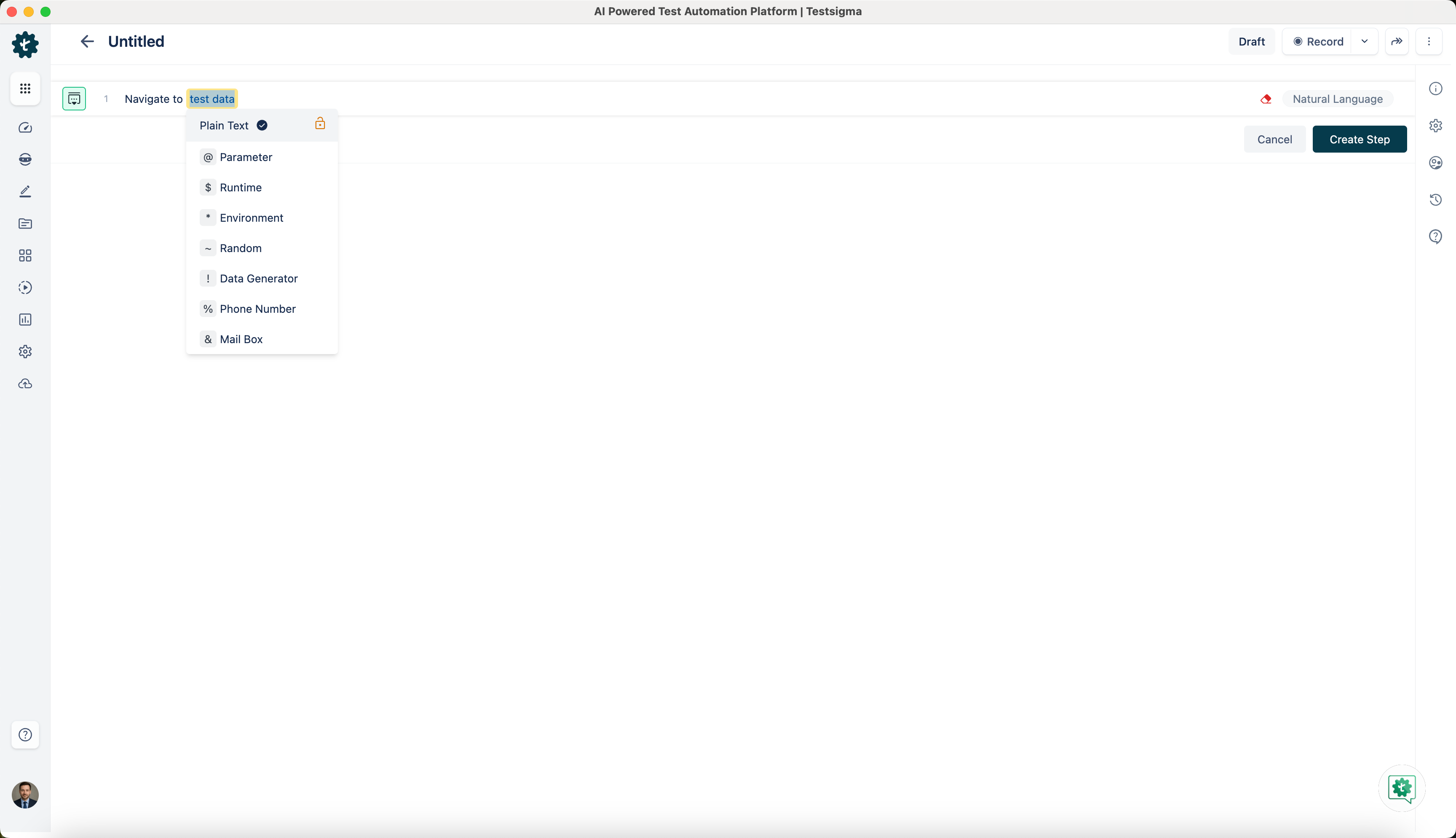
Create the test steps that you want to include in the nested step group.
-
After creating the steps, select the ones you want to add to the nested step group.
-
On Create Step Group prompt, enter Name and click on Create and Replace.
-
You can see the Nested step group created below.