Atto AI Coworker
Integrating Jira Server/Data Center with Testsigma
Prerequisites
- Before you begin, ensure you have admin access to your Jira Server or Data Center instance.
Steps to Integrate Jira Server or Data Center
Section titled “Steps to Integrate Jira Server or Data Center”-
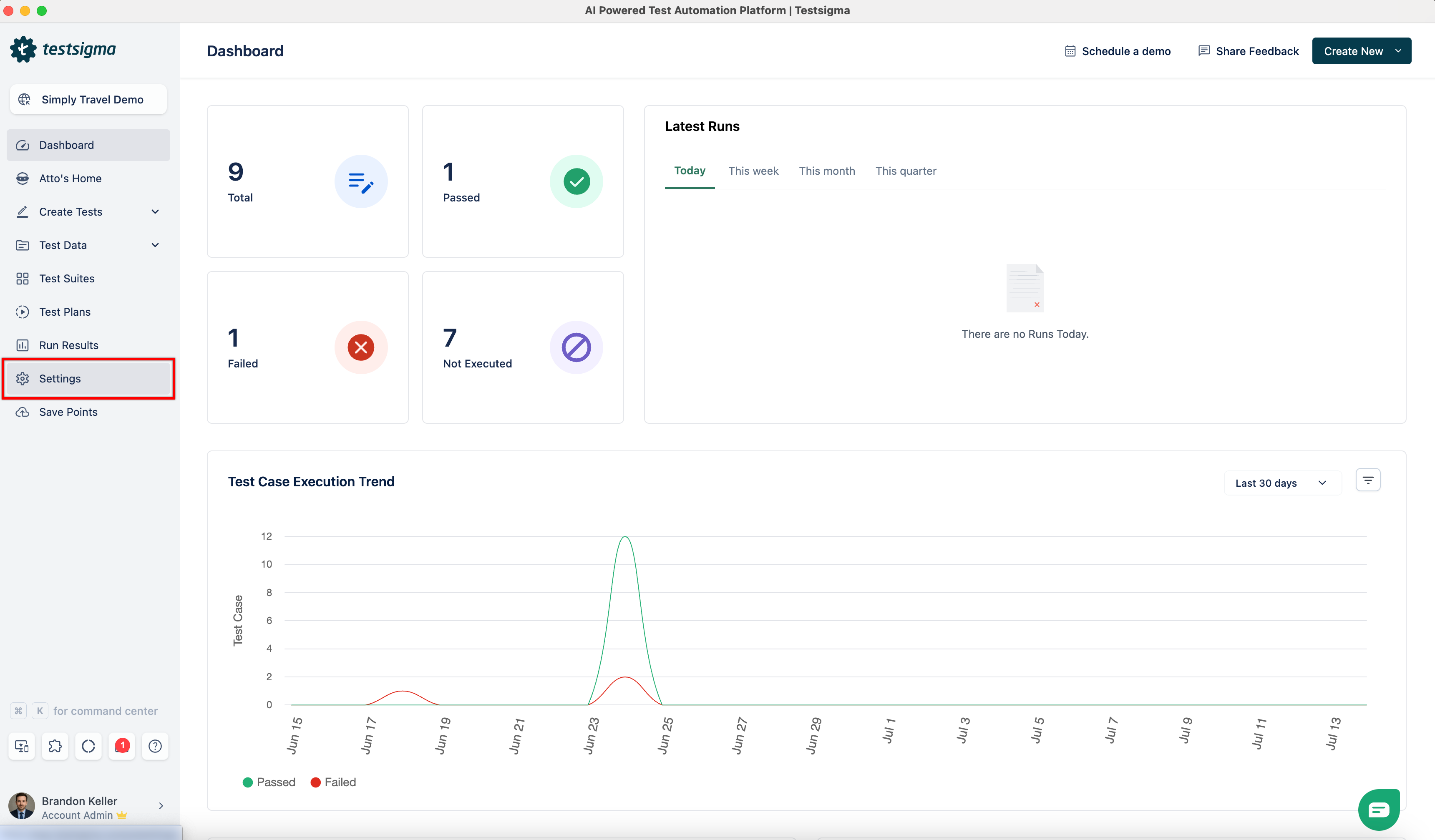
From the left navigation bar, navigate to Settings.
-
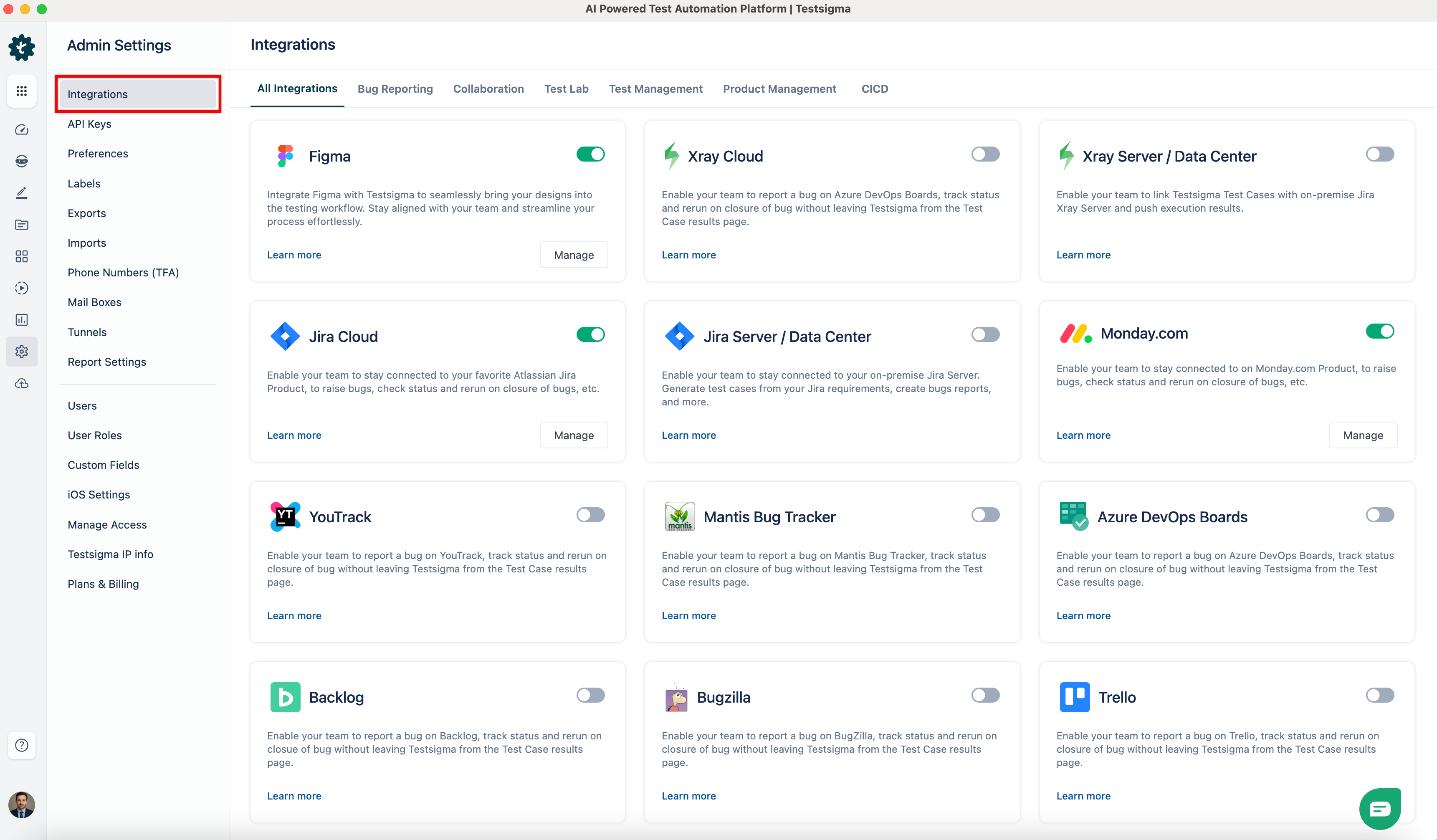
In the Admin Settings panel, select Integrations.
-
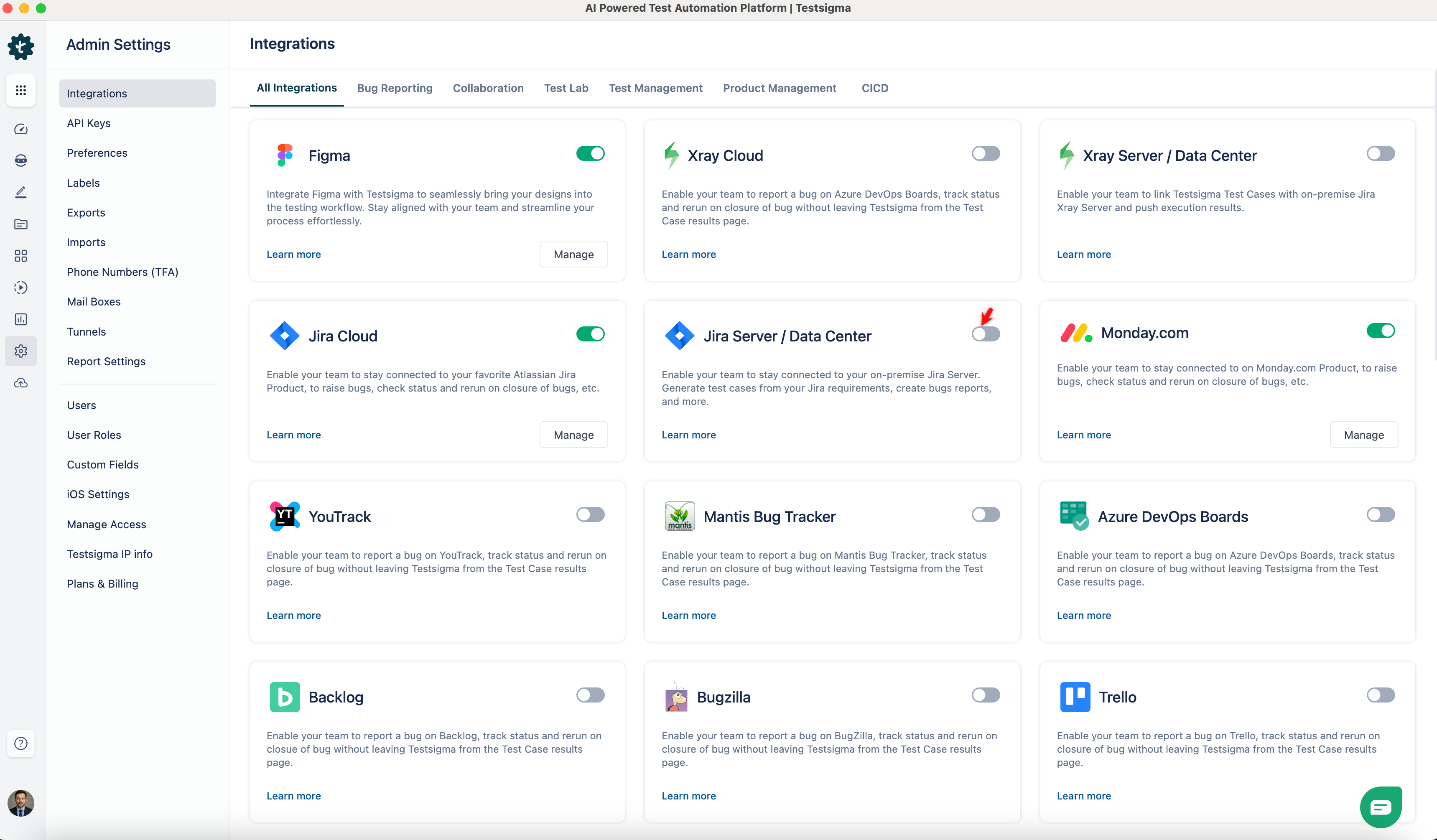
In the Integrations page, enable the toggle on the Jira Server / Data Center widget.
-
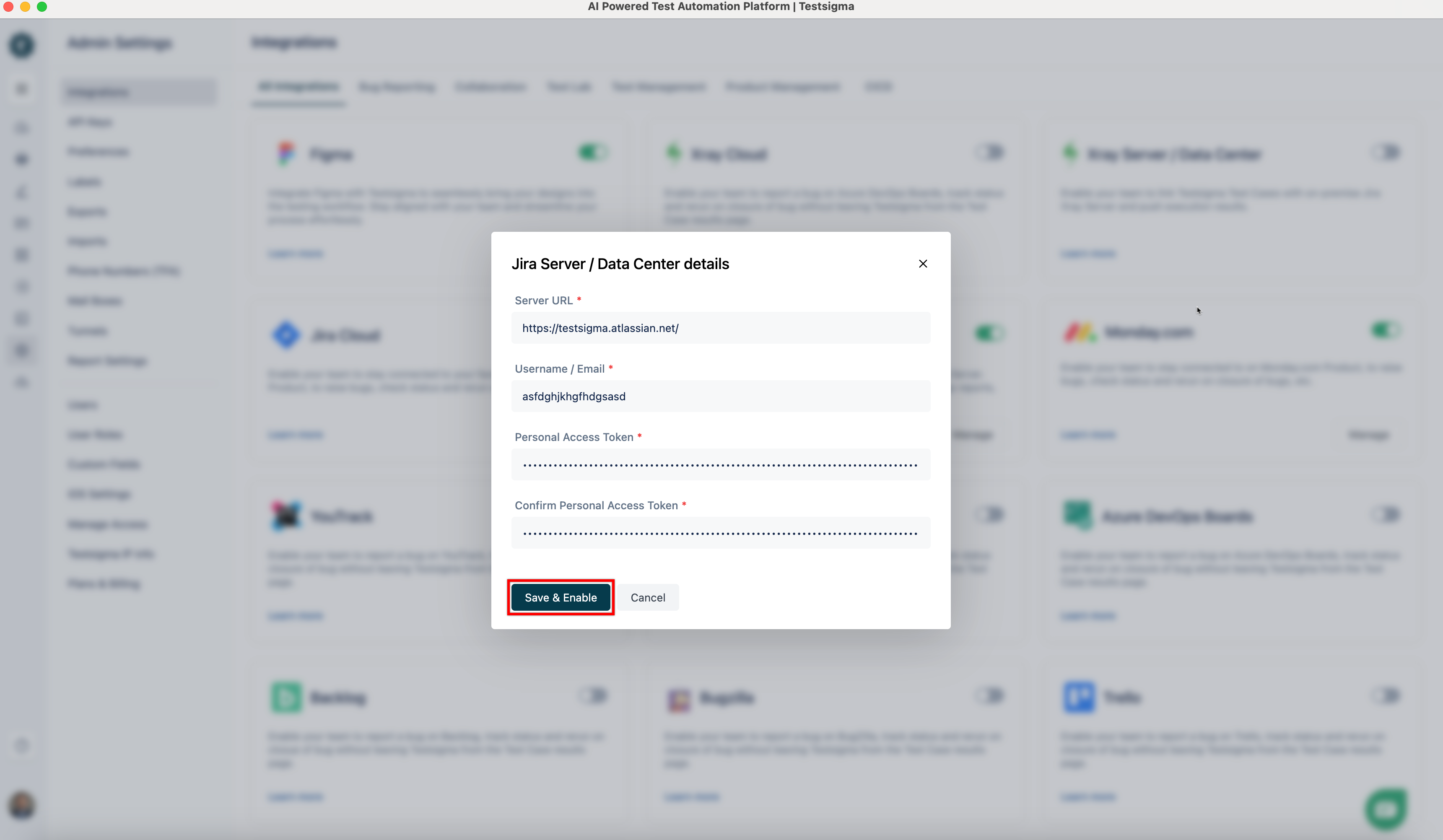
The Jira Server / Data Center dialog box appears.
Configure Jira Server or Data Center Integration
Section titled “Configure Jira Server or Data Center Integration”- In the Server URL field, enter the base URL of your Jira Server or Data Center instance. Make sure to include the protocol (https:// or http://) and the domain or IP address.
Examples:
- https://jira.yourcompany.com
- https://your-domain.atlassian.net (for Jira Cloud, though this setup is mainly for Server/Data Center)
- http://192.168.1.100:8080 (for internal/local instances)
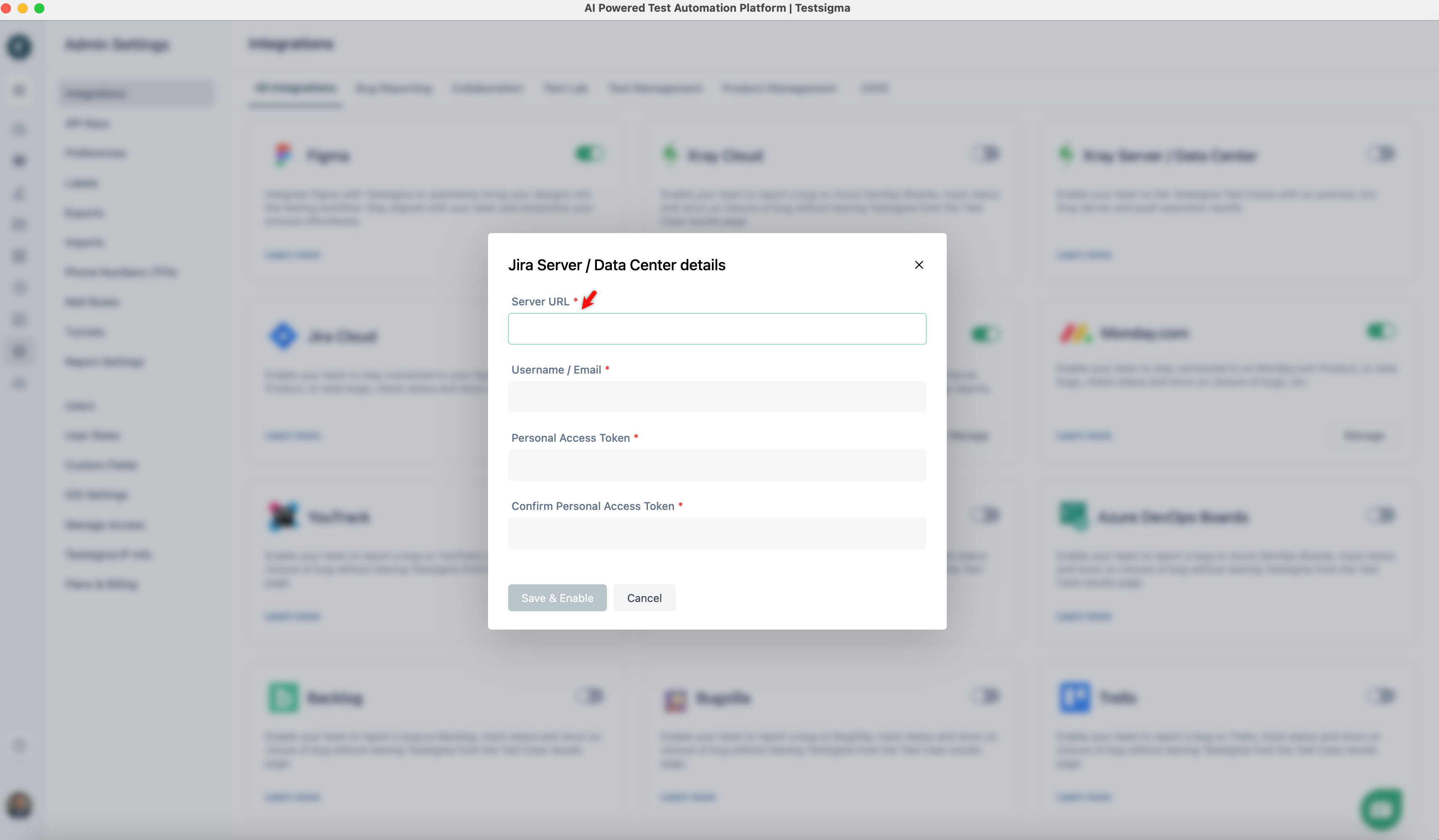
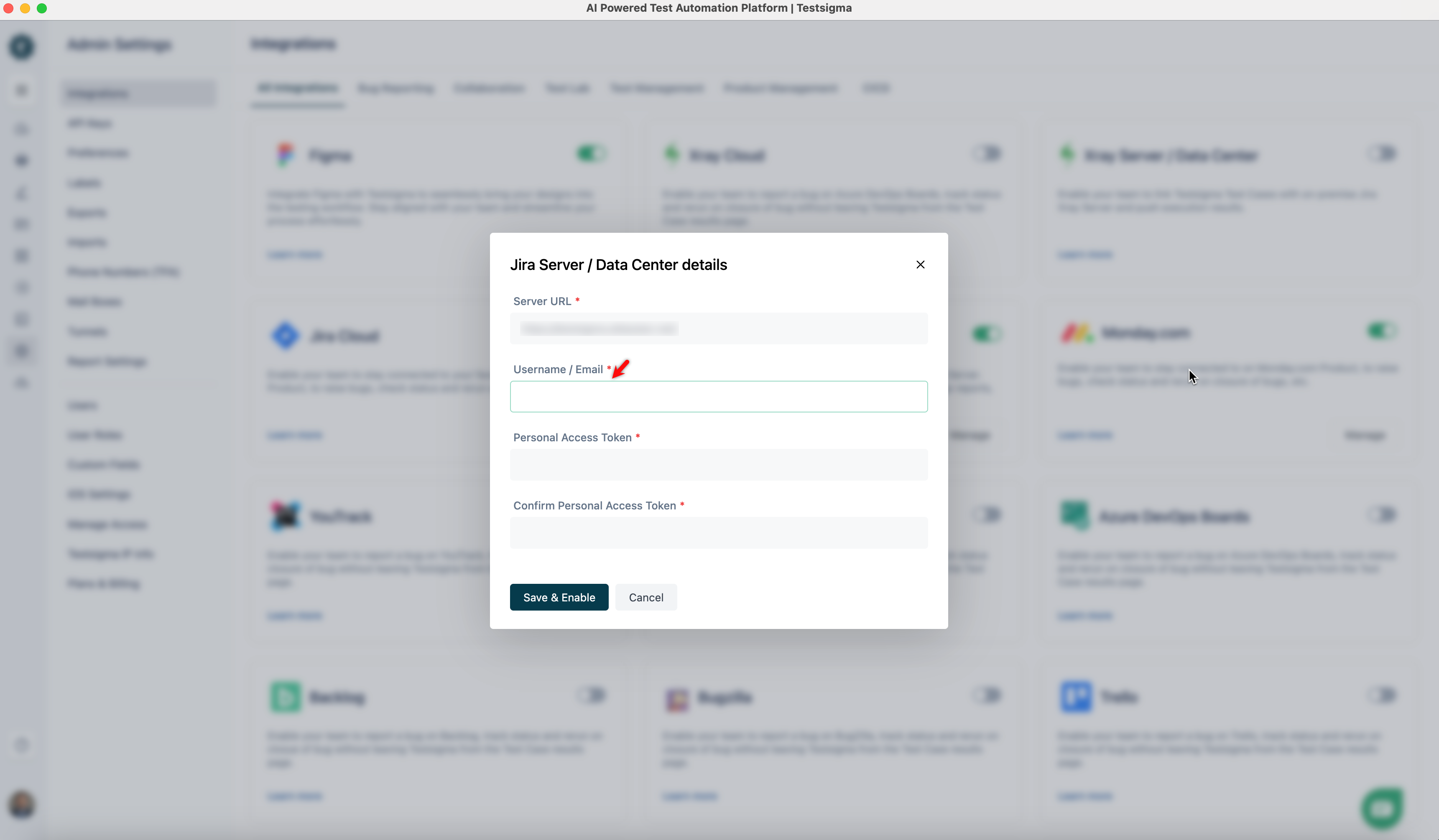
- In the Username / Email field, enter your Jira account credentials.
Example:
- Username: john.smith
- Email Address: john.smith@company.com
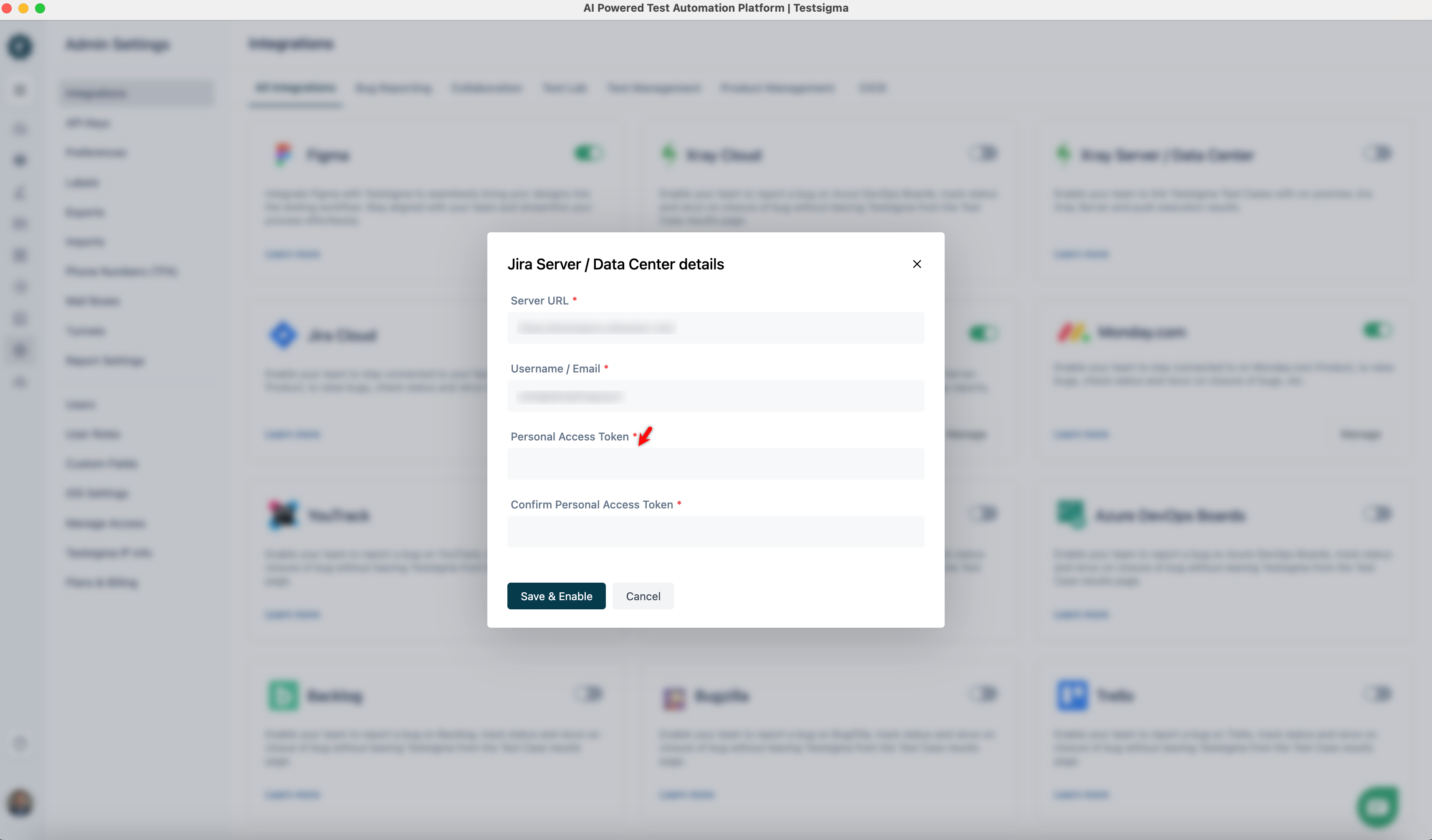
- In the Personal Access Token field, paste the token you generated from your Jira account.
-
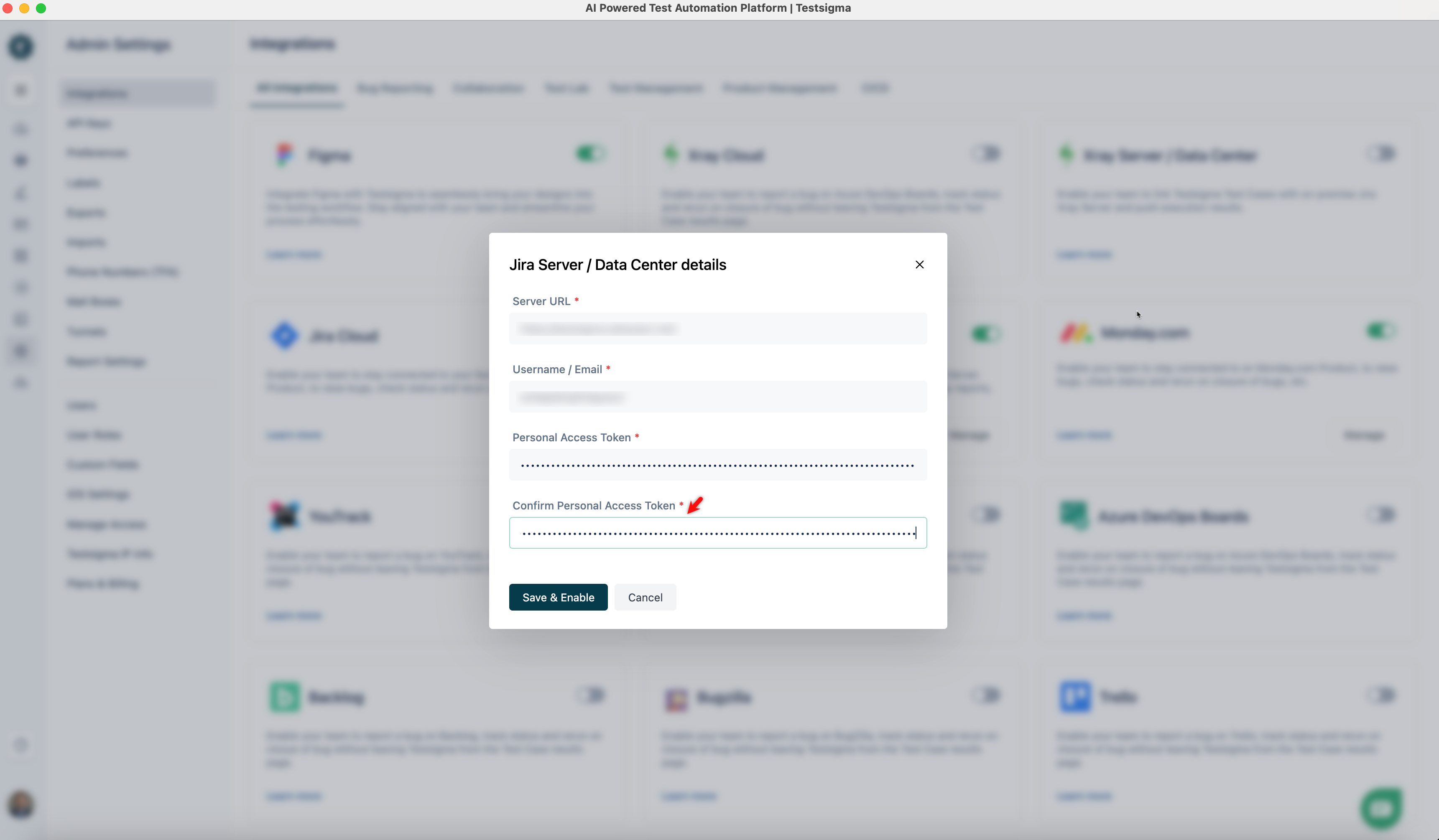
Paste the same Personal Access Token in the Confirm Personal Access Token field.
-
Click Save & Enable.