Windows Lite
Element Learning (Using Test Recorder)
Prerequisites
Before you begin, ensure that:
- You have referred to the documentation on creating projects.
- You have referred to the documentation on creating applications.
- You have referred to the documentation on test recorder.
- You have referred to the documentation on setting up Testsigma Agent setup.
- You have any Windows app to capture elements.
Steps to Learn Windows (Lite) Elements Using Test Recorder
Section titled “Steps to Learn Windows (Lite) Elements Using Test Recorder”-
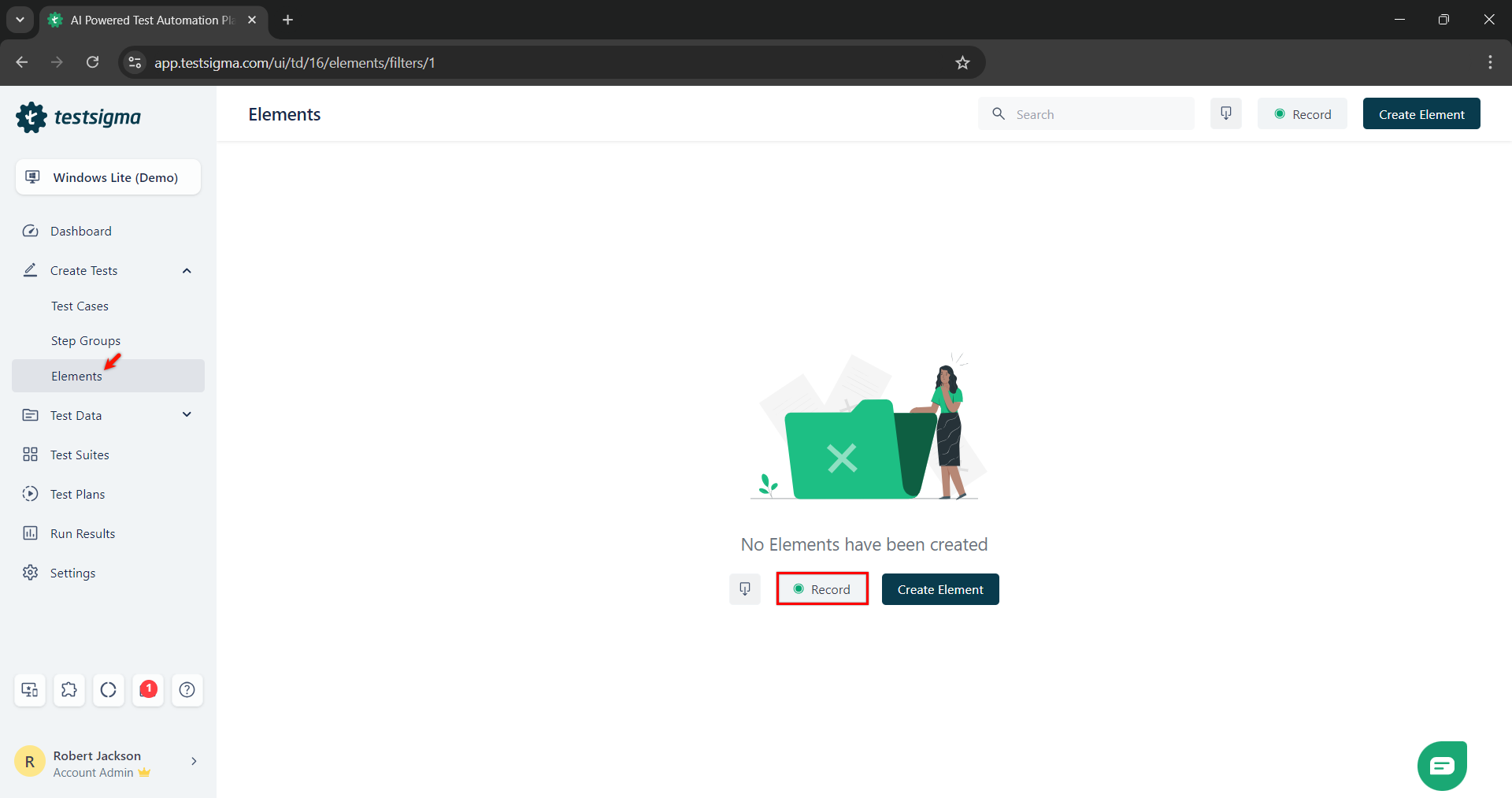
From the left navigation bar, go to Create Tests > Elements and click Record.
-
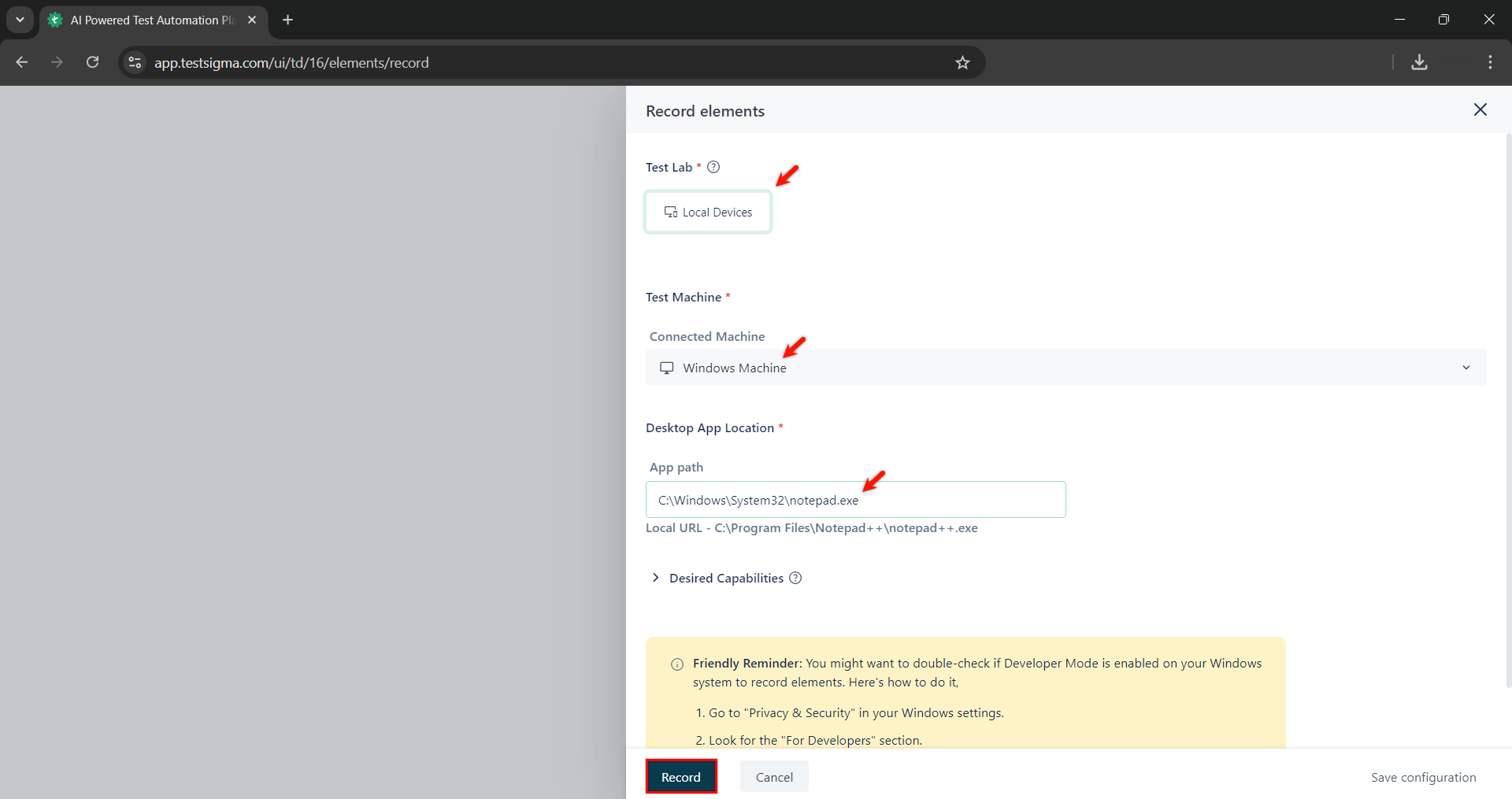
On Record Elements overlay, select Local Test Machine, provide App path and click Record.
-
Wait for the app to load fully.
-
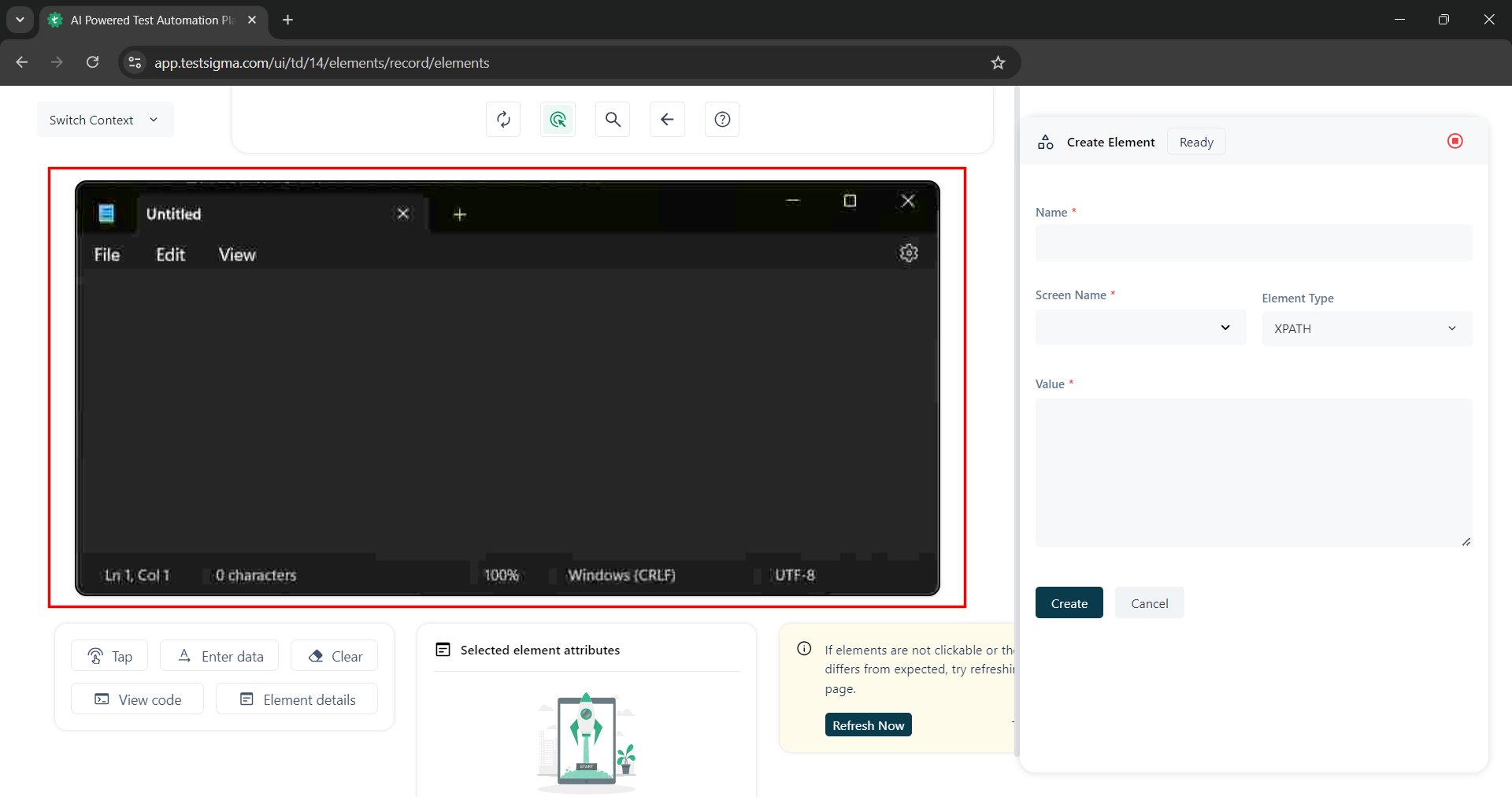
Once the app is loaded, click on the element you want to capture.
-
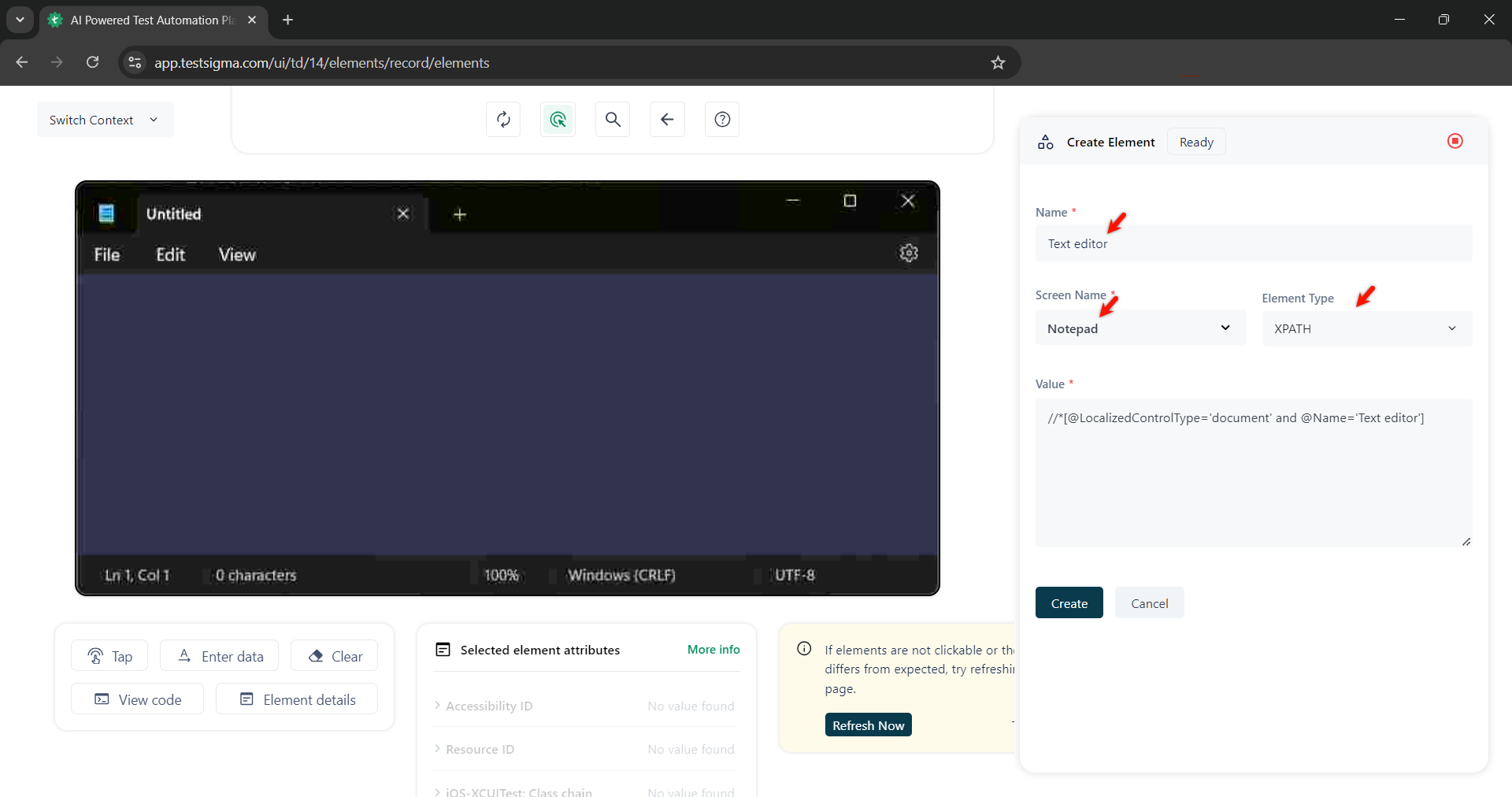
On the Create Element section, validate the Name, Screen Name, Element Type, and the Value.
-
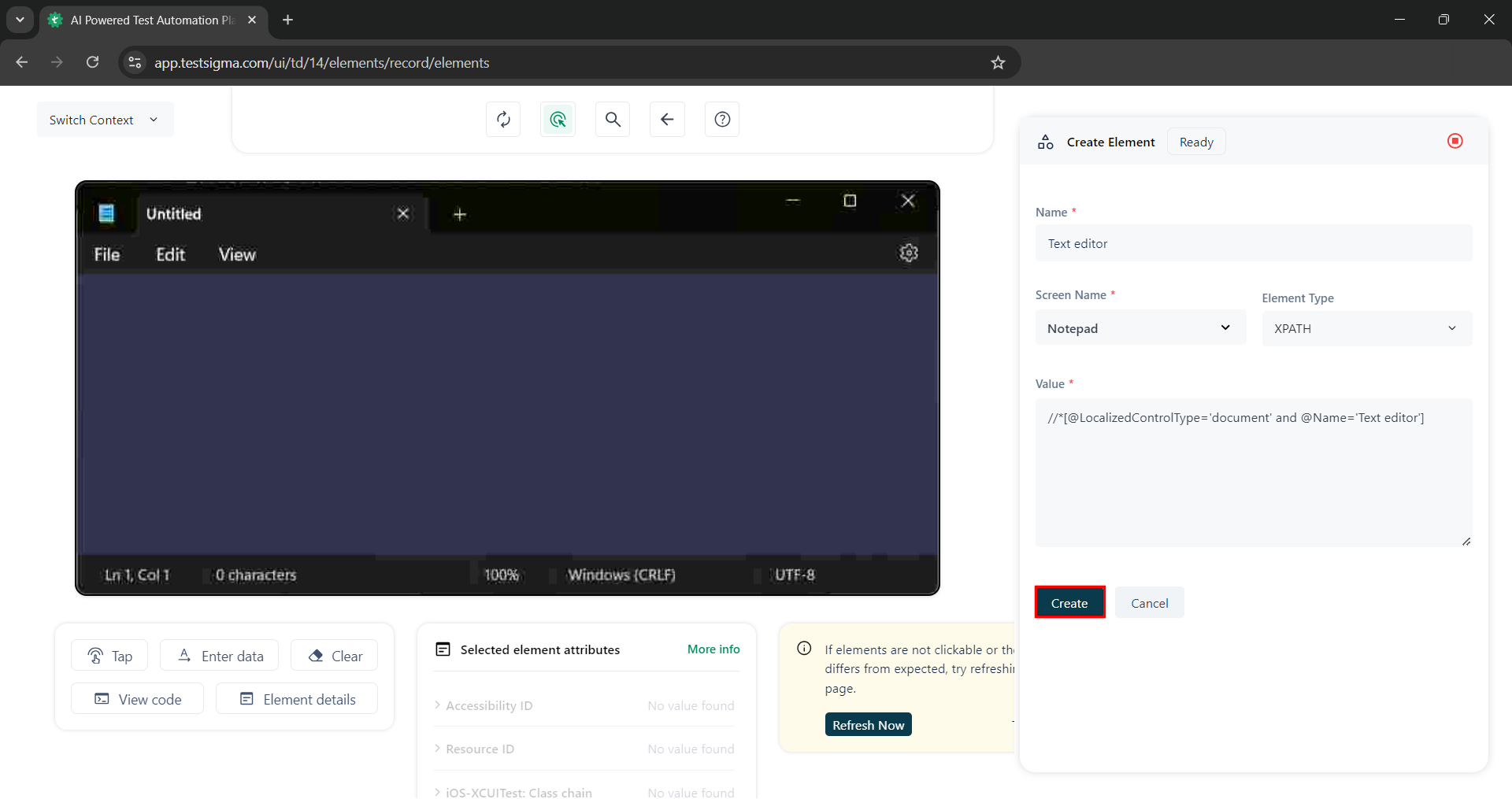
Click Create.
-
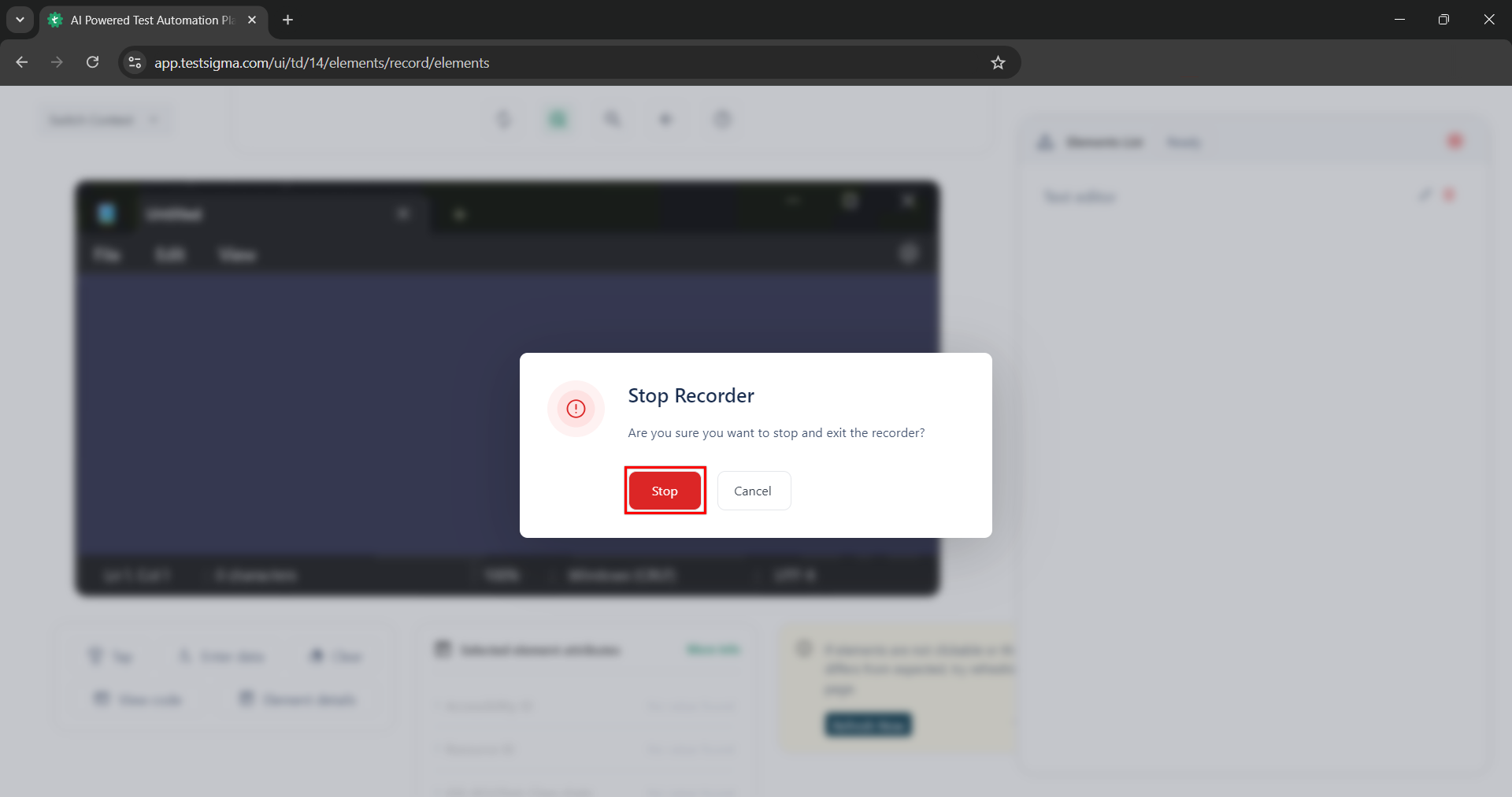
Stop the recorder to close the session.