Test Data
Create Environment Test Data
Prerequisites
Before you begin, ensure that you have referred to:
Steps to Create Environment Test Data
Section titled “Steps to Create Environment Test Data”-
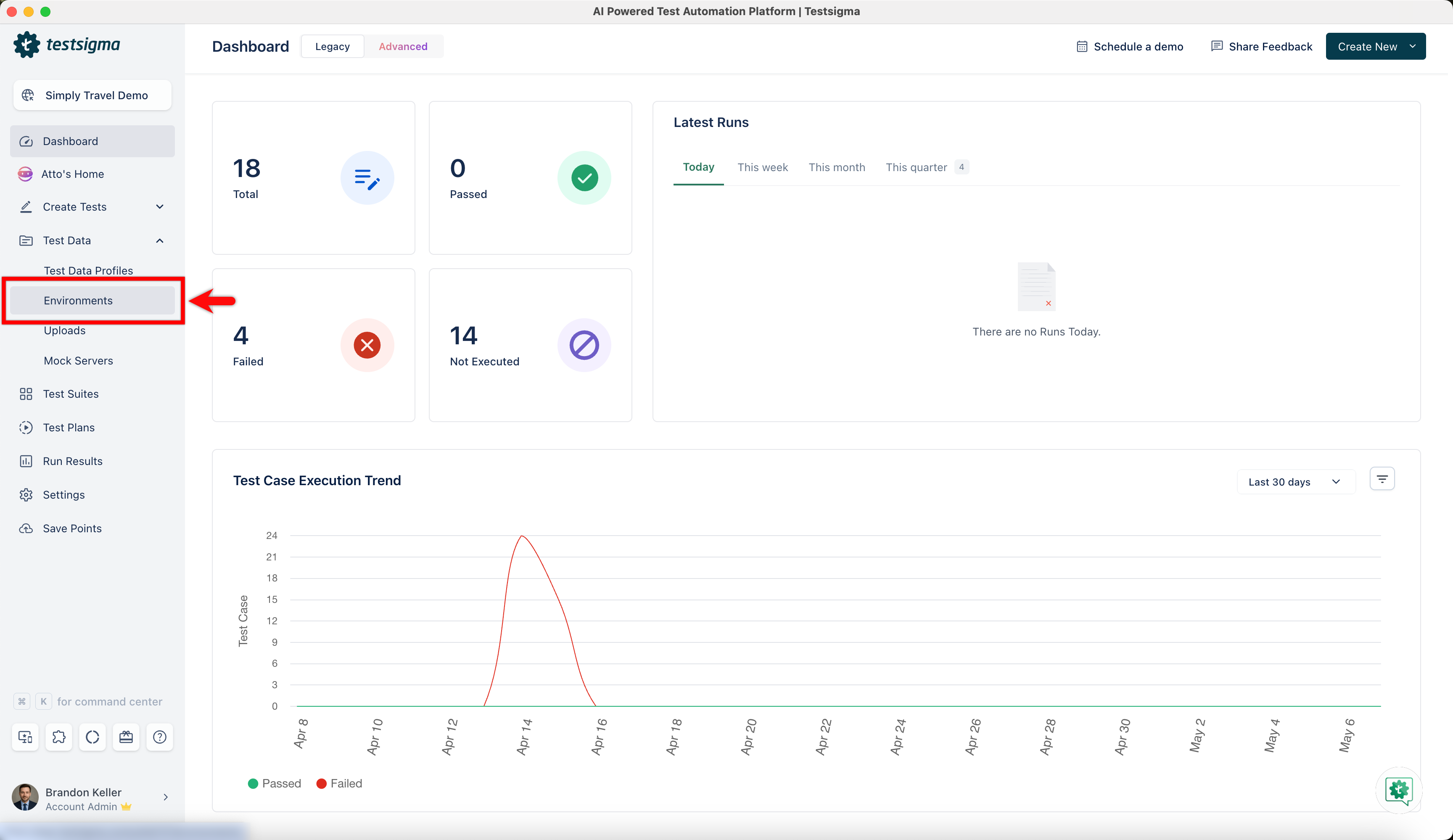
From the left navigation bar, go to Test Data > Environment.
-
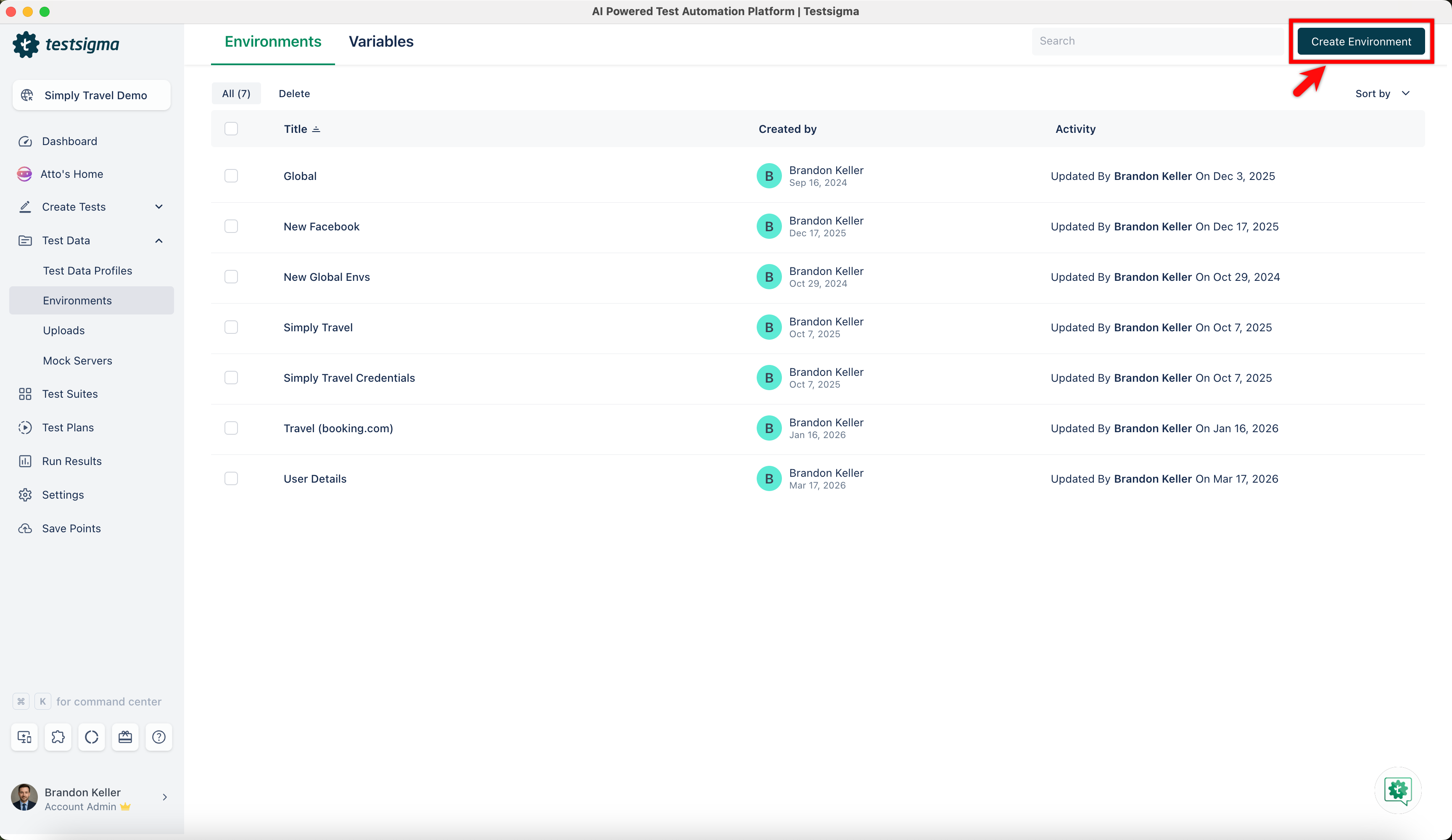
In the Environment list page, click Create Environment.
-
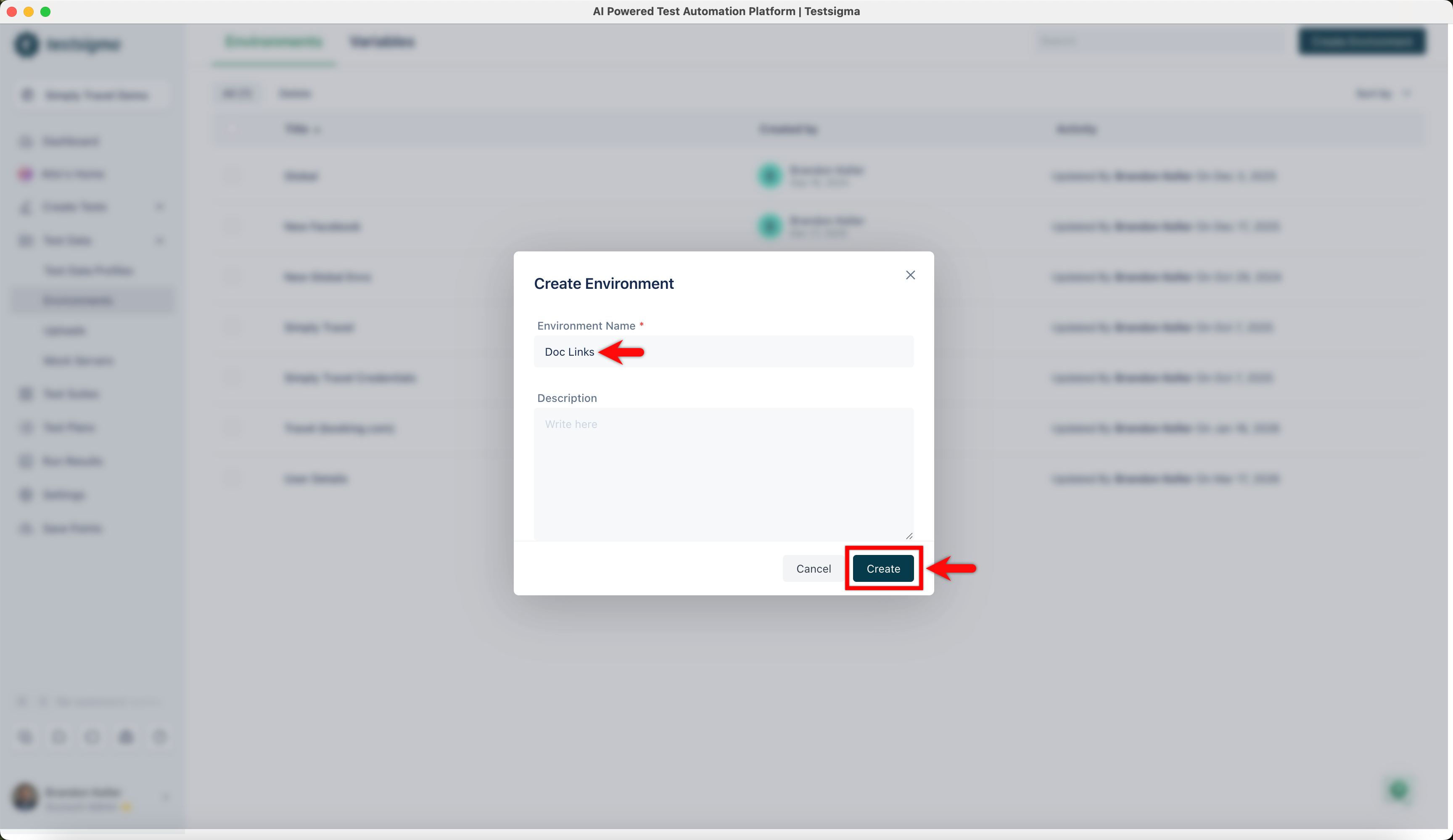
In the Create Environment dialog, enter a name and click Create.
-
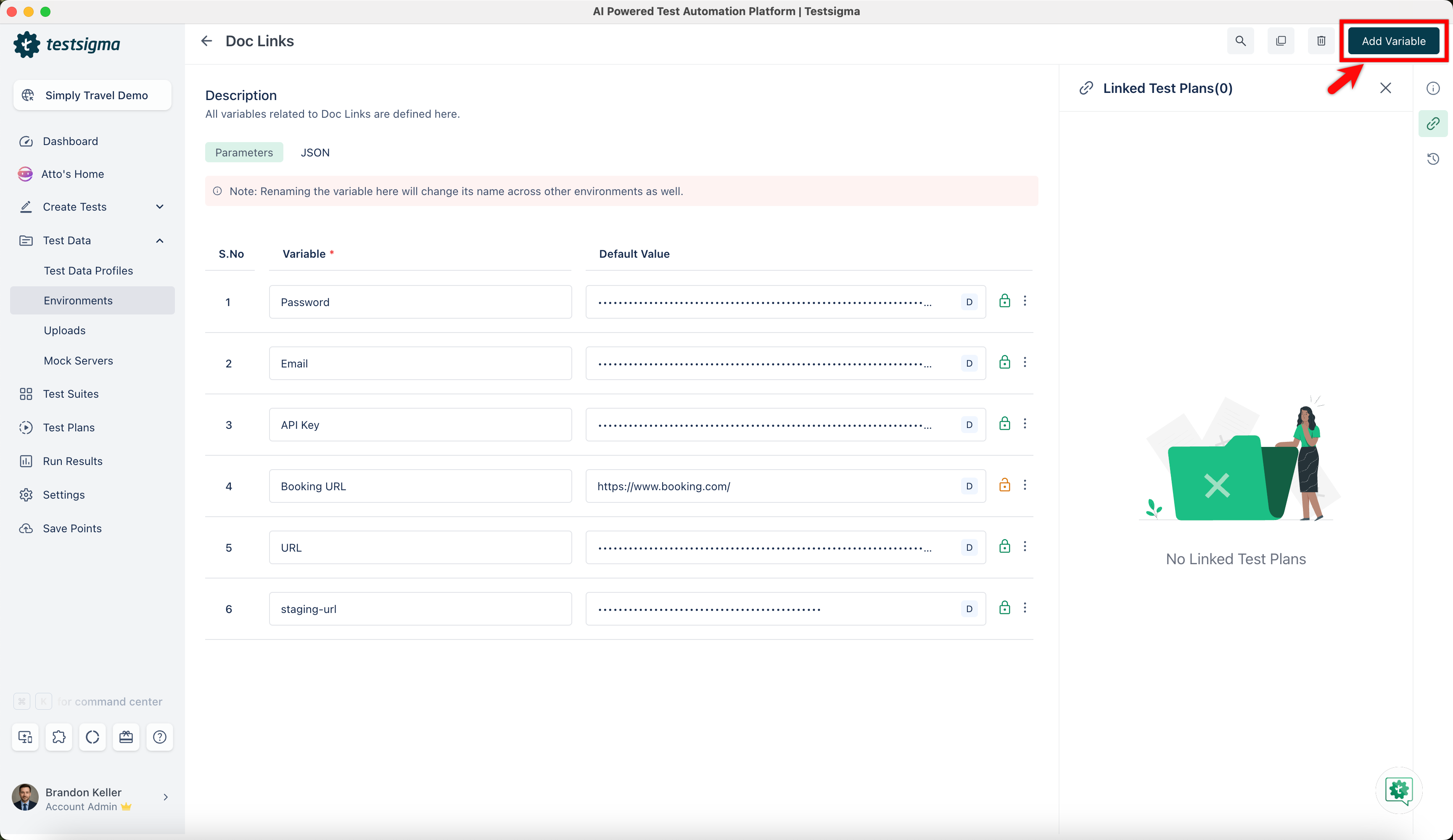
Once you have created the environment, select it, and click Add Variable.
-
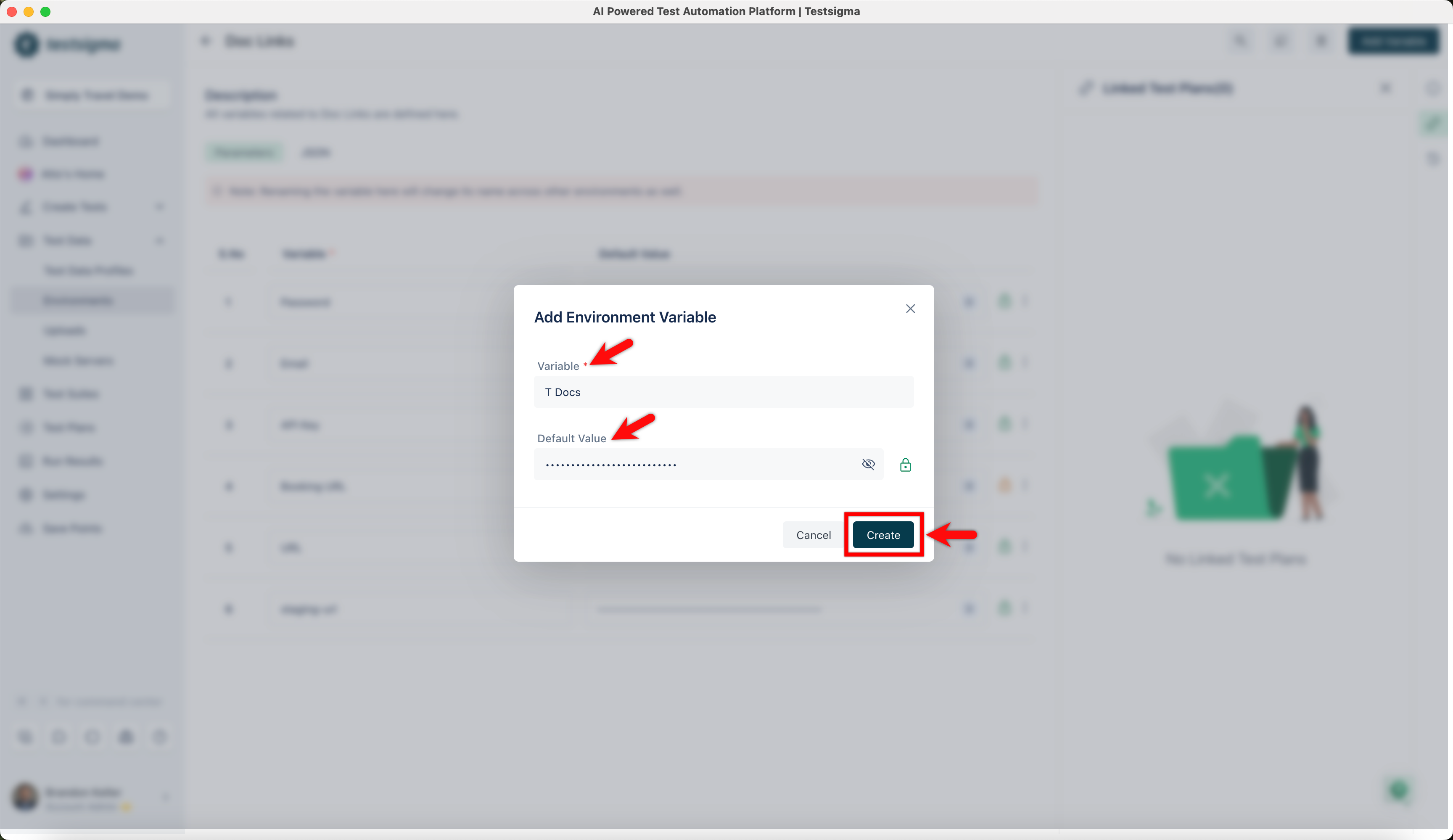
In the Add Environment Variable dialog, enter the variable name and its value, and click Create.
-
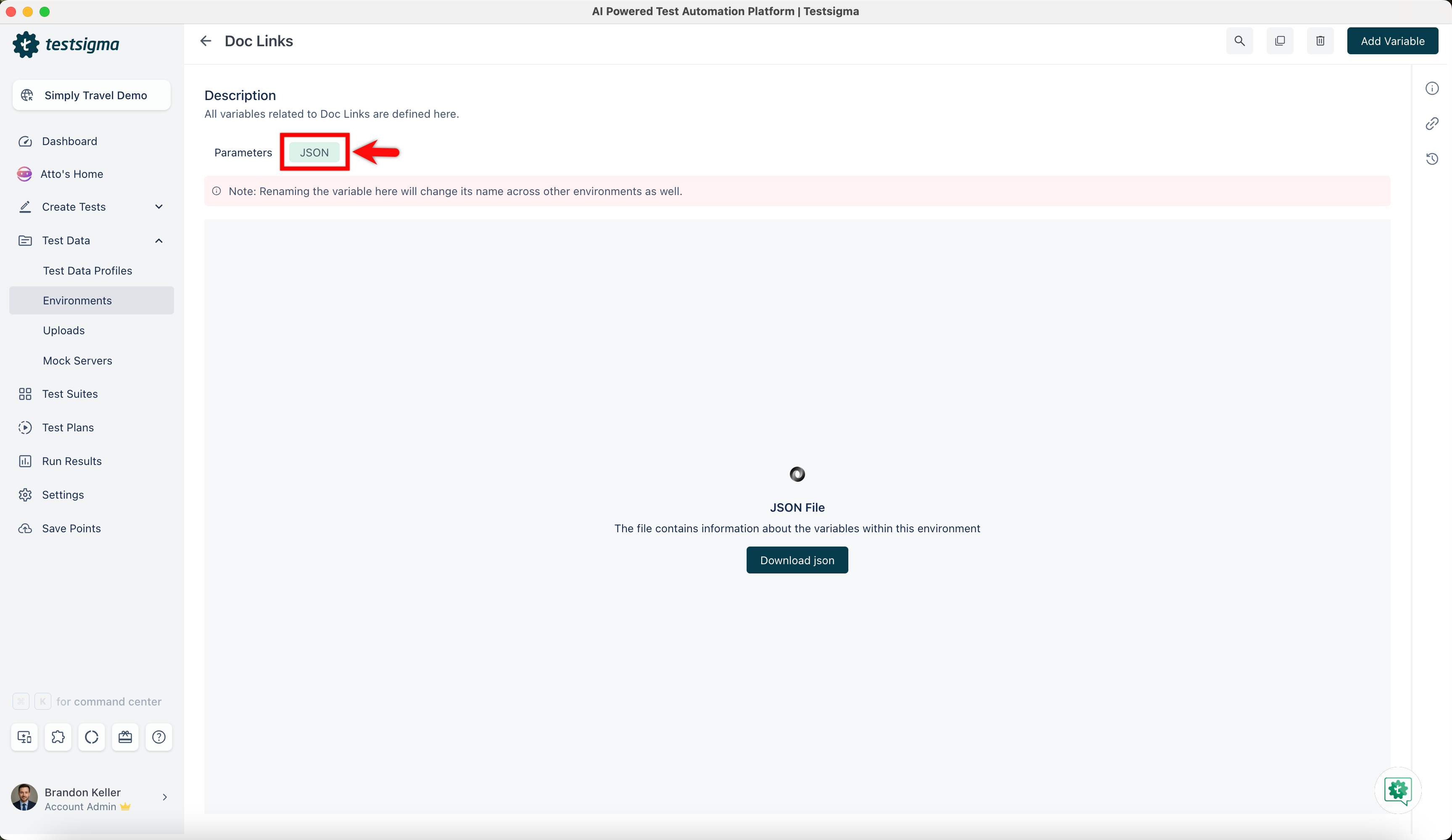
Click the JSON tab to download a JSON file that contains information about the variables within this environment.
Manage Environment Test Data
Section titled “Manage Environment Test Data”-
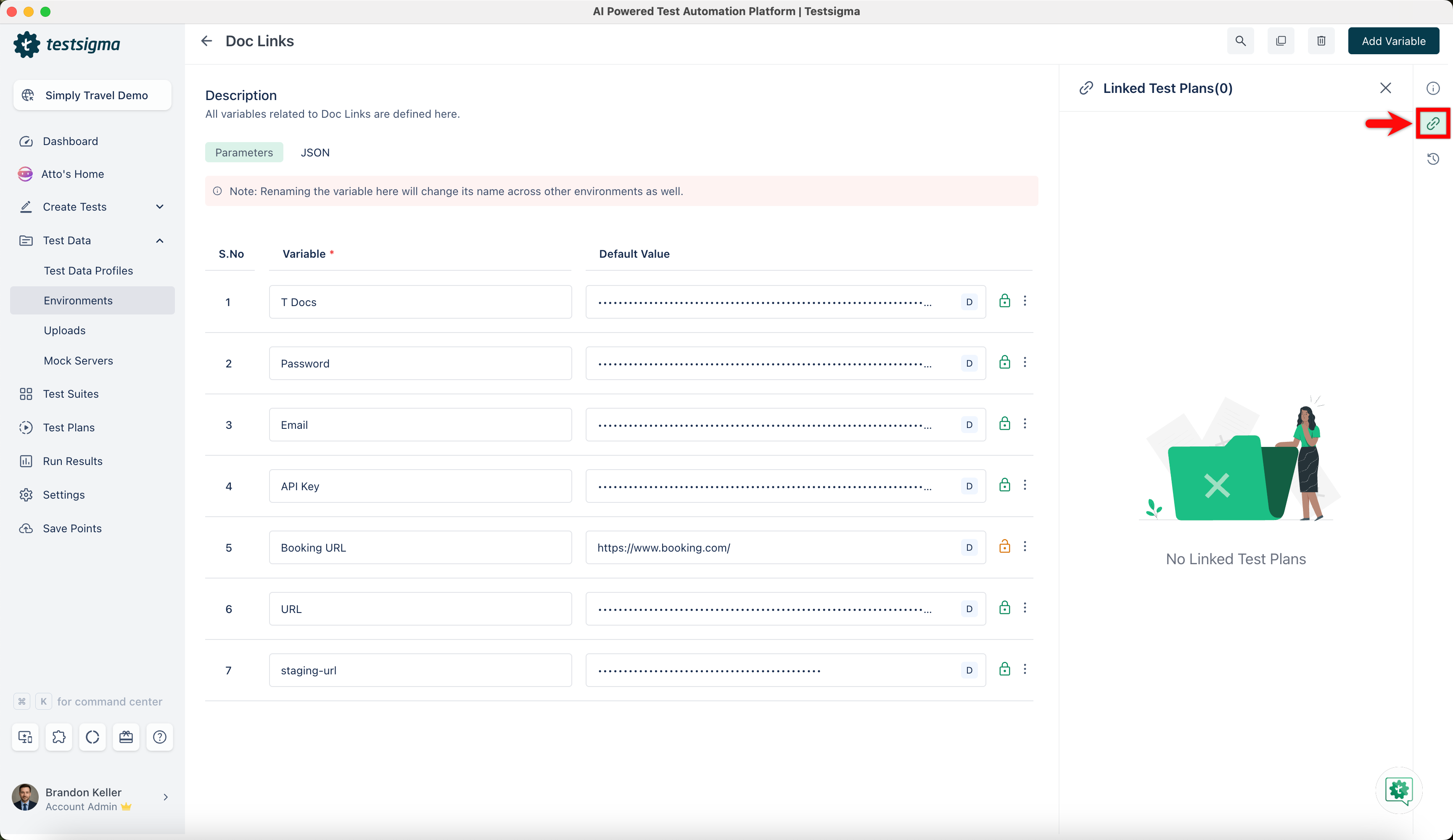
Linked Test Plans: Click Linked Test Plans in the right-side navbar and view the environment linked to the test plans.
-
Activity: Click Activity in the right-side navbar and view the history and comments of the environment.
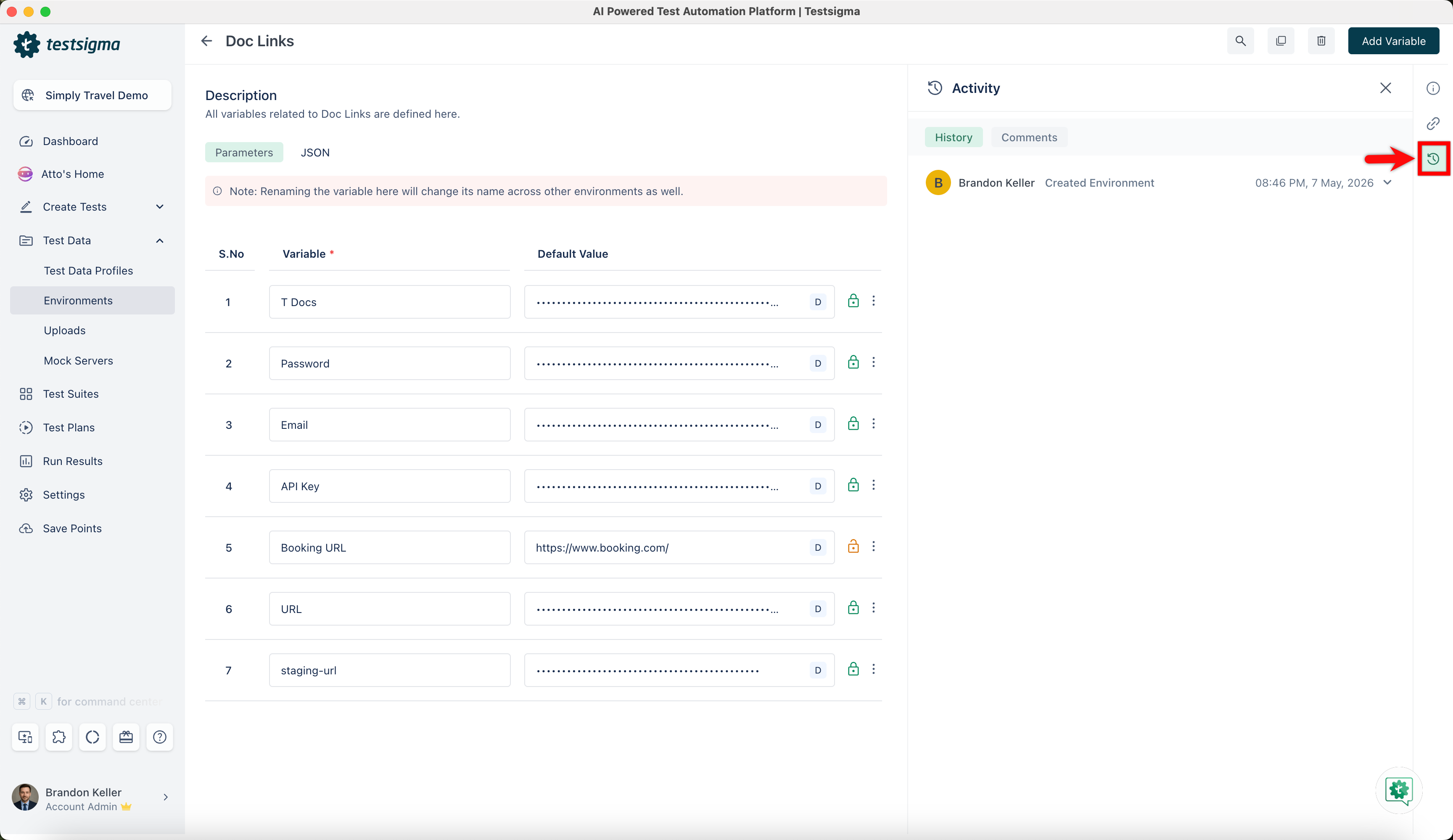
-
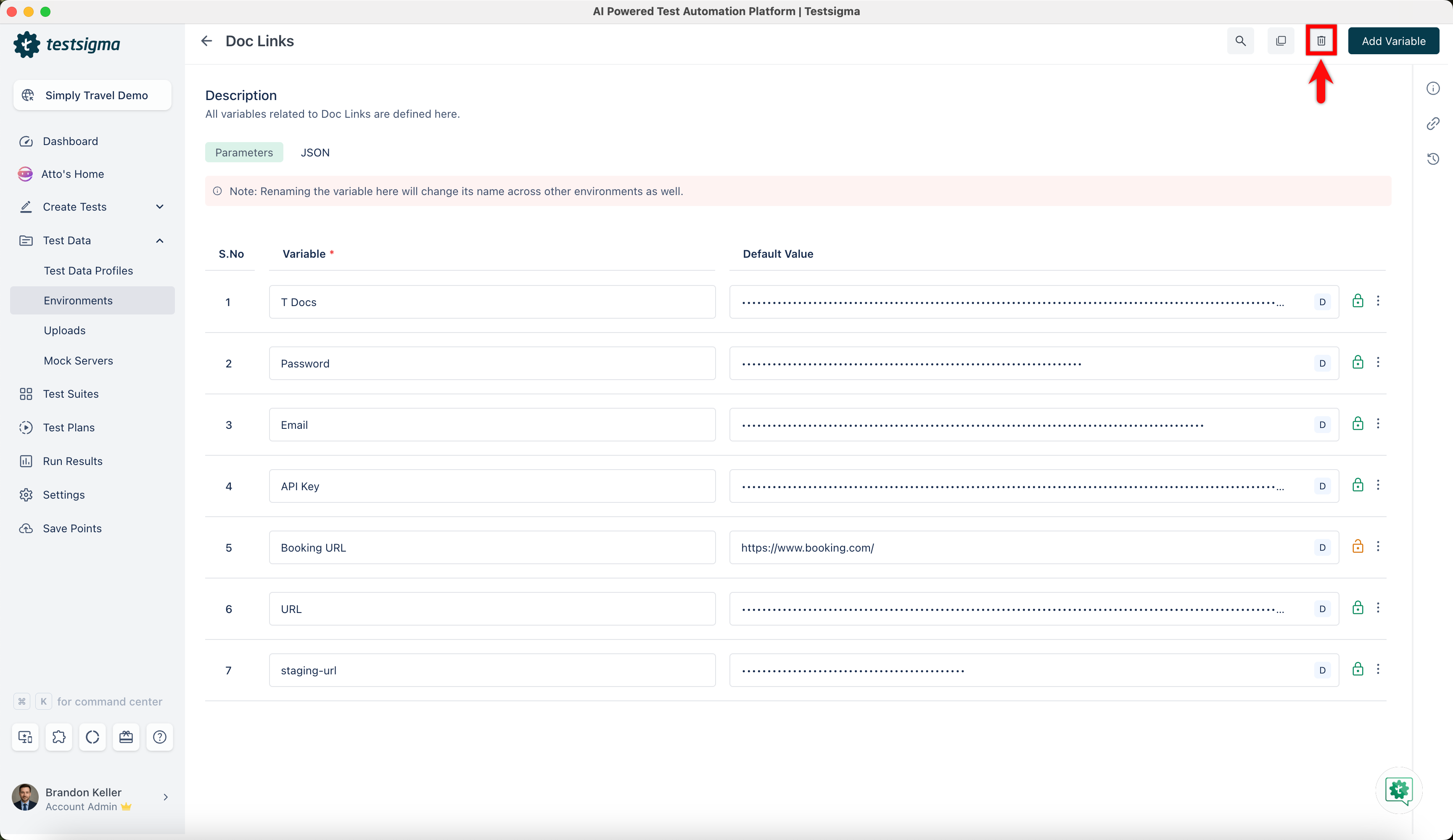
Click the Delete button in the top right corner of the Environment Details page to remove the environment from the project. A Delete Confirmation pop-up will appear. Click Delete.