
Salesforce Testing
SOQL as Test Step
Prerequisites
- Before you begin, ensure the Salesforce app is connected to Testsigma with a valid metadata connection.
Steps to Create SOQL as a Test Step
Section titled “Steps to Create SOQL as a Test Step”-
From the left navigation bar, navigate to Create Tests > Test Cases.
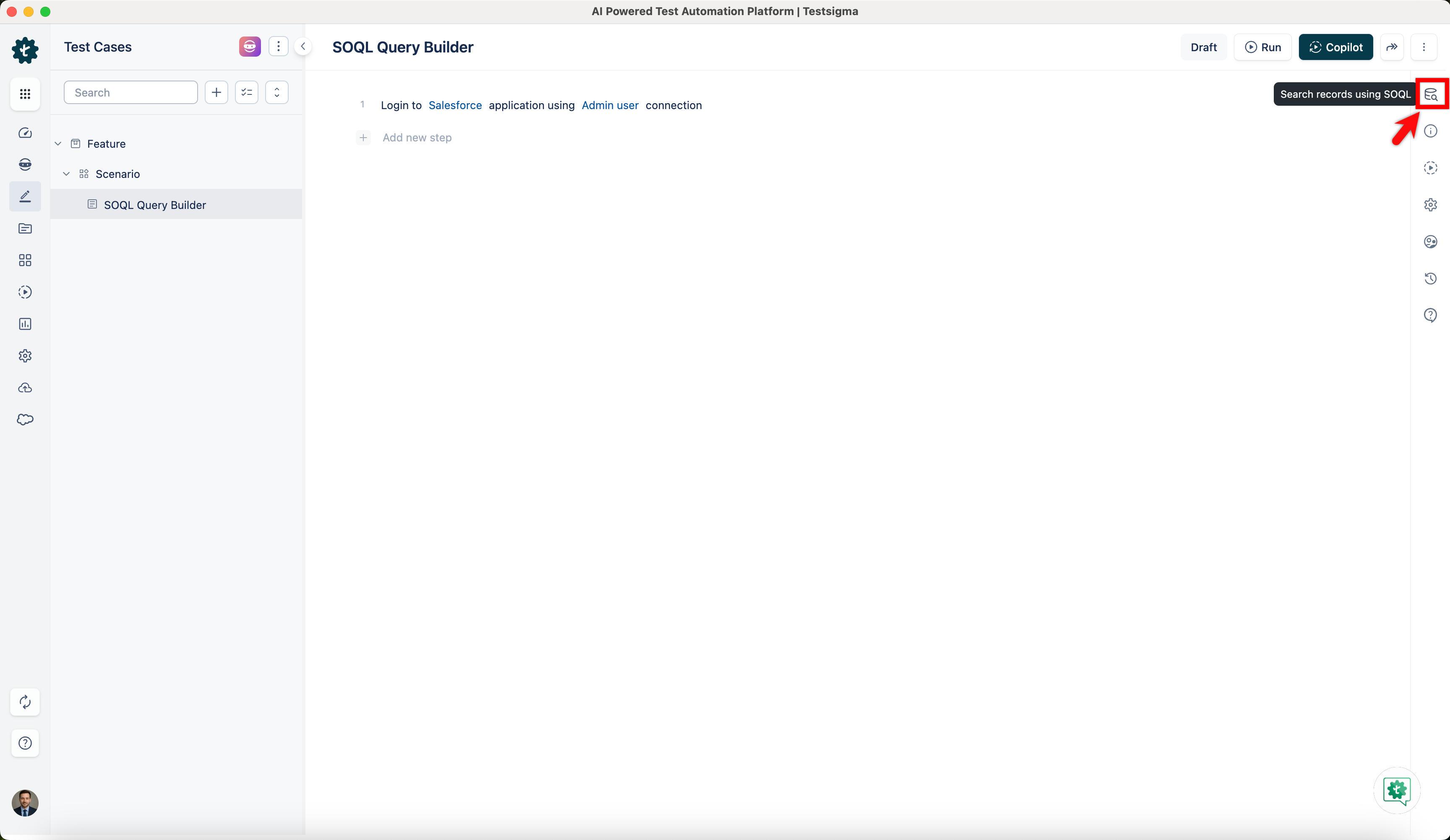
-
In the Test Case Details page, click on the test step options list and select SOQL.
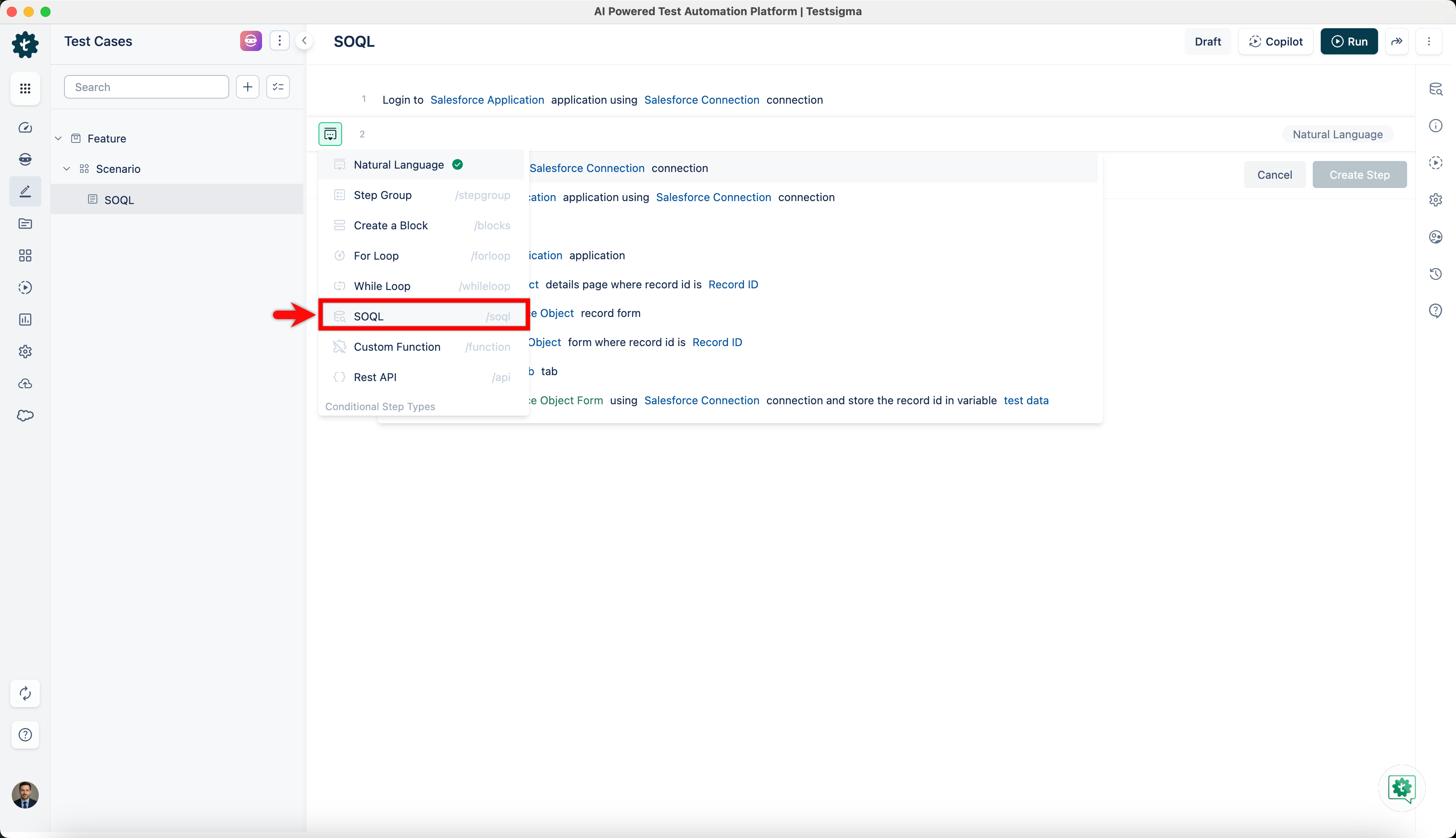
-
Select a Salesforce connection from the Salesforce Connection dropdown or you can parameterize your connection.
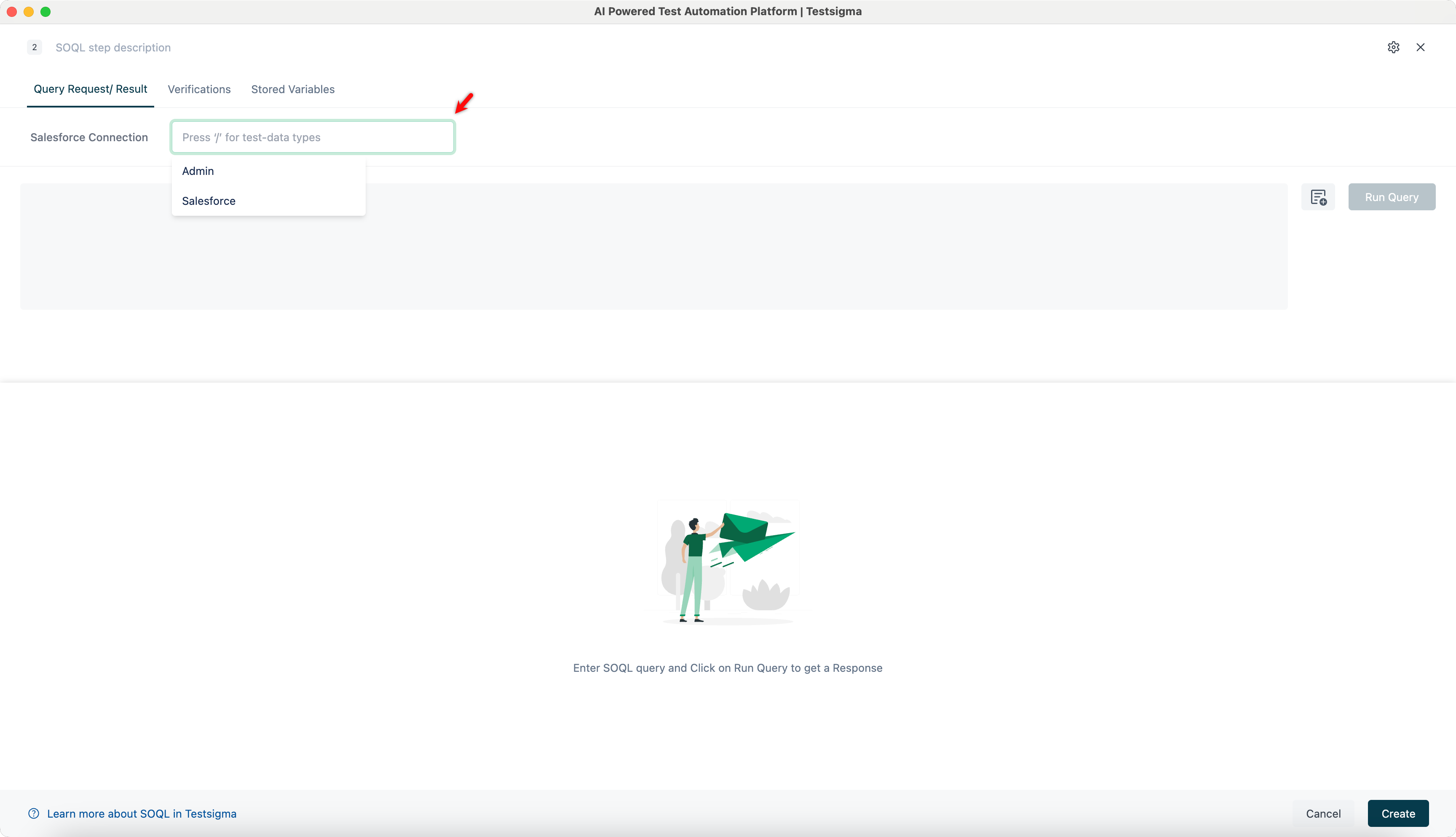
-
Enter your SOQL query in the editor and click Run Query to fetch the results.
For example,
SELECT Id, Name, Phone, Industry, BillingCity, BillingStateFROM AccountWHERE Industry = 'Technology' AND BillingState = 'CA'ORDER BY NameLIMIT 50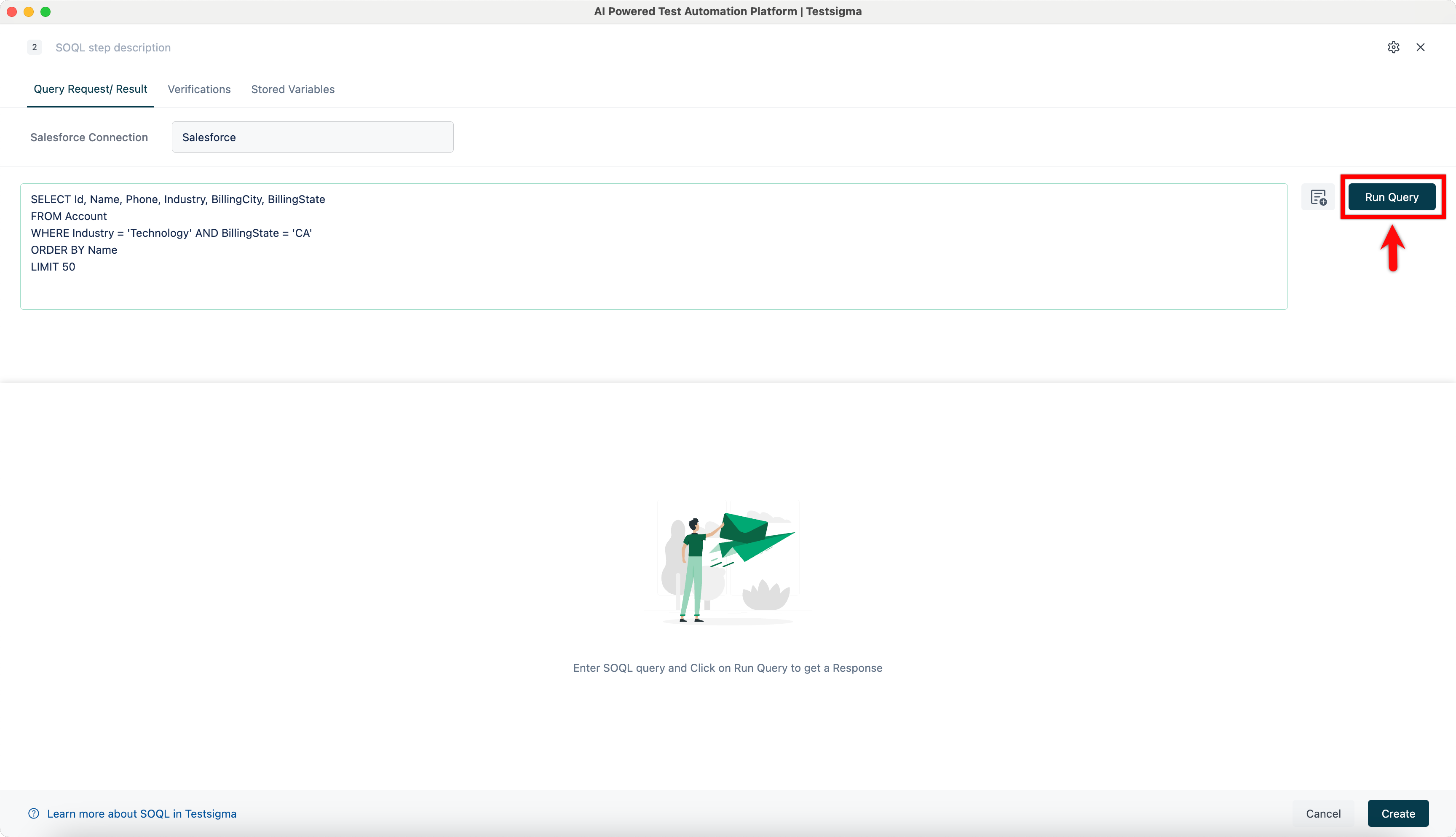
-
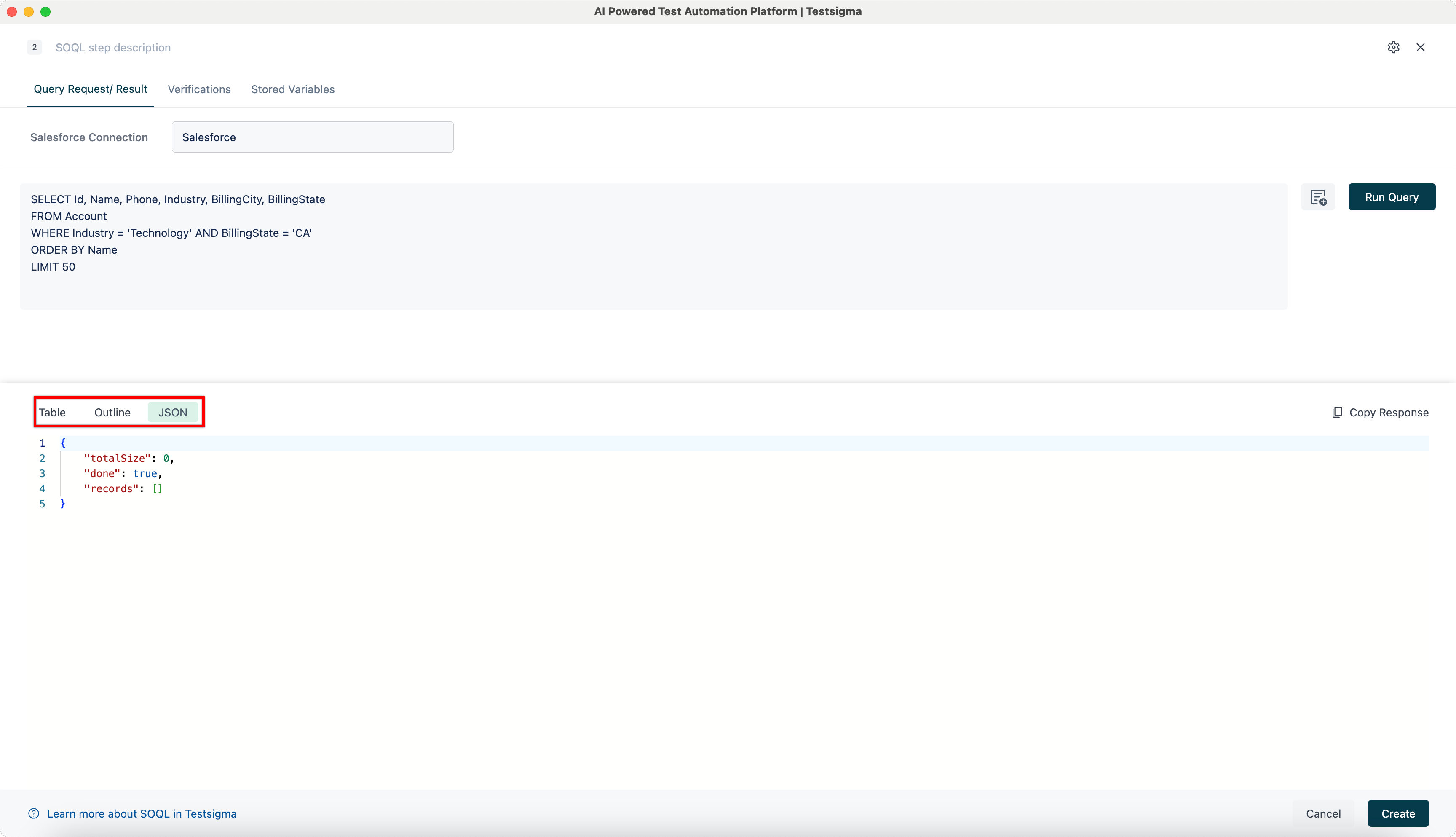
View the response in Table, Outline, or JSON format by switching between the tabs.
-
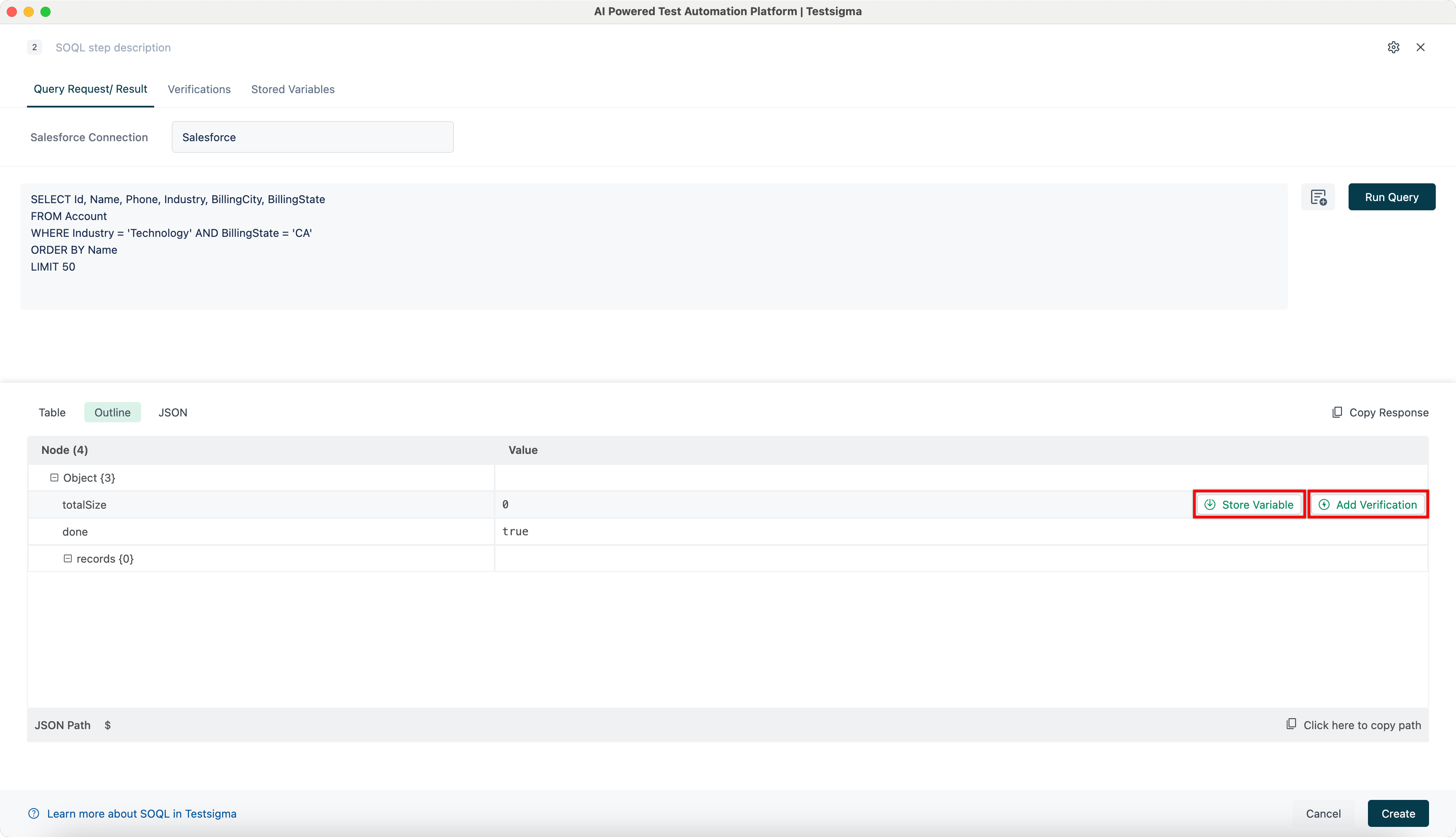
In the Outline tab, store values as variables or add verifications directly from the response.
-
Click Create to save and add the SOQL step to your test case.
