Testsigma Agent
Triggering Tests on Local Devices
Prerequisites
Before you begin, ensure that:
- You have referred to the documentation on installing Testsigma Agent on the target machine.
- You have referred to the documentation on starting the Testsigma Agent on the target machine.
- You have integrated Testsigma commands to trigger test plans for CI/CD pipelines.
Steps to Trigger Tests on Local Devices
Section titled “Steps to Trigger Tests on Local Devices”-
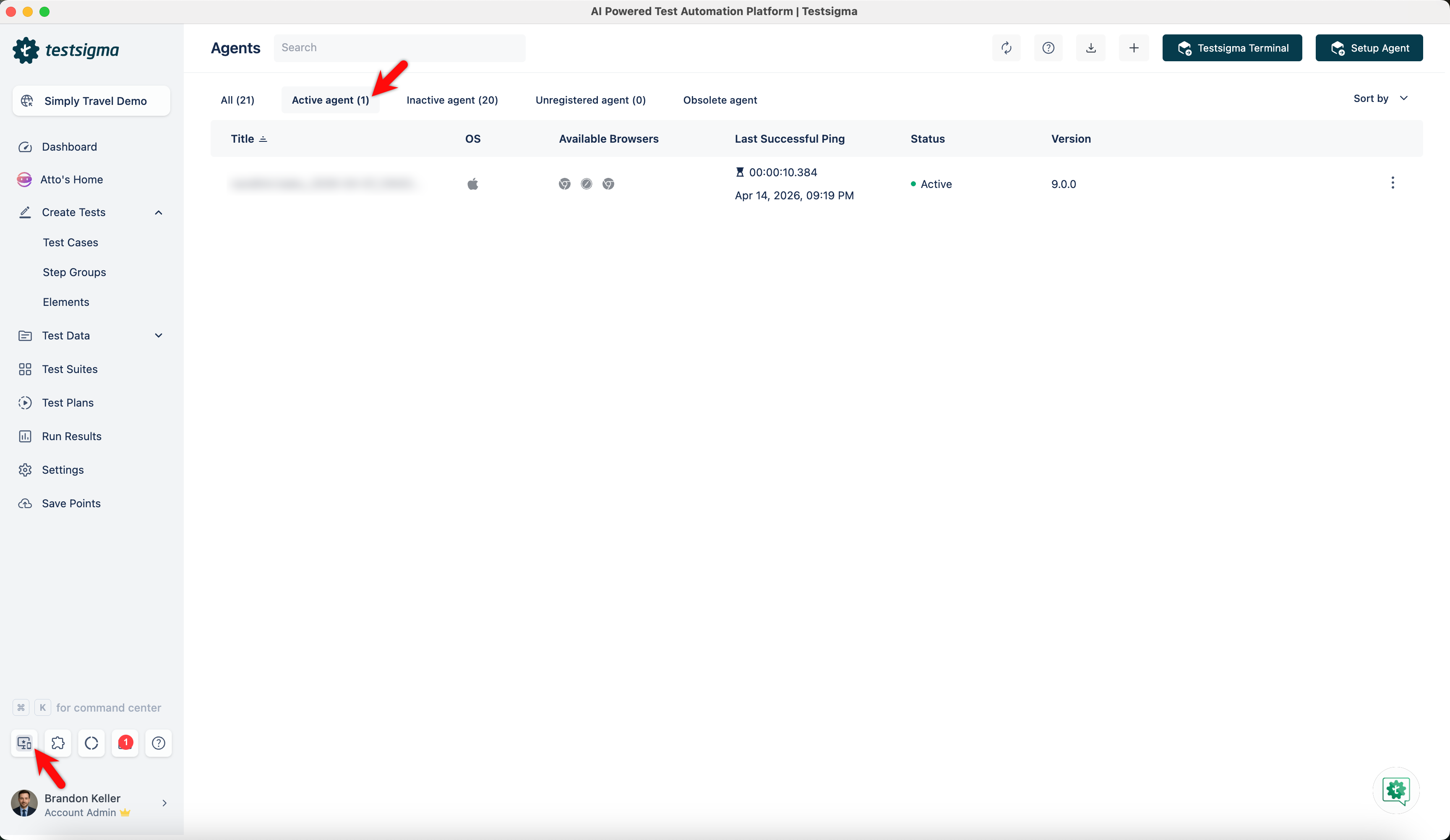
Install and register Testsigma Agent on the target machine.
-
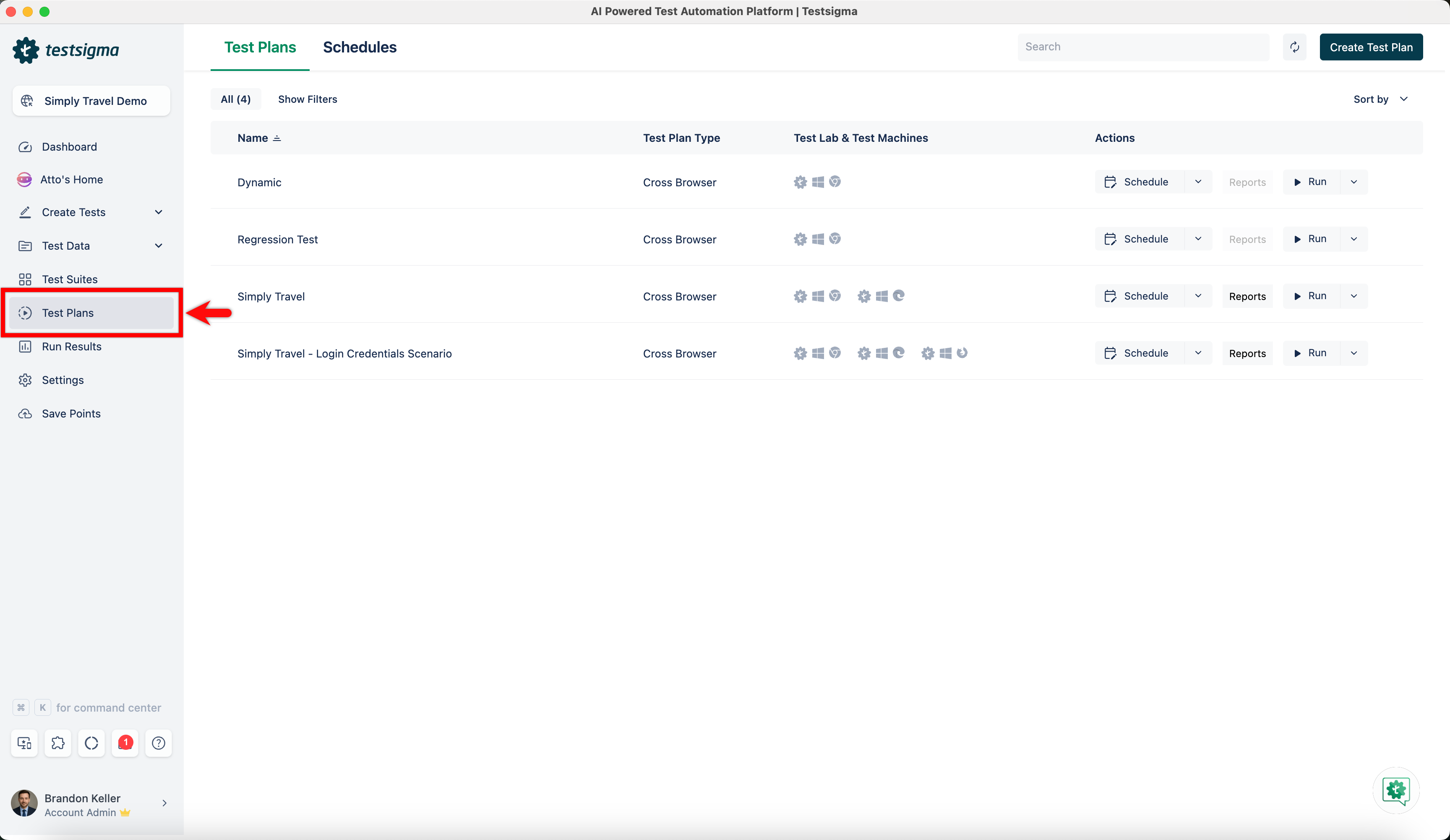
Navigate to Test Plans from the Dashboard and select the Test Plan where you want to add local machines.
-
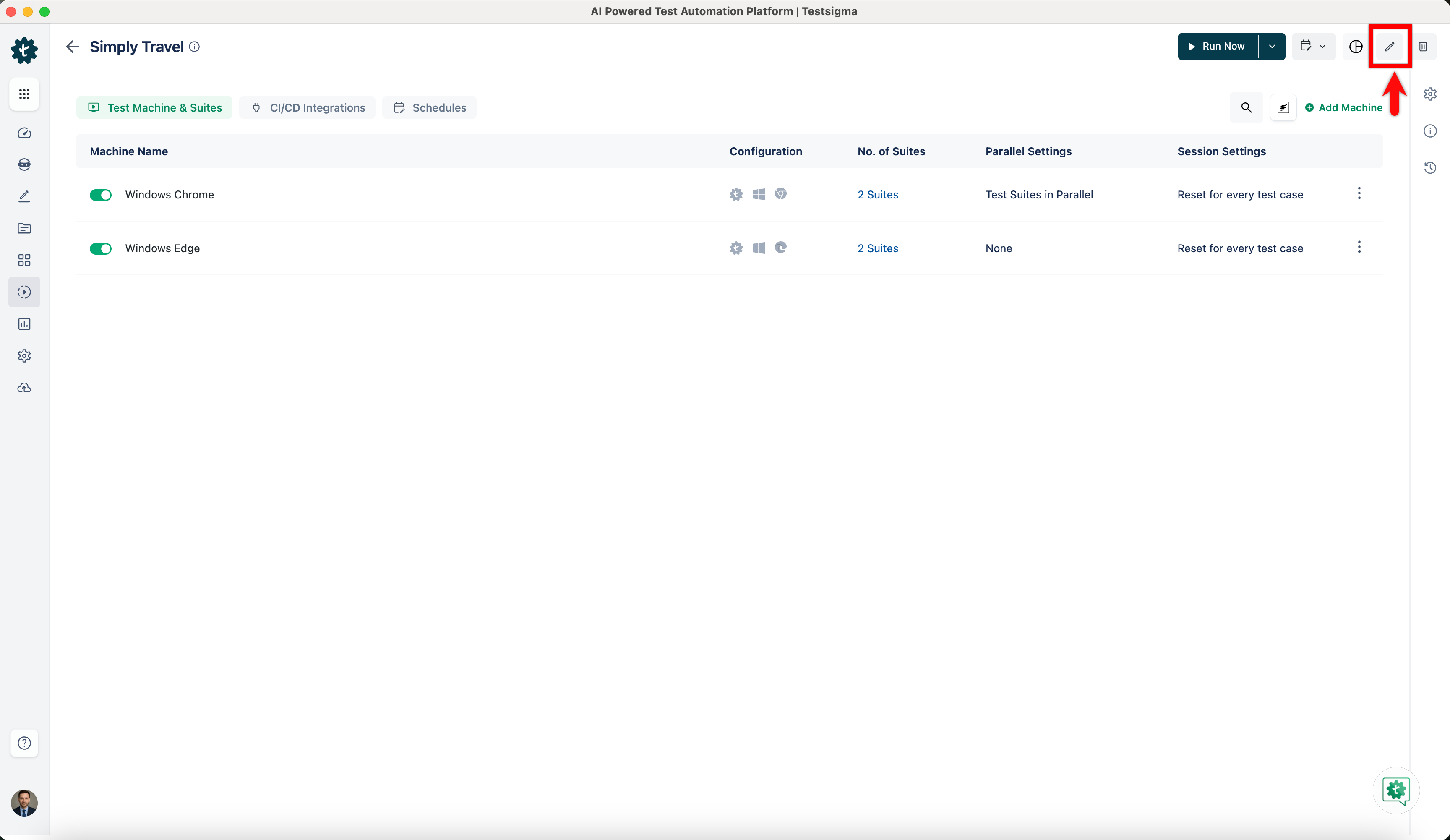
Click on Edit.
-
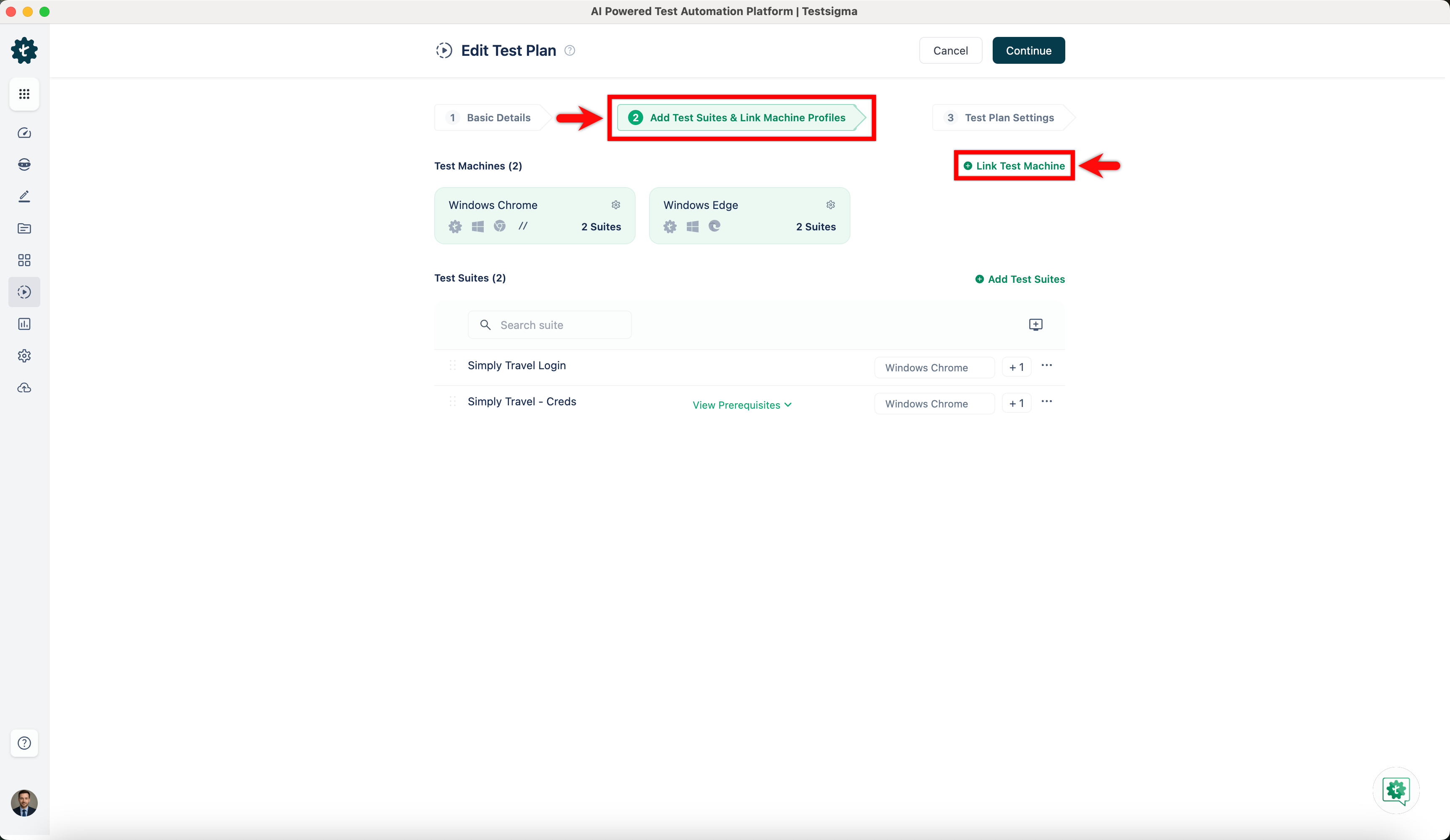
On the Add Test Suites & Link Machine Profiles sections, click on Link Test Machine.
-
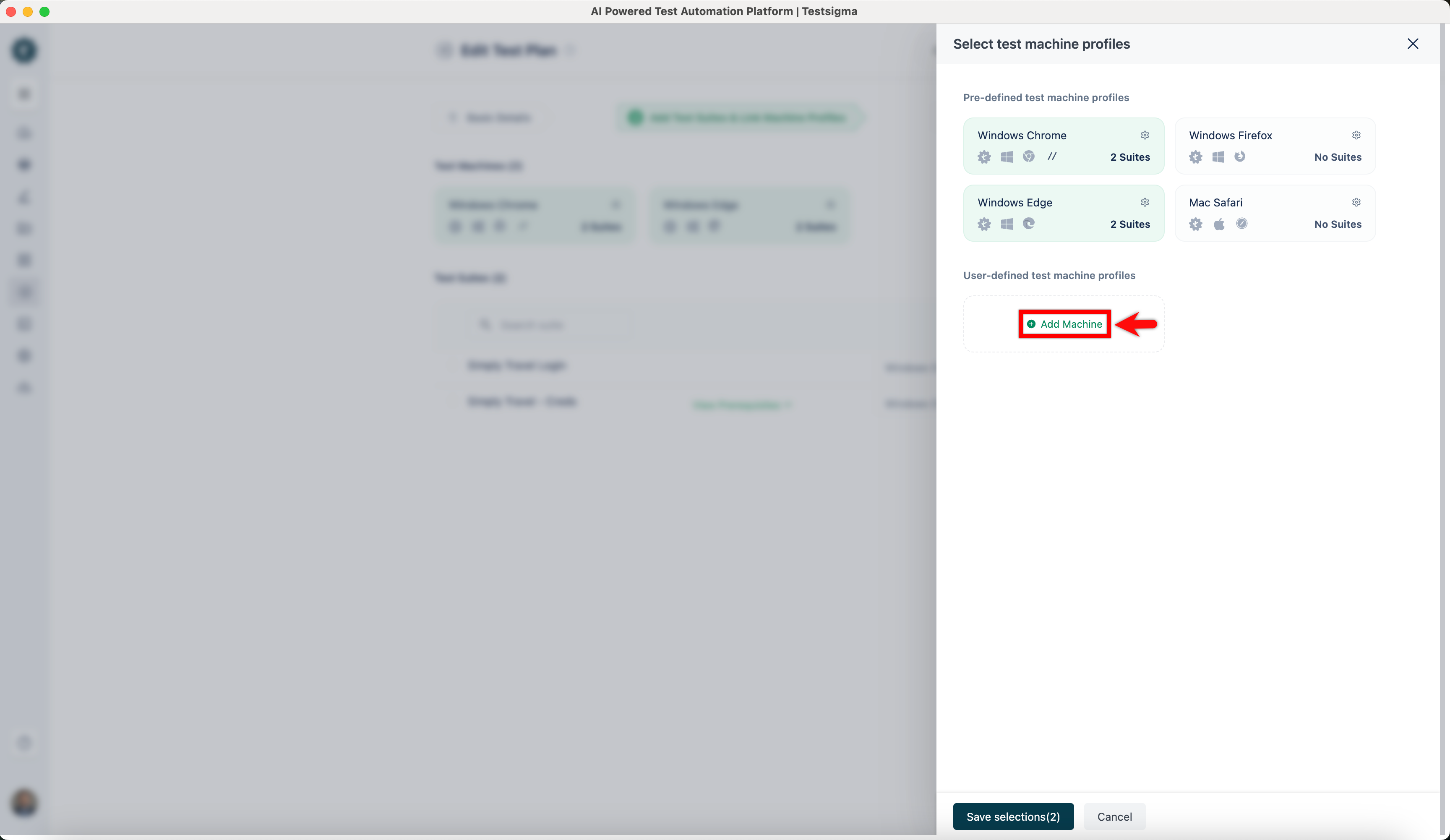
On Select test machine profiles overlay, click on Add Machine.
-
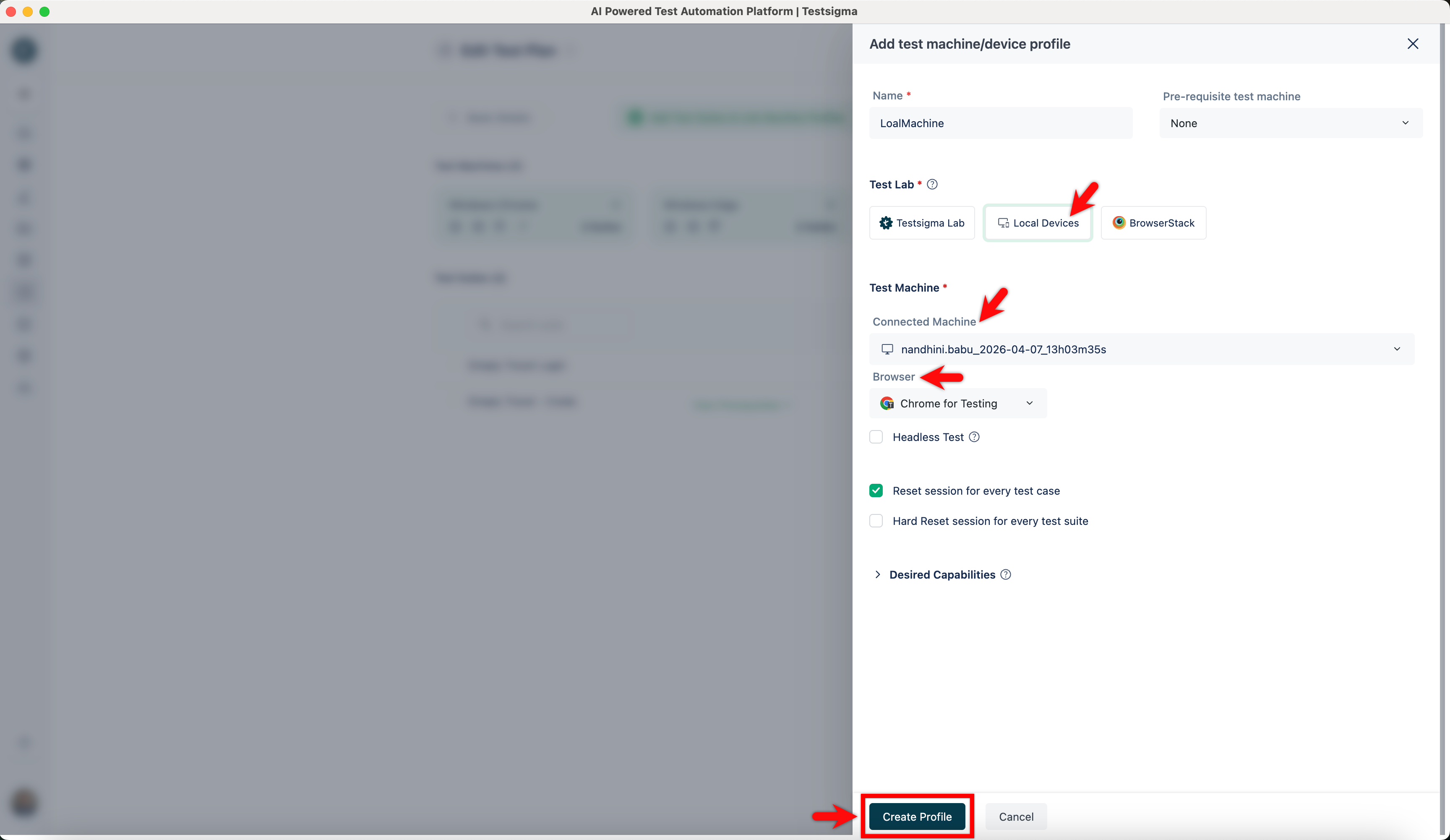
On Add test machine/device profile overlay, add Name, select Local Devices, active agent on Connected Machine dropdown, and Browser. Click on Create Profile.
-
Click on Save Selection.
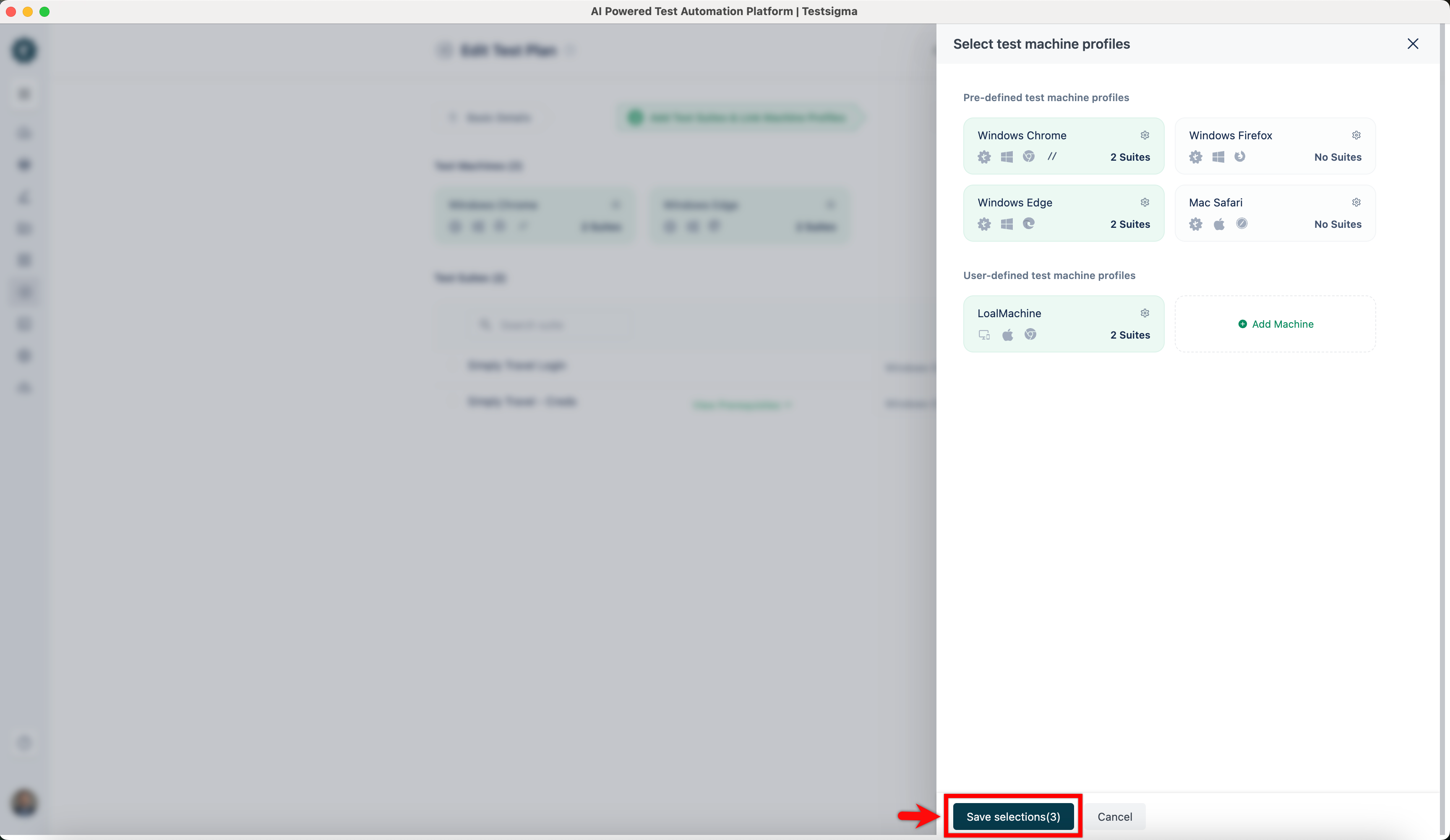
Now, your test plan is ready for execution from any machine.
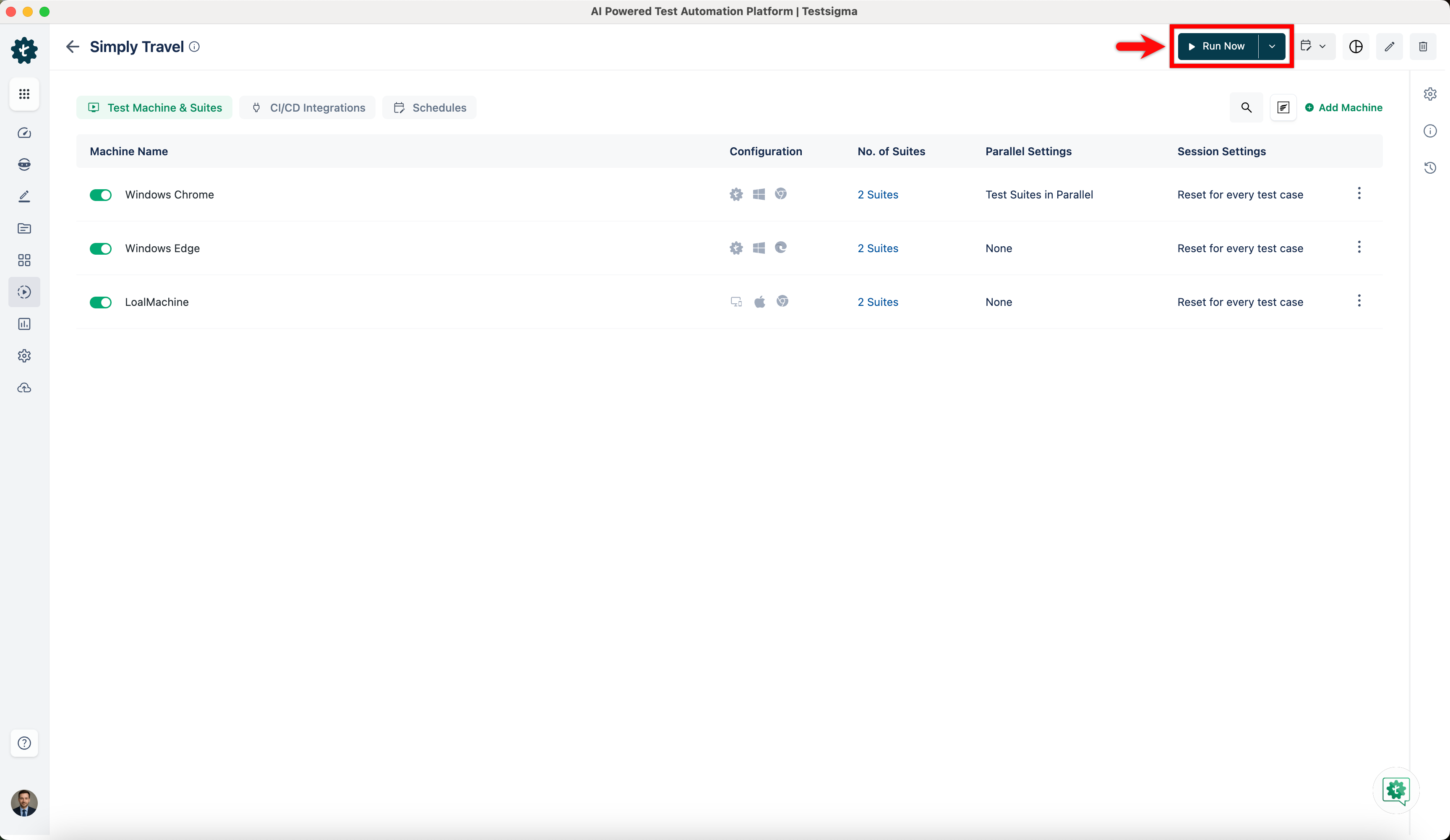
- Navigate to the same test plan from any machine with the same account and click on Run Now to execute the Test Plan.