
Reports
Filters on the Run Results Page
Prerequisites
Before you begin, ensure that you have referred to:
Applying Filters on the Run Results Page
Section titled “Applying Filters on the Run Results Page”-
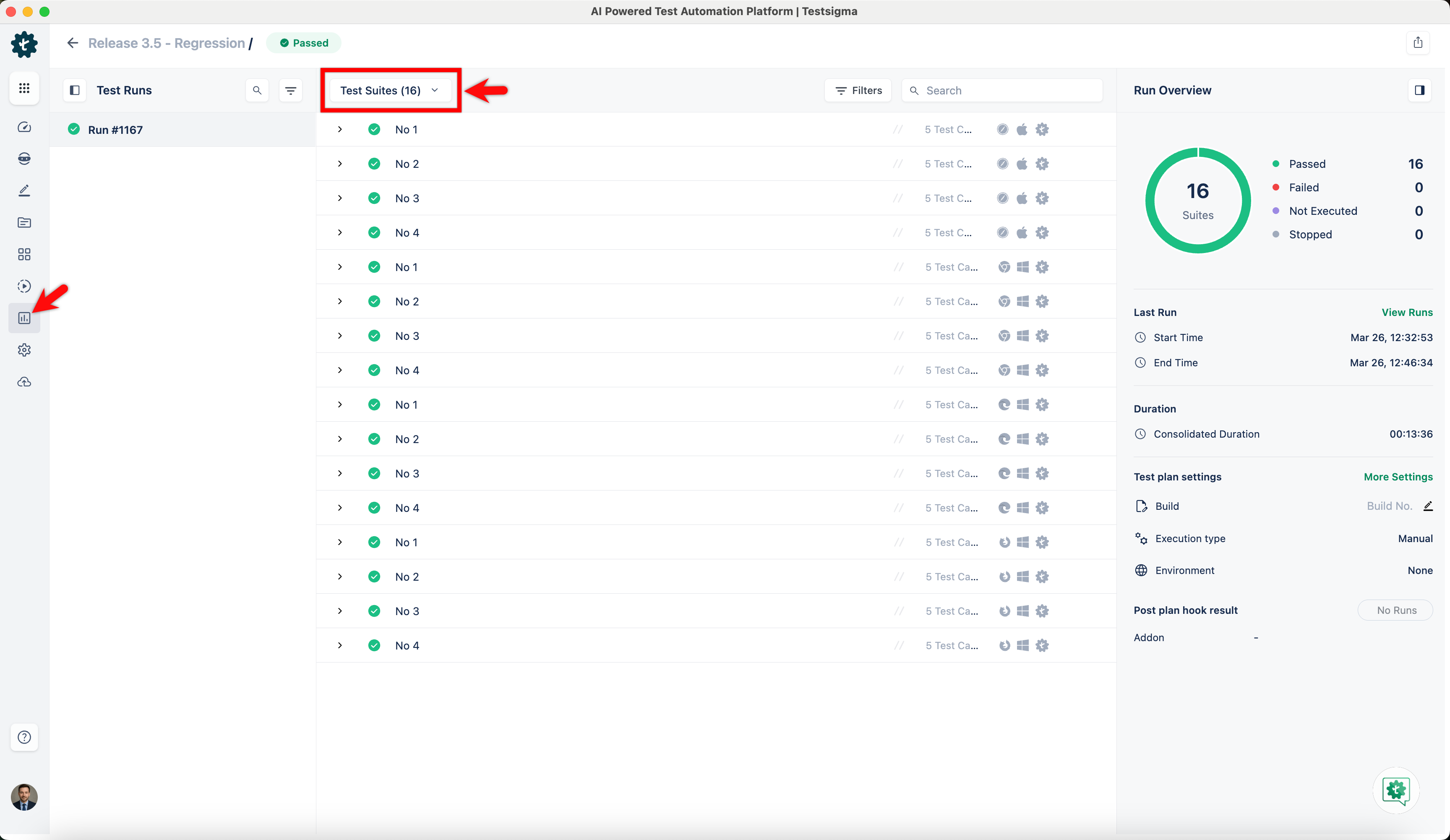
From the left navigation bar, go to Run Results and click on the test plan for which you want to check the results.
-
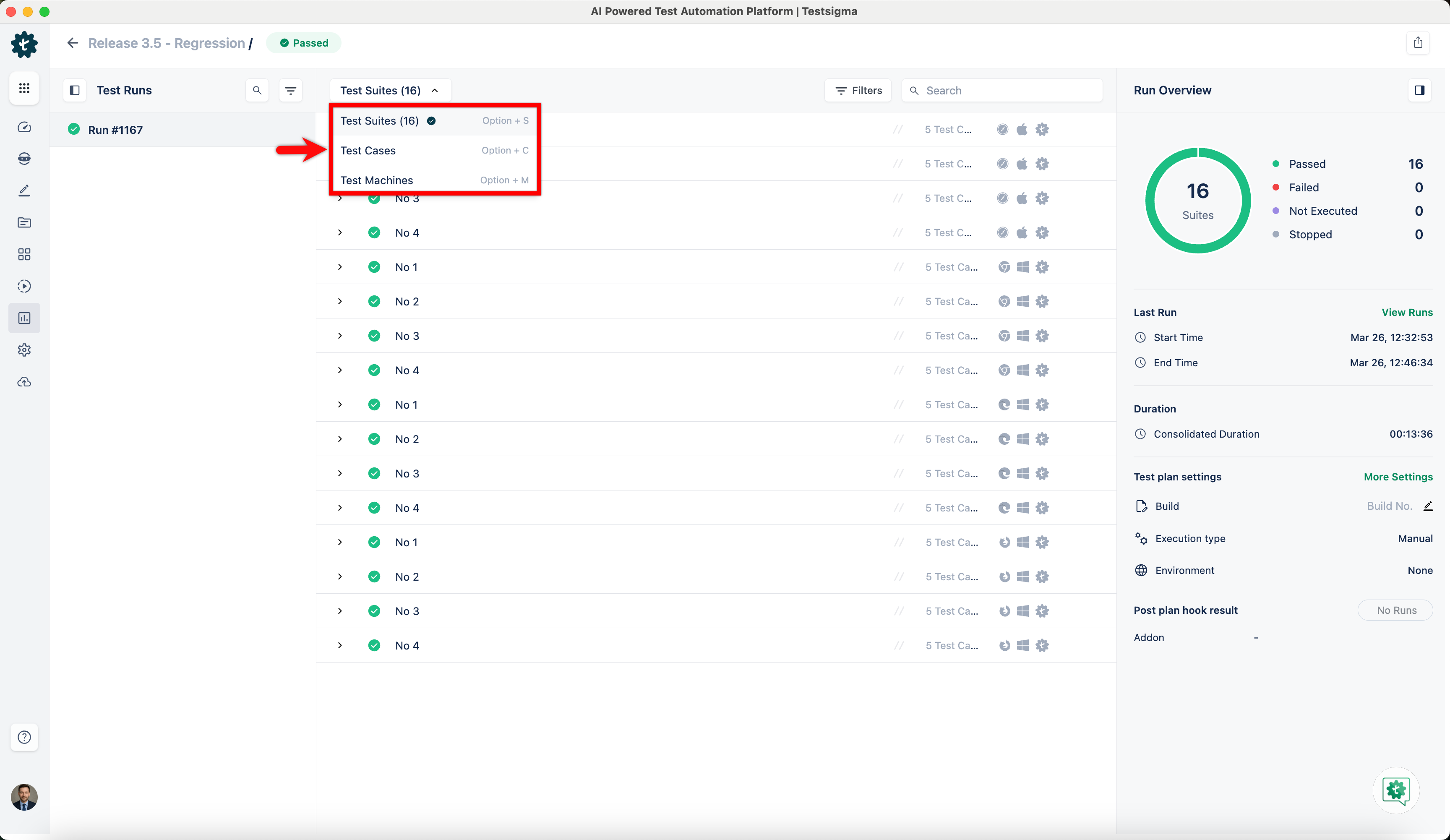
By default, you’ll see the results at test suite level.
-
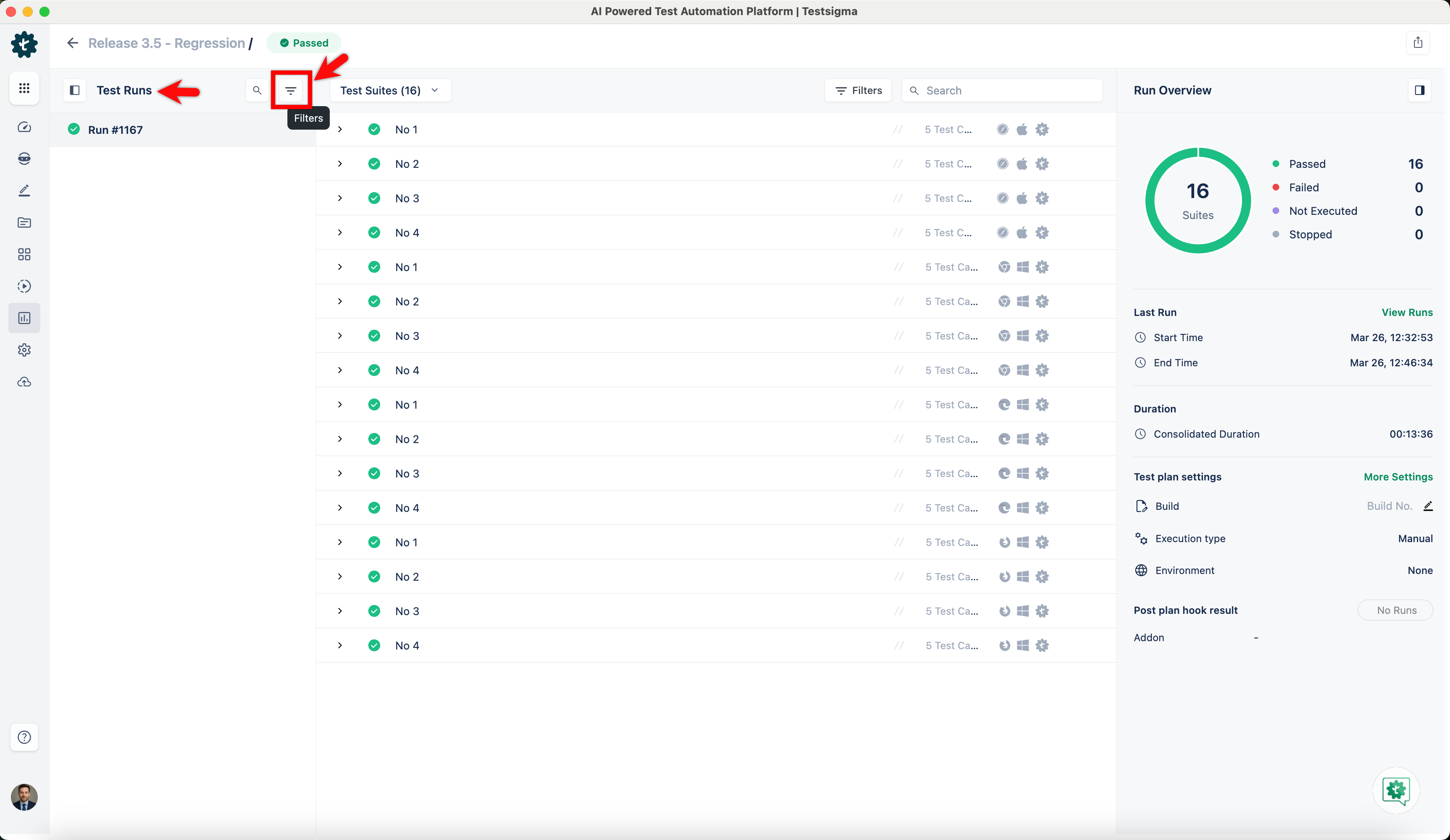
To apply filters to the Test Runs panel, click the Filters icon on the panel.
-
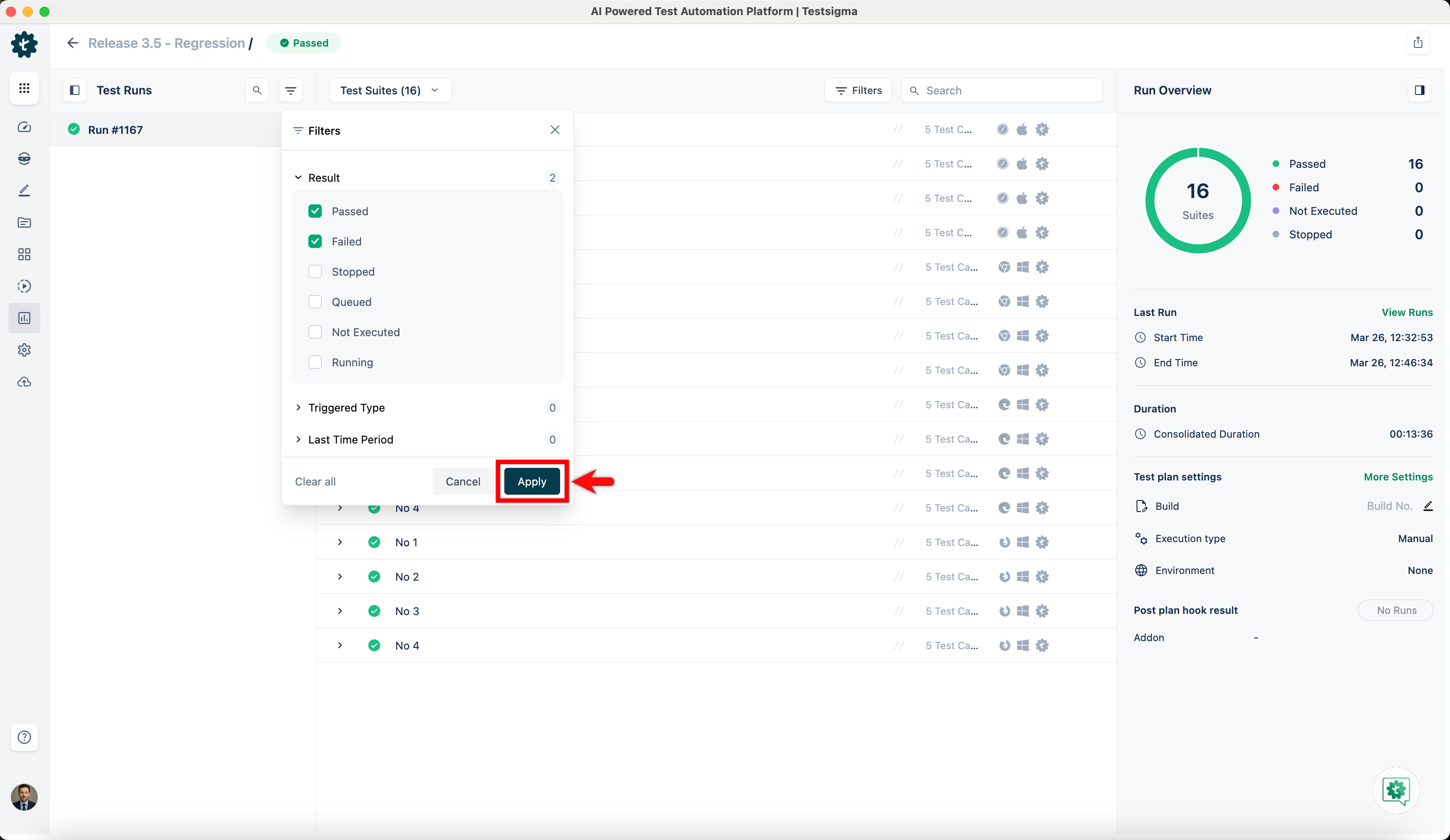
Add the desired filters and click Apply.
-
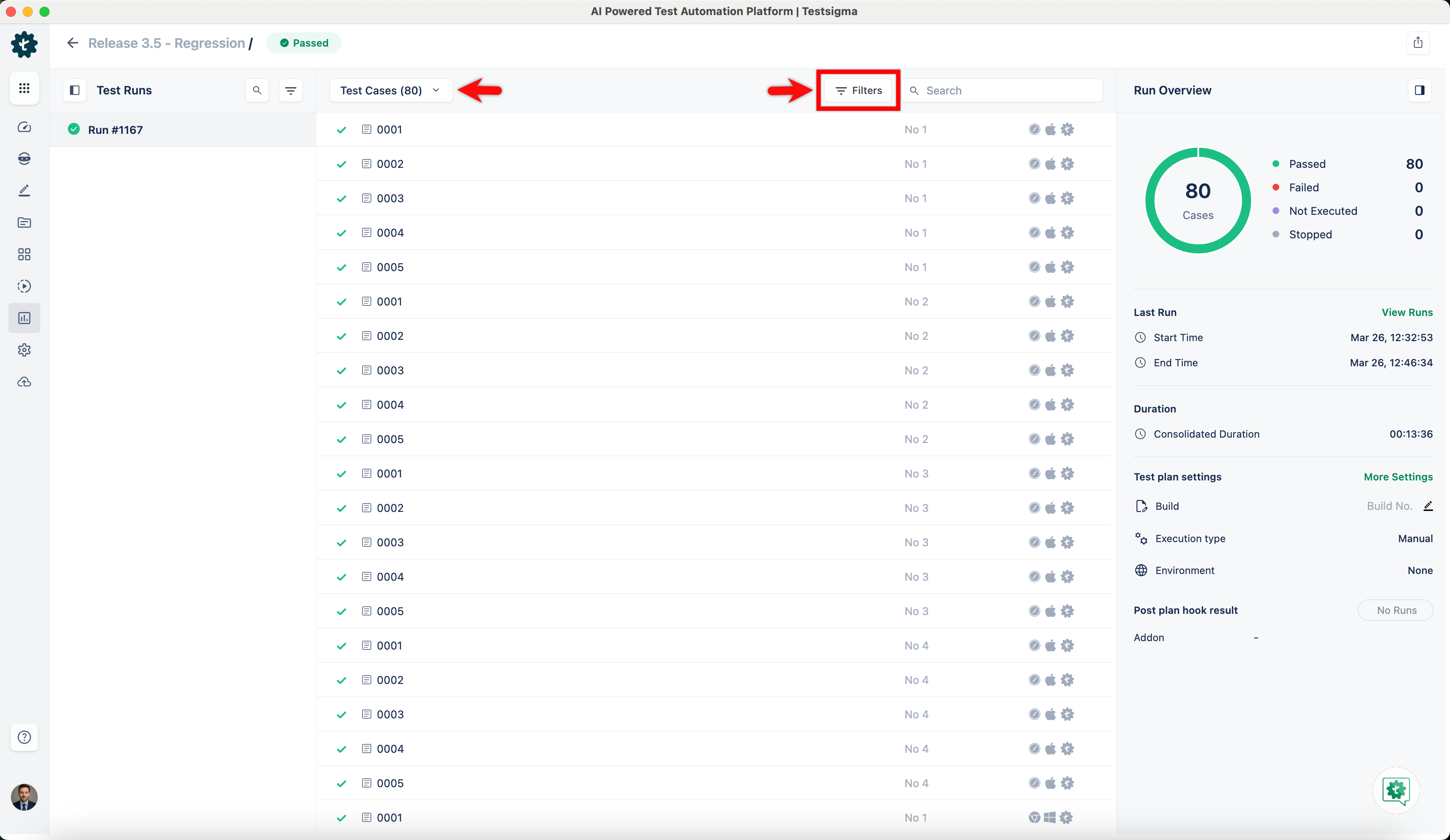
To apply filters to the tests, select Test Cases, Suites, or Machines from the dropdown menu, then click the Filters icon.
-
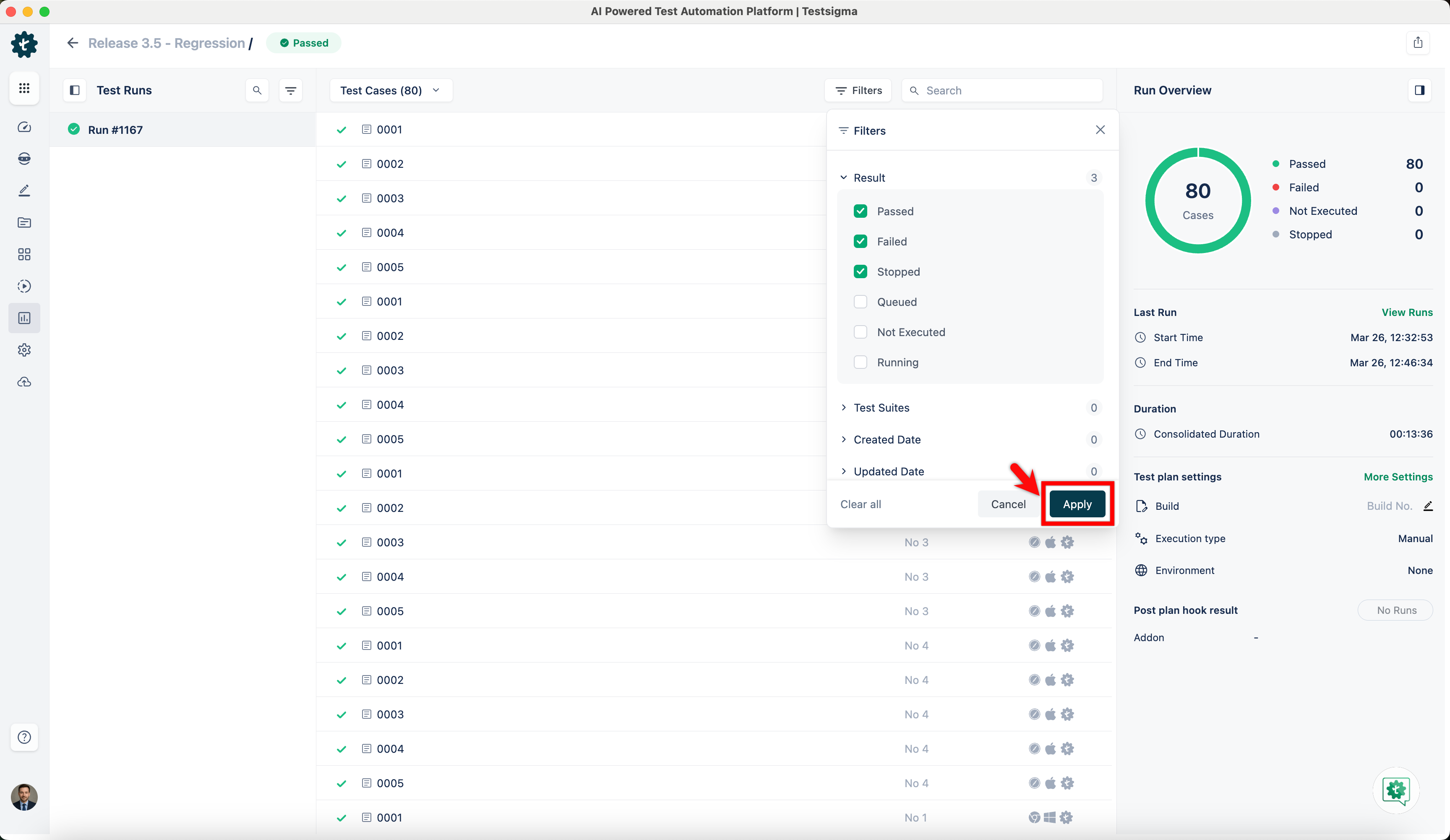
Add the desired filters and click Apply.
-
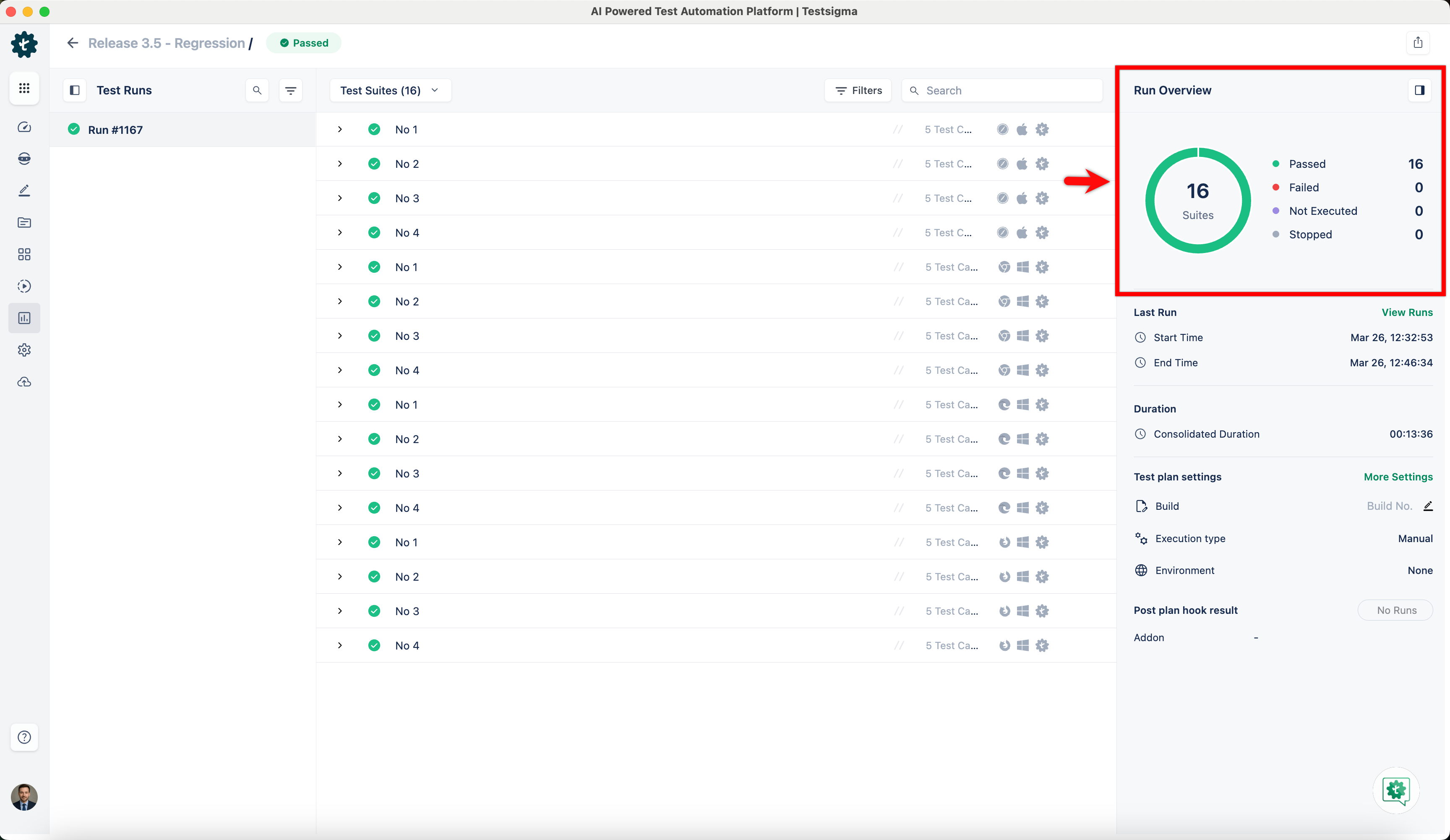
You can click a status in the chart within the Run Overview to apply additional filters on top of it.
For more information on viewing and downloading results of a test plan on test case, test suite or test machine levels, refer to the documentation on test plan run results.