Testsigma Agent
Setting Up iOS Local Devices
Prerequisites
Before you begin, ensure that you have referred to:
Setup Instructions:
Section titled “Setup Instructions:”-
From the left navigation bar, go to Agents and select an agent.
-
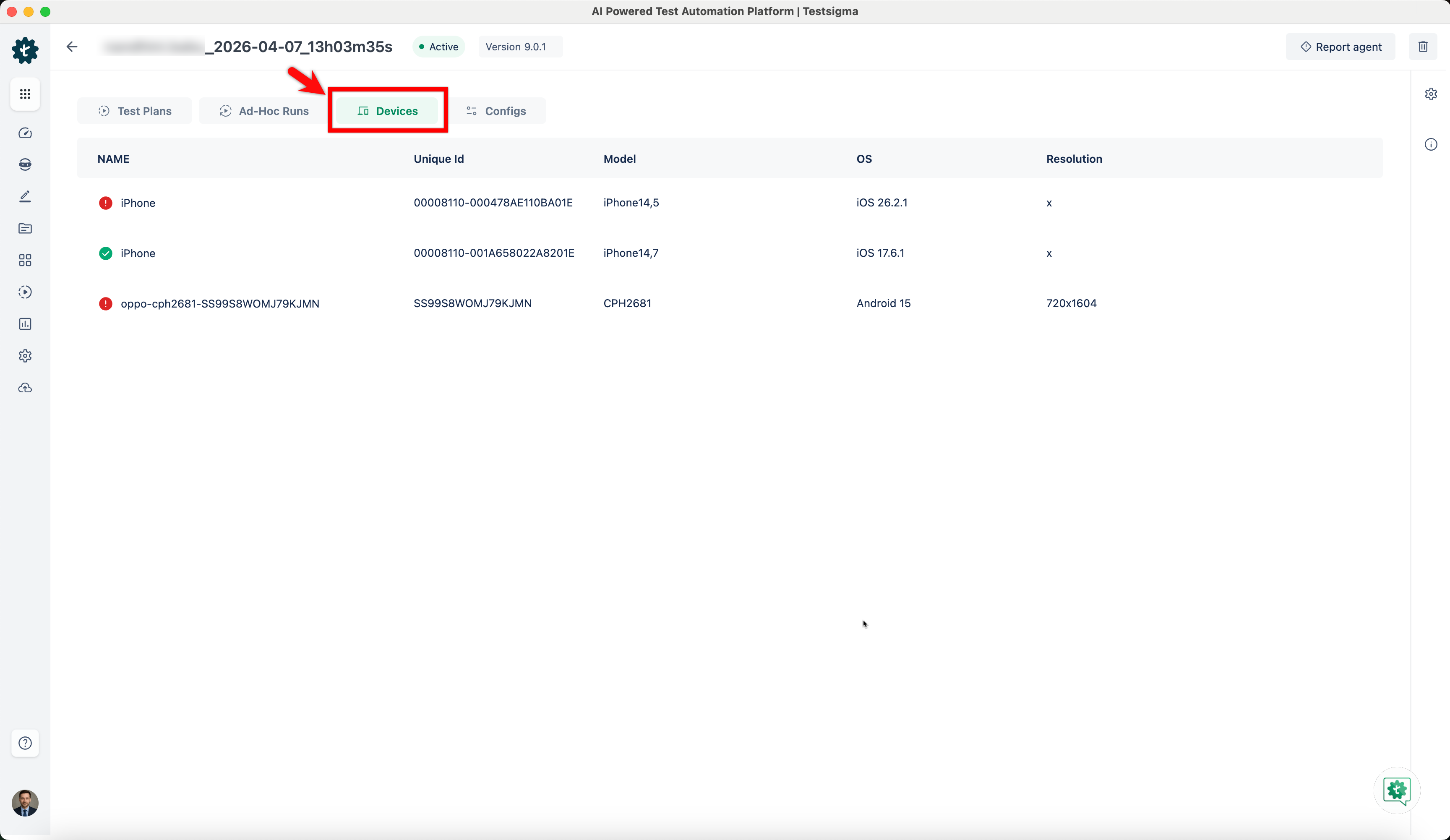
Under Devices, you can see the device name that is connected to the registered agent.
-
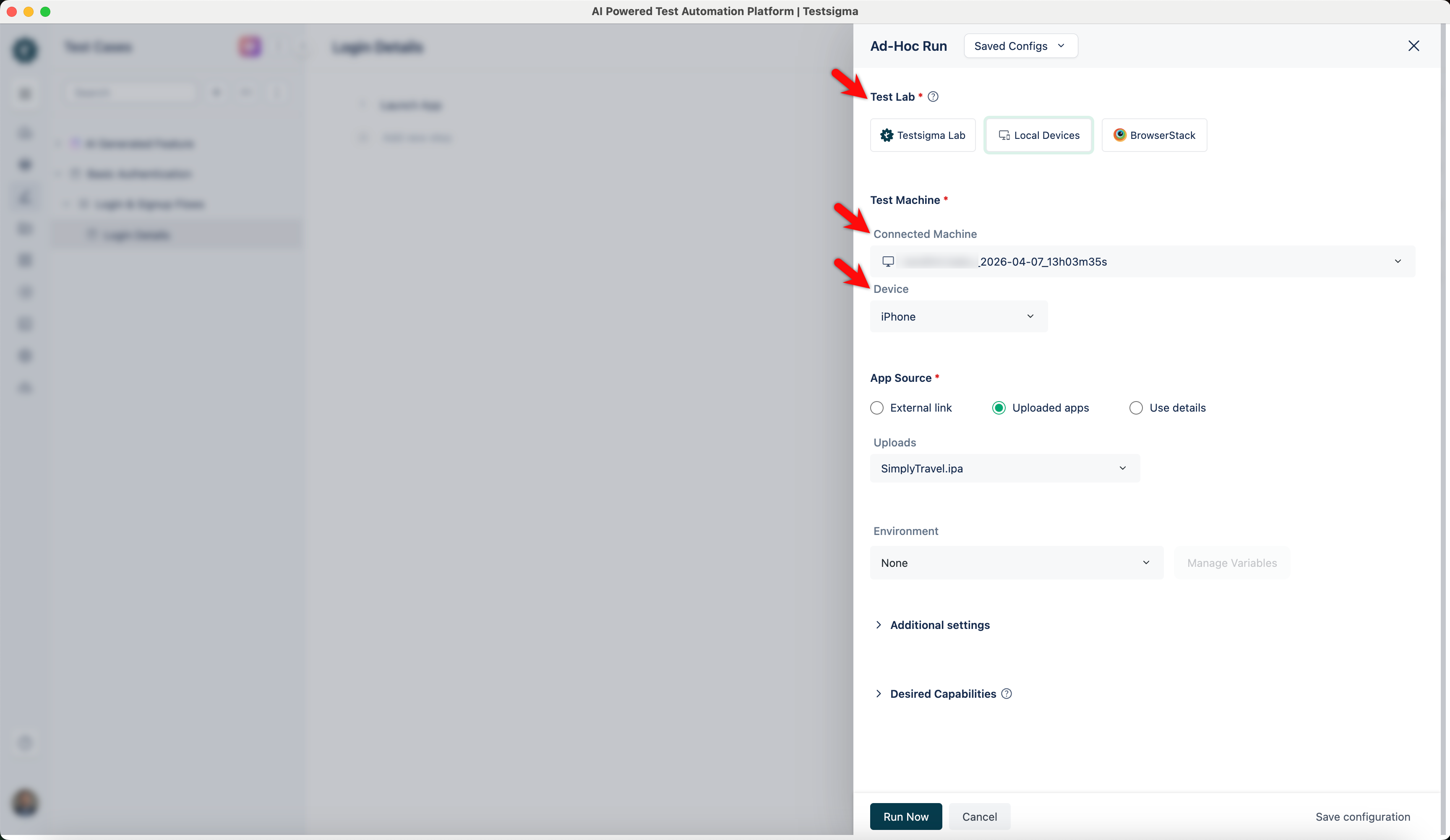
To execute iOS tests on this device, you can select Local Devices as Test Lab and select the required machine and device under Test Machine.