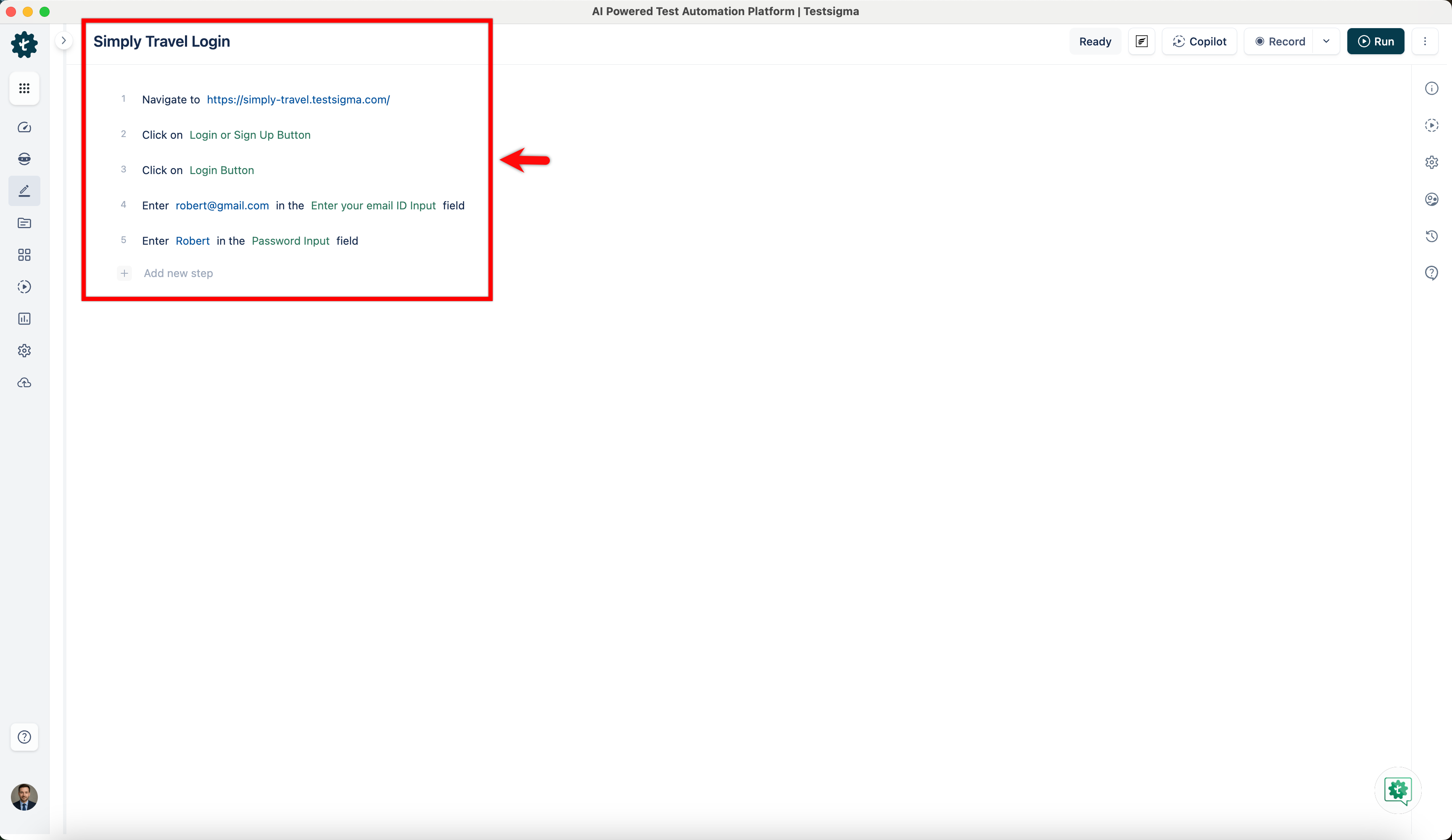
Test Cases
Natural Language/Simple English Type Test Step
Prerequisites
Before you begin, ensure that you have referred to:
Specific Actions for Your Test Case:
Section titled “Specific Actions for Your Test Case:”- Click
- Tap
- Verify
- Scroll
- Check
- Clear
- Close
- Uncheck
- Store
- Double Click
- Drag
- Enter
- Swipe
- Switch
- Execute
- Select
- Wait
- Mouseover
The test step suggestions will start appearing once you enter an action. Let’s see how we’ll create test cases using NLPs.
Steps to Create Test Cases Using Natural Language
Section titled “Steps to Create Test Cases Using Natural Language”-
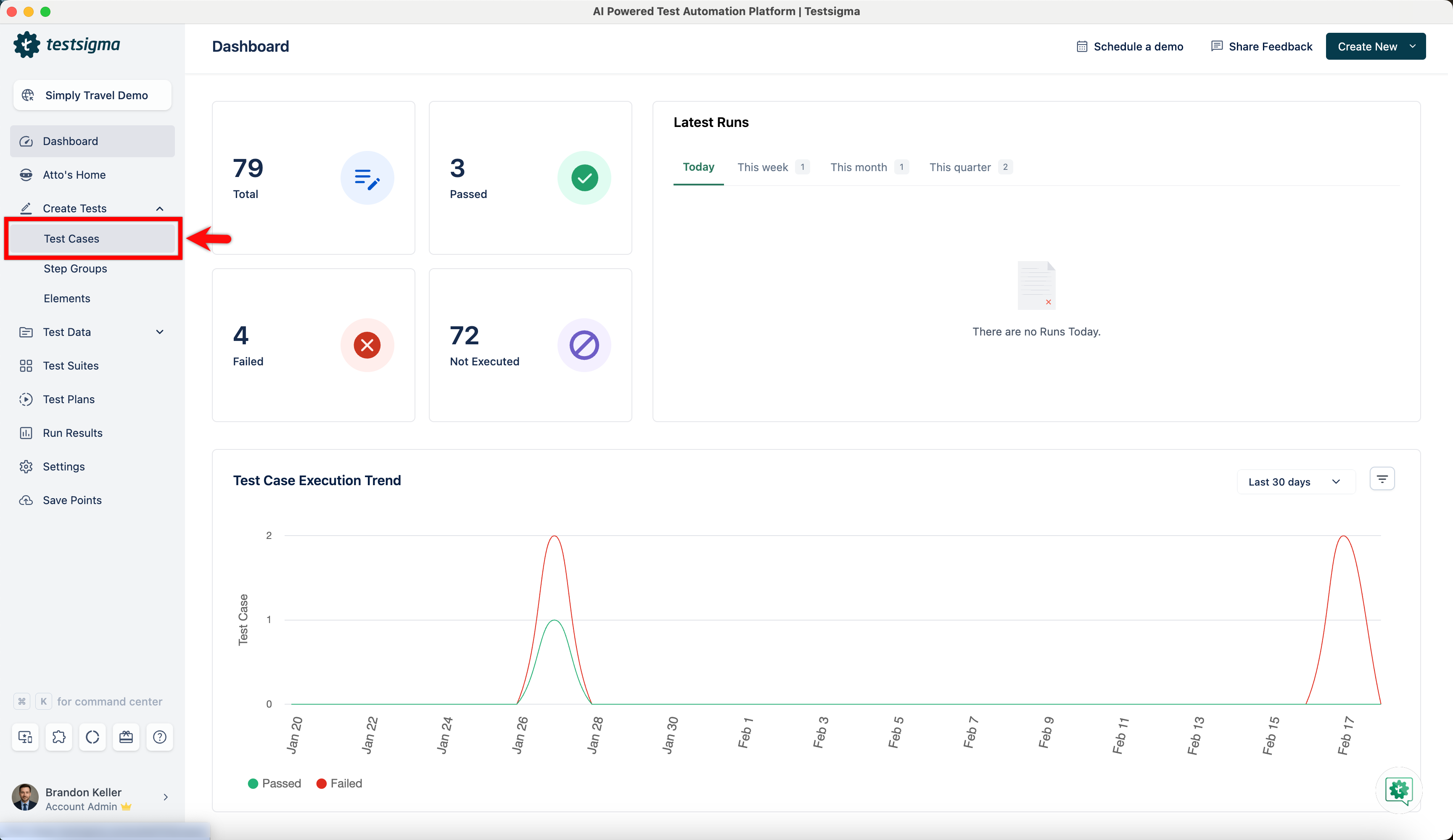
Navigate to Create Tests > Test Cases and create a new test case.
-
On the test case details page, create test steps using NLPs.