Reports
Exporting MS Excel Sheet Reports
Prerequisites
Before you begin, ensure that you have referred to:
- Documentation on creaing test plans.
- Documentation on creaing test runs and having access to export test reports.
Exporting Test Reports in Excel Format
Section titled “Exporting Test Reports in Excel Format”-
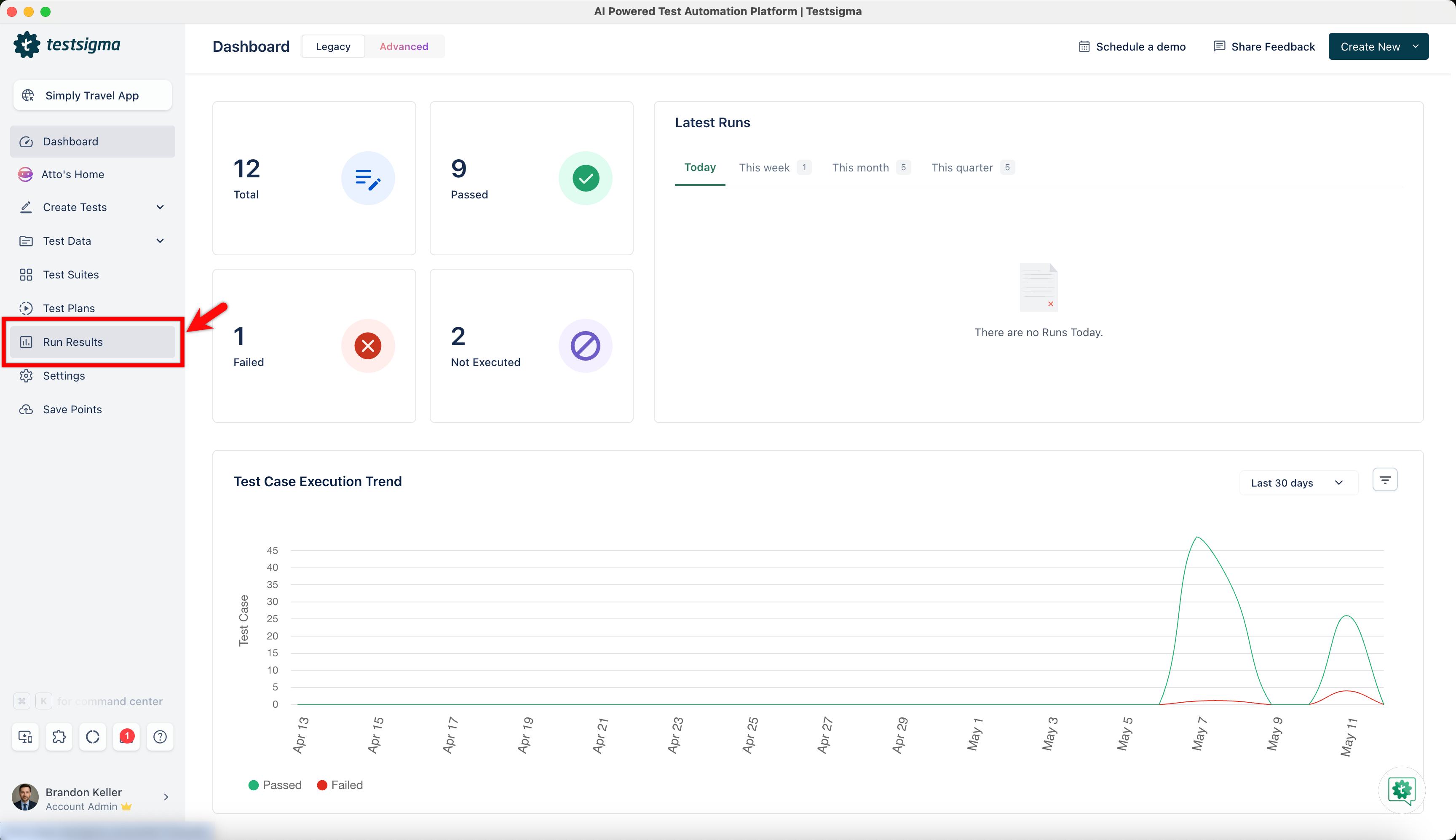
Navigate to Run Results.
-
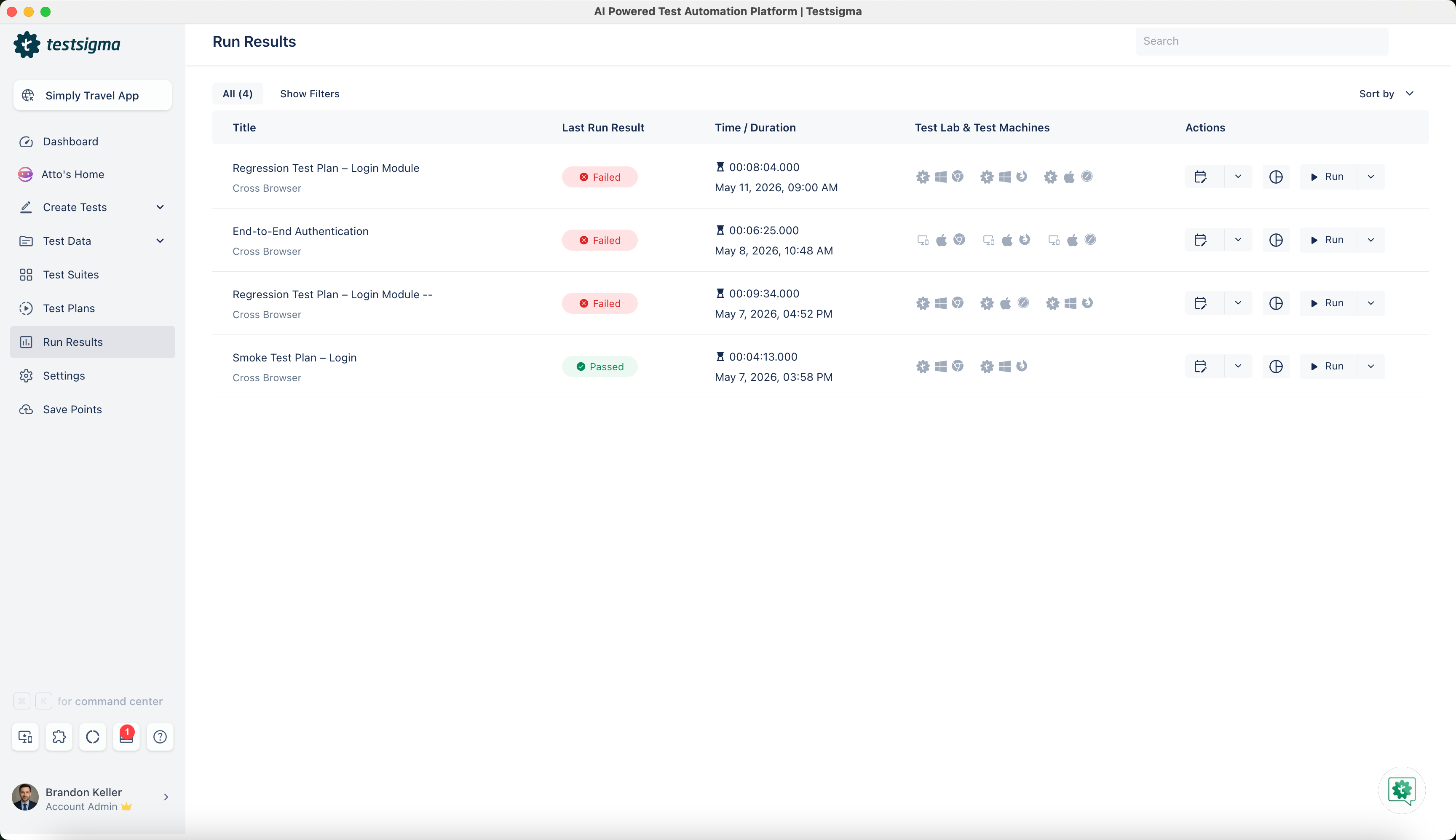
Open the specific Test Run from the Run Result list page to export the test report file.
-
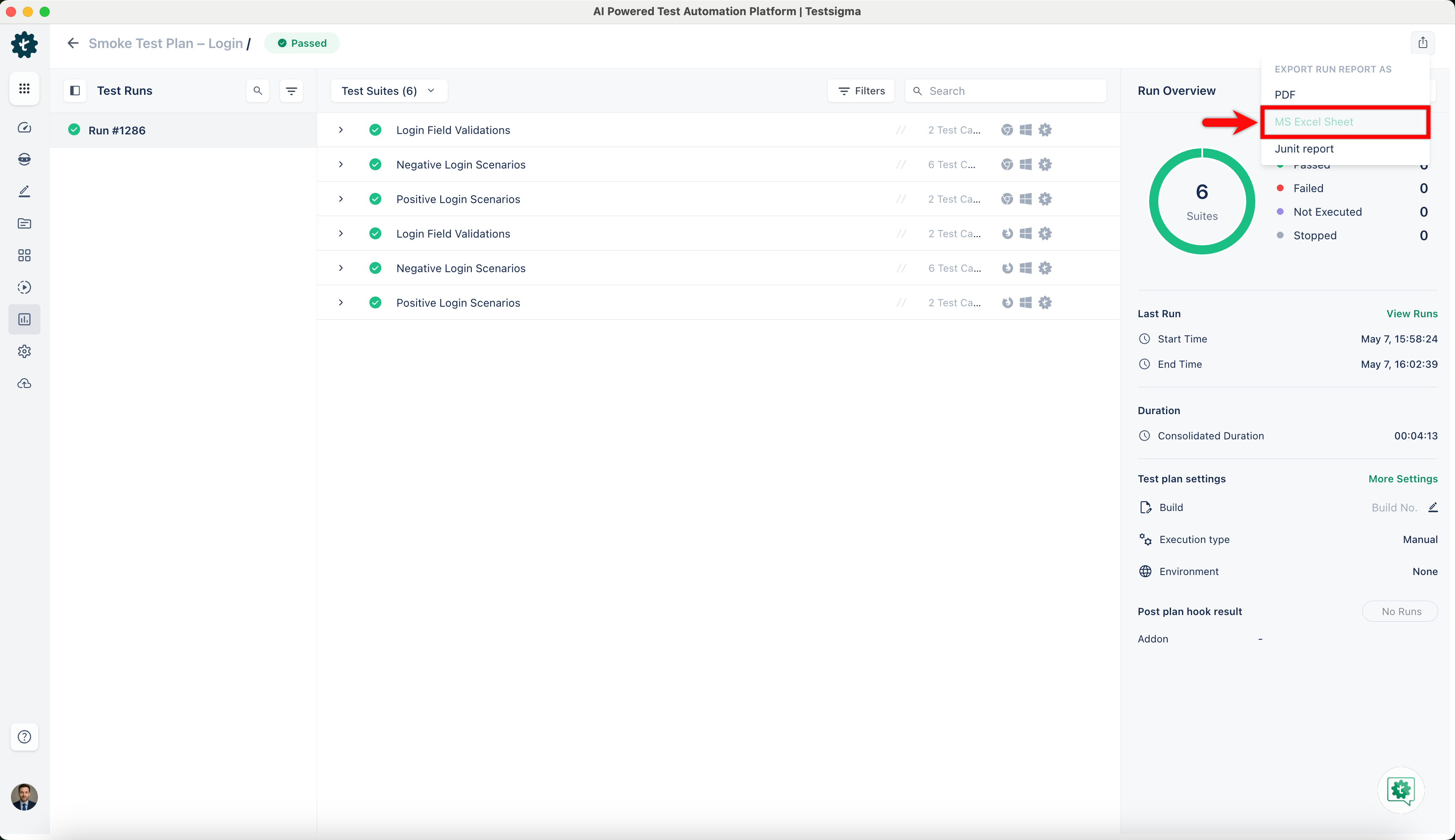
Click the Export icon, and select MS Excel Sheet from the dropdown list to initiate the export of the Test Plan results.
-
Once you select, Testsigma will generate and automatically download a report in Excel format. Testsigma will notify you via email (using the email address associated with your Testsigma account) upon completion.
-
Click on the file named (Test Plan Name).xlsx to access the exported results.