Test Plans
Distributed Testing
Prerequisites
Before you begin, ensure that you have referred to:
Steps to enable distributed testing
Section titled “Steps to enable distributed testing”-
Navigate to Test Plans and click on Create Test Plan.
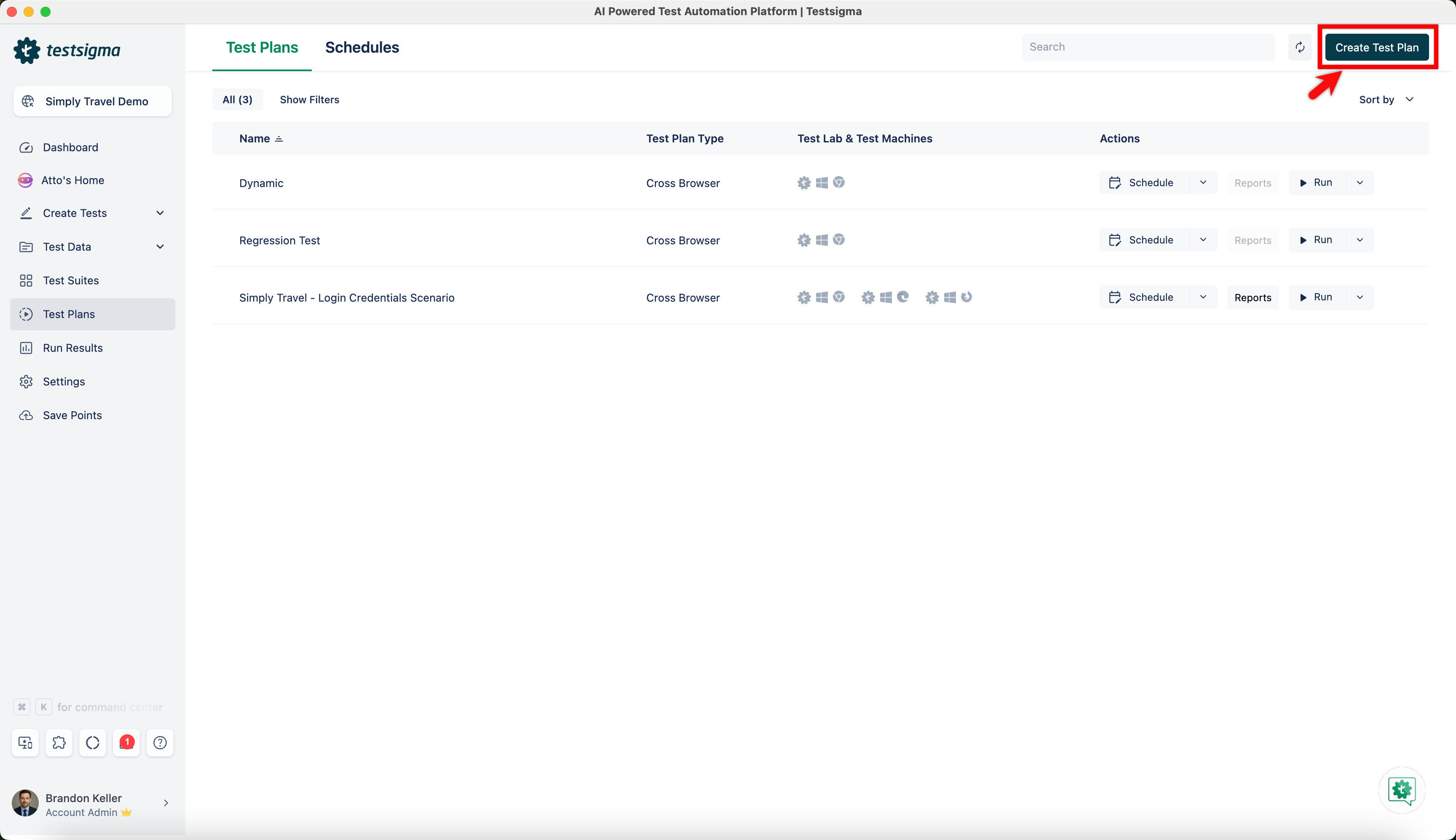
-
On the Create Test Plan page, select Custom test plan from Test Plan Type.
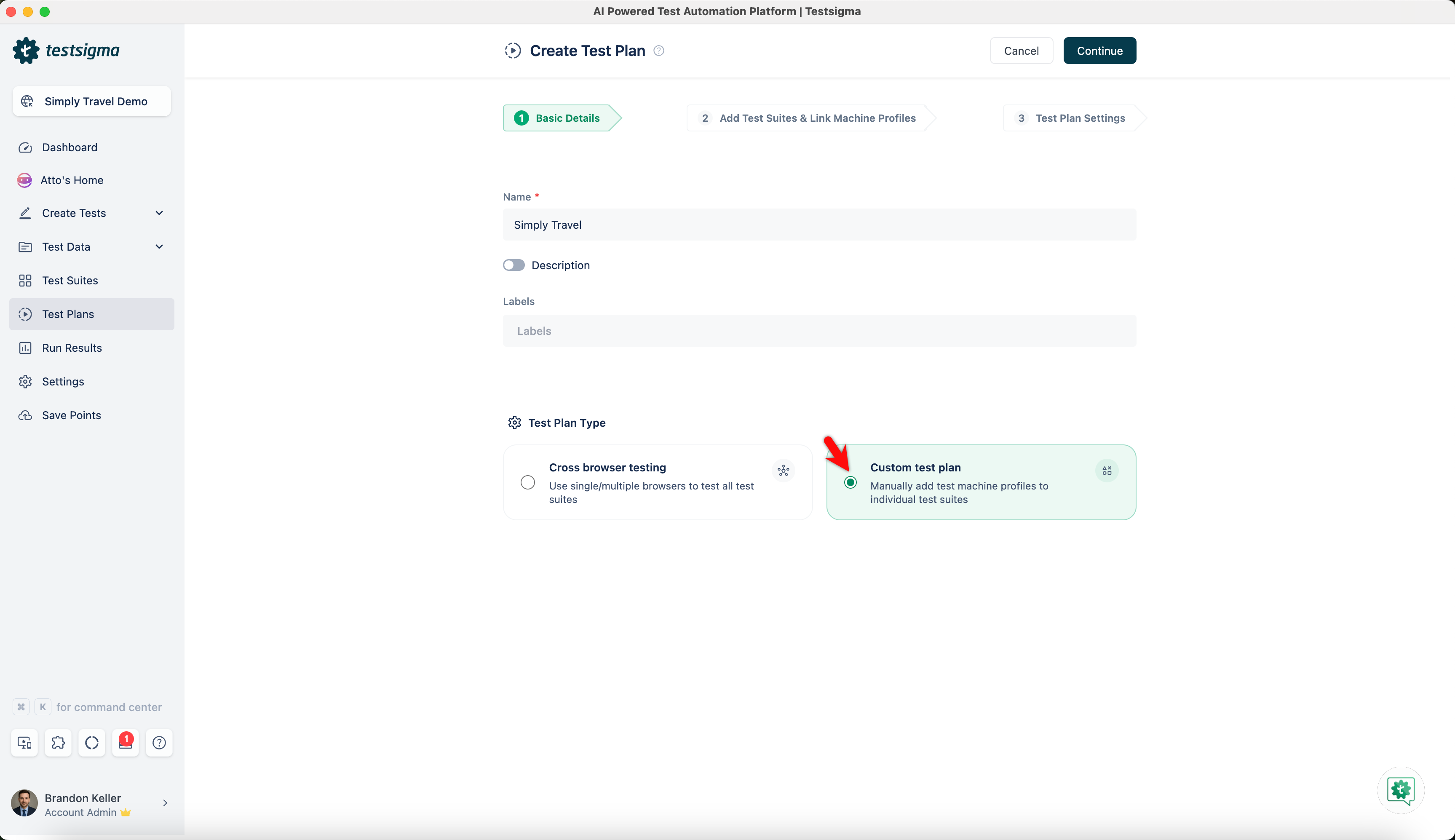
-
Click on Add Test Suites & Link Machine Profiles.
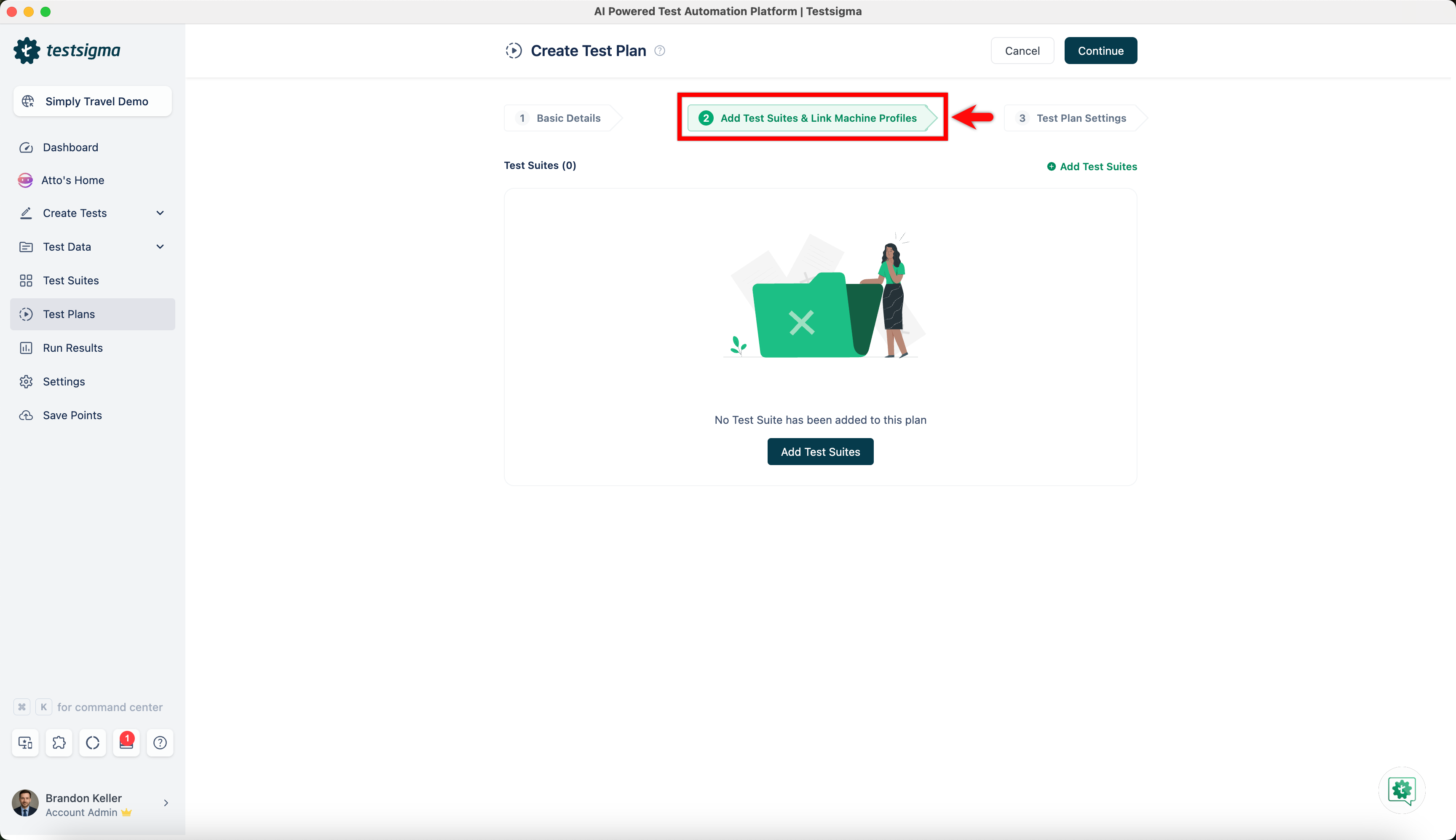
-
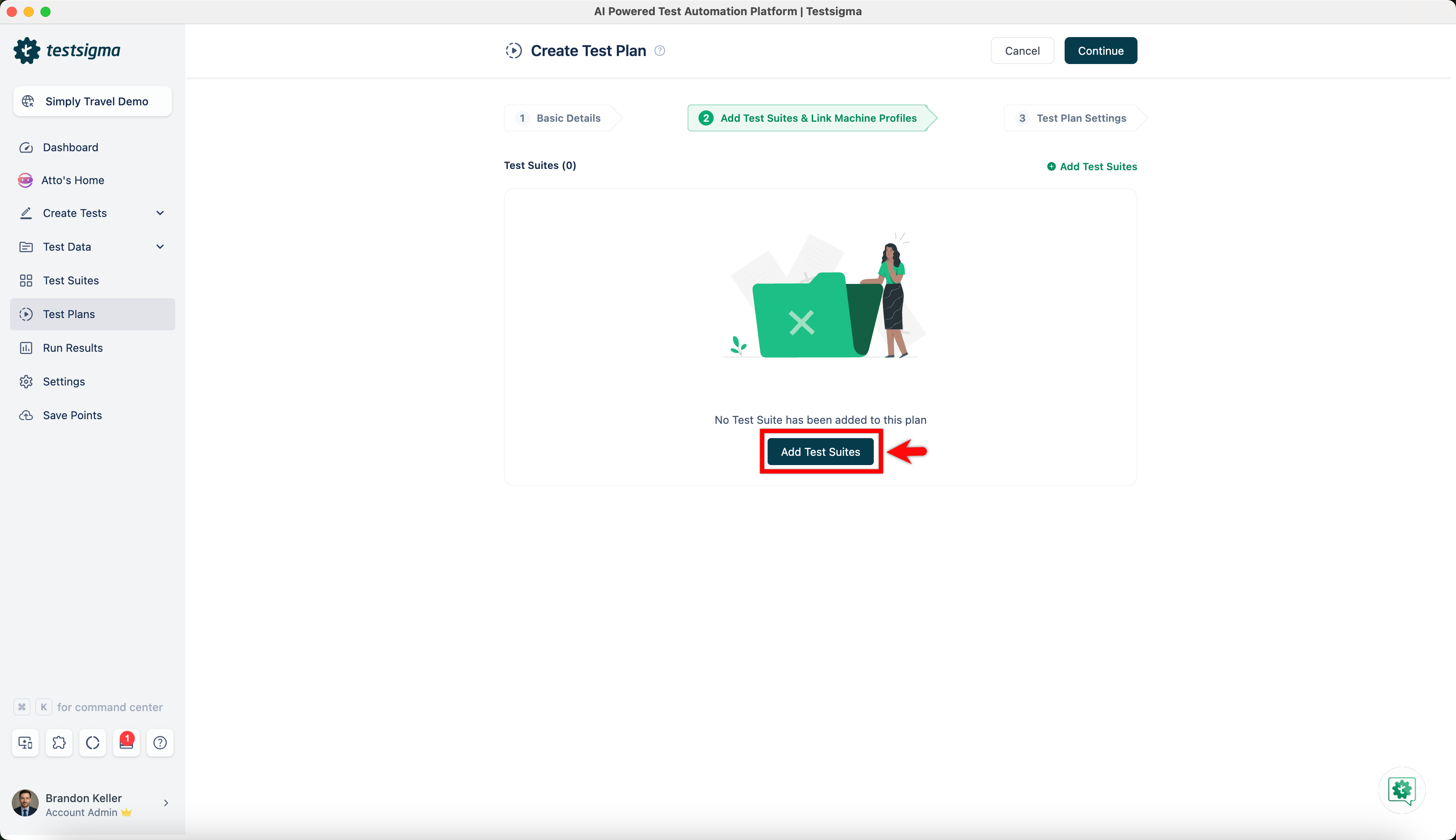
Click on Add Test Suites.
-
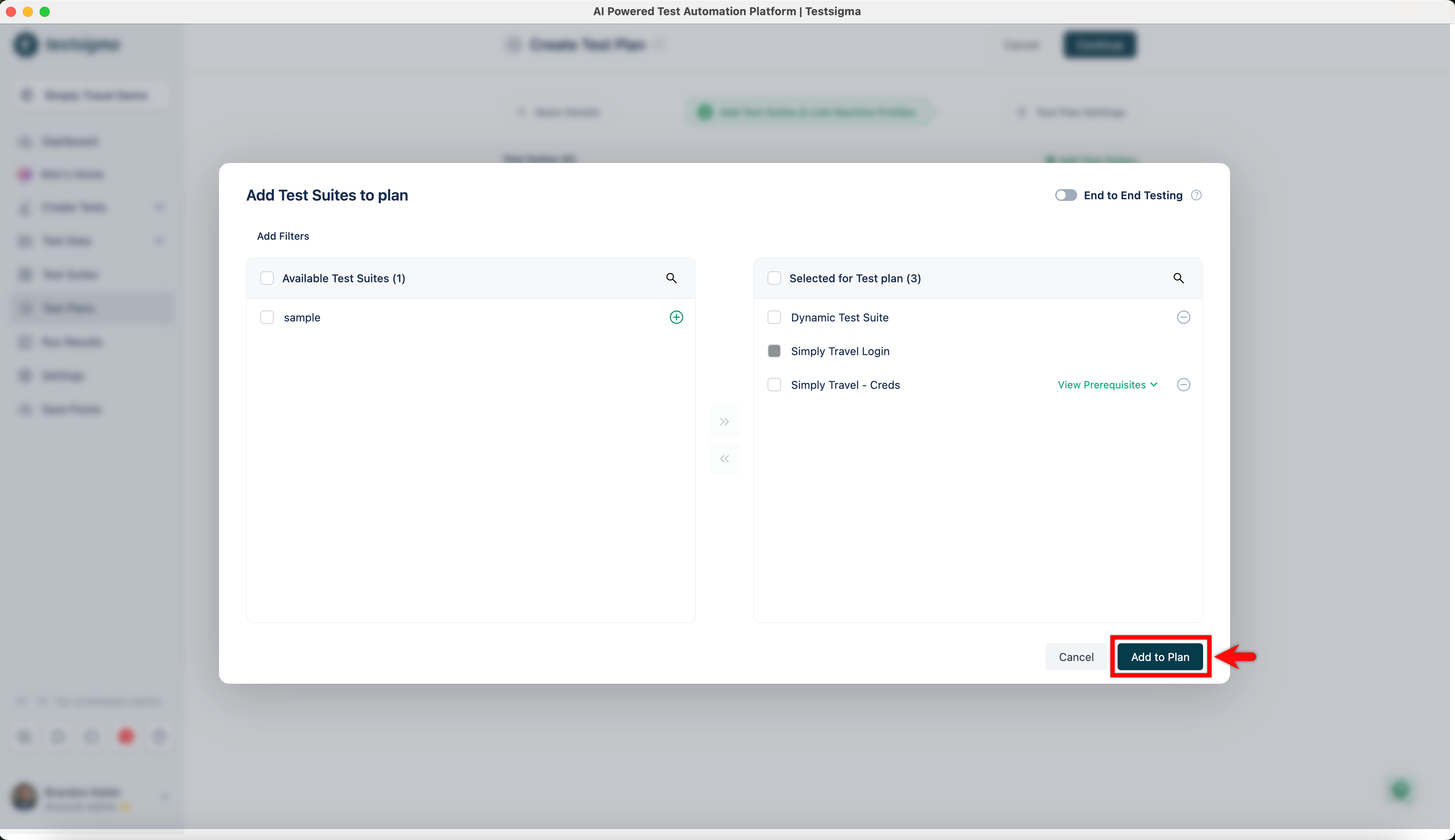
Select test suites and click on Add to Plan.
-
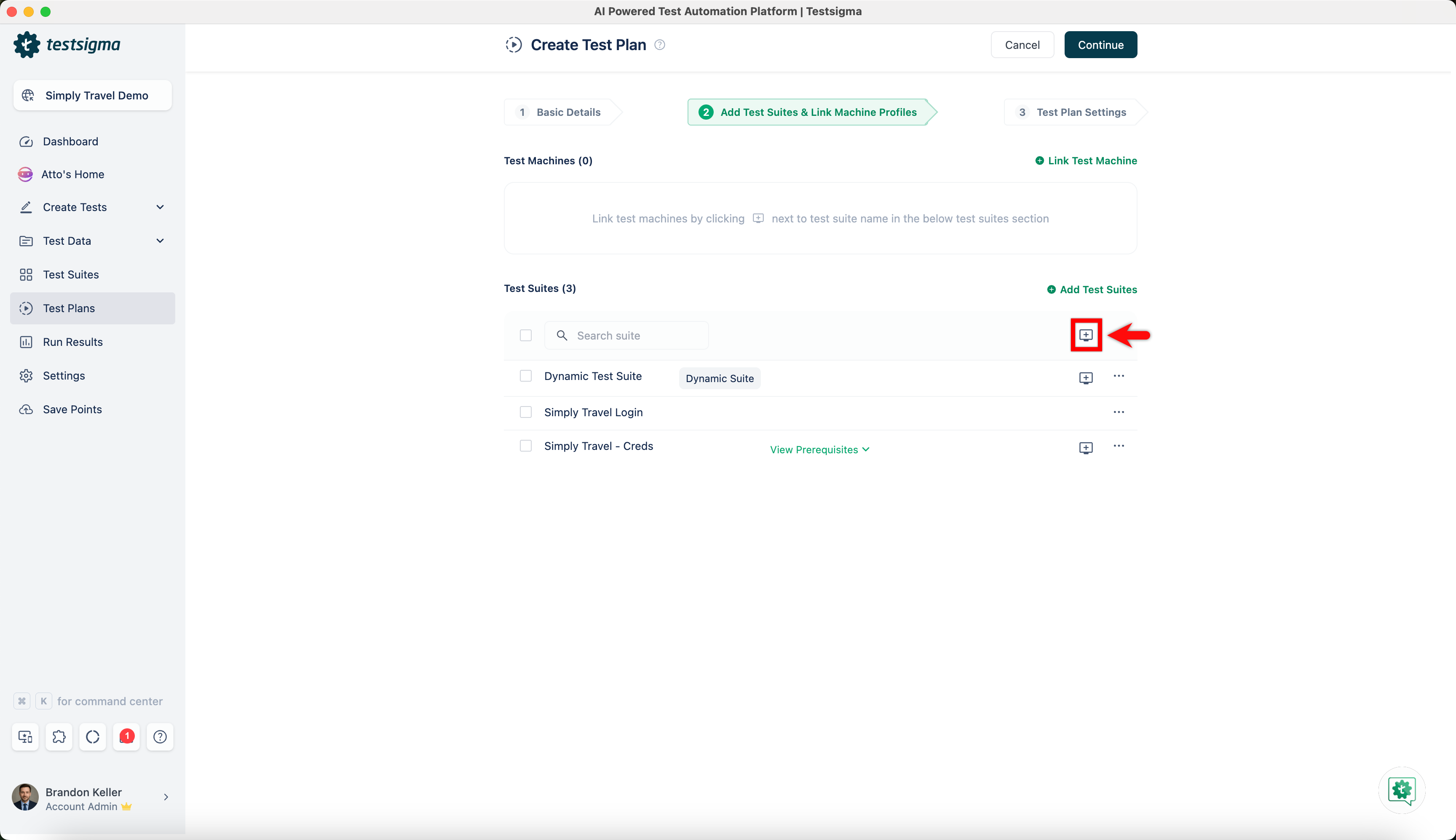
Click on Test Machine to add test machines to run the test suite.
-
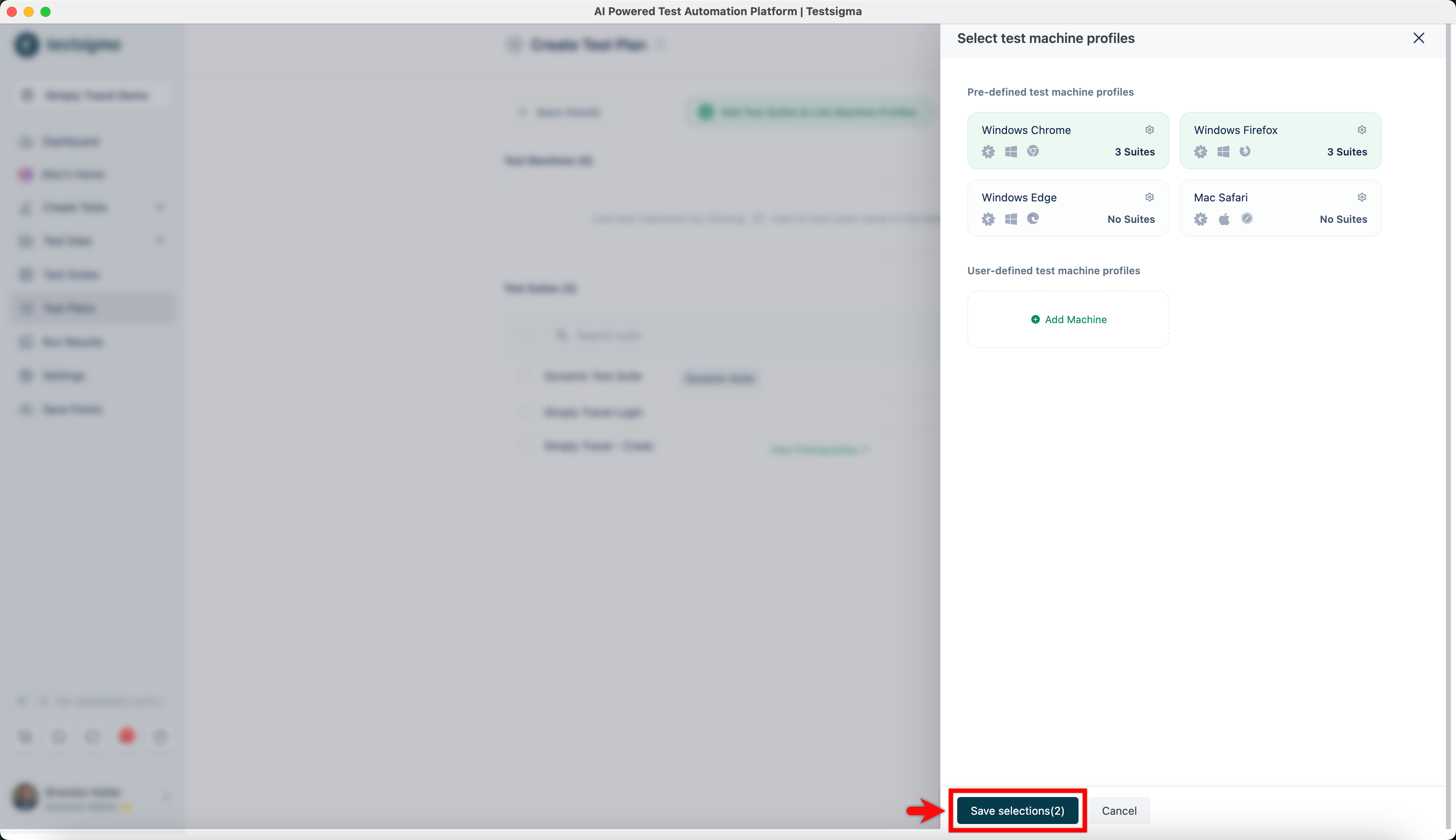
On Select test machine profiles overlay, select test machines and click on Save selections.
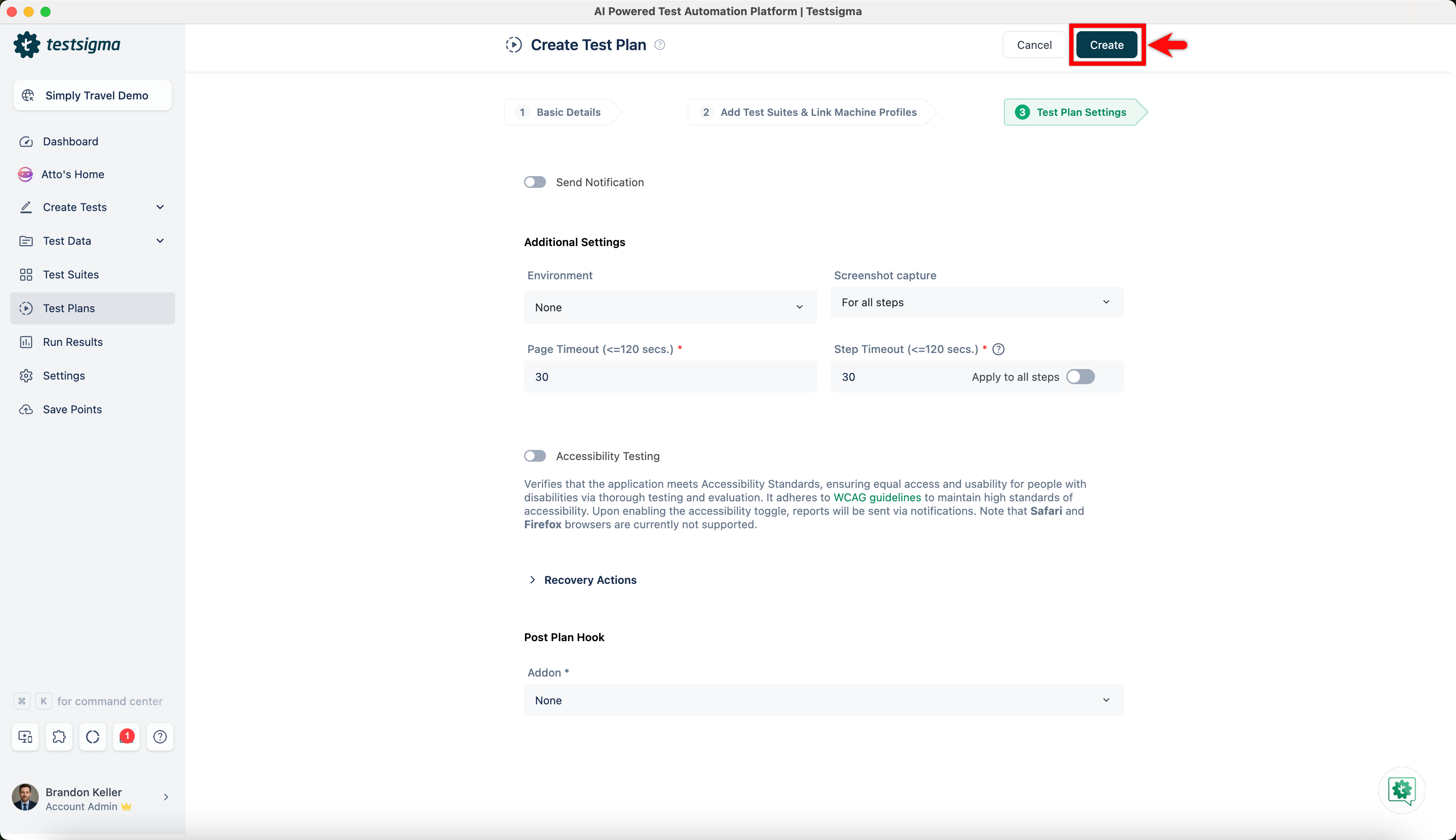
- Go to Test Plan Settings and click on Create.